The Verizon tag on CellularNews collects our guides, comparisons, and how-to articles focused specifically on Verizon Wireless services, phones, and plans. This content is for anyone who currently uses Verizon, is considering switching to the carrier, or needs help managing a Verizon device or account, whether you are a new customer, a parent setting up controls, or someone trying to fix a phone issue.

The articles here solve three main kinds of problems. First, they help you make decisions: you can compare Verizon directly against T-Mobile and AT&T, figure out which unlimited data plan is best for you in 2022, or see how Consumer Cellular stacks up against Verizon. Second, they show you how to save money and get extras, like your guide to getting Disney Plus on Verizon for free, or the best ways to get free Disney Plus accounts. Third, they provide step-by-step fixes for everyday tasks and frustrations: how to activate a new phone on Verizon, how to unlock a Verizon phone or a Total by Verizon phone, how to check your mobile hotspot usage, how to add more hotspot data, and even how to write a complaint letter to Verizon Wireless or speak to a representative.

Whether you need to turn on a Verizon Kyocera flip phone, watch Verizon Fios on your phone, or simply pay your Verizon wireless bill, this tag collects the practical steps and comparisons you need to get things done.


How To Sue Verizon Wireless

To sue Verizon Wireless, you must follow the binding arbitration process or file an individual claim in small claims court, as mandated by your customer agreement. The first step is...

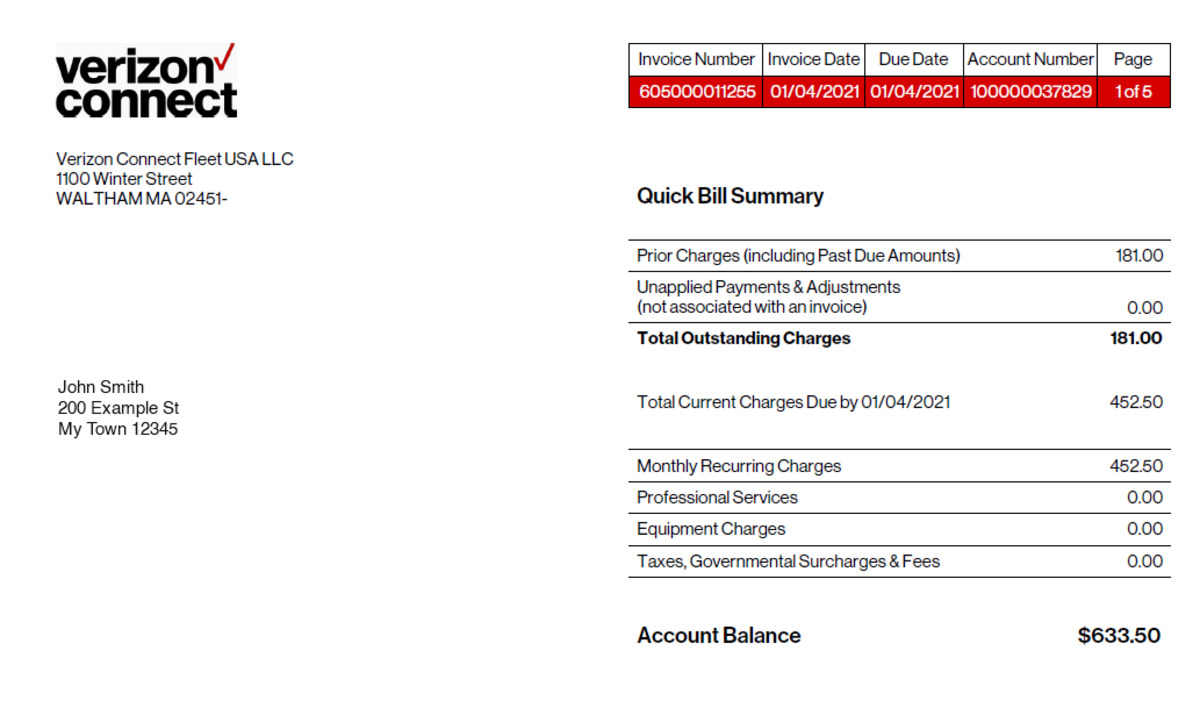
How To Pay My Verizon Wireless Bill

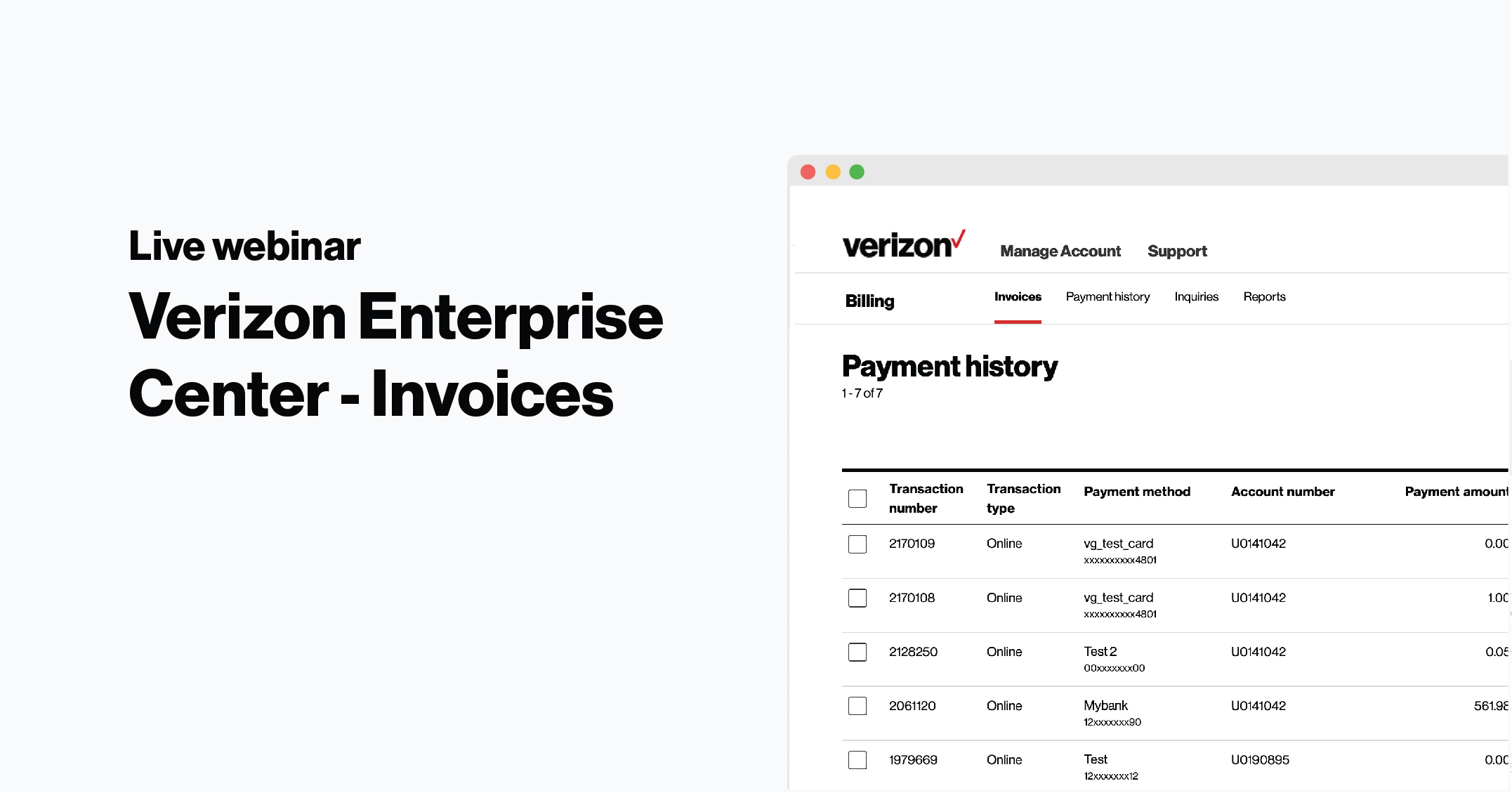
The quickest way to pay my Verizon wireless bill is to use Quick Pay online or the My Verizon app, both of which are fee-free. You can make a one-time...

How To Pay Off Verizon Phone

You can pay off your Verizon phone at any time with 0% APR and no finance charges, and doing so lets you own the device outright or become eligible for...

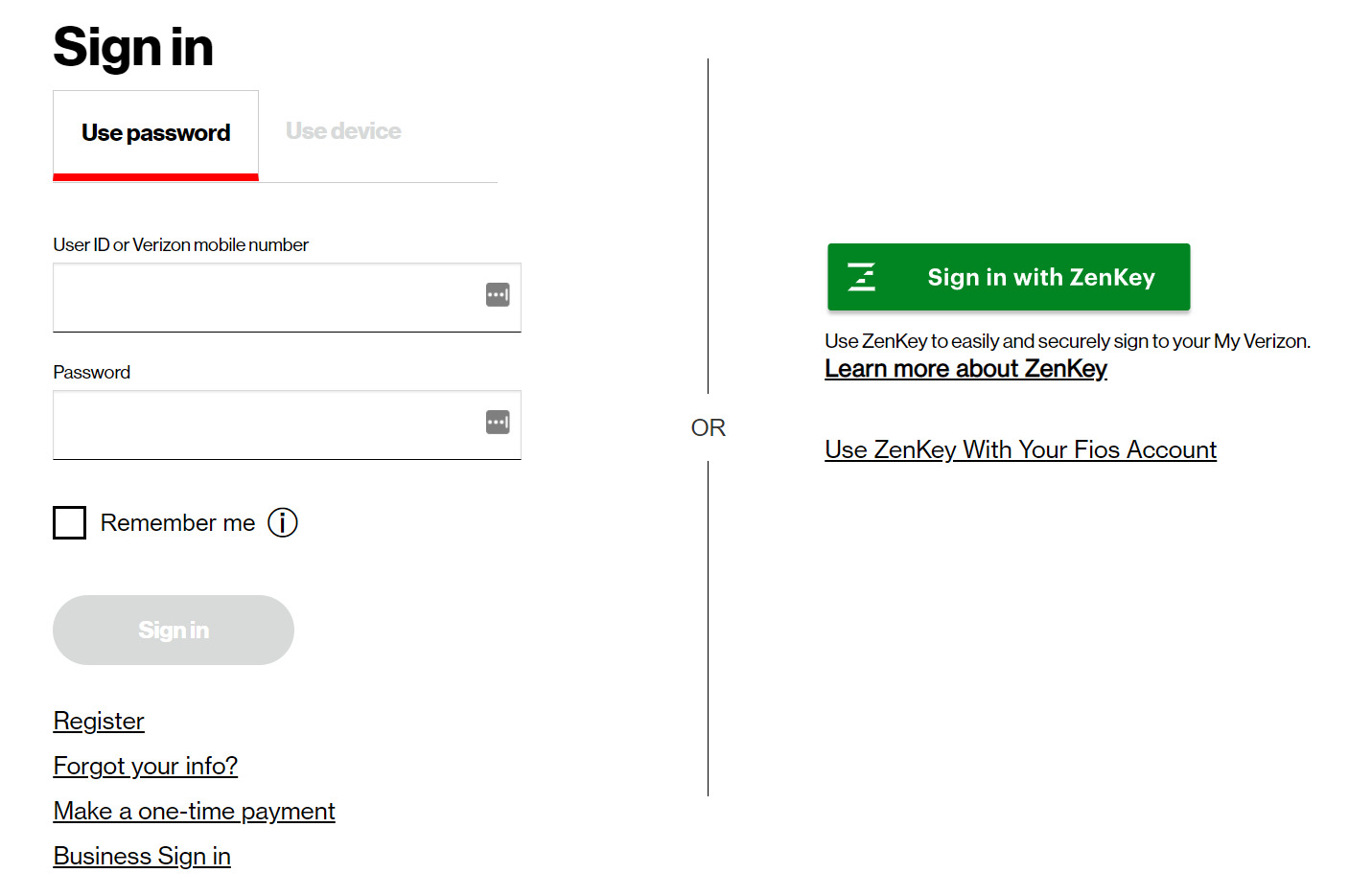
How To Sign In To Verizon Wireless

To sign in to Verizon Wireless, you can use either the My Verizon website or the My Verizon app to access your account. Before signing in, you must have a...

How To Block Calls With Verizon Wireless

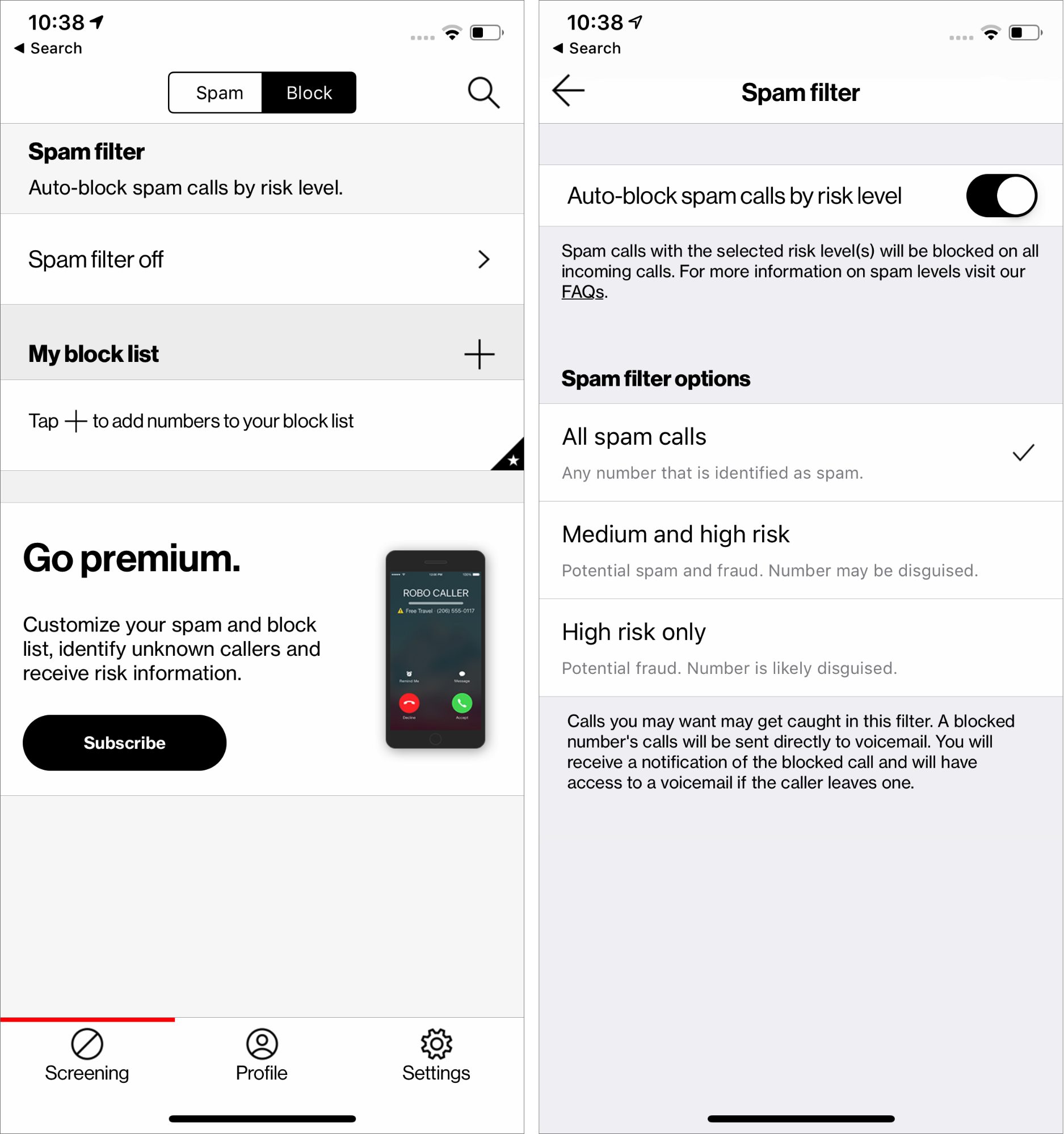
To block calls with Verizon Wireless, you can use the free Verizon Call Filter app, block specific numbers through My Verizon, or use your device's built-in settings. Block calls with...

How To Boost Your Verizon Wireless Signal

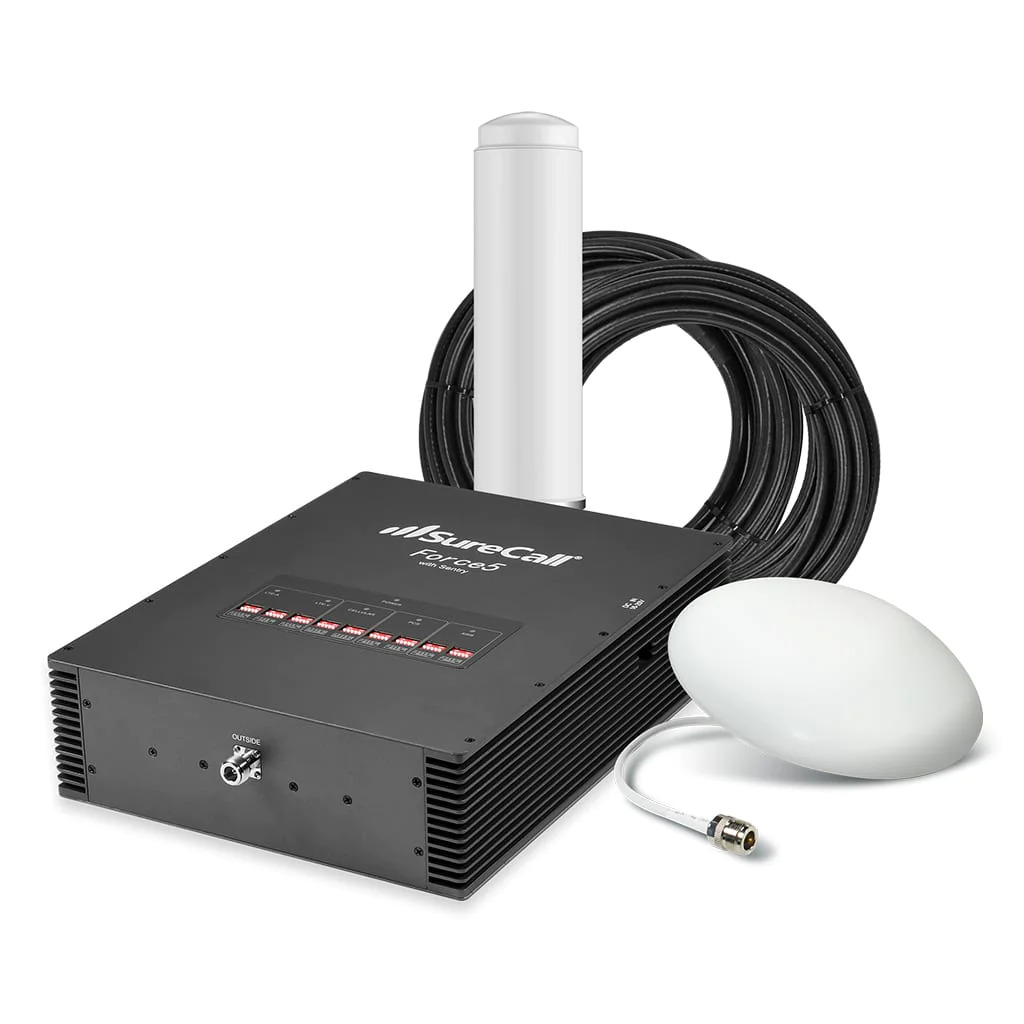
To boost your Verizon wireless signal, Verizon’s official guidance focuses on three fixes: turn on Wi‑Fi Calling, confirm your device is supported, and, if needed, use a Network Extender for...

How To Set Up Voicemail On Verizon Wireless

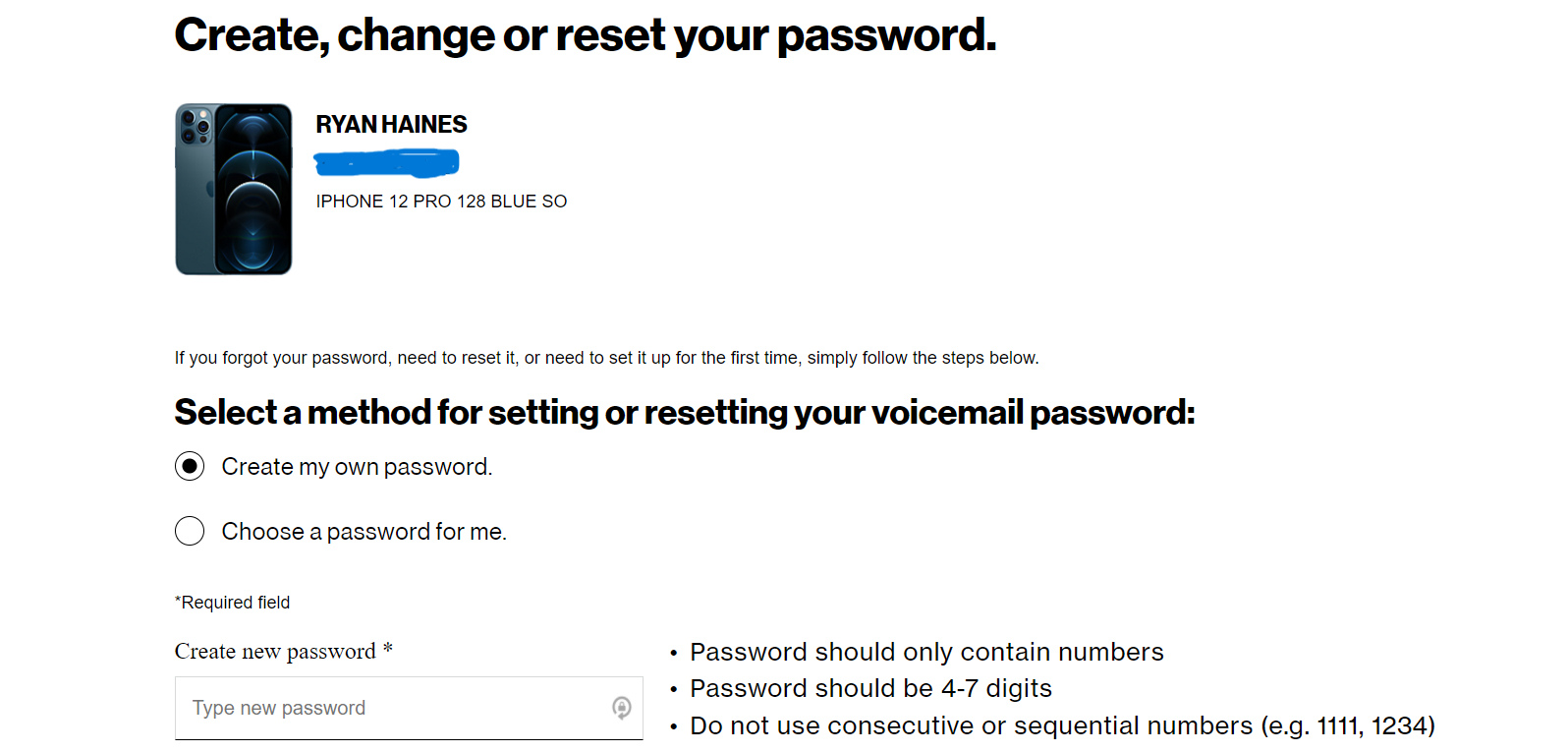
To set up voicemail on Verizon Wireless, dial *86 from your Verizon phone and follow the prompts to create a password and record your greeting. This first-time setup process activates...