To boost your Verizon wireless signal, Verizon’s official guidance focuses on three fixes: turn on Wi‑Fi Calling, confirm your device is supported, and, if needed, use a Network Extender for persistent indoor dead zones at a single location. These are the only solutions Verizon endorses for weak in‑building service, so start with Wi‑Fi Calling, it’s free and works instantly.
Boost your Verizon Wireless signal with Wi‑Fi Calling
- Open Settings > Cellular > Wi‑Fi Calling.
- Turn on Wi‑Fi Calling on This iPhone, then tap Enable.
- If your iPhone has multiple SIMs, scroll to the line you want to use with Wi‑Fi Calling before turning it on.
- Enter or confirm your emergency services address when prompted. Apple says you may need to enter or confirm an emergency services address when enabling Wi‑Fi Calling.
Turn on Wi‑Fi Calling on your Android phone
Before you can use Wi‑Fi Calling on Android, you must activate HD Voice and set up an emergency address. Verizon says Android users should activate HD Voice and set up an address for emergencies, but the retrieved Verizon page does not give a universal Android menu path because it varies by device. The exact menu path varies by Android device, so check your phone’s settings under Connections, Network, or Calling options. Once HD Voice is on, Wi‑Fi Calling will appear in the same section.
Confirm your device is supported
Wi‑Fi Calling requires an HD Voice‑compatible device. Verizon says Wi‑Fi Calling requires an HD Voice-compatible device. Verizon says Wi‑Fi Calling is included for free with any Verizon voice plan and an HD Voice‑compatible device. It is included for free with any Verizon voice plan. If your phone does not support HD Voice, Wi‑Fi Calling will not work, and you may need to upgrade your device to use this feature.
Use a Verizon 4G Network Extender for indoor dead zones
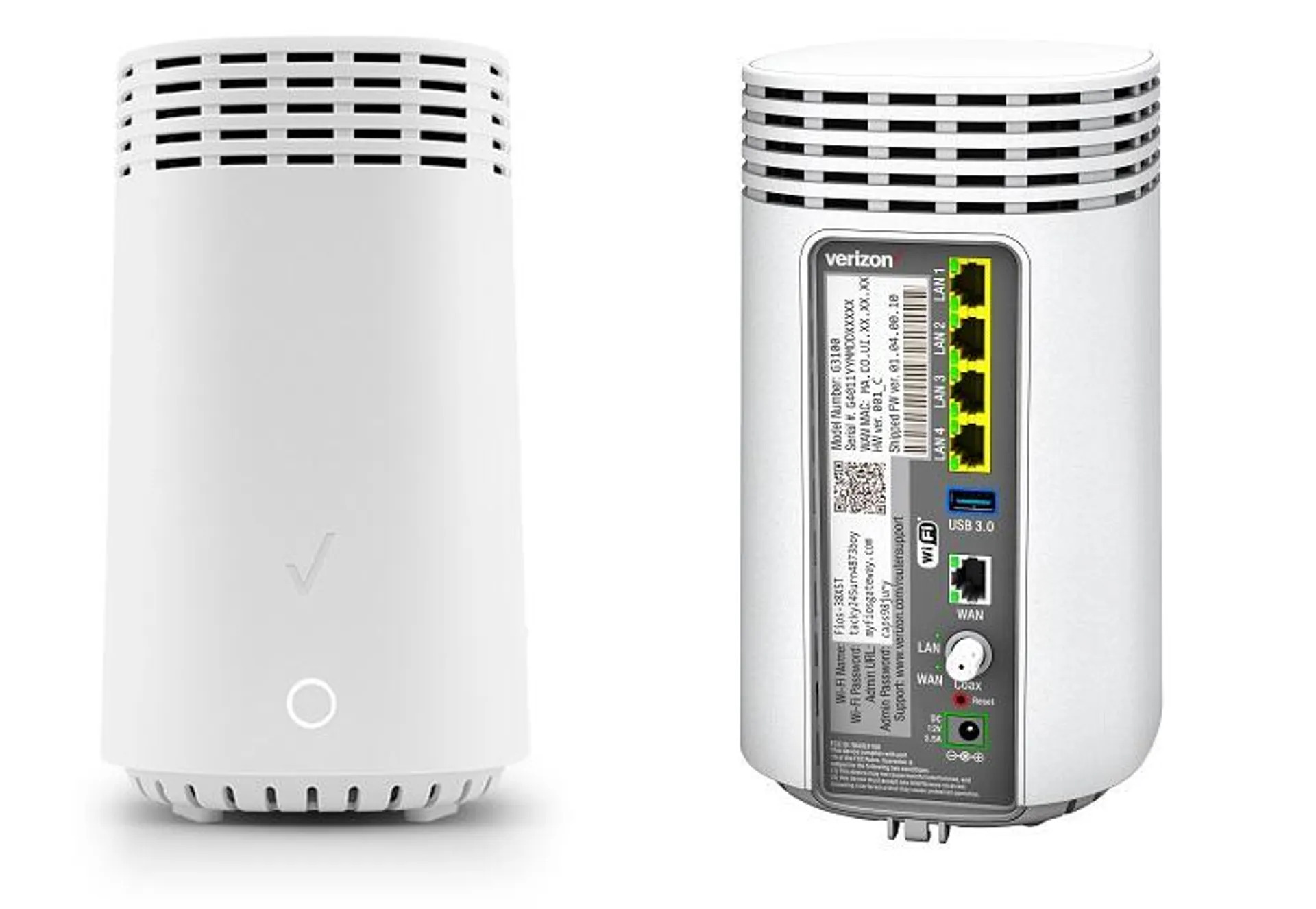
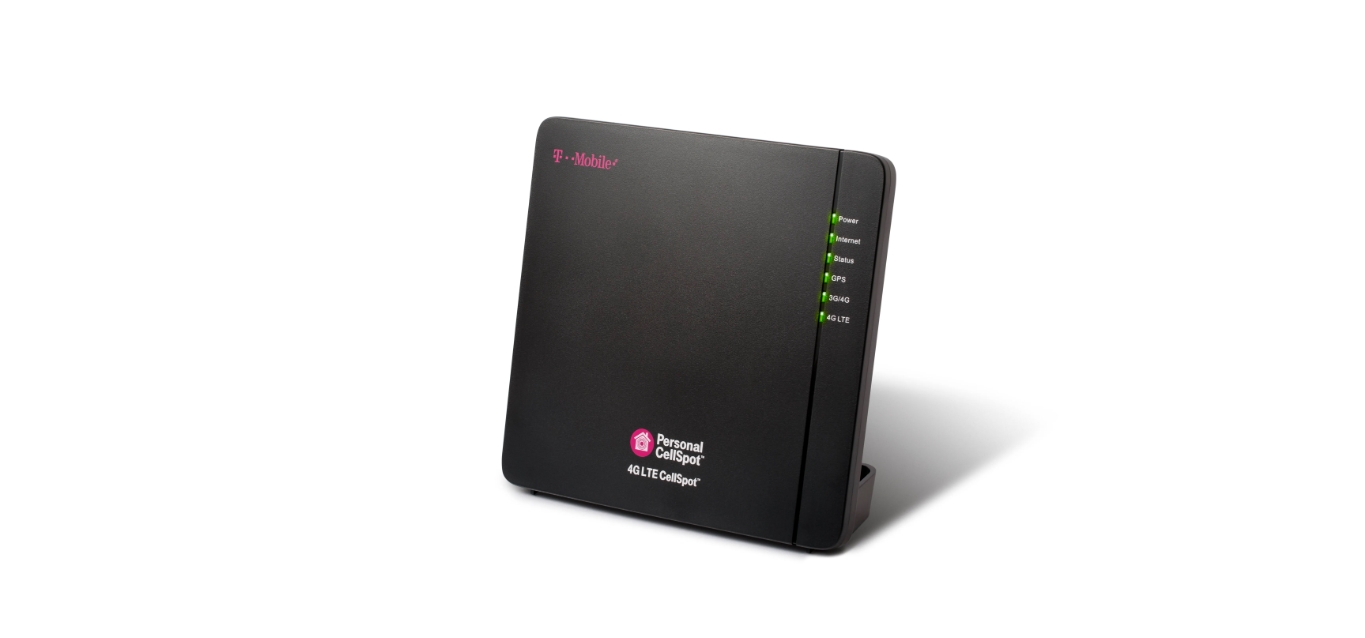
If Wi‑Fi Calling is not an option or your home still has dead zones, Verizon’s 4G Network Extender acts as a mini‑cell tower for one location. It requires a dedicated high‑speed internet connection with at least 10 Mbps download and 5 Mbps upload. Verizon’s extender documentation gives the only explicit network-speed limits found here: 10 Mbps down / 5 Mbps up. Eligible customers may qualify for the Network Extender Loaner Program at no cost. Verizon says multiple devices can connect to the extender simultaneously. This is the only hardware fix Verizon recommends for boosting mobile signal strength in a specific indoor area.
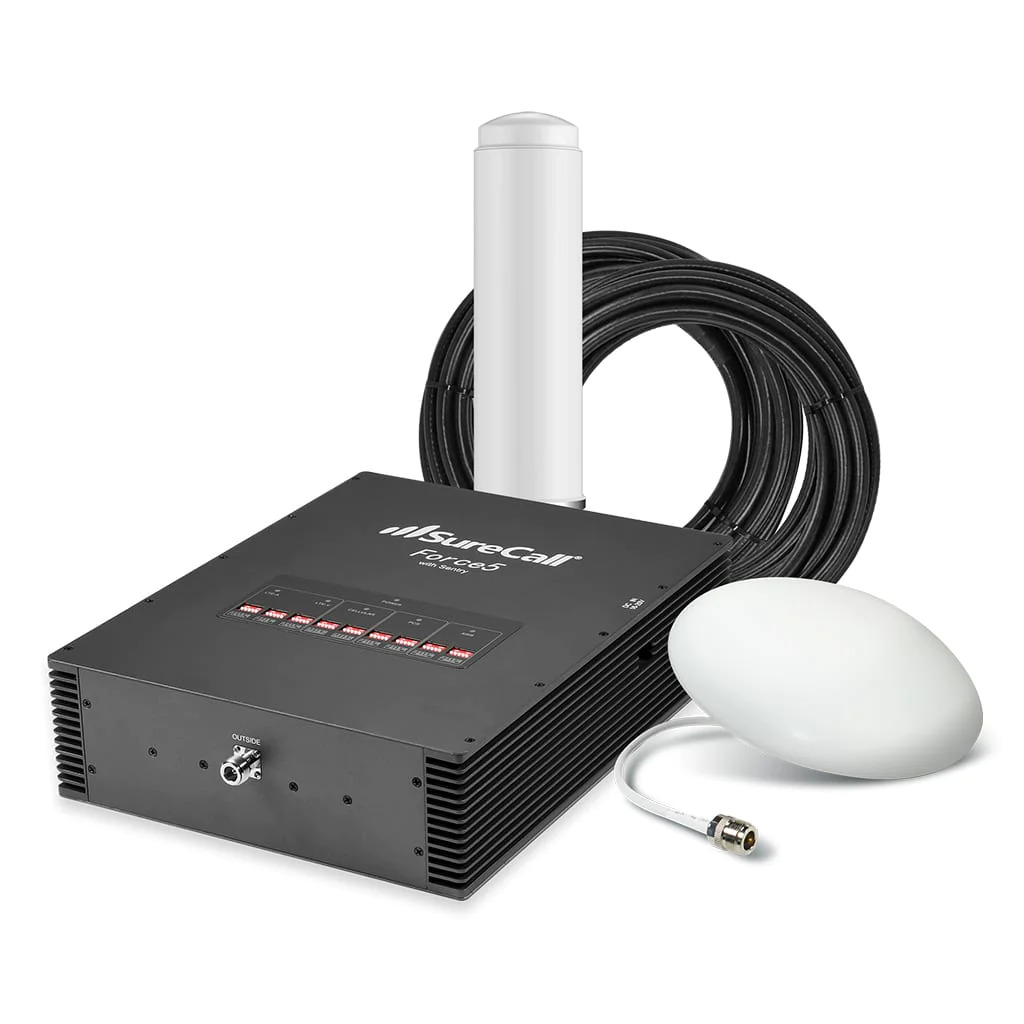
If you are still curious about a cell phone signal booster and how does it work, note that Verizon does not sell or endorse third‑party boosters. Their official solution is the Network Extender, which rebroadcasts a dedicated cellular signal over your internet connection rather than amplifying an existing weak signal.
Frequently Asked Questions
Does Wi‑Fi Calling use my cellular data?
No. Wi‑Fi Calling uses your internet connection, not your cellular data plan. Calls and texts are routed over Wi‑Fi, so they do not count against your plan’s data allowance.
Will Wi‑Fi Calling work on any Wi‑Fi network?
Yes, as long as the network meets Verizon’s minimum speed requirements for call quality. A stable connection with at least 1-2 Mbps is recommended for clear audio.
Does Verizon charge for Wi‑Fi Calling?
What should be turned on first for Wi‑Fi Calling?
Verizon says Android users should activate HD Voice and set an emergency address; Apple says to enable Wi‑Fi Calling on This iPhone under Settings > Cellular > Wi‑Fi Calling.
Can I use a Network Extender with satellite internet?
No. Verizon requires a dedicated high‑speed wired internet connection. Satellite internet typically has high latency and insufficient speeds, which will not support the extender.
Will a Network Extender work on any internet connection?
No. Verizon says it needs a dedicated high‑speed internet connection meeting at least 10 Mbps download and 5 Mbps upload.
How many devices can connect to a single Network Extender?
Verizon states that multiple devices can connect simultaneously, but does not specify a hard limit. Performance depends on your internet connection speed and the number of active users.
Does the Network Extender work for 5G phones?
The Network Extender is a 4G LTE device. It will provide 4G coverage to any compatible phone, including 5G devices, but it does not broadcast a 5G signal.
Related reading: 15 Incredibly Easy Ways To Boost Your Mobile Coverage.