To set up voicemail on Verizon Wireless, dial *86 from your Verizon phone and follow the prompts to create a password and record your greeting. This first-time setup process activates your voicemail box, ensuring you can receive messages immediately.
How to set up voicemail on Verizon Wireless: the basic *86 method
Setting up basic voicemail is included with Verizon monthly mobile phone plans, though it is not available on connected device or business plans. For Verizon Prepaid plans, basic voicemail is available for smartphones and 4G Flip LTE phones only. A password is always required to access your voicemail for security. The initial voicemail password is typically the last four digits of your Verizon Wireless phone number.
- From your Verizon Wireless phone, dial *86 and press Call. To set up voicemail, you can also press and hold the '1' key on your phone's keypad.
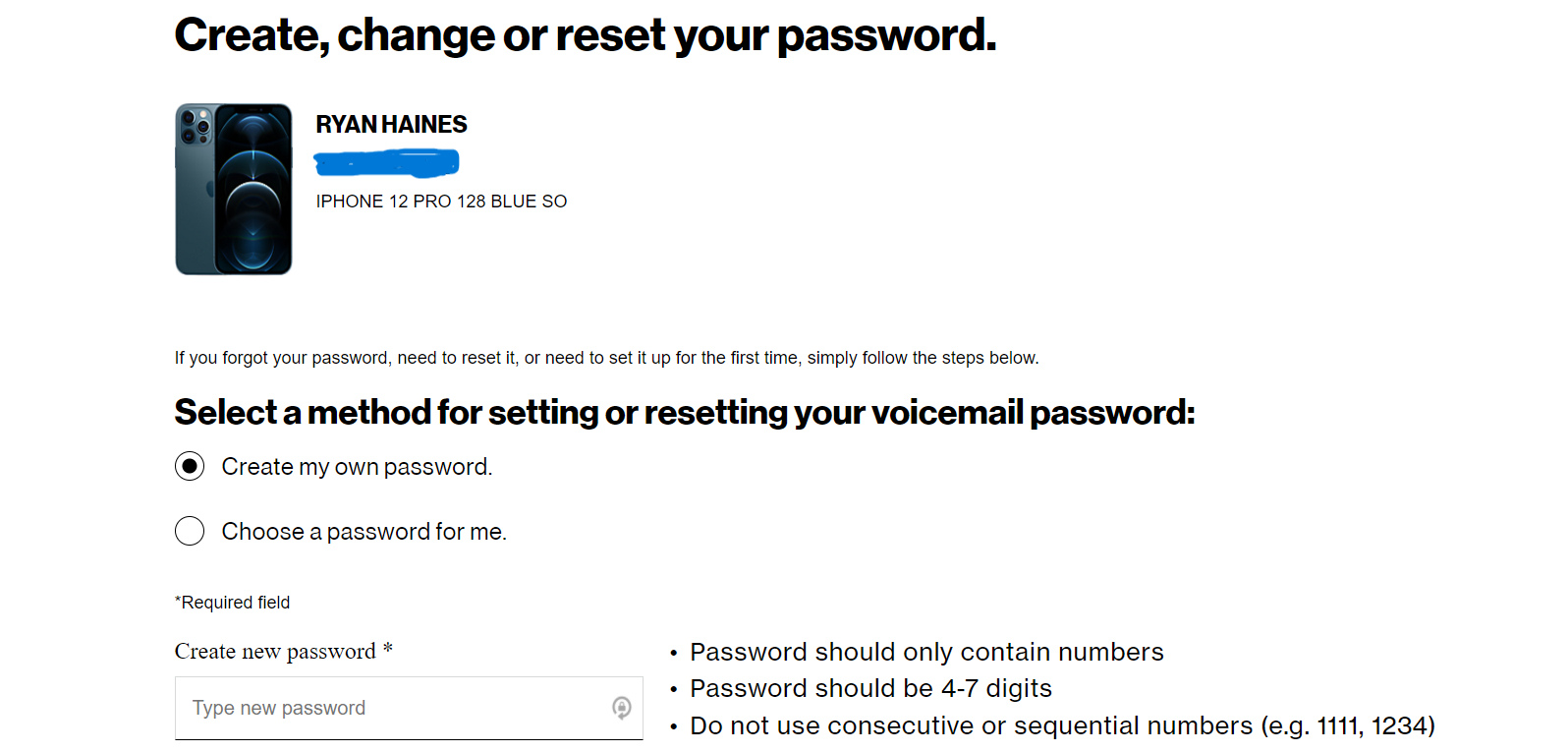
- When prompted, create a secure password. Verizon recommends against using your telephone number, a series of the same numbers (e.g., 33333), or sequential numbers (e.g., 23456).
- After setting your password, you will be asked to record your name (signature) and then a personal greeting. Speak clearly and keep the greeting concise.
- Follow the remaining prompts to confirm and save your settings. Your voicemail is now active.
How to set up Verizon Visual Voicemail on iPhone and Android
Visual Voicemail lets you see a list of your messages and play them in any order, making setting up and managing voicemail more convenient. Visual Voicemail is supported on all Verizon-bought smartphones and select basic phones on standard accounts.
On iPhone
Visual Voicemail is built into the Phone app. Open the Phone app and tap the Voicemail tab to set it up. Follow the on-screen prompts to create a password and record a greeting. iPhone Visual Voicemail is included with your plan and allows for 40 messages with a 3-minute duration.
On Android
Open the Phone app and tap Voicemail, or download the Visual Voicemail app if needed, then follow the prompts. Basic Visual Voicemail is free and included with your smartphone plan, offering 20 messages with a 3-minute duration on Android phones.
Understanding your Verizon voicemail options and limits
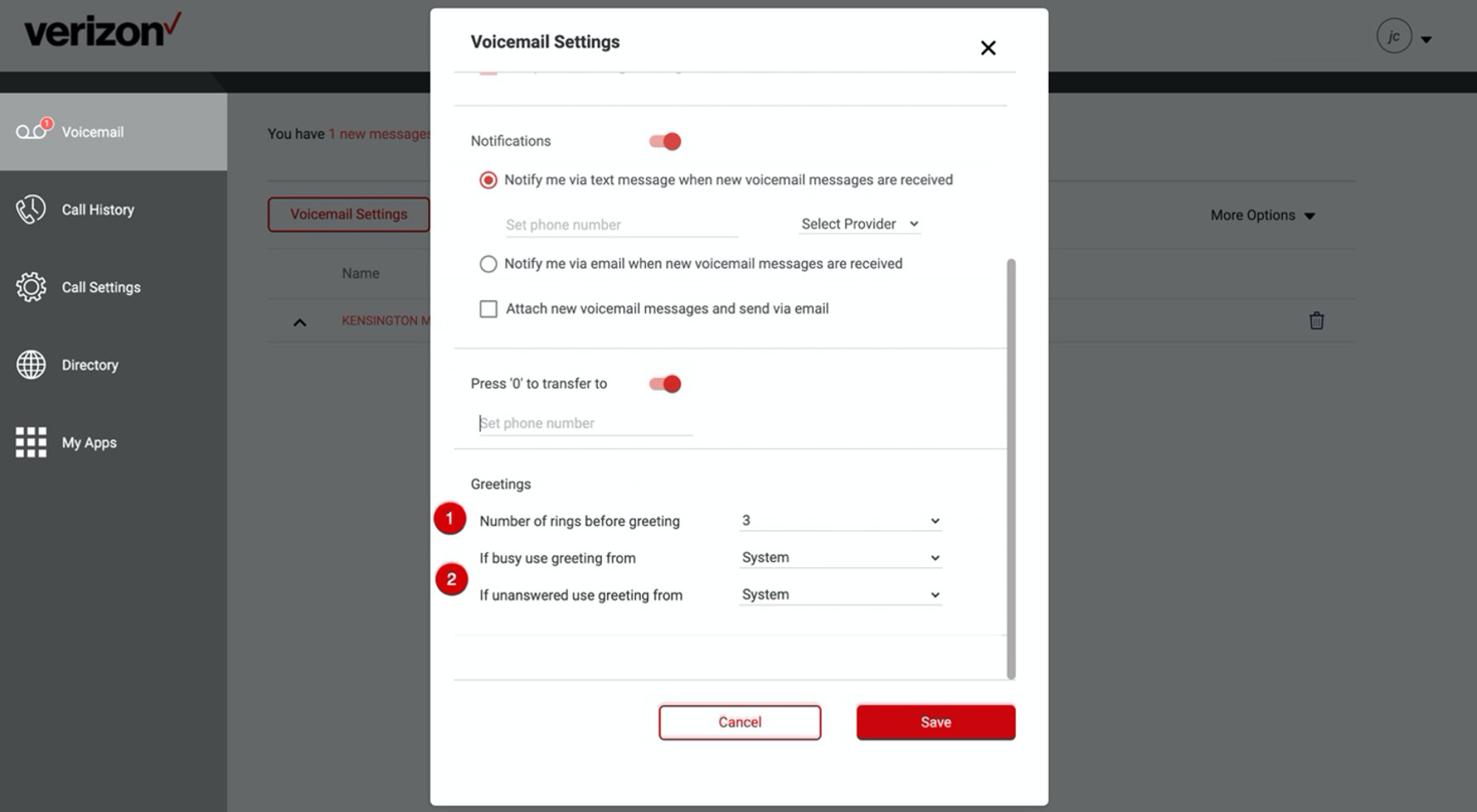
Verizon offers several voicemail tiers to match your needs. Basic voicemail allows for up to 20 stored messages, with each message having a maximum recording length of 3 minutes. Premium Visual Voicemail costs $2.99 per line per month and offers 40 messages with a 5-minute duration, and allows saving voicemails to the device. Voicemail to Text for iPhone costs $2.99 per line per month, provides 40 messages with a 3-minute duration, and transcribes the first 45 seconds of voicemails. You can set up multiple greeting types: personal greetings, busy greetings, and out-of-office greetings. You can enable voicemail notifications via text message, email, or visual notification on your device. You can change voicemail playback options such as adjusting playback speed or skipping/replaying messages. Additional features like voicemail to email, voicemail forwarding, and international roaming voicemail may require extra setup or subscription.
Troubleshooting common Verizon voicemail setup problems
If you have forgotten your voicemail password, you can reset it by dialing *86 and following the prompts to create a new one. On iPhone, note that voicemail messages received when Live Voicemail is active are not saved on Verizon's system and are not available by calling *86. To confirm Visual Voicemail compatibility on your device, check that it is a Verizon-bought smartphone or a select basic phone on a standard account.
Frequently Asked Questions
Can I access my voicemail from a different phone?
Yes. Dial your Verizon Wireless number from any phone, wait for the voicemail greeting to start, then press the * key. Enter your voicemail password when prompted to listen to your messages.
How do I change my voicemail password?
Dial *86 from your Verizon phone, then press the # key to access the main menu. Select the option for personal options and follow the prompts to change your password.
What is the maximum length of a voicemail message?
For basic voicemail and Visual Voicemail on Android, the maximum recording length is 3 minutes. Premium Visual Voicemail allows up to 5 minutes per message.
How many messages can my voicemail box hold?
Basic voicemail and basic Visual Voicemail on Android hold up to 20 messages. iPhone Visual Voicemail and Premium Visual Voicemail hold up to 40 messages.
Is there a way to get voicemail transcriptions?
Yes. Voicemail to Text is available for iPhone for $2.99 per line per month and transcribes the first 45 seconds of each voicemail message.
Related reading: How To Check Verizon Wireless Voicemail From Another Phone and How To Save Verizon Wireless Voicemails.