This tag collects articles focused on getting your phone, laptop, or other devices to print without a physical USB cable. It is designed for anyone who owns a wireless printer, especially HP and Canon models, and needs practical, step-by-step guidance on setup, connection, and troubleshooting. Whether you are a home user trying to print from a smartphone or someone configuring a network printer for the first time, these articles address the common hurdles of wireless printing.
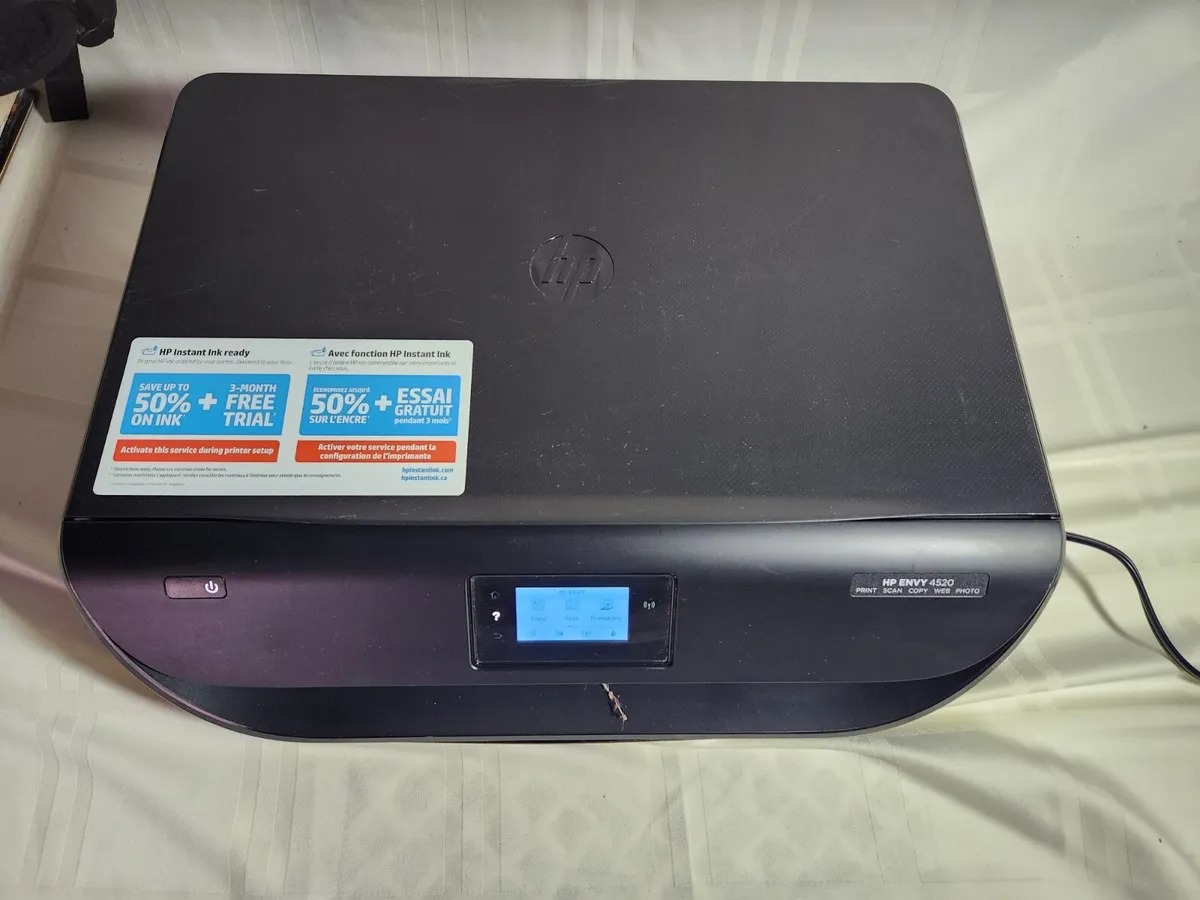
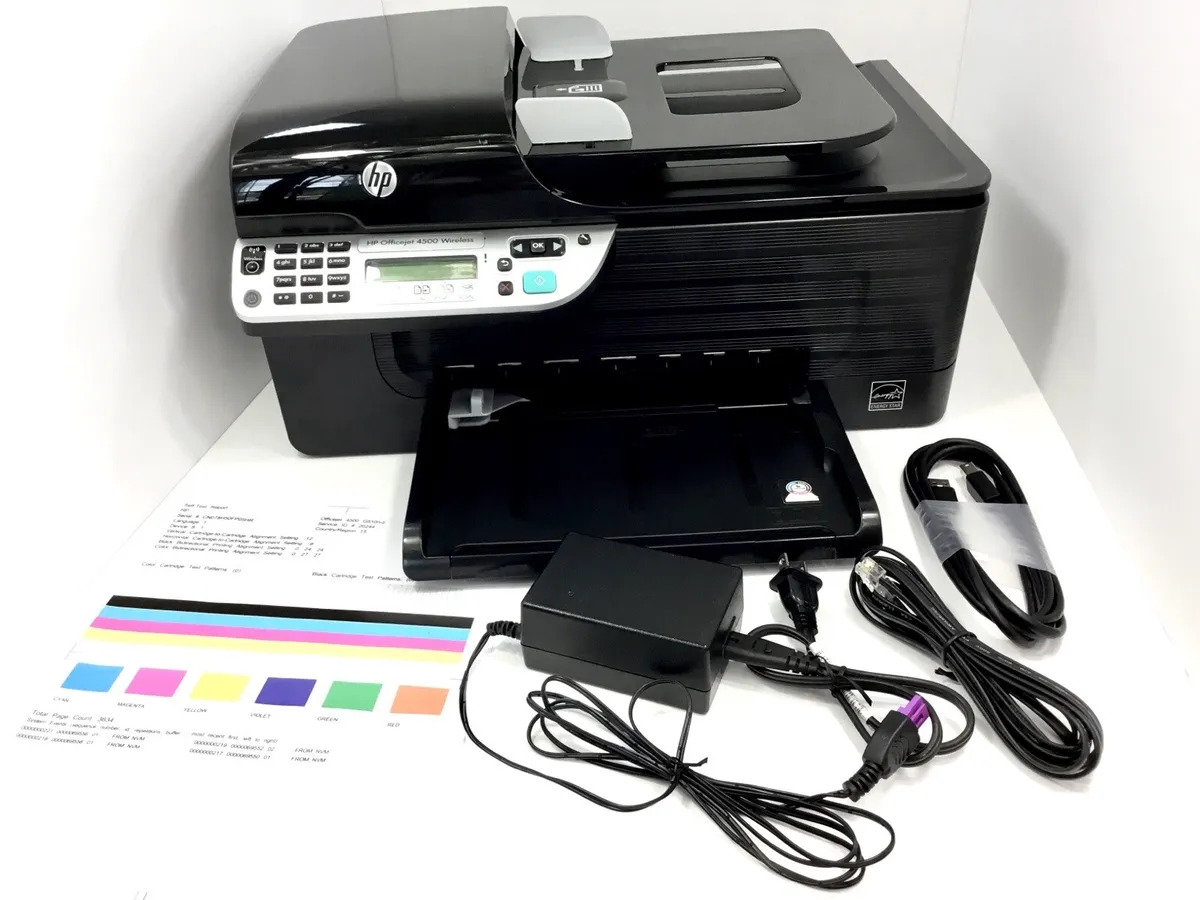
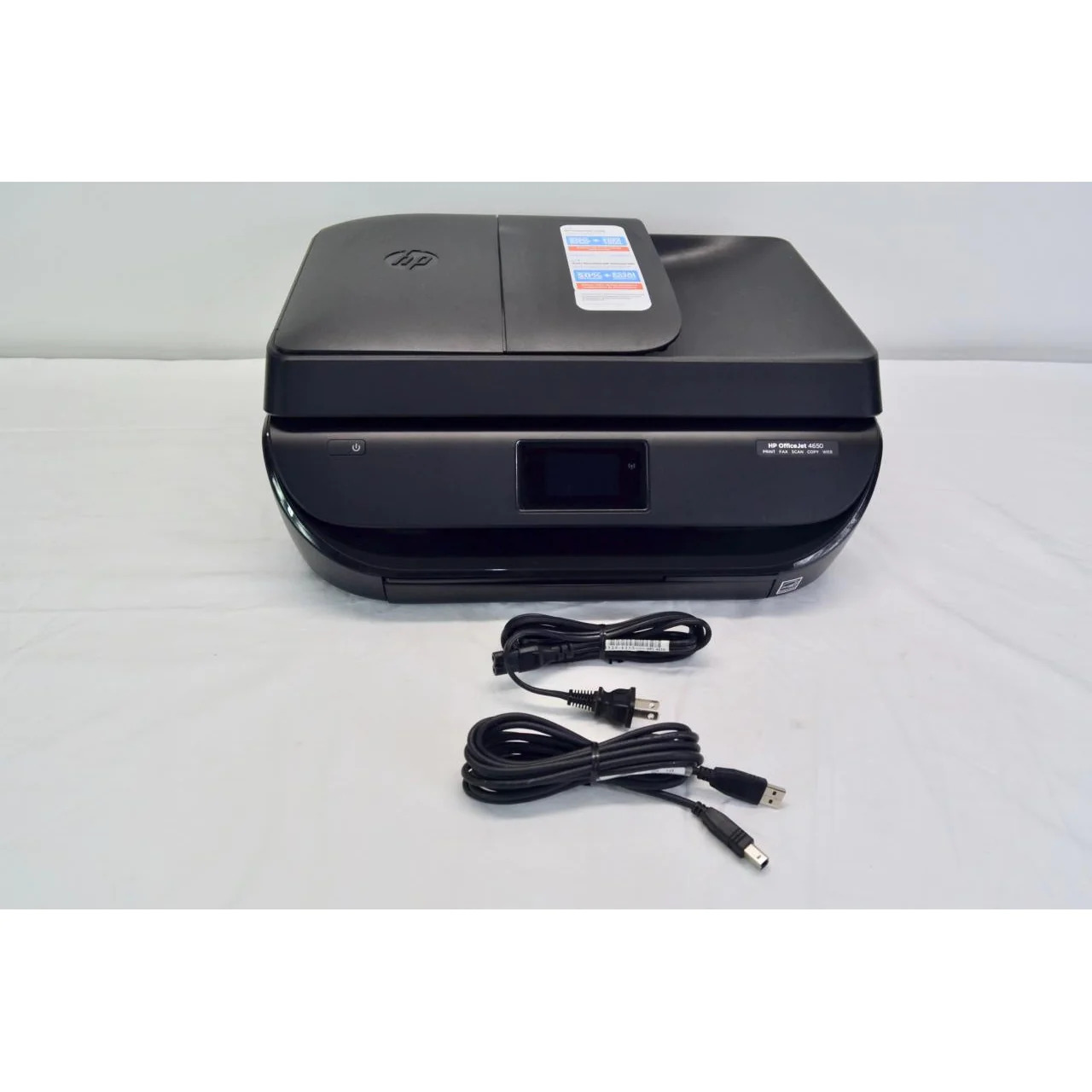
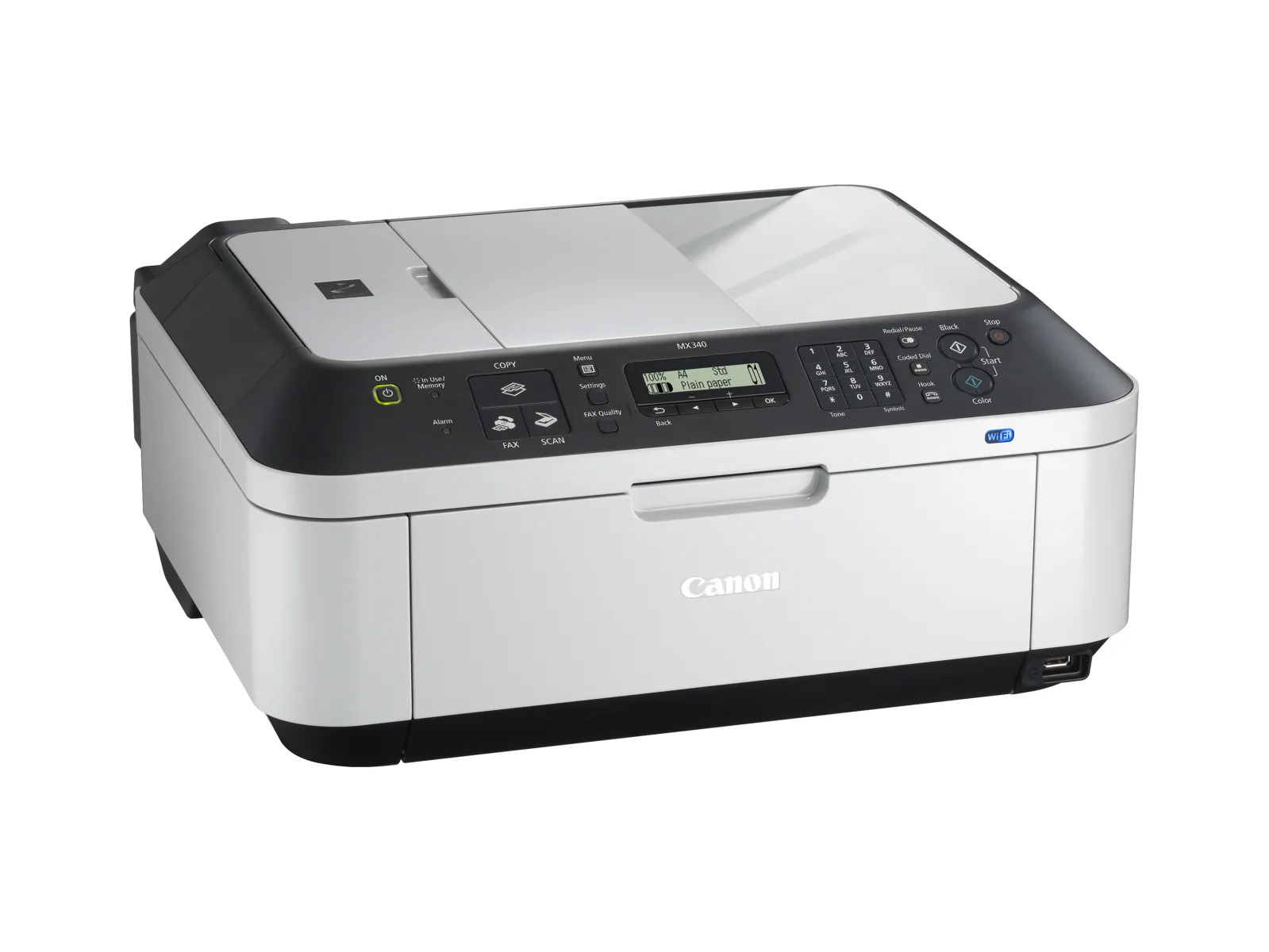
The articles solve two main types of problems. The first is the initial setup and connection process, covering how to configure specific printer models like the HP 3700, HP Officejet 4500, Canon Pixma MP495, and Canon MX340. The second theme involves connecting to a printer from a different device or network, such as linking an HP Envy 4520 to a phone, connecting an HP wireless printer from a laptop, or even making a network printer wireless. Several articles also tackle less common but frustrating scenarios, like connecting your HP printer to a mobile hotspot or printing from your phone to any printer.
By following these guides, readers learn how to complete the wireless setup for their specific printer, connect their phone or laptop to an existing printer, and resolve connectivity issues that prevent printing. The content is practical and directly addresses the models and situations most frequently encountered by CellularNews readers.