Guides and troubleshooting articles for anyone who wants to connect their phone, accessories, or mobile accounts with their Xbox console. This page is for gamers who use their smartphone as a companion device, whether to stream games, manage settings on the go, or fix hardware like controllers and headsets.
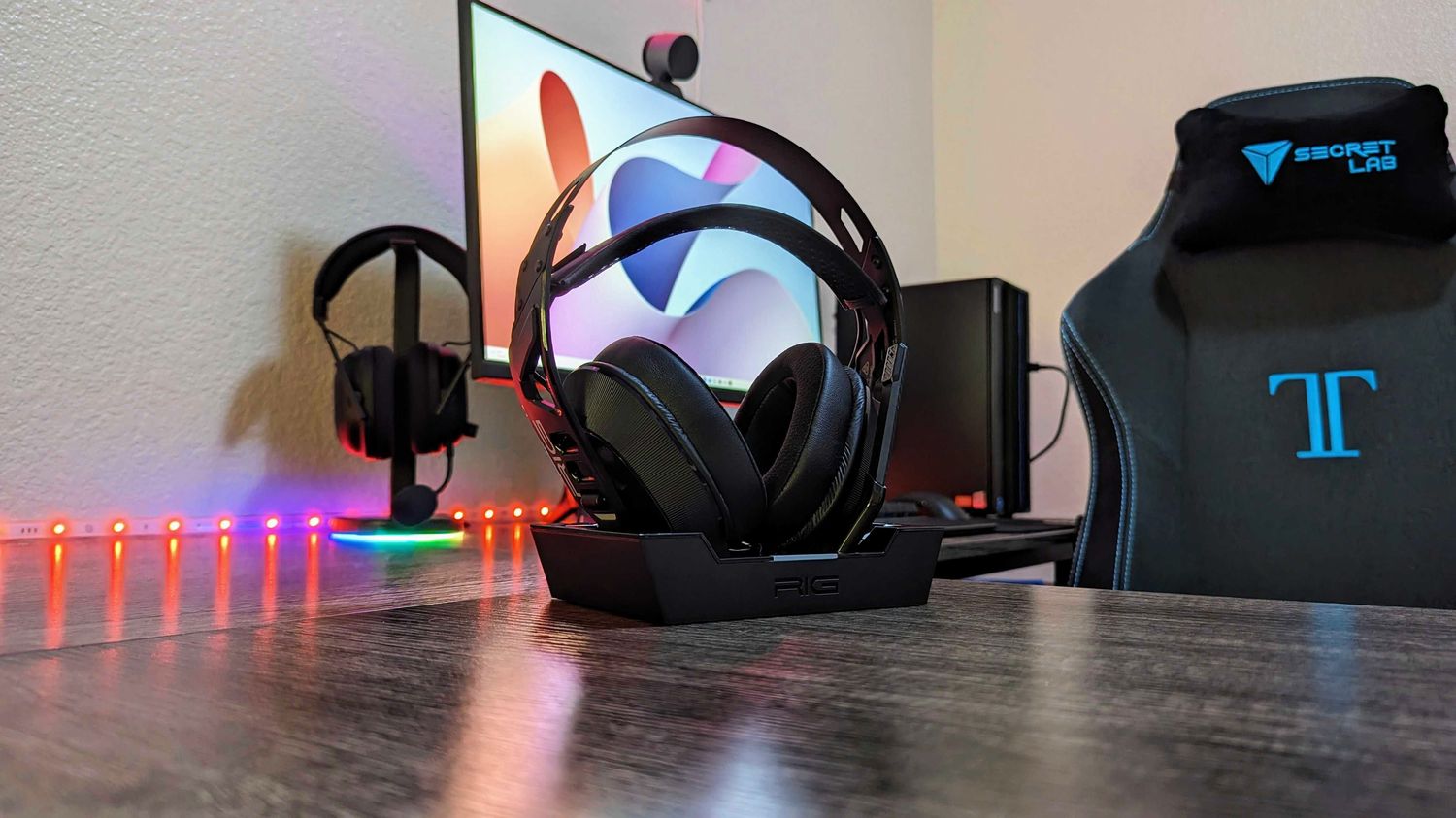
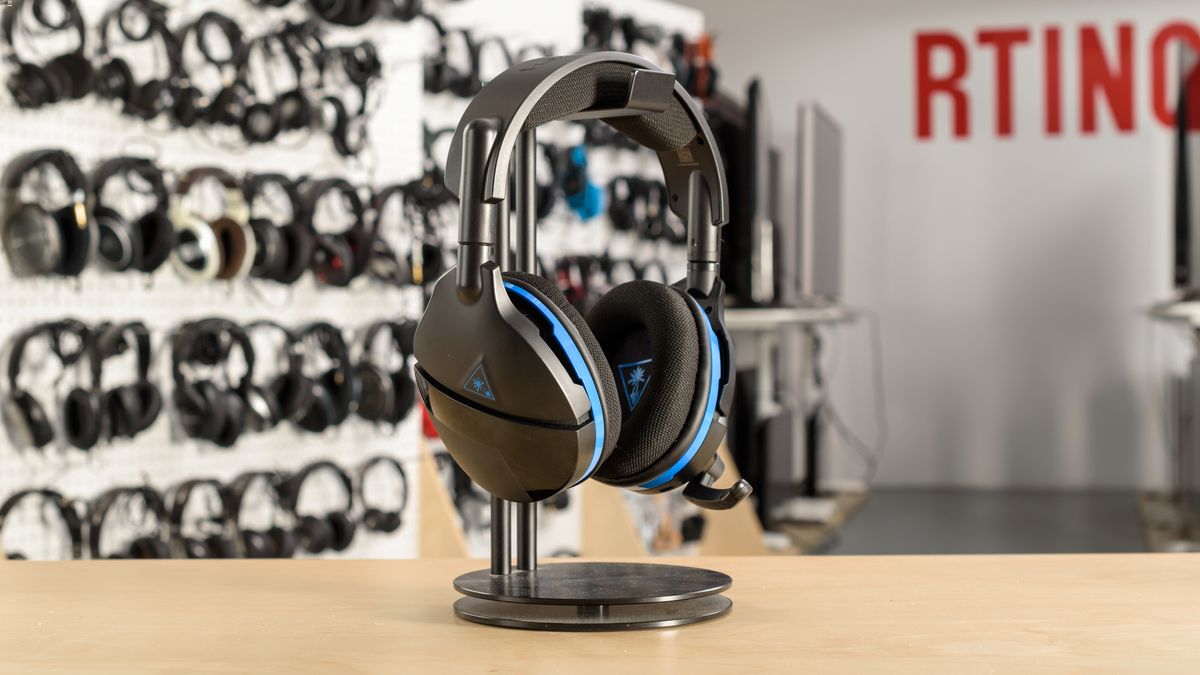
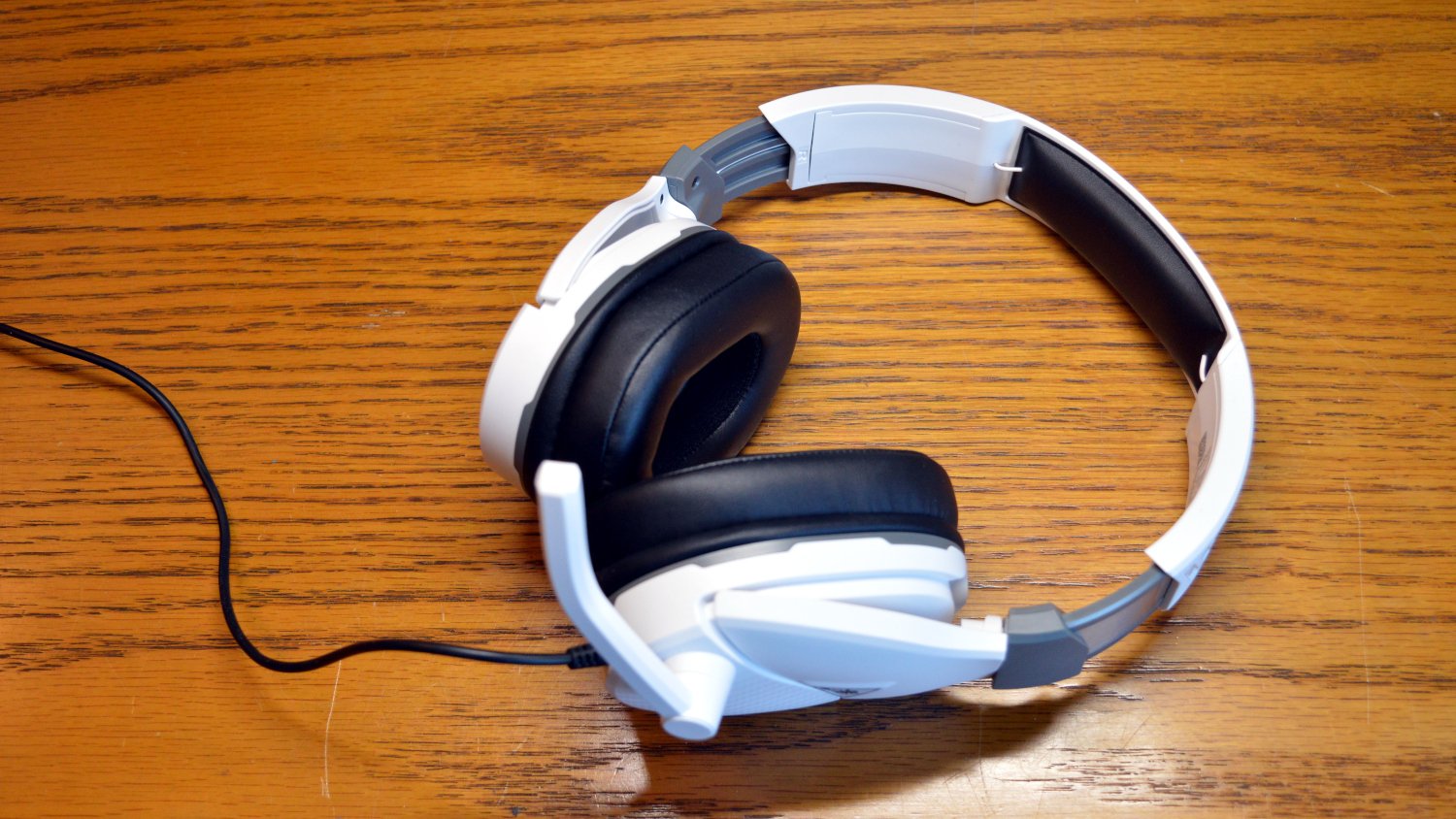
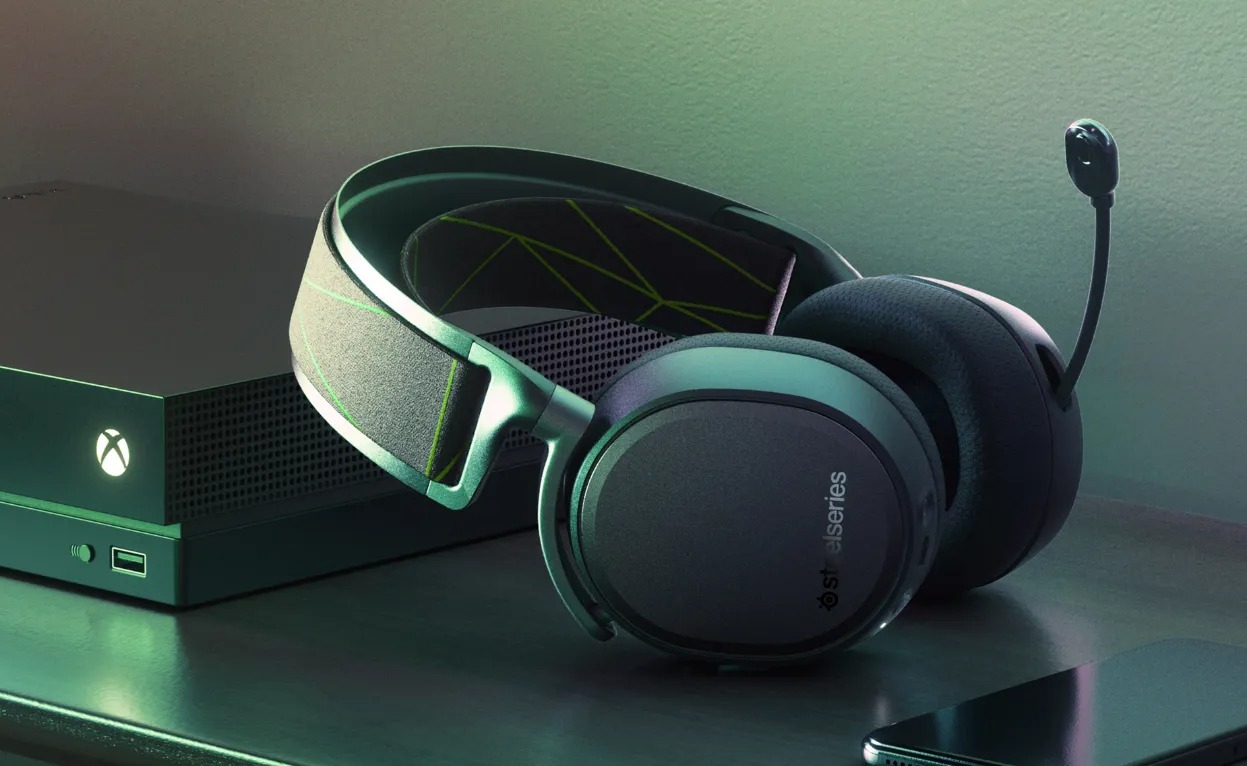
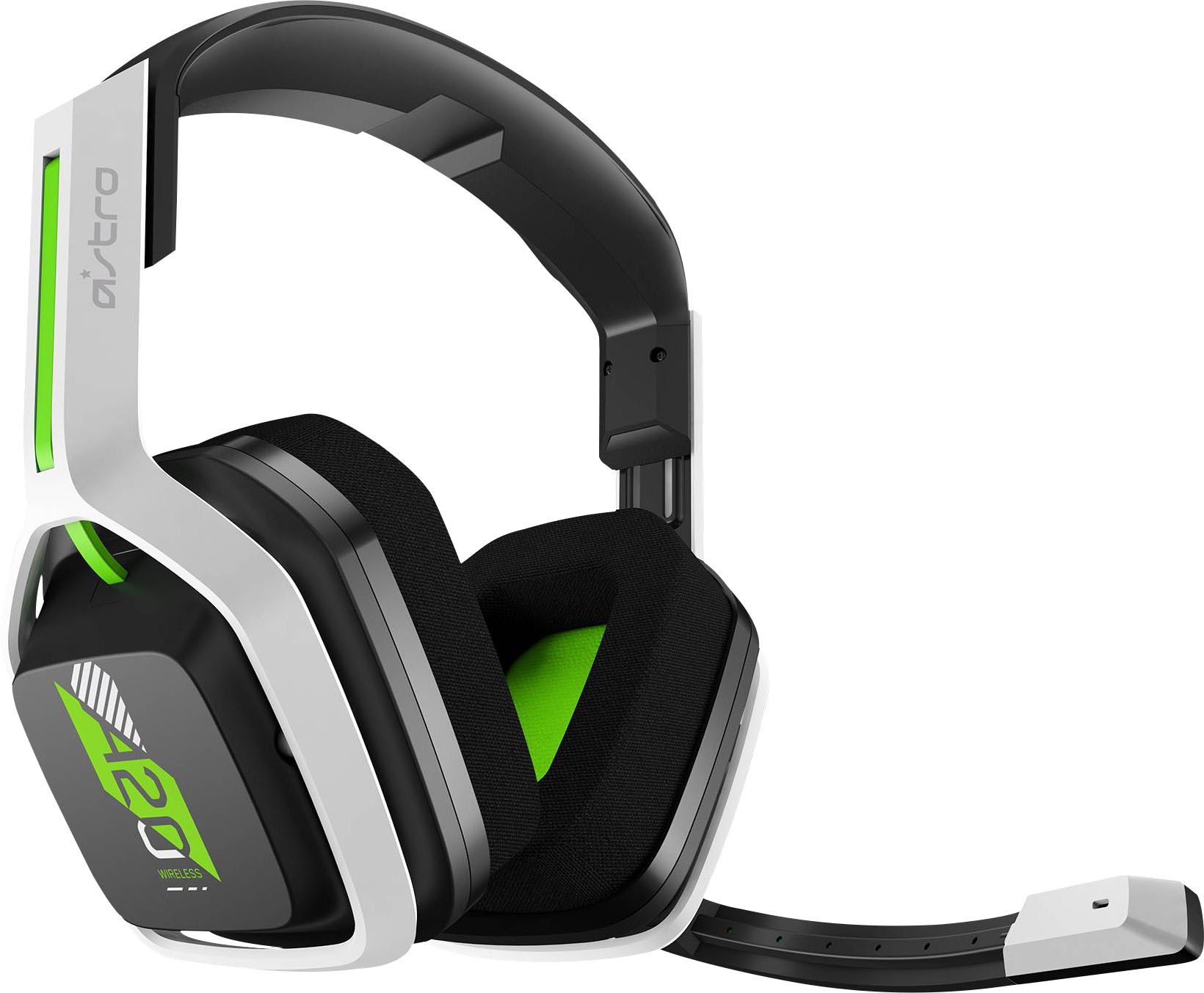
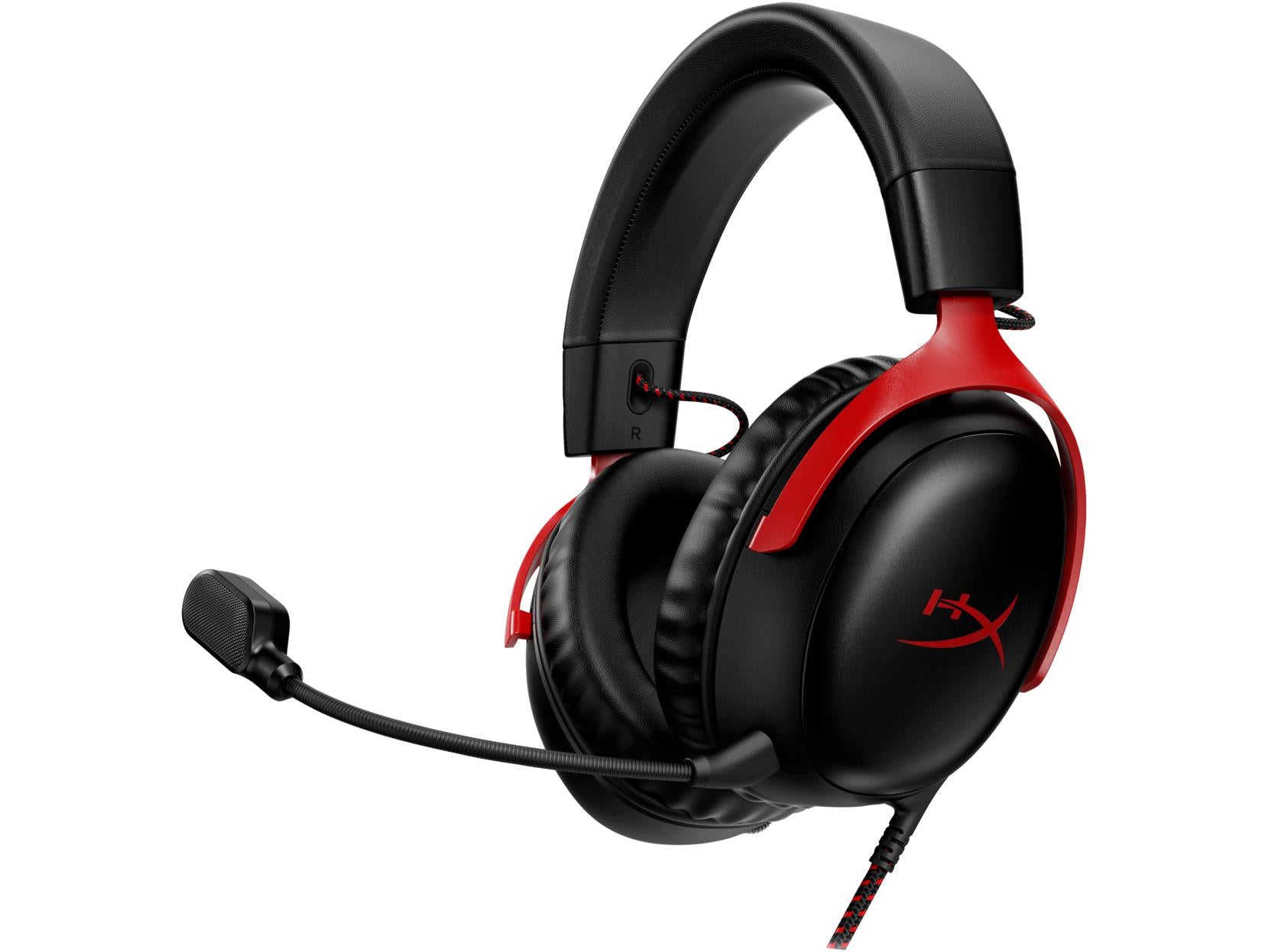
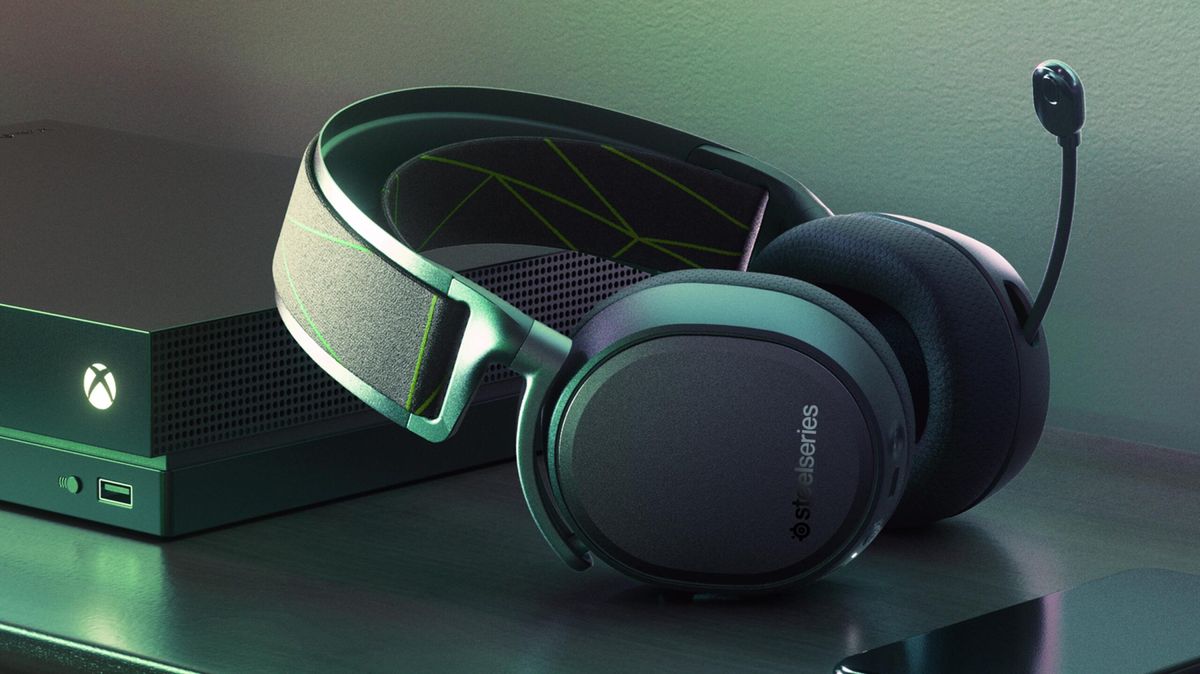
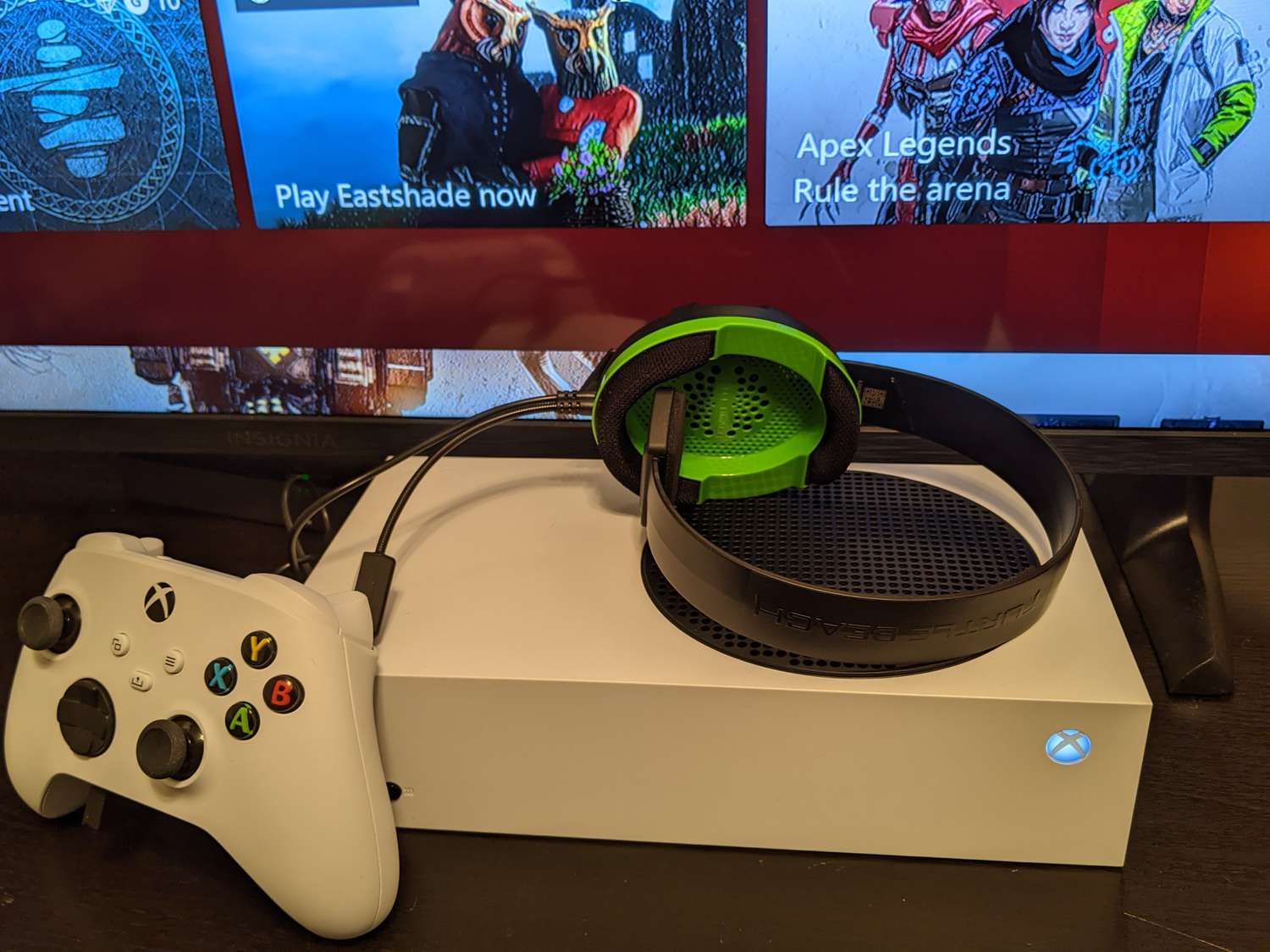
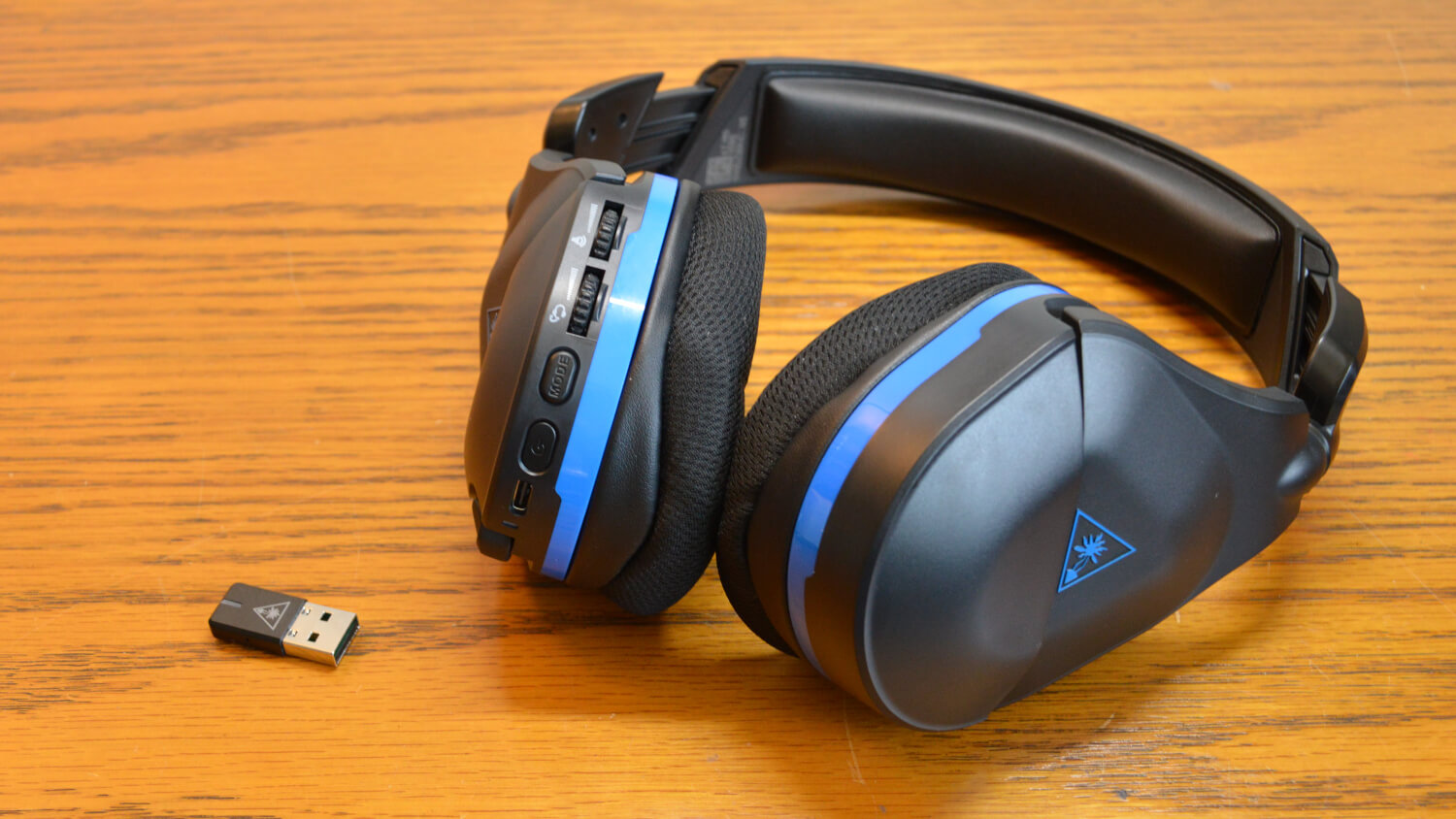
The articles here solve two main kinds of problems. First, they help you use your phone as a remote tool: you can play Xbox games on your mobile screen, use your phone as an Xbox controller, or mirror your phone to the Xbox One. You will also find step-by-step instructions for changing your Xbox username or PIN from your phone, signing out of all consoles remotely, and even canceling Xbox Live through your mobile device. Second, the tag covers connection and accessory issues, such as how to connect wireless earbuds, a Razer headset, or a HyperX headset to your Xbox, as well as how to make a USB headset work and how to adjust headset volume.
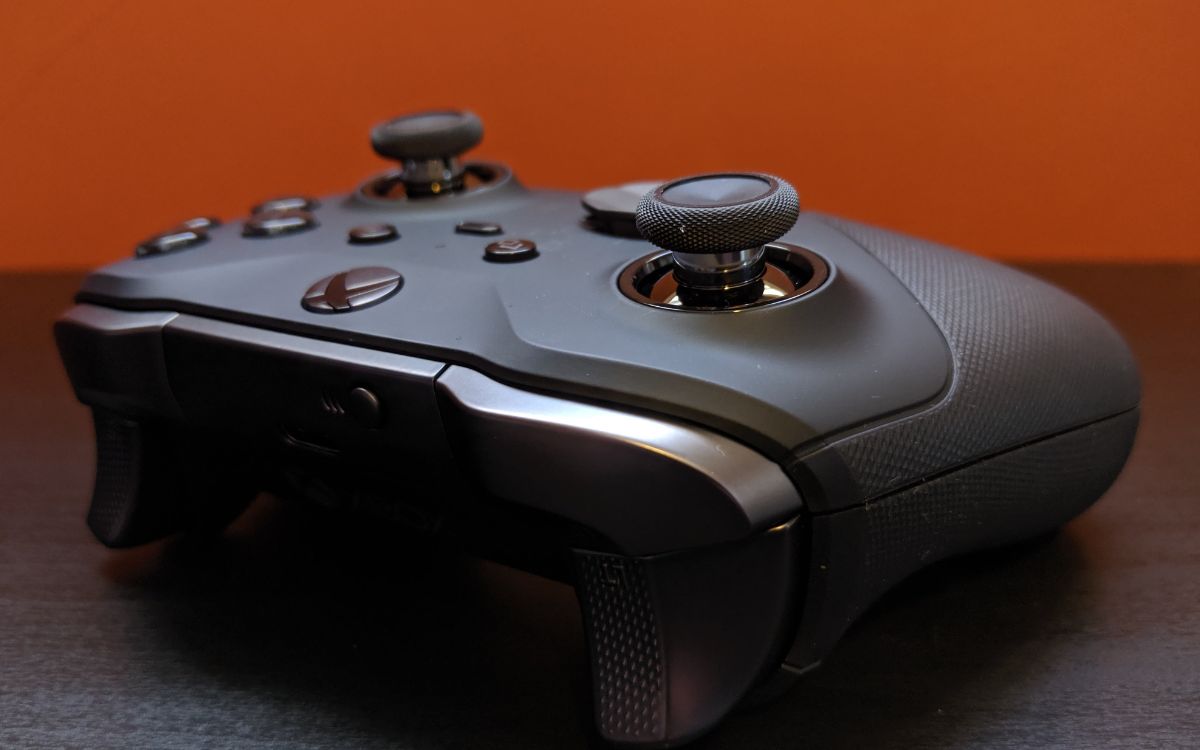
Specific topics include the Xbox Remote Play Guide, how to use your phone as a Just Dance controller, and how to fix your Xbox controller joystick. Other articles walk you through adding gamepad controls on Roblox, adjusting gamepad speed, and connecting a wireless keyboard to your Xbox. Whether you need to upload pictures from your phone to your Xbox background or figure out how to pull out your phone in GTA 5 on Xbox, these guides focus on practical, mobile-friendly solutions.