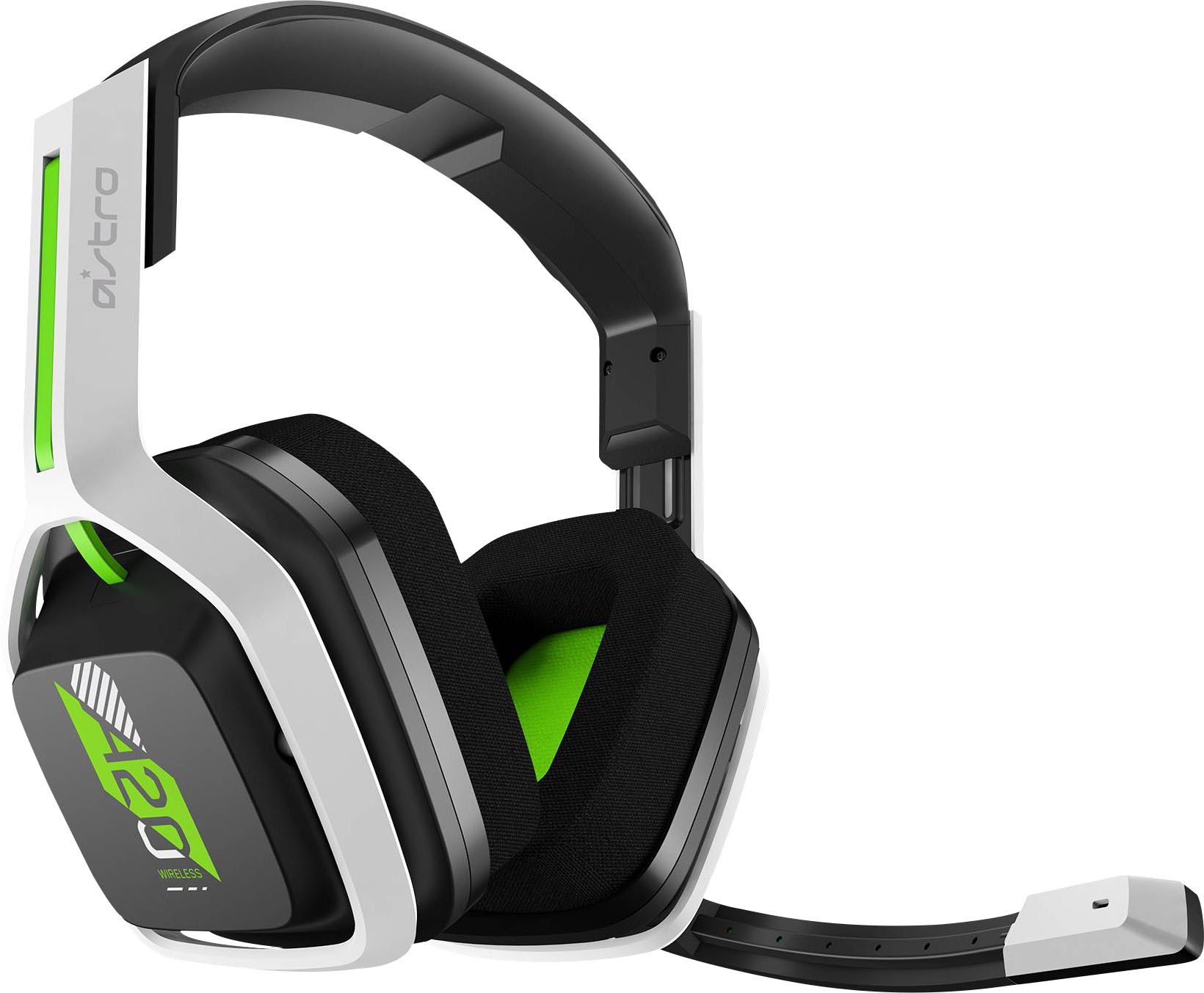
Xbox does not support generic USB audio devices, so a standard PC USB headset will not work when plugged directly into the console's USB port. For a USB headset to function on Xbox, the manufacturer must explicitly document that the specific model is Xbox-compatible.
Can you use a USB headset on Xbox?
The direct answer is no, unless the headset is specifically designed and marketed for Xbox. The official Xbox compatibility list and manufacturer documentation are the only reliable ways to confirm support.
How to check if your USB headset is Xbox-compatible
Before attempting any connection, verify compatibility using these methods:
- Check the headset packaging for an official Xbox logo or "Compatible with Xbox" label.
- Visit the manufacturer's website and search for your exact model number alongside "Xbox compatibility."
- Review the official Xbox compatibility list, which documents supported headsets and accessories.
- If the headset uses a wireless dongle, confirm the manufacturer explicitly states Xbox support for that dongle mode.
Headsets without explicit Xbox documentation from the manufacturer will not have a supported setup path in Xbox system menus.
What to do if your headset isn't compatible
If your USB headset lacks Xbox compatibility documentation, the only documented solution is to use a supported Xbox headset or a controller-based connection method. Xbox officially supports the Xbox Wireless Headset and headsets that connect via the Xbox controller's 3.5mm jack or the Xbox Stereo Headset Adapter. However, Microsoft's support pages note that not all headsets are compatible with the Stereo Headset Adapter, and the adapter is not described as a universal USB-audio converter. No USB adapter documented by Xbox can make a standard USB headset work on the console.
Troubleshooting a compatible USB headset that isn't working
If your headset is confirmed Xbox-compatible but not functioning, check these basics:
- Ensure the headset volume is turned up on both the headset and the Xbox audio settings.
- Verify the microphone is not muted or disabled in Xbox audio settings.
- Confirm all physical connections are secure, including USB ports and any controller attachments. Check for physical damage to the USB headset, such as damaged cables or connectors, which can affect compatibility.
- Try a different USB port on the console to rule out port-specific issues. USB port limitations on the Xbox, such as power output and data transfer bandwidth, can cause issues when multiple USB devices are used simultaneously.
- Update the Xbox console software, as outdated firmware can cause compatibility problems for USB headsets.
- Update the Xbox controller firmware, as outdated firmware can cause compatibility issues for USB headsets that connect through the controller.
- Verify the Xbox audio output settings, such as stereo, surround, or bitstream configurations, as incorrect settings can cause issues with USB headset compatibility.
- Some USB headsets may require specific software drivers to function correctly; missing or incompatible drivers can cause issues.
If the headset remains undetected, the documented fix is to use a supported Xbox headset and consult the headset's own compatibility guidance. For Xbox One Stereo Headset Adapter issues, note that not all headsets are compatible with the adapter itself.
Frequently Asked Questions
Can I use any USB headset on Xbox?
No, you cannot use any USB headset on Xbox. Only headsets with explicit manufacturer documentation confirming Xbox compatibility for that specific model will function.
Can I use a wireless USB headset on Xbox?
Wireless USB headsets require the same explicit Xbox compatibility as wired models. The manufacturer must document Xbox support for that exact wireless model and its connection method, as Xbox does not support generic wireless USB audio devices.
Why don't most PC USB headsets work on Xbox?
Xbox consoles do not support the standard USB audio class protocol that PC headsets use. Microsoft designed Xbox to work with proprietary wireless connections or controller-based audio paths, not generic USB audio devices.
Where can I find the official list of compatible Xbox headsets?
The official Xbox support website publishes a list of compatible headsets and accessories. This list is the authoritative source for determining which headsets have documented Xbox support, including models from brands like Turtle Beach, SteelSeries, and Razer that explicitly market Xbox compatibility.
Can I use a USB headset with an Xbox controller?
No, Xbox controllers do not have USB ports for headset connections. The controller supports audio through the 3.5mm jack or the Xbox Stereo Headset Adapter, both of which require headsets designed for those connection methods, not USB headsets.
Does connecting gaming headsets to consoles require special adapters?
Connecting gaming headsets to consoles often requires checking compatibility first. For Xbox, the only documented adapter path is the Xbox Stereo Headset Adapter, which is not a universal USB adapter and has its own compatibility limitations with specific headset models.