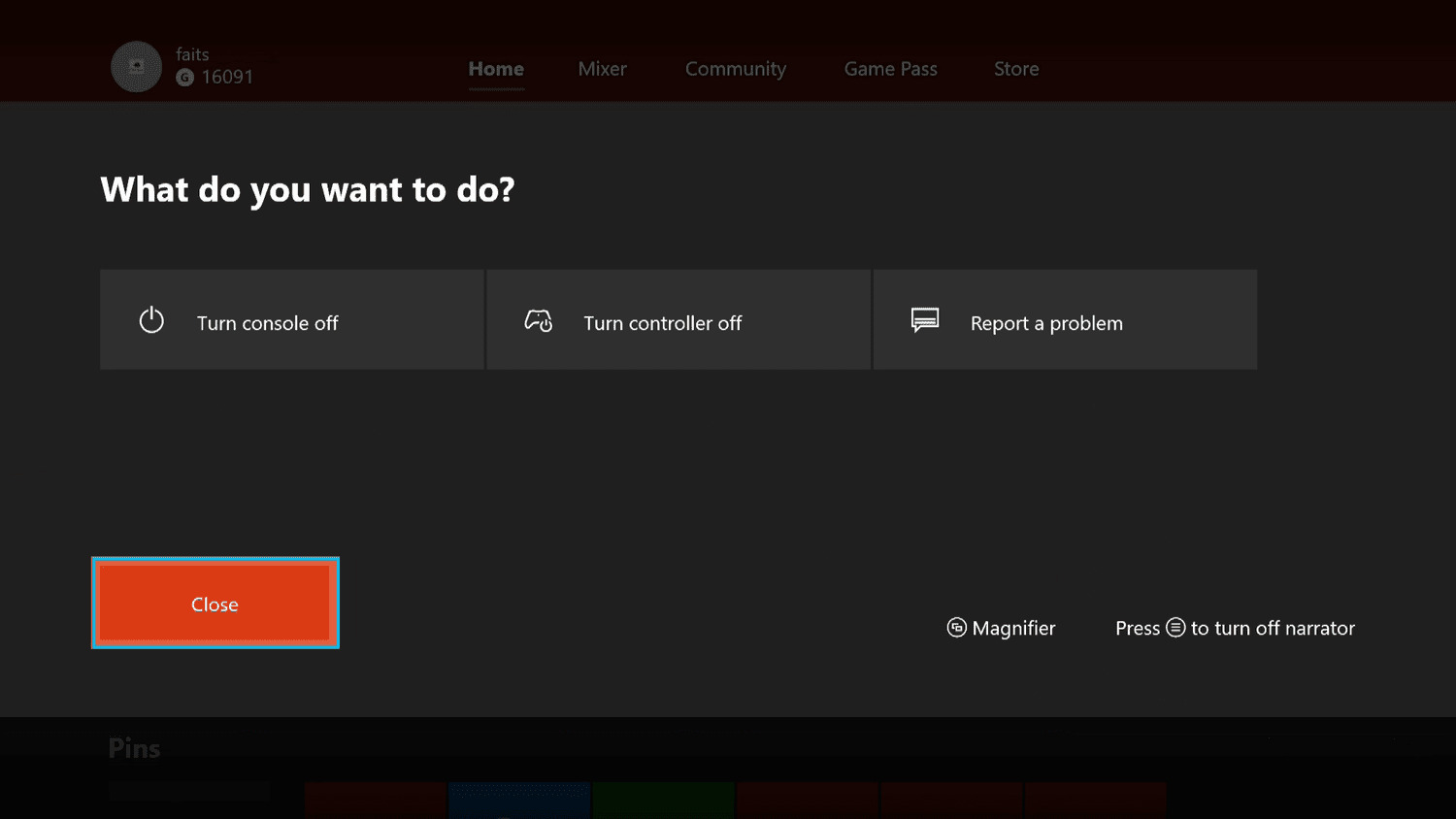
To turn off a wireless Xbox controller, press and hold the Xbox button until the light on the button turns off. This is the primary documented method to power down the controller and save battery life, whether you are using it with a console, PC, or mobile device.
How to turn off a wireless Xbox controller manually
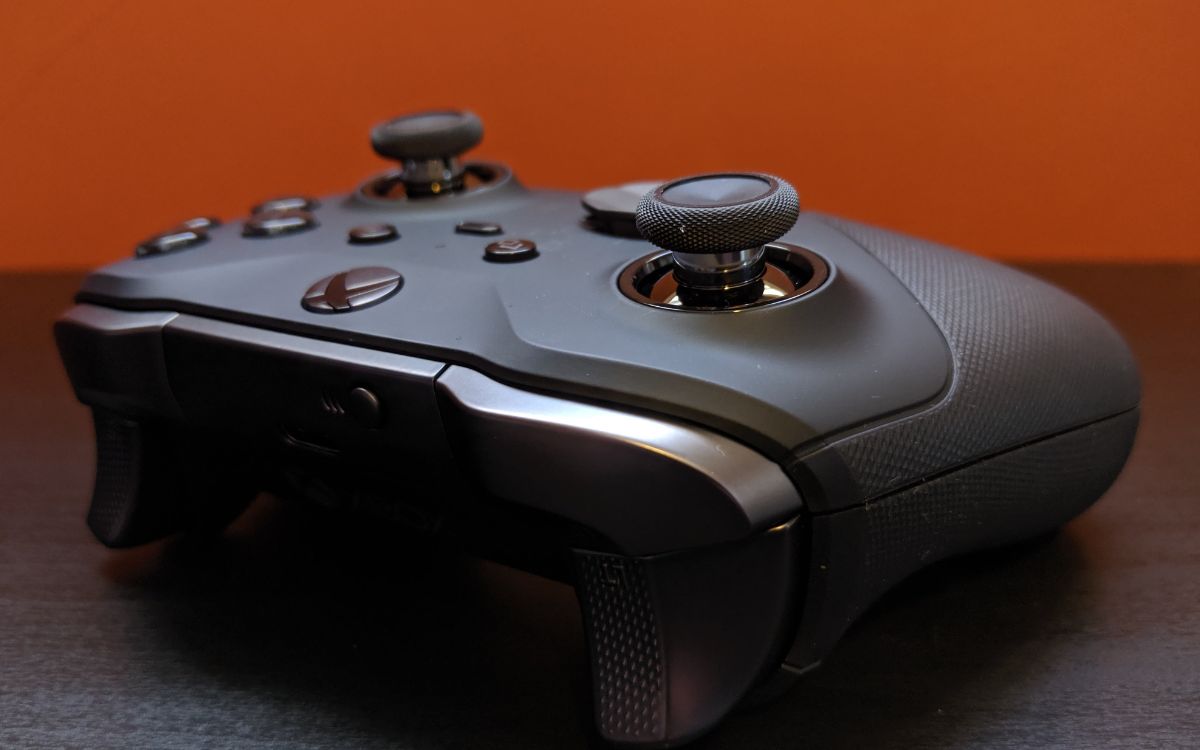
The most direct way to power down the controller is to press and hold the Xbox button. The controller will vibrate briefly as a confirmation, and the light on the button will go out, indicating it is off. This method works regardless of what device the controller is paired to and is the recommended way to conserve battery when you are finished gaming.
How to disconnect an Xbox controller from an iPhone or iPad
If you want to disconnect the controller from an iPhone or iPad without powering it off completely, use the Bluetooth settings. Open Settings > Bluetooth, tap the i next to Xbox Wireless Controller, then tap Disconnect. An alternative method is to open Control Center, use a long-press on the Bluetooth icon, tap Xbox Wireless Controller, and select Disconnect. This keeps the controller powered on but removes the Bluetooth connection, which is useful when switching between devices or managing multiple wireless gaming controllers.
What about Android?
Android does not have a documented special menu path for turning off an Xbox controller. To disconnect the controller from an Android device, users typically remove it from the Bluetooth list. Go to Settings > Connected devices (or Bluetooth), find the controller in the paired devices list, and tap Forget or Unpair. This stops the connection, though the controller itself may remain powered on until its battery drains or you manually turn it off by holding the Xbox button.
How to reconnect your Xbox controller
To turn the controller back on, press and hold the Xbox button again. The light will come on, and the controller will attempt to reconnect to the last device it was paired with if it is within range. If the connection does not restore automatically, you may need to re-pair the controller using the sync button on the controller and the device.
Frequently Asked Questions
Does turning off the controller save battery?
Yes, turning off the wireless Xbox controller when not in use prevents it from draining the battery. The controller continues to draw power while idle and connected, so powering it down manually extends the overall battery life.
Can I turn off multiple controllers at once?
There is no documented method to turn off multiple controllers simultaneously. Each controller must be turned off individually by pressing and holding its Xbox button until the light goes out.
Will the controller turn off automatically when the console powers down?
If the console is put into sleep or standby mode, the controller may remain on or turn off depending on the settings.
How do I turn off the controller when it is connected to a PC?
The same manual method applies: press and hold the Xbox button until the light turns off. Removing batteries is an alternative way to turn off the controller. There is no documented alternative path through the Xbox Accessories app or Windows settings for powering down the controller.
Related reading: How To Turn Off Magnifier On Xbox and How To Turn Off Heyday Wireless Earbuds.