The YouTube tag on CellularNews collects practical guides and troubleshooting articles for anyone who uses YouTube on their phone. Whether you’re an Android or iPhone user, a casual viewer, or someone who uploads content from your device, these posts are written to help you solve real, everyday problems with the YouTube mobile app.

The articles here fall into two main themes: fixing playback and app glitches, and managing your account and viewing experience. For example, if videos won’t load, you can find step-by-step fixes for “YouTube Videos Not Playing” or general “How To Fix YouTube On Phone” issues. Other posts help you control how YouTube behaves, like “How To Play YouTube While Phone Is Off” or “How To Lock Phone While On YouTube.” On the account side, you’ll learn how to delete your account, change your mobile number, or verify an account without a phone number. There are also guides on blocking someone, seeing dislikes, and sending messages within the app.

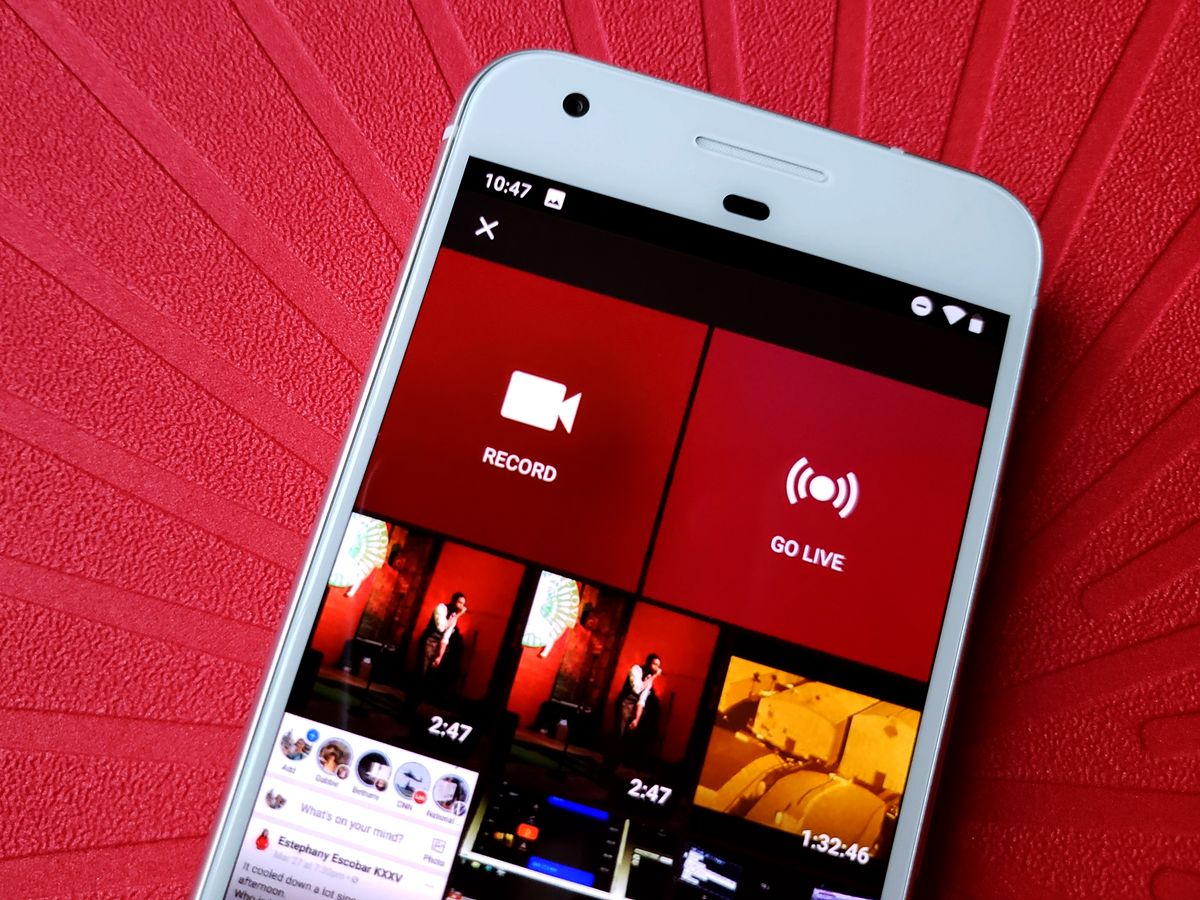
Beyond troubleshooting, the tag covers ways to get more out of YouTube on mobile. You can find instructions for uploading a video from your phone, adding music to a video, or even transferring a playlist to Spotify. Other practical topics include enabling Picture-in-Picture (PiP) on iPhone, playing YouTube from your phone on a TV, and minimizing data usage. These articles are focused on giving you clear, actionable steps, no fluff, just the fixes and features you need for YouTube on your phone.
How To Fix Youtube On Phone

To fix YouTube on your phone, start with the four most common solutions: clear the app cache, update the app, check your internet connection, and restart your phone. These steps...

How To Lock Phone While On Youtube

To lock your phone while on YouTube, use the YouTube app's built-in lock screen feature, which prevents accidental touches from pausing, skipping, or tapping ads during playback. This is the...

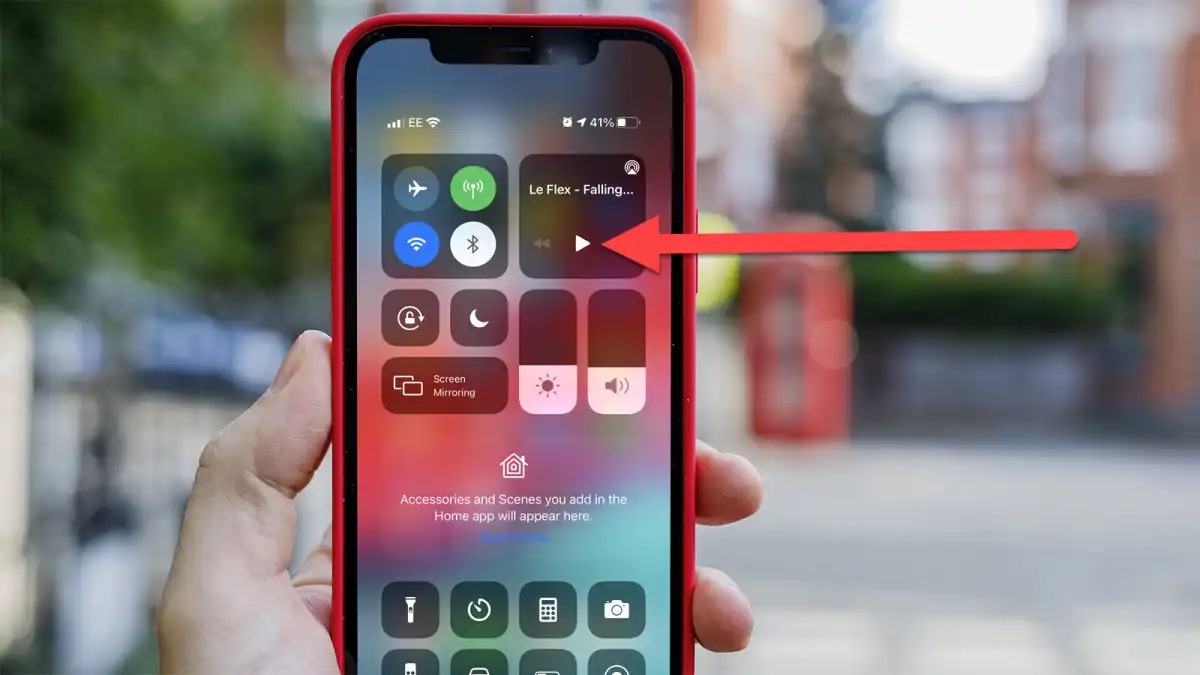
How To Play Youtube While Phone Is Off

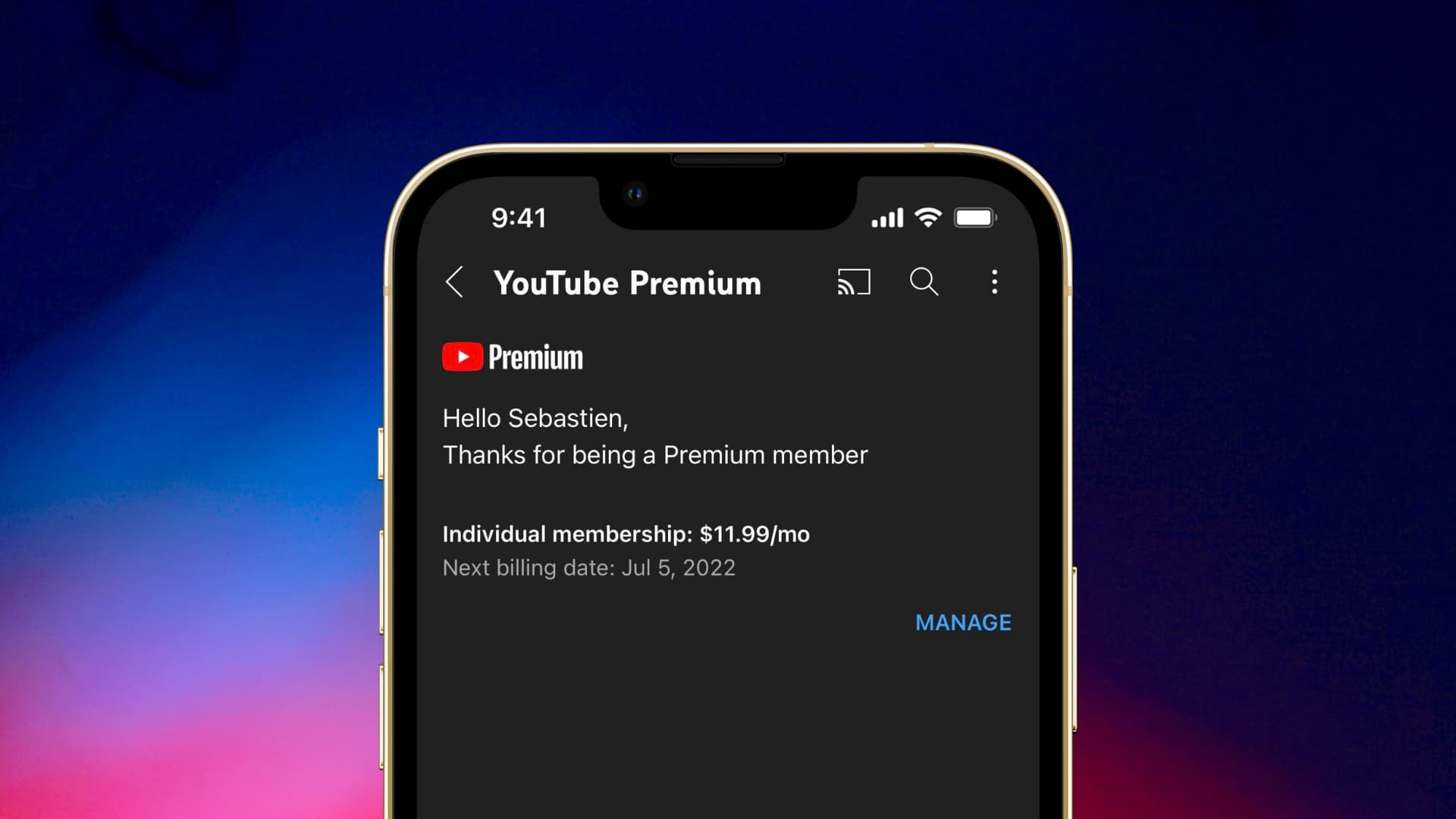
To play YouTube while phone is off, you need a YouTube Premium subscription, which enables background playback so audio continues when the screen is locked or while using other apps....

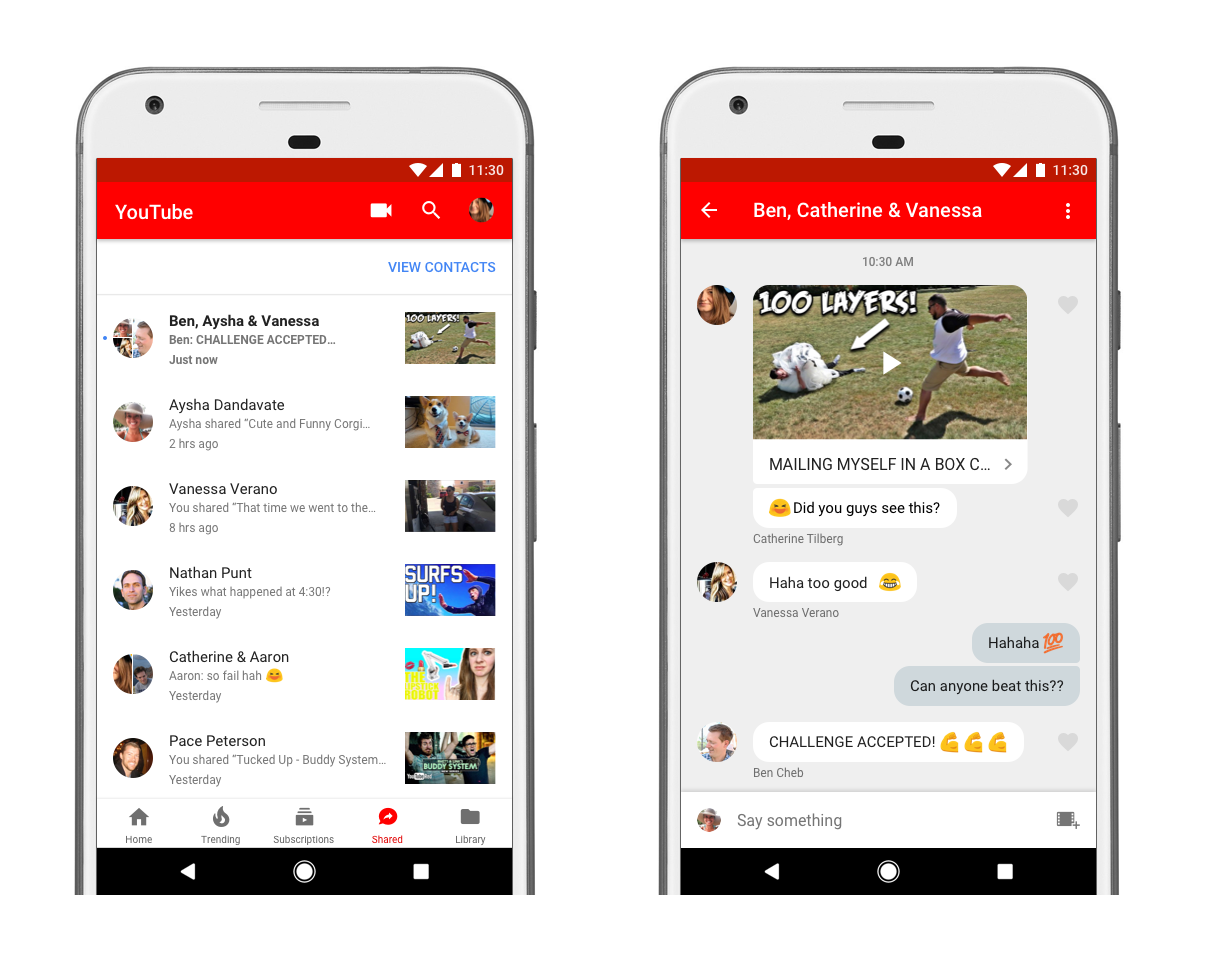
How To Send A Message On Youtube Mobile

To send a message on YouTube mobile, use the newly reintroduced in-app messaging feature to share videos, Shorts, and livestreams directly with friends. You must be signed into a personal...

How To Join Membership On Youtube Mobile

To join membership on YouTube mobile, open the YouTube app or visit YouTube.com in a mobile browser and navigate to the creator's channel page or one of their uploaded videos....

How To See Dislikes On Youtube Mobile

You can't see dislikes on YouTube mobile. Can you still see dislikes on YouTube mobile? No. YouTube’s official help page for the Android app only documents how to use the...

How To Block Someone On Youtube Mobile

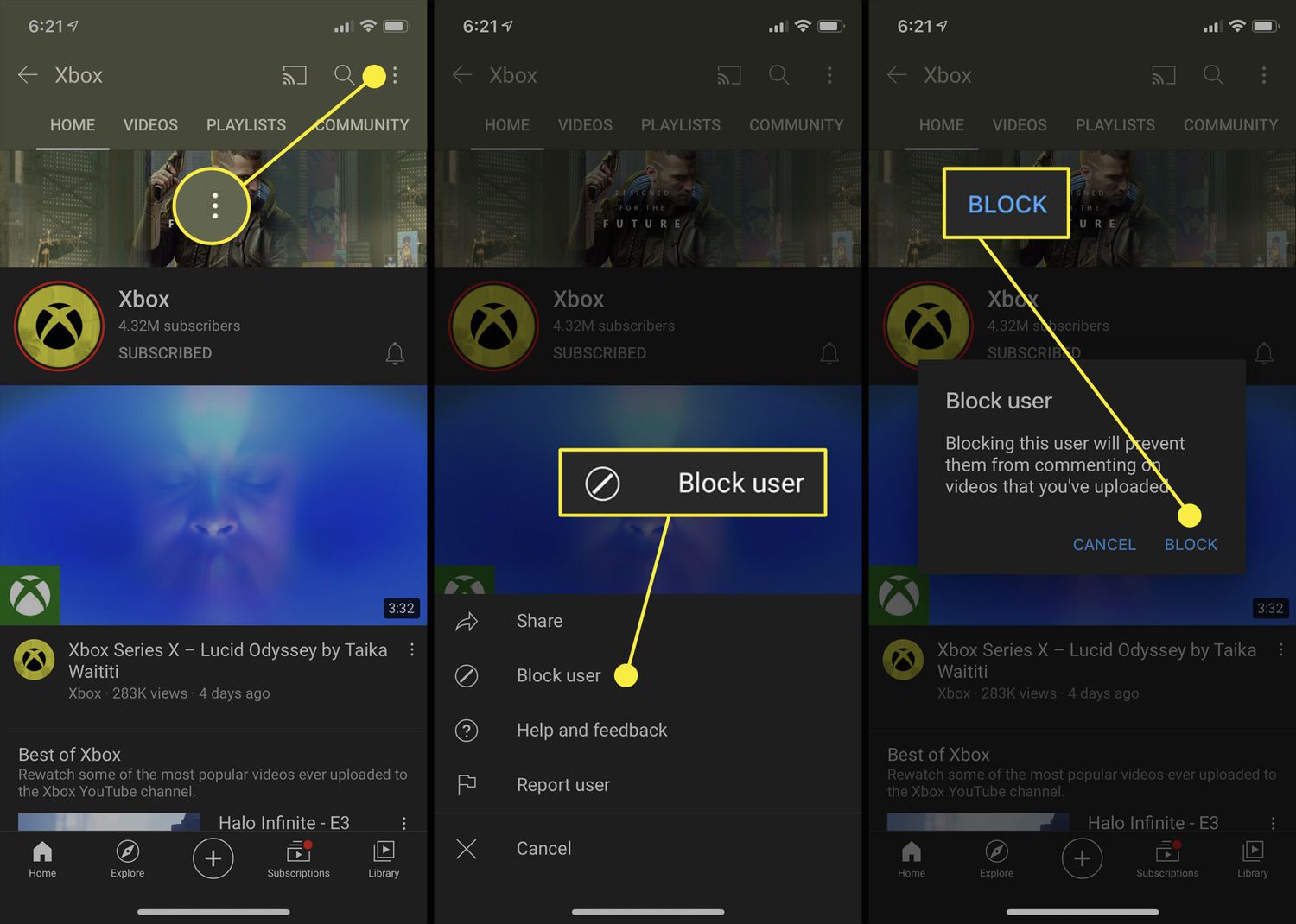
To block someone on YouTube mobile, you must use a mention notification or a live chat message, as there is no general "block channel" button in the app. Blocking prevents...

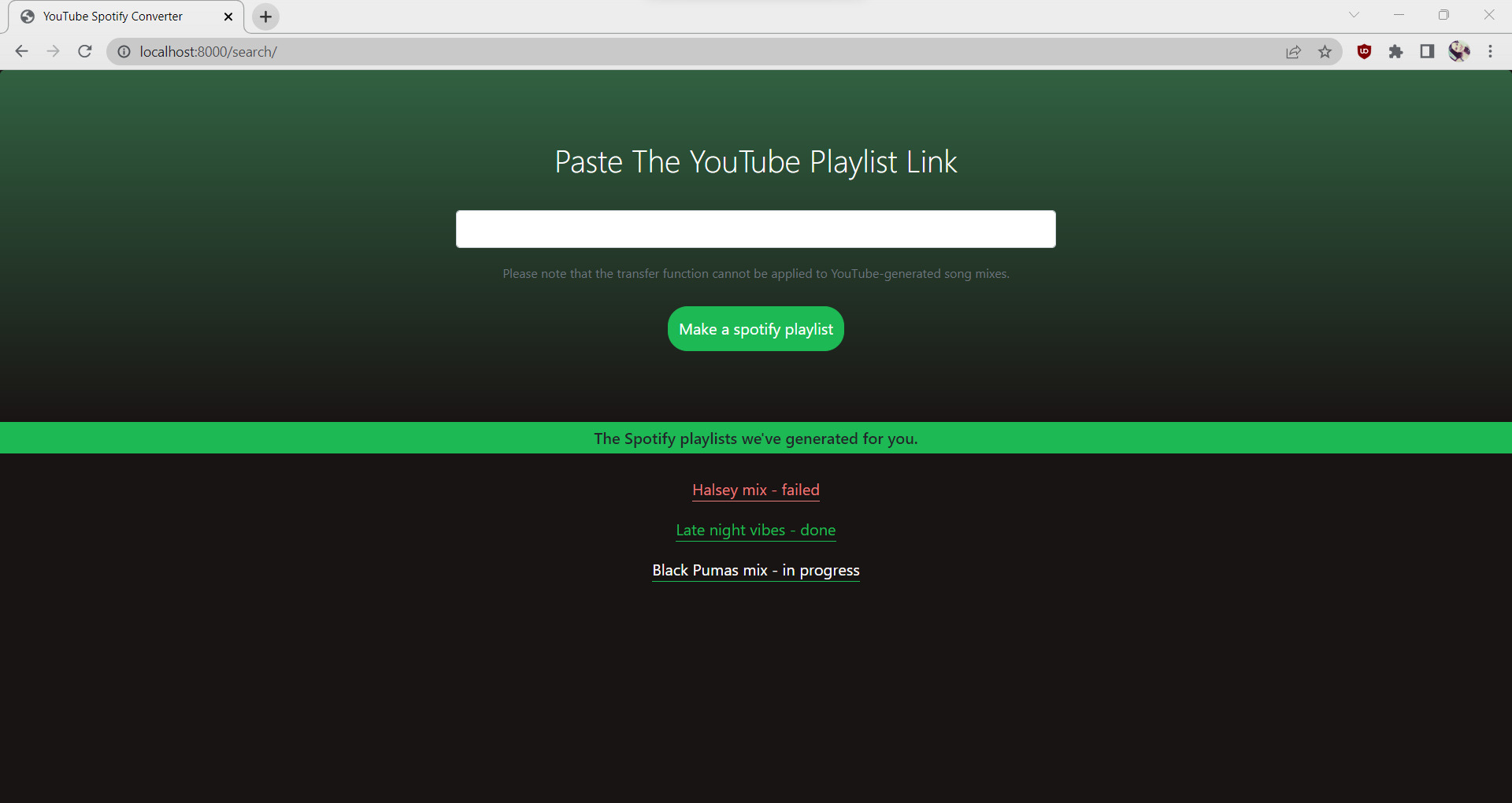
How To Transfer YouTube Playlist To Spotify

To transfer a YouTube playlist to Spotify, you can try Spotify's official import feature, use a third-party converter, or manually search for each song. The official method is the most...