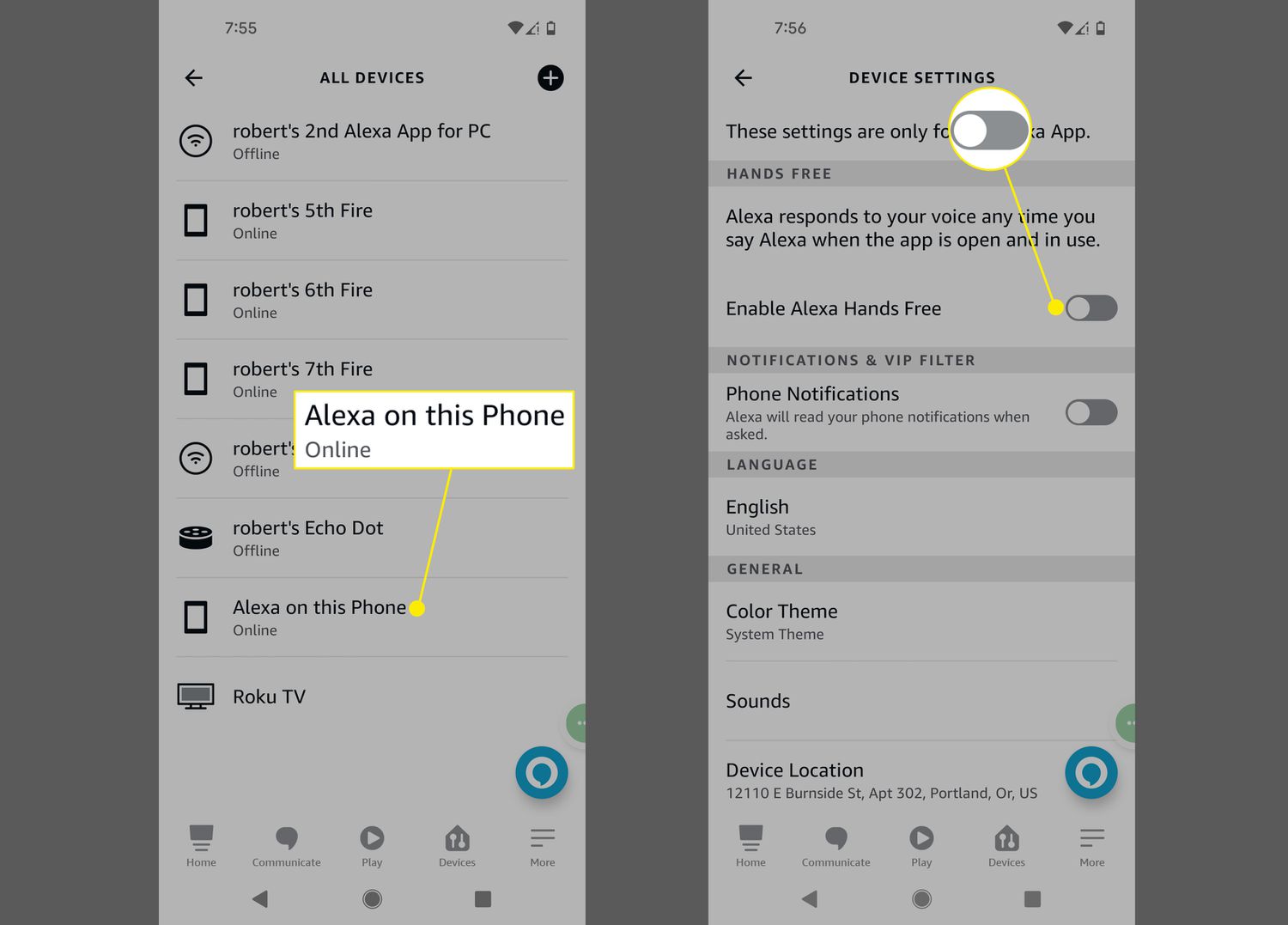
To use Alexa on Android, install the Amazon Alexa app from the Google Play Store and sign in with your Amazon account. Once set up, you can use voice commands for music, smart home control, hands-free help, and more.
Install the Amazon Alexa app
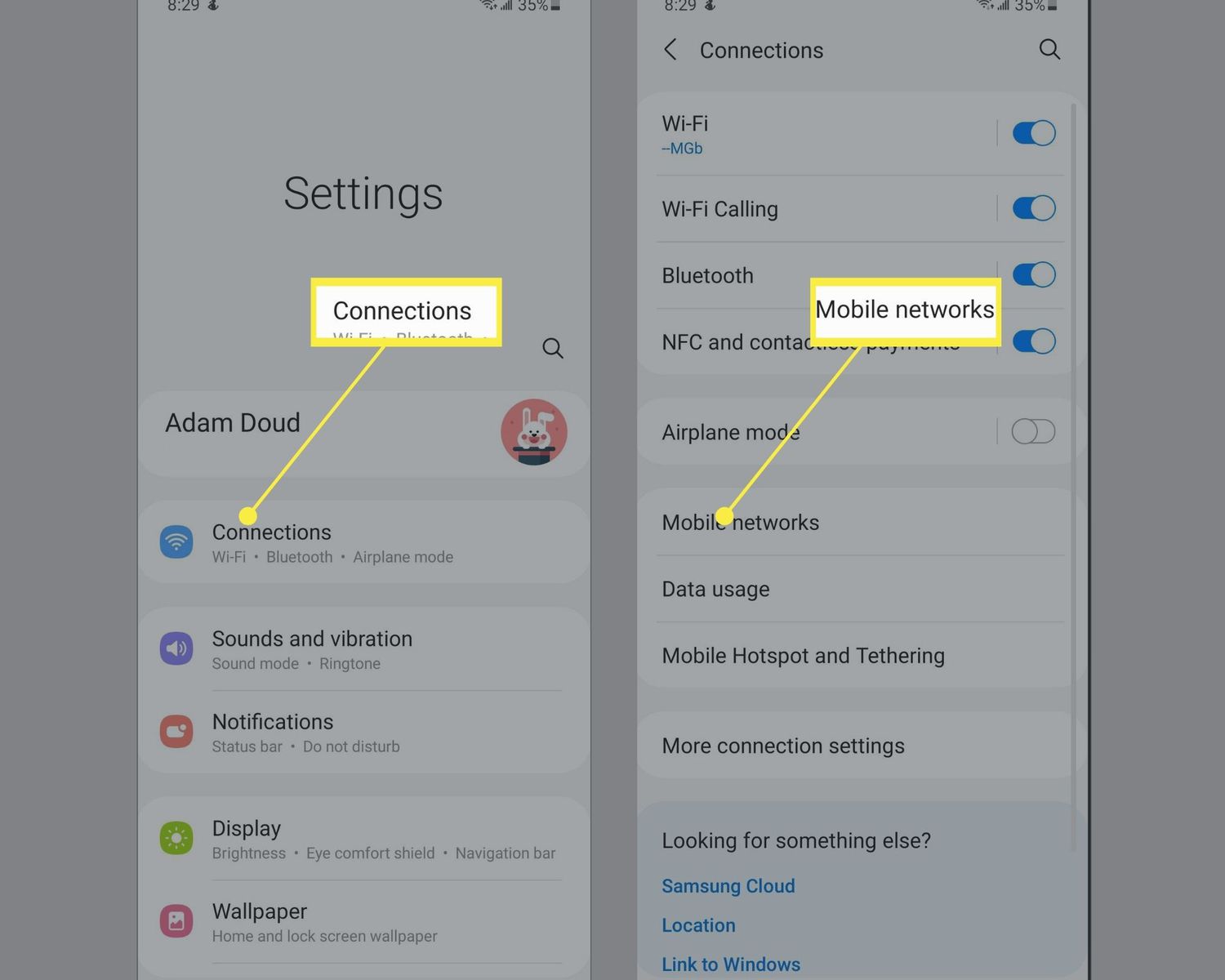
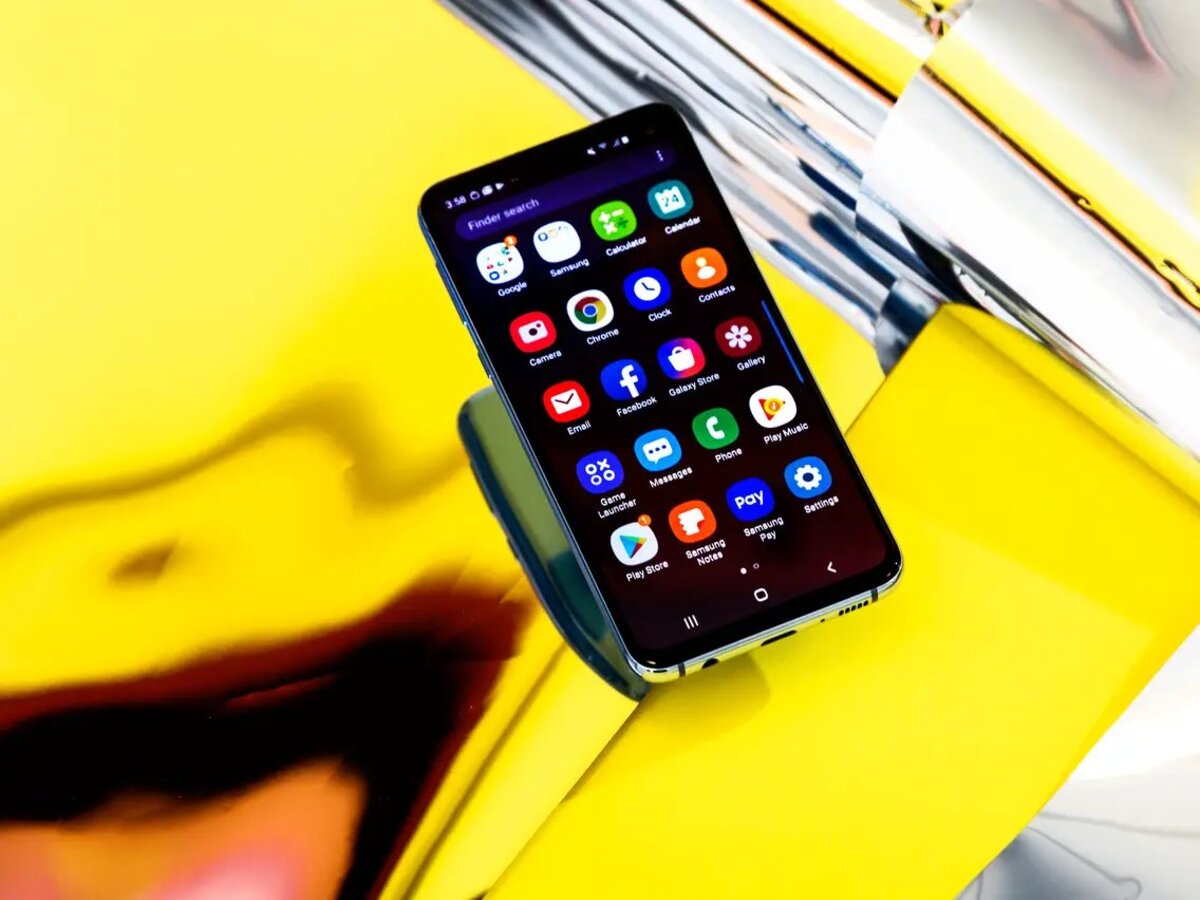
- Open the app store on your mobile device.
- Search for Amazon Alexa.
- Select Install.
- Select Open.
- Enable permissions for microphone, contacts, and notifications when prompted.
- Connect your Android phone to a Wi-Fi network for Alexa to function.
- Set up voice detection by creating a voice profile and training Alexa to recognize your commands.
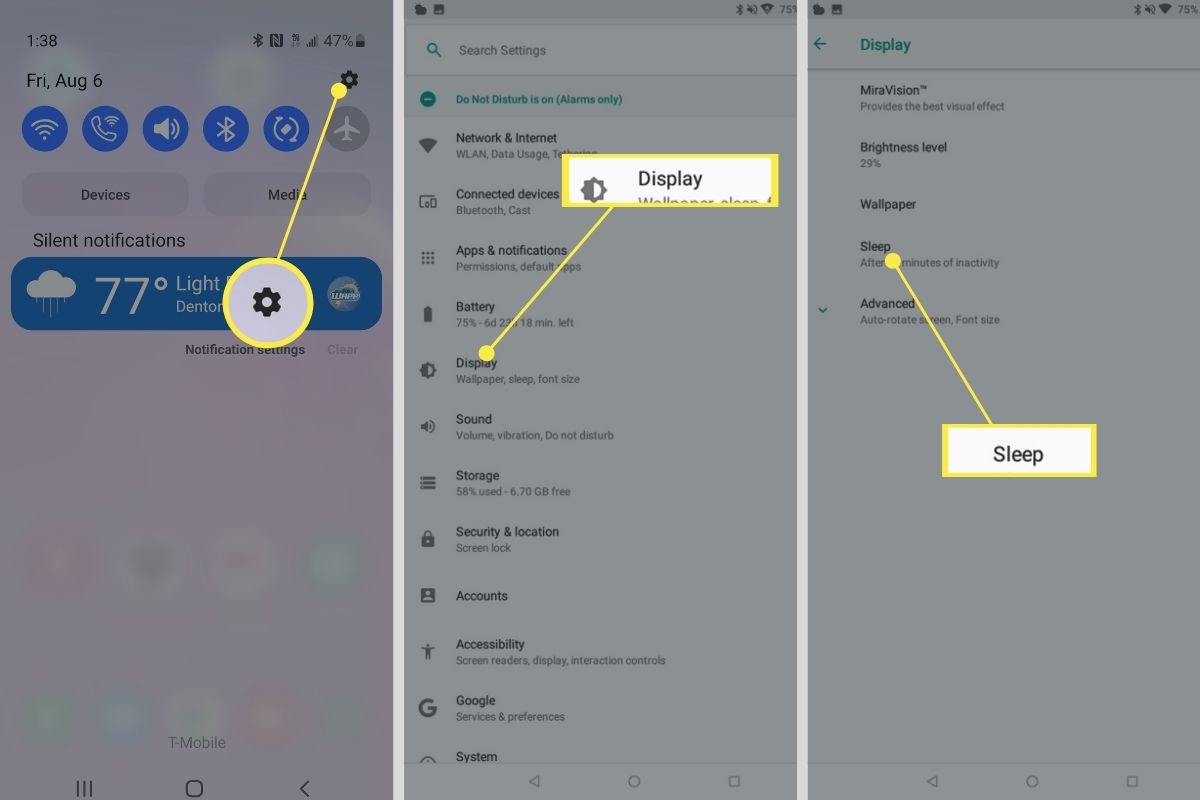
- Customize settings like voice responses, routines, and connected smart devices in the Alexa app settings menu.
Sign in with your Amazon account
After opening the app, sign in with your Amazon Account. If you do not have one, creating an Amazon account is free.
Add Alexa widgets to your home screen
As an optional step after setup, you can install Alexa widgets for quick access to Alexa from your Android home screen.
What you can do with Alexa on Android
With the Alexa app on your Android phone, you can use voice commands to play music, control compatible smart home devices, set reminders, get weather updates, and access information. Alexa also supports skills, voice-activated apps, that let you order food, get news, play games, and more. Some Alexa Skills may have limited functionality or may not be compatible with your Android phone's screen size. If you have Alexa-enabled devices at home, your settings and preferences sync across them. The app also works with TV casting and streaming apps, allowing you to control playback and content with your voice.
Frequently Asked Questions
Is Alexa free on Android?
Yes, the Amazon Alexa app is free to download and use on Android.
Does Alexa work on all Android phones?
The Alexa app is available through the Google Play Store and works on most Android phones that support the app.
Can I use Alexa hands-free on Android?
Some Android devices support hands-free Alexa, allowing you to say the wake word "Alexa" to activate it. This feature may not be available on all devices and must be enabled in the app settings. You can manually activate Alexa by opening the app and tapping the microphone icon if hands-free is not available.
Do I need an Echo device to use Alexa on Android?
No, you do not need an Echo device. The Alexa app on your Android phone gives you access to Alexa's features directly, including smart home control for compatible devices.
Can Alexa control phone functions on Android?
The Alexa app is documented for app installation and voice commands through the app.