Find and understand your phone wallet app
Before you add a single card, you need to know which phone wallet app your device actually uses, because a boarding pass saved in Apple Wallet will not appear on a Samsung and there is no shared system between them. On an iPhone, the app is simply called Wallet, it is built into the device so it cannot be deleted, and the path to disable wallet on iPhone lives inside Settings > Face ID & Passcode (or Touch ID & Passcode), where you switch off Wallet under Allow Access When Locked.
The situation shifts completely when you pick up the wallet app on Android. You head to the Play Store, download it, and open the Google Wallet app, provided your device runs Android 9 or higher. This single version requirement is the one that trips people up when the door does not open on the first try. When you go looking for my digital wallet on my phone on a Galaxy device, you may be searching for Samsung Wallet, which lives alongside Google's offering and behaves as a separate app with its own card storage, though the exact location of the wallet on a Samsung phone varies by model.
Set up payments and cards
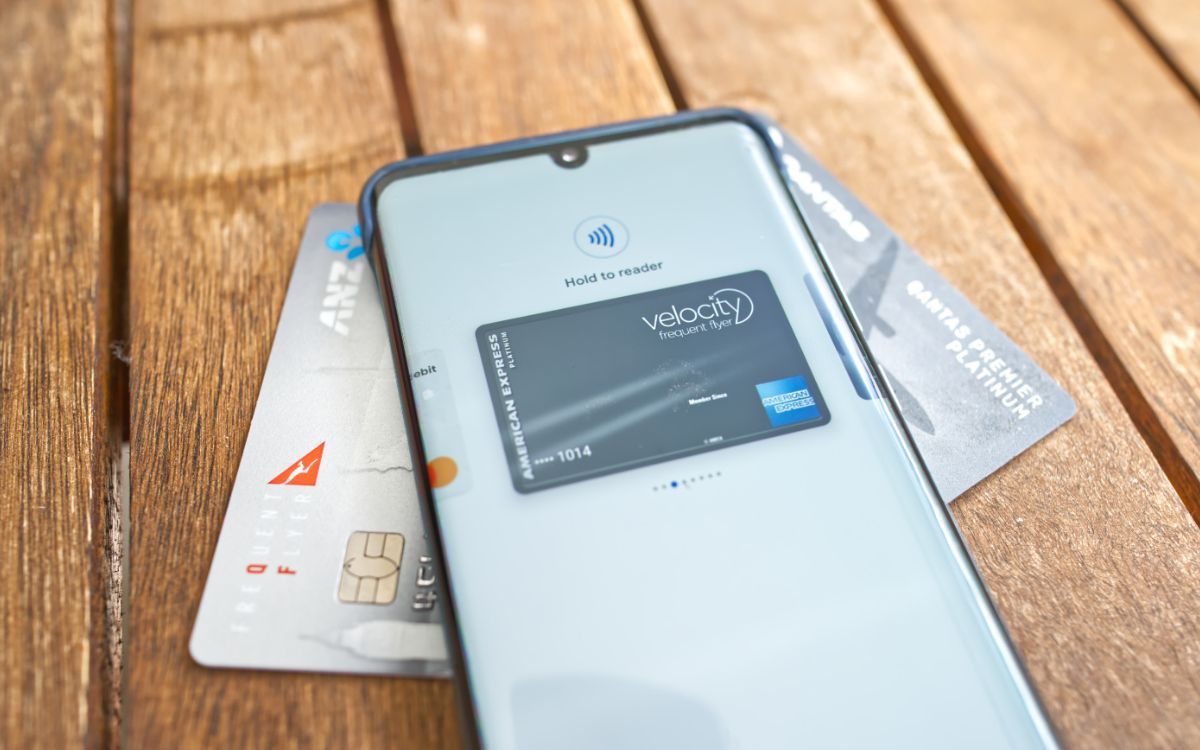
Once you know which wallet lives on your phone, the real work begins with loading your actual payment methods. If you carry an iPhone, you can open the Wallet app and tap the Add Card button. Then choose Debit or Credit Card and follow the prompt to hold the physical card near the device or enter the details manually. That same flow is how you set up Apple Pay on any compatible iPhone model, but if you want the specific steps for your handset, you’ll want to read the guide on how to set up Apple pay on iPhone 12 to get the exact menu path and any model-specific tips. Apple does not carve out a separate path for specific models. The standard Wallet routine applies to any compatible handset signed into an Apple Account with Face ID, Touch ID, or a passcode enabled. On the Android side, the experience shifts depending on your manufacturer. The core action remains adding credit or debit cards through the app you confirmed earlier. The option to use Google Pay on Android is available on devices running that platform rather than a competing wallet.
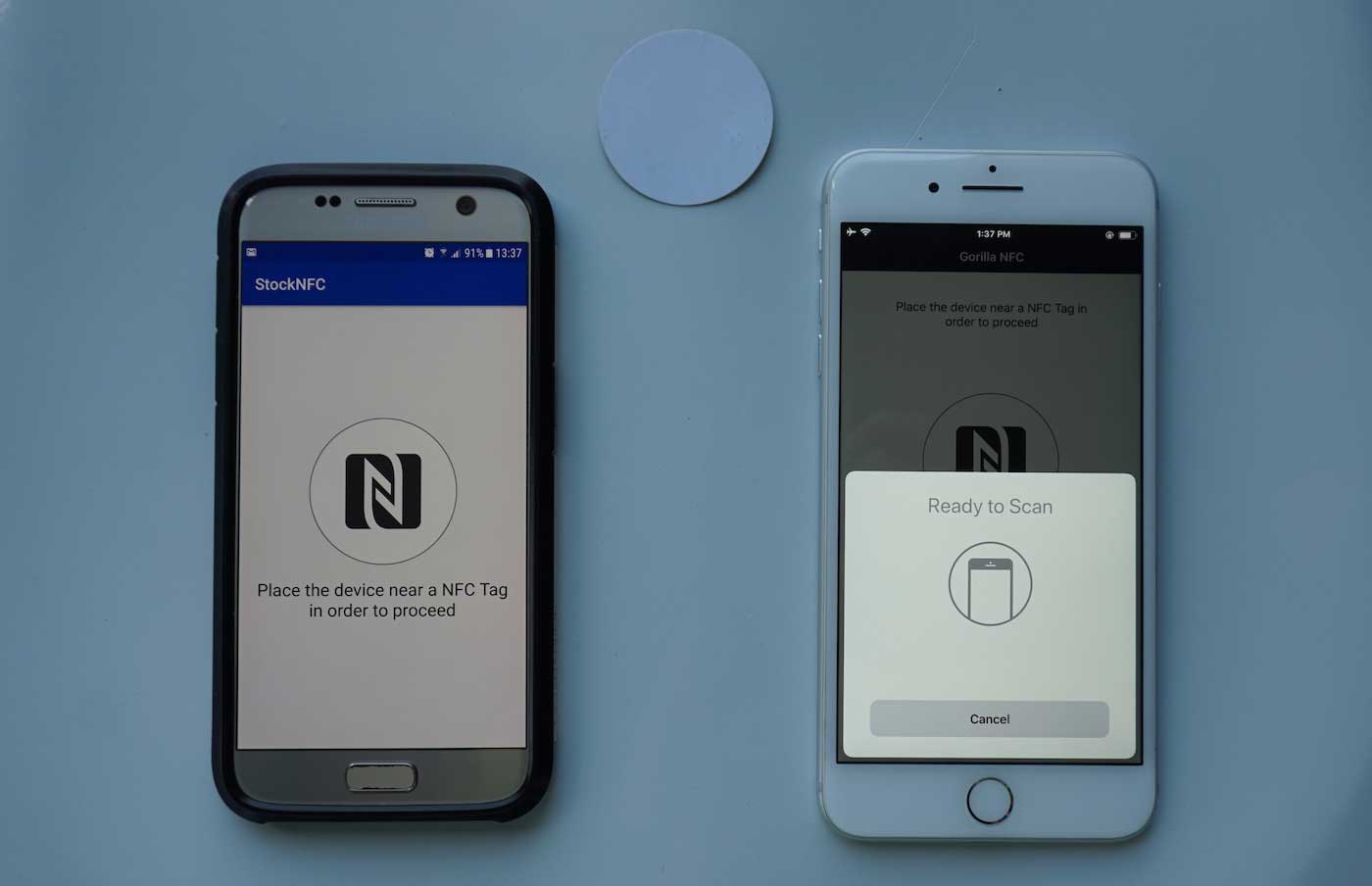
Beyond bank cards, people often want to keep store credit handy. You can add a gift card to the wallet app on iPhone. A less obvious trick is the ability to add an NFC tag to Apple Wallet. This typically requires scanning a vendor-provided code or tapping the tag when prompted by a third-party app that writes the pass into Wallet. The landscape gets quieter on the wrist. If you own a fitness tracker, you may need to set up wallet in Fitbit. The option to add a payment card appears inside the device settings for supported models.
Manage cards and passes already in your wallet
Once your wallet is filled, keeping it tidy helps you find the right card at the register without swiping past expired passes. If you need to see saved cards on iPhone, open the Wallet app, tap the card or pass, then tap the More button to see its details. When you want to remove a card from wallet on iPhone, the path depends on what you are deleting: for a payment card, tap Card Details then Remove Card, which only affects that specific device and leaves the card active on your other Apple gear, while tapping Remove Pass deletes it from Apple Wallet on every device signed into your account. On Android, the Google Wallet home screen shows your most-used items, and you can swipe up or tap Show all to reveal everything you have added, then use Manage items on home and Select more passes to decide what appears front and center. To clear out a loyalty or gift card, open Google Wallet, tap View more passes, choose the card, then tap More followed by Remove; the gift card balance itself stays intact. If you are trying to transfer my trust wallet to a new phone, the process is not handled inside Apple Wallet or Google Wallet at all, as Trust Wallet is a separate crypto application with its own recovery phrase method that sits outside the scope of standard payment cards and passes.
Add travel and event tickets
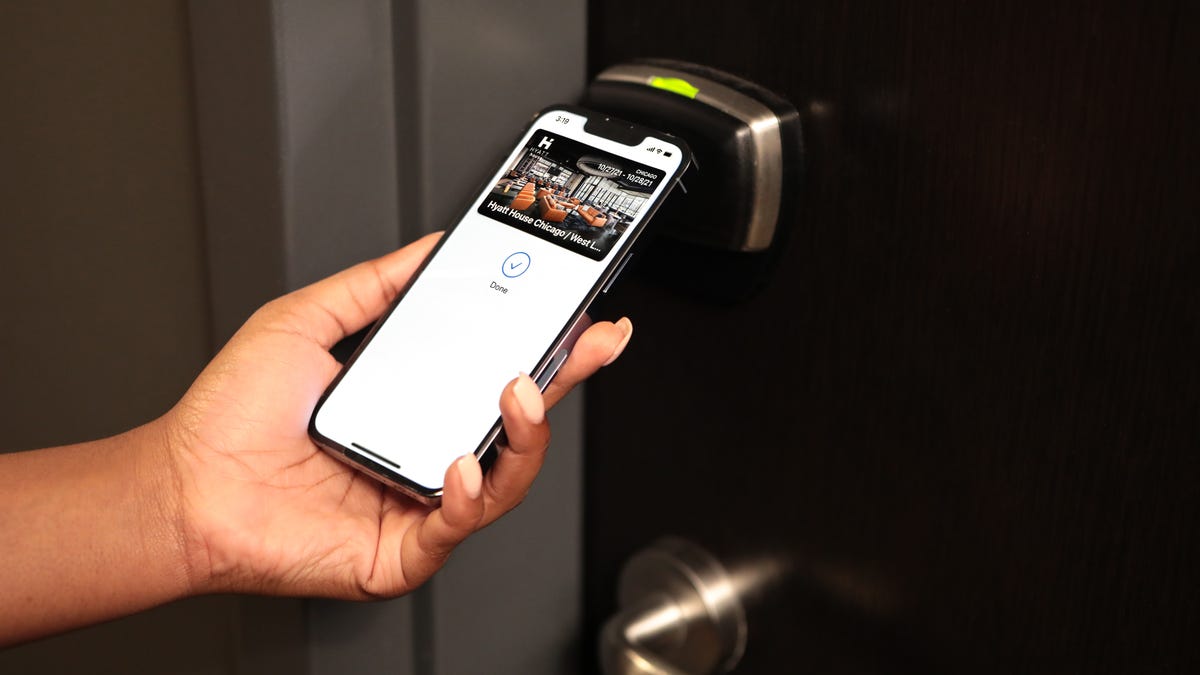
When an airline email lands in your inbox, you may be able to get mobile boarding pass delta onto your phone by tapping an 'Add to Wallet' button inside the message, if the airline supports it, without forcing you to open the airline's own app first. At the airport, you can use mobile boarding pass by waking the device and holding it near the scanner; on an iPhone the pass often appears on the Lock Screen automatically near departure time so you do not need to hunt through folders while juggling luggage. For concerts and games, you may be able to transfer tickets to wallet on iPhone from a confirmation email or supported app through a dedicated icon. If you carry a Galaxy device instead, you may be able to save tickets to Samsung wallet through the ticket provider's app or a confirmation email, where supported. Hotel stays work on the same principle: once you check in through the hotel's app, you may be able to use a mobile key at Marriott by holding your phone to the door lock, and the key also grants access to shared areas such as the pool and fitness club. The underlying way Marriott mobile key work may rely on Bluetooth and NFC, so keeping both radios switched on can help when the door does not open on the first try.
Use your wallet for transit and everyday purchases
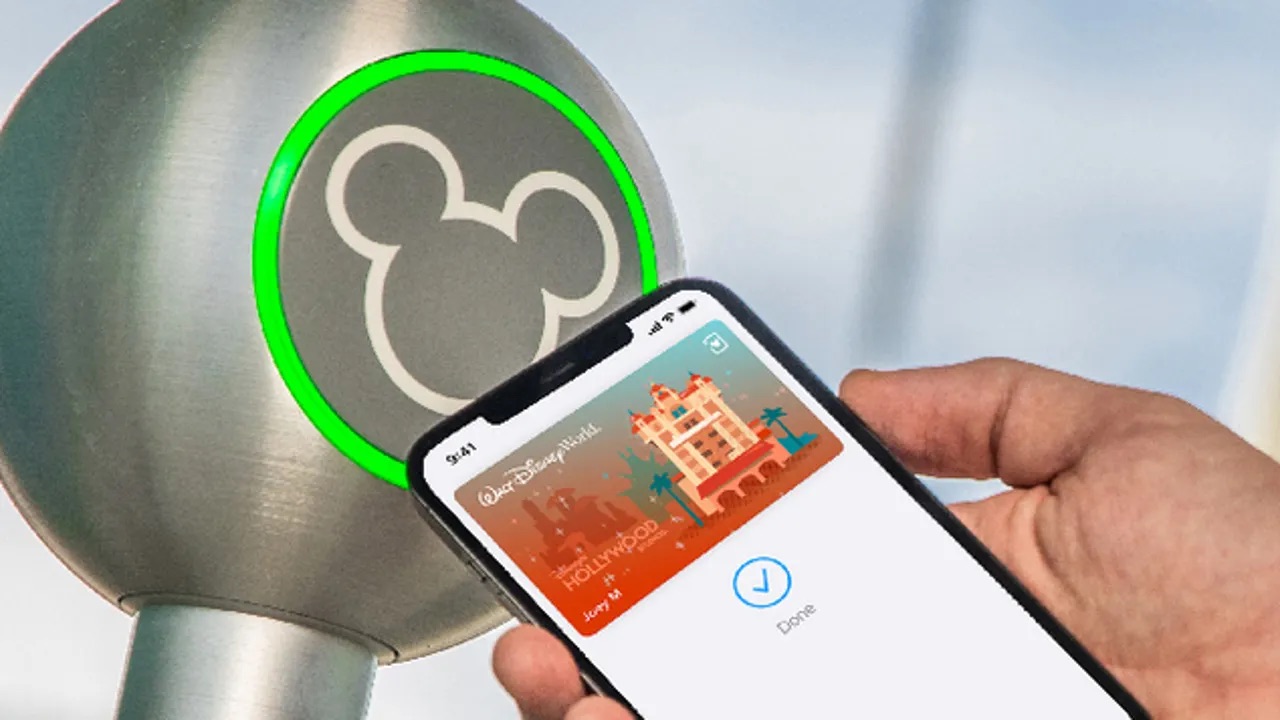
When you board a bus or step up to a register, your phone can handle the transaction in a single tap. On an iPhone, open the Wallet app, select a card, pass, or key, tap the More button, then tap Card Details, then tap Express Transit Settings or Express Mode and choose your preferred transit card, payment card, pass, or key. Holding the top of the phone near the reader completes the fare and a checkmark confirms it. The MTA'S OMNY system lets you use Apple pay and Google pay for transit on most subway and bus routes, so you can leave a dedicated MetroCard at home. If you use a digital wallet on Android instead, the experience shifts to Google Wallet, where you can tap your profile picture or account, open Wallet settings, then Security, then Verification settings, then Transit payments, and turn off Verification required to skip the extra step at the turnstile. Some transit cards, including Suica and PASMO in Japan, double as payment cards in stores through Apple Pay. In regions like San Diego or Puget Sound, contactless credit cards in Wallet work for full-fare rides on systems such as PRONTO and ORCA, though accepted networks vary by operator.
Frequently Asked Questions
How do I turn off verification for transit payments in Google Wallet?
Open Google Wallet, tap your profile picture or account, then Wallet settings, Security, Verification settings, Transit payments, and turn off Verification required. This skips the unlock prompt at the turnstile where contactless transit payments are accepted.
Can I use a Suica card in Apple Pay for store purchases?
Yes, Suica and PASMO cards added to Apple Wallet can be used to make payments in stores through Apple Pay, not only for transit. This also applies to ICOCA and TOICA cards in Japan on supported iPhone and Apple Watch models.
Does removing a payment card from my iPhone delete it from my Apple Watch too?
No, removing a payment card from one iPhone does not remove it from Apple Wallet on your other devices, including a paired Apple Watch. You must remove the card separately on each device where you no longer want it stored.
Where is the Express Transit setting on an Apple Watch?
Open the Watch app on your iPhone, go to My Watch, tap Wallet & Apple Pay, then tap Express Transit Card and choose your preferred transit or payment card. You must authenticate with your watch passcode to complete the selection.