Practical guides and troubleshooting advice for people who want their phones to work seamlessly with home devices like cameras, thermostats, and doorbells. This content is built for everyday users, not tech experts, who need clear, step-by-step help for common setup problems, battery questions, and connectivity fixes.
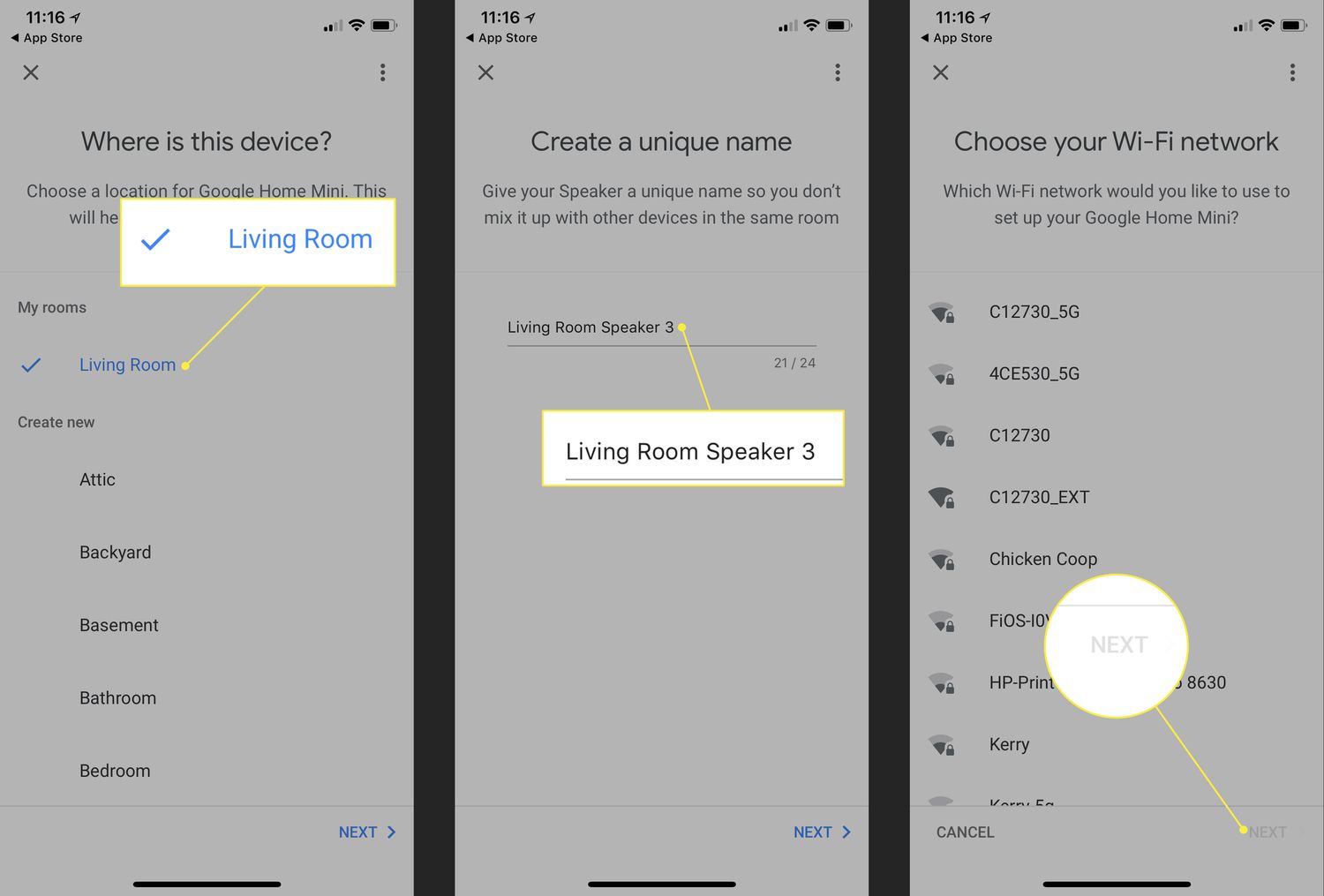
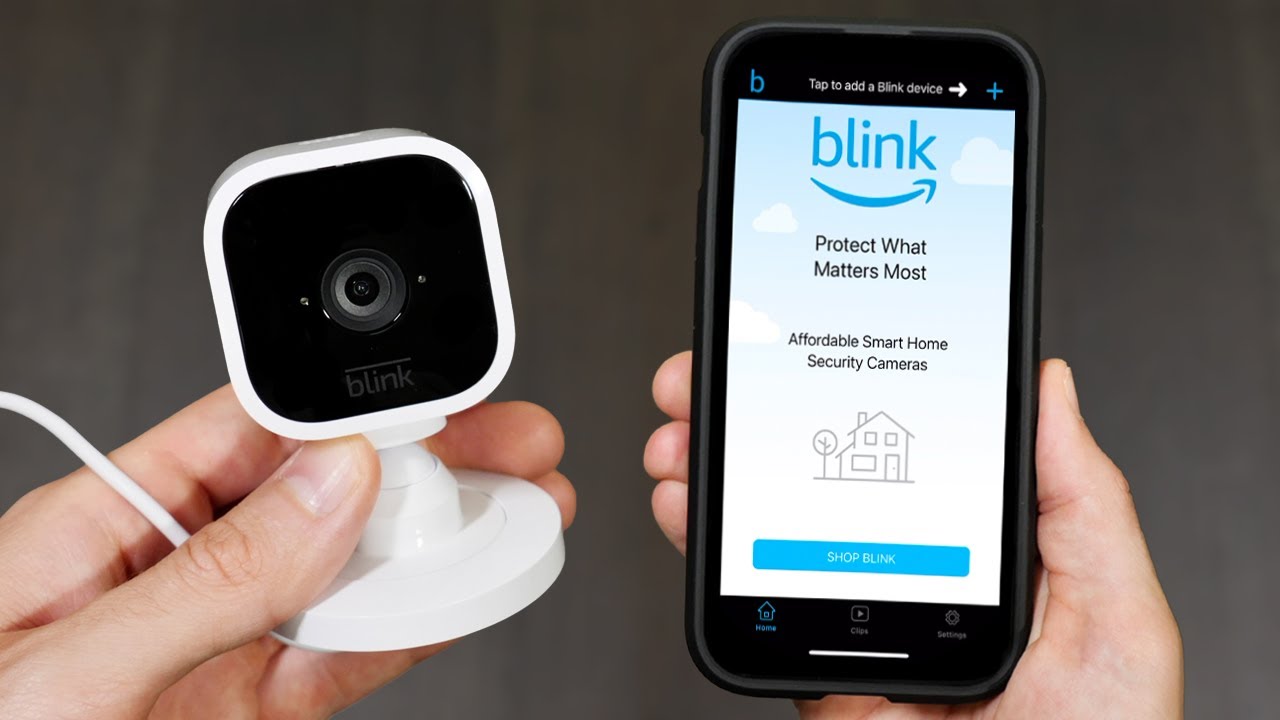
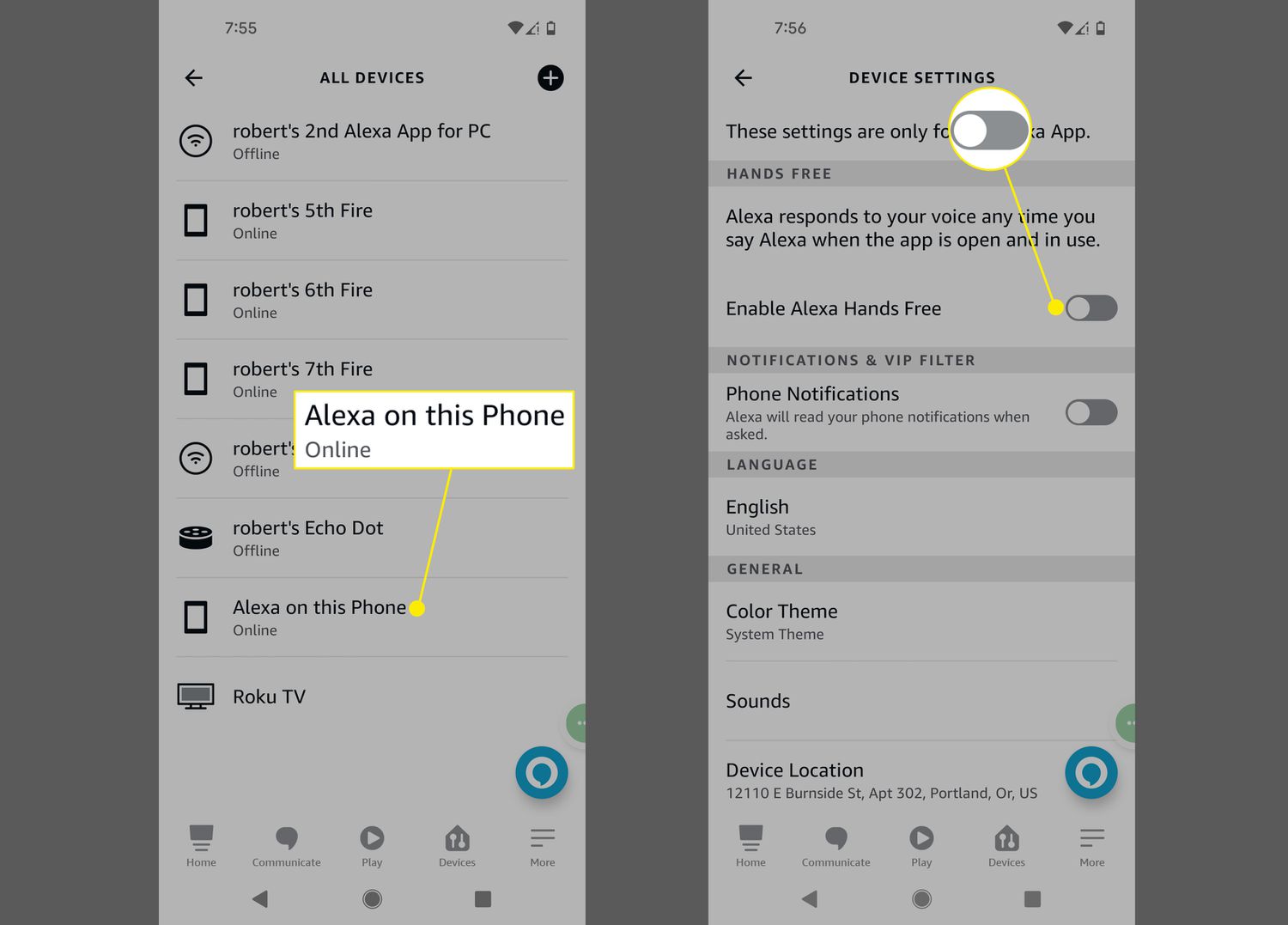
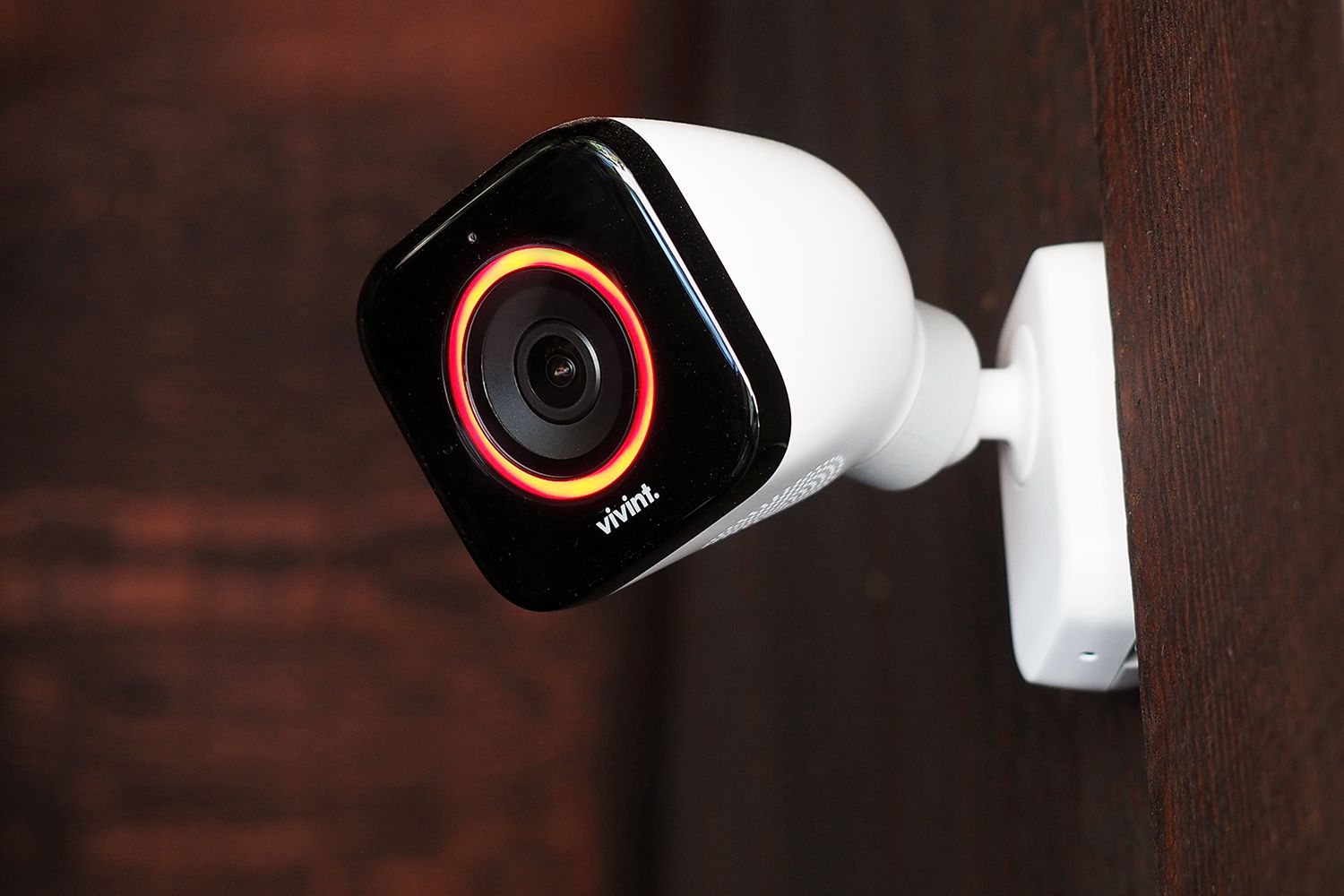
The articles here solve two main kinds of problems. One group focuses on power and performance, answering questions like how long the Nest Camera, Ring Stick Up Cam, and Arlo batteries last, and how to change batteries in a Ring Doorbell or Nest Thermostat. Another set tackles connection and control issues, such as how to add a phone to a Blink camera, how to open a gate with a phone, and how to switch to 2.4 GHz Wi-Fi on a Samsung phone. You’ll also find guides on using Alexa on an Android phone, setting up Vivint wireless cameras, and connecting Google Nest to a hotspot.
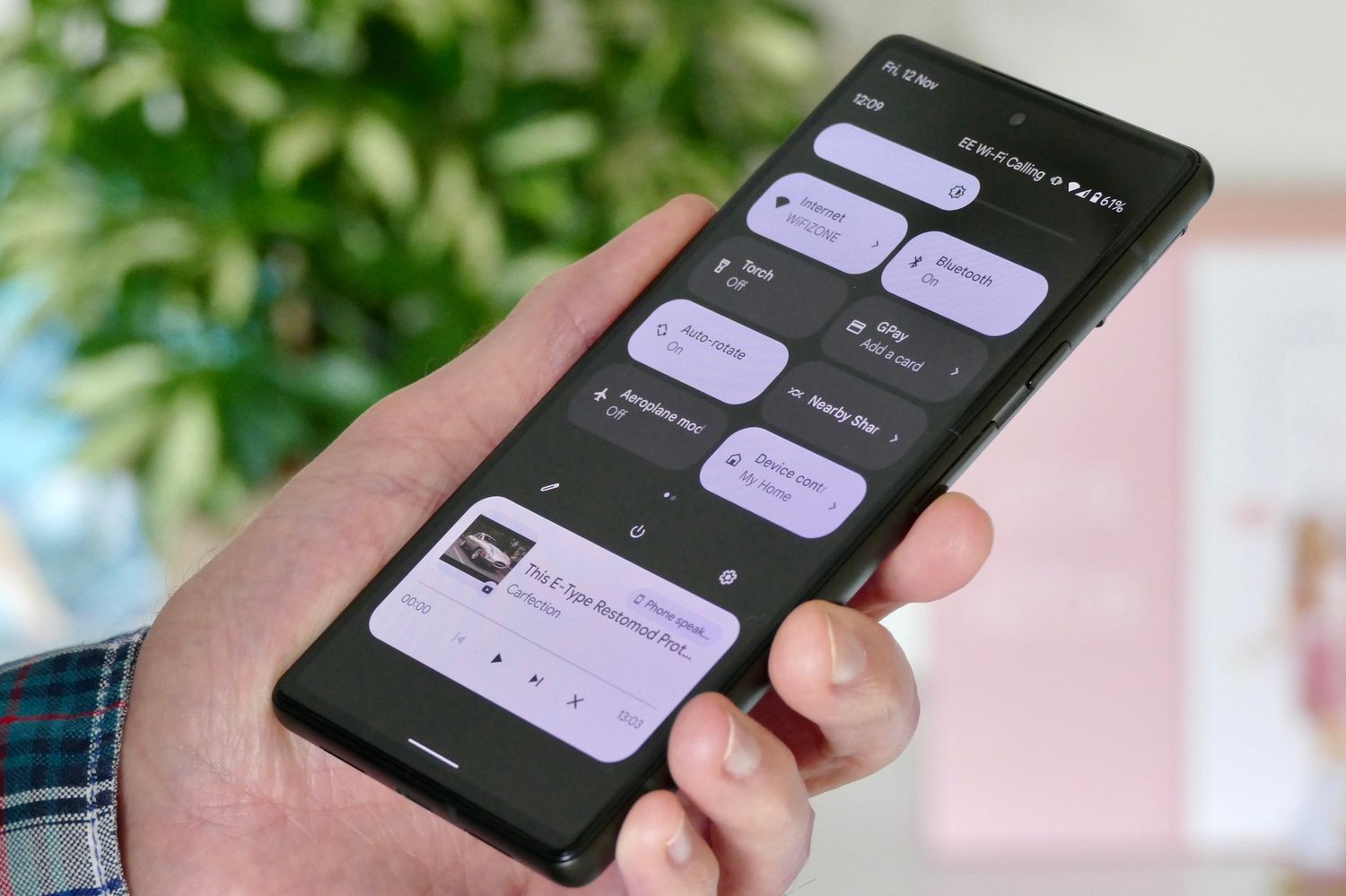
These articles help you do real things: keep your Ring camera from turning on at night, reset a Xiaomi air purifier, turn off device control on a Pixel 6, or install a wireless thermostat. Whether you’re wondering if Ring cameras work without Wi-Fi or what a Nest Chime Connector does, this tag gives you the direct answers and fixes you need to keep your smart home running smoothly.