A phone number extension is a short set of digits dialed after a main business number that routes a call directly to a specific person, department, or automated menu within an organization. Instead of dialing a separate line for each employee, you dial one main number and then the extension to reach the exact destination you need.
What is an extension on a phone number
A phone number extension is an added number used inside a business phone system to reach a specific person, department, or automated menu from one main line. It acts as a virtual address for an individual or team, allowing callers to bypass a general receptionist or automated attendant and connect directly to the intended recipient. Extensions are commonly found in businesses, government offices, schools, and healthcare facilities, and they work with traditional desk phones, mobile devices, softphones, and cloud-based systems.
How phone extensions work
Extensions are part of call routing in PBX (Private Branch Exchange) or cloud phone systems. When you dial a main business number and enter an extension, the phone system uses that short number to direct your call to the correct endpoint, whether that is a specific employee, a department queue, a voicemail box, or a call flow.
Extension mapping connects a short internal number to a user, team, or routing rule. Voicemail and call forwarding can also be tied to an extension, so if the person is unavailable, the call can go to voicemail, ring another device, or forward to a different number. This system eliminates the need for separate phone lines for each person and makes it easy to manage call routing across different phone number formats and digits.
Common types of extensions
Internal extensions
Internal extensions are numbers used inside a company phone system to reach an employee or department. Employees dial these short numbers, often three or four digits, to call colleagues without going through the main line.
Direct Dial-In (DDI) extensions
Direct Dial-In (DDI) extensions are direct numbers that reach a specific line without going through a general receptionist. External callers can dial a DDI number that maps directly to an employee's extension, bypassing the main menu entirely.
Virtual extensions
Virtual extensions are extensions that map to a person, team, voicemail, or routing rule in a cloud phone system. They are not tied to a physical phone line or device, so they can ring on mobile phones, softphones, or other internet-connected devices, making them ideal for remote and distributed teams.
Temporary extensions
Temporary extensions are provisioned for short-term use, such as for contractors, interns, or temporary staff, and can be easily created and deactivated as needed.
Mobile extensions
Mobile extensions are linked to employees' mobile devices, allowing them to seamlessly integrate their personal smartphones with the organization's telecommunication system.
Departmental extensions
Departmental extensions are designated for specific organizational departments, such as sales, customer service, human resources, or IT support.
How to dial an extension on an iPhone
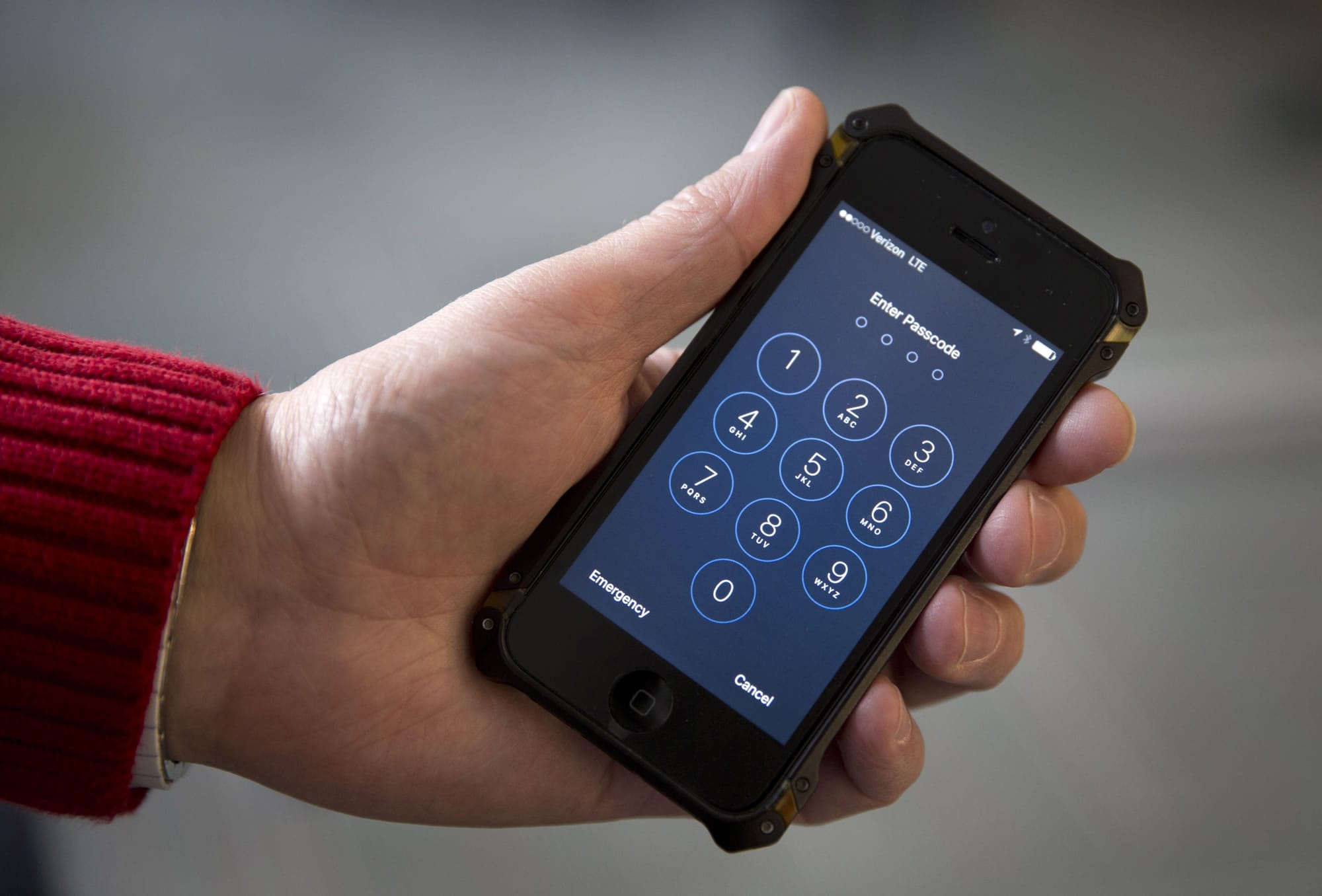
Apple documents that iPhone users can automatically dial an extension by adding a pause or wait after the main number. Follow these steps:
- Open the Phone app and enter the main number, or open Contacts, tap a contact, then tap Edit.
- In the phone number field, tap the control Apple shows in the edit screen, then choose Pause or Wait.
- Pause inserts a comma, which adds a two-second pause before the extension is dialed automatically.
- Wait inserts a semicolon and stops dialing until you tap Dial again to send the extension.
- After inserting the pause or wait, enter the extension number. When you call, the iPhone will either pause briefly and dial the extension, or wait for you to tap Dial before sending it.
Apple’s support confirms that if a number requires an extension, iPhone can enter it for you using these Pause and Wait options from the contact editing screen.
Frequently Asked Questions
Can phone number extensions be customized?
Yes, extensions can be customized to match specific departments, individuals, or functions within an organization.
Do phone number extensions incur additional costs?
In most cases, using extensions within a business phone system or VoIP solution does not add extra fees beyond the cost of the main line and service plan. However, some providers may charge for additional DDI numbers or advanced call routing features, so it is best to check with your specific provider.
Are phone number extensions only used in large organizations?
No, extensions are also used by small and medium-sized businesses to streamline communication and direct calls efficiently. Even a small team can benefit from extensions to reach specific employees or departments without going through a receptionist.
Can I dial an extension on an Android phone?
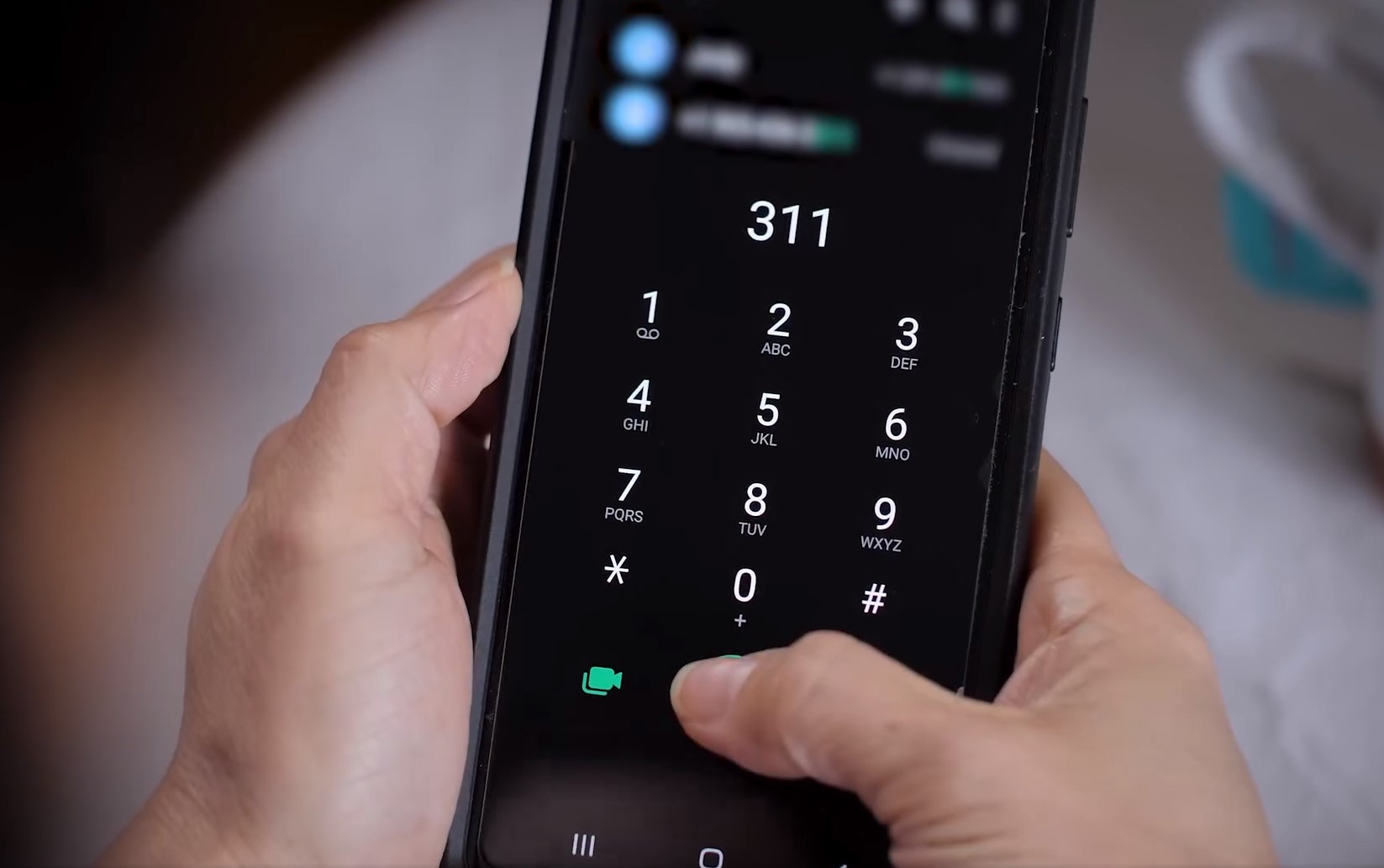
Many Android phones support dialing extensions by adding a pause or wait character in the phone number field, similar to the iPhone method. The exact menu path and button labels vary by manufacturer and Android version, so check your phone's user guide for the specific steps.
How long can a phone number extension be?
Extension length varies by phone system, but most businesses use extensions that are 3 to 5 digits long. The maximum length depends on the PBX or cloud system configuration, not the phone itself.
For the wider topic, see phone number formats and digits.
Related reading: What Is A Fixed Phone Number and What Is The Area Code In A Phone Number.