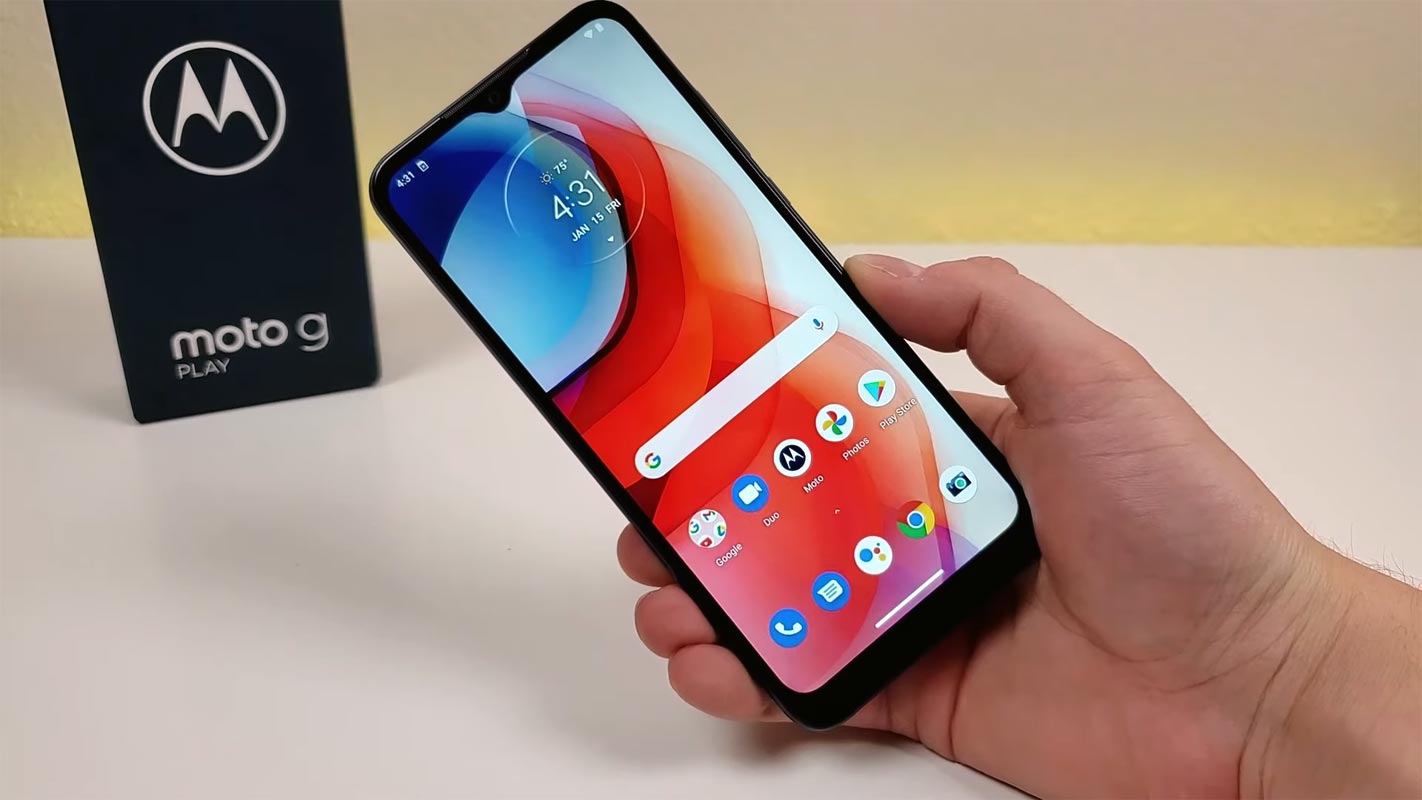
The Moto G Play is Motorola's annual budget phone line, and the current moto g play 2026 model features a 6.7-inch display and a 5,200 mAh battery. It is designed to deliver essential smartphone features at an affordable price, making it a reliable choice for everyday use.
Understanding the Moto G Play model years
Motorola releases a new Moto G Play each year, with distinct models like the 2023, 2024, and 2026 versions. The official Motorola support pages separate these models, meaning the 2024 model runs Android 13 and has different hardware than the latest 2026 edition. The 2024 user guide is for 'moto g play - 2024' and is not the same as the 2026 product page. When researching or buying, it is important to match advice and accessories to the specific year of your phone.
Key design and display features of the 2026 model
The 2026 Moto G Play has a verified 6.7-inch display, offering a large screen for watching videos and browsing. The 2023 Motorola support page documents model differences including HD+ display, 90Hz refresh rate, dimensions, weight, and IP52 water-repellent design. The rear-mounted fingerprint sensor offers convenient and secure access. The display features advanced technology that minimizes blue light without compromising color accuracy, reducing eye strain. The phone follows a practical, water-repellent design philosophy, which helps protect against accidental splashes.
Battery life and dual-SIM support
A standout feature of the 2026 model is its 5,200 mAh battery, which provides all-day power for typical usage. The phone also supports dual-SIM functionality, allowing you to use two SIM cards simultaneously, and it includes expandable storage via a microSD card. These features make it a strong option for users who need long battery life and flexible connectivity.
How to get started with your Moto G Play
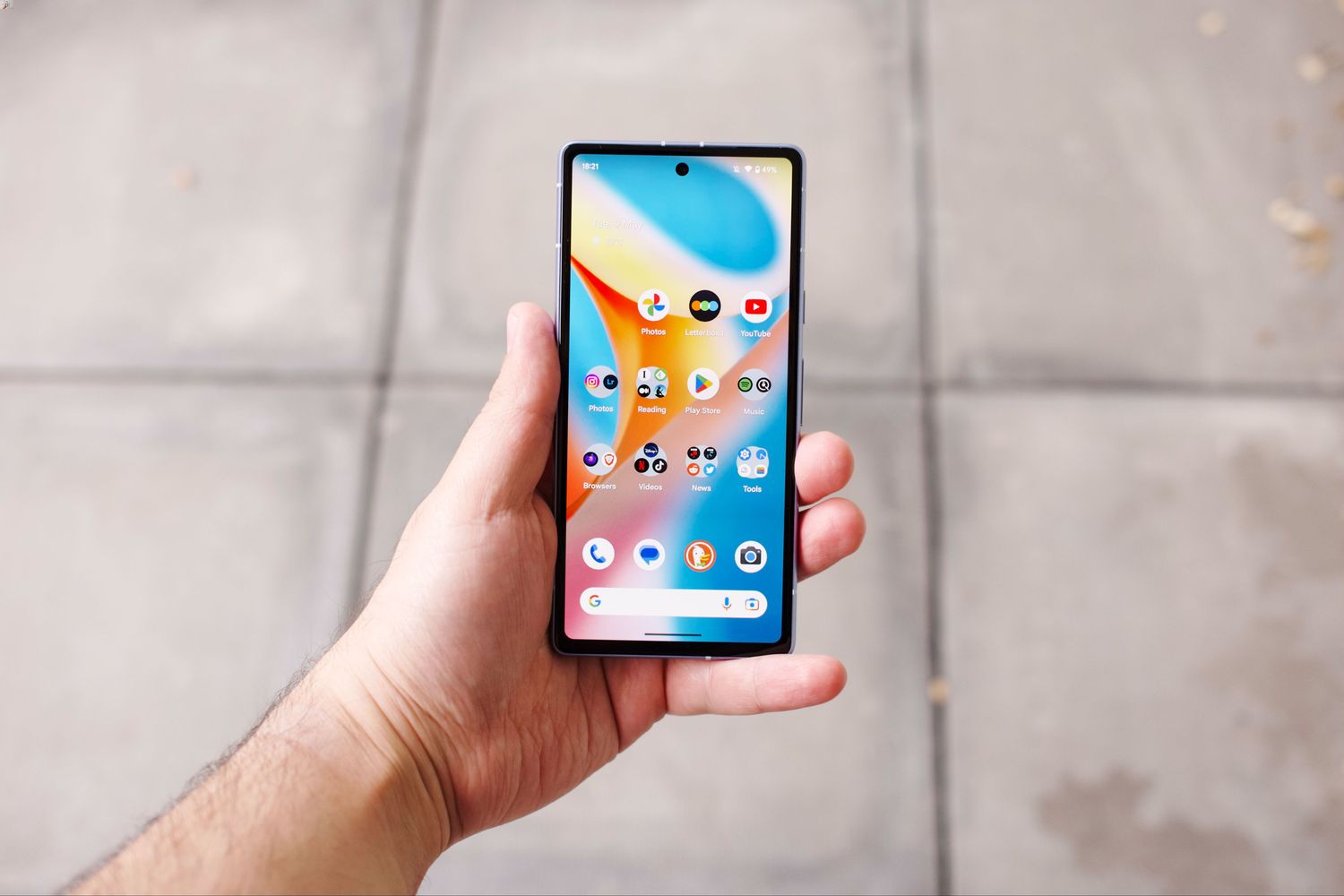
Setting up your Moto G Play is straightforward. To connect to Wi-Fi, open quick settings and tap the Wi-Fi tile to turn Wi-Fi on. For downloading apps, open the Play Store app, browse by category or search, then tap an item to see a description, read reviews, and download it. If you need a specific app, the official help pages also note that you can download the app you want to use from Play Store.
Frequently Asked Questions
What is a Moto G Play?
The Moto G Play is a budget-friendly smartphone from Motorola that offers core features like a large display, long battery life, and a clean Android experience at an accessible price.
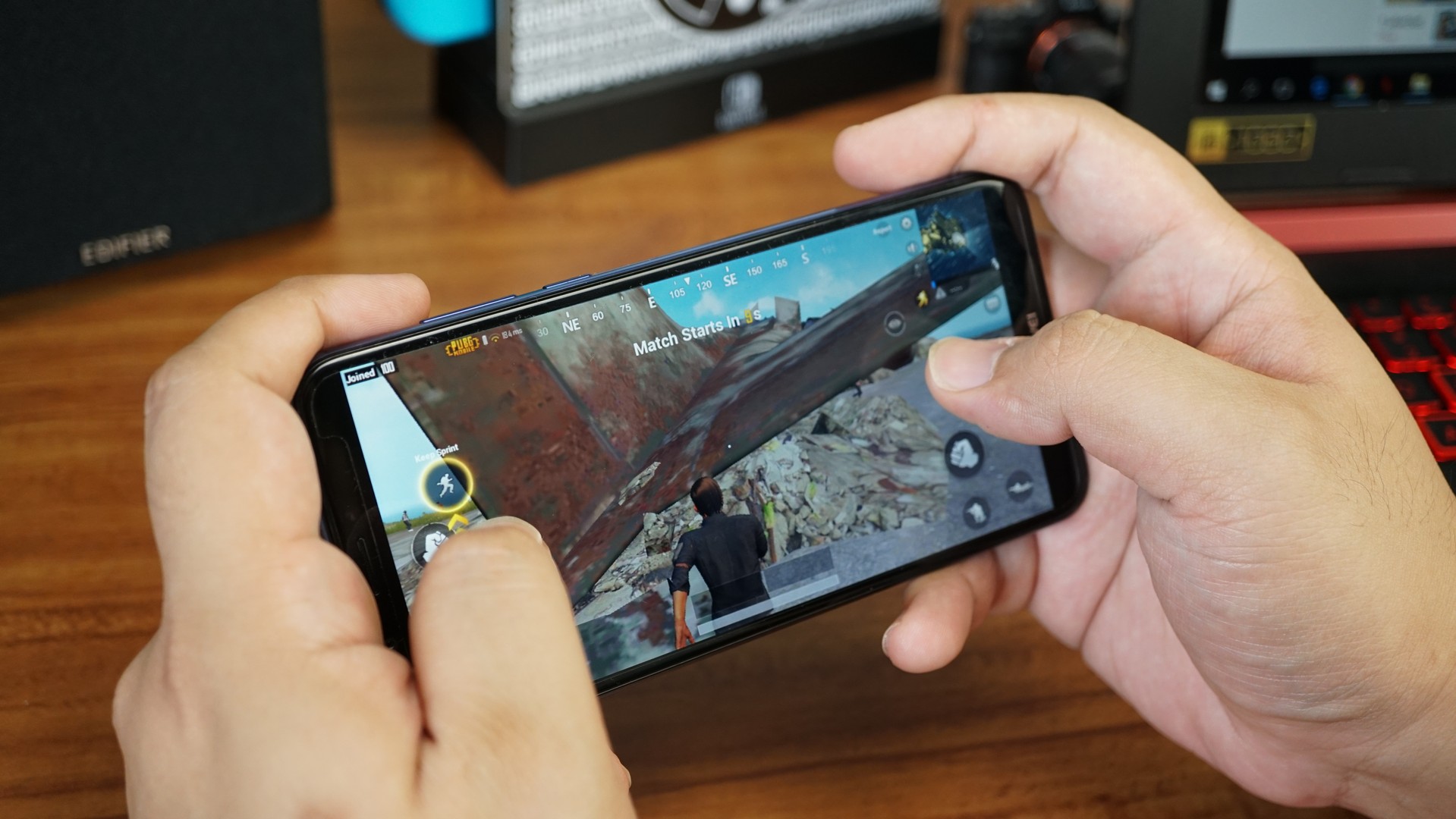
Is the Moto G Play suitable for gaming?
While the Moto G Play is not designed for high-end gaming, it can handle casual games and everyday apps smoothly. Its performance is optimized for standard tasks like browsing, streaming, and social media.
Does the Moto G Play support expandable storage?
Yes, the Moto G Play typically supports expandable storage via a microSD card, allowing you to increase storage capacity for photos, videos, and apps. This feature is confirmed for the 2026 model.
What sets the Moto G Play apart from other smartphones in its price range?
Clean Android experience, reliable performance, timely software updates.
How do I turn on a Motorola Razr flip phone?
Turning on a Motorola Razr flip phone is different from the Moto G Play. For the Razr, press and hold the power button located on the side of the device until the screen lights up and the phone vibrates.