






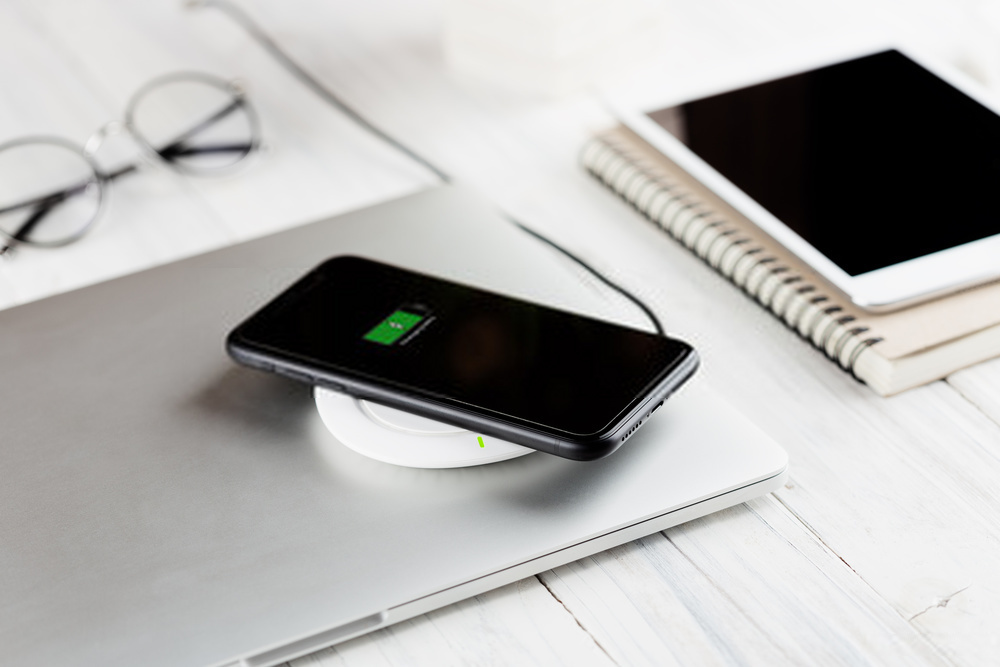
To check if your phone is Qi-enabled, look for the official Qi logo on your device or its packaging as a reliable indicator of certification. Most iPhones from iPhone 8 and newer models, and most Samsung Galaxy devices released since 2017, are Qi-enabled, so if you have one of those, you are likely set.
Is my phone Qi-enabled? Here's how to check
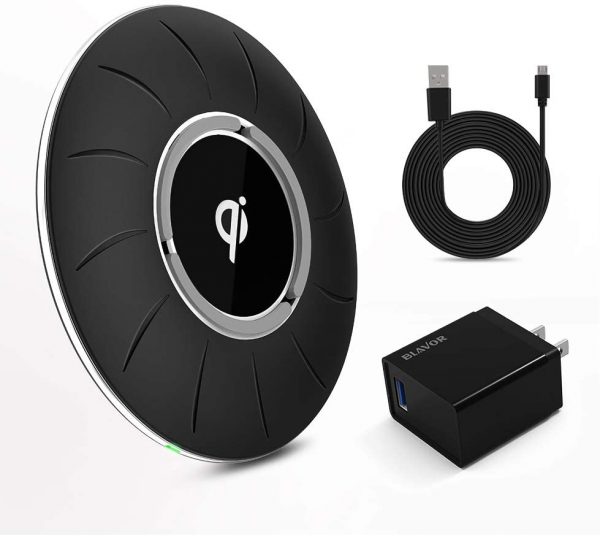
The quickest way to confirm is by using one of these three methods. First, inspect your phone or its original packaging for the official Qi logo, a stylized letter "Q" inside a circle. Second, visit the Wireless Power Consortium (WPC) website and search their certified product database by your phone's model number. Third, check your manufacturer's official specifications online or in the user manual for "Qi wireless charging" or "wireless charging compatible."
What is Qi wireless charging?
Qi (pronounced "chee") is the global standard for wireless charging, developed by the Wireless Power Consortium (WPC) in 2008. It uses inductive charging coils, a transmitter coil in the charging pad and a receiver coil inside your phone, to transfer power through a magnetic field. Inductive charging requires the transmitter and receiver to be tightly coupled, ideally less than 7 mm apart, to transfer power efficiently. Resonant charging allows for charging coils that are further away and only need loose coupling, but it is less efficient than inductive charging. The Qi standard primarily used inductive charging, but later versions included resonant charging, making backward compatibility possible with future Qi chargers. Because Qi became the frontrunner early on, most smartphone manufacturers adopted it, making it the most ubiquitous wireless charging technology available.
How to really know if your phone is Qi-certified
For definitive verification, use the WPC's official certified product database. Be aware of a common misconception: terms like "Qi compatible" or "Works with Qi" do not guarantee certification. Only products bearing the official Qi or Qi2 logo and listed in the WPC's database have passed rigorous safety and interoperability tests conducted by independent laboratories. These tests ensure your device works reliably across different manufacturers and meets strict energy efficiency standards.
Popular Qi-enabled phone models
This scannable list covers major models known to be Qi-enabled. Early adopters of Qi-enabled phones included Android manufacturers like LG, HTC, and Nokia. For Apple, this includes iPhone 8, 8 Plus, X, XR, XS, XS Max, 11, 11 Pro, 11 Pro Max, SE (2020), 12, 12 Mini, 12 Pro, 12 Pro Max, 13, 13 Mini, 13 Pro, and 13 Pro Max. For Samsung, models include Galaxy S7, S8, S8+, S9, S10, S10e, S10 Plus, S10 5G, S20, S20 Ultra, S21, S21+, S21 Ultra, S22, S22+, S22 Ultra, Note 8, Note 9, Note 10, Note 10+, Note 10+ 5G, Note 20, and Note 20 Ultra. Other popular models include Google Pixel 3, 3 XL, 4, 4 XL, 5, 6; Huawei Mate 20 Pro, Mate 30 Pro, P30 Pro, P40 Pro, P40 Pro+, and Huawei 11; and OnePlus 8 Pro, 9, and 9 Pro.
How to use a Qi wireless charger
Setting up your phone wireless charging setup and compatibility is straightforward. Follow these steps:
- Connect your Qi charger to a power source.
- Place the charging pad on a flat surface or as recommended by the manufacturer.
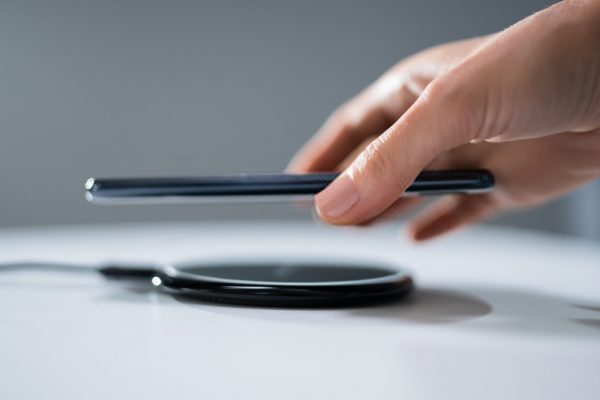
- Place your Qi-enabled device on the charging pad with the display facing up.
- Align your device with the charging pad's coils, using any markings on the pad as a guide. If none are present, consult the pad's manual.
Common Qi charging problems and fixes
Several issues can interrupt wireless charging. A thick, metal, or battery phone case can block the charge, so remove your case before placing your phone on the pad. Vibrations from calls or notifications can shift your device and interrupt charging; consider turning off vibration or enabling Do Not Disturb. Also, note that wireless charging is typically slower than wired charging, though higher-wattage chargers are emerging with newer standards like Qi2.
What if my phone isn't Qi-enabled?
If your phone lacks built-in Qi, you can use a wireless charging adapter. An internal adapter plugs into your charging port and sits beneath your phone case, while an external adapter is typically a case itself. Internal adapters can be hidden with a regular case, but not all phones are compatible, so check your model's compatibility before purchasing.
Frequently Asked Questions
Can I use any Qi charger with any Qi-enabled phone?
Yes, Qi is a global standard, so any Qi-certified charger should work with any Qi-certified phone, though charging speed may vary depending on the wattage supported by both devices.
Does a glass back mean my phone supports wireless charging?
Not necessarily. While many Qi-enabled phones have glass backs because metal interferes with wireless charging, a glass back is not a guarantee. Always verify using the Qi logo or manufacturer specifications. Metal backs limit wireless charging capabilities because metal hijacks power, resulting in power loss and slower charging.
Can I still charge my phone with a case on?
It depends on the case. Thin, non-metal cases generally work, but thick, metal, or battery cases can block the signal. If your phone doesn't charge, try removing the case.
Is Qi charging safe for my phone's battery?
Yes, Qi-certified products undergo rigorous testing for safety and energy efficiency, making them safe for your phone's battery when used as intended.
What is the difference between Qi and Qi2?
Qi2 is the newer standard that includes a magnetic alignment feature, similar to Apple's MagSafe, to ensure proper positioning for faster and more efficient charging.














