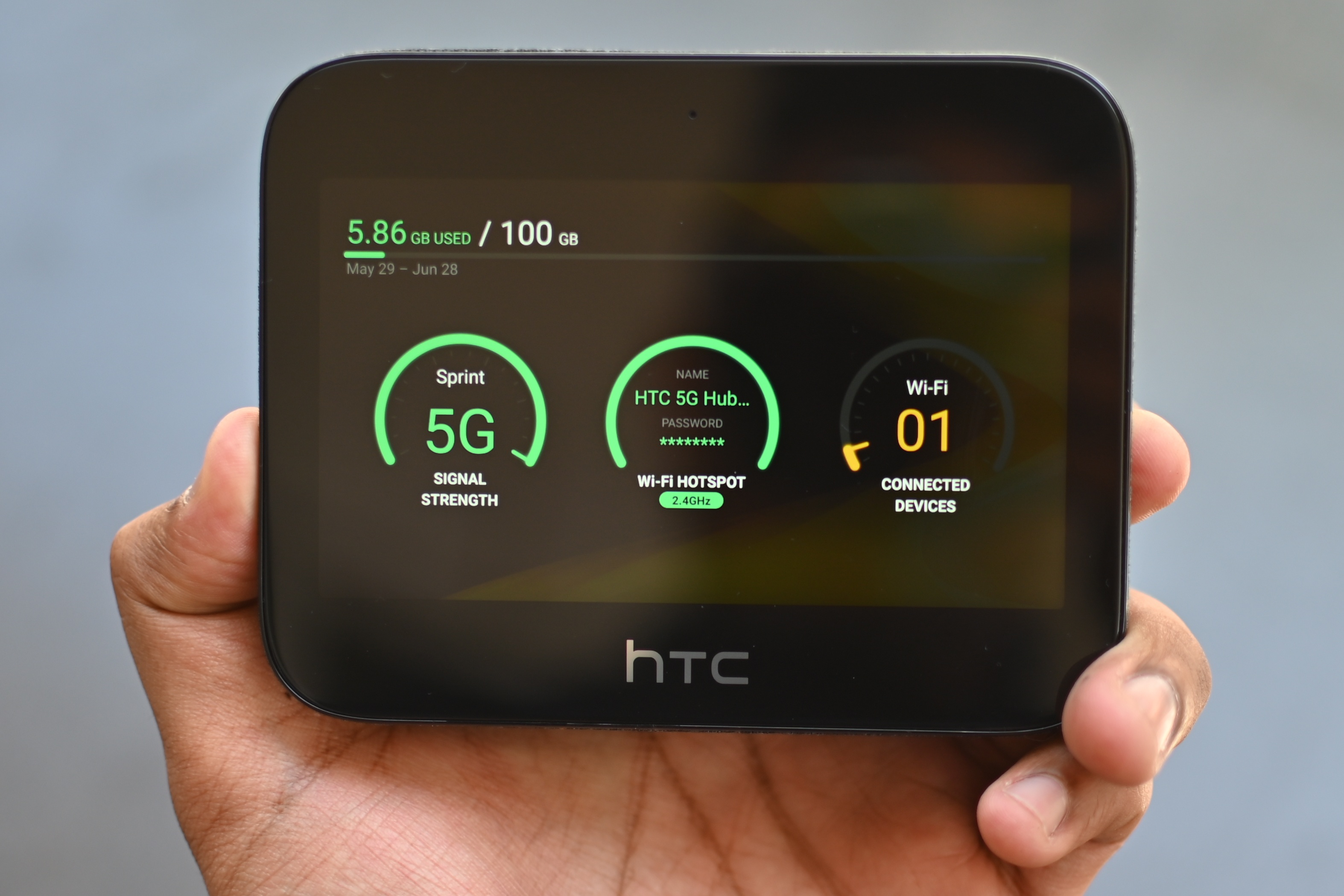
100GB of hotspot is a data allowance, not a fixed number of hours. No official source provides a universal conversion from 100GB of hotspot to hours, because the actual time depends entirely on what your connected devices are doing.
Is 100gb of hotspot a time limit or a data limit?
100GB is strictly a data limit, a cap on the amount of information you can send and receive through your hotspot. It is not a timer. The only exact, documented facts about hotspot usage are the setup steps and the understanding that a hotspot uses your phone’s cellular data connection. Because different activities consume data at vastly different rates, no carrier or device manufacturer publishes a single “100GB = X hours” rule.
What a hotspot actually does
A personal hotspot on iPhone and a Wi‑Fi hotspot on Android or Pixel create a portable Wi‑Fi network. Other devices connect to that network and access the internet through your phone’s cellular data connection. This turns your phone into a temporary wireless router, letting laptops, tablets, or other phones go online wherever you have a cellular signal.
How to set up your hotspot on iPhone and Android
iPhone
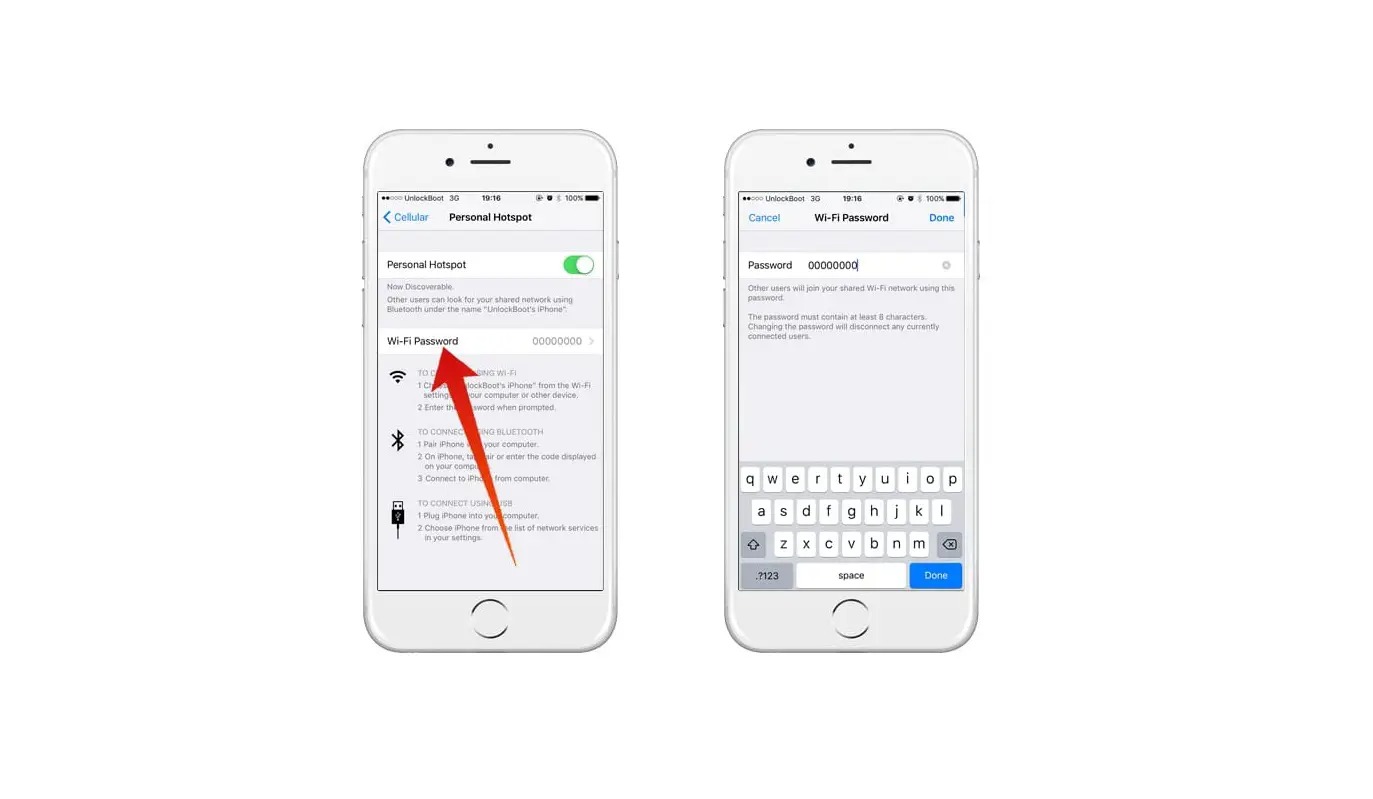
- Open Settings > Personal Hotspot, or Settings > Cellular > Personal Hotspot.
- Turn on Allow Others to Join.
- If Personal Hotspot does not appear, check that your carrier has enabled it and your plan supports it.
- Apple documents Settings > Personal Hotspot > Maximize Compatibility for these models: iPhone 12 or later, iPad Pro 11-inch (3rd generation or later), iPad Pro 12.9-inch (5th generation or later), and iPad mini (6th generation).
iPhone supports three connection methods: Wi‑Fi, Bluetooth, and cable.
Android / Pixel
- Open Settings > Network & internet > Hotspot & tethering > Wi‑Fi hotspot.
- Turn on Wi‑Fi hotspot.
- If Hotspot is not in Quick Settings, swipe down and tap Edit to drag Hotspot into Quick Settings.
- To remove the password requirement, Android says swipe down, touch and hold Hotspot, then under Security tap None.
On Pixel devices, you can configure the hotspot name, security type, and hotspot password in those settings.
What determines how long 100GB will last you
Four key factors control how quickly you burn through your 100GB of hotspot:
- Types of online activities: Streaming high-definition video uses far more data per hour than browsing text-based websites or checking email. Online gaming and video calls fall somewhere in between.
- Number of connected devices: Each device sharing the hotspot consumes its own data. More devices mean faster depletion of your 100GB allowance.
- Streaming quality: Higher resolutions (like 4K) use significantly more data. Choosing lower-quality streams can stretch your hotspot data allowances.
- Phone settings: On supported Apple devices, enabling Maximize Compatibility can affect how data is delivered to connected devices, which may influence overall usage.
How to check your carrier's hotspot rules
Carrier plans and hotspot data allowances vary widely. Some plans include hotspot data as part of a shared pool, while others have separate caps or may throttle speeds after a certain threshold. Carrier-specific hotspot caps can vary, but no carrier help page retrieved here documented a single standard '100GB hotspot = X hours' rule. To know exactly what your 100GB of hotspot means, check your specific plan details through your carrier’s website, app, or customer support.
Frequently Asked Questions
How can I monitor how much hotspot data I've used?
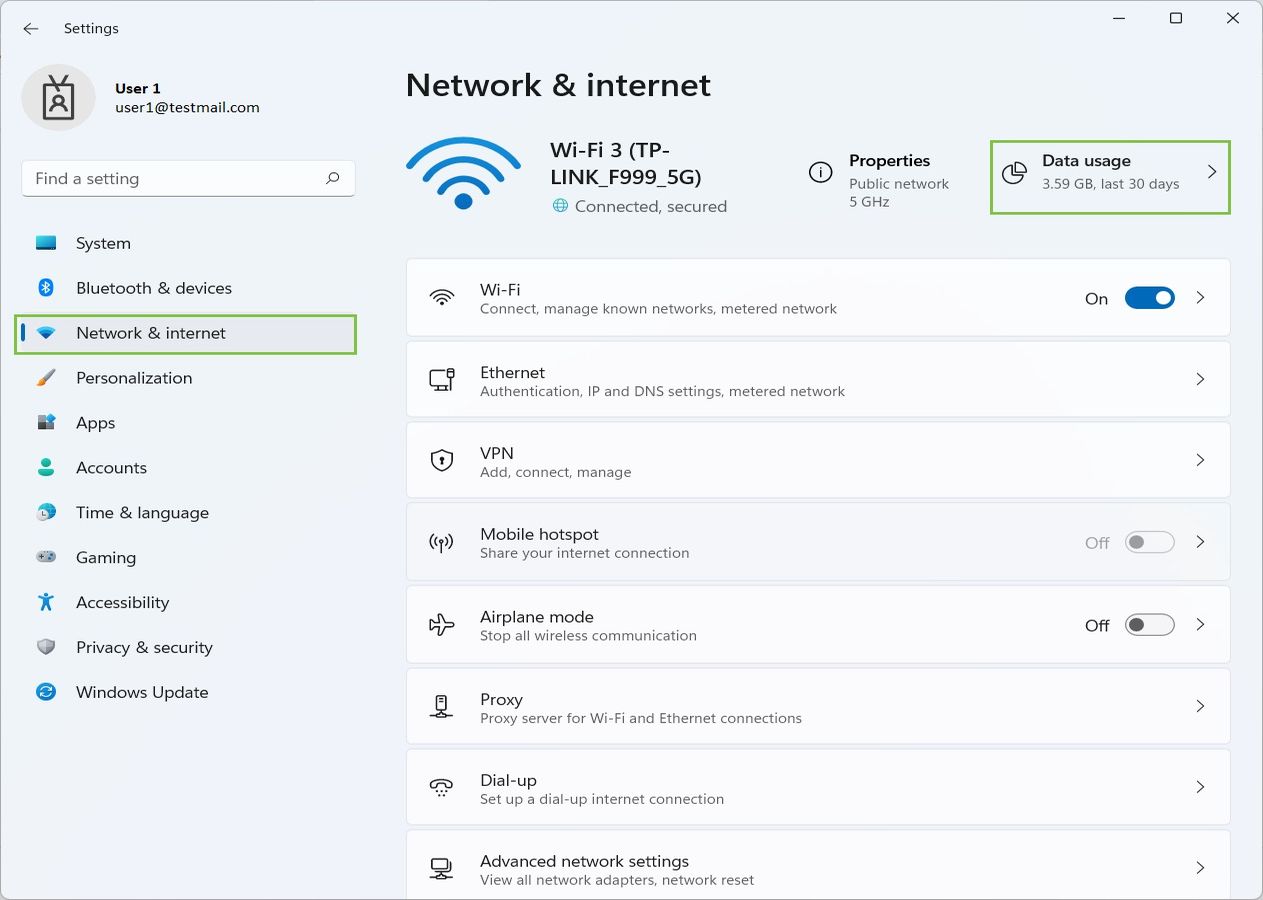
Most phones have built-in data tracking. On iPhone, go to Settings > Cellular and scroll to see Personal Hotspot usage. On Android, go to Settings > Network & internet > Data usage. Many carriers also offer usage tracking in their mobile app.
What happens if I exceed my 100GB hotspot limit?
It depends on your carrier and plan. Some carriers throttle your hotspot speed to a much slower rate for the rest of the billing cycle. Others may charge overage fees or cut off hotspot access entirely until your next cycle starts. Always review your plan's terms for the specific penalty.
Is 100GB of hotspot enough to stream movies?
It can be, but streaming high-definition video consumes about 3GB per hour. At that rate, 100GB would allow roughly 33 hours of streaming. If you stream in standard definition, you could get significantly more hours. Background app updates and other connected devices will reduce that total.
Does connecting more devices use more data even if no one is actively streaming?
Yes. Each connected device may perform background tasks like checking for email, syncing photos, or updating apps, all of which consume small amounts of data. Over time, these background processes add up and reduce how long your 100GB lasts.
Can I use my 100GB hotspot for online gaming?
Yes. Most online multiplayer games use between 40MB and 300MB per hour, meaning 100GB could provide hundreds of hours of gameplay. However, game updates and downloads can be very large, a single update may use several gigabytes, so factor those into your total usage.
Related reading: How To Limit Hotspot Usage and How To Bypass Verizon Hotspot Limit.