






The best news apps for Android and iOS depend on whether you want algorithm-driven personalization, a traditional wire service, or a read-it-later tool. This curated list covers 15 top options, from AP News and Google News to Pocket and Reddit, helping you find the right match for your reading habits, platform, and budget.
How to choose the best news apps for your phone
Picking the right news app starts with your content type. If you want breaking global headlines, a traditional source like AP News or Reuters works. For niche topics or blogs, an RSS reader like Feedly or Inoreader gives you full control. Platform matters: Apple News is iOS-only, while most others work on both Android and iOS. Cost ranges from free (with ads) to subscription tiers for premium sources like The Economist. Consider your reading habits, do you need offline reading, video-first coverage, or lock screen headlines? The list below matches each app to a specific strength.
AP News
AP News provides comprehensive worldwide coverage from the Associated Press, a traditional wire service with reporters covering sports, entertainment, tech, lifestyle, business, and even quirky oddities. The app includes photo galleries, videos, and radio news, plus customizable notifications for topics you choose. Note that the iPhone app requires iOS 16.0 or later, and Android support is also available. AP News iPhone app requires iOS 16.0 or later.

Apple News
Apple News is a built-in curation app for iPhone and iPad, pulling content from a variety of sources with editor-curated feeds and a personalized algorithm that improves with use. To follow topics on iPhone, open News, then tap a channel or topic to follow it. On iPad, in the sidebar tap the plus sign next to topics you want to follow, or tap Discover Channels & Topics and tap the plus sign for each channel. To stop seeing something on iPad, touch and hold it, then choose Block Channel, Block Topic, or Stop Suggesting. To reduce story types in Today on iPad, go to Settings > News, turn on Restrict Stories in Today, then confirm. In News on iPhone and iPad, you can read stories, share them, report a concern, and use Shared with You if it is enabled in Settings > Apps > Messages > Shared with You. Apple News+ adds access to over 300 magazines like Wired, Time, and The Wall Street Journal. Apple News+ stories and issues appear in Today, Best of News+, and channel feeds, and on iPad you can browse News+, My Magazines, and back catalog issues from News+. Apple’s guide also documents News widgets and syncing News across Apple devices.
BBC News
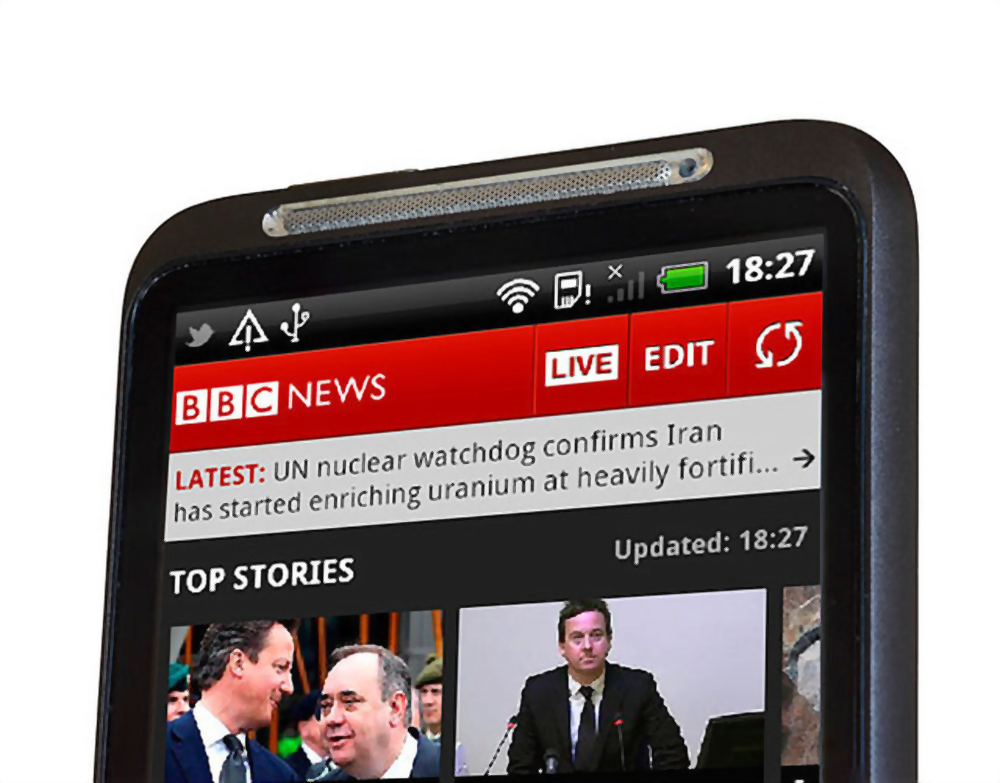
BBC News is known for trusted, unbiased reporting with a live-streaming channel built into the app. It offers personalized news curation, urgent push alerts, and asks for permission before using your data. The app is available on both Android and iOS, making it a cross-platform choice for reliable international coverage.
CNN News
CNN News focuses on video-first coverage with original CNN content, condensed stories with photos and headlines, and a large variety of articles. It primarily targets users in the United States, so international readers may find less relevance. The app is available on both iOS and Android.

Feedly
Feedly is an RSS reader that aggregates blogs, social media accounts, keywords, and websites into a single feed. The free version lets you follow topics and sources, while the paid tier ($7/month) adds better article search, integrations to save content to other services, and automation through IFTTT and Zapier. Available on iOS and Android.

Flipboard presents news in a magazine-style interface that is visually engaging and easy to flip through. You can follow hundreds of topics to create a personalized feed, and the app is available on Android, iOS, Microsoft, and macOS in 21 languages. It is free to use.

Google News
Google News delivers personalized news using an algorithm that learns from your habits, pulling sources from around the world. Google News setup on iPhone and iPad: download the Google News app, then search for topics, sources, and locations you want to follow. You can view daily headlines for quick reads or full coverage without curation. Stories and publications are downloadable for offline reading. The app is free on both iOS and Android.
Inkl
Inkl offers premium ad-free news from top publishers like The Washington Post, Straits Times, and The Economist for a $15 monthly subscription. It provides an interface to follow topics, related articles with different perspectives, and a good news section. You can also try paid content with a prepaid option in $10 increments, reading articles for 10 cents each. Available on iOS and Android.
Inoreader
Inoreader is an advanced RSS reader with automation tools for power users. It aggregates RSS feeds, social media posts, and blogs, and lets you save content to services like Google Drive and Pocket or share via scheduling tools like HootSuite. The pro subscription ($50 annually) unlocks unlimited feed subscriptions, content filtering, and rule-based automation. Available on iOS and Android.

Microsoft News
Microsoft News provides curated publications from a wide list of sources, including traditional news channels, newspapers, and entertainment magazines. It offers widgets for quick access on your home screen, dark mode, offline saving, and cross-device syncing through your Microsoft account. Available on iOS and Android.
News Break
News Break focuses on local news with a "For You" and "Following" tab system. Its Instant News mode shows headlines on your lock screen, and the app includes a dark mode and easy social sharing. Availability is limited by country, so check if it works in your region. Compatible with iOS and Android.
Pocket is a read-it-later tool that saves links, news stories, and articles from apps, emails, or browsers for later viewing in a reader-friendly format. It syncs across all devices, offers text-to-speech, and a premium subscription adds an ad-free experience, a Permanent Library, and more powerful search and sorting tools. Available on iOS and Android.

Reddit provides community-driven news and discussions through subreddits covering virtually any topic, from /r/Android to /r/Movies. Major events are often posted and upvoted by the community, giving you a sense of public opinion. You may need to filter content since it is not a traditional news site, but the app includes themes and night mode. Available on iOS and Android.
Reuters
Reuters offers global news with 2,500 reporters across 200 locations, including financial and stock market coverage. The app provides breaking news, personalized feeds, location-based stories, editorial highlights, and the ability to save articles for later. It also includes a night mode. Available on iOS and Android.

SmartNews
SmartNews organizes news from multiple sources into a clutter-free interface designed for one-minute reads. Categories help you browse quickly, and the algorithm surfaces fresh content. Be cautious, as some sources include opinion blogs. Available on iOS and Android.
Pick the news app that fits your reading style
Match the app's strengths to your priorities: use AP News for traditional wire coverage, Apple News for iOS curation, Google News for personalization, or Pocket for saving articles. Try multiple apps to see which interface and features suit you best. For managing saved articles across devices, remember that Pocket handles this well alongside your phone photos and media management needs.
Frequently Asked Questions
Can I use these news apps without creating an account?
Most apps like AP News, BBC News, and CNN News allow browsing without an account, though personalization features may be limited. Apple News and Google News require an Apple ID or Google account for full functionality.
Are there free news apps that work offline?
Yes, Google News and Microsoft News offer offline reading by downloading stories. Pocket also saves articles for offline viewing, though its free tier has storage limits.
Which news app is best for avoiding biased reporting?
AP News and Reuters are known for neutral, wire-service reporting. BBC News also has a reputation for balanced coverage. For multiple perspectives, Inkl shows related articles from different sources.
Do any of these apps support text-to-speech?
Pocket includes a text-to-speech feature that reads saved articles aloud. Other apps like Google News and Apple News do not offer this natively, though you can use your device's screen reader.
How do I manage storage when saving articles for offline reading?
Google News and Microsoft News store downloaded articles within the app, which can be deleted after reading. Pocket stores saved links and text, not full media, so it uses less storage. Regularly clearing your offline downloads helps manage space.
Related reading: 15 Best Voice Changer Apps for Android and iOS, 15 Best Twitter Apps You Should Try for iOS and Android, and 12 Best Soundboard Apps You Can Download on Android and iOS.



![26 Best Productivity Apps For Android and iOS [100% Free to Use]](/wp-content/uploads/2019/10/andreas-klassen-gZB-i-dA6ns-unsplash.jpg)

![15 Best Karaoke Apps That Are Totally Free [Android And iOS]](/wp-content/uploads/2021/01/karaoke-app.jpg)







