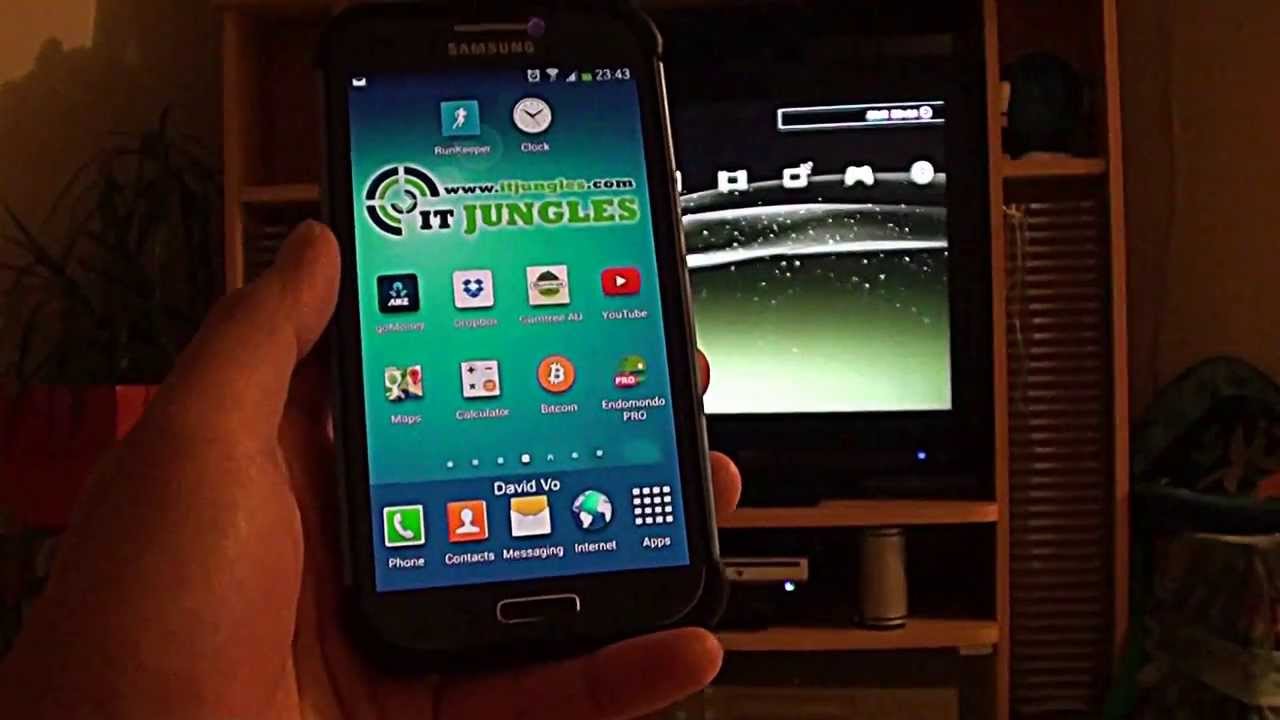
To connect a mobile hotspot to PS3, you turn your phone into a portable Wi‑Fi router and then set the console to join that network. This lets you play online games or stream content on your PS3 when no regular Wi‑Fi is available, using only your phone’s cellular data.
What you need to connect a mobile hotspot to PS3
You need a phone with an activated carrier plan that includes Personal Hotspot service, and a PS3 system that has built‑in wireless LAN support. Make sure no Ethernet cable is connected to the PS3 during the wireless setup, because the console will prioritize a wired connection and may not detect the hotspot. The PS3 wireless setup page says an Ethernet cable must not be connected during wireless setup.
Enable the mobile hotspot on your phone
On an iPhone, open Settings, tap Cellular, then tap Set Up Personal Hotspot. If you see Settings > Personal Hotspot directly, you can use that instead. Turn on Allow Others to Join. If the option is not available, first make sure Cellular Data is on in the same Cellular menu. Apple says you can only share the iPhone’s cellular connection, not a Wi‑Fi connection you are already using. On iPhone 12 or later, iPad Pro 11‑inch (3rd generation or later), iPad Pro 12.9‑inch (5th generation or later), or iPad mini (6th generation), you can turn on Maximize Compatibility in Settings > Personal Hotspot. This setting helps older devices, like the PS3, detect and stay connected to the hotspot. On Android phones, the hotspot menu path varies by manufacturer and carrier, but you generally find it under Network & internet or Connections settings.
Connect your PS3 to the mobile hotspot
Follow these steps on your PS3:
- Go to Settings > Network Settings > Internet Connection Settings.
- Choose Easy, then Wireless, then Scan.
- Select your hotspot’s network name (SSID) from the list. Confirm the SSID and choose the security type your hotspot uses. On the PS3, after selecting the wireless network, you must choose the security type and enter the encryption key.
- Enter the hotspot’s password (encryption key) exactly as you set it on your phone.
- Save the settings and run the connection test to confirm everything works.
If the connection test passes, your PS3 is now using the mobile hotspot for online play and streaming.
Troubleshooting connection problems
If the PS3 cannot find the hotspot or fails the connection test, check that your phone’s hotspot is active and that cellular data is on. Stay within 30 feet (10 meters) of the phone for the best signal. Apple says the devices should be within 30 feet (10 meters) for Instant Hotspot use. Verify the password you entered on the PS3 matches the hotspot password exactly. If you have a newer iPhone, turn on Maximize Compatibility in Settings > Personal Hotspot to improve compatibility with older Wi‑Fi standards used by the PS3. Also confirm that no Ethernet cable is plugged into the PS3 during setup.
Frequently Asked Questions
How much data does gaming on a hotspot use?
Monitor your data usage in your phone’s settings to avoid exceeding your plan’s limit.
Can I play online games over a cellular hotspot?
Yes, but the experience depends on your cellular signal strength and network latency. A strong 4G or 5G signal with low ping is usually sufficient for most online games, though you may notice occasional lag.
Does my carrier plan need to support hotspot tethering?
Yes. Apple states that Personal Hotspot requires an activated carrier plan that includes the service. Some carriers charge extra for tethering or limit hotspot data, so check your plan before connecting your PS3.
Can I use the same steps to connect a hotspot on PS4?
Yes, the process is nearly identical. On a PS4, go to Settings > Network > Set Up Internet Connection, choose Use Wi‑Fi, then Easy, and select your phone’s hotspot. The same hotspot settings on your phone apply.
Can I connect a hotspot to Xbox using the same method?
Yes, you can connect a hotspot to Xbox by going to Settings > General > Network Settings > Set Up Wireless Network on the Xbox, then selecting your phone’s hotspot and entering the password. The phone’s hotspot setup is the same.
Why doesn’t my PS3 see the hotspot?
Your PS3 may not see the hotspot if the phone is broadcasting on a 5 GHz band that the PS3 does not support. Turn on Maximize Compatibility on iPhone hotspot to force the phone to use 2.4 GHz, which the PS3 can detect. On Android, check the hotspot settings for a band selection option.