To play Rainbow Six Siege Mobile, you download the tactical 5v5 first-person shooter from your device's app store, then master its Attack vs. Defense gameplay through the in-game tutorial. This beginner's guide covers everything from installing the game and linking your account to choosing Operators and learning the destructible environments that define the core experience.
How to play rainbow six siege mobile: a beginner's guide
Rainbow Six Mobile delivers a tactical 5v5 first-person shooter experience with Attack vs. Defense gameplay, inspired by Rainbow Six Siege. Players alternate roles each round, playing as either an Attacker or a Defender. The game features classic Rainbow Six Siege maps adapted for mobile, including Bank, Border, Clubhouse, Oregon, and Villa. Environments are destructible, allowing players to breach walls, floors, and ceilings to create new tactical opportunities. Unlike the gun-focused progression of COD Mobile weapon unlocks, success here depends on operator abilities, map knowledge, and team coordination rather than grinding for better firearms.
Downloading and installing the game
Find Rainbow Six Mobile on the Apple App Store or Google Play Store, then download and install it on your device. Check device compatibility by visiting the Ubisoft Mobile Technical Support and Help Center for minimum phone and OS requirements. The age rating for Rainbow Six Mobile is 18+ in most territories due to local regulations and platform policies. After installation, launch the game and create an account or log in to an existing one to track progress and unlock rewards.
Linking your ubisoft connect account for rewards
Players can link their Ubisoft Connect Account to Rainbow Six Mobile to receive special rewards. This connection also lets you track progress across devices. To link, navigate to the settings or account section within the game and follow the prompts to sign in with your Ubisoft credentials.
Completing the tutorial and learning controls
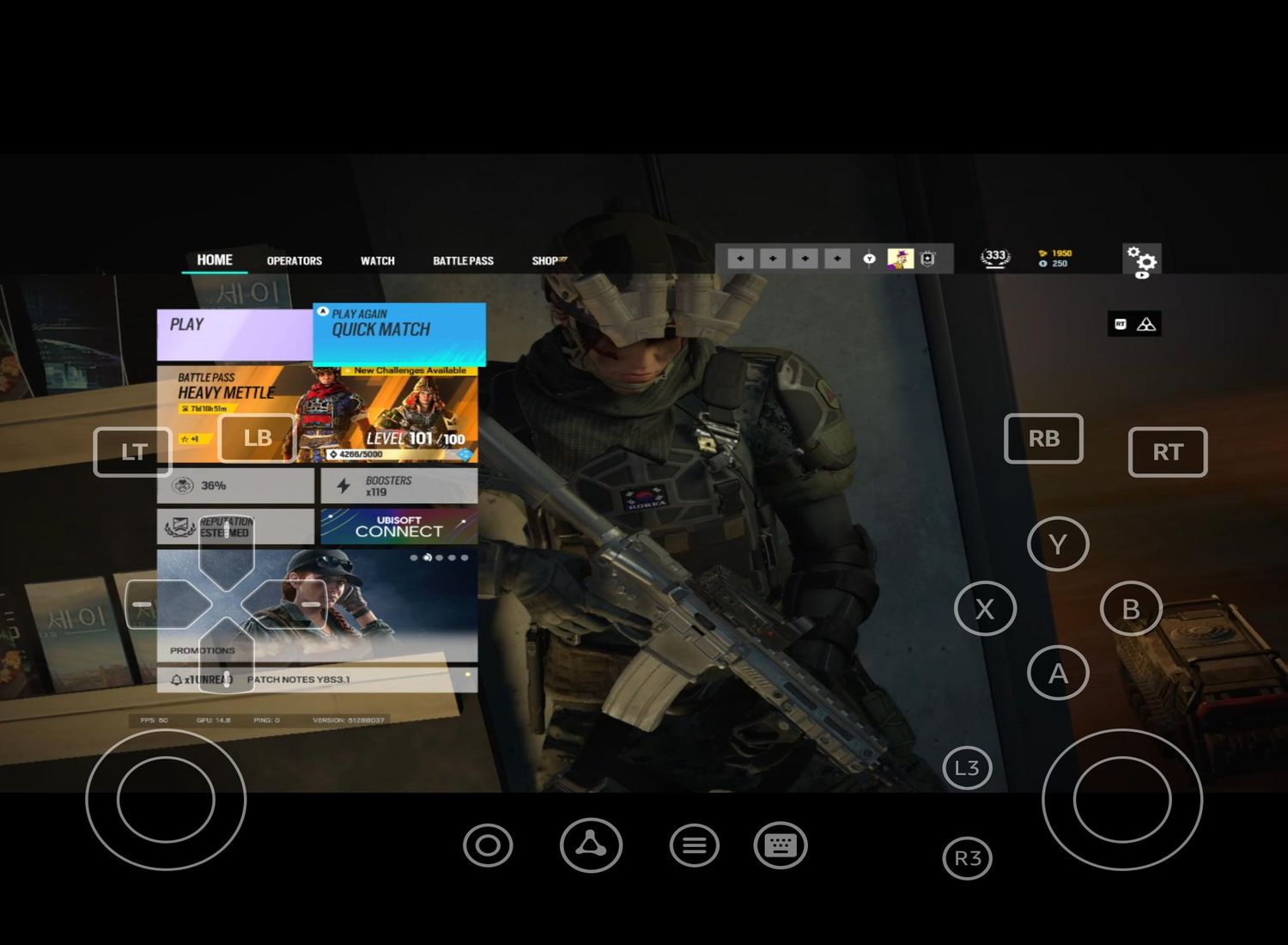
Before diving into matches, complete the in-game tutorial. It introduces core mechanics such as movement, aiming, and using gadgets. Rainbow Six Mobile is optimized for mobile devices with intuitive controls, a customizable HUD, and support for responsive touch controls and controller compatibility. Adjust the HUD layout to suit your preferences and practice with different control schemes to find what feels best. The game offers a Training mode for practicing aim, learning maps, and familiarizing with operators.
Understanding attack vs. defense rounds
Players alternate between Attacker and Defender roles each round. Attackers breach and push objectives, using gadgets to open walls and floors while gathering Intel with drones. Defenders fortify and hold positions, reinforcing walls, setting traps, and using cameras to spot incoming threats. This role-switching requires adapting your strategy every round based on your team's position and the objective. The game includes a Quick Match mode for a casual multiplayer experience. The game includes a Ranked mode for competitive play, matching players of similar skill level. Competitive play requires reaching a certain level to unlock the mode. The game includes a Custom Games mode to create private matches with custom settings. The game includes limited-time Event Modes with modified rules, maps, or objectives. The game includes Co-op Missions to team up against AI-controlled enemies.
Choosing your first operators
Rainbow Six Mobile includes more than 20 Operators, many of whom are familiar from Rainbow Six Siege, such as Ash, Mute, and Dokkaebi, each with unique abilities and gadgets. Attackers like Ash bring breaching charges and speed, while Defenders like Mute jam enemy drones and gadgets. Dokkaebi can hack defender phones to reveal their locations. Select operators that complement your team, if your squad lacks Intel, pick a Recon operator; if you need heavy breaching, choose a Utility-focused Attacker. Operator classes include Support, Recon, and Utility, each with a specific role.
Learning the maps and destructible environments
The game features adapted Siege maps including Bank, Border, Clubhouse, Oregon, and Villa. Destructible environments let you breach walls, floors, and ceilings to create new sightlines and flanking routes. Learn key room callouts and common defender positions on each map. Practice breaching soft surfaces with shotgun or breaching charges, and remember that reinforced walls require specific gadgets like Thermite's exothermic charge to open.
Essential gameplay tips for new players
- Use drones for Intel before entering buildings as an Attacker, and park them in safe spots for later surveillance.
- Reinforce defensive positions as a Defender, prioritizing walls that connect to the objective room and exterior walls.
- Communicate with teammates via voice chat to share enemy positions, gadget locations, and planned movements.
- Manage reloads carefully, reload during safe moments, not in the middle of a firefight.
- Adapt strategies mid-match based on enemy behavior, available operators, and remaining time.
- Secondary weapons include machine pistols.
- Utility equipment includes barricades, barbed wire, deployable shields, flashbangs, and frag grenades.
- Use drone denial gadgets like Mute's jammers or Mozzie's pest to counter enemy drones.
Building teamwork and communication skills
Use voice chat effectively by giving clear, concise callouts for enemy positions (e.g., "Ash on stairs" or "Mute jammer in hallway"). Coordinate attacks by timing breaches and pushes together, and coordinate defenses by assigning roles like roamer, anchor, and trap-setter. Share information about destroyed gadgets and open sightlines. Build trust with teammates by supporting their plays, reviving downed allies, and sticking to the agreed plan. Consistent communication leads to better match outcomes and faster improvement.
Frequently Asked Questions
Is Rainbow Six Mobile free to play?
Yes, Rainbow Six Mobile is free to download and play. It offers in-app purchases for cosmetic items and optional content, but these do not affect core gameplay or give competitive advantages.
Can I play Rainbow Six Mobile on a tablet?
Yes, the game is optimized for both smartphones and tablets. Tablet users often benefit from a larger screen and may find the customizable HUD easier to adjust for their preferred layout.
Does Rainbow Six Mobile have cross-play with PC or console?
No, Rainbow Six Mobile is a separate game designed specifically for mobile devices and does not feature cross-play with the PC or console versions of Rainbow Six Siege.
How do I unlock new operators in Rainbow Six Mobile?
Operators are unlocked by earning Renown through matches and completing challenges. Some operators may also be available through seasonal events or premium battle passes, but all can be earned through regular gameplay.
Related reading: How To Play Fortnite On Mobile Xbox and How To Get Valorant On Mobile.