






To unlock a T-Mobile phone, your device must meet specific eligibility criteria, and the process is free of charge. Once eligible, T-Mobile will automatically and remotely unlock your device within two business days if it supports remote unlock, or send you instructions if it does not.
T-Mobile phone unlock eligibility requirements
T-Mobile unlocks mobile devices that meet specific eligibility criteria free of charge. Your device must have been sold by T-Mobile, not be reported as lost, stolen, or blocked, and the account associated with it must be in good standing with no fraudulent activity. If the device was financed or leased through T-Mobile, all payments must be satisfied and the device paid in full. Devices with JUMP! On Demand and an active Equipment Installment Program (EIP) payment plan cannot be unlocked. If the device is associated with a canceled account, the account balance must be zero.
Postpaid accounts: The device must have been active on the T-Mobile network for at least 40 days on the requesting line.
Prepaid accounts: At least 365 days must have passed since the device was activated on the T-Mobile network. Alternatively, if the device was activated less than 365 days ago, the account must have had more than $100 in refills during that period for each active line, and more than 14 days must have passed since the device was purchased. No more than two mobile device unlocks are allowed per line of service in the last 12 months for prepaid accounts.
How to check your T-Mobile unlock status
Before starting the process, log in to your T-Mobile account and go to the Accounts page. Select the line you wish to unlock, then choose "Check device unlock status" under "Device details." Under the device image, you will see whether your device is eligible to be unlocked.
How to unlock a T-Mobile Android phone
For most Android devices, the unlock process is often done through a "Device Unlock" app or a "Network Unlock" setting in the phone's settings. For Android devices, the unlock process can also be done through a general 'Device Unlock' app (not just the Pixel-specific one). Make sure you have a T-Mobile SIM inserted or a T-Mobile eSIM set up on the device before proceeding.
Samsung phones:
- Navigate to Settings > Connections > More Connection Settings > Network Unlock. From your list of apps, choose Settings > Network & Internet > Mobile Networks as an alternative path for some Android devices.
- Select Network Unlock > Continue > Permanent Unlock as a specific menu sequence for some Android devices.
- Wait for the unlock to complete, then restart your device.
OnePlus phones:
- Go to Settings > Wi-Fi & internet > SIM & network.
- Select "Advanced" or "Network Unlock," then choose "Permanent Unlock."
Google Pixel devices:
- For Google Pixel devices, ensure a T-Mobile SIM is inserted before using the unlock app. Access the Play Store and download the "T-Mobile Device Unlock (Pixel)" app.
- Open the app and choose "Check eligibility."
- Select "Permanent Unlock," then wait for the unlock to complete.
- Restart your device.
After a permanent unlock, always restart your device to complete the process.
How to unlock a T-Mobile iPhone
For iPhones, once eligibility requirements are met, you must initiate the unlocking process by contacting T-Mobile customer service to submit a form. Contact T-Mobile customer care by dialing *611 from your T-Mobile handset or by calling 1-877-746-0909. T-Mobile may request proof of purchase or additional information. Once the unlock is approved, the device will automatically accept SIM cards from another provider after inserting a new SIM.
What is a T-Mobile temporary unlock?
A temporary unlock is available for 30 days, allowing you to use a foreign SIM card while traveling abroad. This feature can be requested up to 5 times per year and differs from a permanent unlock because it is time-limited and intended for international travel only.
Benefits of unlocking your T-Mobile phone
Unlocking your T-Mobile phone gives you the freedom to switch carriers, use local SIM cards while traveling internationally to avoid roaming charges, and increases the phone's resale value since unlocked devices appeal to a broader market. When you need to compare options for unlocking carrier phones from Verizon, AT&T and T-Mobile, having an unlocked device simplifies the process of switching networks entirely.
Frequently Asked Questions
Will unlocking my T-Mobile phone void my warranty?
Unlocking your phone may void any warranty or insurance coverage you have with T-Mobile. Check your specific warranty terms before proceeding.
Can I unlock a T-Mobile phone that is still under contract?
No. The device must be paid in full, and if financed or leased, all payments must be satisfied before it can be unlocked.
How long does the T-Mobile unlock process take?
If your device supports remote unlock, T-Mobile will automatically unlock it within two business days of eligibility. If not, they will send a notification with next steps within the same timeframe.
What happens if I insert a non-T-Mobile SIM before the unlock is complete?
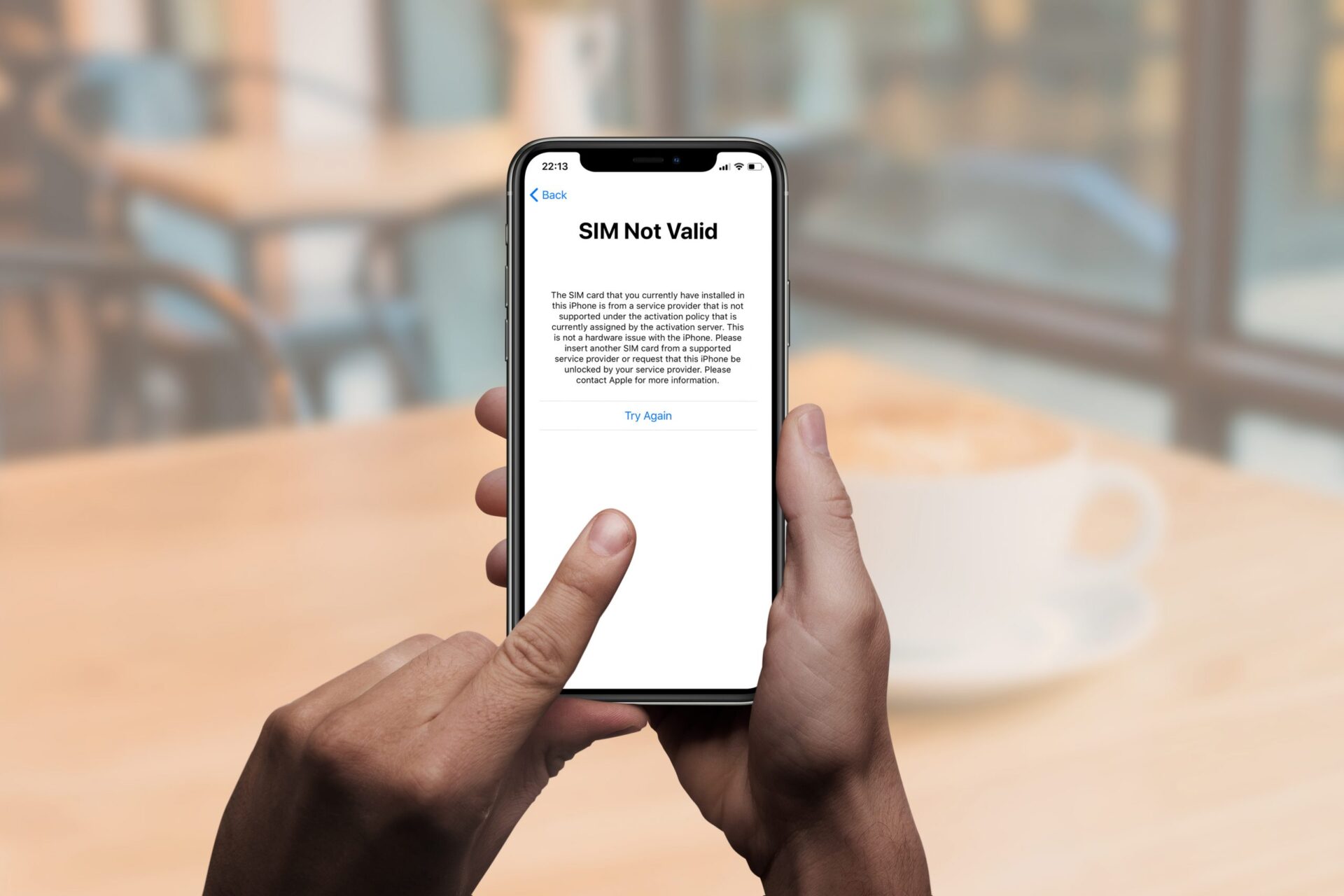
Your phone will not recognize the new SIM and will either display an error message or remain locked to the T-Mobile network until the unlock process is fully completed.
Can I unlock a T-Mobile phone that was reported lost or stolen?
No. The device must not be reported as lost, stolen, or blocked to be eligible for unlocking.













