What unlocking a carrier phone actually means
Before you take any action, it helps to know exactly what an unlocked phone mean in practical terms: a locked device only works with a SIM card from its original carrier, while an unlocked device can accept another carrier’s SIM or eSIM as long as the hardware is compatible with that service. This distinction is separate from porting your number, and confusing the two can cause you to lose your number entirely. You will also encounter the phrase international version mean when buying unlocked phones for travel. It simply refers to a device that can use a local SIM card when you are abroad, though whether the phone actually works overseas still depends on the specific bands the device supports and the carrier you choose at your destination. T-Mobile requires that the device must not be reported as lost, stolen, or blocked, the account must be in good standing, the device must have been active on the T-Mobile network for at least 40 days (postpaid) or 365 days (prepaid), and if financed or leased, all payments must be satisfied before they will approve an unlock.
Check if your phone is already unlocked
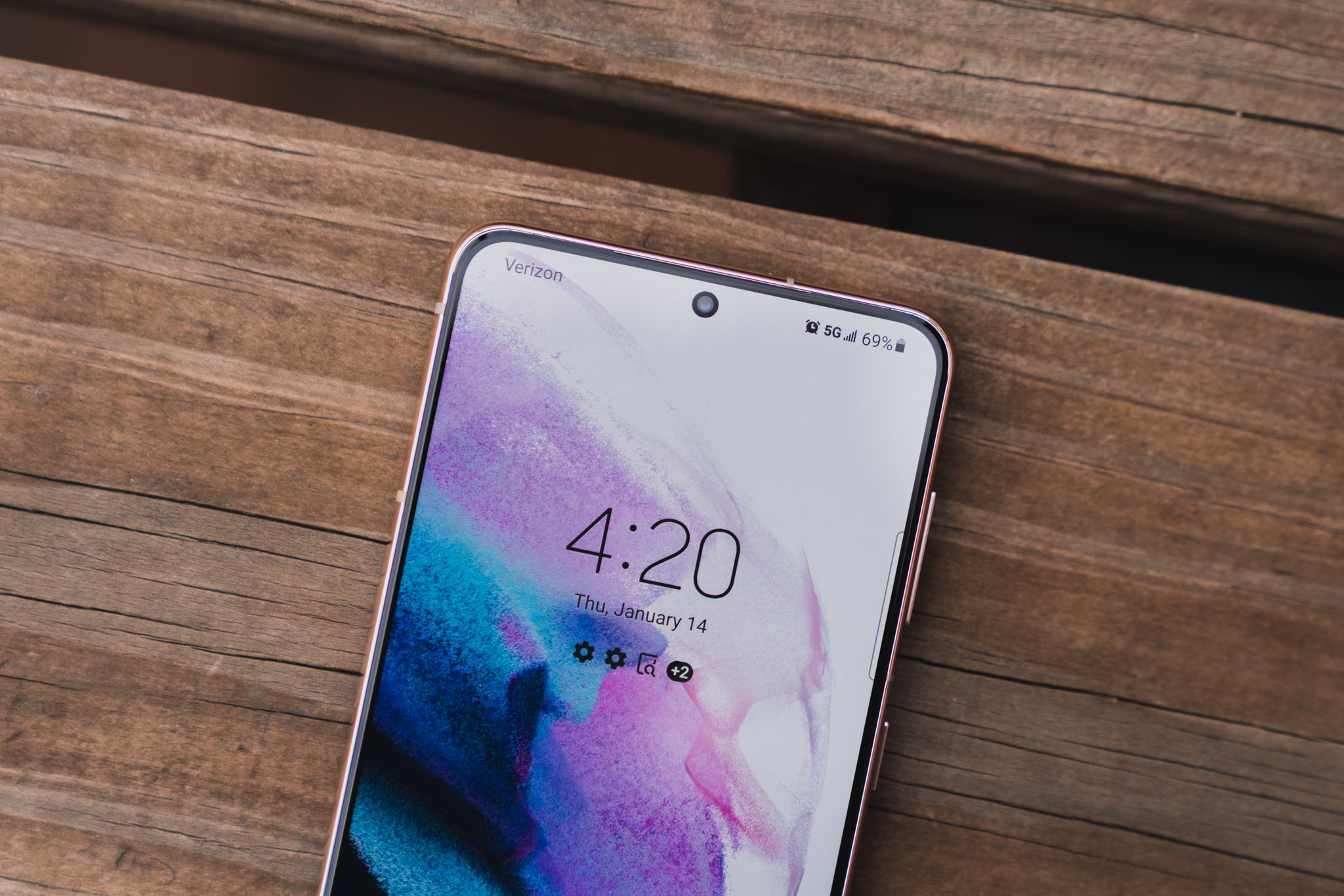
Before you spend time on a carrier’s unlock portal, open your phone’s configuration and confirm whether it actually still has a service restriction. On many Android models, including recent Samsung devices, the clearest indicator is a dedicated status screen. For example, if you navigate to Settings > Connections > More connection settings > Network lock status and see the word “Unlocked,” your device already has no carrier restrictions, while a “Locked” status means it is still tied to its current provider. A second quick method to help tell if Android phone is unlocked is to turn off automatic selection under Mobile networks and scan manually; seeing multiple available carriers usually points to a freed device, whereas a single result suggests it is still restricted.
Samsung owners have a few extra tools, depending on the model’s age. You can check if Samsung phone is carrier locked by looking at the Service provider software version inside Settings > About phone > Software information; if that field ends in ATT/ATT, it originated on AT&T. On a newer device, the Network lock status under More connection settings gives you the same answer. If you specifically want to check if Galaxy S21 is unlocked, these built-in status screens are the fastest way to see its current state without a SIM swap. A carrier release frees the hardware, whereas moving your phone number to a different provider is a completely different process, and seeing a freed status here only confirms the hardware is open. Carriers still require the device to be paid off and meet their minimum active-service period before they will process a release.
Unlocking from the major postpaid carriers
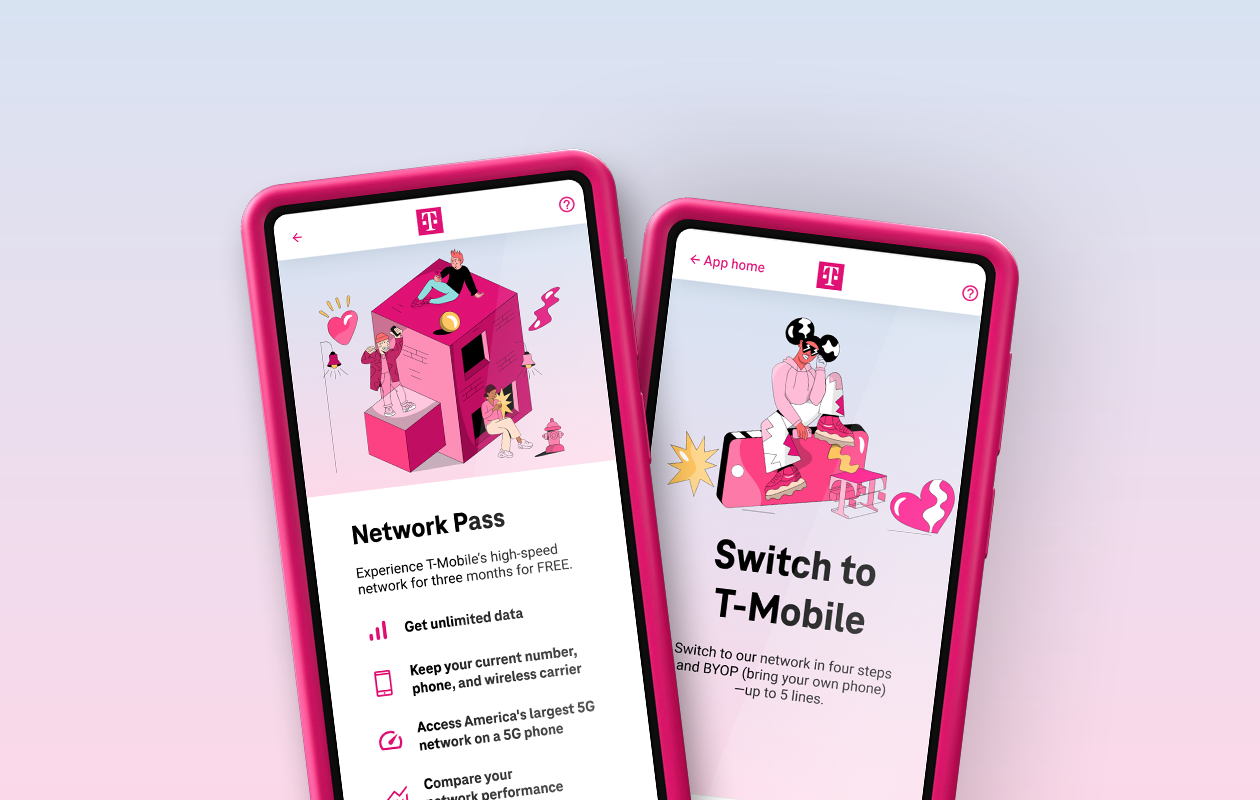
Starting a device restriction removal directly with your postpaid carrier means following each provider's specific eligibility clock and request path. For AT&T, you submit a request through their online portal using your phone’s IMEI, which you can pull up instantly by dialing *#06#. The official status tracker references a confirmation number sent to your email, and checking your inbox for the final decision is the last real step, though you will want to read about the exact AT&T phone unlock waiting period to know how long the process typically takes. T-Mobile streamlines this for most modern phones by pushing the removal remotely; once you confirm eligibility, Android users can often use the pre-installed Device Unlock app or find the option in their settings, while iPhone users typically contact customer service, and then restart. You should check the T-Mobile phone unlock waiting period for postpaid accounts because the device must have been active on the requesting line for at least 40 continuous days and be fully paid off, after which the automatic process typically completes within two business days. On the Verizon side, it is critical to separate the hardware from the service. This assumes there are no fraud flags on the account.
- T-Mobile phone unlock waiting period
- unlock a phone number from Verizon
- AT&T phone unlock waiting period
Unlocking prepaid and MVNO phones
When you bought your phone through a prepaid brand or a cable provider, the hardware is often the same as the major carriers sell, but the SIM restriction rules follow a separate playbook. The key distinction remains separating the SIM restriction from your right to move the number. These smaller operators frequently enforce a strict active-service clock before they will even accept a request. For Metro by T-Mobile, you will need to check their current unlock policy directly, as requirements and methods may vary. If you are trying to determine the Spectrum phone unlock waiting period, you will need to contact their mobile care team directly for the current policy. Similarly, when you set out to unlock US cellular phones, you will need to contact US Cellular directly for their current policy, as official documentation was not available in the gathered results. What is documented is that you should check Spectrum Mobile's current device compatibility list if you plan to test the lock status by downloading a second provider’s profile. Before initiating anything, confirm your device is fully paid off and that you have met the specific tenure rule for your brand, because an early payoff does not automatically shorten the mandatory waiting period.
Unlocking specific phone brands
Releasing a Samsung phone directly through your carrier is often the smoothest path. The procedure for other brands can vary significantly depending on the firmware version your carrier installed. When you need to unlock Blu smartphone models. You must ensure the device has satisfied the full active-service clock before the app will execute the command. If you want to unlock a Metro by T-Mobile phone, the process is straightforward once you meet the carrier's requirements.
What trips people up is assuming the same app works across every brand. A TCL phone on a prepaid provider may process the restriction release after the carrier approves the request on their end. However, the core rule remains consistent: the hardware cannot be released until the financing is cleared and the line has met the mandatory tenure. Attempting a factory reset will not bypass this requirement. Whether you need to unlock a total by Verizon phone or unlock a Spectrum Mobile phone, the carrier's approval is the key step. For those looking to unlock cloud on mobile phone or unlock cloud mobile phone. Similarly, if you need to unlock a MetroPCS phone or unlock a Safelink phone, the process is tailored to each carrier's policies.
Because the key-tap sequence and the specific tool used to finalize the release differ from one manufacturer to the next, the guides below walk through the precise method for each brand. Simply locate your device in the list and follow the steps that match the carrier tied to your phone. If you need to unlock a Verizon phone, unlock a Tmobile phone, or unlock a Walmart phone, the instructions are provided. For those wanting to unlock Samsung phone or unlock Sprint phone. Additionally, if you need to unlock a TCL phone or unlock Nokia phone, the method is clearly outlined.
Unlocking by network or SIM type
Working out where to begin gets easier once you know whether you are dealing with a physical SIM restriction or a device-level lock. When you need to unlock your AT&T SIM card, the process AT&T actually documents is a full device release, not an isolated SIM change. The quickest check is to open Settings > General > About > Carrier Lock on an iPhone and see if it still says SIM locked. For Android owners who need to unlock network lock Android phone free, T-Mobile’s path relies on the Device Unlock app already installed on the phone, open it, tap Device Unlock > Continue, select Permanent Unlock, and restart once it completes. If you are trying to carrier unlock iPhone 11 on AT&T, you submit the request through their portal, then track it with the IMEI and the emailed request number while rechecking that same Carrier Lock field until the status changes. The single eligibility detail that catches people off guard is that automatic releases on AT&T apply only to eligible Apple, Samsung, or Google devices on an AT&T Wireless plan, while a different prepaid model may need the dedicated app instead, which supports only specific models.
Using your unlocked phone and buying a new one
Once your device shows no SIM restrictions, the real utility of the change becomes immediately obvious. You can drop in a local eSIM abroad or, if you travel frequently, use a mobile key at Marriott without worrying that a carrier profile conflict will block the digital check-in feature. Before you insert a new SIM, however, you may need to adjust the data pathway so your phone can reach the new service. On an iPhone, you can typically find the editable fields in the Cellular or Mobile Data settings, which is the first step in understanding your APN & best ways to change APN settings effectively. Some carriers hide this menu until a non-native SIM is detected, so swap the card first if the option appears grayed out. If you are switching to a prepaid provider, unlocked phones work with TracFone through their BYOP program, though you will need a compatible SIM kit, an active plan, and should verify your specific model’s radio bands against their system. When you need a replacement handset without paying for a brand-new flagship, finding the best place to buy refurbished unlocked phones often means checking carrier-branded trade-in portals or manufacturer-certified pre-owned stores, where devices have been inspected and reset to factory status but still carry no active financing lock.
Frequently Asked Questions
How do I find the Device Unlock app on my T-Mobile Android phone?
The Device Unlock app comes pre-installed on T-Mobile Android phones. Open your app drawer and look for an app named Device Unlock, then tap it, select Continue, choose Permanent Unlock, and restart your phone once the process completes.
What does Service provider software version ending in ATT/ATT mean on my Samsung?
On Samsung devices released before September 1, 2025, a Service provider software version ending in ATT/ATT under Settings > About phone > Software information means the device originally came from AT&T and can be unlocked through their portal. This field confirms the phone's origin, not its current lock status.
Can I unlock my Verizon prepaid phone after 60 days of activation?
Verizon prepaid phones become eligible for unlocking 60 days after activation. Eligible devices will be unlocked automatically after 365 days of paid service, and you can request an unlocking code once the phone becomes eligible by checking your lock status online or calling 888-294-6804.
Where is the Carrier Lock field on my iPhone to check unlock status?
Open Settings > General > About and look for the Carrier Lock field. If it says No SIM restrictions, your iPhone is unlocked; if it still says SIM locked, the device remains tied to its original carrier and requires a release through that carrier's process.
How many phones can I unlock per line on T-Mobile in a year?
T-Mobile allows no more than two mobile device unlocks per line of service in the last 12 months. This limit applies regardless of whether the devices were purchased outright or financed, and the account must remain in good standing for each request.
Readers comparing a separate eSIM can browse uPhone eSIM plans and verify destination coverage, data allowance, and validity before buying.
More eSIM resources: Browse our eSIM guides and troubleshooting resources for compatibility, setup, travel-data and account-safety advice.