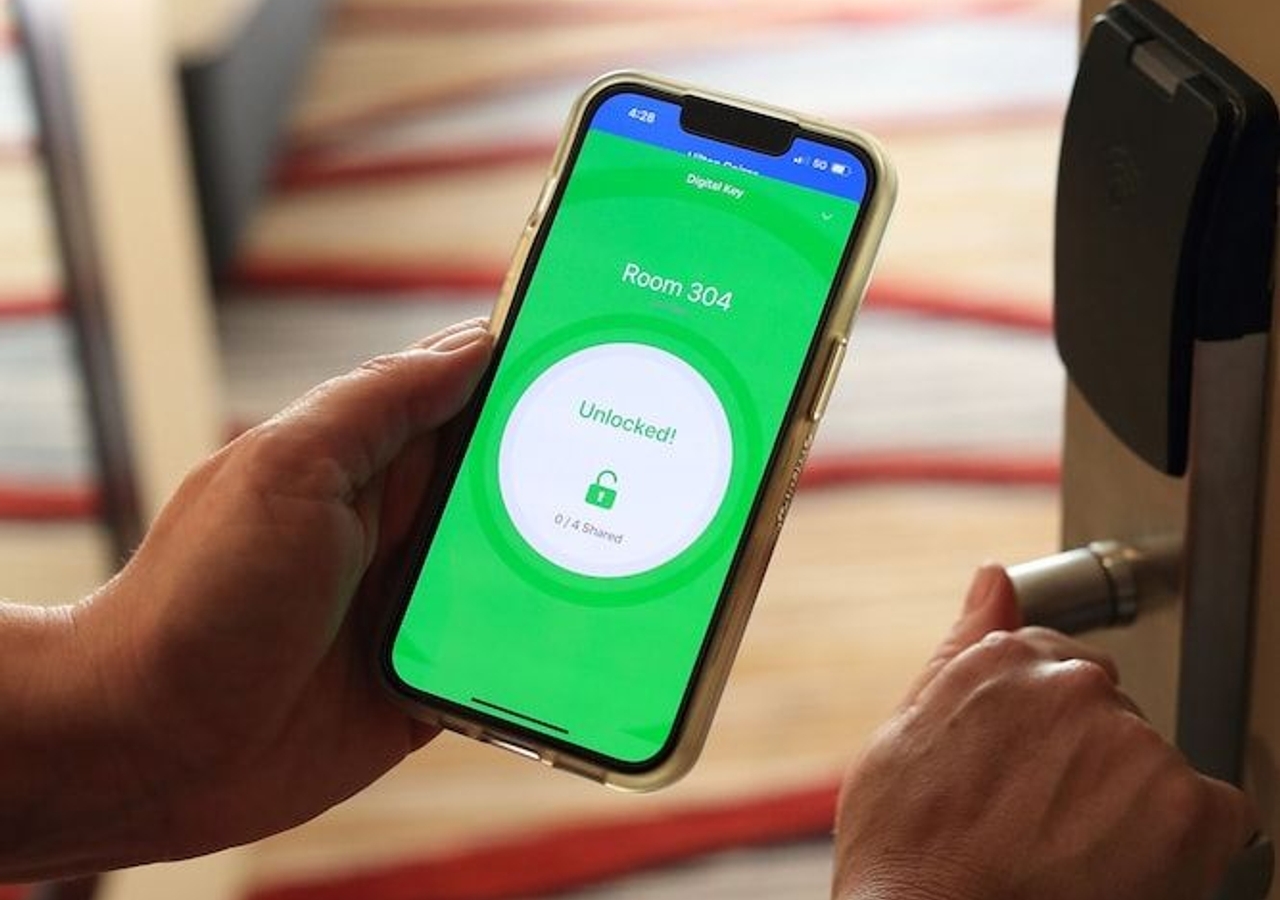
Marriott Mobile Key works by turning your smartphone into a digital room key through the Marriott Bonvoy app, using Bluetooth to communicate with the door lock. It becomes available within two days of your arrival after you complete mobile check-in and your room is assigned and ready.
Before you start: requirements and compatibility
To use Marriott Mobile Key, you must have a Marriott Bonvoy account and the Marriott Bonvoy App installed on a compatible device, Android devices running OS 10.38 or higher, or iOS devices running iOS 14.0 or higher. Not every Marriott property participates, so check the property's website or the app to confirm Mobile Key availability before your stay. You can also check for Mobile Key compatibility under the 'My Account' section of the app.
How to set up Marriott Mobile Key
- Complete mobile check-in through the Marriott Bonvoy app for your reservation.
- Wait for your room assignment and a notification that your Mobile Key is ready.
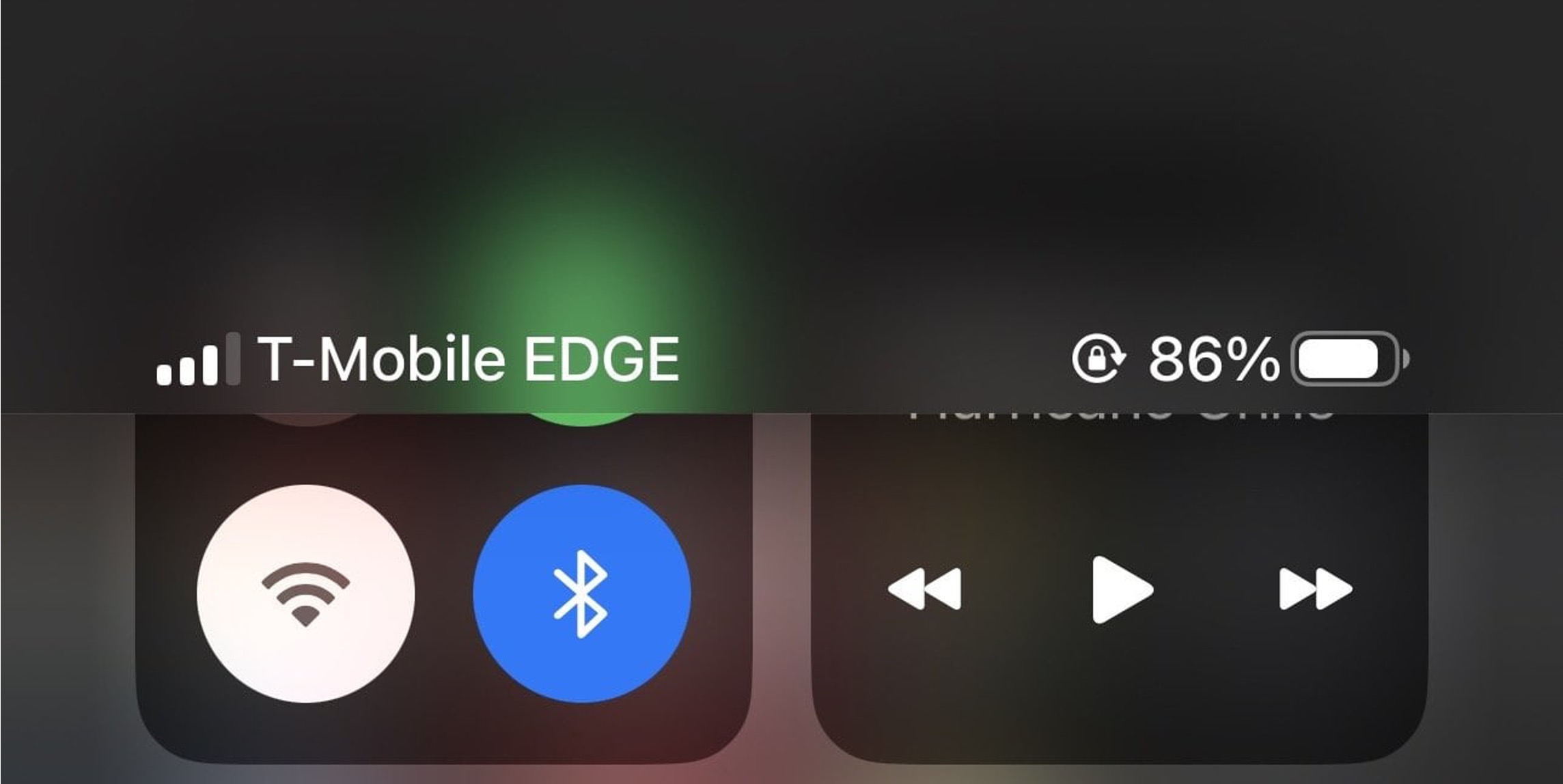
- Ensure Bluetooth is enabled on your device and push notifications are turned on under the 'Communication' settings in the app.
- Activate the key in the app, in certain regions, Multi-Factor Authentication (MFA) may be required, involving a one-time verification code sent via email or SMS.
How to unlock your door with the mobile key
Open the Marriott Bonvoy app, tap the 'Mobile Key' button located under the image on the screen, and hold your device near the door lock. Bluetooth must be enabled for the connection to work. The door will unlock when the app successfully communicates with the lock.
How to share your Marriott Mobile Key
The primary guest on a reservation can share digital room access with up to two additional registered guests, allowing a maximum of three devices (the primary guest plus two others) to hold an active Mobile Key for one room. Recipients must be 18 or older, be Marriott Bonvoy Members, have the Marriott Bonvoy App installed, and be registered on the reservation. To accept a shared key, the recipient logs into their account, opens the invitation notification or navigates to the 'Trips' section, and accepts the invitation.
Troubleshooting common Mobile Key problems
If the key won't connect, check that Bluetooth is on and you are close to the door lock. If the key fails to activate, update the app to the latest version or contact the front desk. To avoid battery drain, carry a power bank. If you are denied access at the door, request a physical key card from the front desk as a guaranteed backup, you can always get a traditional key card, even while using Mobile Key. If connectivity issues persist, restarting your smartphone or refreshing the Marriott Bonvoy app may help reestablish the connection. Minimizing interference from other electronic devices can also enhance Bluetooth connectivity with the door lock.
Frequently Asked Questions
What if my phone battery dies?
You can still get a traditional key card from the front desk to access your room. Marriott provides this backup option so you are never locked out.
Is it secure?
Yes. Marriott Mobile Key uses encryption and secure digital key generation. All Mobile Keys, including shared ones, are automatically deactivated at checkout or when the reservation period ends. If you lose your phone, the key can be remotely deactivated.
Can I still get a regular key card?
Yes, you can request a physical key card from the front desk at any time, even if you are already using a Mobile Key.
Is it available at all Marriotts?
No. Mobile Key is only available at select participating Marriott properties. Check the property's website or the Marriott Bonvoy app to confirm availability. If you're interested in other uses of location tracking and NFC, see our Location Tracking, AirTag and NFC Guides.
Can I use Marriott Mobile Key for all hotel services?
The mobile key specifically pertains to room access and does not replace the app for dining, concierge, or other amenities.