Finding a list of cheap phones with a gyroscope is a moving target, but you can always verify the sensor yourself.
What a gyroscope does in cheap phones with gyroscope
A gyroscope is a motion sensor that measures the rate of rotation around the x, y, and z axes. On Android, this is documented as `TYPE_GYROSCOPE` and outputs values in radians per second. On Apple devices, gyroscope data is one of the motion data types exposed through the Core Motion framework.
Why a gyroscope matters in a smartphone
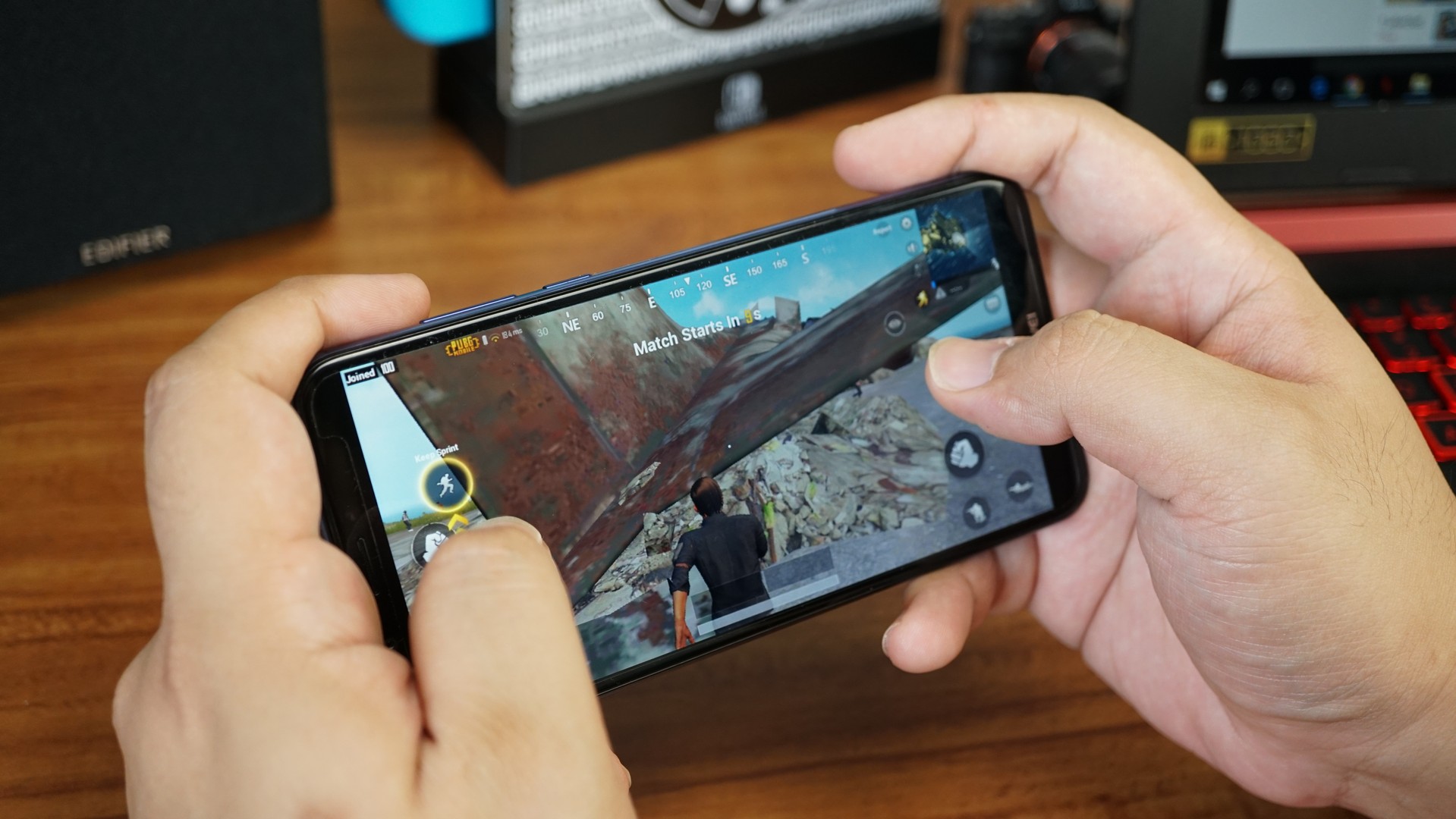
A gyroscope improves rotation detection and supports motion-based features that an accelerometer alone cannot provide. It is essential for enhanced gaming with precise tilt controls, augmented reality (AR) apps that map virtual objects to real-world positions, and virtual reality (VR) experiences that track head movement. It also contributes to better photo and video stabilization by compensating for device motion.
The problem with 'best budget gyroscope phone' lists
Static lists of budget phones with gyroscopes are unreliable because gyroscope inclusion varies not just by model but sometimes by regional variant. A phone sold in one country may include the sensor while the same model in another region does not. For example, the Xiaomi Redmi Note 8, Realme 5, Moto G Power, Samsung Galaxy A20, and Nokia 6.2 are budget smartphones with a gyroscope sensor, but their availability and specifications can differ by market.
How to check for a gyroscope on any Android phone
Android’s official documentation describes checking sensor presence in code, not through a user-facing settings menu. The method uses `SensorManager.getDefaultSensor(Sensor.TYPE_GYROSCOPE)`. If a device lacks a gyroscope, the gravity, linear acceleration, and rotation vector sensors also do not appear and are not available. Many Android devices now include a gyroscope, but not all do, so you must confirm per device. You can check if a cheap phone has a gyroscope by accessing the device's specifications on the manufacturer's website or reviewing product descriptions on online retail platforms.
How to check for a gyroscope on any iPhone
Apple’s official method requires apps to check gyroscope availability programmatically using `CMMotionManager` before using motion services. Hardware presence does not guarantee all motion services are active, as some may be unavailable even when the required hardware exists. Core Motion is available on iOS 4.0+, iPadOS 4.0+, Mac Catalyst 13.0+, macOS 10.15+, visionOS 1.0+, and watchOS 2.0+. There is no user-facing Settings path to confirm a gyroscope on an iPhone; the only retrieved menu path related to motion is `Settings > Accessibility > Motion` in iOS 14, but that is a discussion thread, not an official support article.
Frequently Asked Questions
Do all cheap phones have a gyroscope?
No. Android’s documentation states that many devices include a gyroscope, but not all do. Some entry-level models omit the sensor to reduce costs.
Does an accelerometer mean I have a gyroscope?
No. Android and Apple both treat the gyroscope as a separate motion sensor. An accelerometer measures linear acceleration, not rotation rate, and some motion features like rotation vector rely on a gyroscope and disappear if it is missing.
How can I check for a gyroscope without installing an app?
On Android, there is no official user-facing settings path to view a gyroscope. On iPhone, there is no official settings path either. The only reliable method is to use an app that checks sensor availability programmatically, or to review the device’s official technical specifications from the manufacturer.
Can I use VR on a phone without a gyroscope?
Basic VR experiences that rely only on an accelerometer may work for head tracking, but full 3D rotation and immersive VR require a gyroscope for accurate, low-latency motion sensing. Without a gyroscope, rotation vector sensors do not function.
Does the price of an Android phone guarantee a gyroscope?
No. The price of an Android phone does not guarantee a gyroscope. Some budget models include the sensor, while others omit it, regardless of cost. You must verify per device.