The Accessories tag on CellularNews gathers practical guides and how-tos for anyone looking to get the most out of their phone-related gear. Whether you are a new smartphone owner, a Kindle user, or someone trying to maintain or customize their devices, these articles are written for you. The content focuses on real-world tasks like choosing, installing, fixing, and cleaning the items you attach to or use with your phone.
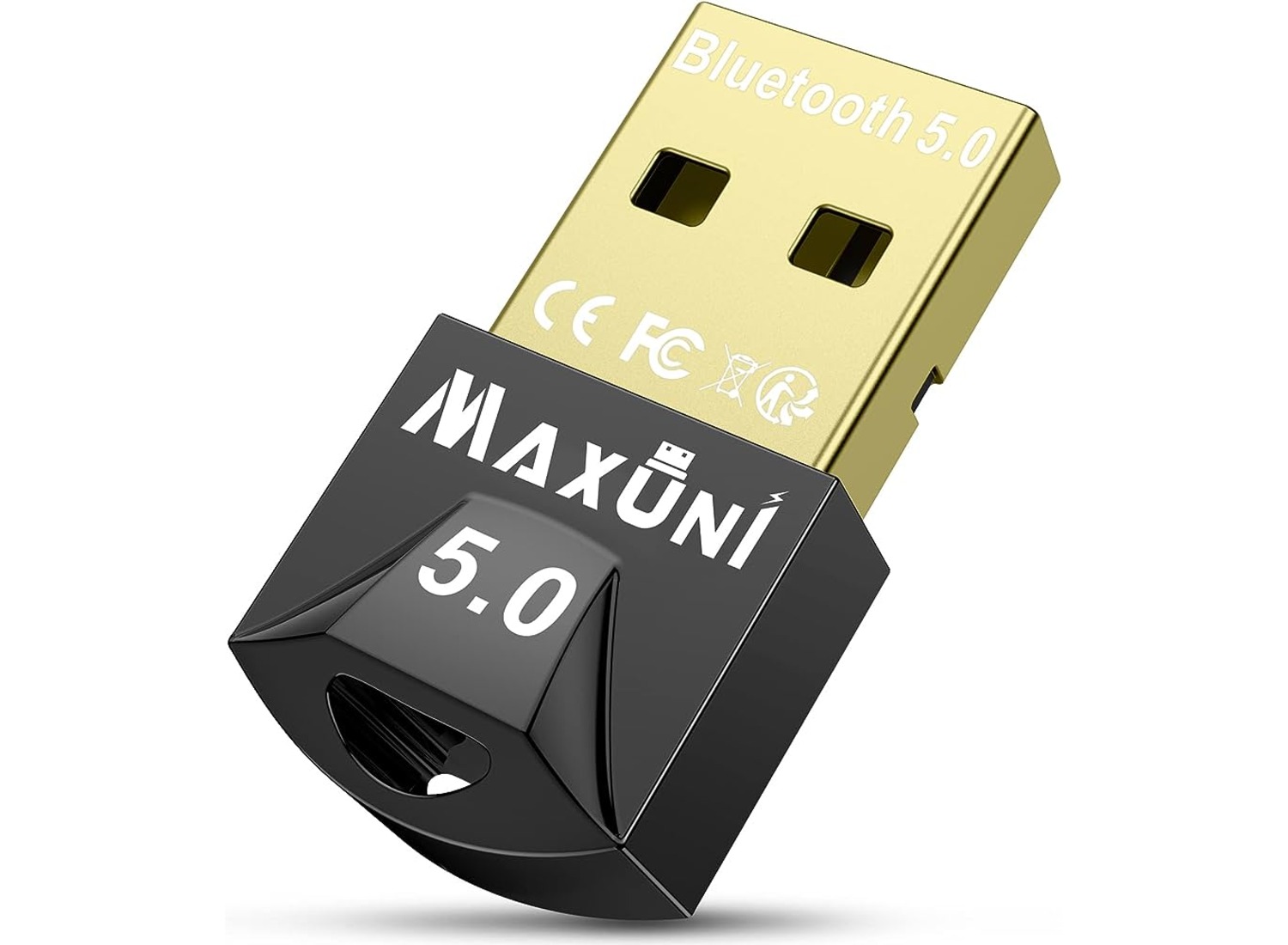
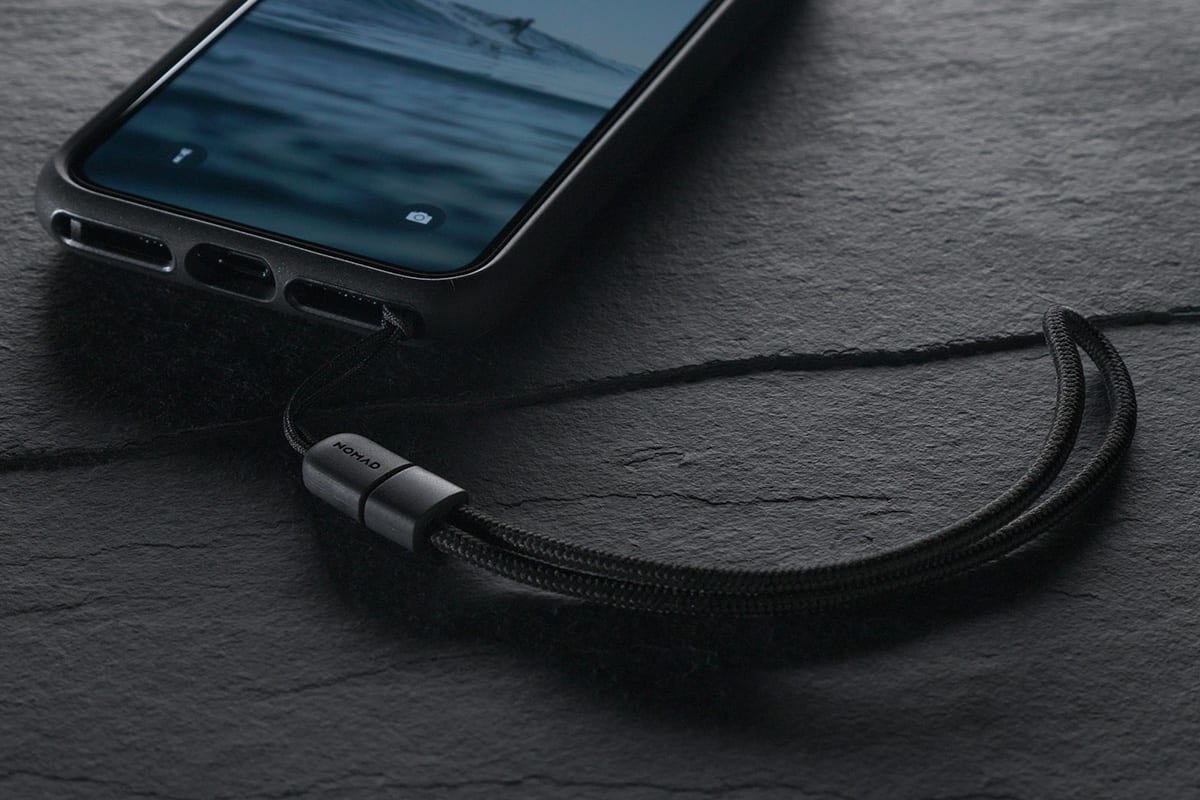
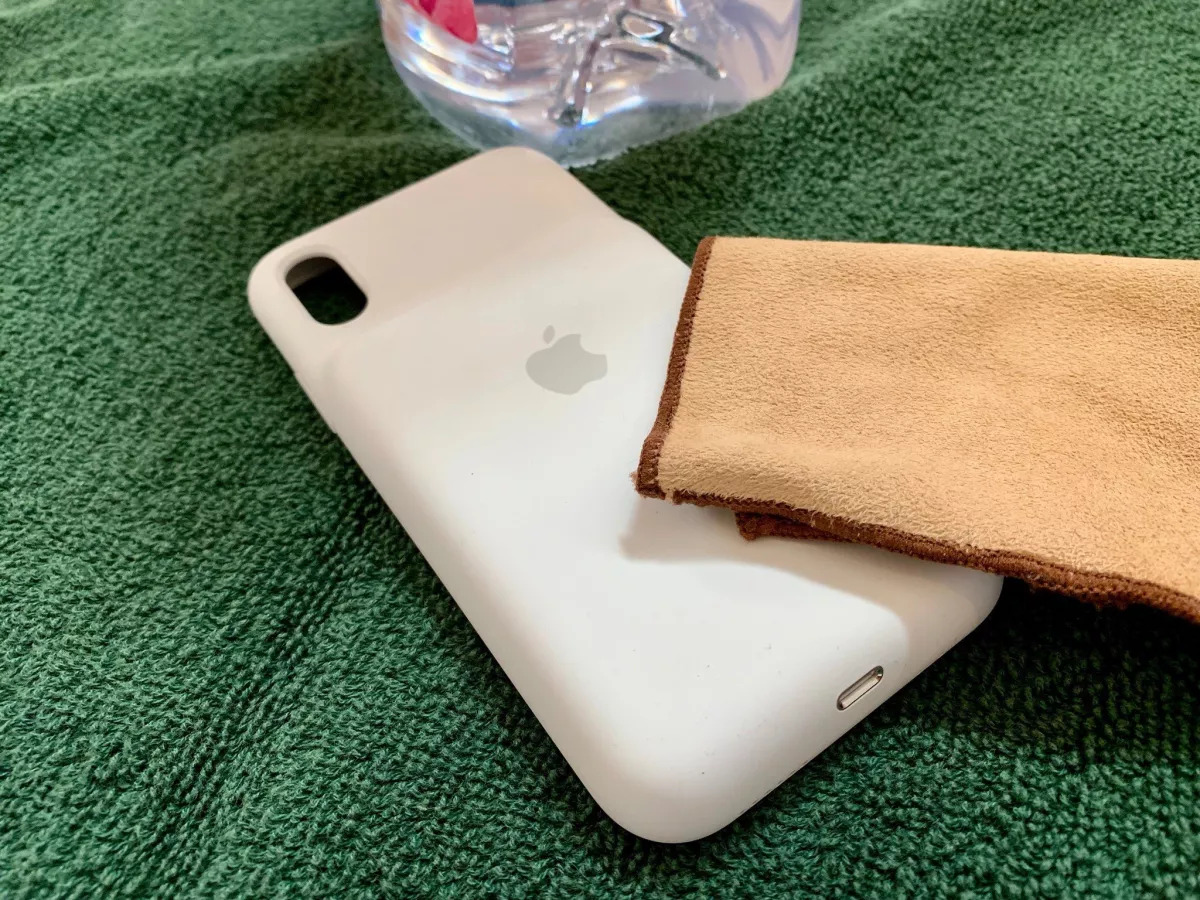
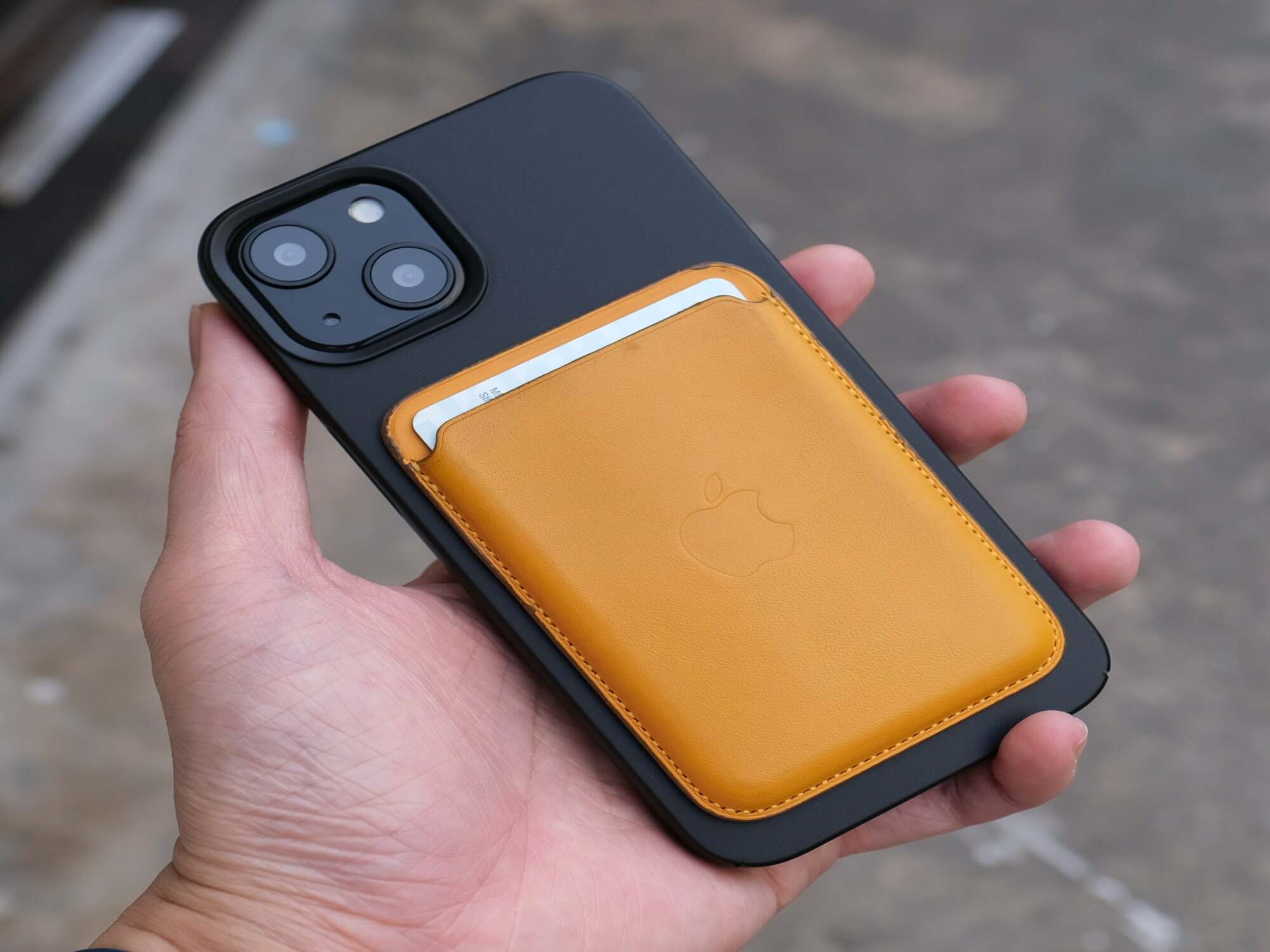
The articles here break down into a few clear themes. One major group helps you select and understand specific products, such as the differences between matte and mirror screen protectors, what a MagSafe phone case actually does, or how a selfie stick and a Bluetooth dongle work. Another set of articles is all about installation and setup, showing you how to put a Popsocket on your phone, attach a wrist strap or phone strap, register a Belkin or Zagg screen protector, and even how to charge a power bank for the first time. A third theme covers maintenance and fixes, including how to clean a white phone case, fix a broken iPhone charger tip, or repair a Popsocket that has come loose.
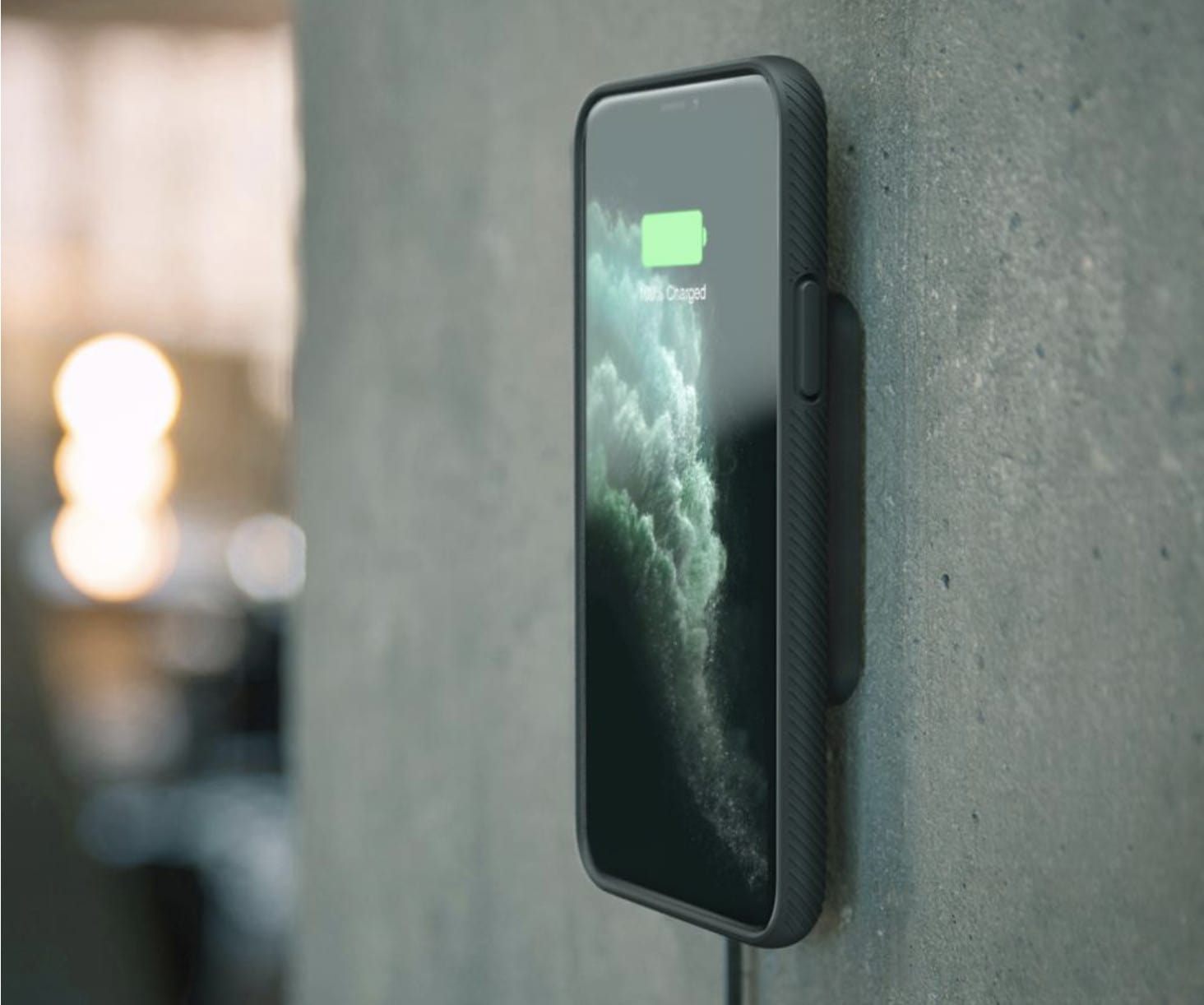
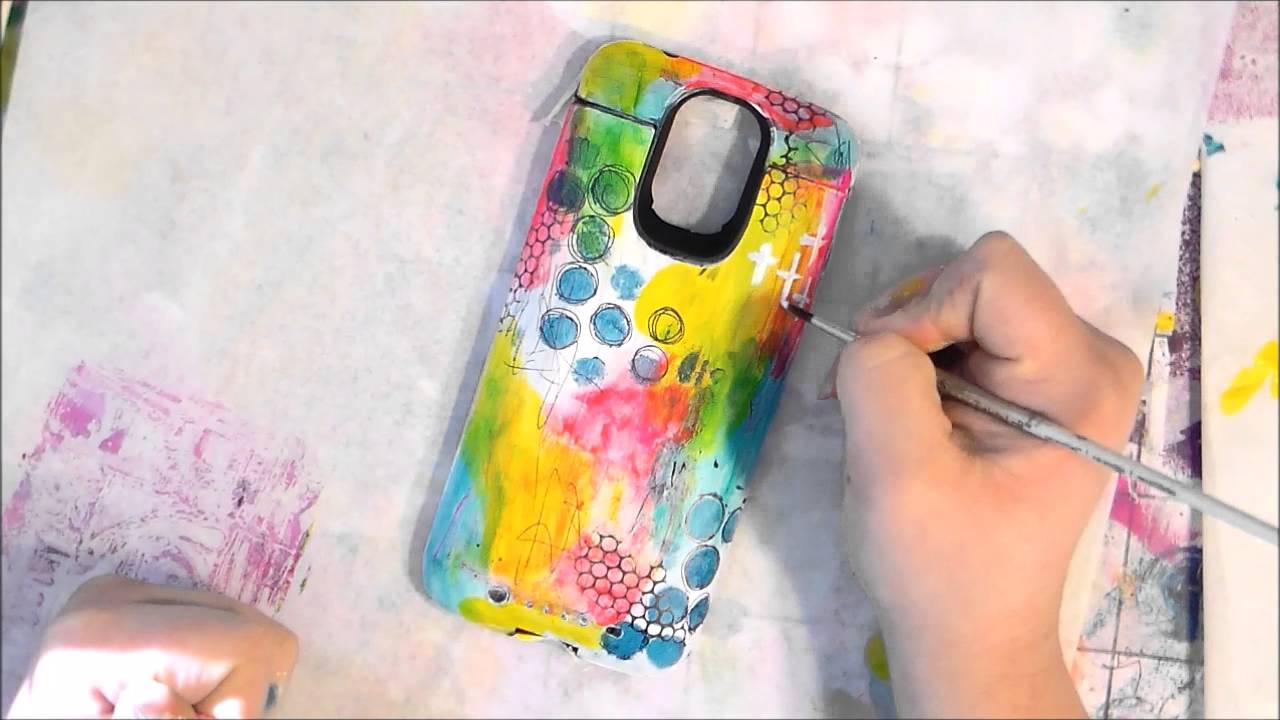
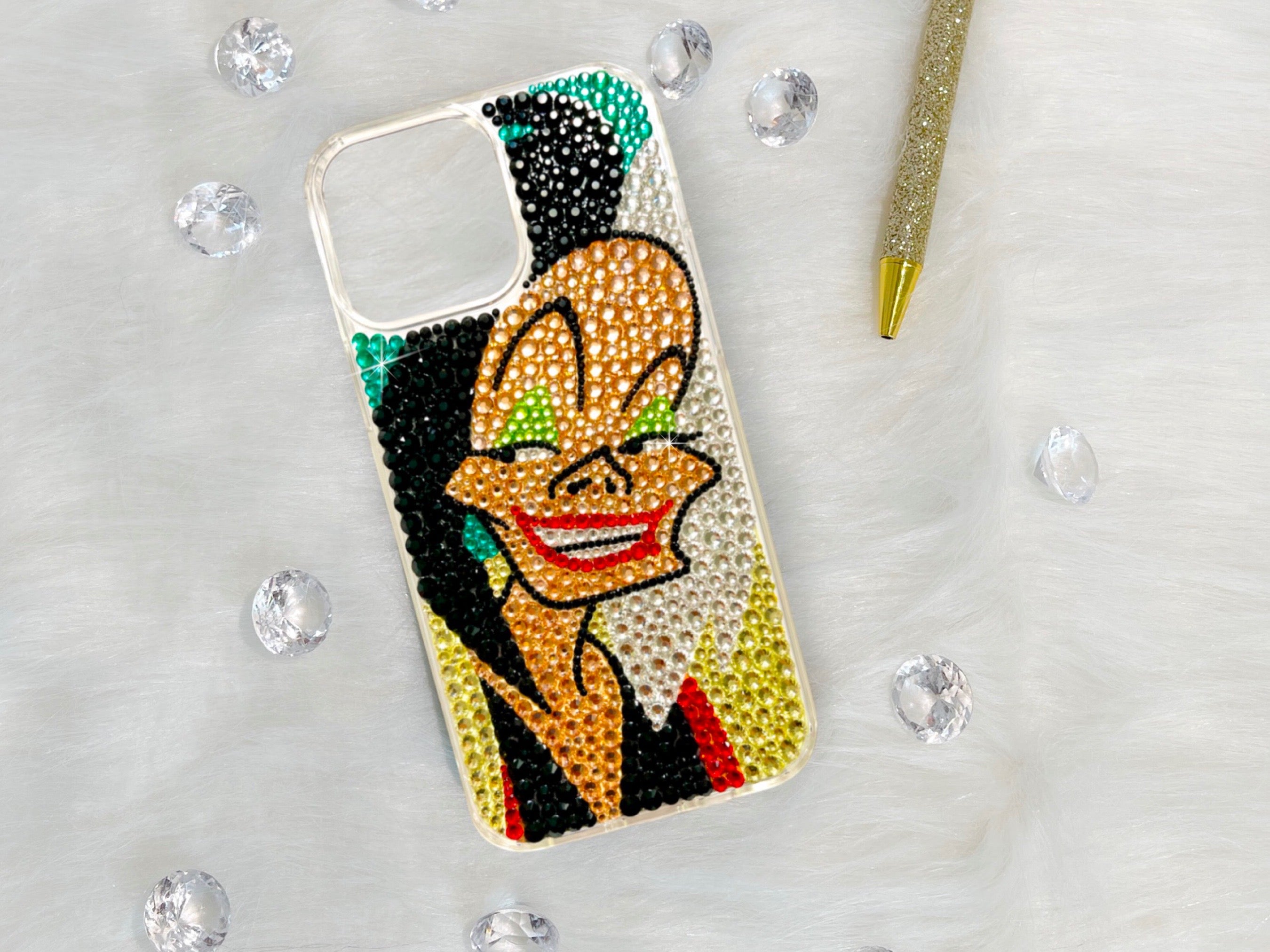
Specific topics you will find include guides on bedazzling your phone case, making a case magnetic, carrying a cell phone without a pocket, and where to buy Fitbit bands. The collection also answers questions like whether AirTags are waterproof, how to wear two face accessories in Roblox Mobile, and how to set up a Phonak TV connector. Each article is designed to help you complete a specific task or make an informed purchase decision without unnecessary fluff.