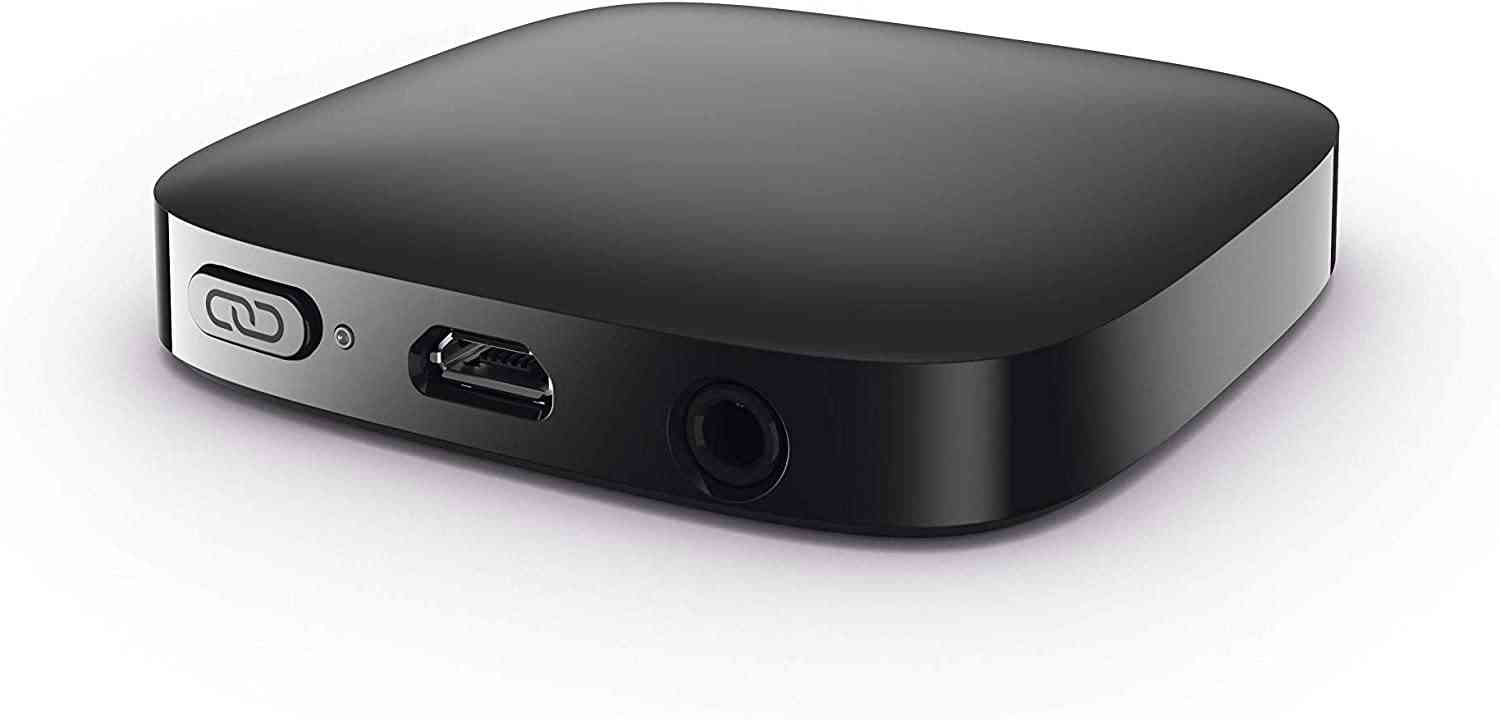
To set up Phonak TV Connector, connect it to your TV's audio output and power it on; your hearing aids will pair automatically the first time they are within range. This plug-and-play accessory streams wireless audio for your TV directly to Phonak direct streaming hearing aids, with no phone or app required for the initial connection.
What's in the box to set up Phonak TV Connector
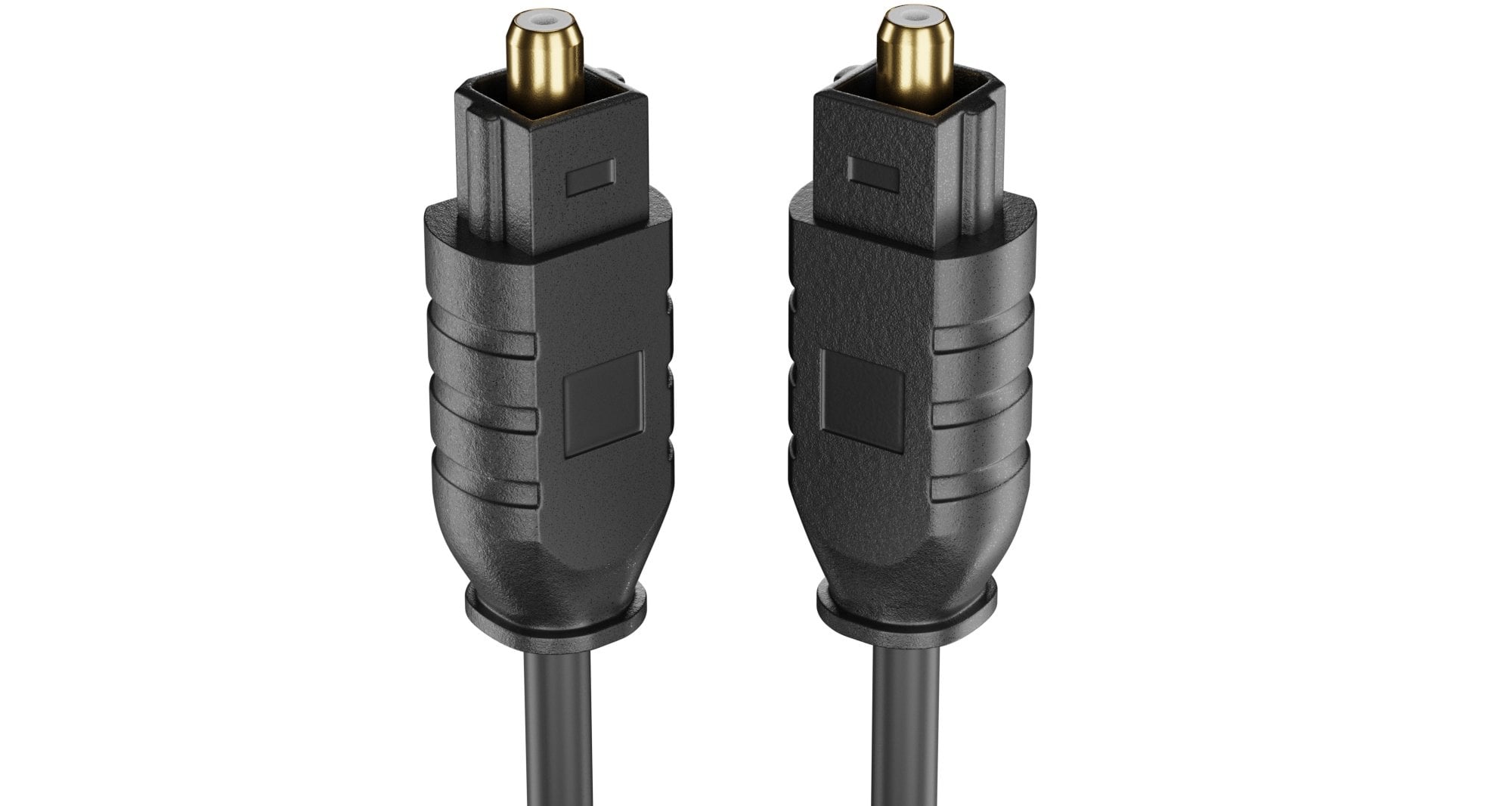
The package contains the TV Connector unit, a power supply with a USB cable, an optical TOSLINK cable, and optionally a 3.5 mm analog cable.
Step 1: Connect the power and TV audio
- Plug the power supply into a wall outlet.
- Insert the smaller end of the USB cable into the TV Connector.
- Connect the free end of the optical TOSLINK cable to the TV’s optical digital audio output.
- Turn the TV on and make sure its audio is not muted.
Step 2: Pair with your hearing aids automatically
For the first-time setup, keep your hearing aids switched on and within 1 meter (3 ft) of the TV Connector. When the TV Connector is plugged into power for the first time, the hearing aids are paired automatically and play a confirmation tone.
Pairing new or additional hearing aids later
Make sure the hearing aids are within 1 meter of the TV Connector. Press the Connect button on the back of the TV Connector. Within 10 seconds, a confirmation beep indicates successful pairing.
Adjusting volume and preferences
Volume is controlled via your hearing aid buttons or the Phonak app. If the TV does not switch to the TV Connector program automatically, check that “Automatic activation” of the TV Connector program is enabled in the fitting software.
Troubleshooting common issues
- Verify the TV Connector is connected to the TV.
- Verify the TV is switched on and not muted.
- Verify the hearing aids are paired with the TV Connector.
- Verify you are within range of the TV Connector.
- To reset the TV Connector, press and hold the Connect button for 7 seconds until the LED flashes blue, then red, then turns orange.
- To reconnect hearing aids, place them within 1 meter and press the Connect button again.
Frequently Asked Questions
Is the Phonak TV Connector compatible with any TV?
The TV Connector works with most TVs that have an optical digital audio output or a 3.5 mm analog jack. It can also be connected to other audio sources with these outputs, such as a computer or stereo system. The TV Connector can also be connected to an audio source through the optical digital audio output, and Phonak documents use with a 3.5 mm analog jack in product material.
Can I connect multiple hearing aids to the same TV Connector?
Yes, the TV Connector supports multiple Phonak direct streaming hearing aids, allowing more than one person to stream the same TV audio simultaneously.
What should I do if I hear no sound after setup?
Do I need a smartphone or app to set up the TV Connector?
No. The setup is done entirely on the accessory itself, no iPhone, Android, carrier, or app menu path is required for pairing. Volume adjustments can be made later via hearing aid buttons or the Phonak app if desired.
Related reading: What Is A Spdif Connector.