The Android tag on CellularNews collects our guides and recommendations for getting the most out of your phone, whether you are looking for new things to do or trying to fix a frustrating issue. This page is for anyone who owns an Android device and wants practical help, from picking the next great game to solving a network problem.

The articles here fall into a few clear themes. One major focus is on entertainment and apps, helping you find the best games and tools. You can discover top titles in categories like word games, third person shooters, and survival games, or find the best camera apps and free movie apps to upgrade your media experience. Another theme is solving common technical problems. For example, the guides offer fixes for when your cellular network is not available for voice calls or when your mobile data stops working, and they provide easy ways to boost your mobile coverage. A smaller but useful set of articles helps with specific tasks, such as finding someone's location by cell phone number or learning how to screen record mobile games.

Ultimately, these articles help you do specific things: pick a new game to play, fix a broken setting, or find a better app for productivity or photography. Whether you are troubleshooting a network error or searching for a new MOBA or rhythm game, the content here gives you clear steps and curated lists to solve your problem or find your next favorite download.
How To Measure A Mile On Your Phone

To measure a mile on your phone, use the Google Maps app on either iPhone or Android. The app's built-in Measure distance tool lets you plot a route and displays...

How To Measure 100 Meters With Your Phone

To measure 100 meters with your phone, the most reliable documented method is to use GPS tracking in a dedicated fitness app like Google Fit, which calculates distance by tracking...

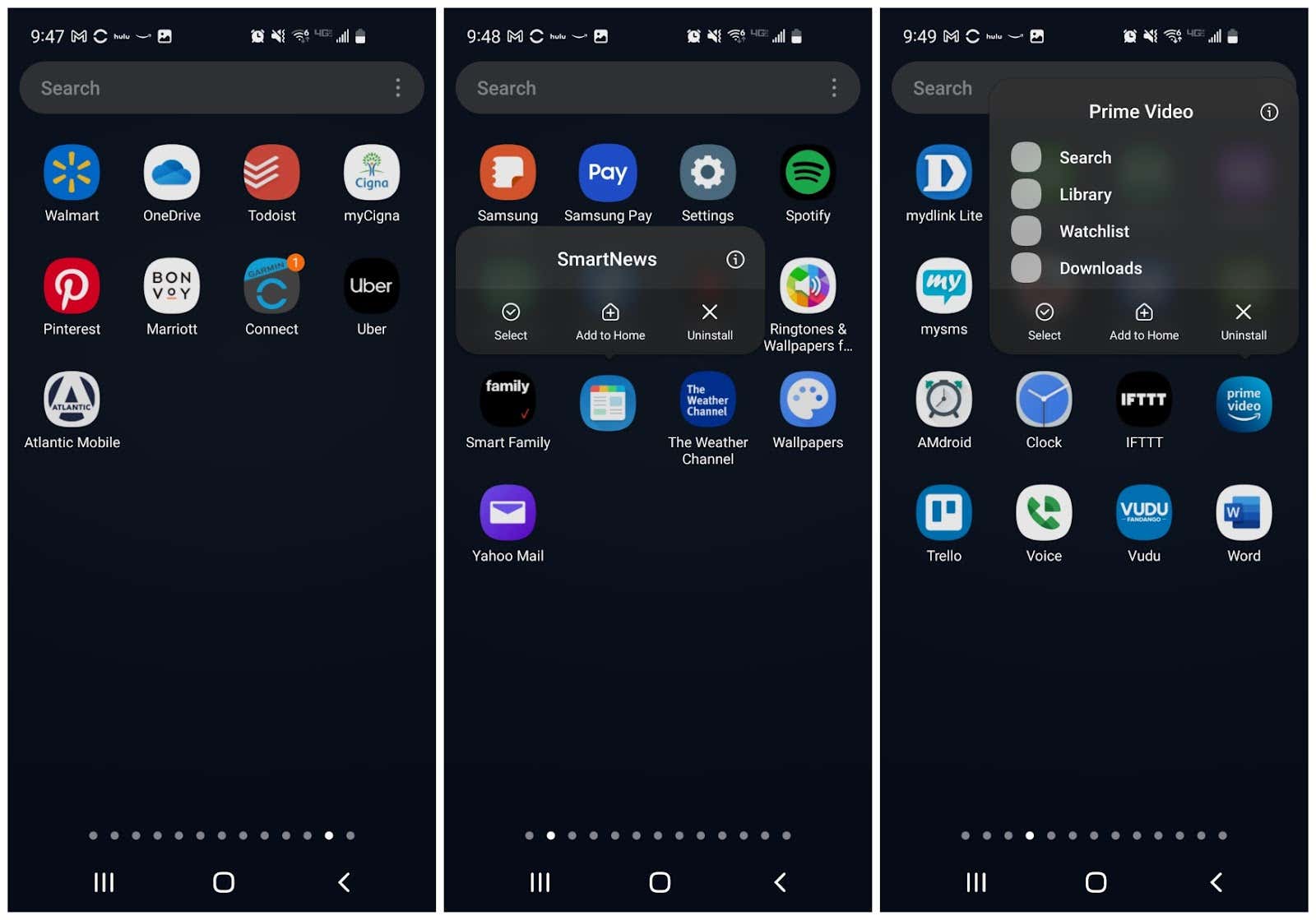
How To Move Icon On Android Phone

To move icons on Android, touch and hold the app icon you want to relocate, then drag it to a new spot on the same home screen page. To move...

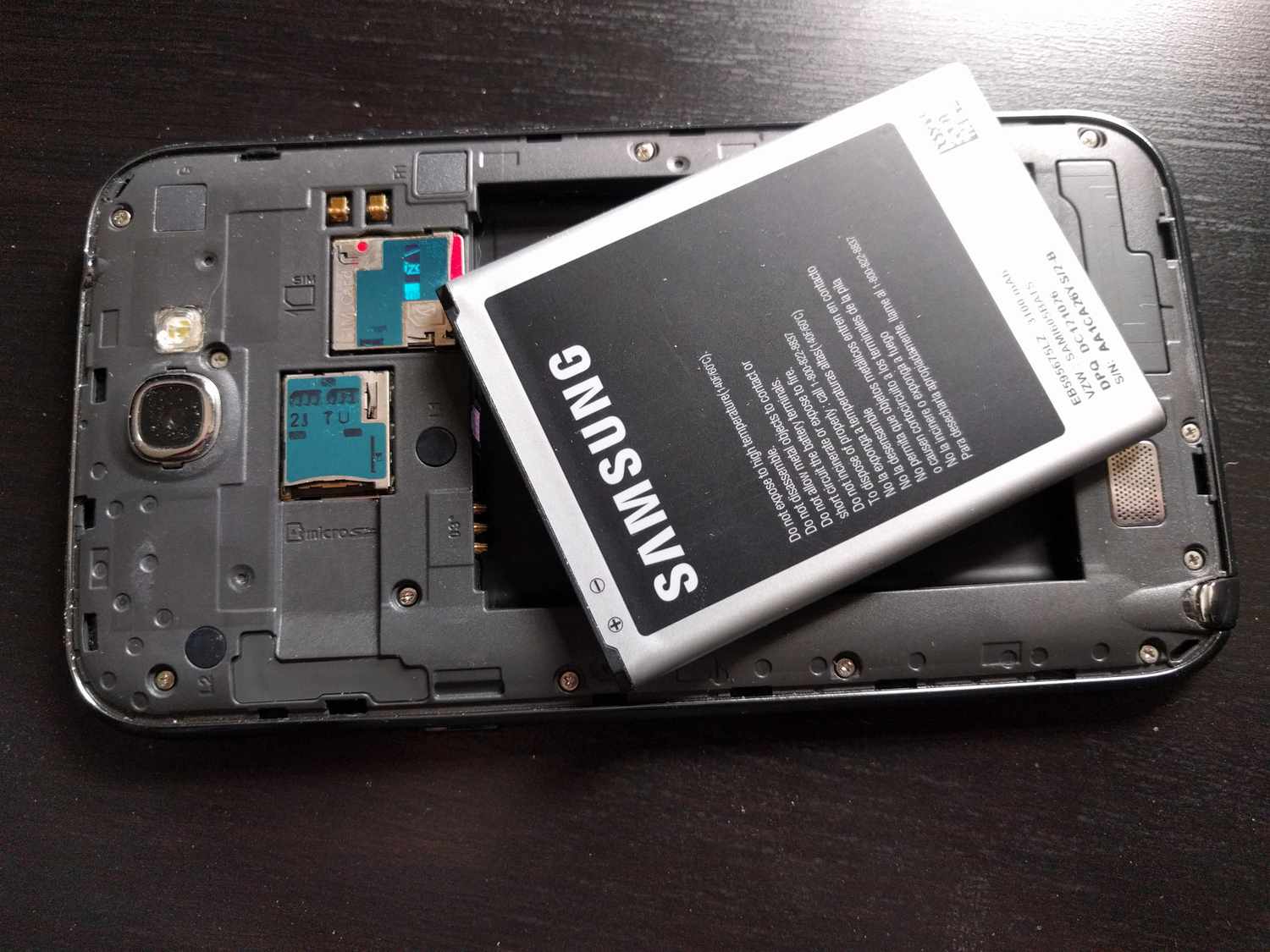
How To Open The Back Of An Android Phone

To open the back of an Android phone, you must first determine whether your device has a user-removable back cover or a sealed, glued-on back glass, most modern Android phones...

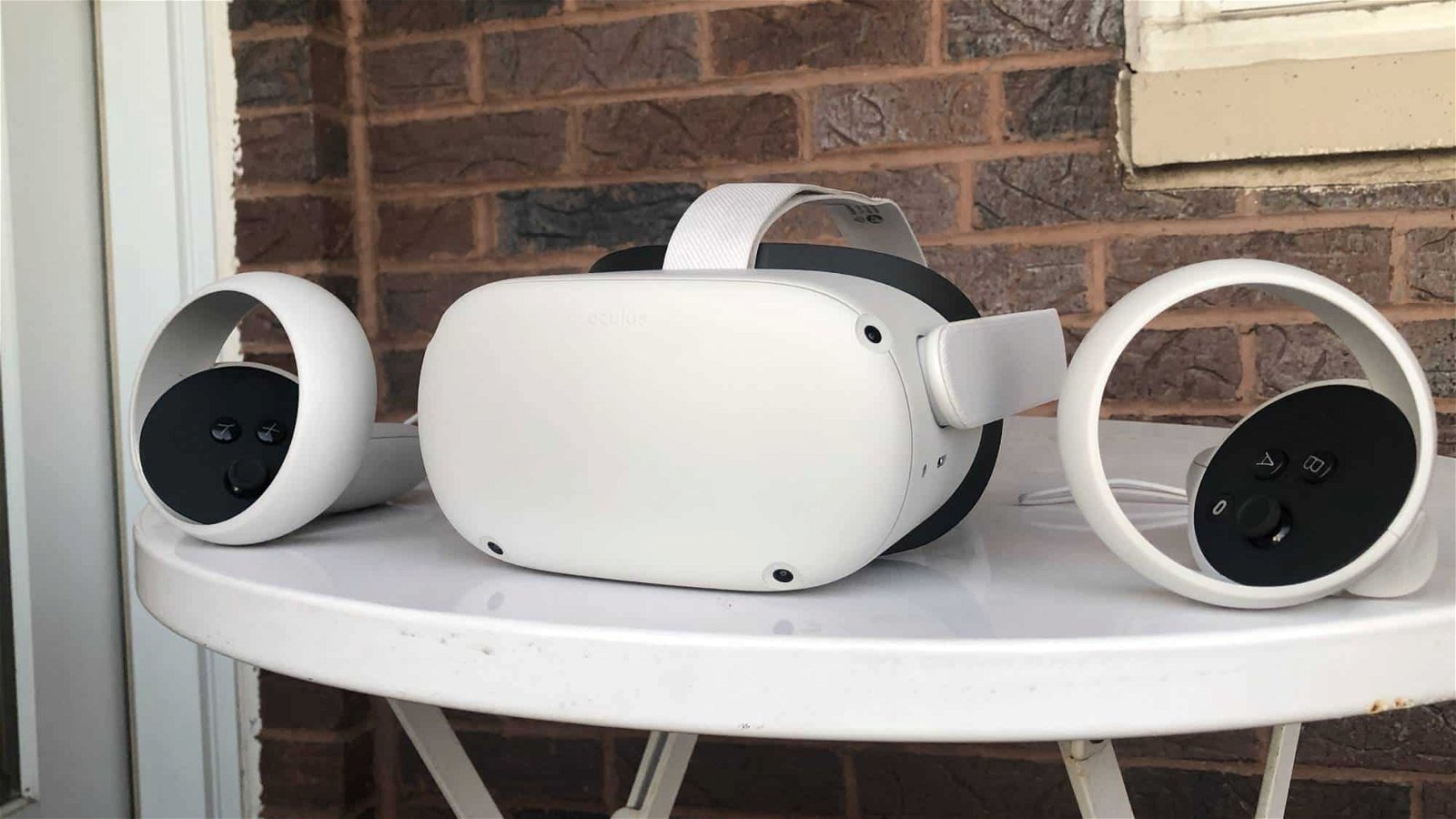
How To Pair Meta Quest 2 To Phone

To pair Meta Quest 2 to phone, you must use the Meta Horizon app on a supported phone with Wi-Fi and Bluetooth turned on. This connection allows you to complete...

How To Use Nikon Wireless Adapter

To use a Nikon wireless adapter, you connect the WU-1a or WU-1b adapter to your camera and use the Wireless Mobile Utility app on your phone to transfer photos. Before...

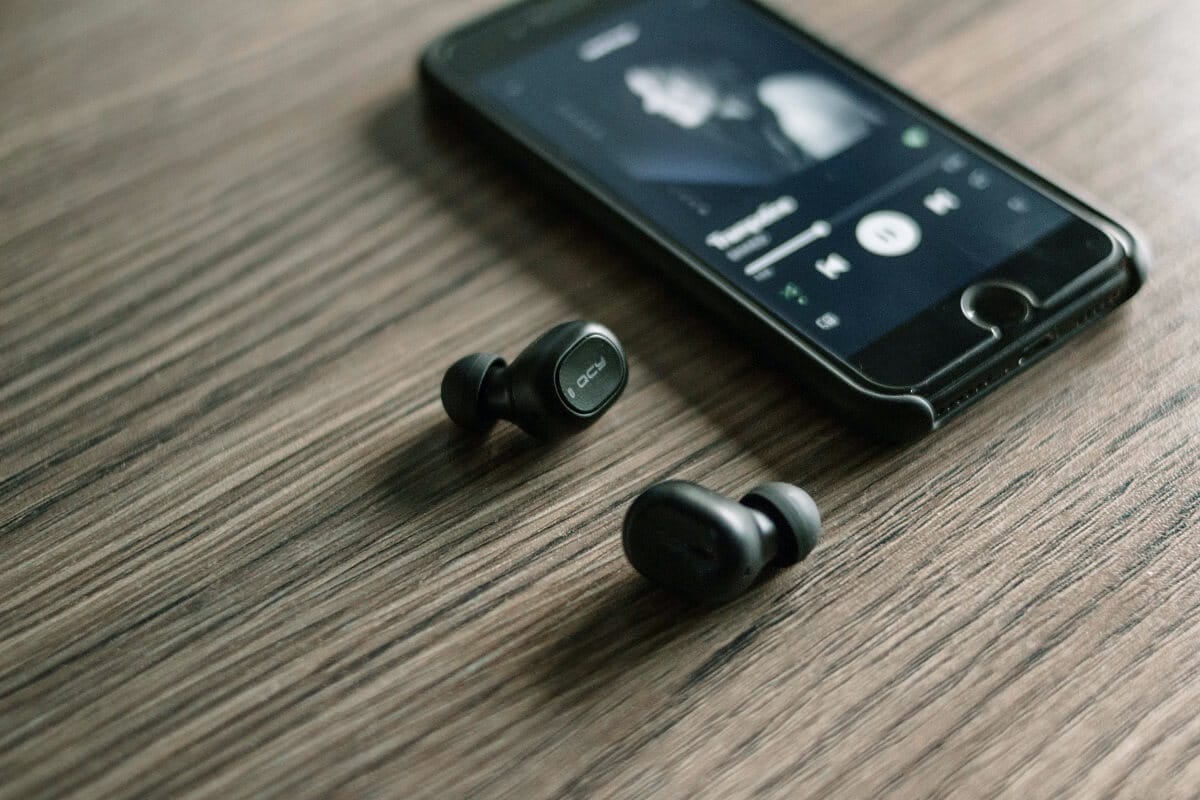
How To Record Songs On Your Phone

To record songs on your phone, you can use the official app built into your device: Apple's Voice Memos on iPhone or Google's Recorder on Pixel. These apps let you...

How To Recover Trash On Android Phone

To recover trash on your Android phone, open the Google Photos app and tap Collections then Trash, or tap Library then Trash. From there, touch and hold the photo or...

How To Test Wireless Connection

To test your wireless connection on a phone or laptop, you check signal strength and speed using your device's built-in diagnostics or settings menus. The fastest way to get a...