This tag collects articles about using Apple Pay and related mobile payment features on iPhones, aimed at anyone who wants to set up, manage, or troubleshoot contactless payments with their device. Whether you are a new iPhone user or someone looking to refine your wallet settings, the content here addresses the practical steps and common questions that come up when integrating Apple Pay into daily life.

The articles solve two main kinds of problems: setup and configuration, and everyday usage and management. For setup, you will find guides on how to set up Apple Pay on iPhone 12, how to enable NFC on various iPhone models (like the 11, 13, and 14), and how to set up Omny on iPhone for transit payments. For management and fixes, the articles help you remove a card from Wallet, disable Wallet on iPhone, turn off NFC, or see saved cards on your device, tasks that become necessary when you switch phones, lose a card, or want to tighten security.

Beyond basic wallet management, several articles explore how Apple Pay works in real-world scenarios, such as using your phone at a Chase ATM or paying for transit with MTA's OMNY system. These topics help you understand what mobile payment (M-payment) actually means and how to use your phone as a reliable payment tool in stores, on subways, and at ATMs.
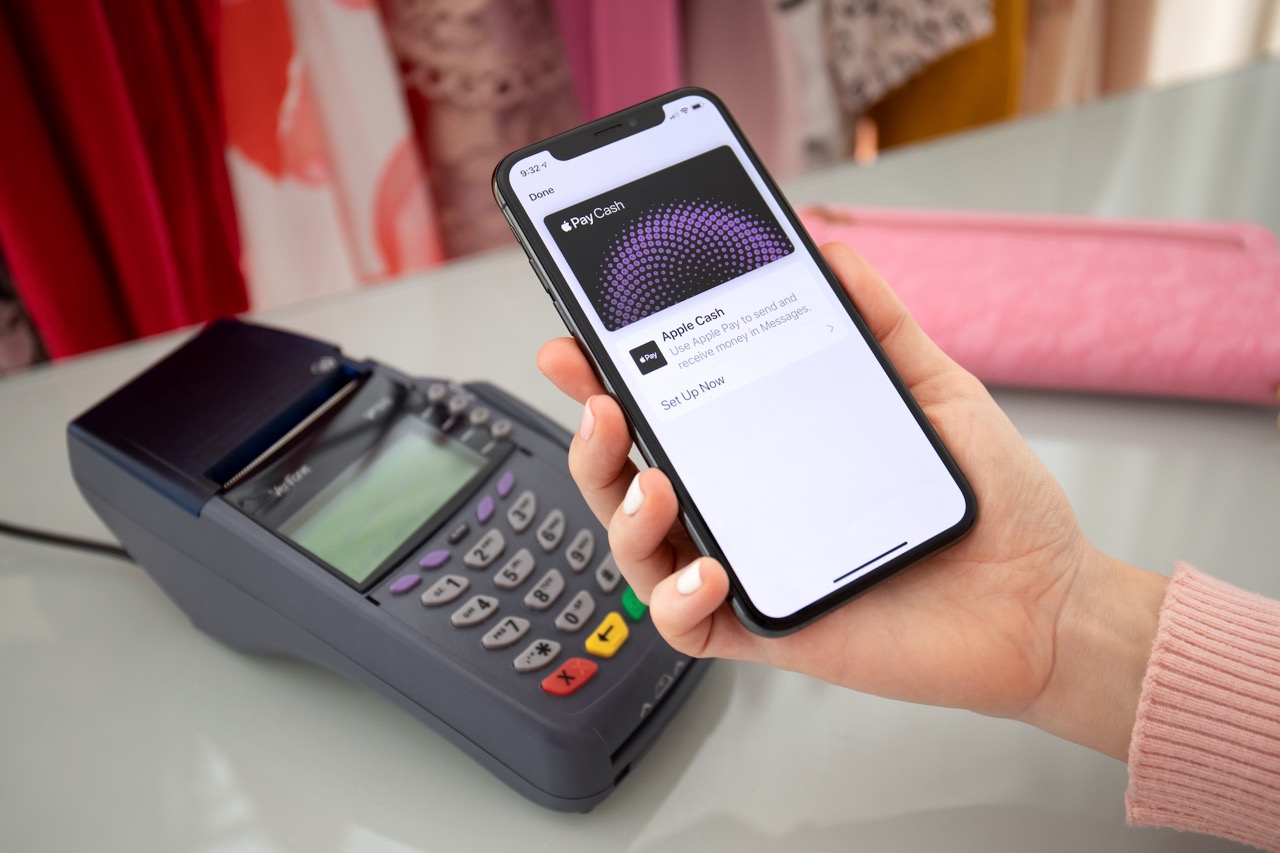
How To Set Up Apple Pay On IPhone 12

To set up Apple Pay on iPhone 12, open the Wallet app and add a supported debit, credit, or prepaid card, then authenticate with Face ID or your passcode. Before...

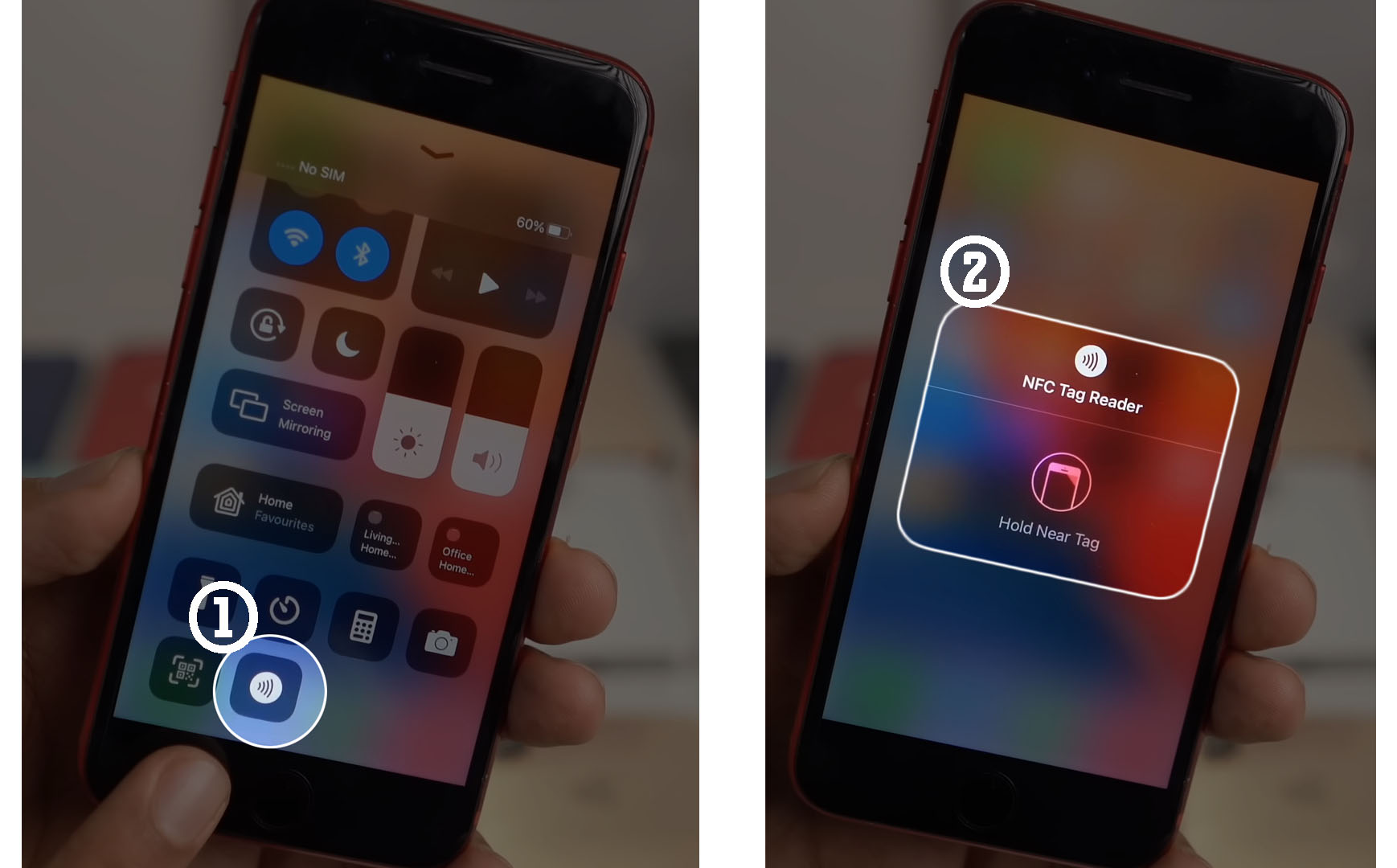
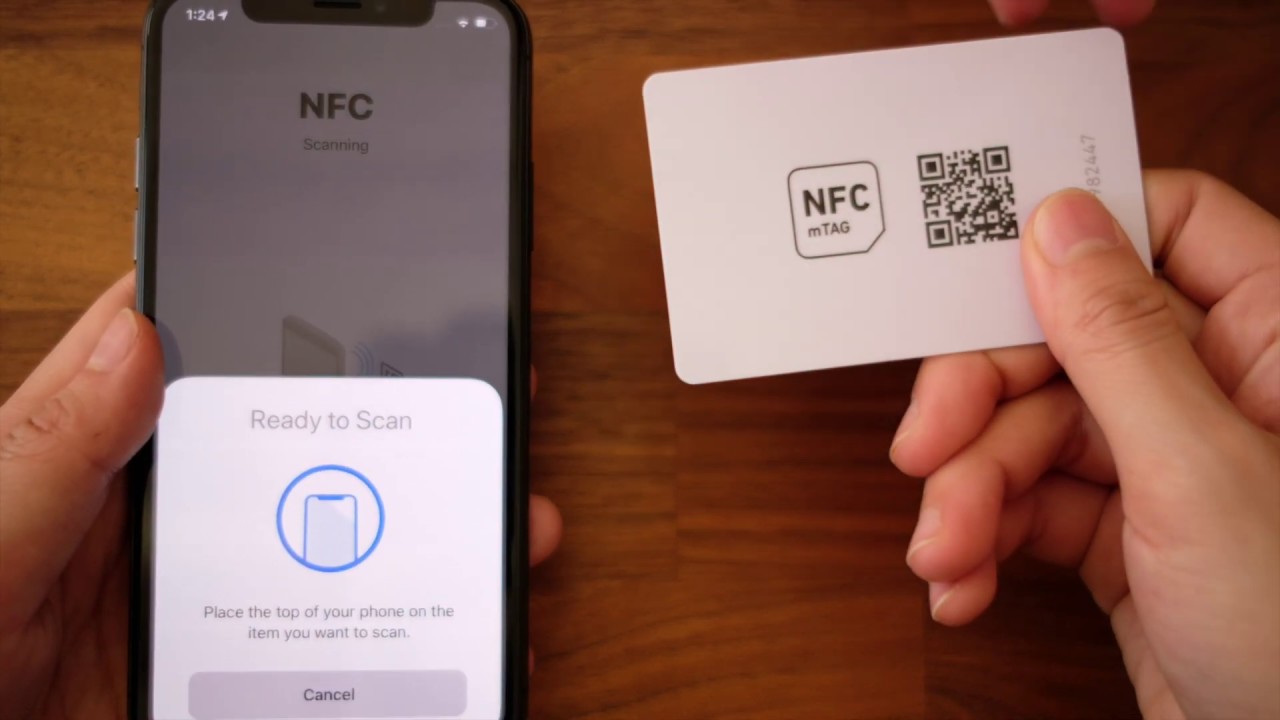
How To Enable NFC On IPhone 11

You do not need to manually enable NFC on iPhone 11 because there is no setting to turn it on or off. Apple documents that the iPhone 11 automatically supports...

How To Enable NFC On IPhone 14?

To enable NFC on iPhone 14, you do not need to toggle anything on because NFC tag scanning is always enabled and cannot be turned off. There is no manual...

How To Disable Wallet On IPhone?

To disable wallet on iPhone, you cannot delete the built-in Wallet app, but you can effectively disable it by removing all cards and passes and turning off lock-screen access. This...

How To Enable NFC On IPhone 13

To enable NFC on your iPhone 13, you don't need to do anything, NFC is already always on. There is no manual toggle or settings switch to turn NFC on...

How To Turn Off NFC On IPhone

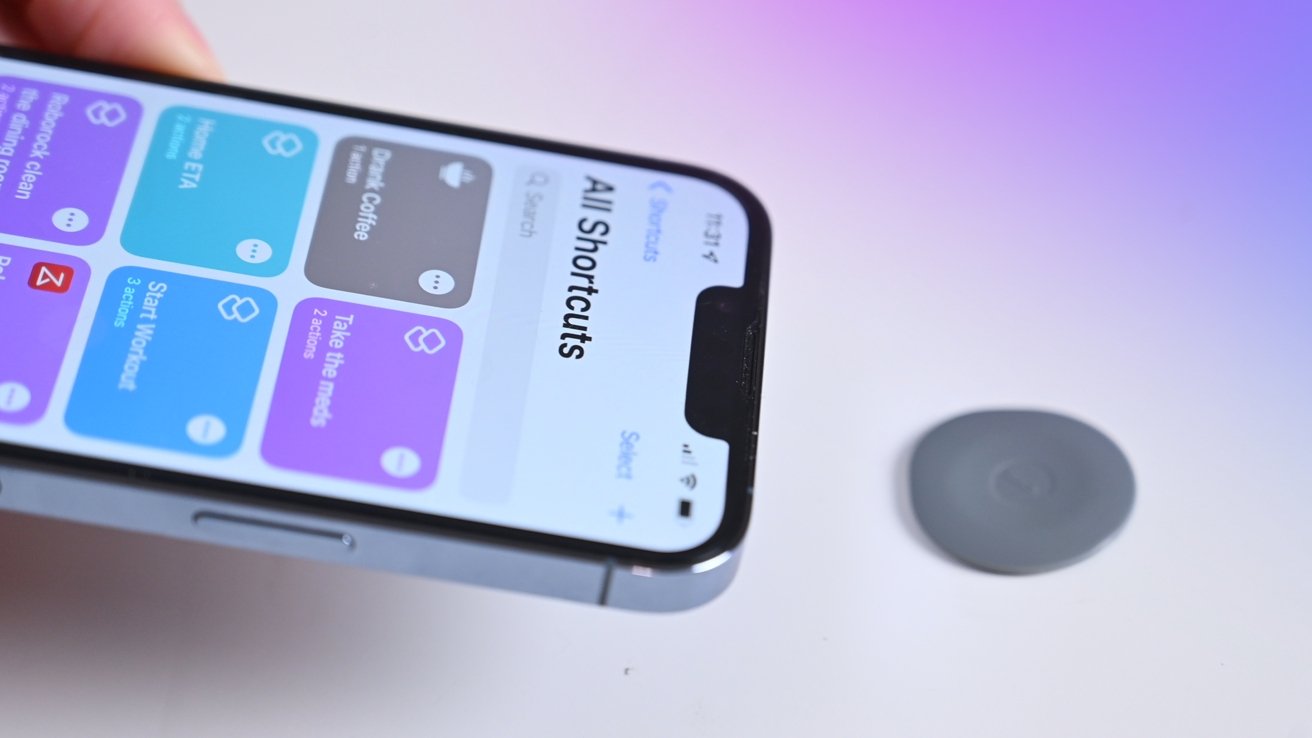
You cannot turn off NFC on an iPhone because Apple does not provide a system setting to globally disable the feature. If you searched for how to turn off NFC...

How To Set Up Omny On IPhone

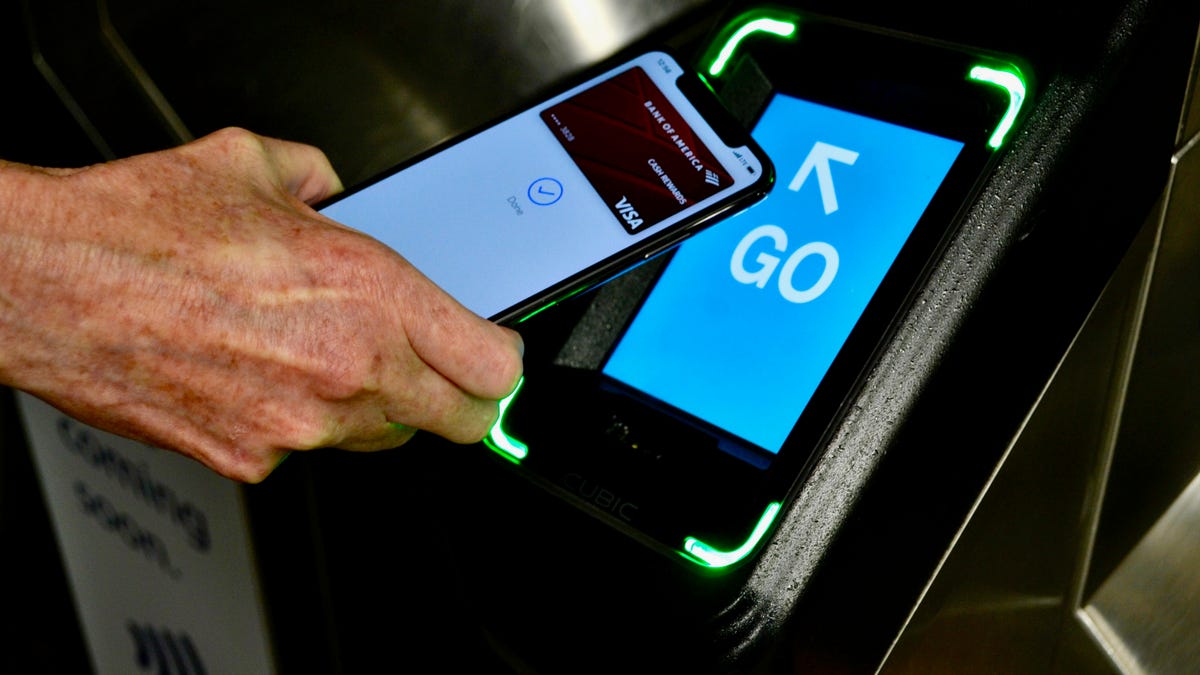
To set up OMNY on iPhone, you use Apple Pay, not a separate app, because OMNY is a contactless payment system for New York City transit, not a downloadable application....

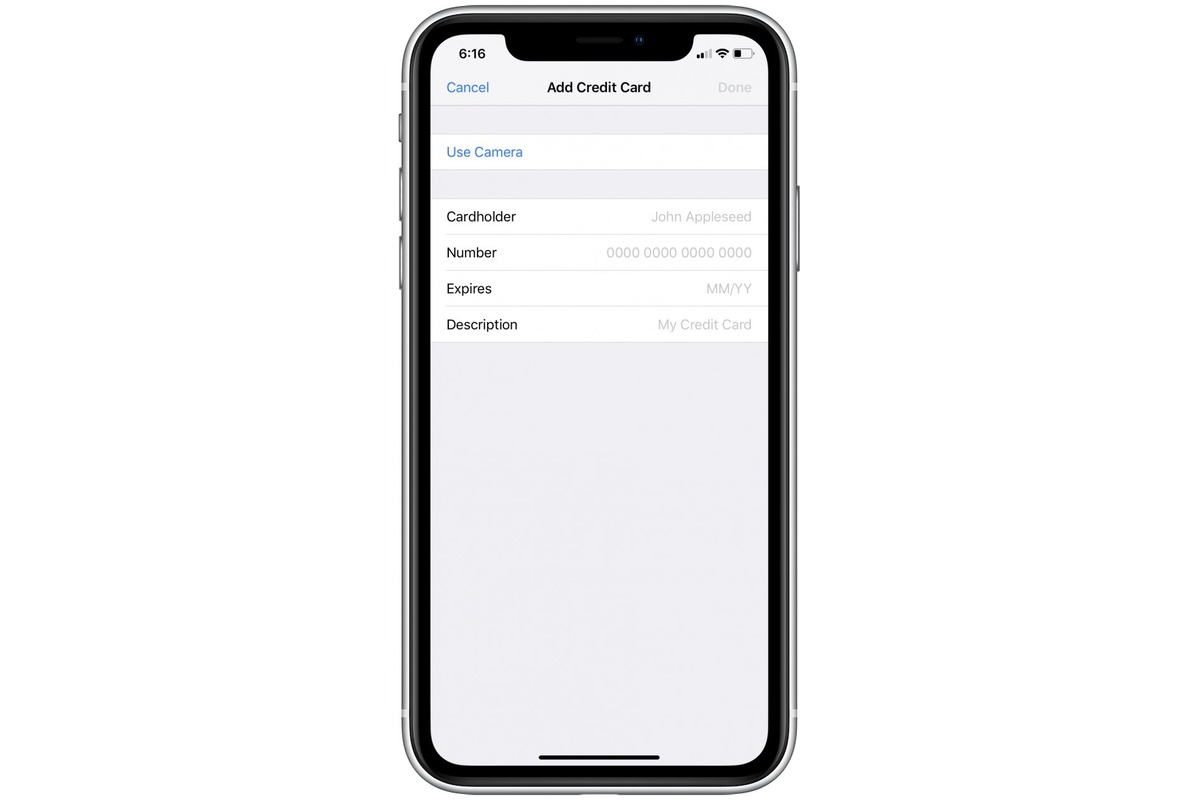
How To See Saved Cards On IPhone

To see saved cards on iPhone, you need to know that your card information is stored in three separate locations depending on how you use it: Safari AutoFill for filling...

How To Use Phone At Chase Atm

To use your phone at a Chase ATM, the primary method is to tap your phone or smartwatch on the contactless symbol using a digital wallet like Apple Pay, Google...

What Is Mobile Payment (M-payment)?

Mobile payment (m-payment) is a way to pay with a phone or other compatible device using a digital wallet such as Apple Pay, Google Wallet, or Samsung Wallet, instead of...