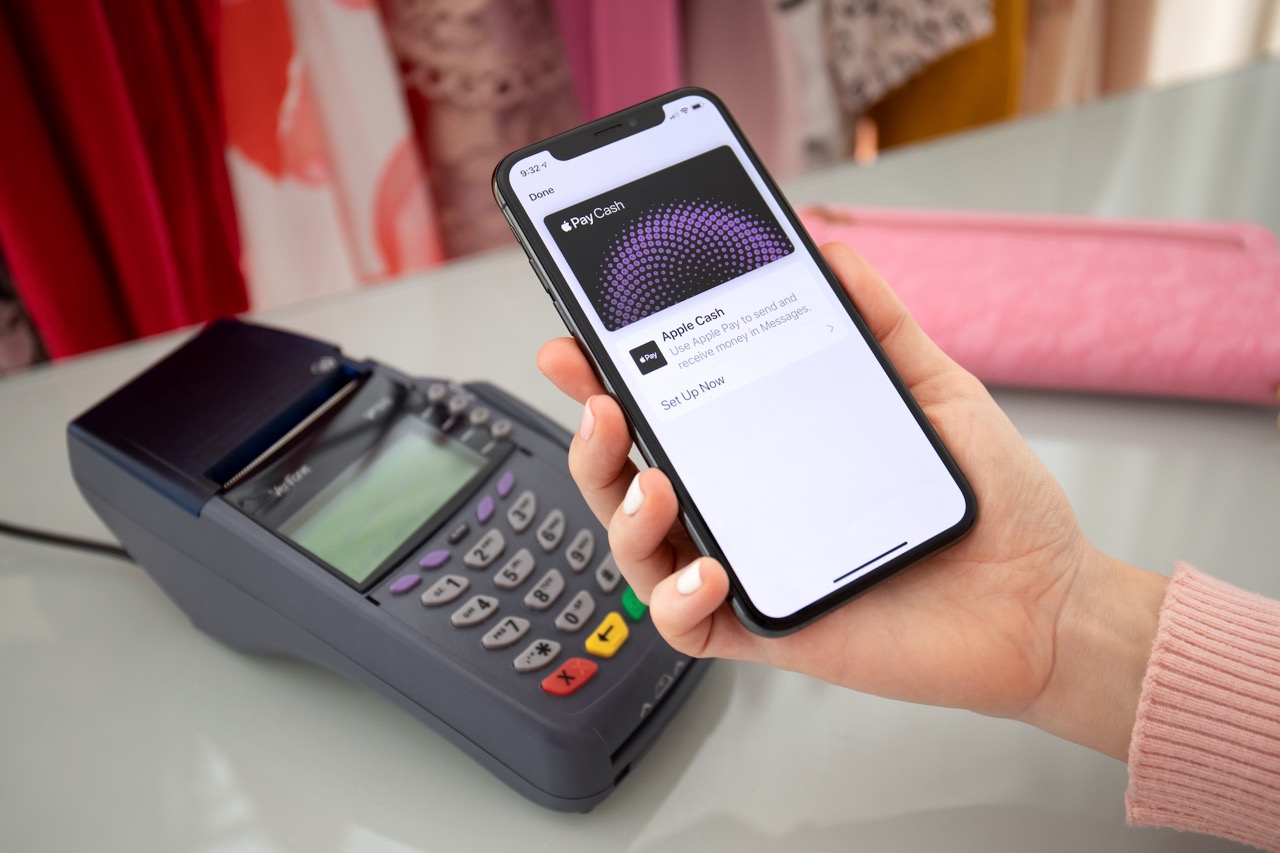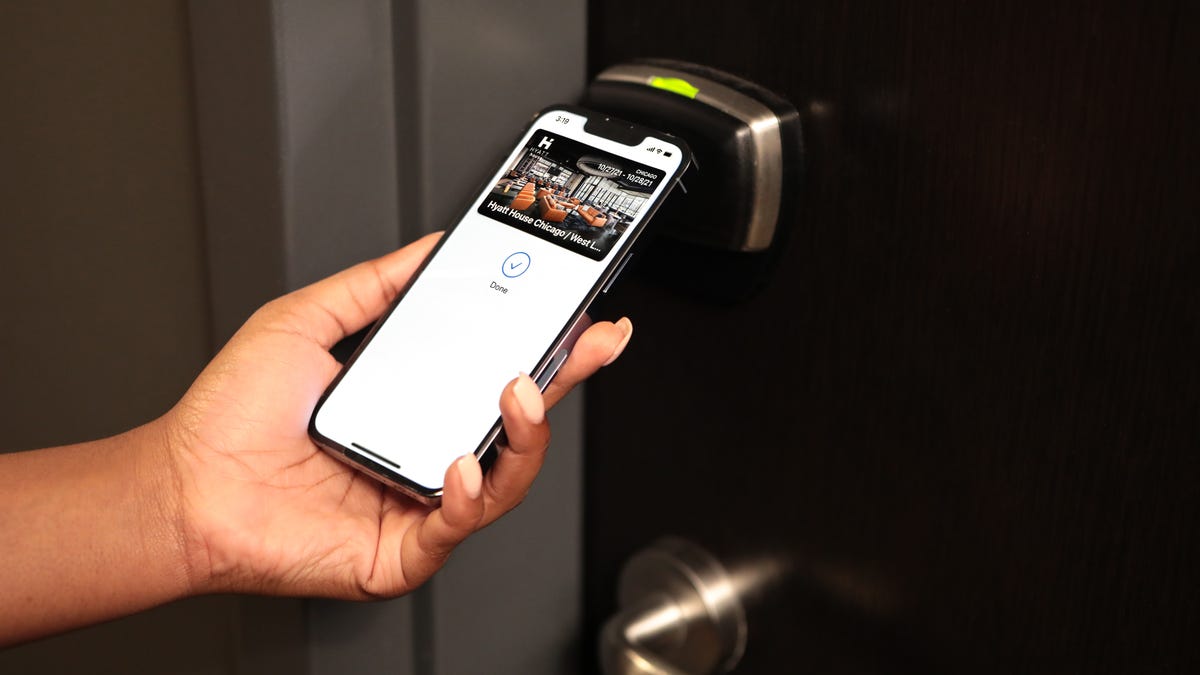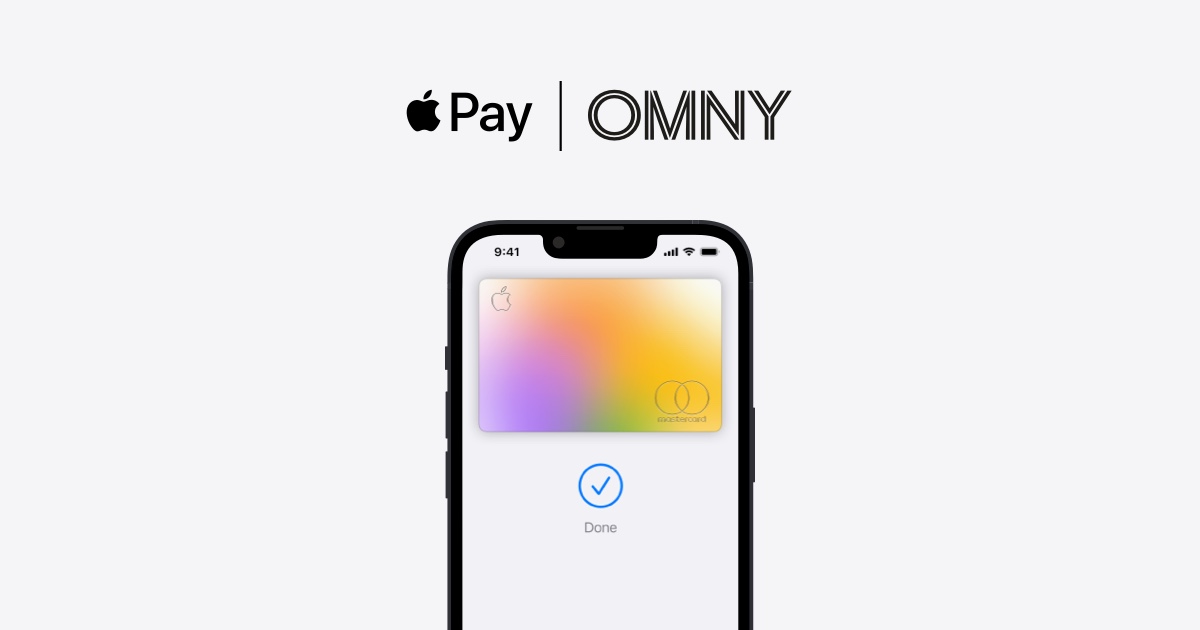
To set up OMNY on iPhone, you use Apple Pay, not a separate app, because OMNY is a contactless payment system for New York City transit, not a downloadable application. The process involves adding a payment card to your Apple Wallet and enabling Express Transit for a faster tap-and-go experience.
What is OMNY and how to set it up on iPhone
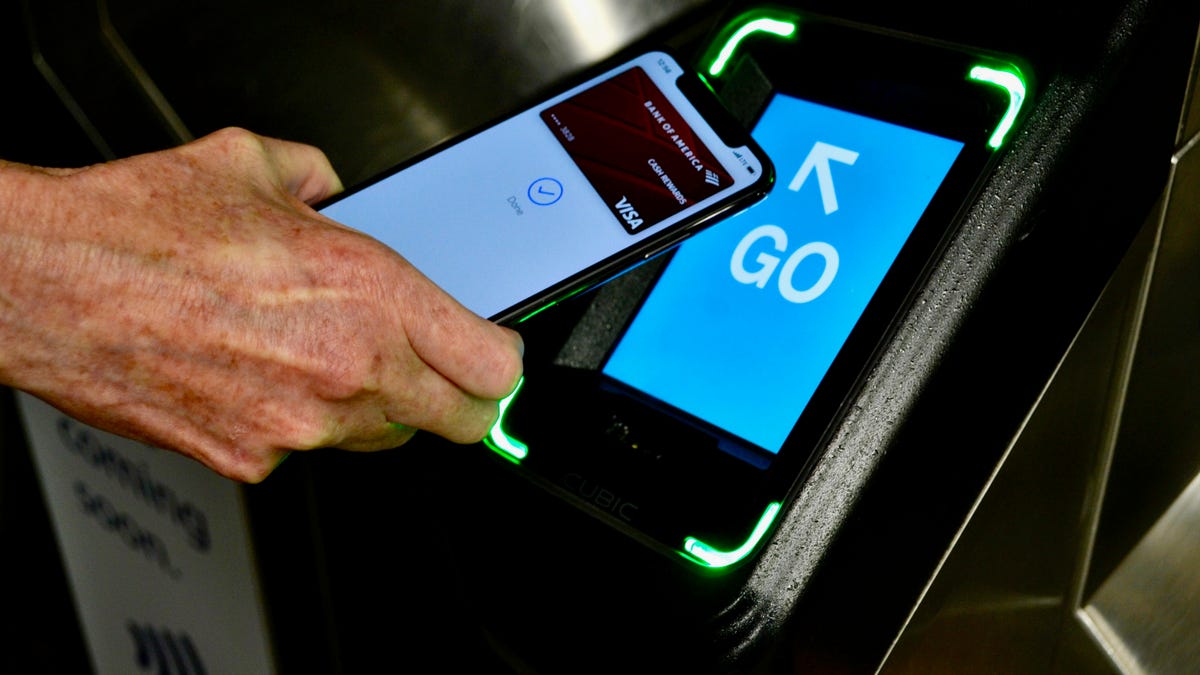
OMNY is the Metropolitan Transportation Authority's contactless fare payment system for subways, buses, and other NYC transit services. Unlike a podcast hosting platform like Omny Studio, OMNY does not require an app on your iPhone. Instead, you use Apple Pay to tap and pay at OMNY readers. Setting up OMNY on iPhone means configuring your Apple Wallet so you can ride without a physical MetroCard. The core setup involves adding a credit or debit card to your digital wallet and optionally enabling Express Transit for seamless entry.
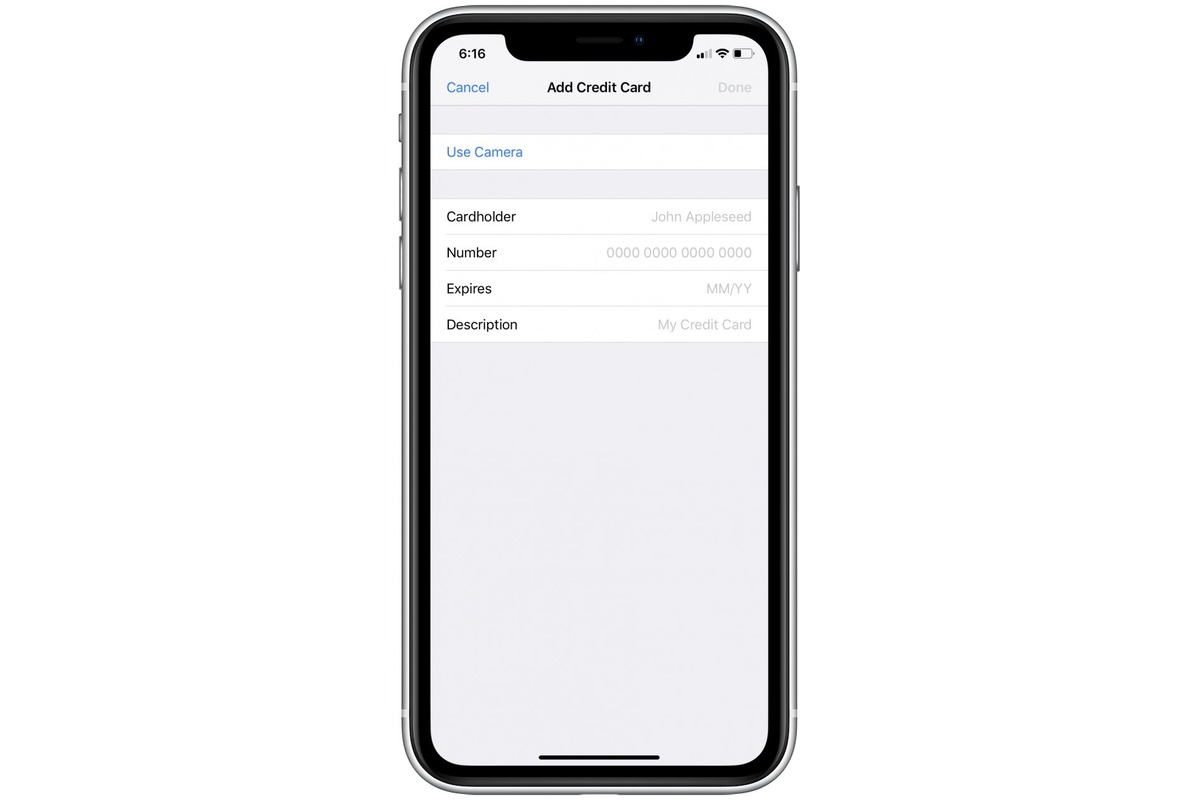
Step 1: Add a card to your Apple Wallet
- Open the Wallet app on your iPhone.
- Tap the plus (+) icon or the "Add" button.
- Select "Debit or Credit Card".
- Follow the on-screen instructions to add your card.
Once the card appears in your Wallet, it is ready to use with OMNY. You can add multiple cards, but only one will be used per tap unless you manually select a different card before tapping the OMNY reader.
Step 2: Enable Express Transit for faster rides
Express Transit lets you tap your iPhone at an OMNY reader without needing Face ID, Touch ID, a passcode, or even unlocking your phone. This makes boarding faster, especially during rush hour. To enable it, go to Settings > Wallet & Apple Pay, then select a card and turn on Express Transit. Express Transit requires an iPhone 6s, iPhone 6s Plus, iPhone SE (2016), or later running the latest version of iOS. iPhone 8 or later with iOS 13.6 or later, or Apple Watch Series 3 or later with watchOS 6.2.8 or later, support Express Mode with Apple Pay. If you manage multiple transit cards or payment methods, you can also set your preferred card for Express Transit here, similar to how you might set a default payment method in T-Mobile account management for recurring bills, this ensures the correct card is always used automatically.
How to use OMNY on your iPhone
Hold the top of your iPhone near the OMNY reader until you feel a haptic tap and see a checkmark on the screen. To pay for multiple riders, tap the same device once for each rider, up to three additional riders per trip. The first time you tap a particular bank card on any OMNY reader, you must wait about a minute before tapping again for other riders. To avoid being charged twice (card clash), keep any physical cards separate from your iPhone when tapping. If you have multiple cards in your digital wallet, select the card you want to use before tapping your device on the reader.
Understanding fare capping and ride tracking
OMNY automatically tracks your rides and caps you at 12 paid rides in 7 days for free travel after that, provided you use the same card or device. This means you never pay for more than 12 rides in a seven-day period. You can register for an OMNY account on omny.info to view your trip and charge history, track progress toward free rides, and manage travel cards. Note that OMNY does not currently offer unlimited weekly or monthly passes directly through Apple Pay; it is a pay-per-ride system with fare capping benefits.
Where OMNY is accepted and how to get help
OMNY is accepted on subways, buses, paratransit, Staten Island Railway, Roosevelt Island Tram, Hudson Rail Link, and AirTrain-Howard Beach and AirTrain-Jamaica stations. For support, OMNY Customer Service can be reached at 877-789-6669, available 24/7.
Frequently Asked Questions
Do I need to download an app to use OMNY on my iPhone?
No. OMNY is a contactless payment system, not a downloadable app. You only need Apple Pay set up in your Wallet.
Can I use OMNY with an Apple Watch?
Yes.
What happens if my iPhone battery dies while using OMNY?
Express Transit requires your iPhone to be powered on. If the battery is completely drained, you cannot tap to ride. Carry a backup payment method or charge your device before traveling.
How do I check how many free rides I have left under fare capping?
The website shows how many paid rides you have taken and when free rides begin.
Can I use the same OMNY card for multiple people on different devices?
You can pay for up to three additional riders by tapping your iPhone once per rider on a single trip. Each rider does not need their own device or card, but the same payment method is used for all taps.
Related reading: How To Set Up Apple Pay On IPhone 12 and How To Remove A Card From Wallet On IPhone?.