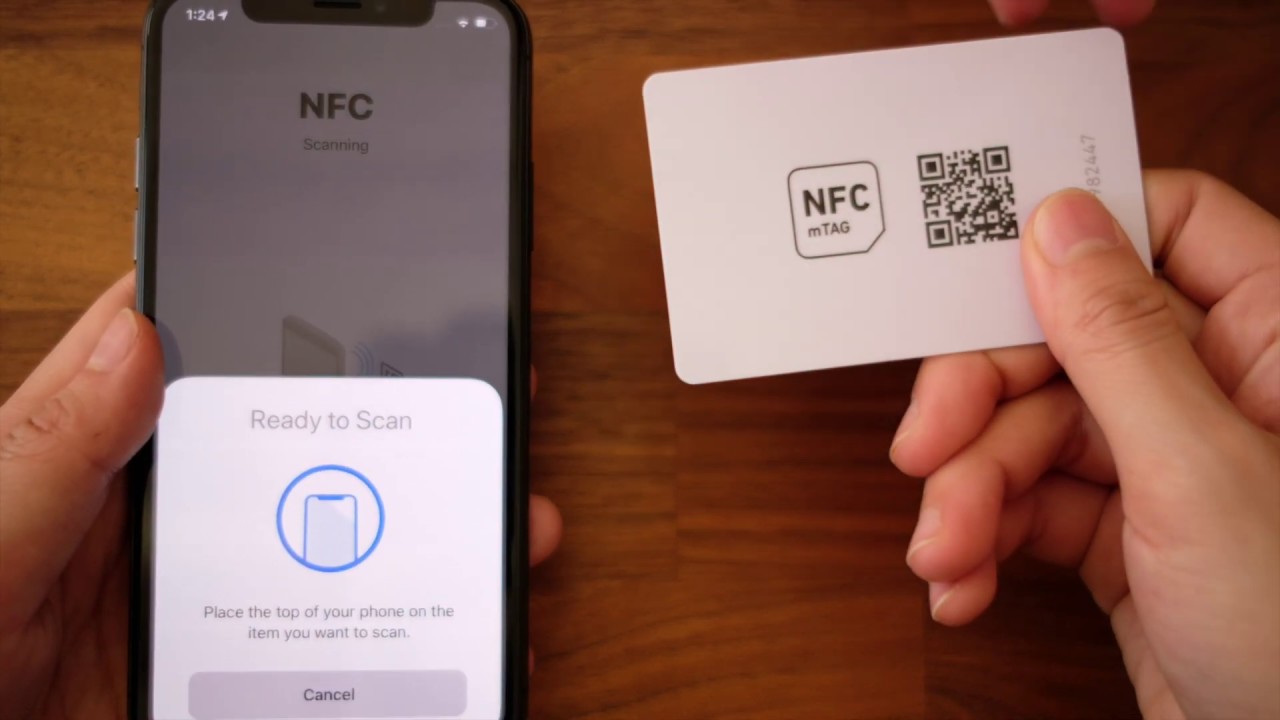
You do not need to manually enable NFC on iPhone 11 because there is no setting to turn it on or off. Apple documents that the iPhone 11 automatically supports NFC Tag Reader, so the feature is always ready to use without flipping any switch.
Do you need to enable NFC on iPhone 11?
The direct answer is no. Apple’s iPhone User Guide confirms that iPhone 11 is one of the models that “automatically support NFC Tag Reader.” There is no toggle, switch, or menu option in Settings to turn NFC on or off. If you want to use NFC features like scanning tags or making payments, your iPhone 11 is already capable out of the box.
What is NFC on iPhone 11?
NFC stands for Near Field Communication, a short-range wireless feature used for contactless payments and reading NFC tags. On iPhone 11, Apple documents two specific capabilities: NFC with reader mode and Express Cards with power reserve. NFC with reader mode lets your iPhone read NFC tags automatically when the screen is awake. Express Cards with power reserve allow you to use Apple Pay and other supported cards for up to five hours after your iPhone battery runs out, even if the device is off. NFC operates on the principle of electromagnetic induction, where the sending device generates a radio frequency (RF) field that can power a passive receiving device.
How to use NFC on your iPhone 11
Using NFC on iPhone 11 requires no setup. Here is how it works:
- Wake your iPhone 11 by tapping the screen or pressing the side button.
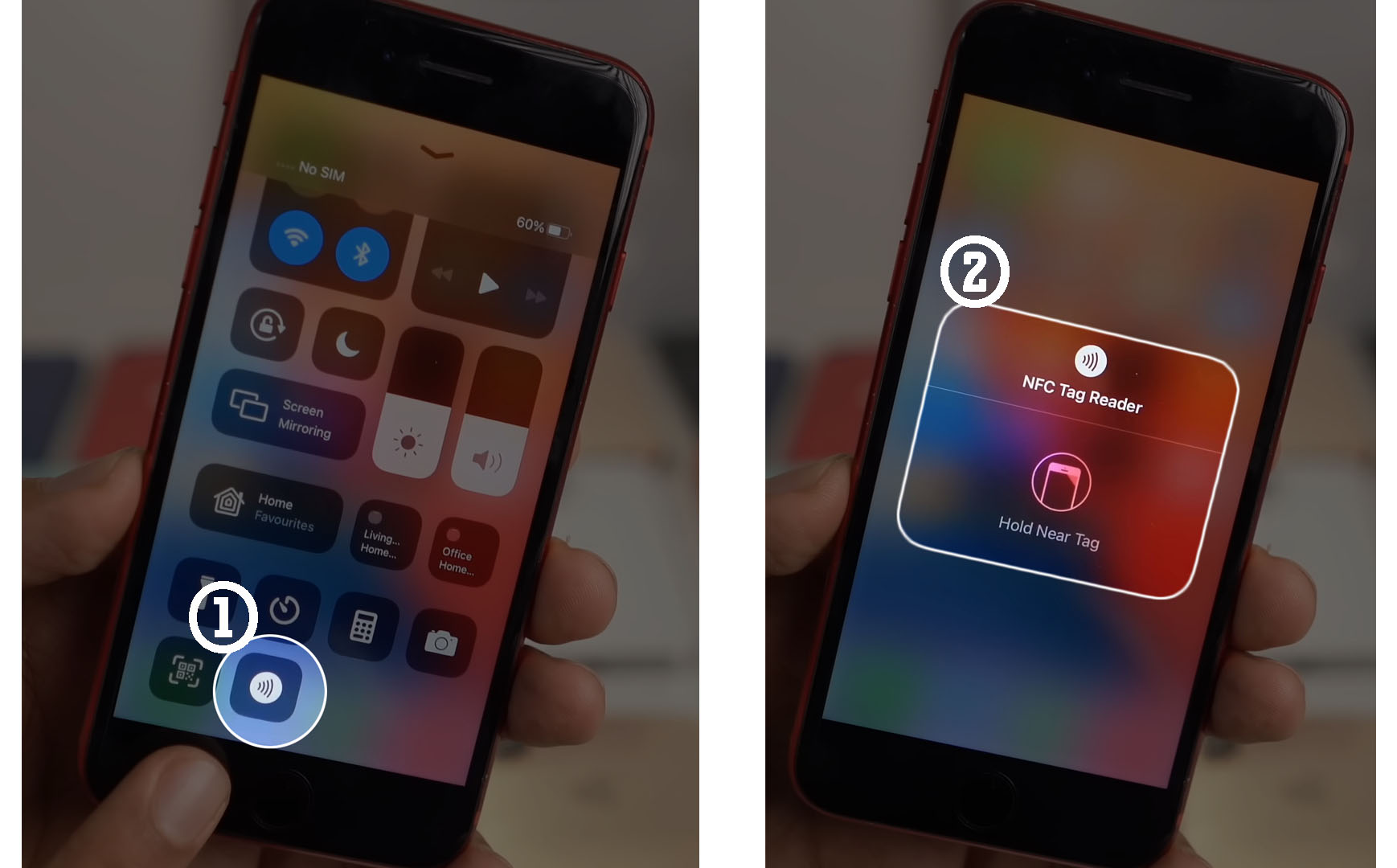
- Hold the top of your iPhone near an NFC tag or contactless reader.
- The tag is read automatically, no app or menu is needed.
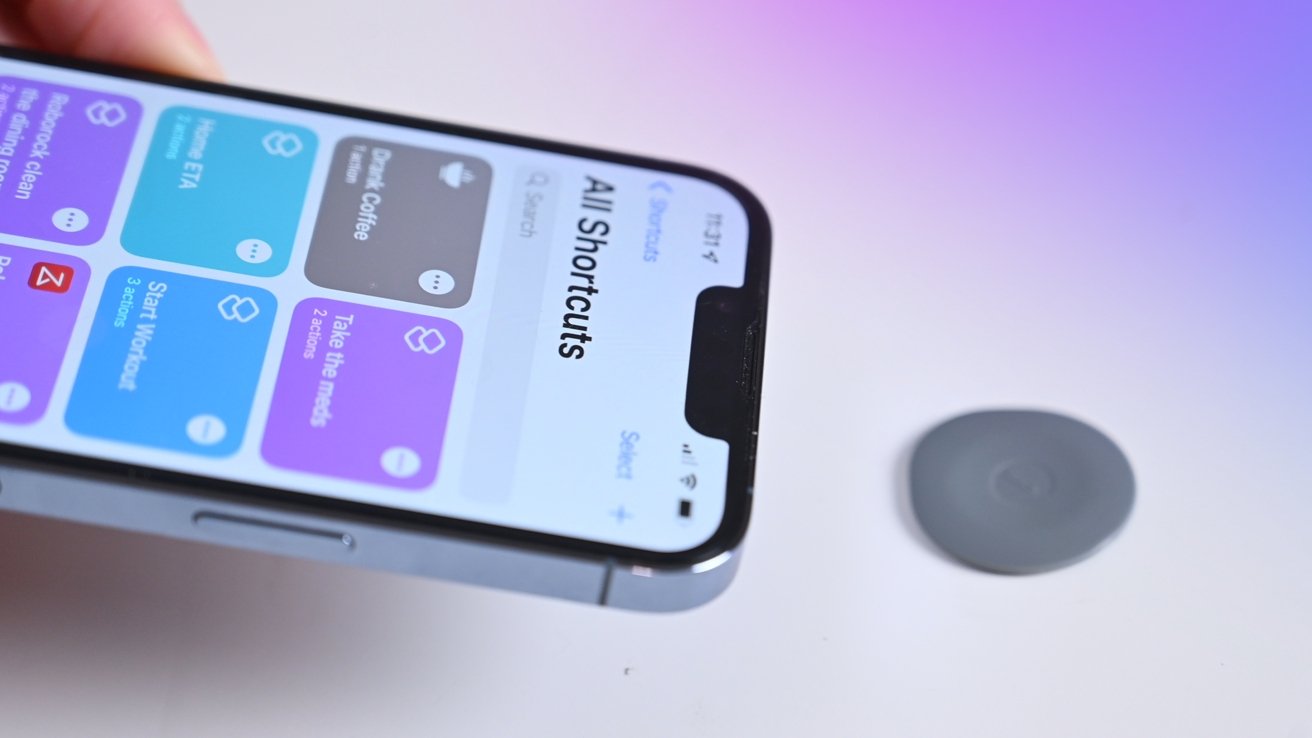
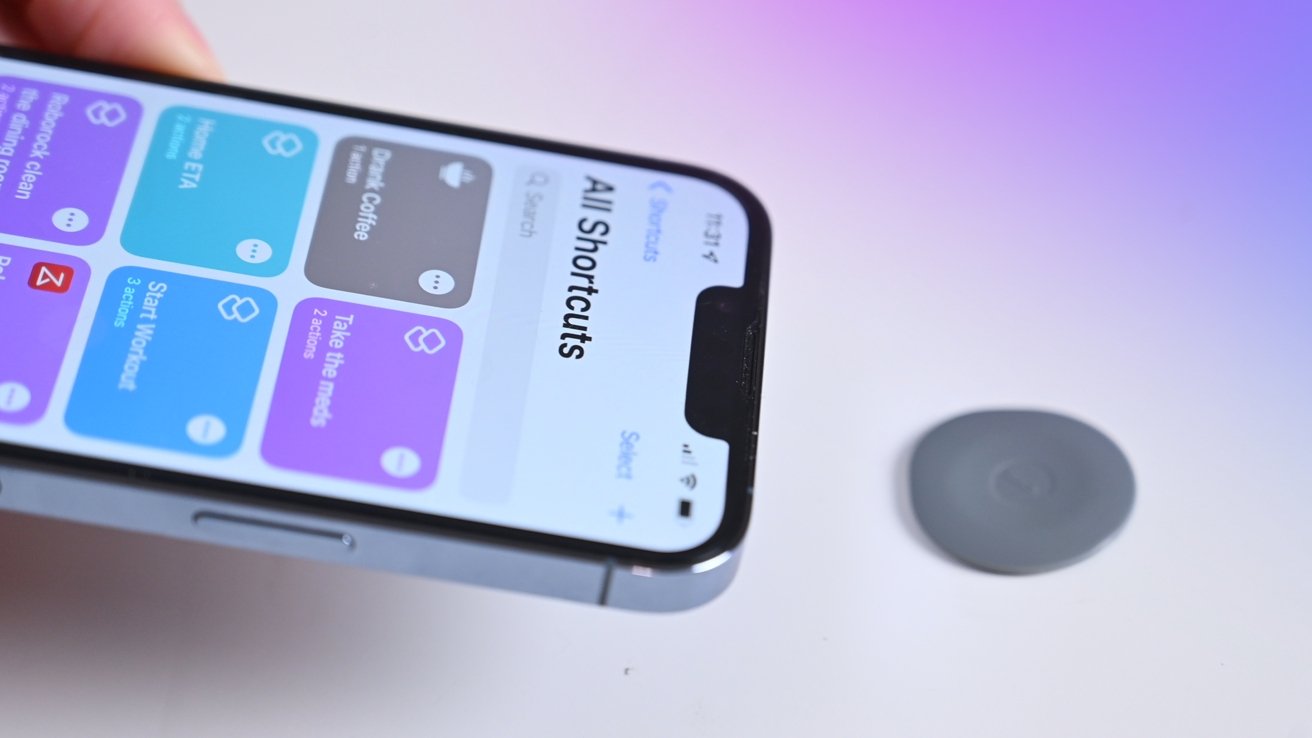
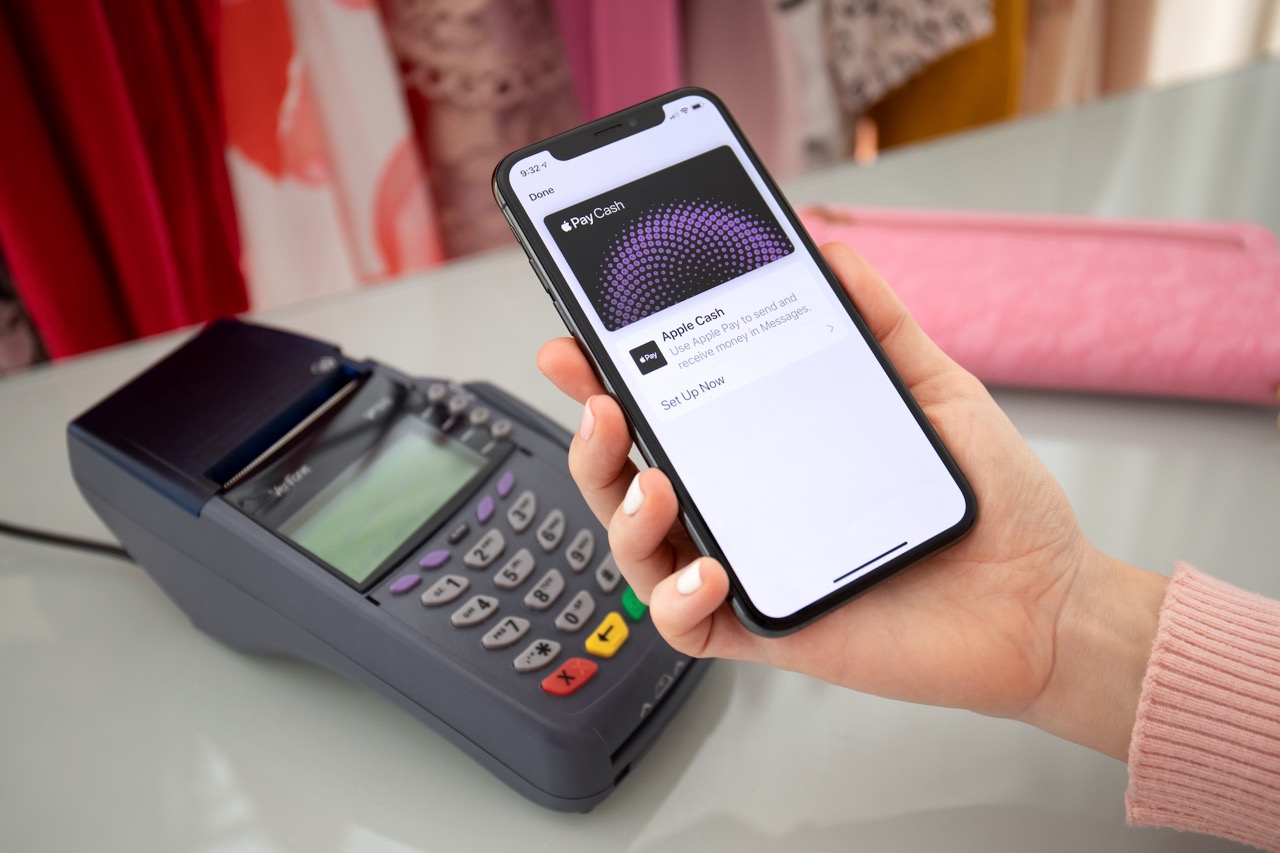
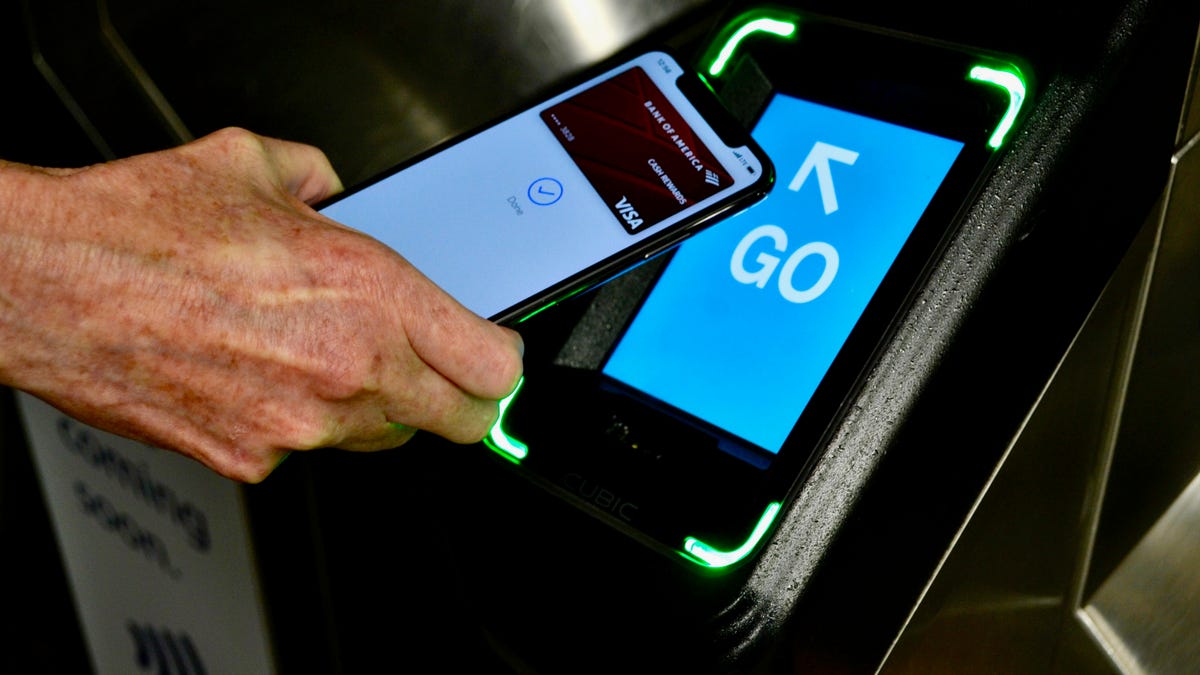
For Apple Pay, simply double-click the side button, authenticate with Face ID, and hold your iPhone near a payment terminal. Apple Pay is always ready and does not require you to open an app or enable a setting. NFC can be used to share content and data with other NFC-enabled devices, such as photos, contacts, or documents, by tapping two devices together. NFC can be used to access information and services in public places, such as museums and tourist attractions that use NFC tags to provide exhibit details or self-guided tours. You can program NFC tags to trigger specific actions like changing device settings, launching apps, or sharing Wi-Fi network details with guests.
Which iPhones support automatic NFC tag reading?
Apple’s User Guide lists the following iPhone models as automatically supporting NFC Tag Reader: iPhone SE (2nd generation and later), iPhone XR, iPhone XS, iPhone XS Max, iPhone 11, iPhone 11 Pro, and iPhone 11 Pro Max. If you own one of these devices, NFC tag reading works without any manual activation.
What to do if NFC is not working
If your iPhone 11 does not seem to read NFC tags, try these simple checks:
- Make sure the screen is awake and unlocked. NFC tag reading only works when the display is on.
- Confirm the tag is compatible. Some older or damaged tags may not be readable by iPhone 11.
- Verify you are using an iPhone 11 model. Only the models listed above support automatic tag reading.
- Toggle NFC off and on again if it is already enabled to reset the connection.
- Restart your iPhone 11.
- Ensure your iPhone 11 is running the latest version of iOS.
- Reset your iPhone's network settings.
- Contact Apple Support or visit an authorized service provider if issues persist.
If you still see a “Couldn’t Read NFC Tag” error, Apple’s support documentation provides deeper troubleshooting steps for that specific message.
Frequently Asked Questions
Does iPhone 11 have NFC?
Yes, iPhone 11 includes NFC with reader mode and Express Cards with power reserve, as documented in Apple’s technical specifications.
Do you need to turn NFC on in Settings on iPhone 11?
No. Apple does not provide a documented toggle for NFC on iPhone 11. The feature is automatically enabled on supported models.
Can I use NFC tags with my iPhone 11 without an app?
Yes. iPhone 11 reads NFC tags automatically when the screen is awake, so you do not need to open a separate app to scan most tags.
What are NFC tags and readers explained?
For a deeper understanding of how these work, Apple’s documentation on NFC tags and readers explained covers the technology behind contactless data exchange and how your iPhone interacts with tags and payment terminals.
Does NFC on iPhone 11 work when the battery is dead?
Can I use NFC on my iPhone 11 to make contactless payments?
Yes, through Apple Pay.
How do I know if NFC is enabled on my iPhone 11?
Check Settings > Touch ID & Passcode or Face ID & Passcode for 'Allow Access When Locked' for Wallet.
Can I use NFC to pair my iPhone 11 with Bluetooth devices?
Yes, by tapping near the NFC tag on the device.