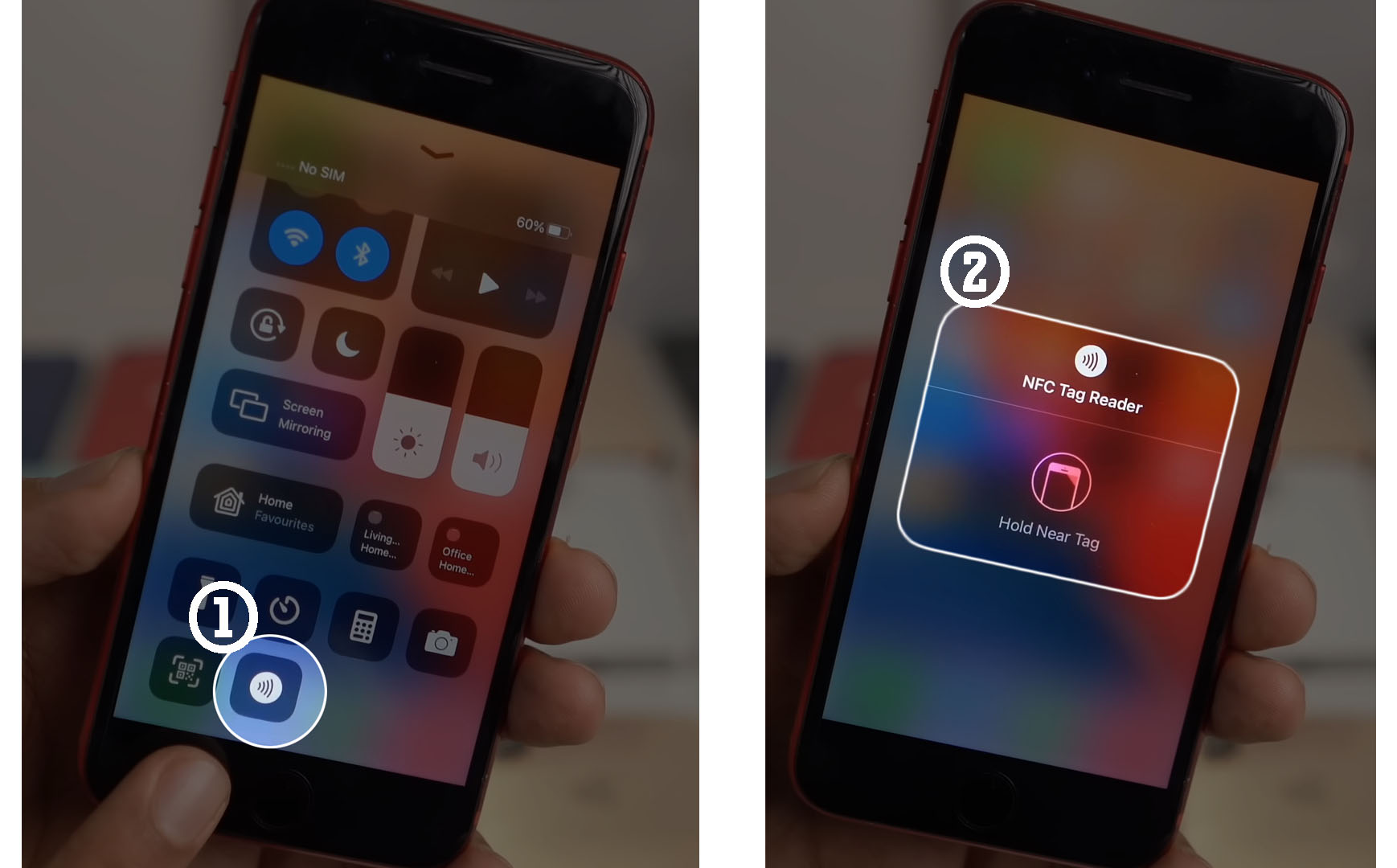
You cannot turn off NFC on an iPhone because Apple does not provide a system setting to globally disable the feature. If you searched for how to turn off NFC on iPhone expecting a simple toggle, the direct answer is that no such switch exists in iOS.
Can you turn off NFC on an iPhone?
No, Apple does not offer a documented way to turn off NFC on iPhone. The iPhone User Guide shows NFC Tag Reader controls in Control Center for older models. This means the NFC chip remains active for functions like Apple Pay and background tag reading, with no user-facing setting to disable it entirely.
Why there is no NFC off switch
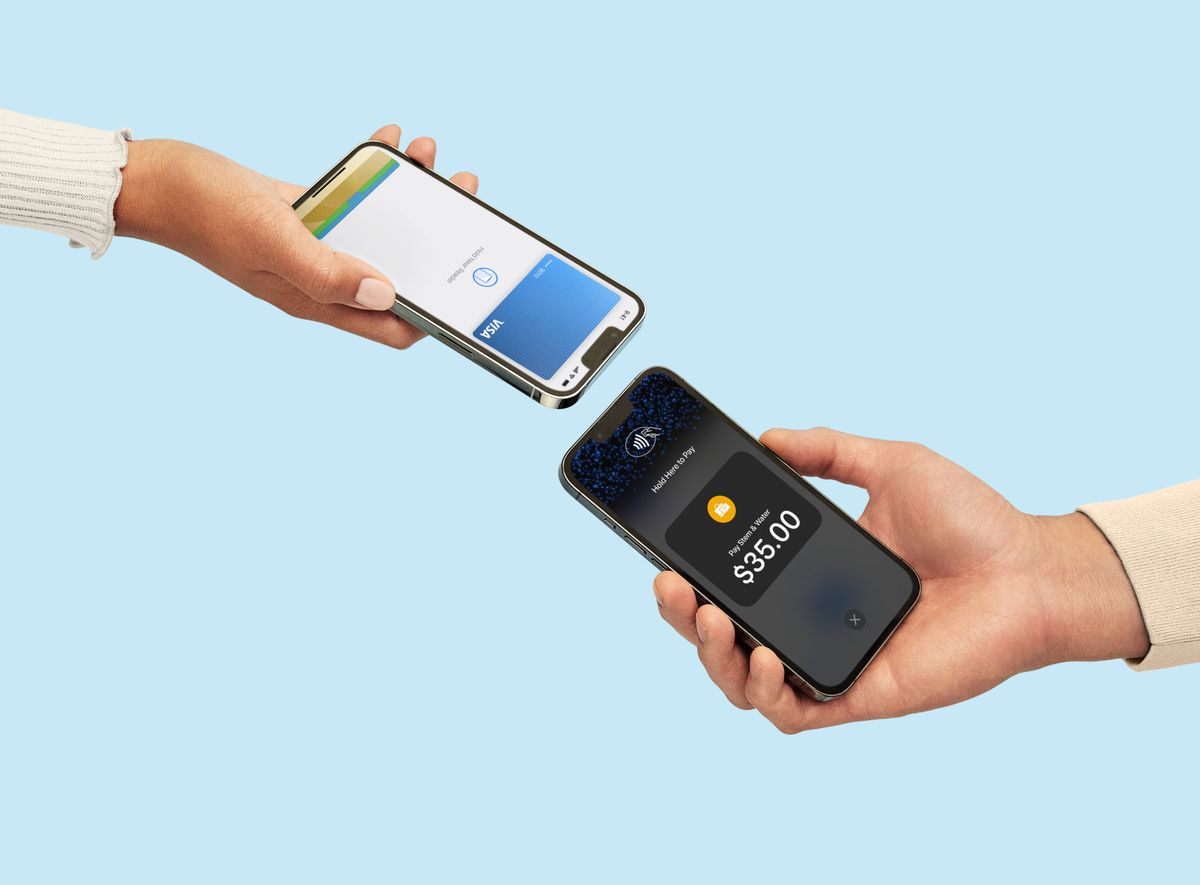
Apple designs the NFC chip to be always on for security and convenience. The chip supports Express Cards, which let you pay at transit gates and other terminals without unlocking your phone or even waking the screen. It also operates in power reserve mode, so your iPhone can still process payments for a short time after the battery dies. Because these features rely on the chip being constantly available, Apple has not built a standard off switch that would break them.
What you can control: the NFC tag reader on older iPhones
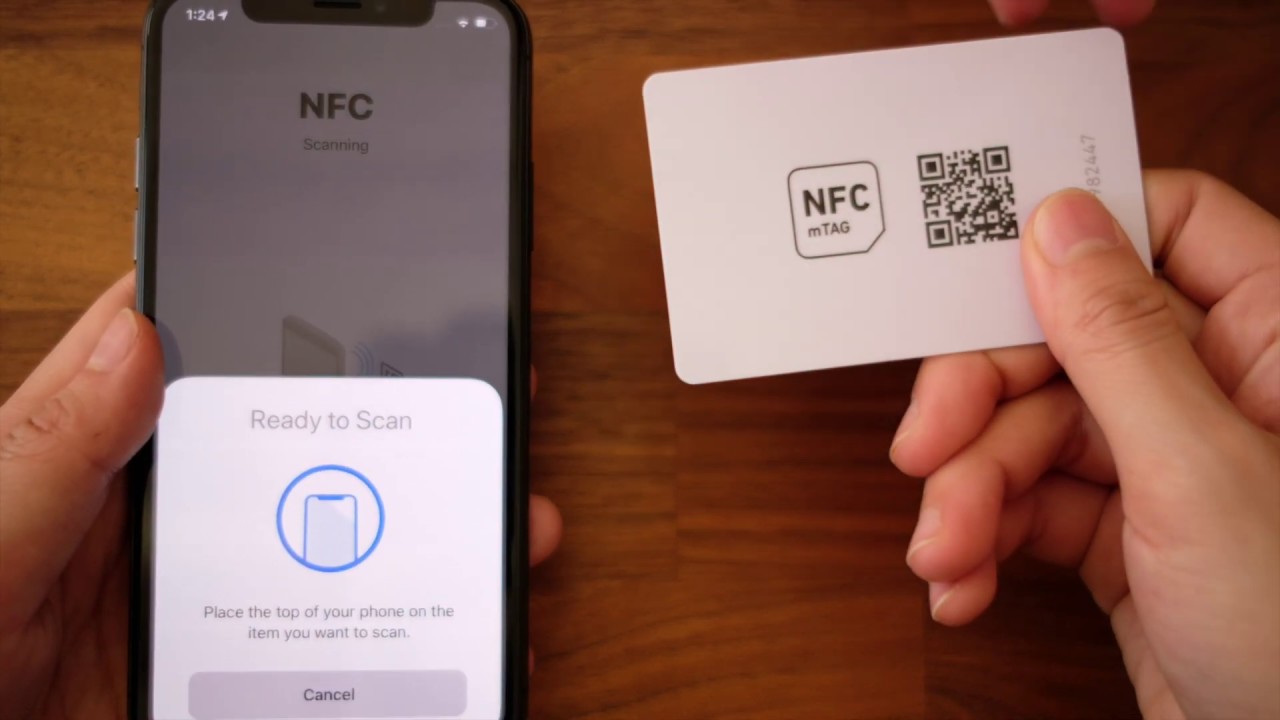
The only documented NFC control is the NFC Tag Reader toggle in Control Center. This is available on iPhone 7, iPhone 7 Plus, iPhone 8, iPhone 8 Plus, and iPhone X. On these models, you can turn the NFC Tag Reader on or off from Control Center, but this only controls whether the phone actively scans tags you tap. It does not disable Apple Pay, Express Cards, or the underlying NFC hardware.
How NFC works on modern iPhones
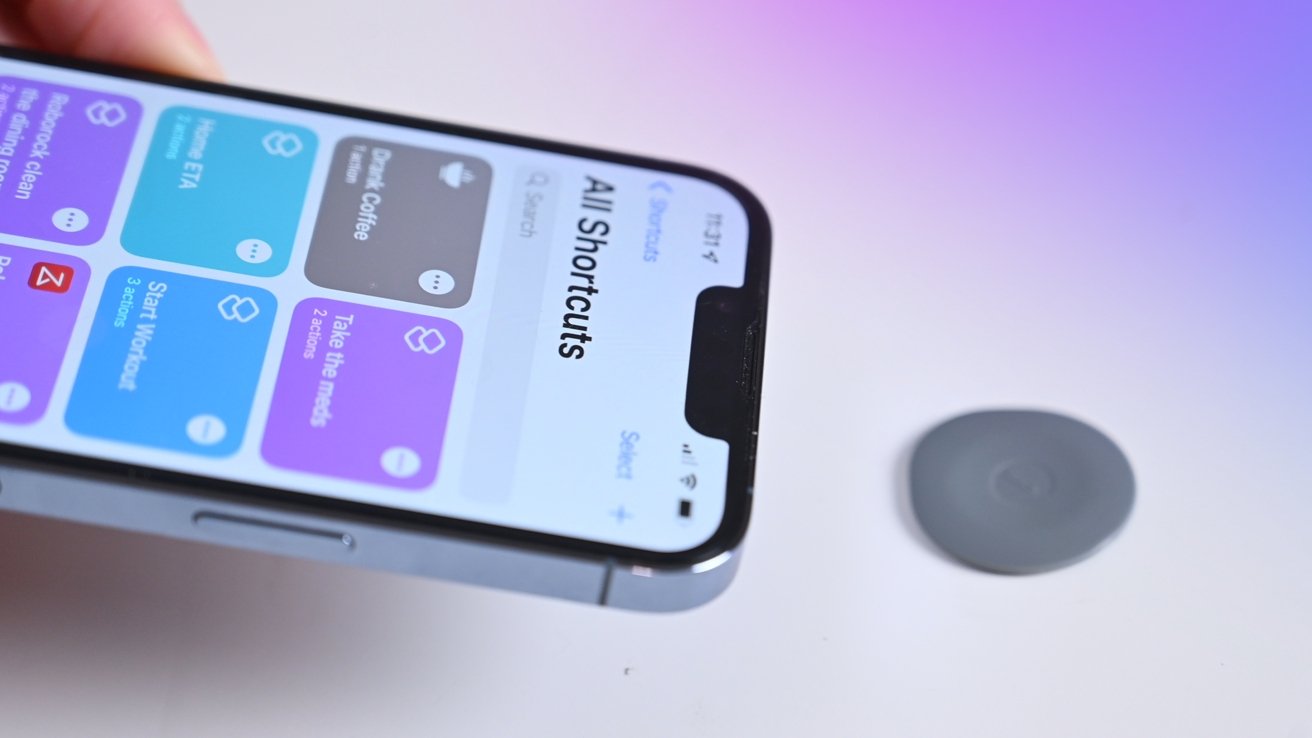
On iPhone XR, iPhone XS, and later models, including the iPhone SE (2nd generation and later), NFC tag reading happens in the background. The phone automatically scans compatible tags when the screen is on, without you opening an app or enabling a toggle. Apple does not provide a user-facing control to disable this background tag reading, nor is there a setting to turn off the NFC radio itself on these devices. iPhone models that support background NFC tag reading: iPhone SE (2nd generation and later), iPhone XR, iPhone XS, iPhone XS Max, iPhone 11, iPhone 11 Pro, iPhone 11 Pro Max, iPhone 12 mini, iPhone 12, iPhone 12 Pro, iPhone 12 Pro Max, iPhone 13 mini, iPhone 13, iPhone 13 Pro, and iPhone 13 Pro Max.
How to stop unwanted NFC interactions
Since you cannot disable NFC entirely, the practical workarounds are limited. If you do not want a payment to go through, simply do not authenticate with Face ID, Touch ID, or your passcode at the terminal. A transaction requires the screen to be on and your authentication, so an accidental tap alone will not complete a payment. Airplane Mode does not help either, because it does not turn off the NFC chip on iPhone. If you want to avoid reading a nearby tag, keep your iPhone’s screen off or move it away from the tag, since background tag reading only occurs when the screen is active.
Frequently Asked Questions
Does turning off NFC save battery?
No, because you cannot turn off NFC on an iPhone, there is no battery saving to gain from disabling it. The NFC chip uses very little power in standby, and Apple does not offer a setting that would let you test the difference.
Does turning off NFC affect Apple Pay?
It would, but only if such a setting existed. Since Apple does not provide a way to turn off NFC, Apple Pay remains available whenever you authenticate a payment. The NFC chip is required for contactless payments, so any future toggle that disabled NFC would also disable Apple Pay.
Can I still use Apple Pay if I turn off NFC?
No, if you turn off NFC on your iPhone, you won't be able to use Apple Pay or any other NFC-based payment systems.
Can a case block the NFC signal?
Most cases will not block NFC because the signal only needs to travel a few centimeters. A thick metal case or one with a metal plate near the top of the phone might interfere, but a standard plastic, silicone, or leather case will not stop NFC interactions.
Why does my iPhone keep reading NFC tags?
Your iPhone reads tags in the background whenever the screen is on and the tag is near the top of the device. This is by design on iPhone XR and later models, and there is no setting to stop it. Move the phone away from the tag or lock the screen to prevent further reads.
Is NFC the same as Bluetooth or Wi-Fi?
No, NFC is a separate short-range wireless technology that works at a distance of a few centimeters. Unlike Bluetooth or Wi-Fi, it does not require pairing or a network connection, and it is not controlled by the same toggles in Settings or Control Center.
For the wider topic, see NFC tags and readers explained.