Practical guides and troubleshooting advice focused entirely on the phone photography and videography experience. This tag is for anyone who uses their smartphone as a primary camera, from casual shooters wanting better selfies to streamers and content creators who need to connect their phone to other devices. The articles here are built around solving real, everyday camera problems rather than offering theoretical photography lessons.
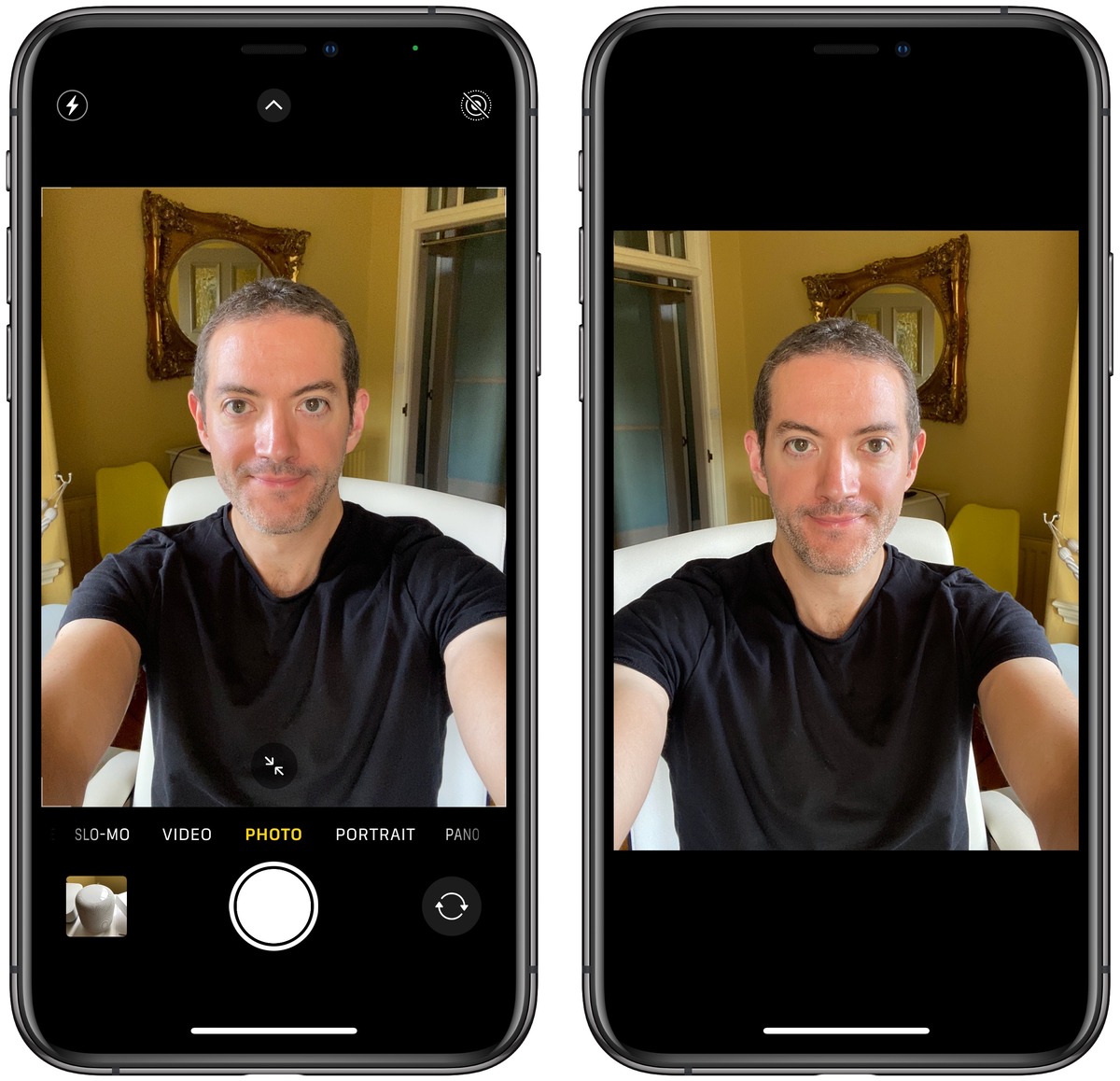
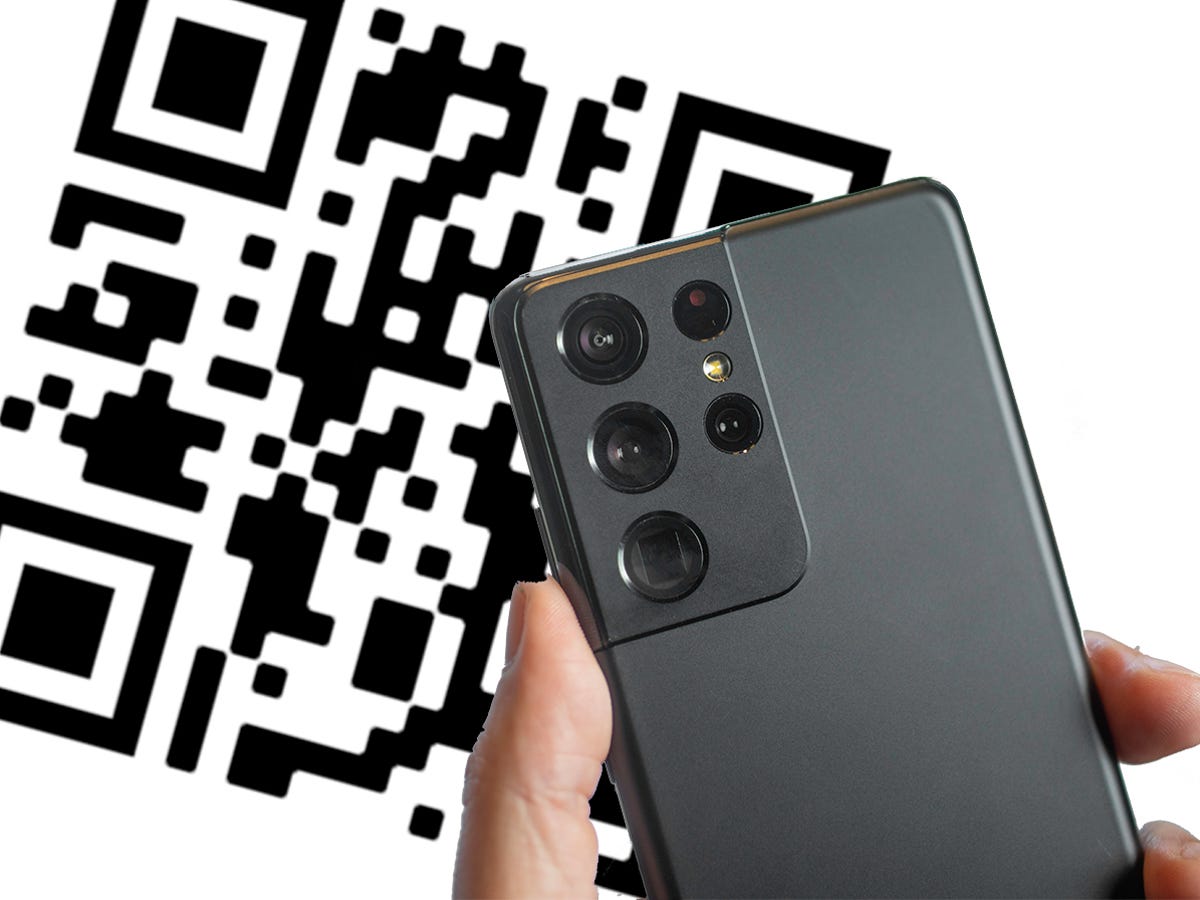
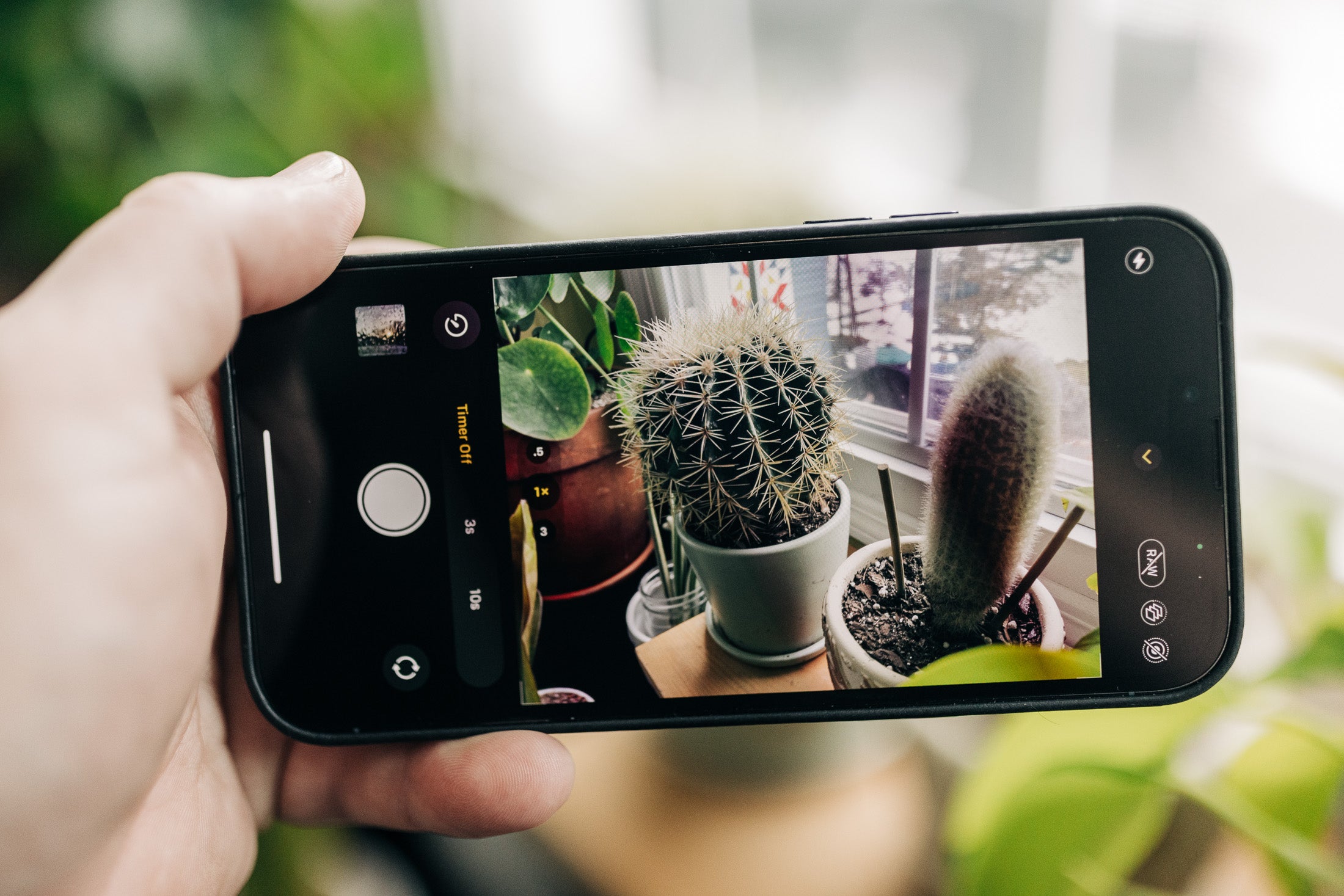
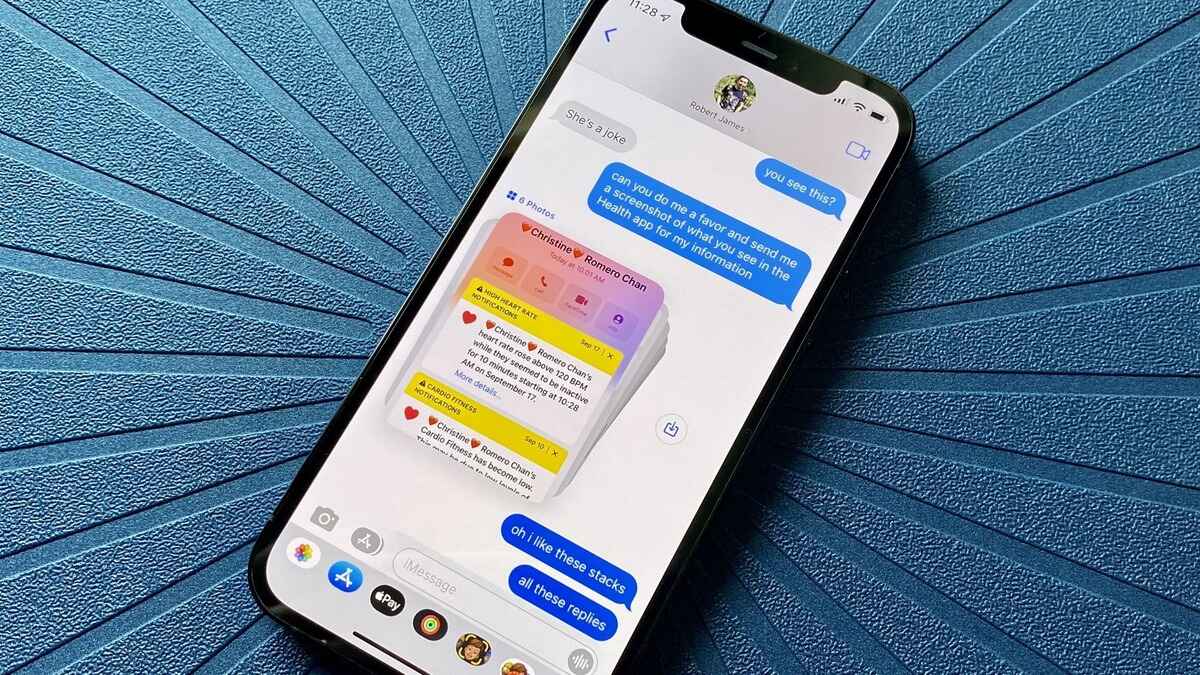
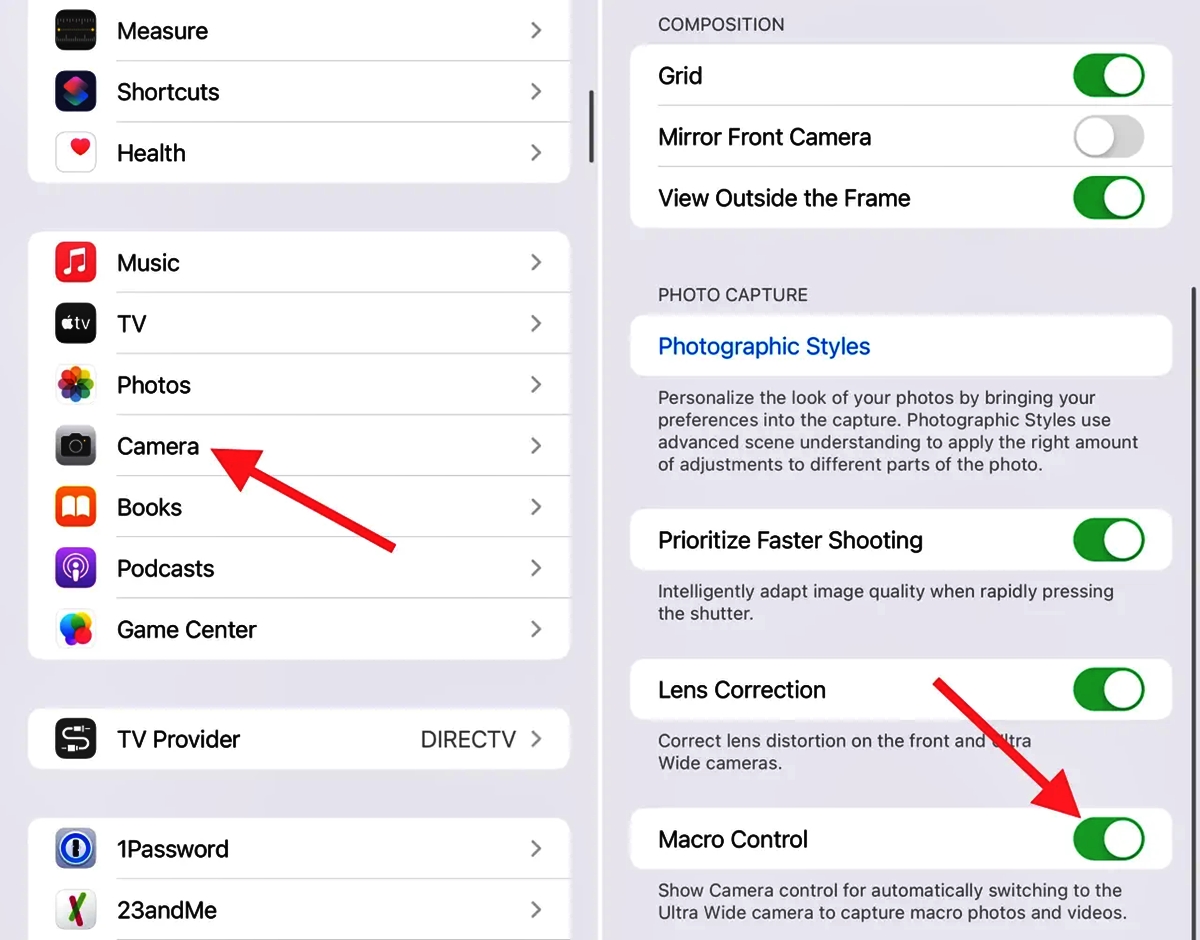
Many of the articles address hardware and accessory setup, helping you get the most out of tools like tripods, selfie sticks, and gimbals. You will find clear steps for setting a timer on your phone camera, disabling the auto macro mode on an iPhone 13 Pro, or resetting camera settings on an iPhone 11. Other guides focus on scanning and sharing, such as how to scan on an Android phone, how to scan a QR code on a Realme 8, and how to instantly send photos in messages. A third group of articles tackles specific capture techniques, like taking star photos with an iPhone 13, macro photos with an iPhone 11, or even a picture of the moon with an iPhone 12.
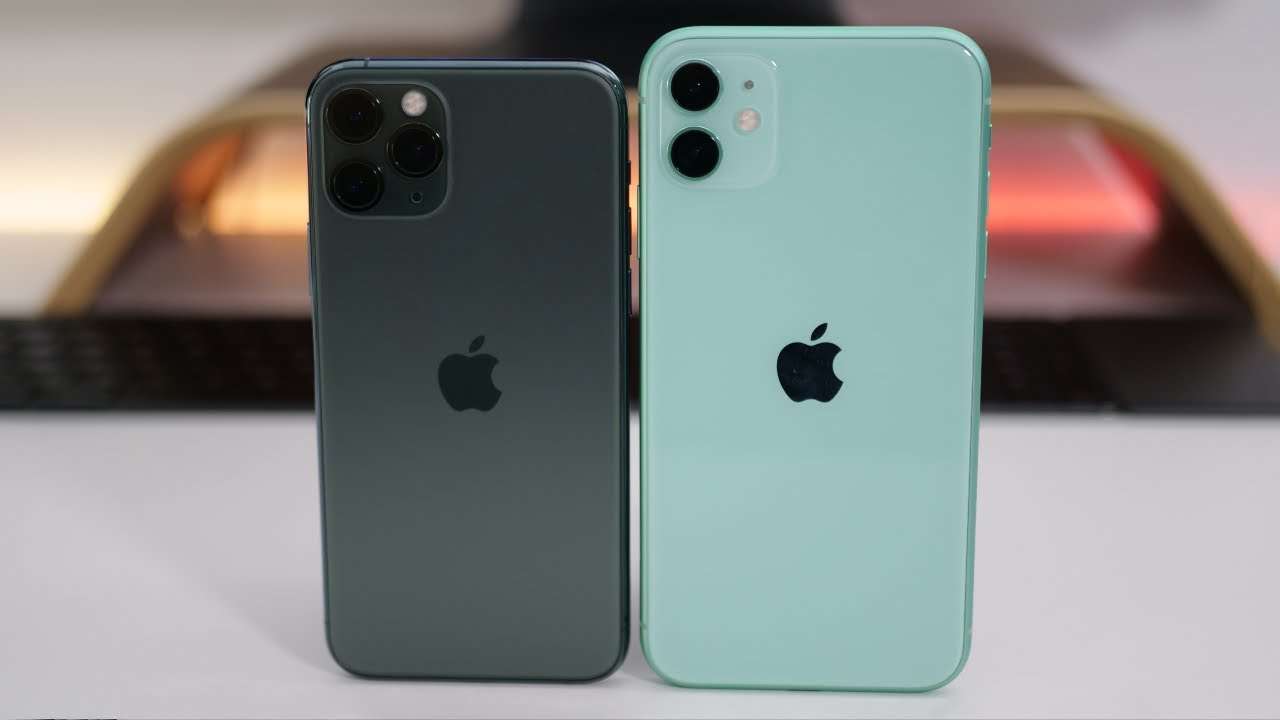
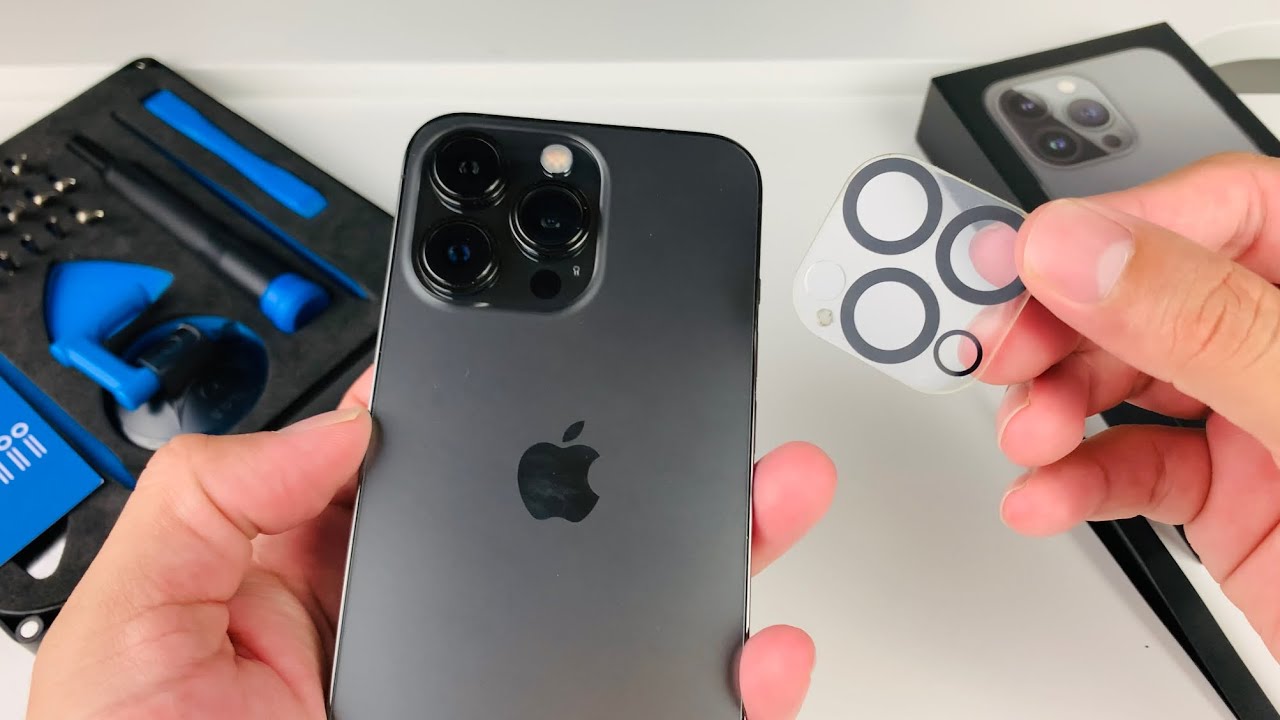
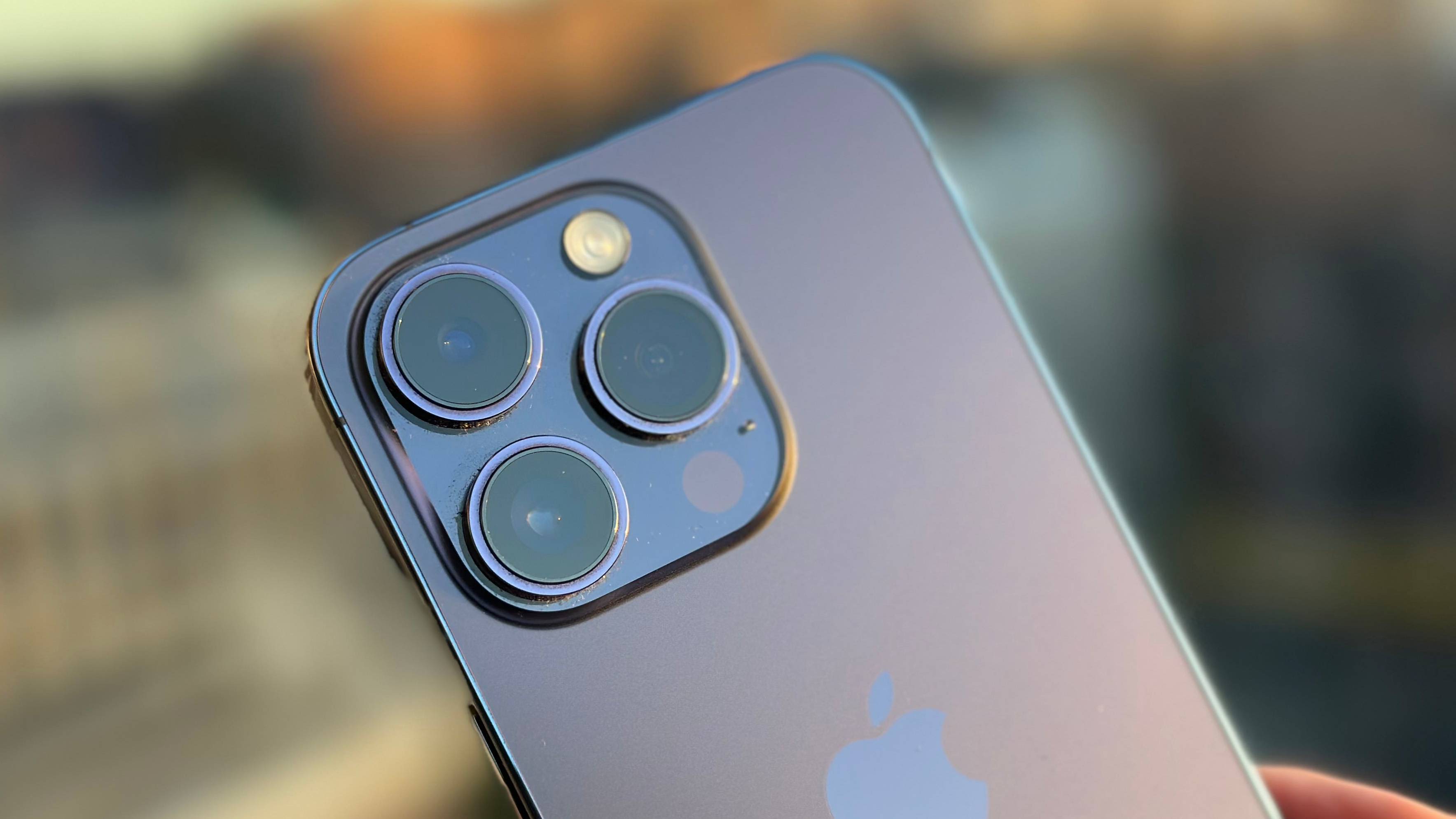
Beyond shooting, the tag also covers maintenance and repairs, including how to get rid of black spots on a phone camera lens and how to take off an iPhone camera protector. For those using their phone as a facecam for a PS4 stream or controlling an Android phone with facial expressions, the solutions are laid out plainly. Whether you are comparing the Apple iPhone 11 vs. iPhone 11 Pro or wondering what the third camera on an iPhone 13 Pro does, these articles help you take control of your phone's camera and fix the issues that get in the way of a good shot.