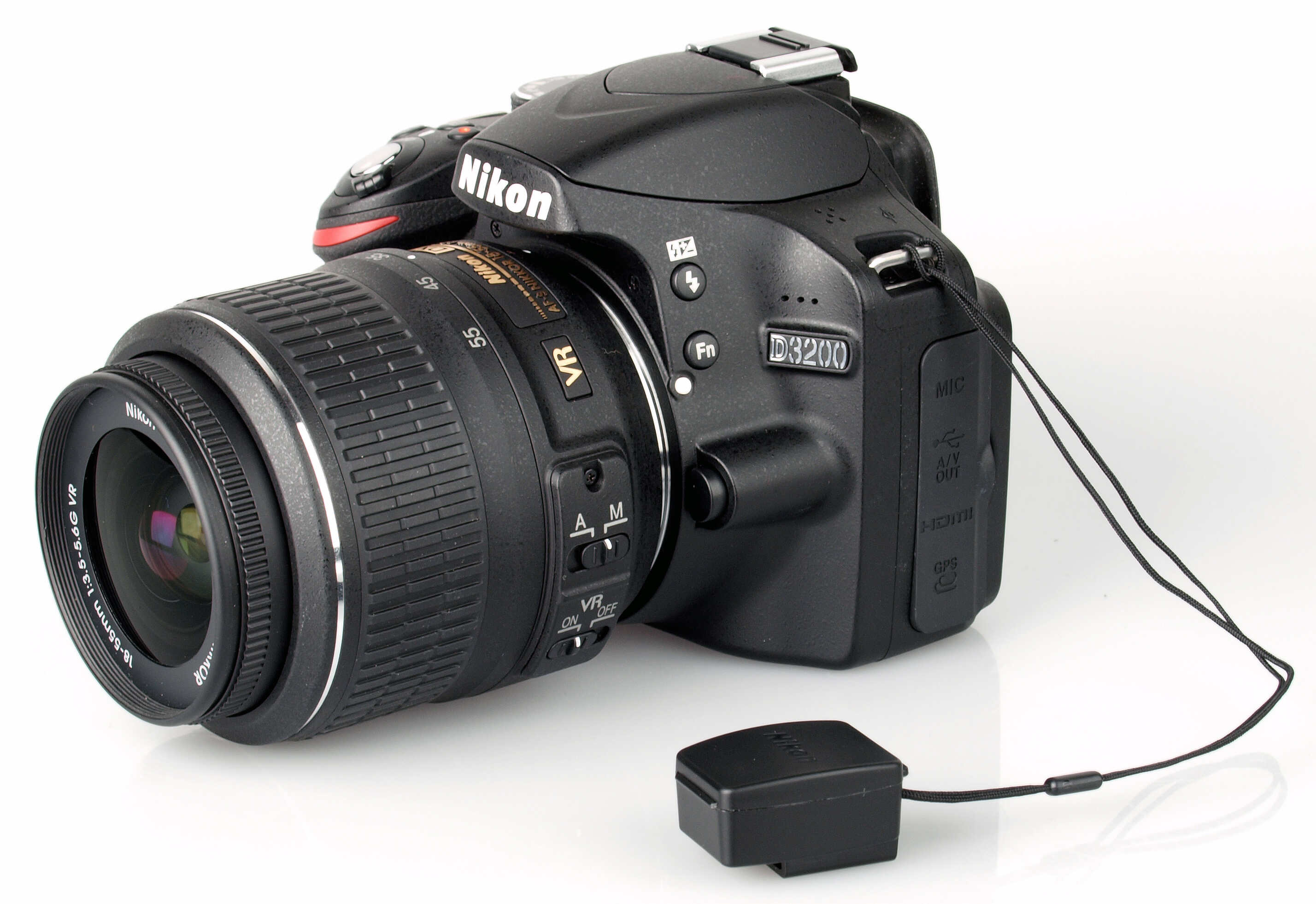
To use a Nikon wireless adapter, you connect the WU-1a or WU-1b adapter to your camera and use the Wireless Mobile Utility app on your phone to transfer photos.
Before you start: how to use nikon wireless adapter compatibility
The adapter uses Wi‑Fi 11b/g/n. These adapters work with compatible Nikon DSLR and mirrorless cameras that have an accessory terminal port. The WU-1a works with iPhone, iPad, iPod touch devices running iOS 6.0 or later, and Android smartphones running Android 2.3 or later (Android 3.0 or later for tablets). For newer Nikon cameras with built-in Bluetooth, Wi‑Fi, or NFC, Nikon provides the SnapBridge app instead of the Wireless Mobile Utility. SnapBridge must be installed for select Nikon cameras with built-in Bluetooth, Wi‑Fi, and/or NFC. Nikon's online manual says there are two Wi‑Fi methods for SnapBridge: “Wi‑Fi access point mode” for direct camera-to-device Wi‑Fi and “Wi‑Fi station mode” through a wireless router on an existing network.
Download the Wireless Mobile Utility app
The mandatory first step is to install the correct Nikon app before connecting the adapter. Nikon's compatibility document says the Wireless Mobile Utility must be installed before using a camera connected to a WU-1a or WU-1b adapter. Download the free Wireless Mobile Utility app from the App Store (for iPhone/iPad) or Google Play (for Android). This app is required for managing and transferring photos between your camera and phone when using the WU-1a or WU-1b adapter. For cameras with built-in wireless features, Nikon requires the SnapBridge app instead.
Connect the WU-1a adapter to your camera
Physically insert the adapter into your camera's accessory terminal port. Ensure it is securely attached, then turn the camera on. The camera will power the adapter once connected.
Activate the adapter and connect your phone
- Press and hold the button on the adapter for about 5 seconds until the LED starts flashing.
- Open your phone's Wi‑Fi settings.
- Select the camera's network from the list of available networks. The network name begins with "Nikon" followed by letters and numbers.
- Open the Wireless Mobile Utility app on your phone to begin transferring photos or controlling the camera.
iPhone, iPad, and iPod touch users must repeat the Wi‑Fi connection step each time they want to use the wireless feature. This is normal behavior, not a fault.
Transfer photos and control your camera
Once connected, the Wireless Mobile Utility app provides an interface for browsing and downloading images from your camera to your phone. You can select individual photos or transfer multiple images. The app also offers basic remote control functionality, allowing you to trigger the shutter and adjust certain settings from your phone. This is useful for group shots, self-portraits, or capturing images from angles where you cannot reach the camera.
Troubleshooting common connection problems
If the connection fails, check these documented causes:
- Ensure the Wireless Mobile Utility app is installed on your phone before attempting to connect. The app must be present for the connection to work.
- Verify your phone or tablet is a compatible device running a supported OS version. The adapter only works with devices meeting the Android 2.3+/iOS 6.0+ requirements.
- Confirm the adapter LED is flashing after pressing the button. If the LED is not flashing, the adapter may not be activated or properly seated in the accessory terminal.
- For iPhone, iPad, and iPod touch users, remember that you must reconnect to the camera's Wi‑Fi network each time. This is expected behavior, not a connection error.
- Ensure both the camera and phone have sufficient battery charge, as the wireless connection can drain power faster than normal use.
Frequently Asked Questions
What is a Nikon wireless adapter?
A Nikon wireless adapter is a Wi‑Fi accessory that plugs into your camera's accessory terminal port, allowing you to transfer photos wirelessly to a smartphone or tablet using the Wireless Mobile Utility app. The adapter has an approximate range of 10-15 m / 33-49 ft.
What are the advantages of using a Nikon wireless adapter?
The adapter lets you transfer photos to your phone without cables, share images immediately on social media, and remotely control your camera for self-portraits or group shots. It also allows you to use your phone as a live view monitor.
How do I set up and connect the Nikon wireless adapter?
Download the Wireless Mobile Utility app first, insert the adapter into the camera's accessory terminal, press the adapter button for 5 seconds until the LED flashes, then join the camera's Wi‑Fi network from your phone's settings and open the app.
Can I use the Nikon wireless adapter with any Nikon camera?
No. The WU-1a and WU-1b adapters only work with cameras that have a compatible accessory terminal port. Check Nikon's compatibility list or your camera manual to confirm support. Newer cameras with built-in wireless use the SnapBridge app instead.
Are there any limitations when using a Nikon wireless adapter?
The wireless range is approximately 10-15 meters (33-49 feet), and transferring large files wirelessly may be slower than a direct cable connection. Using the adapter also drains the camera battery faster, so carrying a spare battery is recommended.
Related reading: How To Install A Wireless Ring Doorbell and How To Connect Bose Wireless Speaker.