The Cloud Backup tag on CellularNews gathers articles focused on protecting and moving your personal data across phones and devices. This content is for anyone who has ever worried about losing text messages, photos, or app settings, and for those setting up a new phone or troubleshooting storage issues.
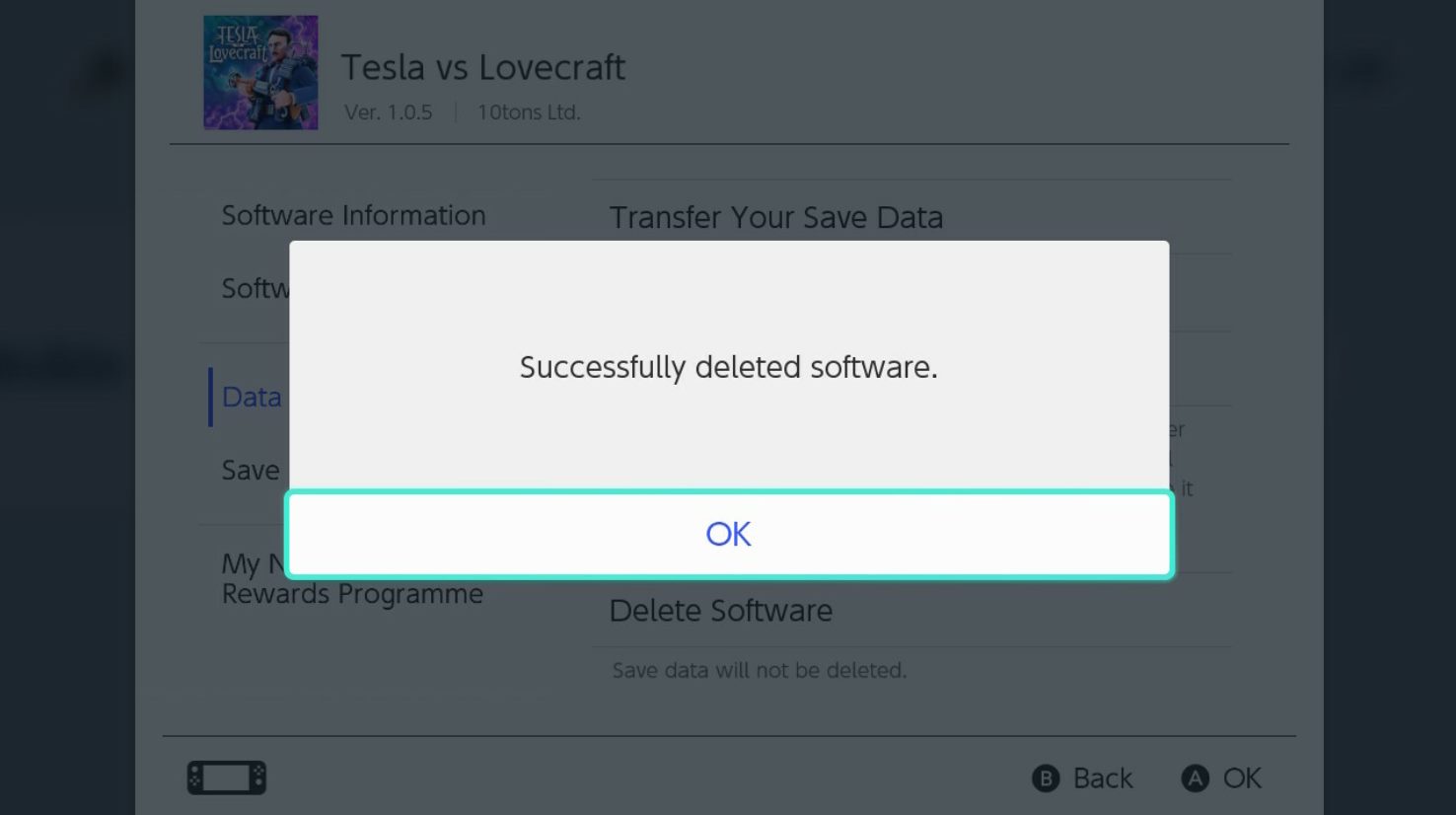
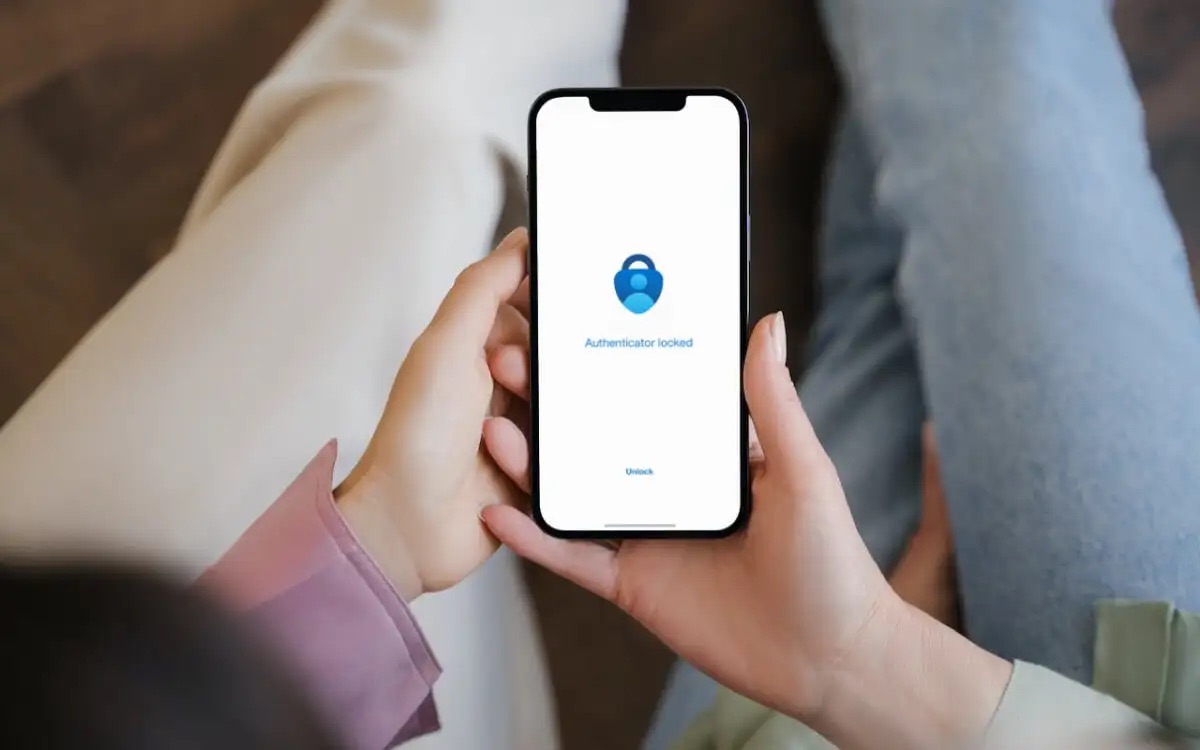
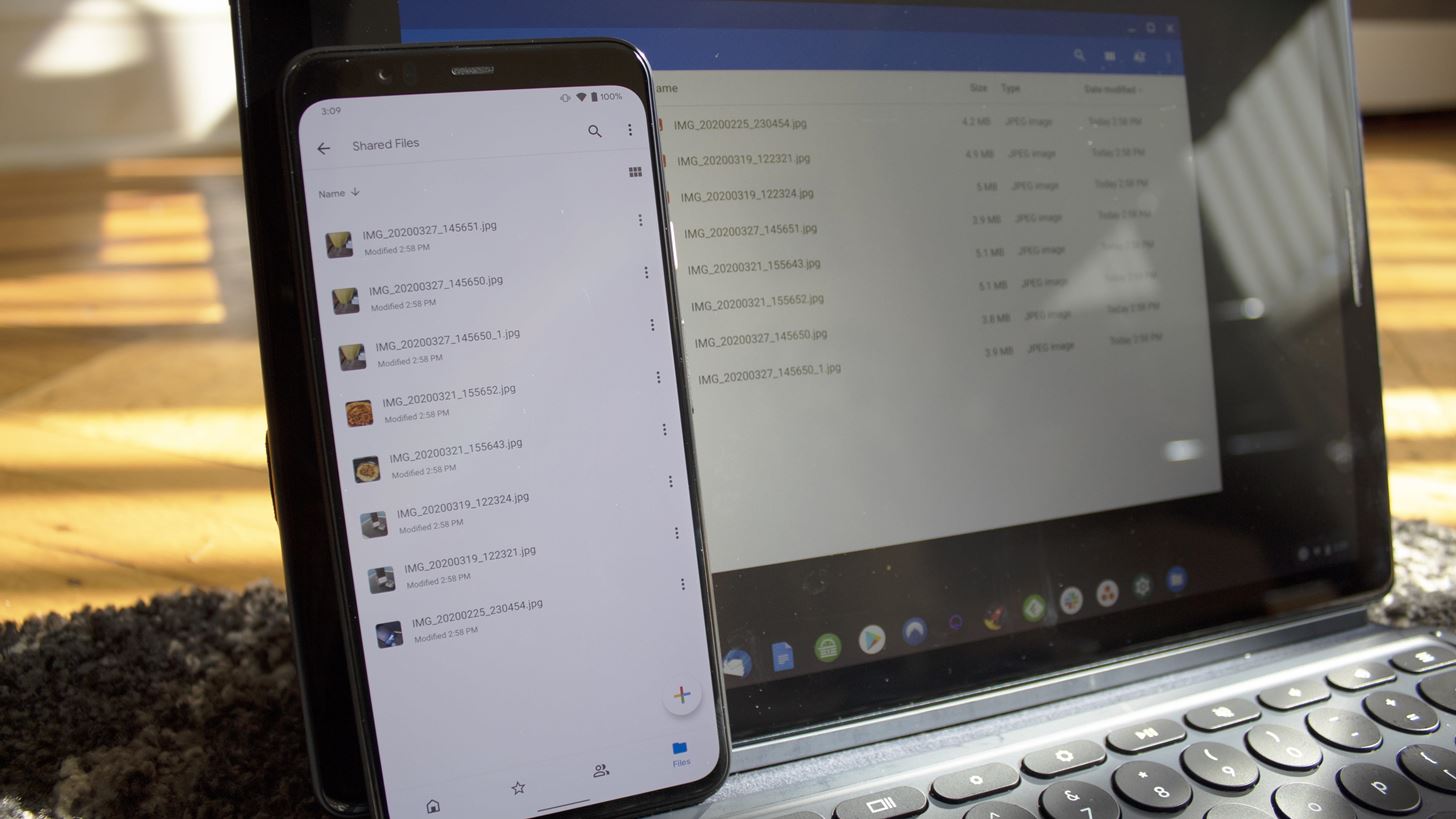
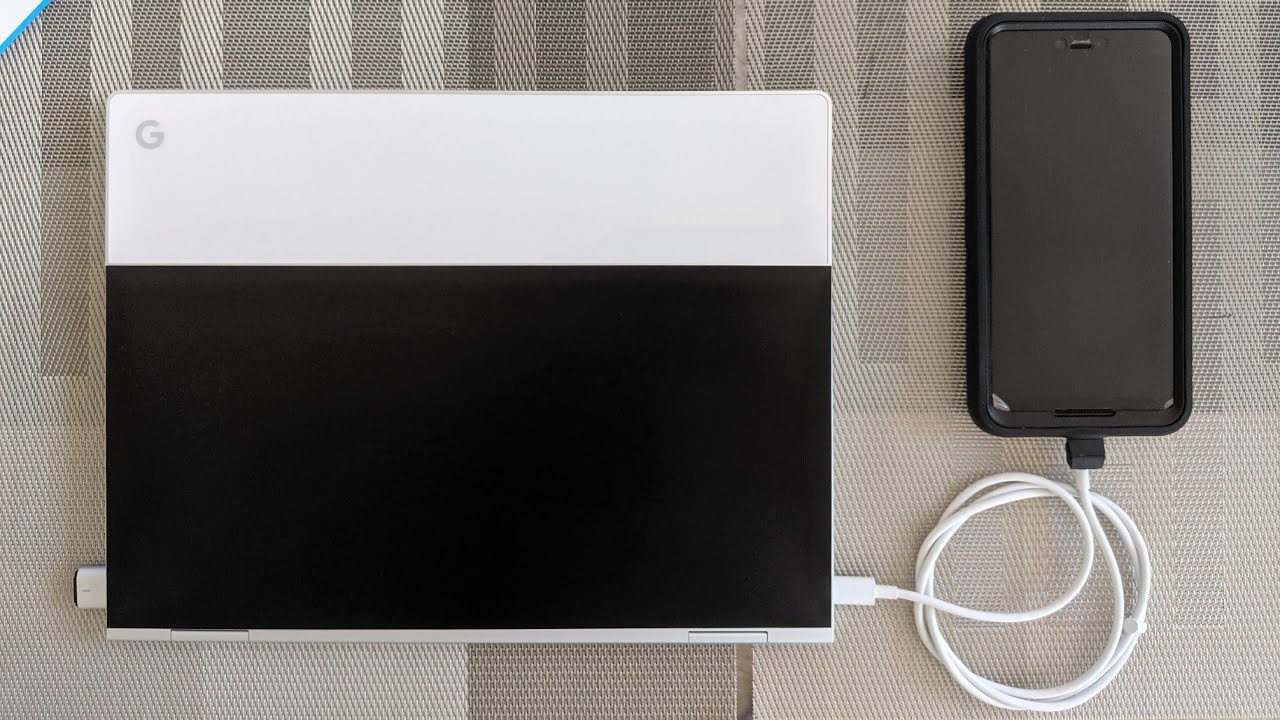
The articles here solve two main kinds of problems. The first is recovering lost or deleted data, with guides on retrieving deleted text messages on Android, recovering photos from an old Android phone, and even restoring deleted save data on a Nintendo Switch. The second theme is moving your digital life to a new device, including how to transfer photos from an Android phone to a Chromebook, how to set up Microsoft Authenticator on a new phone, and how to move Duo authentication to a new device. A few articles also cover managing specific files and settings, such as using Procreate tools and layers, or performing a factory reset on a Cloud Mobile phone.
These guides help readers take concrete actions: back up their phone, send pictures to a Chromebook, move Microsoft Authenticator to a new phone, and transfer save data from one Switch to another. Whether you need to delete Switch save data or recover it, the page offers straightforward steps for each task.