This tag collects our articles focused on Digital Wellbeing, written for anyone who wants to manage their phone usage more intentionally. Whether you are a casual user trying to cut down on screen time or someone troubleshooting a specific interface glitch, these posts help you understand, measure, and control how your device affects your daily life.

The articles here address three clear themes: understanding your habits, setting practical boundaries, and fixing confusing display or system quirks. For understanding, you can learn how many hours are reasonable to use your phone and what the negative impacts of mobile phones actually are. For setting boundaries, we show you how to check Android phone usage and how to set screen time on Android devices. And for troubleshooting, you can find out why your phone icon is grey or how to turn off black and white mode when it gets stuck.

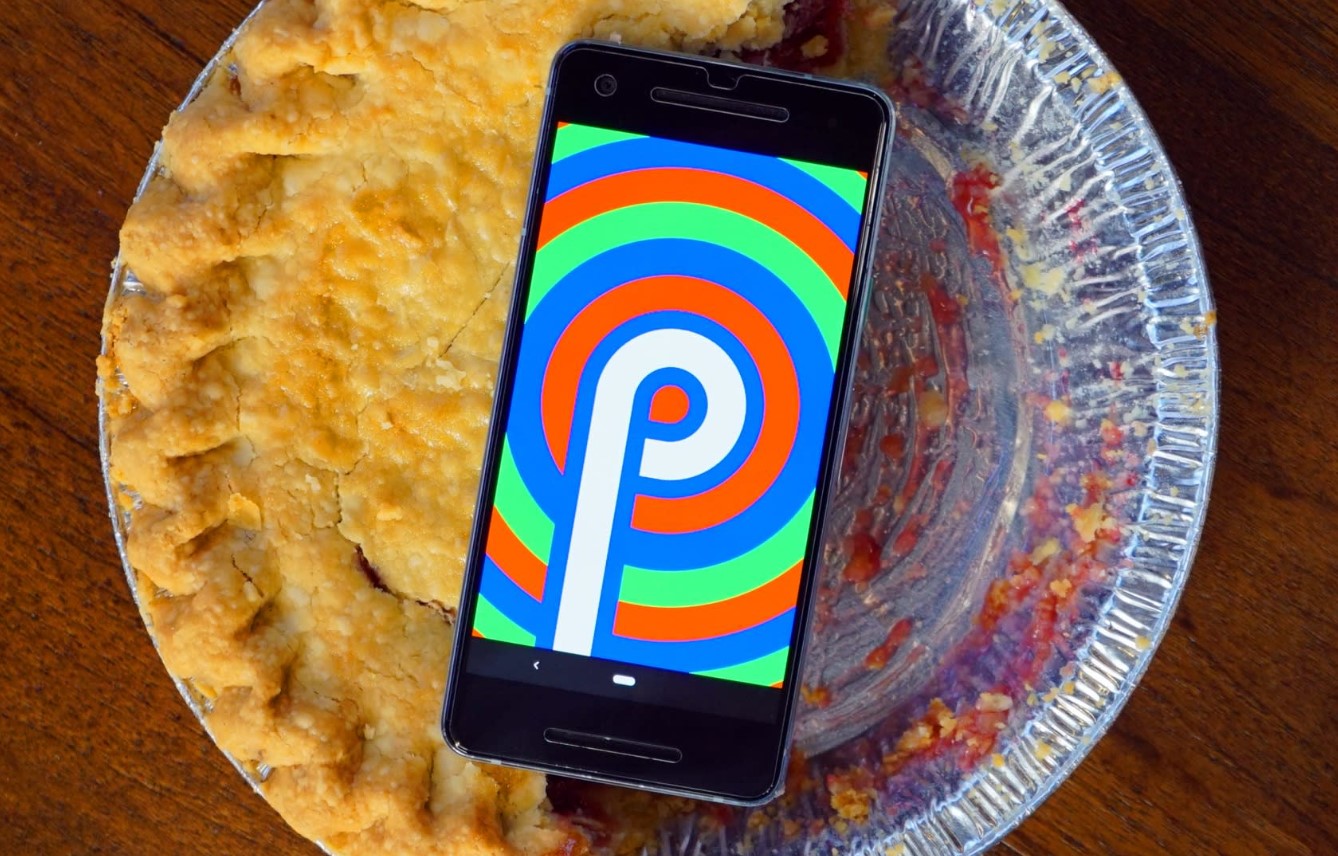
These posts help you take concrete actions: checking your own usage stats on a Realme phone, adjusting settings after an Android 9.0 Pie update, or simply restoring color to your screen. The goal is to give you the steps to regain control without overwhelming you with theory.
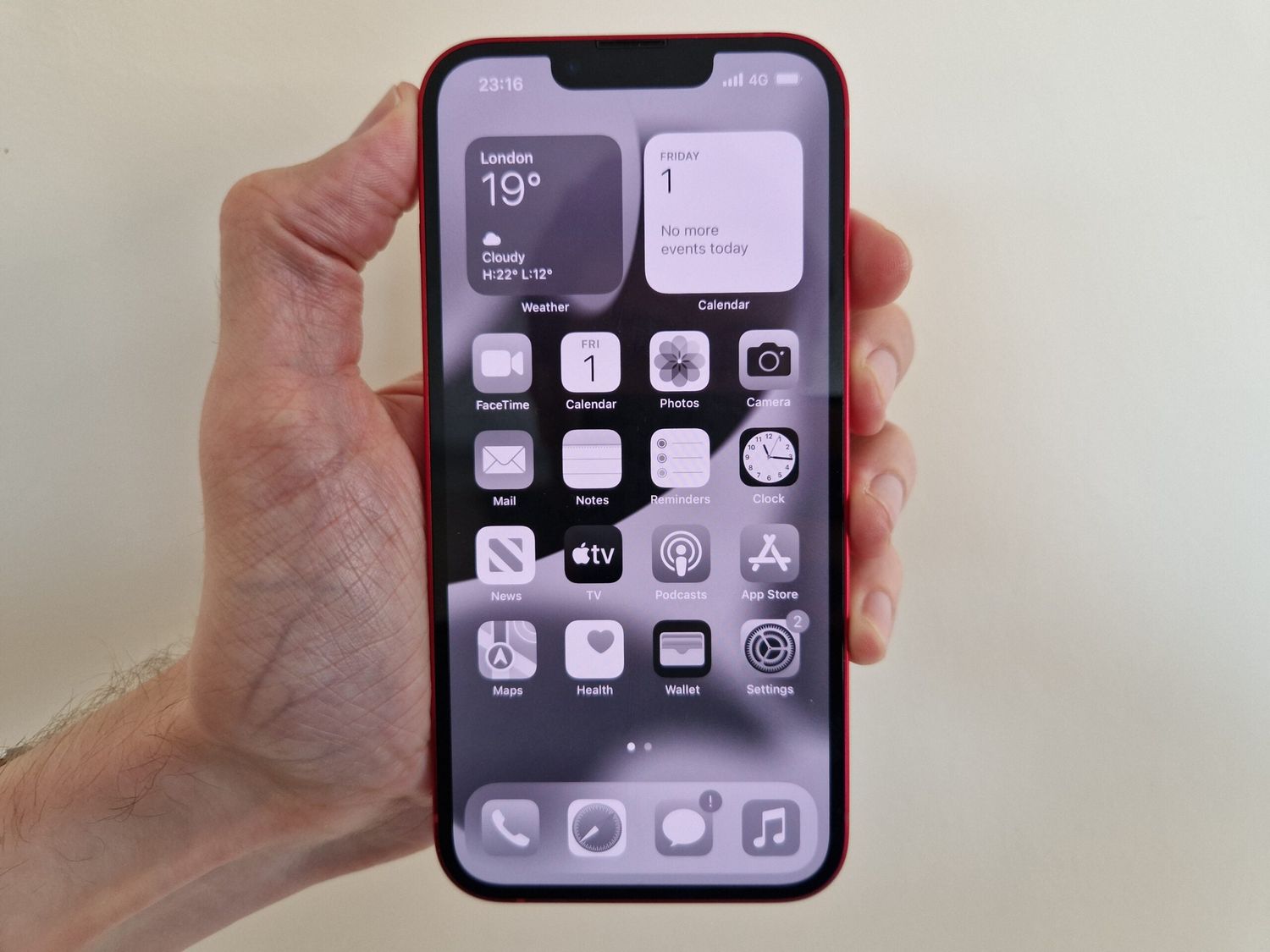
Why Is My Phone Icon Grey?

Your phone icon is grey because Low Power Mode or Battery Saver is turned on, or because an app restriction in Screen Time or Digital Wellbeing has disabled it. These...

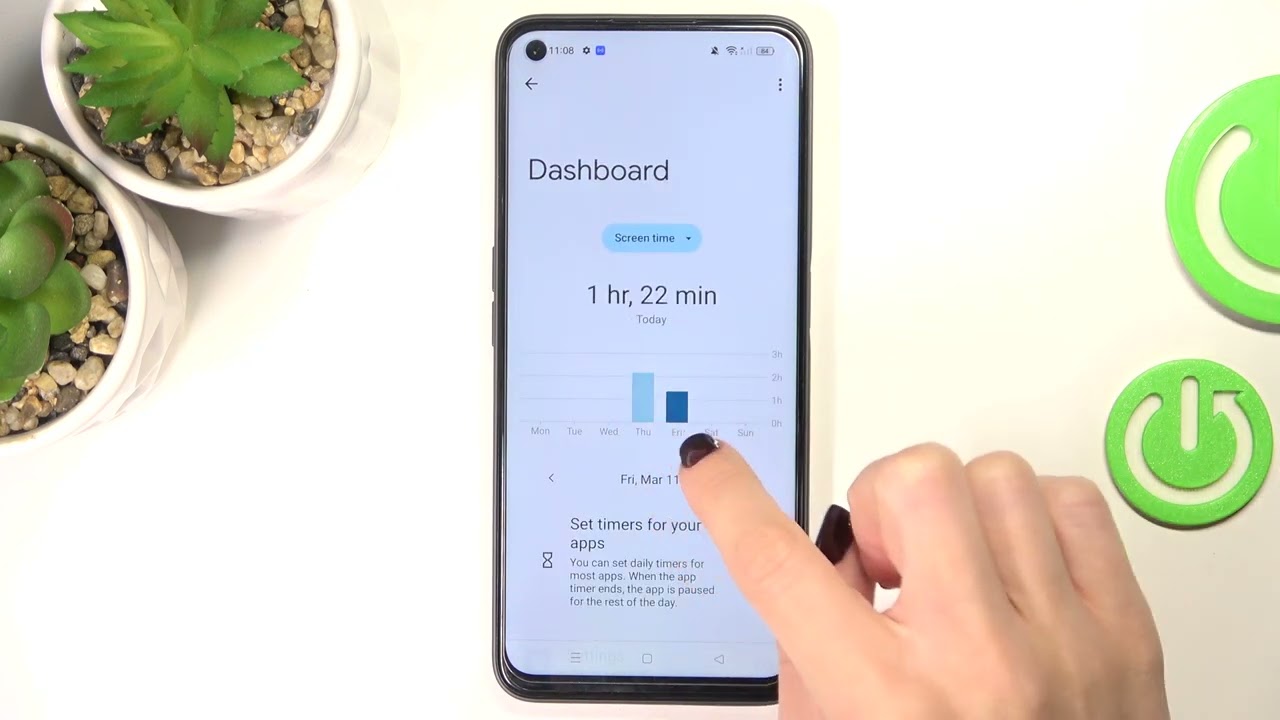
How To Check Screen Time On Realme

To check screen time on Realme, open your phone's Settings and tap Digital Wellbeing and parental controls (or simply Digital Wellbeing, depending on your device). The dashboard at the top...

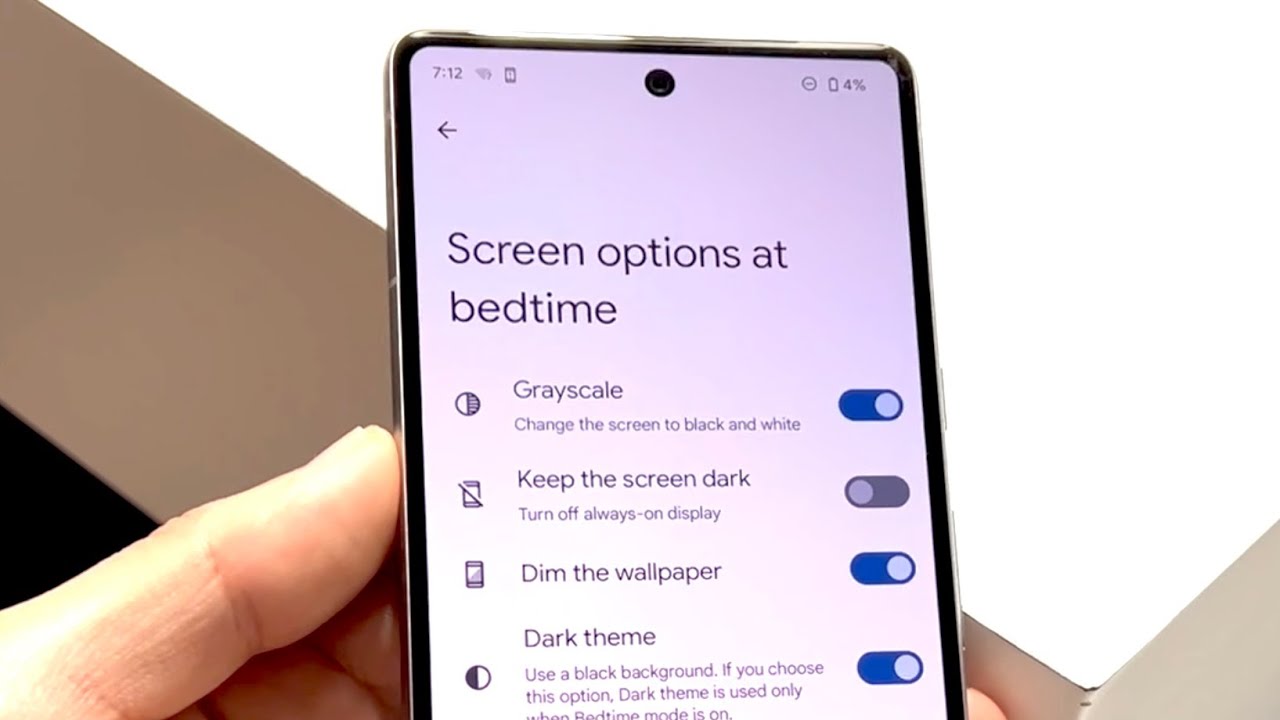
How To Turn Off Black And White On Android

To turn off black and white on Android, open your Settings app and go to Accessibility, then tap Color correction and toggle off the switch. This is the most common...

How To Set Screen Time On Android

Android's screen time management is called Digital Wellbeing, not Screen Time, which is Apple’s term. Setting digital wellbeing app timers lets you control how long you can use specific apps...

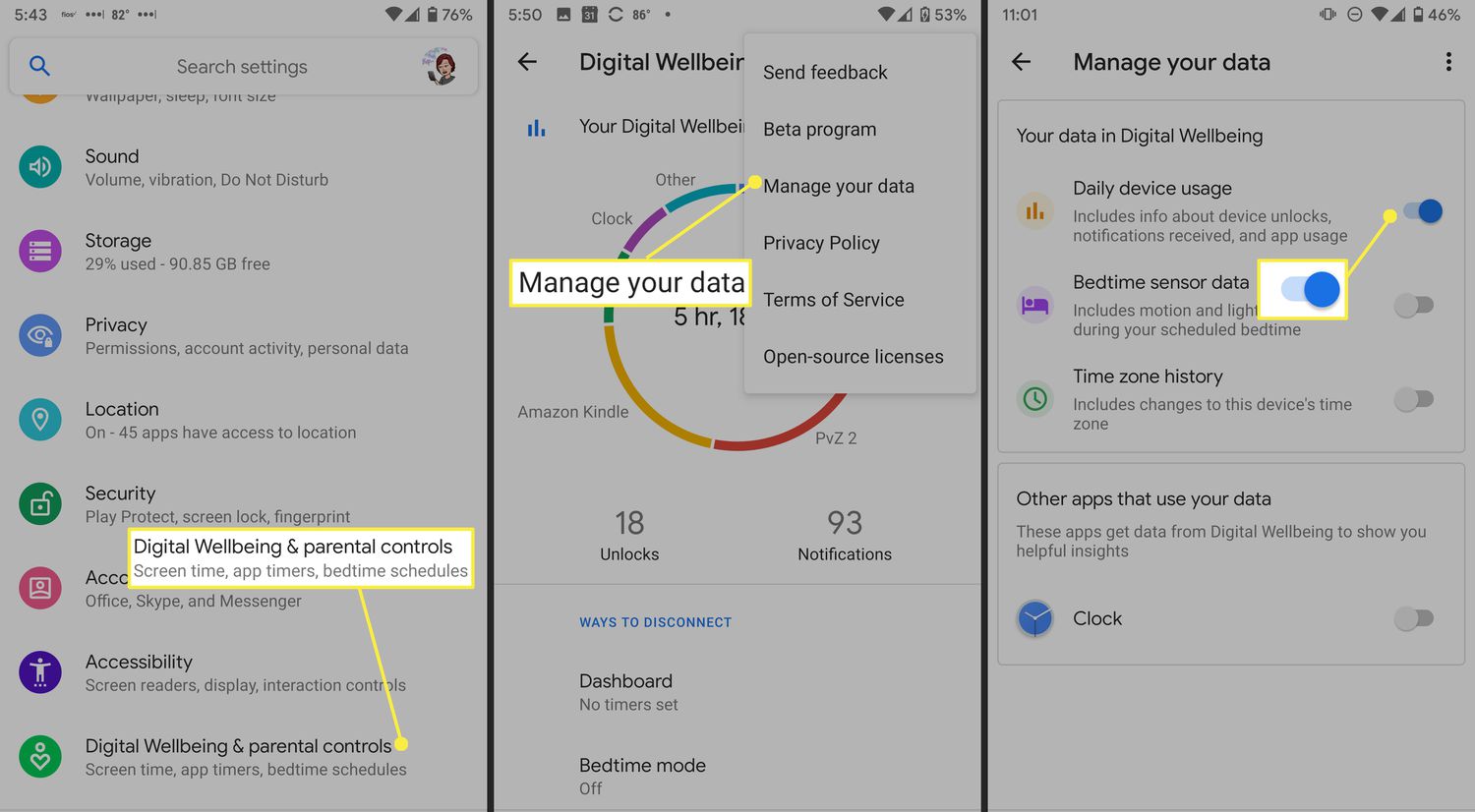
How To Check Android Phone Usage

To check Android phone usage, open the Settings app and tap Digital Wellbeing & parental controls (or the equivalent usage screen on supported phones). This built-in tool shows how often...

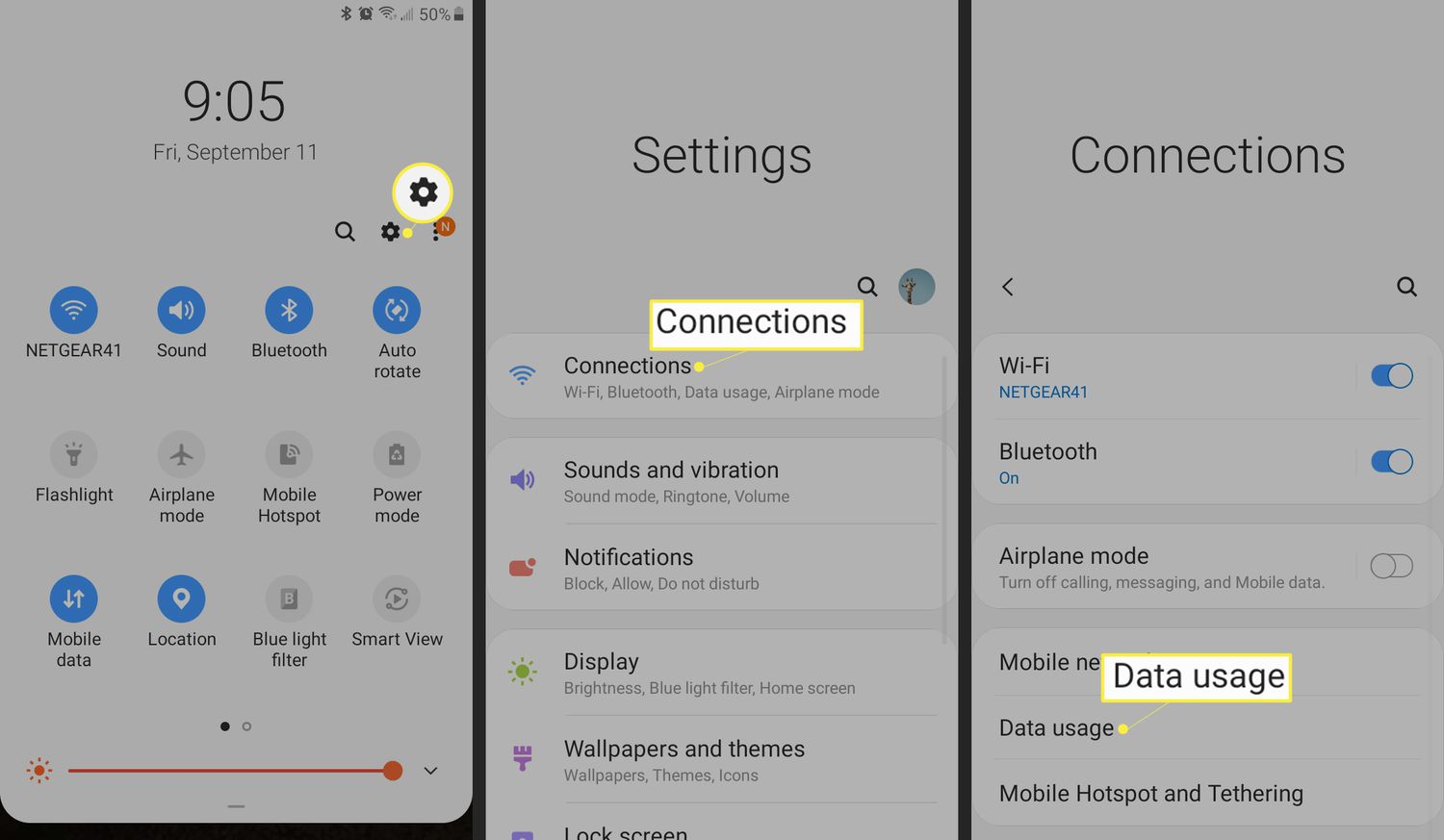
How Many Hours Should We Use Phone?

There is no official universal recommendation for how many hours we should use phone each day from Apple, Google, or Samsung. Instead, these companies provide tools to set your own...