This tag collects all of our articles about Duo Mobile, the two-factor authentication app from Cisco. It is for anyone who uses Duo Mobile to secure their accounts and needs practical, step-by-step help managing the app on their phone. Whether you are setting it up for the first time or troubleshooting a problem, these guides are built for real-world use.
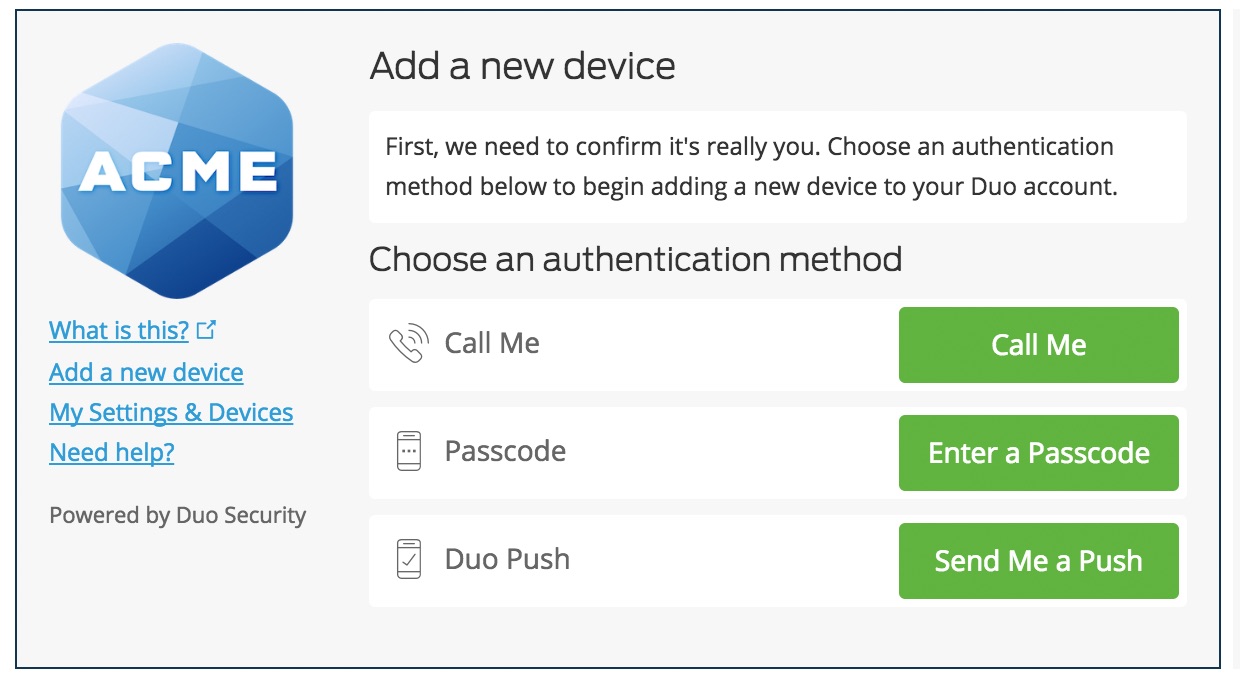
The articles here solve three main kinds of problems. First, they help you move Duo Mobile to a new phone. You will find clear instructions on how to transfer your Duo Mobile account, how to set up Duo on a new device, and how to reconnect the app after switching phones. Second, they cover account recovery and access issues. If you need to recover a disabled account, get a new activation code, or log into Duo Mobile after a device change, these guides walk you through each step. Third, they address account management tasks, such as changing your phone number on Duo Mobile or adding another device to your existing account.
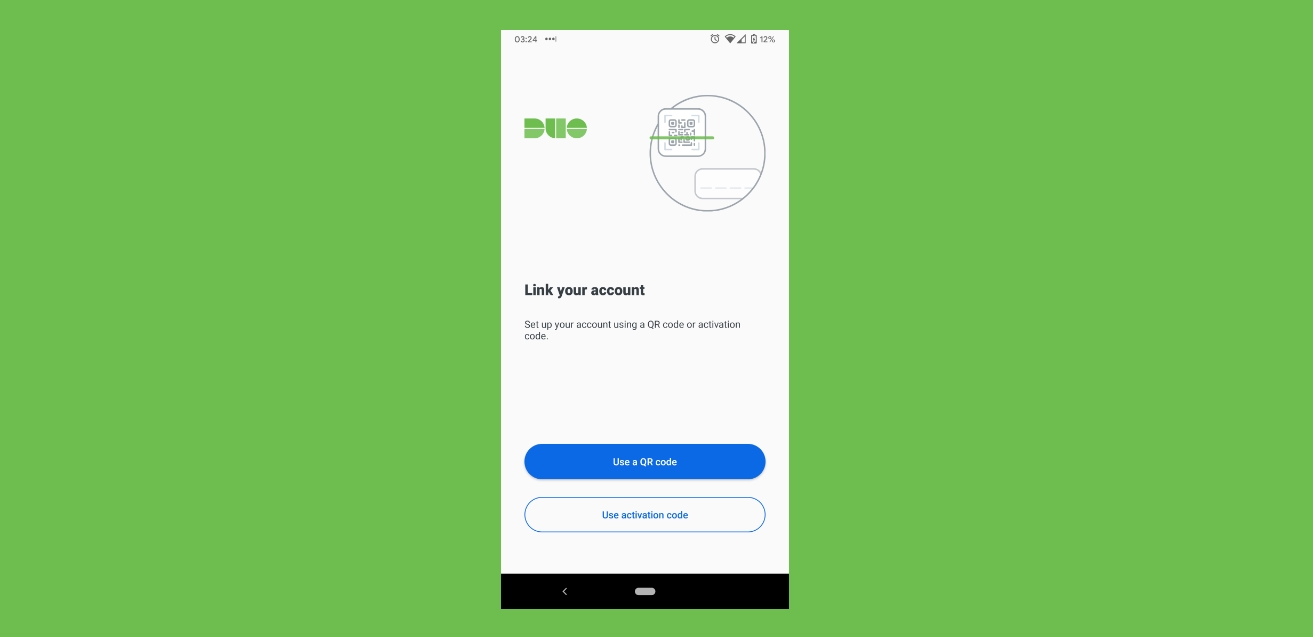
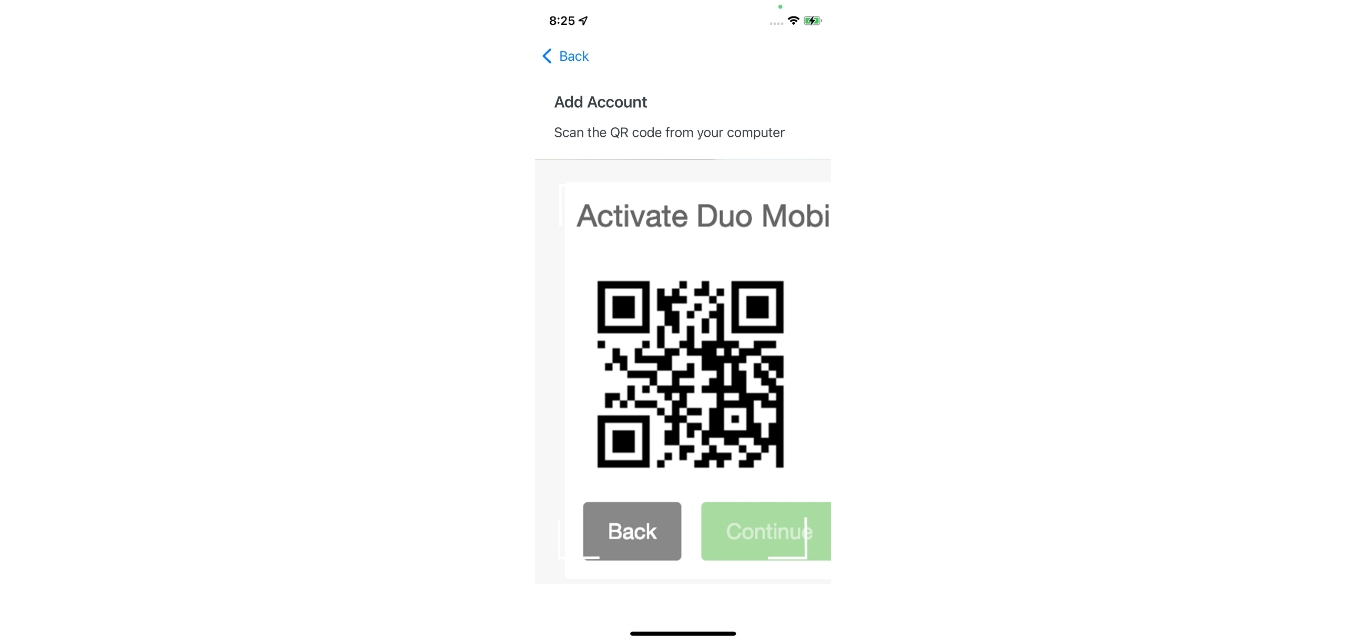
Specific topics you can explore include how to transfer Duo Mobile to a new phone, how to change your phone number, and how to get an activation code. You can also learn how to set up Duo Mobile on a new phone from scratch, how to reconnect the app if it stops working, and how to recover your account if it becomes disabled. Each article focuses on a single, clear task so you can find exactly the help you need.