To recover Duo Mobile account access, you must first confirm that Duo Restore was enabled on your old phone and that your new phone is the same platform, iPhone to iPhone or Android to Android. If neither condition is met, you cannot recover accounts directly from Duo Mobile and must instead contact your organization’s IT Help Desk or the third-party service’s support team.
Before you start: can you recover your Duo Mobile account?
Recovery is only possible if Duo Restore was turned on before you lost access to the old device. The new phone must also match the old phone’s operating system: Android to Android or iPhone to iPhone. Without these prerequisites, Duo Mobile itself cannot restore your accounts, and you will need to follow the fallback path described below.
Recover your Duo Mobile account when Duo Restore was enabled
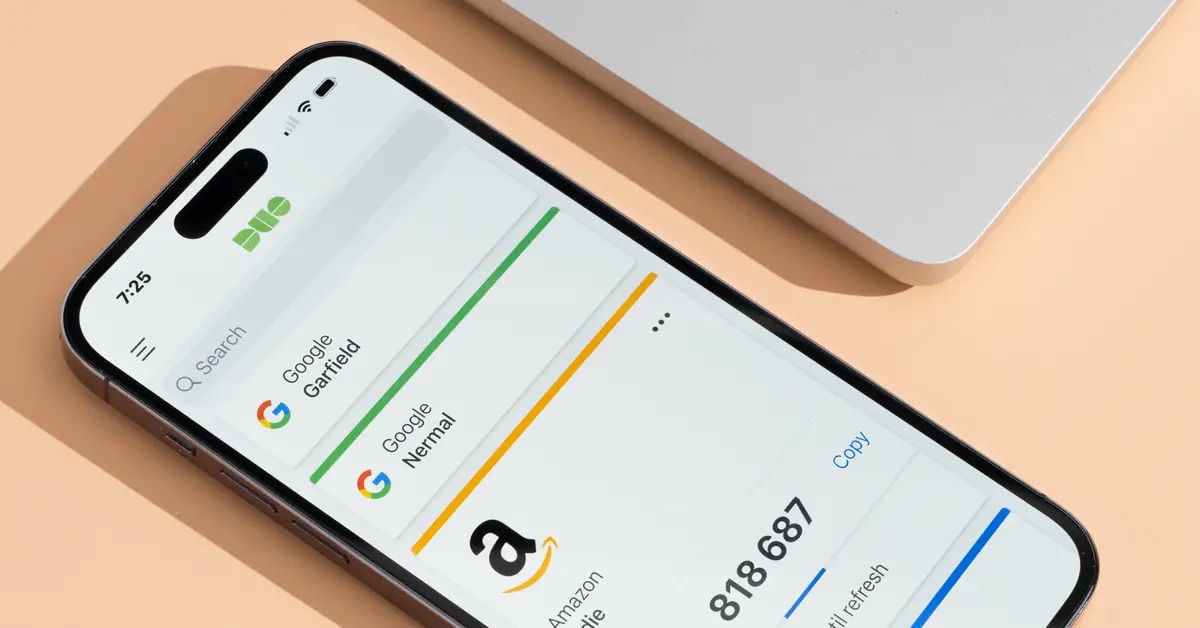
If Duo Restore was enabled on your old phone and you have a compatible backup, the recovery process depends on your device platform. Duo Restore backs up Duo-protected accounts and third-party OTP accounts such as Google or Facebook.
For iPhone
- Restore the old phone’s backup onto the new iPhone. Duo’s Instant Restore requires a prior iCloud backup with iCloud Keychain on, or an encrypted iTunes or Finder backup.
- Sign in to iCloud on the new device and enable iCloud Keychain if you are using an iCloud backup.
- Install the Duo Mobile app published by Duo Security LLC.
- Open Duo Mobile and tap Continue on the welcome screen.
For Android
- Restore the old phone’s backup onto the new Android device. The administrator must have enabled backup and restore for your account, and you must have previously backed up your accounts.
- Open Duo Mobile and follow the guided recovery prompt shown by the app on supported devices.
- Accounts are restored from the backup stored on the same-platform device.
What to do when Duo Restore was not enabled
If Duo Restore was never enabled, or if you cannot restore a compatible backup, you cannot recover accounts from within Duo Mobile. Instead, take the following steps based on account type:
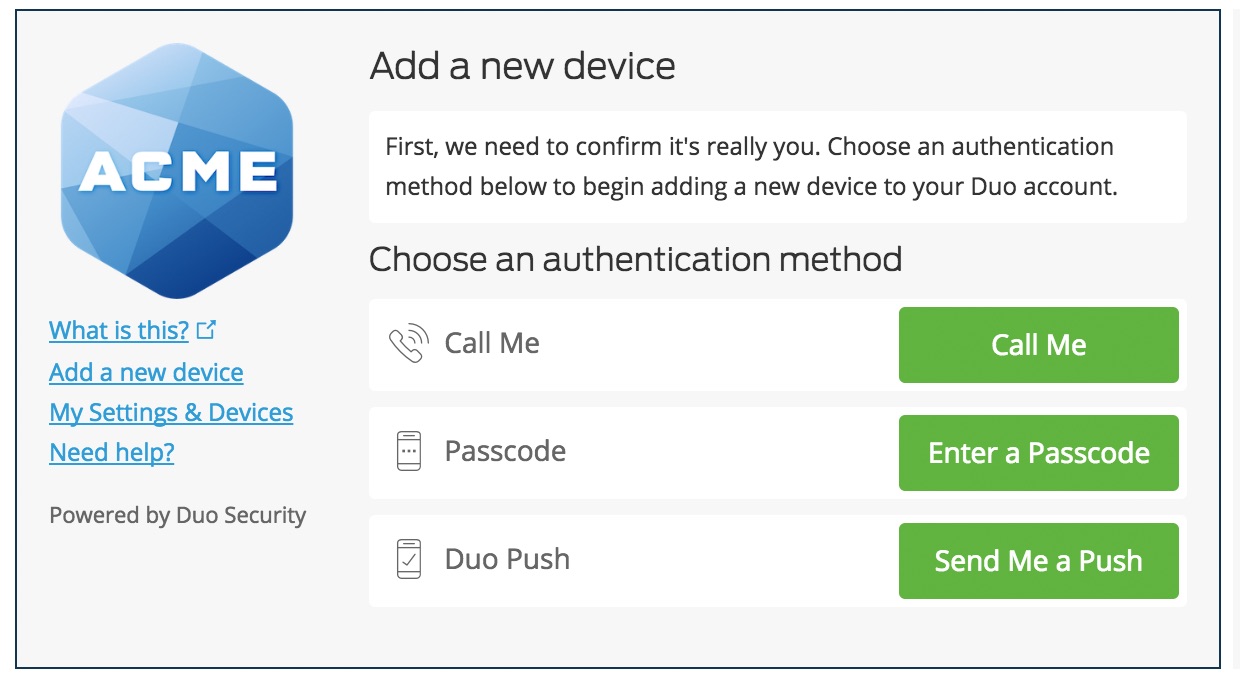
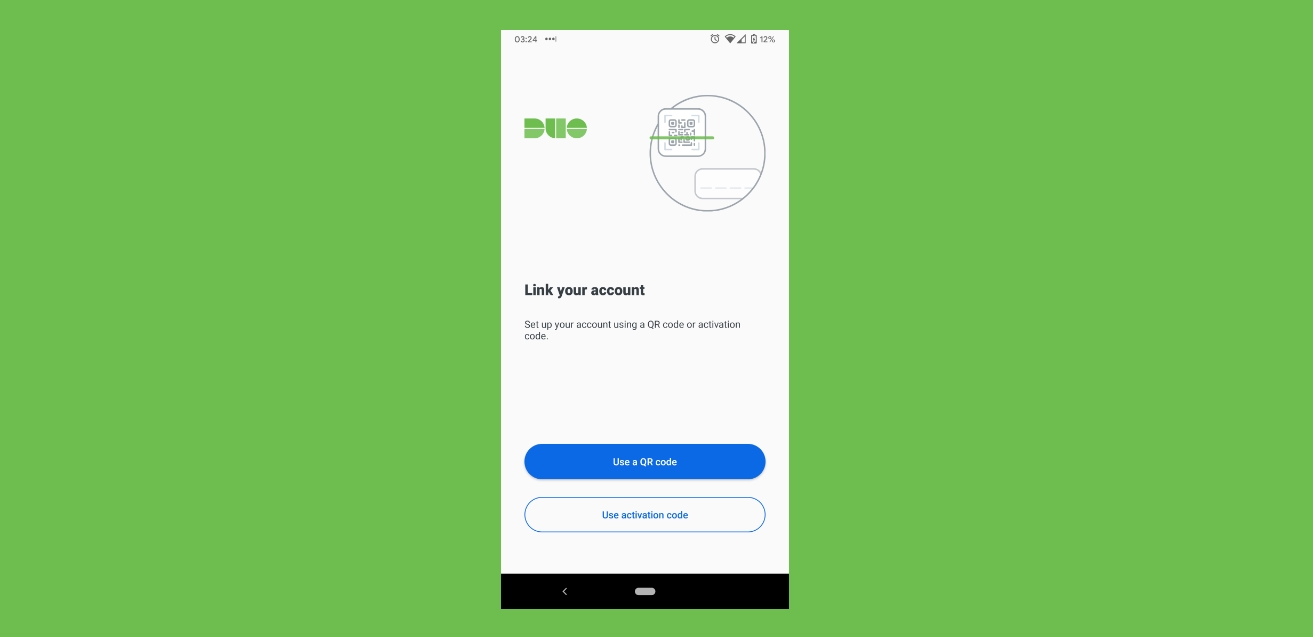
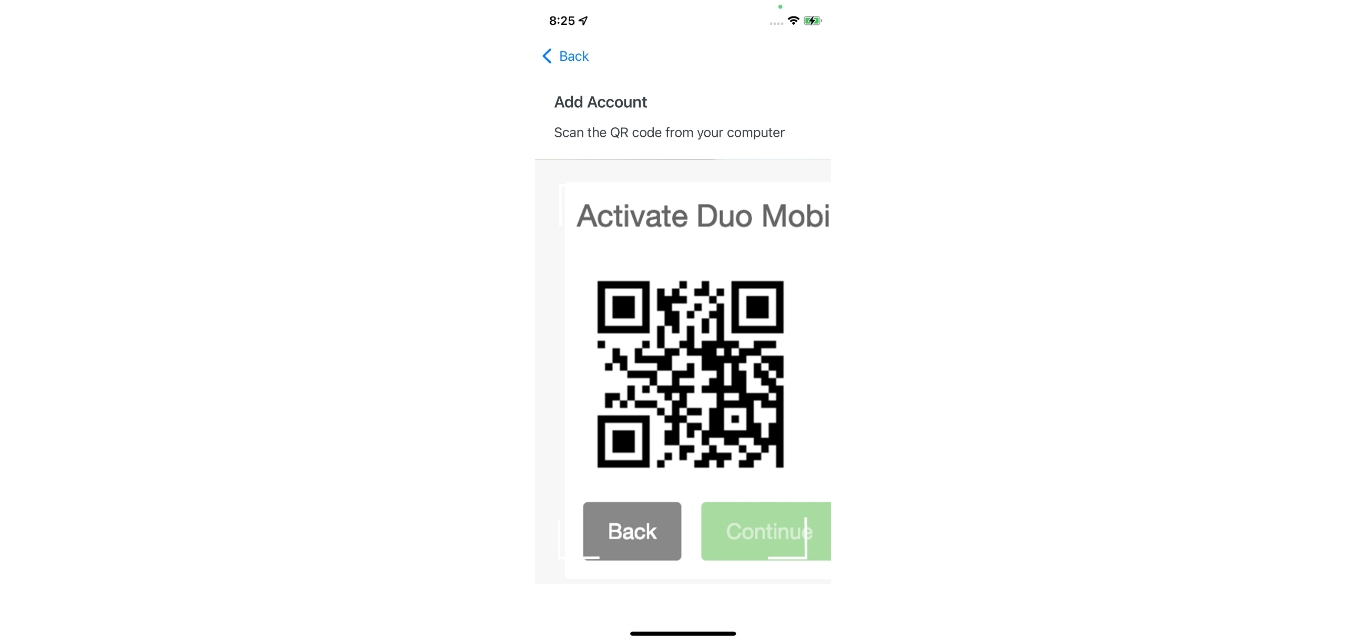
- Duo-protected accounts: Contact your organization’s IT Help Desk or Duo administrator. If self-service device management is available, you can reactivate the account by visiting the My Settings and Devices page and following the Duo prompt to scan a QR code or enter an activation code. If self-service is not enabled, only the administrator can re-enroll your device. If the admin did not enable Instant Restore, or if third-party accounts were backed up without a recovery password, Duo Mobile shows Reconnect, then Scan a QR code or Enter activation code. For Duo-protected accounts in that case, Duo directs users to the My Settings and Devices page from the Duo prompt to reactivate the account.
- Third-party accounts (e.g., Google, Facebook): Contact the third-party service’s support team. Duo Mobile may show a Reconnect prompt with options to Scan a QR code or Enter activation code. If no recovery password was set, you must use the account’s own QR code or activation code flow, or follow the provider’s account recovery process. For third-party accounts, if no recovery password was set, Duo says recovery falls back to the account’s own QR code or activation code flow, or to the provider’s own account recovery process. For third-party services, contact the support team for that app or service.
If self-service device management is unavailable, contact the organization’s IT Help Desk or Duo service administrator.
Duo Mobile account recovery limitations
Duo Support cannot recover third-party service accounts. It also cannot recover accounts in Duo Mobile without a backup, cannot assist with account recovery for third-party accounts, and cannot reset a Duo Restore password. Duo’s guide says Duo Restore uses the restored device backup; it is not a separate cloud sync feature that works without a device backup. Duo Support says it cannot help recover third-party service accounts and cannot recover accounts in Duo Mobile without a backup. Duo Support also says it cannot assist with account recovery for third-party accounts or reset a Duo Restore password. If accounts were manually deleted from the app, they are gone permanently, there is no process for restoration.
Frequently Asked Questions
Can I recover my Duo Mobile account without contacting an administrator?
Only if Duo Restore was enabled and you have a compatible backup. Otherwise, for Duo-protected accounts, you must contact your IT Help Desk or Duo administrator. For third-party accounts, contact the service’s support team.
How do I transfer my Duo Mobile account to a new phone?
Follow the recovery steps above. If Duo Restore was enabled, restore your backup onto the new phone and open Duo Mobile. If it was not enabled, contact your administrator for Duo-protected accounts or use the third-party service’s re-enrollment flow.
What should I do after recovery?
Verify that all Duo-protected accounts and third-party OTP accounts are present in the app. If any are missing, use the Reconnect option to scan a QR code or enter an activation code, or contact your administrator. You may also want to confirm that Duo Restore is enabled on your new phone to simplify future transfers.
Can I set up Duo Mobile on a new phone without a backup?
Yes, but only by contacting your organization’s IT Help Desk for Duo-protected accounts or by using the third-party service’s own setup process. The app will show a Reconnect prompt, choose Scan a QR code or Enter activation code to complete the setup.
How do I set up a Duo Mobile account from scratch?
Download the Duo Mobile app from the App Store or Google Play Store, open it, and follow the prompts to link your first account. You will scan a QR code or enter an activation code provided by your organization or third-party service.
Can I recover Google account without phone number and recovery email?
Duo Mobile cannot help with that. If you need to recover a Google account without a phone number or recovery email, you must use Google’s own account recovery process, which may include answering security questions or using a trusted device.
Related reading: Why Is My Duo Mobile Account Disabled.