To change your phone number on Duo Mobile, you must go to your organization's Duo device-management page, not the app itself. Sign in, select "Add another device," choose "Mobile phone," and enter the new number to complete the update.
How to change your phone number on Duo Mobile
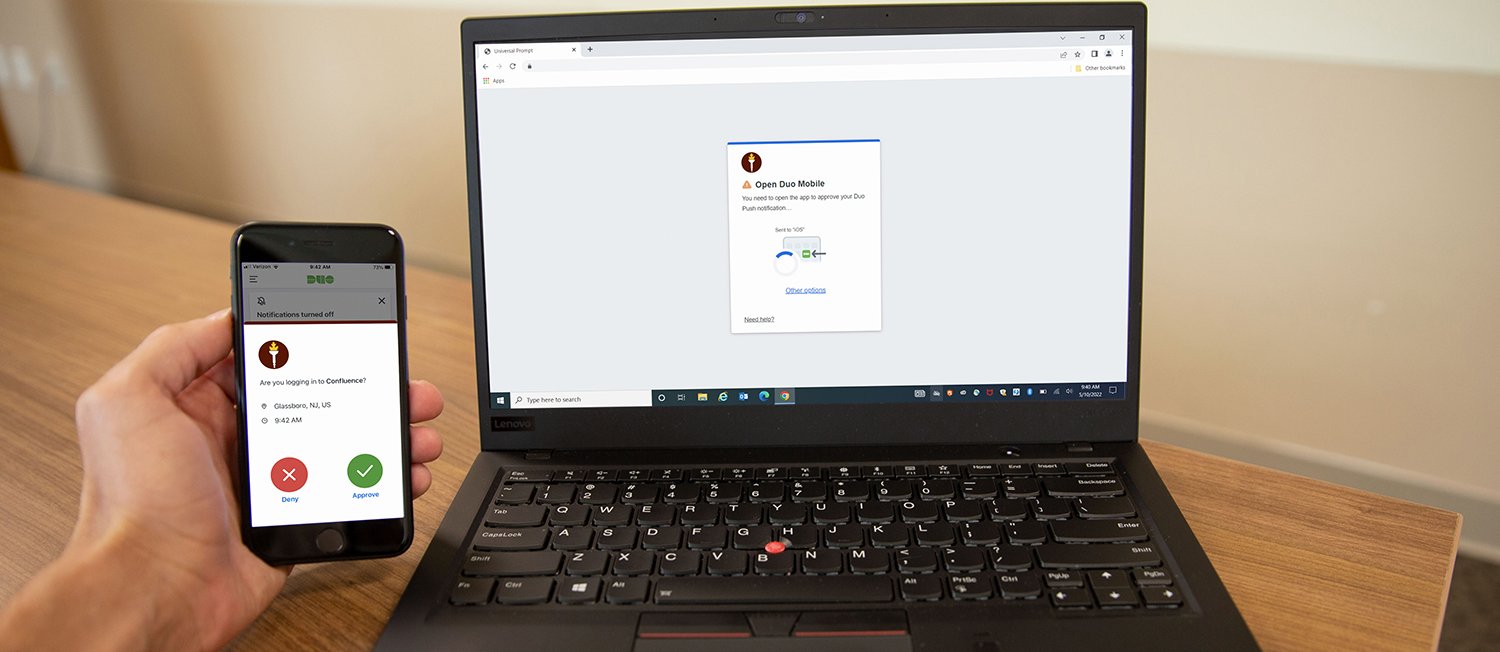
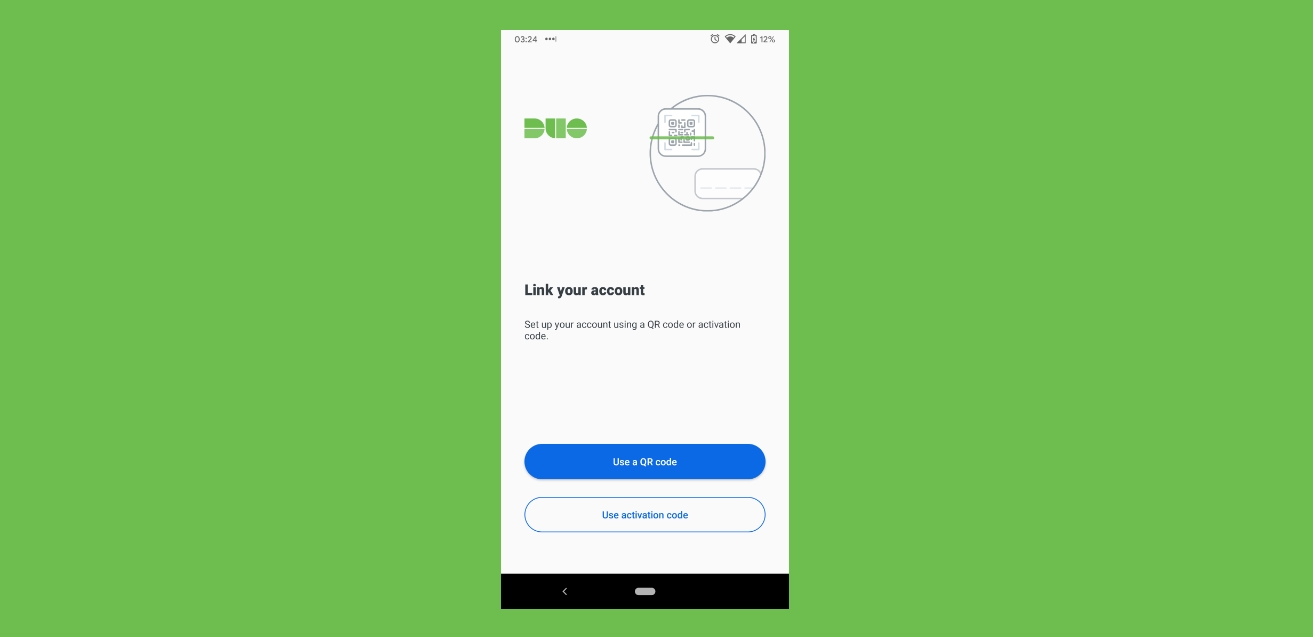
Duo Mobile does not use the phone number as the account itself. If the number changes and Duo Mobile is still installed on the device, Duo says to add the new device or number through the Duo device-management flow rather than change a number inside the app. The exact menu labels vary by organization, but the documented flow includes "Add another device," "Mobile phone," "Continue," and then entering the new number.
Why you might need to change your number
A changed number matters when your organization uses SMS, phone-call verification, or a device record tied to that number. Duo Push itself is not tied to the phone number, so a number change alone does not stop push if the app was restored and the device entry still exists. If you still have Duo Mobile and can authenticate by push or passcode, you can keep receiving Duo Push on a restored Duo Mobile app because push is not tied to the phone number. If you have a new phone and a new number, some organizations require deleting the old number and enrolling the new one through their Duo portal or help desk. For example, changing your phone number on accounts like Duo ensures you continue receiving verification codes without interruption. Similarly, if you need to change my number on T-Mobile or change my phone number on PayPal, you would follow each service's separate process, Duo's method is unique because it happens through a web portal, not the app. The process of removing phone numbers from accounts and devices is handled the same way: delete the old entry through the device-management page before adding the new one.
What to do if you still have access
- Open your organization's Duo device-management page or "My Settings & Devices" page.
- Sign in with your normal account credentials and complete Duo verification with an alternate method if needed; one support page says "Send Me a Push" typically will not work for reactivation.
- Select "Add another device."
- Select "Mobile phone."
- Select "Continue."
- Enter your current phone number.
- If shown, confirm the prompt that says "You entered (XXX) XXX-XXXX. Is this the correct phone number?" and continue.
- If prompted, verify ownership of the number, then finish the setup steps shown on-screen.
- If your organization shows a replacement option, check the box to replace your phone number.
What to do if you are locked out
Duo says to contact your organization's IT help desk if you cannot authenticate any other way. Some organizations instruct users to request a temporary bypass code, then open Duo-protected services in a private or incognito window and use links such as "I got a new phone," "I got a new number," or "I have a new phone" during the Duo prompt flow. Some organizations also tell users to use "Device Options" next to the old phone number and then the red trash can icon or "Remove" to delete it before adding the new number.
iPhone and Android
No official page documented a different phone-number-change menu path for iPhone versus Android; the documented enrollment flow is the same, with the app simply being installed on the target device. Duo Mobile is supported on iOS 17.0 or later in the Apple App Store listing, while some organization support pages document Duo Mobile as supported on iOS 16 and later and Android 11 and later. Because support pages vary by organization and deployment, the applicable minimum version should be taken from your organization's Duo guidance if it differs.
Frequently Asked Questions
Can I change my phone number on Duo Mobile without the old device?
If you no longer have the old device, you must contact your organization's IT help desk. They can provide a temporary bypass code or reactivation link to enroll a new device with your new number.
Will Duo Push still work after I change my phone number?
Yes, Duo Push continues to work if the Duo Mobile app is still installed and the device entry exists in your account. Push notifications are not tied to the phone number, only to the app installation and device record.
Why doesn't the Duo Mobile app have a number-change option?
Duo Mobile does not use the phone number as the account identifier. The number is tied to your organization's device record, which must be managed through the Duo device-management portal or your organization's help desk, not within the app itself.
Can I use Duo Mobile on multiple devices with the same phone number?
Yes, you can have Duo Mobile installed on multiple devices, each with its own device record. Changing the phone number on one device does not automatically update others; you must add each device separately through the management portal.
What if I cannot receive the verification code on my new number?
Double-check that you entered the correct number and have a stable connection. If the issue persists, contact your organization's IT help desk for assistance, as they may need to verify your identity manually.