To transfer Duo Mobile to a new phone, you must reinstall the app and reactivate your accounts on the new device, as Duo accounts are tied to the device’s hardware security module. The method that works for you depends on whether your old phone is still available and if Duo Restore was previously enabled, or if your organization’s administrator has turned on self-service device management.
Before you transfer Duo Mobile to a new phone: The critical preparation steps
Keep your old phone until the new one is confirmed working. Disable security features like screen locks or biometric authentication on the old phone before transfer, as they can interfere with the process. Ensure the new phone is fully charged or connected to a power source during the transfer. Confirm whether Duo Restore was enabled on the old device, as this is the only way to recover accounts through an iCloud or Google Drive backup. If Duo Restore was not enabled, check if your IT administrator has made self-service options like "Manage devices" or "My Settings & Devices" available. If neither option is available, you will need your administrator’s help to re-enroll the new phone.
How to transfer Duo Mobile using Duo Restore
This is the primary self-service method, but it works only if Duo Restore was previously enabled on your old device. On your new phone, reinstall the Duo Mobile app. If you are using an iPhone, restore your accounts from the relevant iCloud backup. If you are using an Android phone, restore from the relevant Google Drive backup. Duo’s account recovery through this path is available only if Duo Restore was enabled on the old device.
How to transfer Duo Mobile using the 'Manage devices' prompt
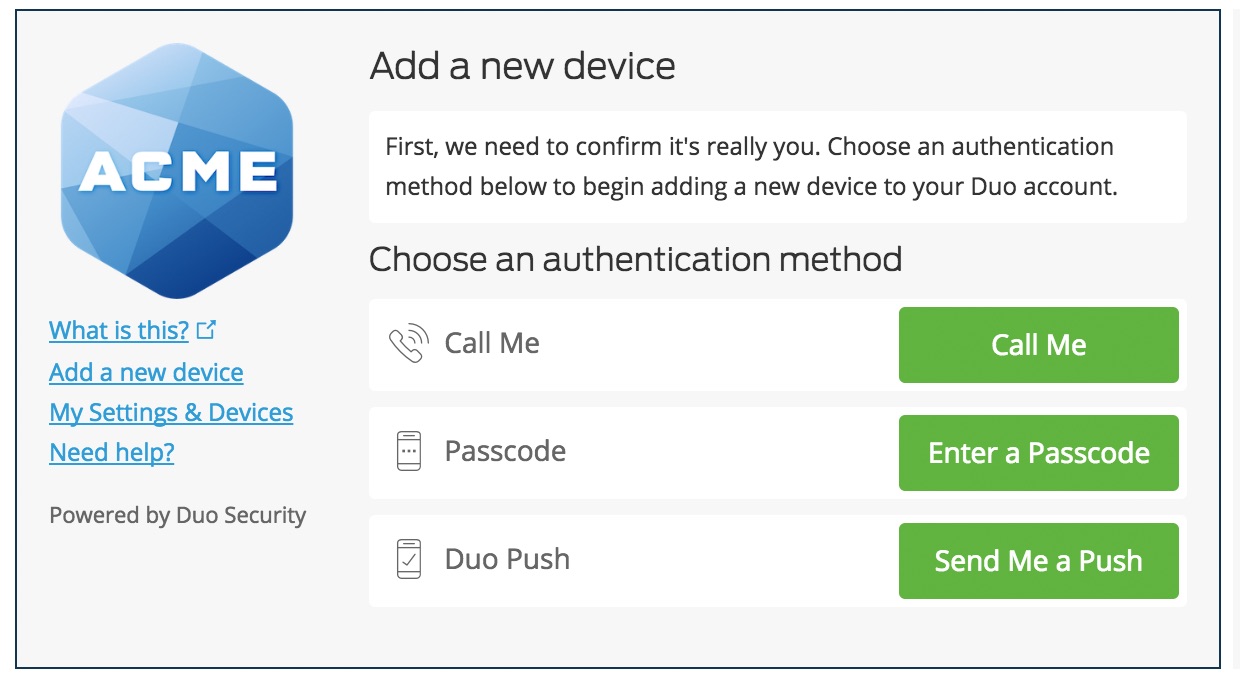
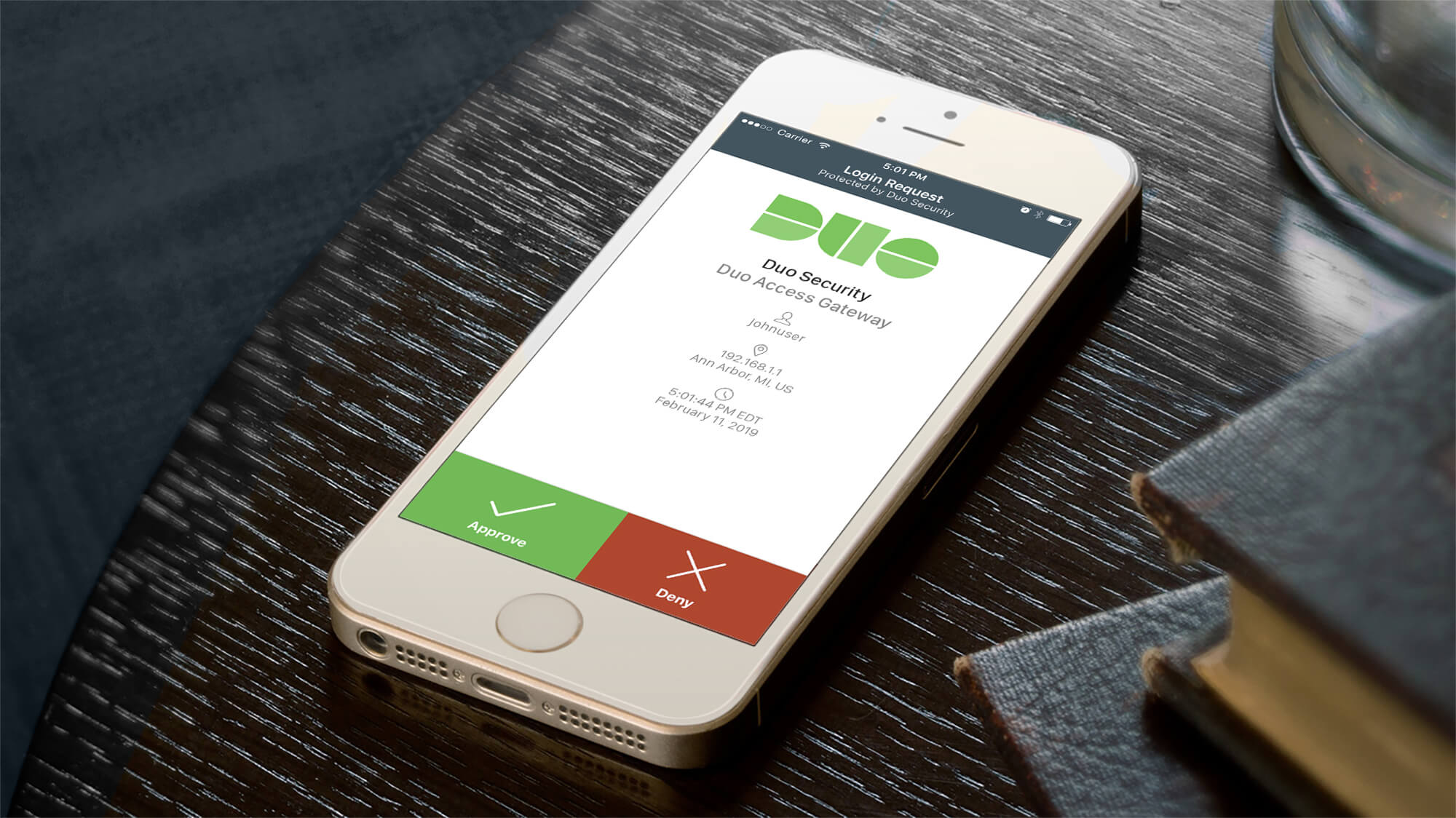
If your administrator has enabled self-service device management, you can use the "Manage devices" or "My Settings & Devices" option on a Duo login prompt. This allows you to reactivate or add the new phone directly. On either an iPhone or Android device, reinstall Duo Mobile, then use the Duo prompt’s options to complete the reactivation. This method may require you to authenticate using phone callback or SMS.
What to do when you can't transfer Duo Mobile yourself
If Duo Restore was not enabled on your old phone and your administrator has not turned on self-service device management, no other self-transfer method is documented. In this case, you must contact your organization’s IT help desk to have them re-enroll the new device. This is the only documented path when both recovery options are unavailable. If your old phone is lost and Duo Restore was not set up, the same requirement applies.
Verifying your Duo Mobile transfer and removing the old phone
After completing the transfer, test a login that requires Duo to confirm the new phone can approve the prompt. Once the new phone is working, deactivate or remove the old device from your account for security. If the old phone still shows Duo accounts after transfer, confirm it is removed or deactivated.
Frequently Asked Questions
Can Duo accounts be moved between iPhone and Android?
If you switch operating systems, you may need to contact your administrator for re-enrollment.
What if the old phone is lost?
Duo Restore can help only if it was already enabled on the old device. Otherwise, the account must be reactivated through administrator-supported methods, such as contacting your IT help desk.
Do I need to remove the old phone?
Yes. Duo indicates the old device should be deactivated or removed after the new phone is working to maintain account security.
What if my phone number or SIM changed?
If the phone change involved a number or SIM change, Duo says the app still must be reinstalled and reactivated on the new phone. The same transfer methods apply.
Can I set up Duo Mobile on a new phone without my old phone?
Only if Duo Restore was enabled on the old device, which allows recovery from a cloud backup. Otherwise, you will need your administrator to re-enroll the new device.
Is there a way to set up a Duo Mobile account from scratch on a new phone?
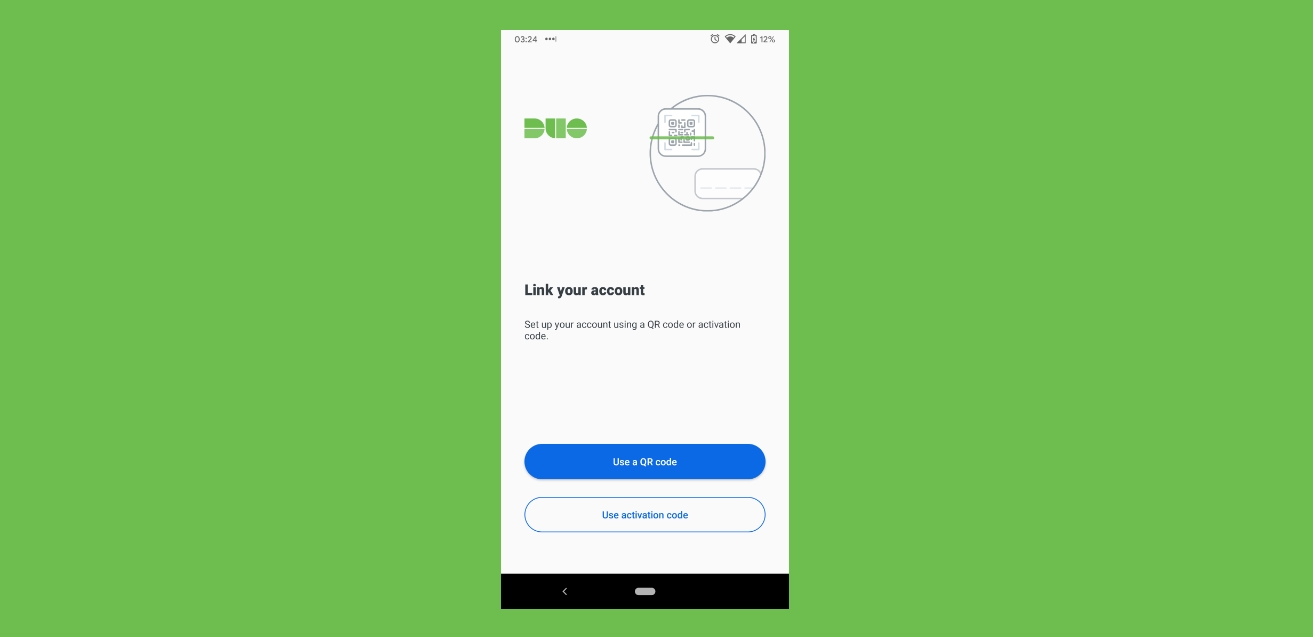
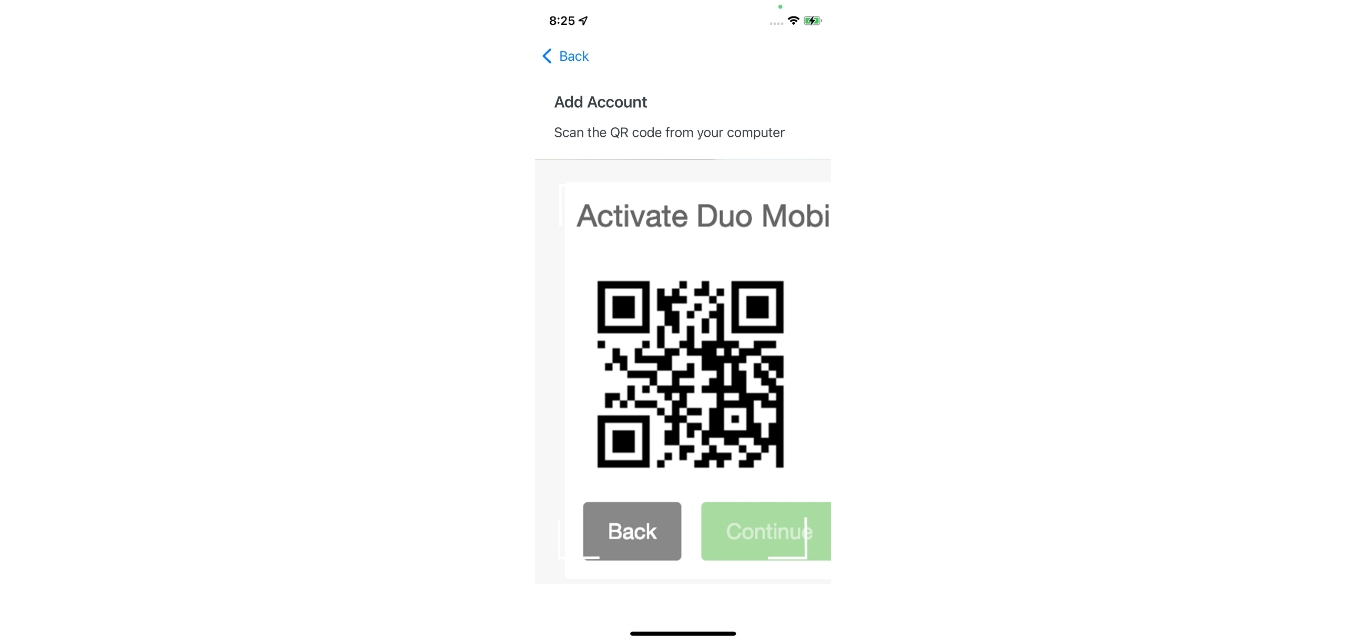
Setting up a Duo Mobile account is done through your organization’s enrollment process, typically via a QR code or activation link provided by your IT administrator. This is separate from transferring an existing account.
How is this different from how to set up Microsoft authenticator on new phone?
Microsoft Authenticator uses a different recovery mechanism, often tied to a Microsoft account and cloud backup. Duo Mobile’s transfer is specifically dependent on Duo Restore or administrator-enabled self-service options, and accounts are tied to the device’s hardware security module.
What about removing phone numbers from accounts?
Removing phone numbers from accounts is a separate account management task handled through your organization’s user portal or by contacting IT. It is not part of the Duo Mobile transfer process itself.