The Fitness Tracker tag on CellularNews collects our guides and troubleshooting articles for wearable devices, specifically aimed at anyone who owns or is considering a Garmin, Whoop, or Fitbit tracker. Whether you are trying to set up a new smartwatch, fix a frozen screen, or simply understand what a specific feature does, this page brings together practical answers for common day-to-day problems.

The articles here fall into two clear categories. First, there are many pieces focused on setup and hardware basics, such as how to connect a Q7 Smartwatch to an Android phone, how to waterproof a Fitbit Flex, or how to remove Fitbit bands. Second, a large group of articles tackle display and charging issues, including how to reset a Fitbit Charge 3 when the screen is black, how to turn up the brightness on a Fitbit Charge 4, and what to do when the Fitbit Charge 5 is not showing the time when turning your wrist. You will also find straightforward explanations for features like what Body Battery on a Garmin means, how Garmin measures stress, and what BPM means on a Fitbit.

These articles help the reader perform specific actions: charge their device correctly, update software, set an alarm, transfer ownership, or even find a lost watch. By grouping these solutions together, the tag saves you from searching across the site for the fix or fact you need right now.
How To Turn Off Fitbit Charge

You cannot turn off a Fitbit Charge in the traditional sense, as no Fitbit Charge model has a standard power-off function documented by Google. Instead, the only documented ways to...

How To Reprogram Fitbit

To reset your Fitbit, you need to know the difference between a restart and a factory reset. A restart turns the device off and on without deleting any of your...

How Does Fitbit Calorie Adjustment Work

Fitbit calorie adjustment is the process by which your Fitbit device estimates your total daily calorie burn by combining your resting metabolic rate, tracked activity, and non-exercise movement, then uses...

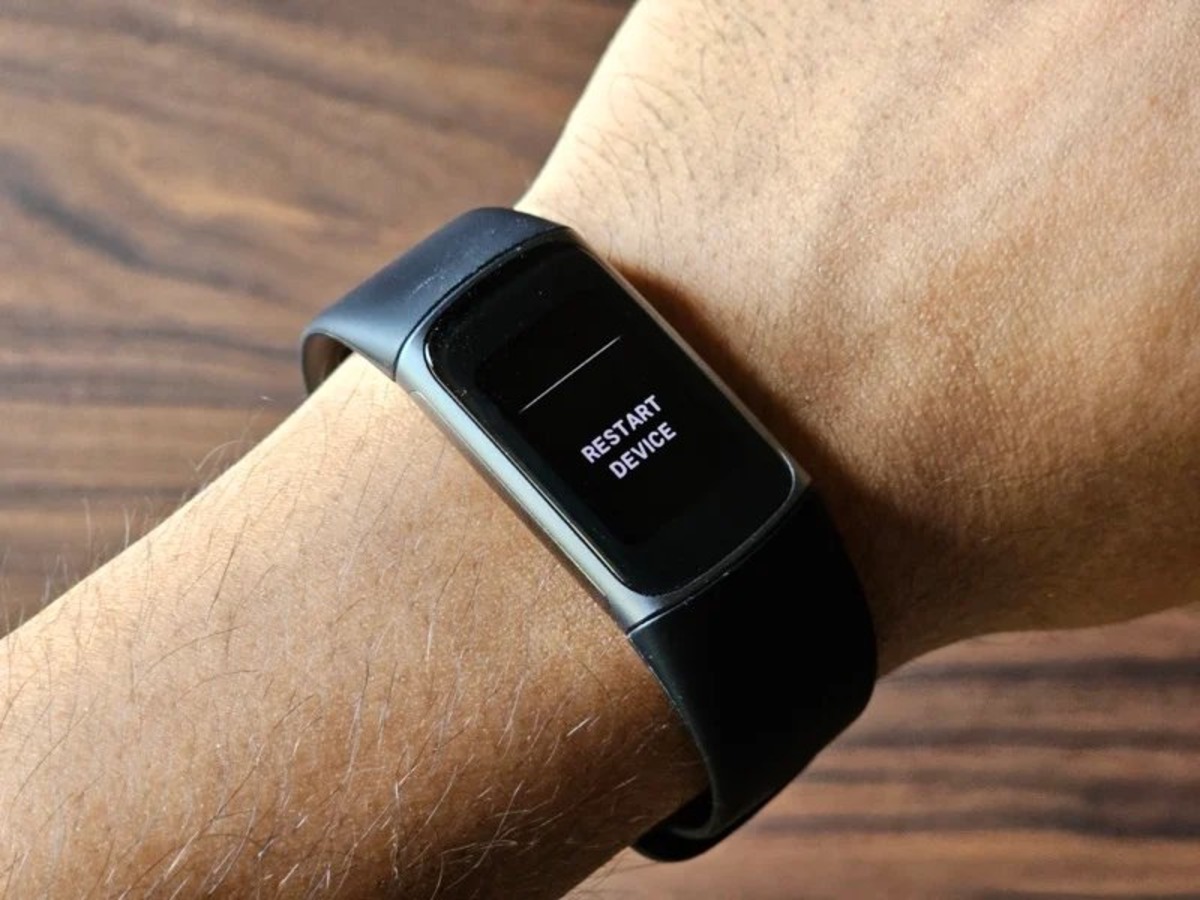
How Do I Restart Fitbit

Before you restart your Fitbit device Before you restart Fitbit hardware using its buttons, know that many sync failures and unresponsive screens clear up without touching the device at all....

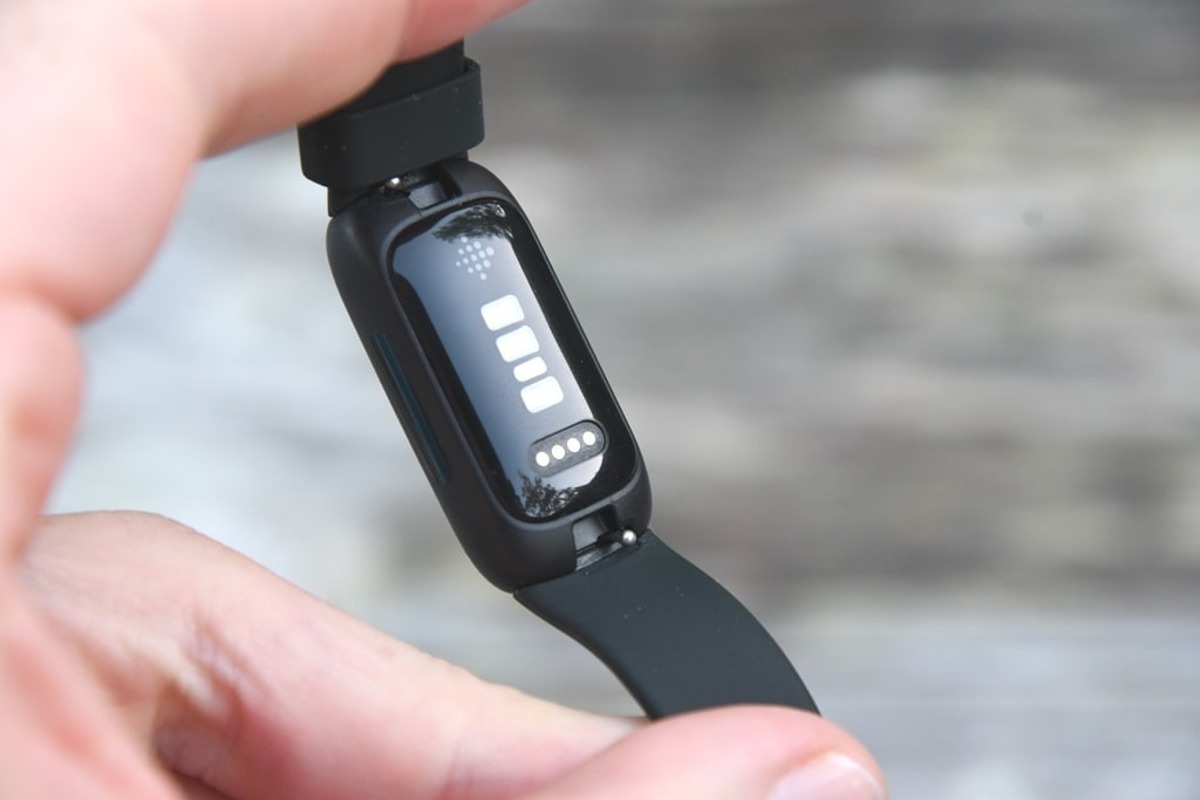
How To Remove Fitbit Bands

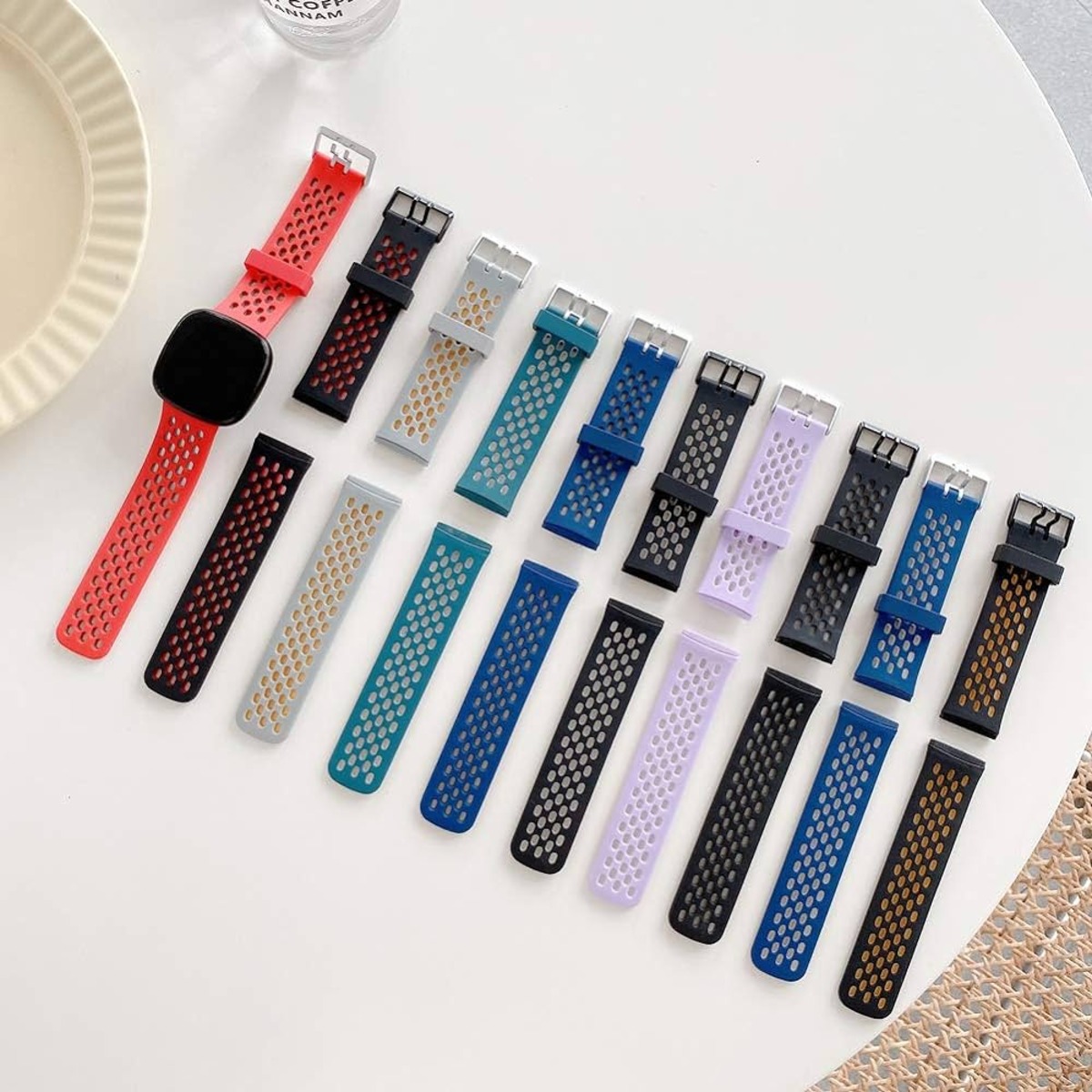
To remove Fitbit bands, you press the flat metal latch on the back of the device toward the band and slide it out, no app or phone is needed. This...

How To Waterproof Fitbit Flex

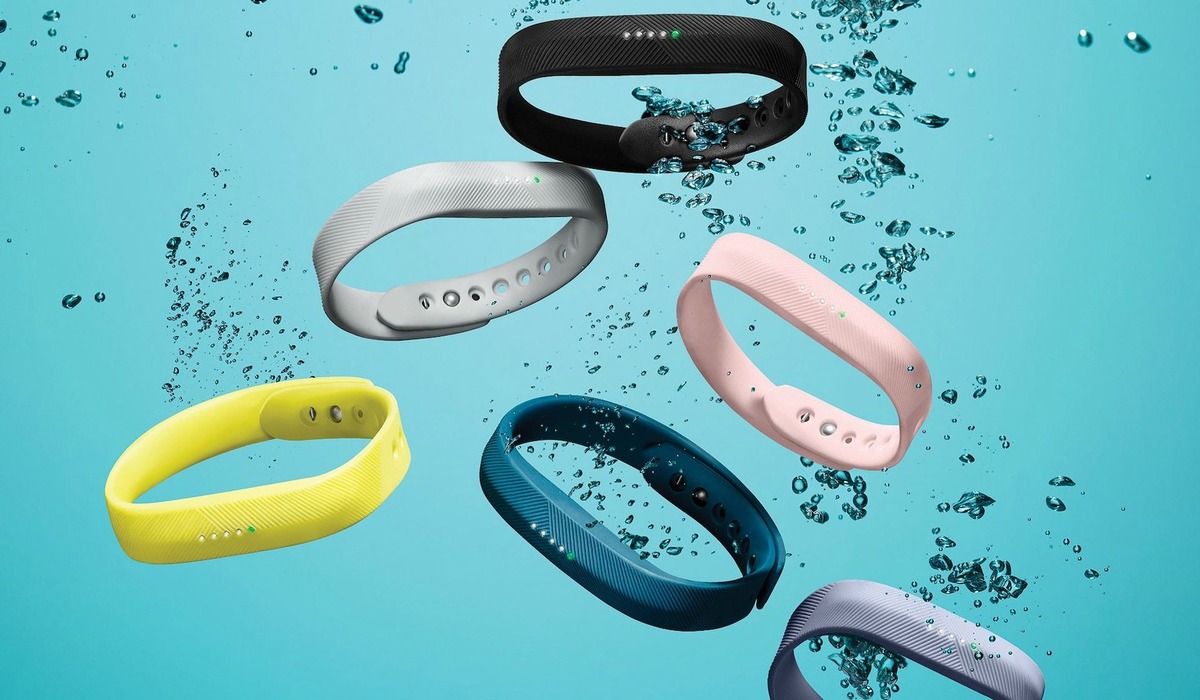
The original Fitbit Flex is water-resistant, not waterproof, meaning it can handle splashes and sweat but should not be worn while swimming or showering. If you want to know how...

What Fitbit Has GPS

If you're wondering what Fitbit has GPS, the direct answer is that built-in GPS comes standard on the Charge 4, Charge 5, Charge 6, Sense, Sense 2, Versa 3, Versa...

What Does Fitbit Inspire 3 Do

The Fitbit Inspire 3 tracks your activity, heart rate, sleep, stress, and workouts around the clock, and it uses your phone's GPS to map outdoor exercise. This wrist tracker gives...