To transfer a Fitbit Charge to another person, the current owner must erase all personal data from the device before handing it over, and the new owner then sets it up on their own Fitbit account. This is the only documented method in official sources for transferring ownership of a Fitbit Charge.
How to transfer a Fitbit Charge to another person
Transferring a Fitbit Charge to another person requires a simple, documented process: the current owner clears the device of all personal information, and the new owner pairs it with their own Fitbit account. No special transfer flow exists between two users; the device must be treated as a new setup after erasure.
Step 1: Erase the Fitbit Charge from the current owner's account
The current owner must erase the Fitbit Charge before giving it to another person. This removes apps, stored data, personal information, payment cards on supported models, and saved settings from the device[2]. Fitbit’s Charge 4 manual states to “clear your personal data” before giving the device to another person or returning it[1]. To unpair, open the Fitbit app, go to Account tab > Devices > tap your Fitbit Charge > scroll down and tap 'Remove This Fitbit' > confirm with 'Remove' again. The unpairing process cannot be undone, so back up any data you want to keep first. After erasure, the device is ready for the new owner.
Step 2: The new owner sets up their own Fitbit account
The receiving person needs their own Fitbit account to use the device.
Step 3: Pair the erased Fitbit Charge with the new account
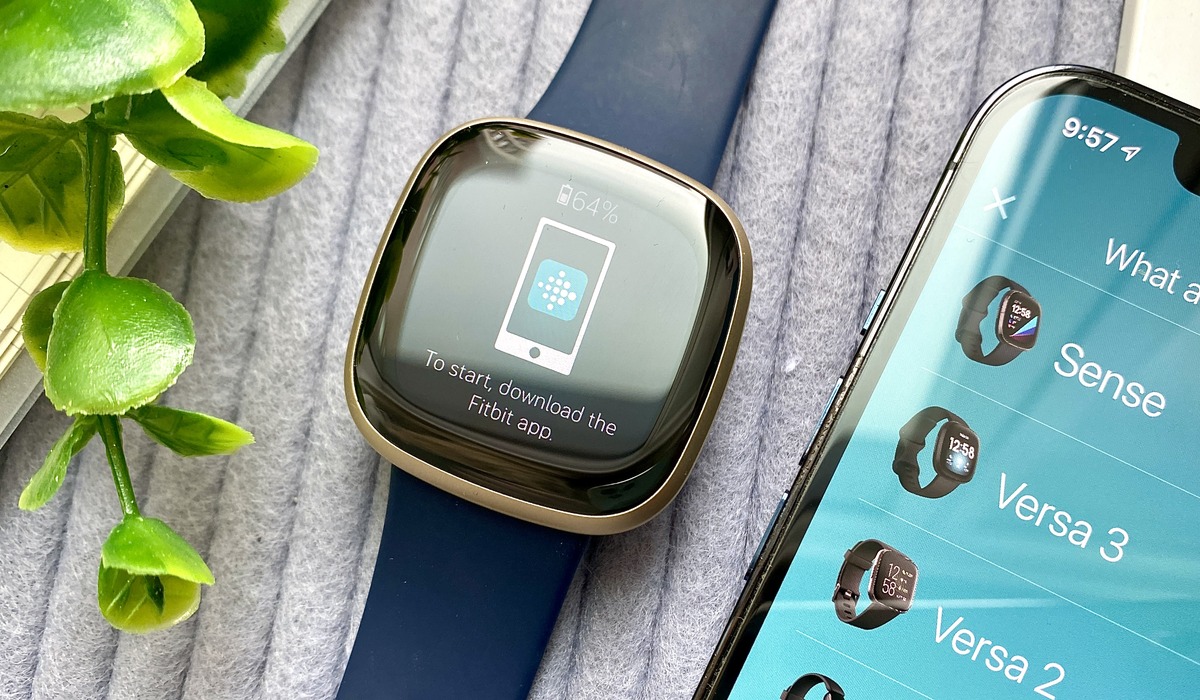
After the device is erased, the new owner sets it up on their own Fitbit account[1][2]. To pair, make sure the Fitbit Charge is charged and within Bluetooth range of the new user's smartphone. During pairing, a pairing code may be displayed on both the app and the Fitbit Charge that needs to be confirmed.
What happens to the old owner's data?
The device erase process removes personal information from the Fitbit itself[2]. In practice, the new owner starts with their own account and setup after the device is erased[1][2]. For Fitbit support and ownership help, the erase process ensures the previous owner’s data is fully removed.
Frequently Asked Questions
Can a Fitbit Charge be moved to another person?
Yes, but the device should be erased first[1][2]. The current owner clears personal data, and the new owner sets up the device on their own account.
Does the old owner's data transfer to the new owner?
The erase process removes personal information, and the new owner starts with a clean slate.
Are there different steps for iPhone and Android?
The documented process of erasing the device and setting it up on a new account applies regardless of phone type.
Are supported models or OS versions listed for this transfer process?
The erase-and-setup method is the only documented approach for transferring a Fitbit Charge.
Can I transfer my Fitbit Charge multiple times?
Yes, you can transfer it multiple times, but you should remove personal data and unlink the device from your account each time.
Related reading: How To Transfer Fitbit Flex To Another Person and How To Add A New Fitbit To My Account.