The Galaxy tag on CellularNews is your straightforward resource for getting the most out of your Samsung phone, covering everything from essential settings to useful accessories. Whether you are a new owner or a long-time user, these articles are written to help you solve common problems and customize your device to fit your needs.

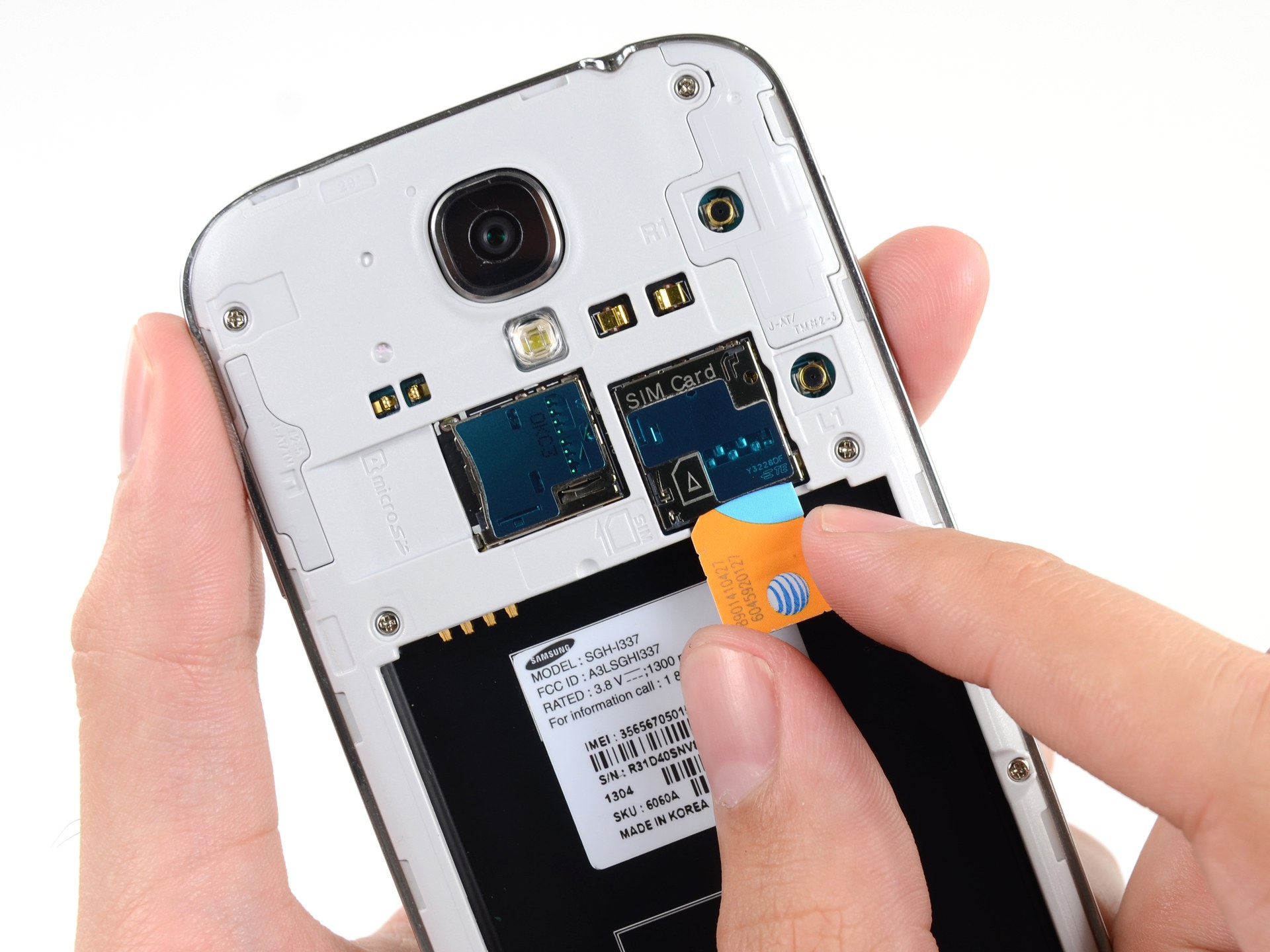
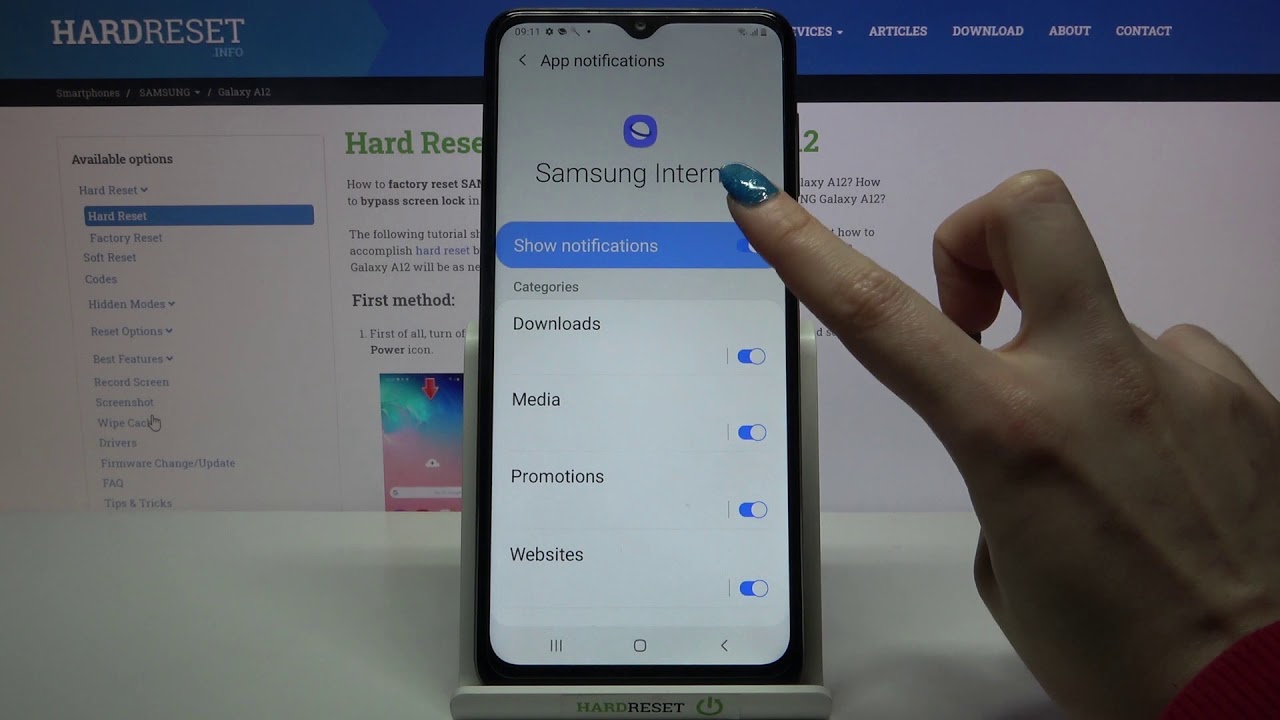
The articles here tackle two main kinds of tasks. First, there are the core setup and maintenance guides that help you get your phone working right from the start. You can learn how to turn on a Galaxy phone for the first time, replace a SIM card, or connect to Wi-Fi. There are also clear instructions for everyday issues like setting up voicemail, sending pictures, or turning off notifications and the mute function. Second, the collection focuses on personalization and using special features. You can find out how to alphabetize your apps, change your profile picture, or customize notification sounds. For those interested in Samsung's own tools, articles explain how to use Bixby, access the Secure Folder, or enable the Gallery Labs feature.

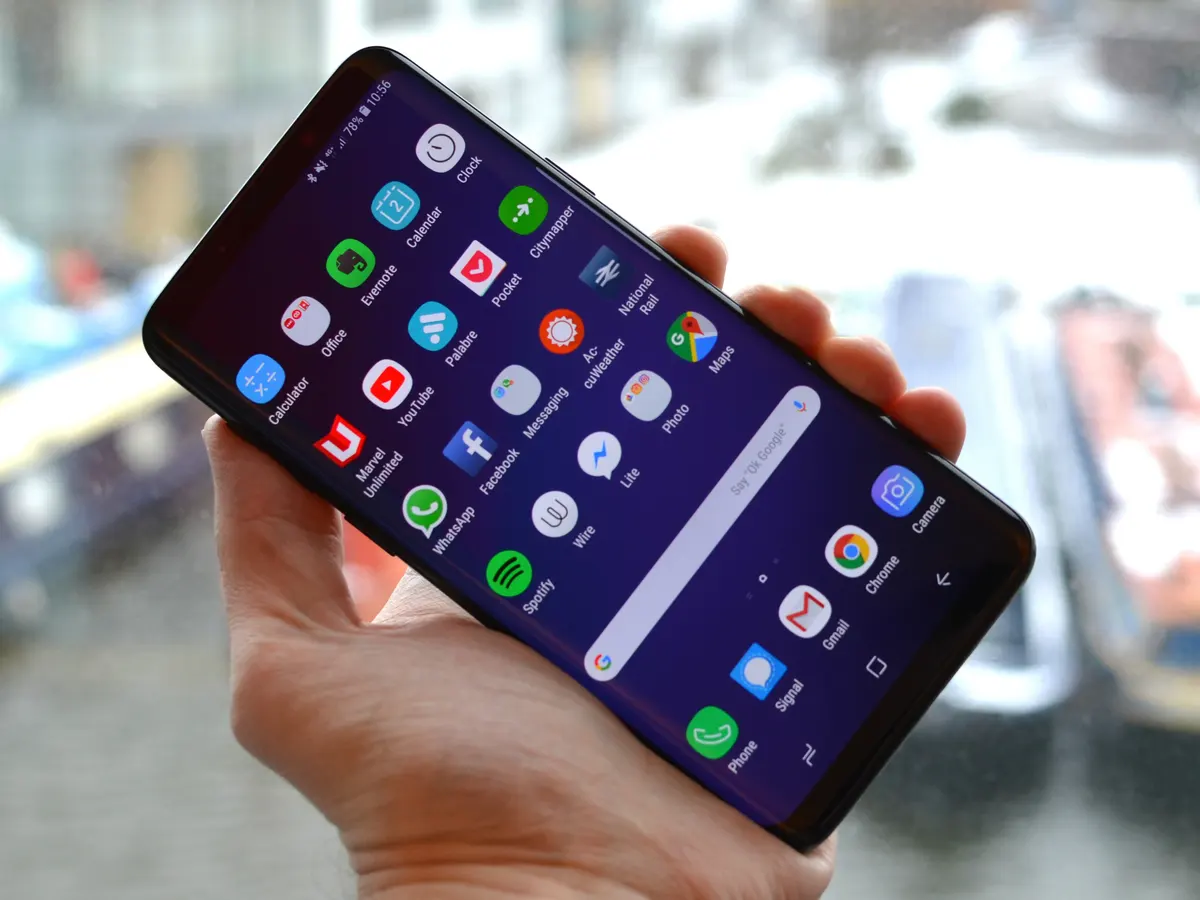
Specific topics include guides on backing up Samsung Notes, resetting your phone, and even how to play music through two Bluetooth speakers at once. If you are curious about hardware, there is an article listing which Galaxy phones support wireless charging, and another on using the Gear VR with any phone. For troubleshooting, you can find help on taking Safe Mode off or turning off Data Saver, making this tag a practical hub for any Galaxy owner.
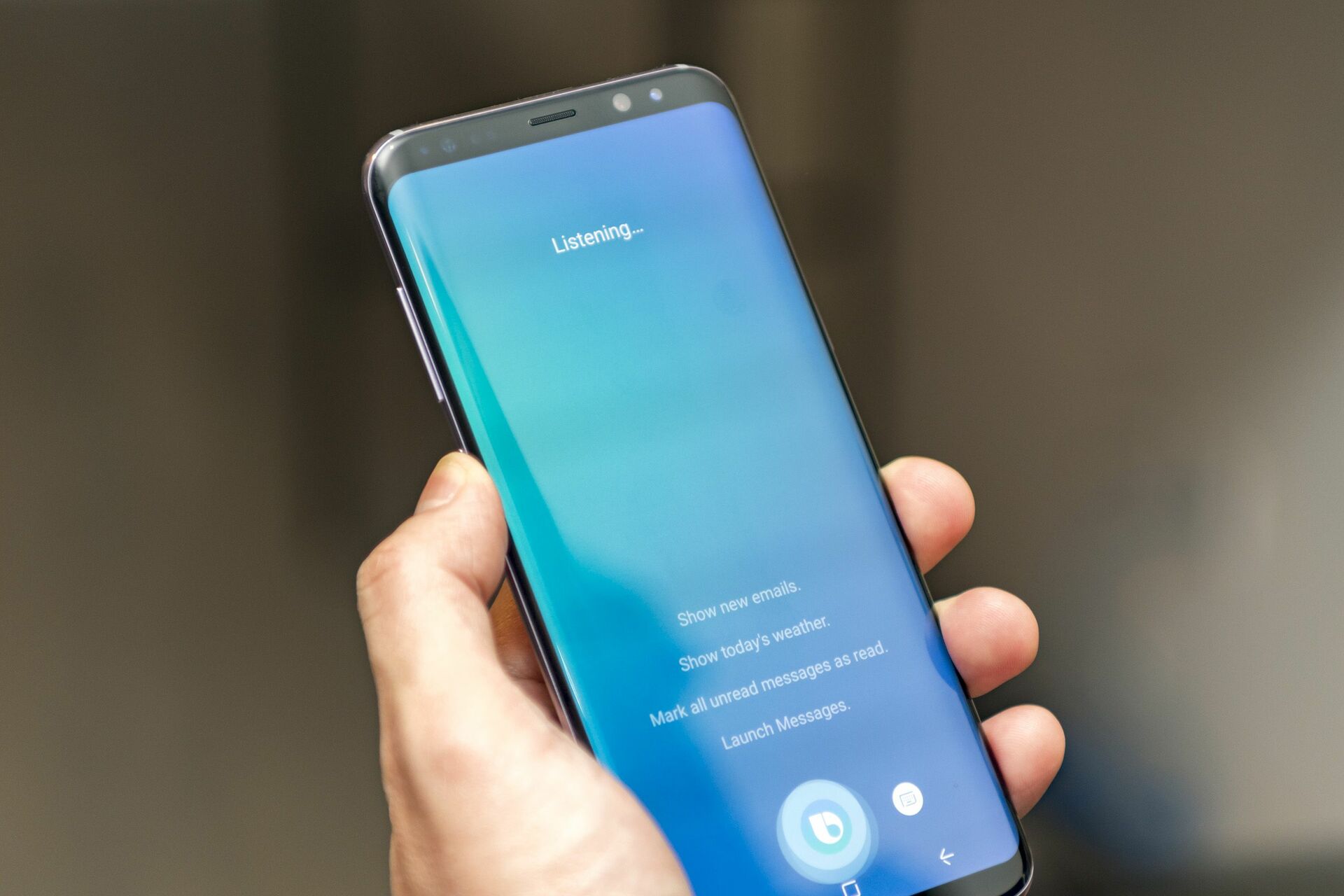
How To Get Bixby On My Phone

To get Bixby on your Samsung phone, first confirm your device is a compatible Samsung Galaxy model, as Bixby is Samsung’s built-in voice assistant and is not available on iPhones...

How To Turn Off A Samsung Galaxy Phone

To turn off a Samsung Galaxy phone, press and hold the Side and Volume down buttons simultaneously, then tap Power off twice to confirm. If your model has a dedicated...

How To Connect Samsung Phone To Wi-Fi

To connect a Samsung phone to Wi‑Fi, open Settings > Connections > Wi‑Fi and turn on the Wi‑Fi switch, then select your network and enter the password. You can also...

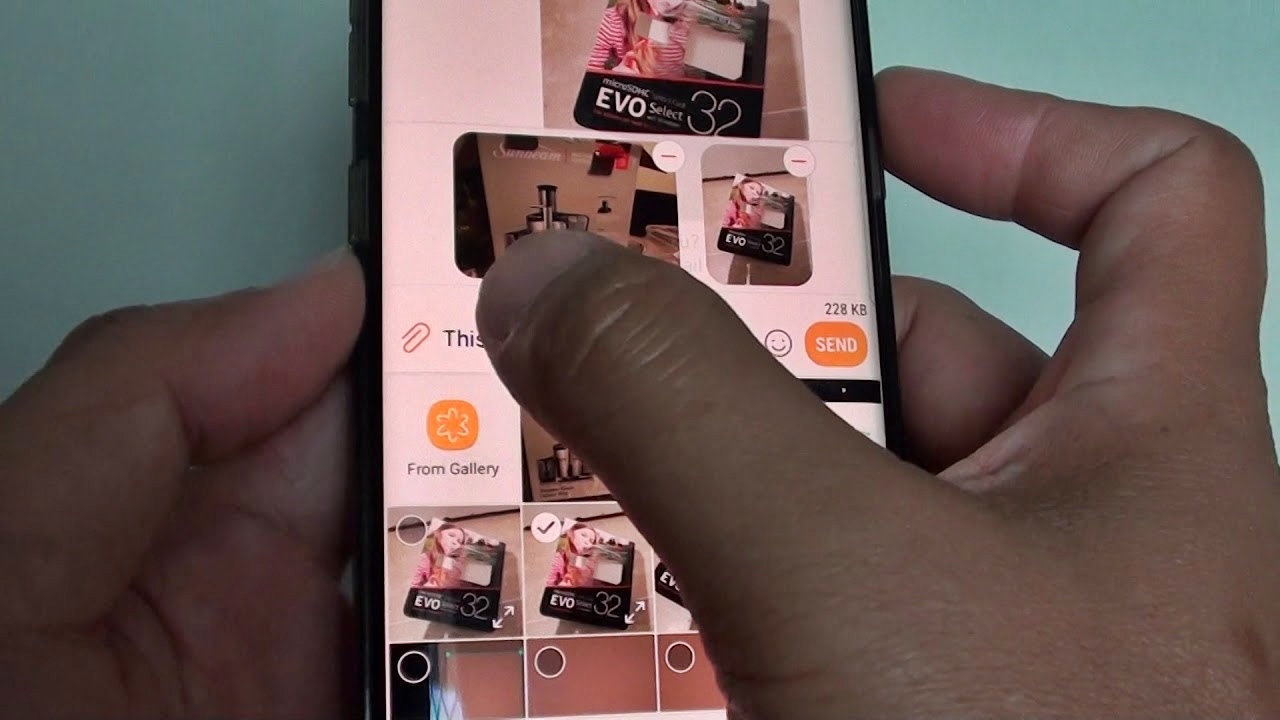
How To Send Pictures From Samsung Phone

To send pictures from a Samsung phone, the fastest built-in method is Bluetooth, which lets you share photos directly to another Samsung or Android device without an internet connection. For...

How To Set Up Email On Samsung Phone

To set up email on your Samsung phone, open Settings > Accounts and backup > Manage accounts > Add account, then choose your email provider and enter your credentials. This...

How To Take Safe Mode Off Samsung Phone

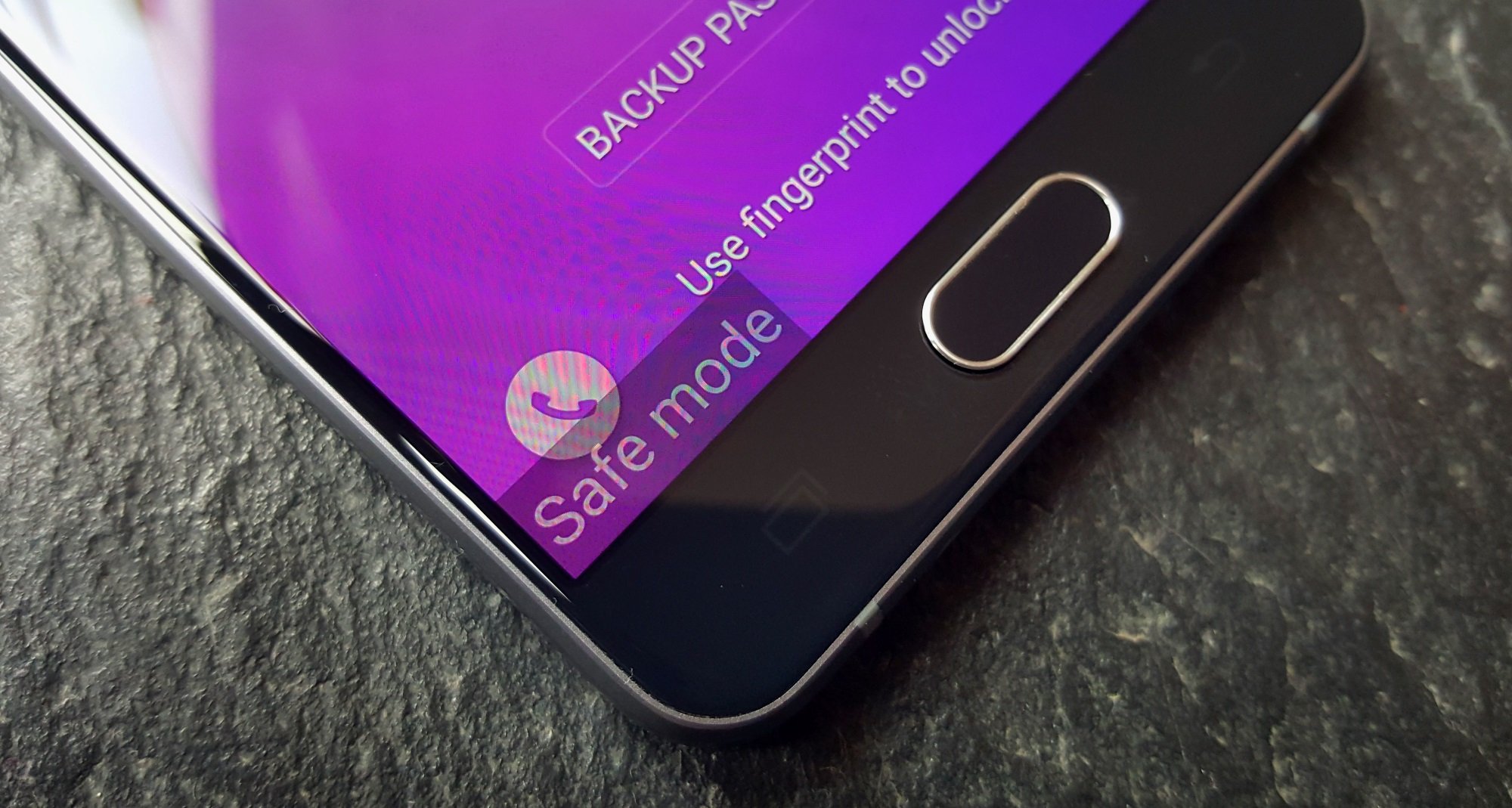
To take safe mode off your Samsung phone, simply restart the device. Samsung states that Safe Mode ends when the phone restarts normally, so this is the primary method to...

How To Turn Off Mute On Samsung Phone

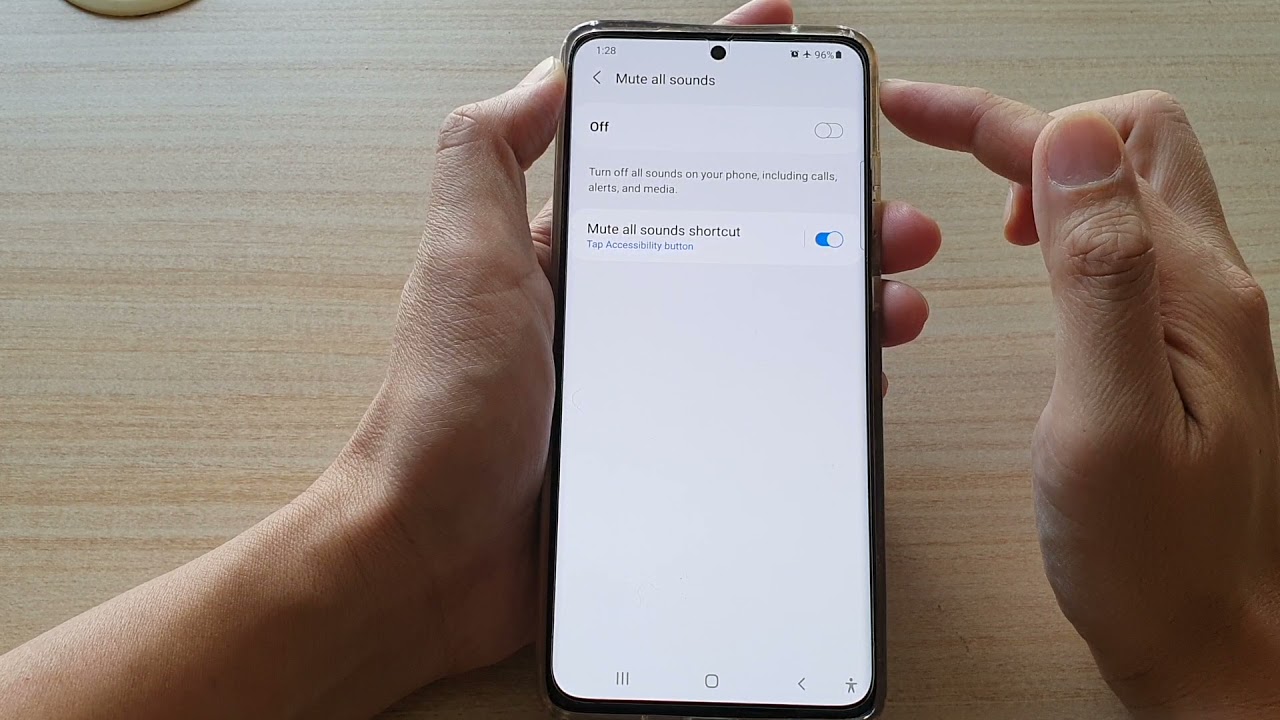
To turn off mute on a Samsung phone, press the Volume Up button until the mute icon disappears from the screen. This is the fastest of the three methods Samsung...

How To Turn On A Galaxy Phone

To turn on a Galaxy phone, press and hold the Side button until the Samsung logo appears; for models with a dedicated Power button, press and hold that button instead....