This tag collects articles focused on connecting phones, tablets, and other devices to displays like TVs, monitors, and projectors, as well as managing wireless streaming setups. It is intended for everyday users who want to mirror their phone’s screen, cast apps like Netflix or Hulu, or set up a home entertainment system using HDMI, Miracast, or wireless TV boxes. The guides here are practical, covering specific brand instructions and common connection problems.

The articles solve two main types of problems. First, they address direct wired and wireless connections from a phone to a specific TV or projector brand, such as connecting to a Samsung, LG, Philips, TCL, Sharp, Sceptre, or Insignia Fire TV, or to an Auking or Vankyo projector. Second, they cover broader setup challenges like making a monitor or projector wireless, using a laptop docking station with two monitors, or getting an Xfinity or Fios wireless cable box to work. Several guides also focus on streaming services, including how to cast Netflix, HBO, Crunchyroll, and Hulu from a phone to a TV, even without Wi-Fi.

These articles help the reader perform specific tasks: identify what an HDMI connector looks like, use a Miracast dongle, connect a Nintendo Switch docking station, or get audio on both a TV and a PS5 headset. They also explain how to find the device connector on an LG TV or how to connect a wireless Joey to a Hopper. The tag is a straightforward resource for anyone trying to get their phone or streaming content onto a bigger screen without confusion.
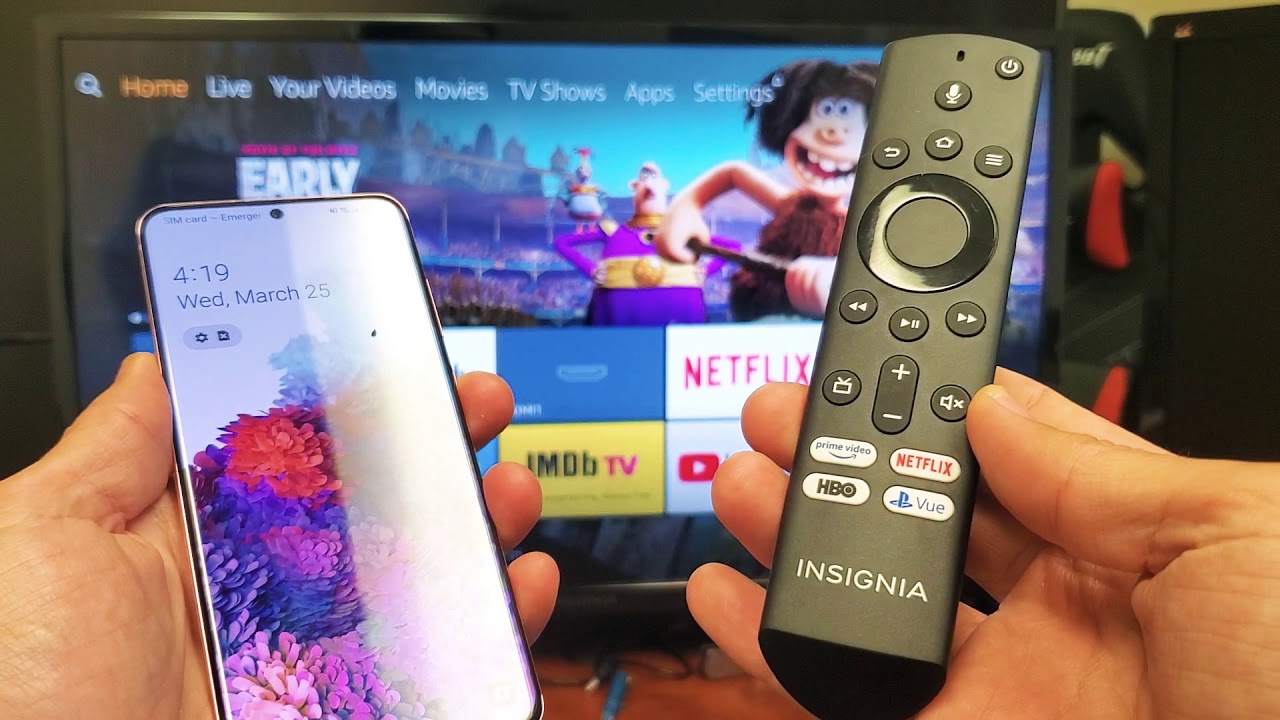
How To Connect Phone To Insignia Fire TV

To connect your phone to Insignia Fire TV, you must use the wireless screen mirroring feature over Wi-Fi; Bluetooth is not supported for mirroring your phone's screen to the TV....

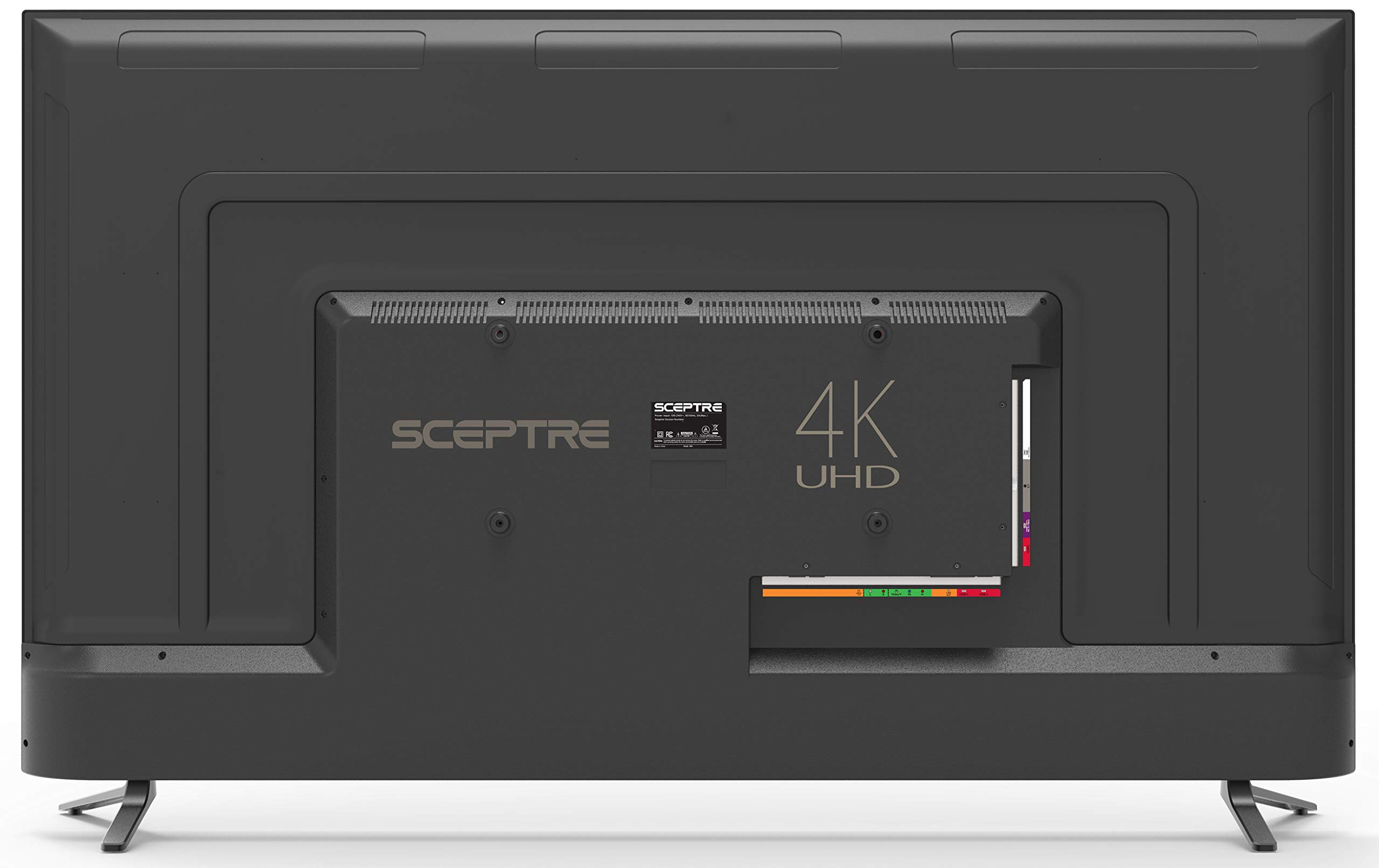
How To Connect Phone To Sceptre TV

To connect your phone to a Sceptre TV, the only method documented by Sceptre is using an MHL cable with the TV's specific MHL-capable HDMI port. How to connect your...

How To Connect Phone To Sharp TV

To connect your phone to a Sharp TV, the method you use depends entirely on whether your TV is a Roku model, an Android TV/Google TV model, or a non-smart...

How To Connect Phone To TCL TV

To connect your phone to a TCL TV, the only methods TCL officially documents are using an HDMI cable or a Chromecast device. This means you can reliably mirror your...

How To Connect Android To TV

To connect Android to TV, you can use a wireless casting method or a wired HDMI connection. Wireless casting lets you mirror your screen or stream content from apps, while...

How To Connect My Phone To A Samsung TV

To connect your phone to a Samsung TV, you’ll use either a wireless method like Smart View, Tap View, or AirPlay, or a wired HDMI connection for maximum stability. The...

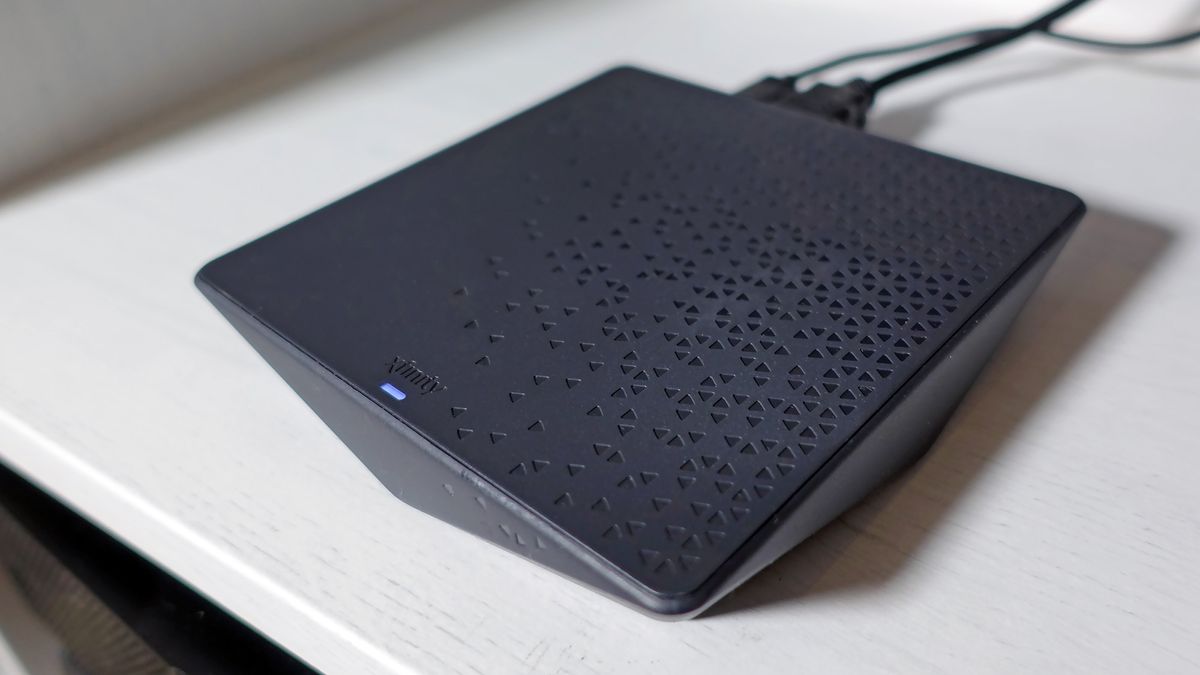
How To Set Up Xfinity Wireless TV Box

To set up Xfinity Wireless TV Box, start by connecting the HDMI cable from the box to your TV and plugging the power cord into an electrical outlet. The box...

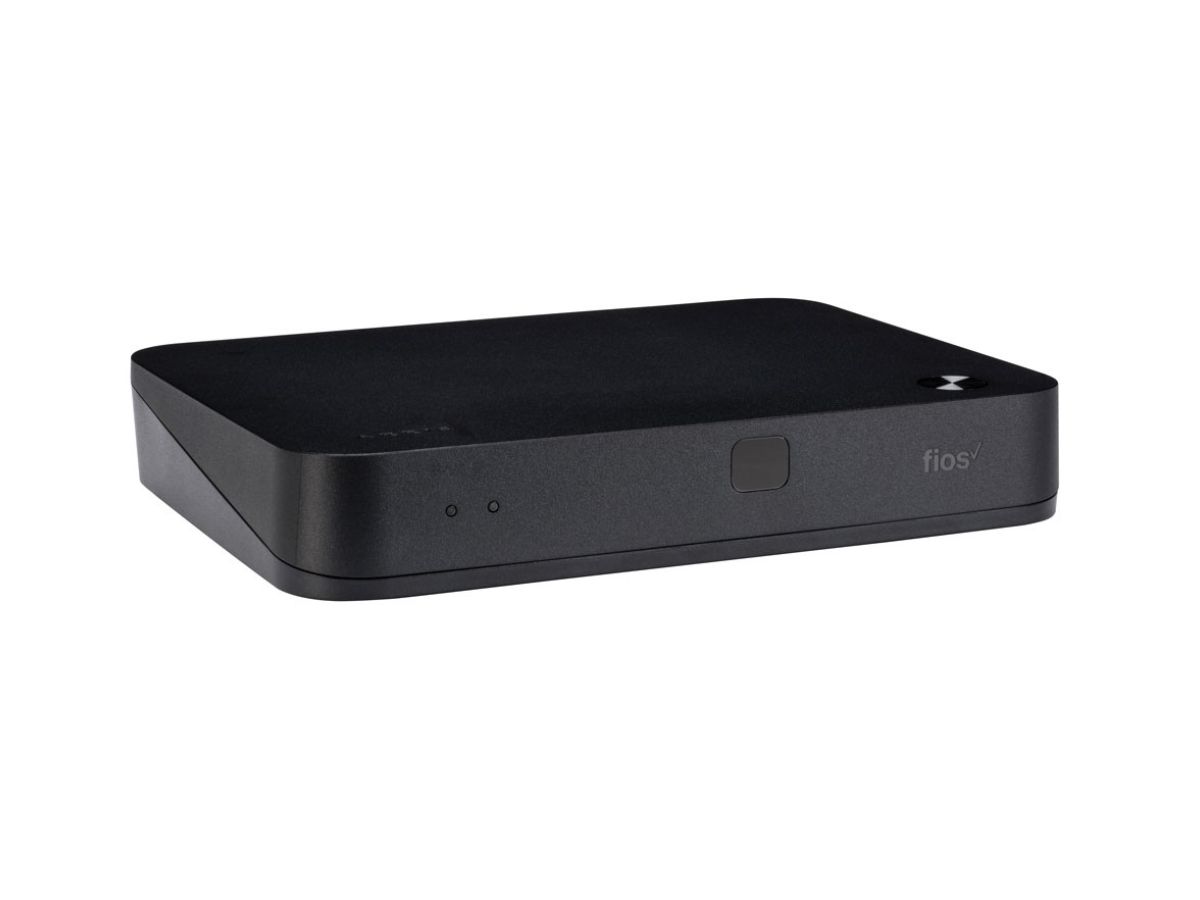
How To Set Up Fios TV One Mini Wireless

The Fios TV One Mini wireless setup is the process of connecting your secondary TV box to your home network without a coaxial cable, using only the on-screen instructions and...

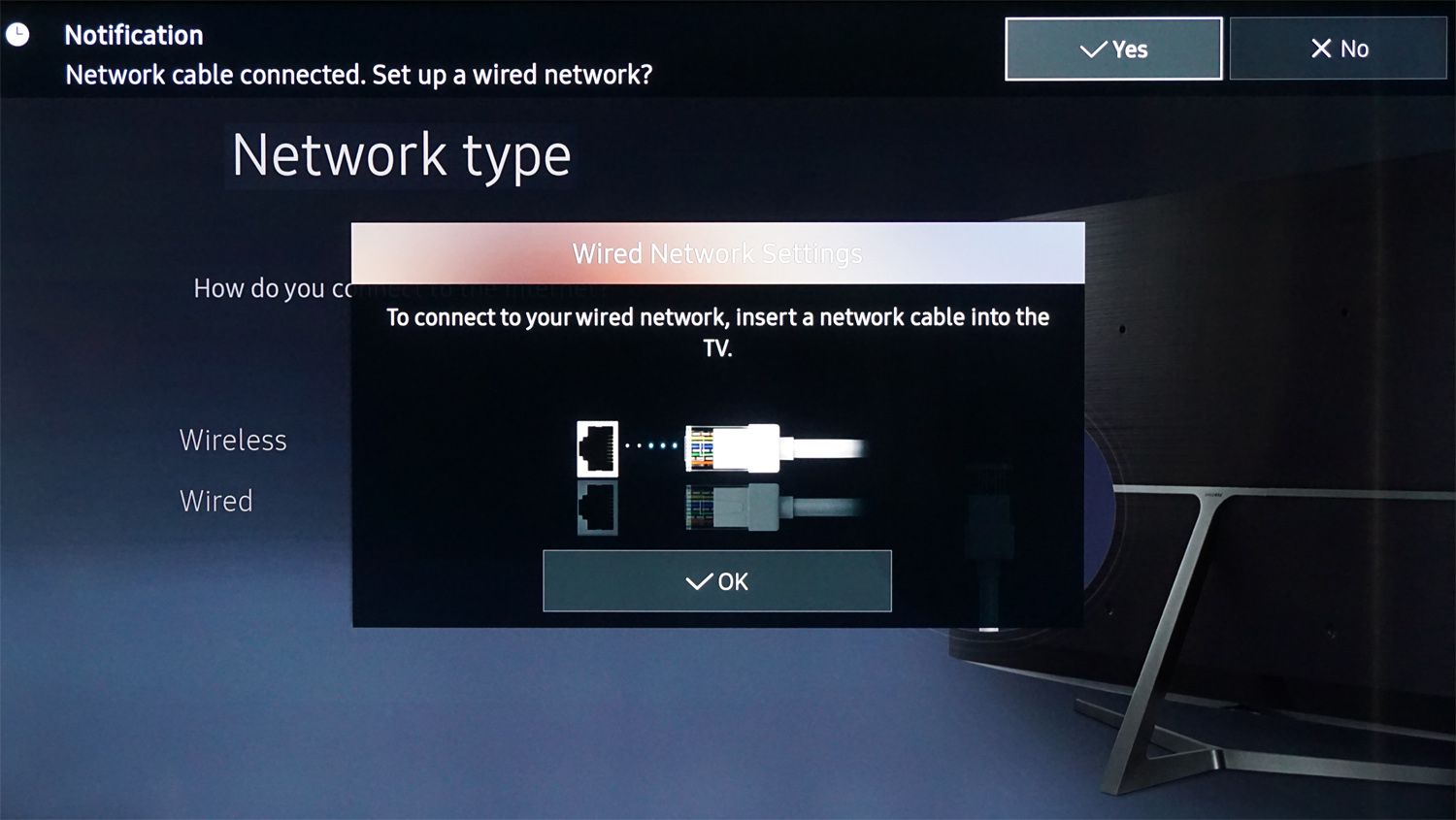
How To Make Your TV Wireless

To make your TV wireless, you connect it to your Wi-Fi network so it can stream content from the internet without any cables. The exact method depends on whether your...

How To Make A Projector Wireless

You can make a projector wireless by using a wireless HDMI transmitter, a media streaming device like Apple TV or Chromecast, or by using screen mirroring with AirPlay or Google...

How To Make A Monitor Wireless

To make a monitor wireless, you need to add a wireless display adapter or a wireless HDMI transmitter/receiver kit to its HDMI port. This eliminates the video cable between your...