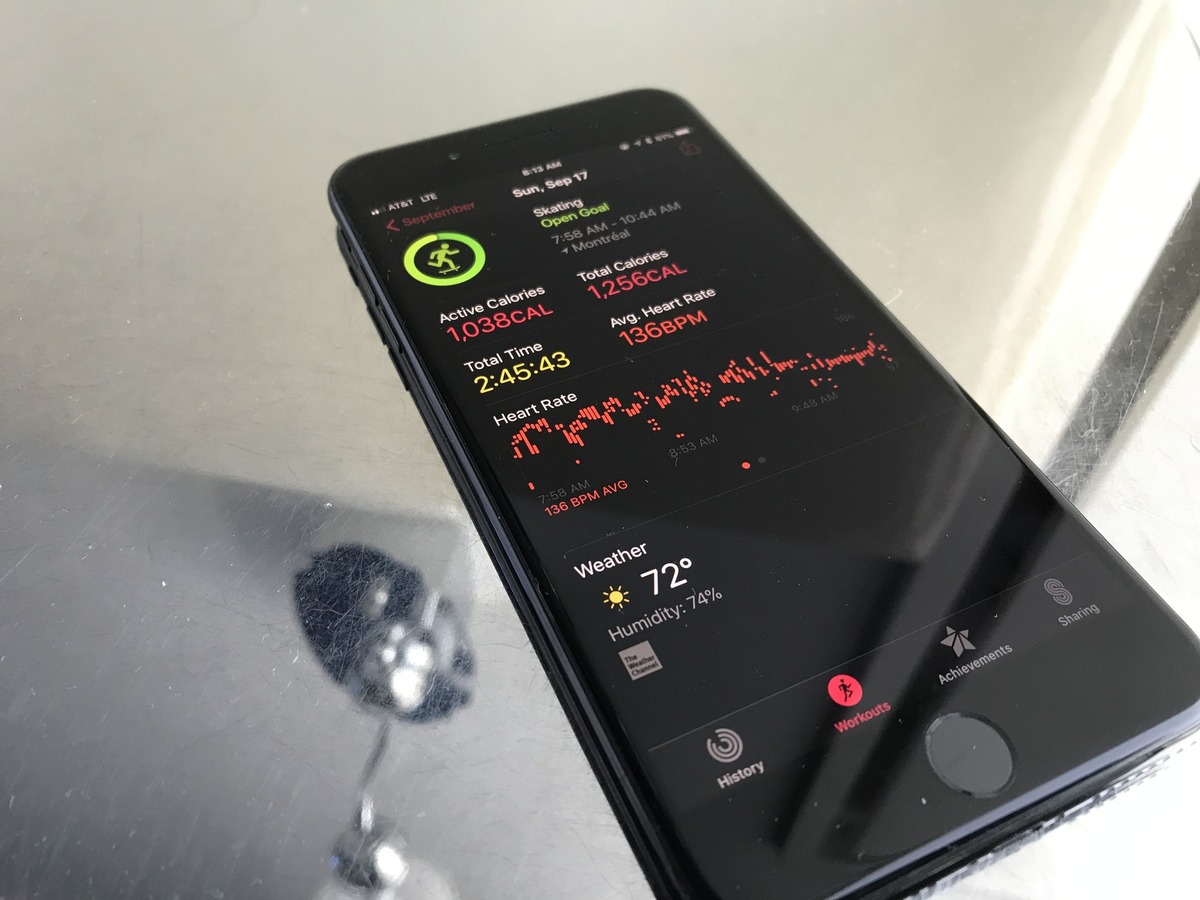
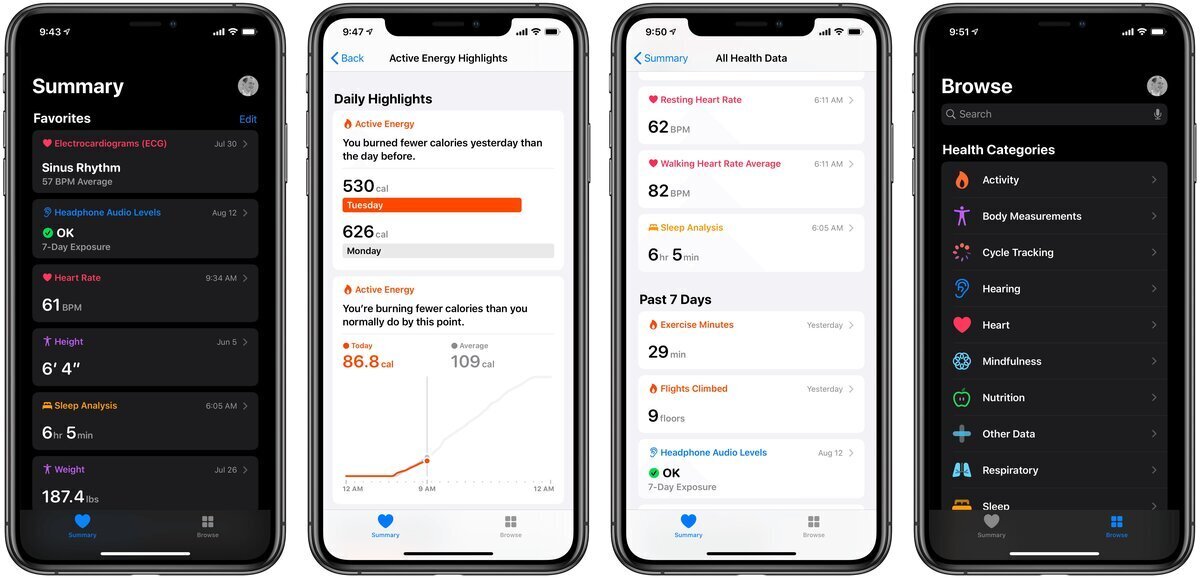
The Health app tag on CellularNews collects articles focused on using your iPhone and compatible accessories to monitor, manage, and protect your personal wellness. This content is designed for anyone who wants to get more out of their phone’s built-in health features, from tracking daily movement to setting up safety tools. Whether you are a new iPhone user or someone looking to fine-tune your existing setup, these guides are here to help you navigate the health-related settings on your device.

The articles solve two main kinds of problems. First, they help you track and view your physical activity and biometric data directly on your iPhone. For example, you can learn how to view your activity rings in your health app dashboard, how to track walking distance on iPhone, and how to track a run on iPhone. There are also guides for checking specific measurements, such as how to check pulse on iPhone 12, how to check blood pressure on iPhone 14 and iPhone 12, and even how to measure decibels on iPhone. Second, the tag covers safety and emergency features, showing you exactly how to set up emergency contacts on iPhone and, when needed, how to delete emergency contact on iPhone. Additionally, for those using connected accessories, articles explain what the Fitbit scale does and how Fitbit calorie adjustment works, bridging the gap between your wearable and your phone’s Health app.

Overall, these articles help you do specific, practical tasks: customize your health dashboard, log your daily steps and runs, configure emergency alerts, and understand how your fitness devices sync with your iPhone. Each guide is a straightforward walkthrough aimed at getting you from a question to a completed action without extra fluff.
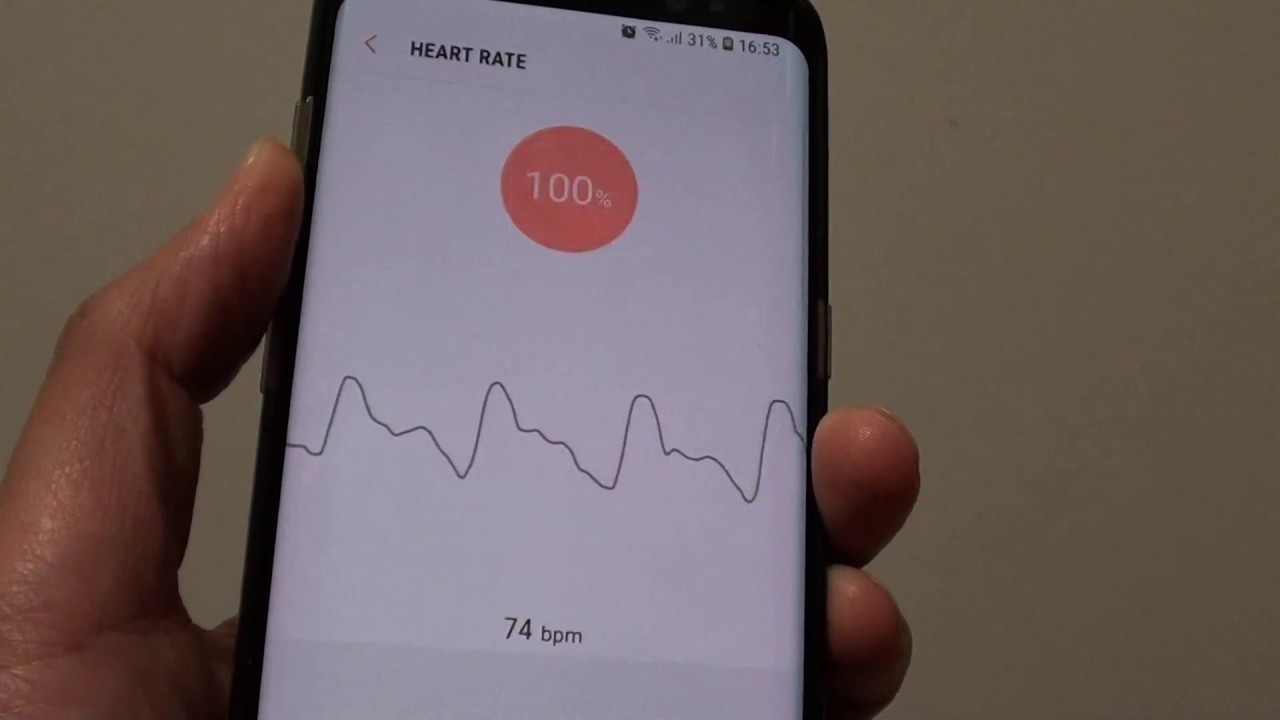
How To Check Pulse On IPhone 12

You cannot check your pulse directly on an iPhone 12, because the device lacks a built-in heart rate sensor. To check pulse on iPhone 12, you must view heart rate...

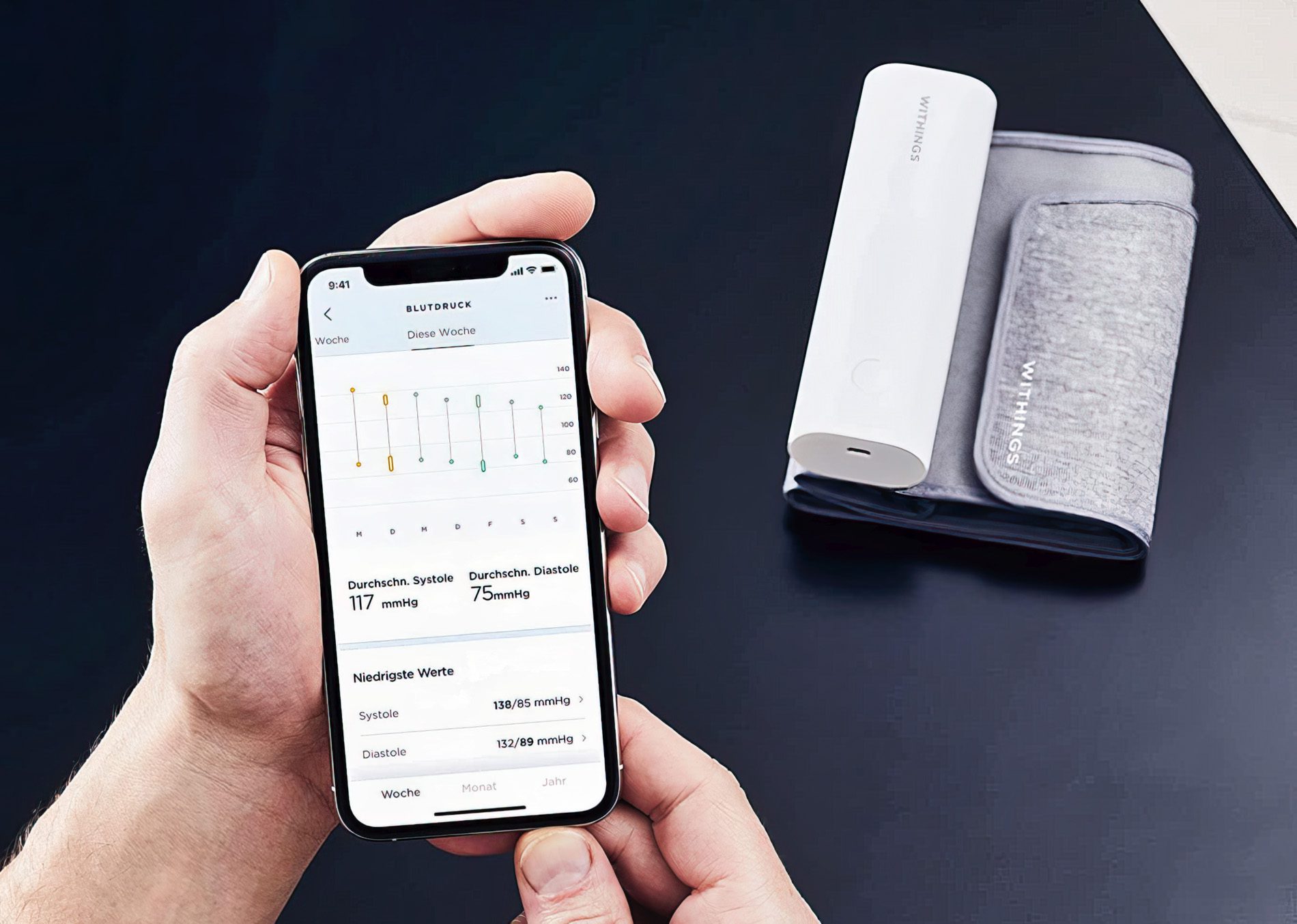
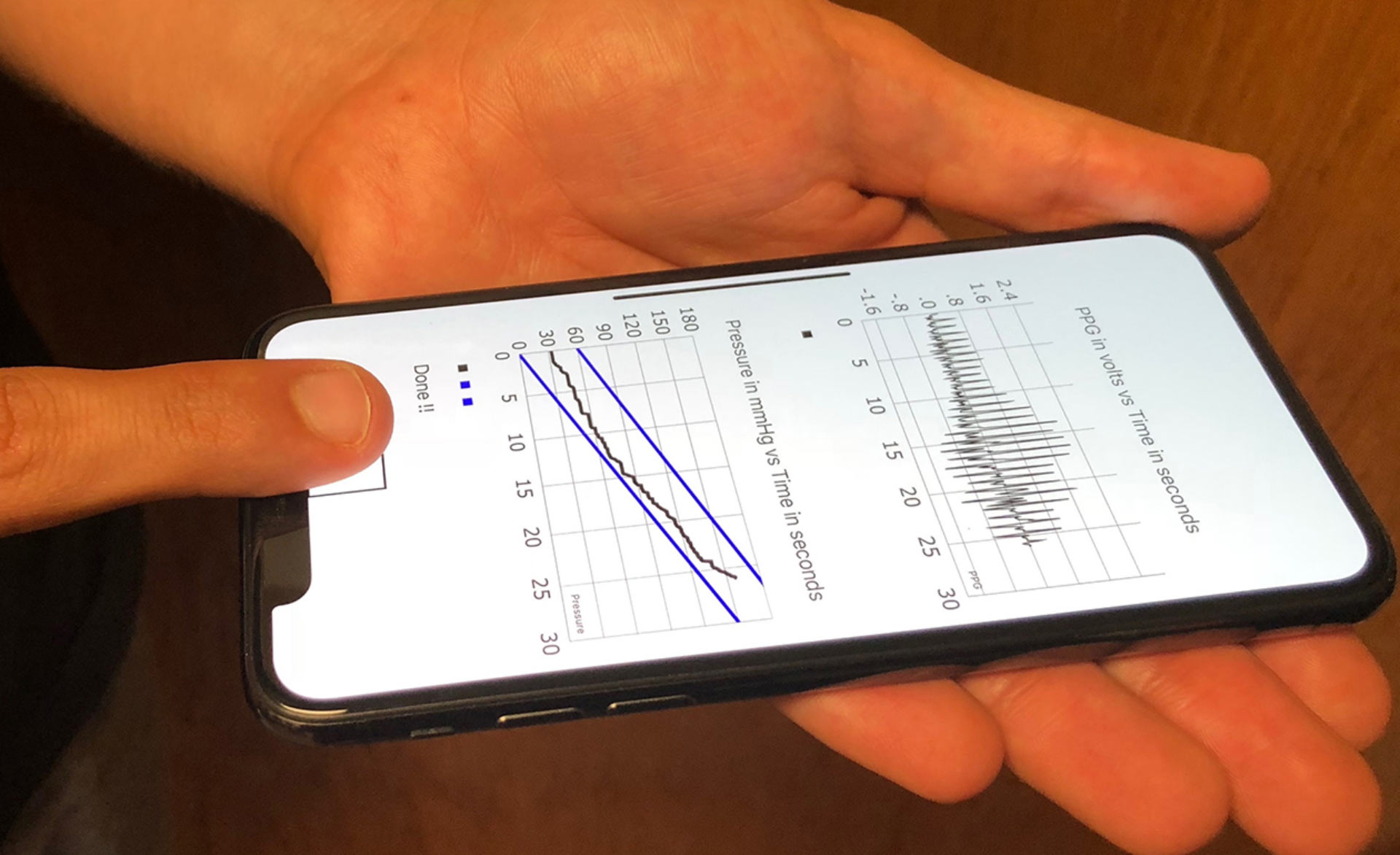
How To Check Blood Pressure On IPhone 12

You cannot check blood pressure on iPhone 12 using the phone itself; the device requires a separate blood pressure cuff to take a measurement. The iPhone 12 works with Apple’s...

How To Check Blood Pressure On IPhone 14

You cannot check blood pressure on an iPhone 14 using the phone alone, because it has no built-in blood pressure sensor. To check blood pressure on iPhone 14, you must...

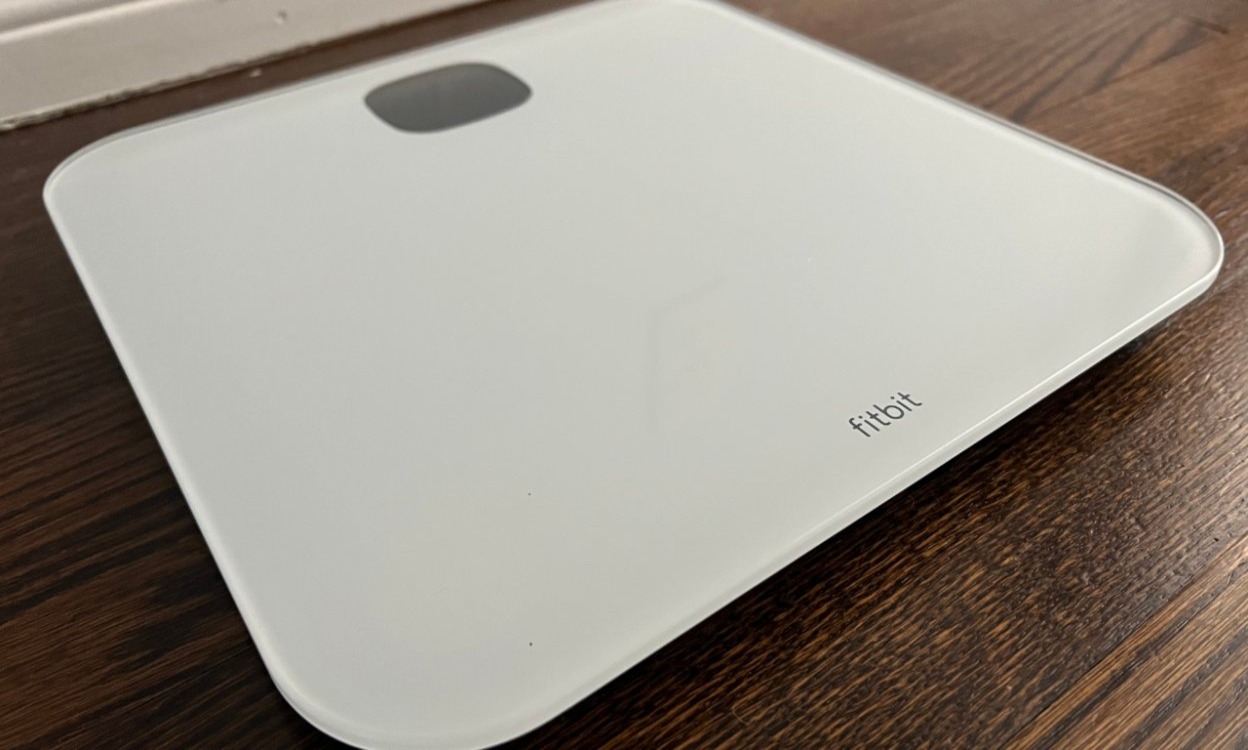
What Does The Fitbit Scale Do

Fitbit scales measure your weight and, on supported models linked to a Fitbit account, estimate your body fat percentage and BMI. The scale automatically syncs this data to the Fitbit...

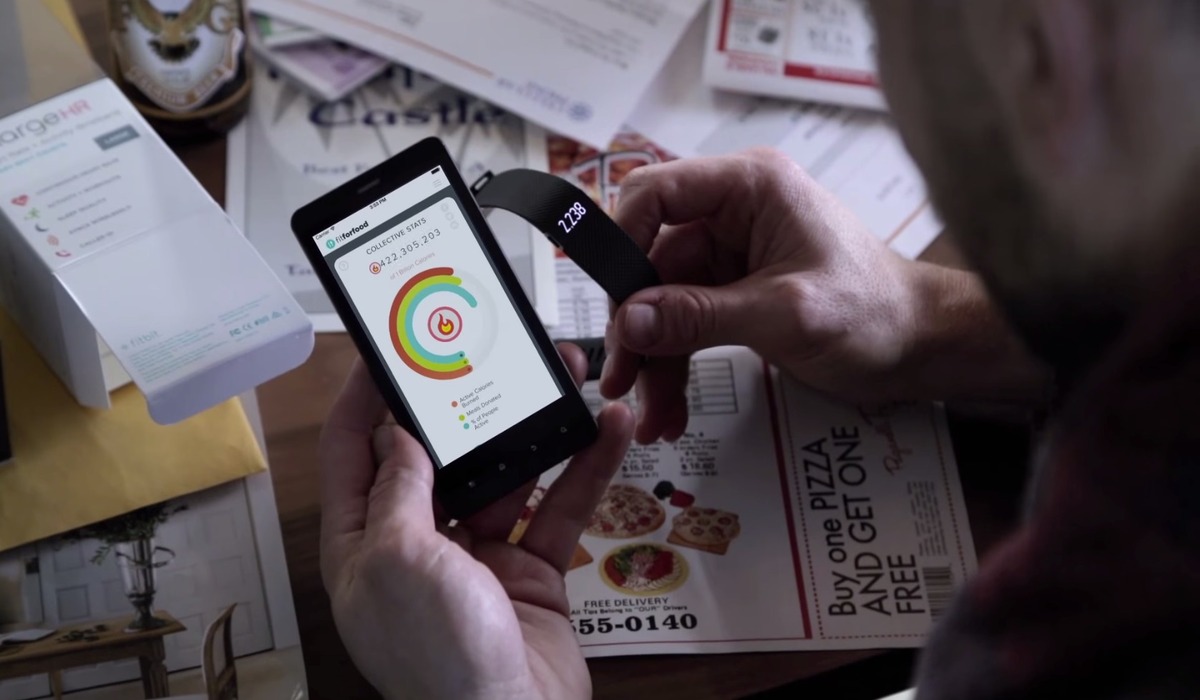
How Does Fitbit Calorie Adjustment Work

Fitbit calorie adjustment is the process by which your Fitbit device estimates your total daily calorie burn by combining your resting metabolic rate, tracked activity, and non-exercise movement, then uses...

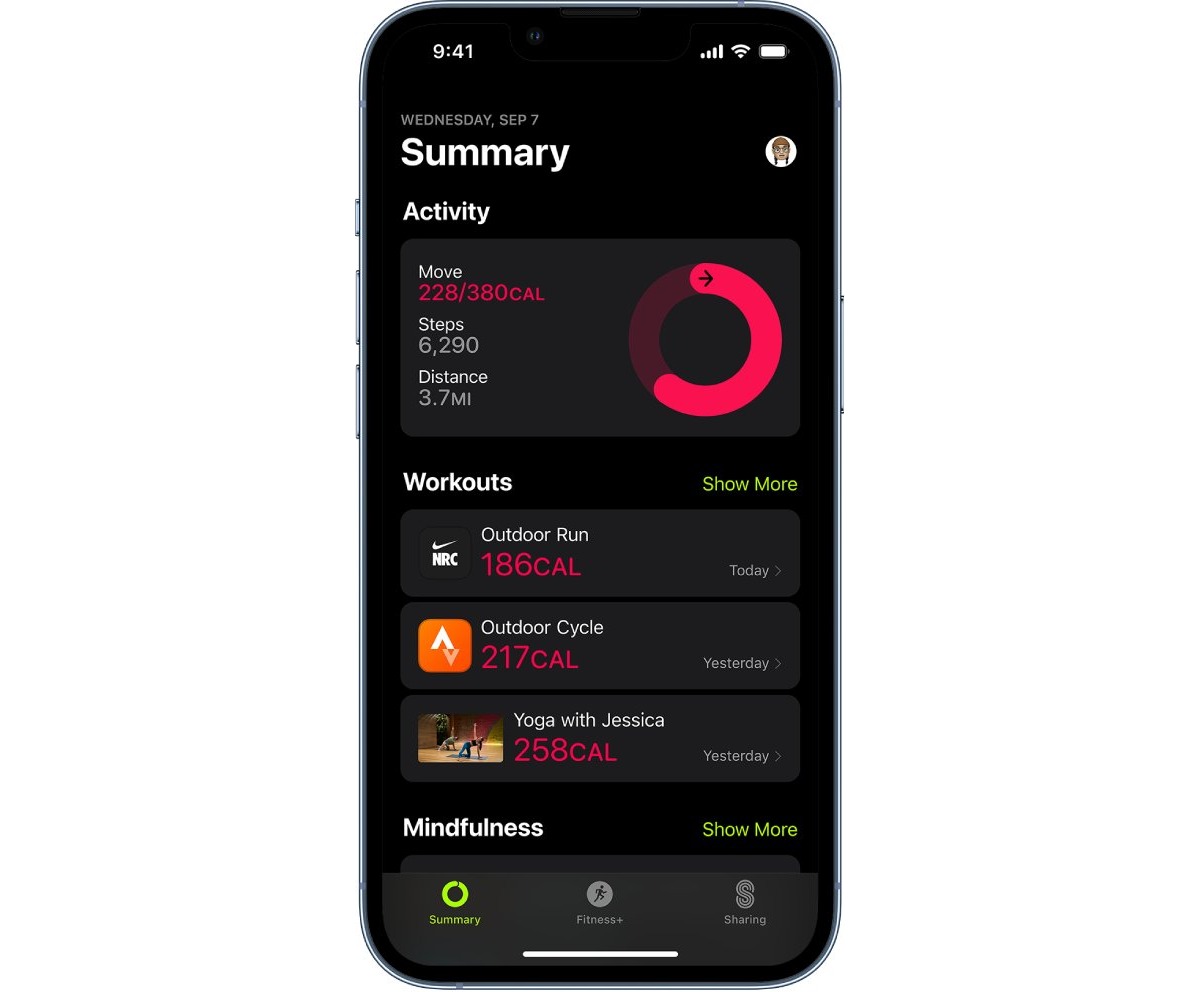
How To Track Run On IPhone

You can track a run on iPhone using the built-in Health app, which automatically counts your steps, walking, and running distances using the device's motion sensors. This fulfills the primary...

How To Measure Decibels On IPhone

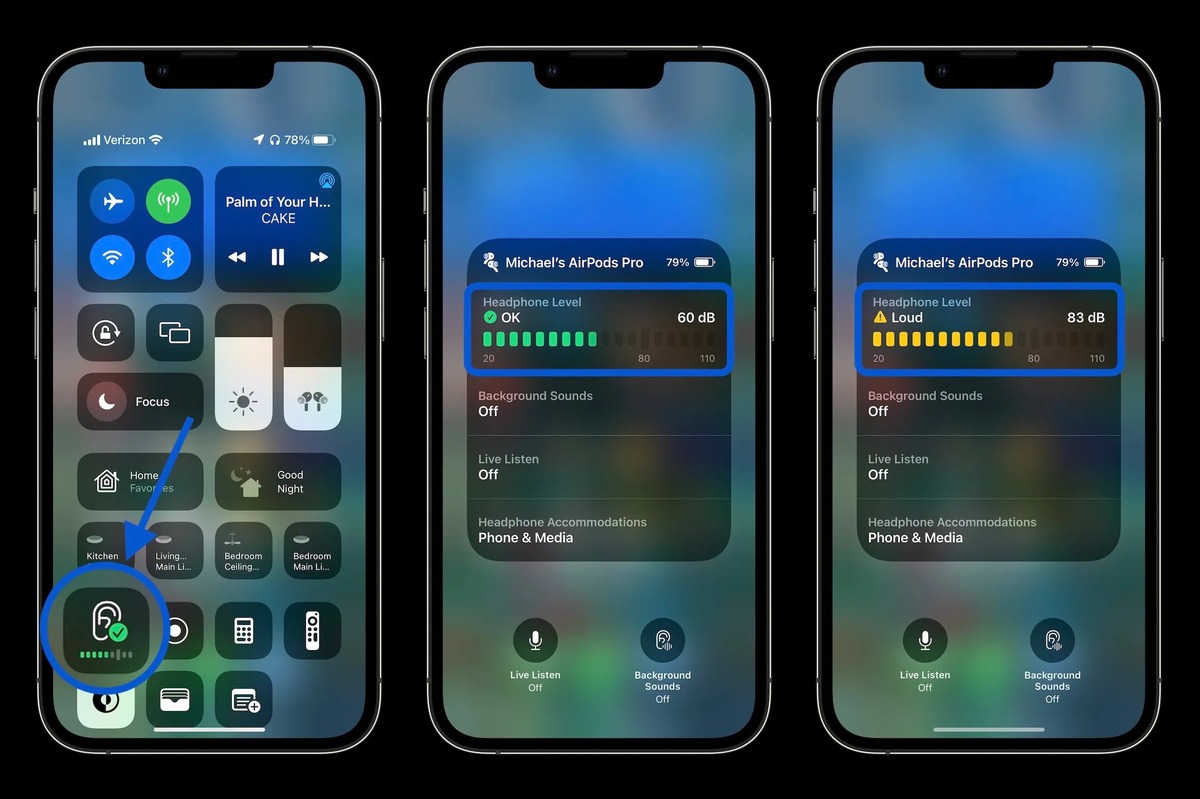
To measure decibels on iPhone for headphone audio, open Control Center, tap the Hearing control, and read the Headphone Level meter in decibels. This built-in tool helps you monitor your...

How To Set Up Emergency Contacts On IPhone

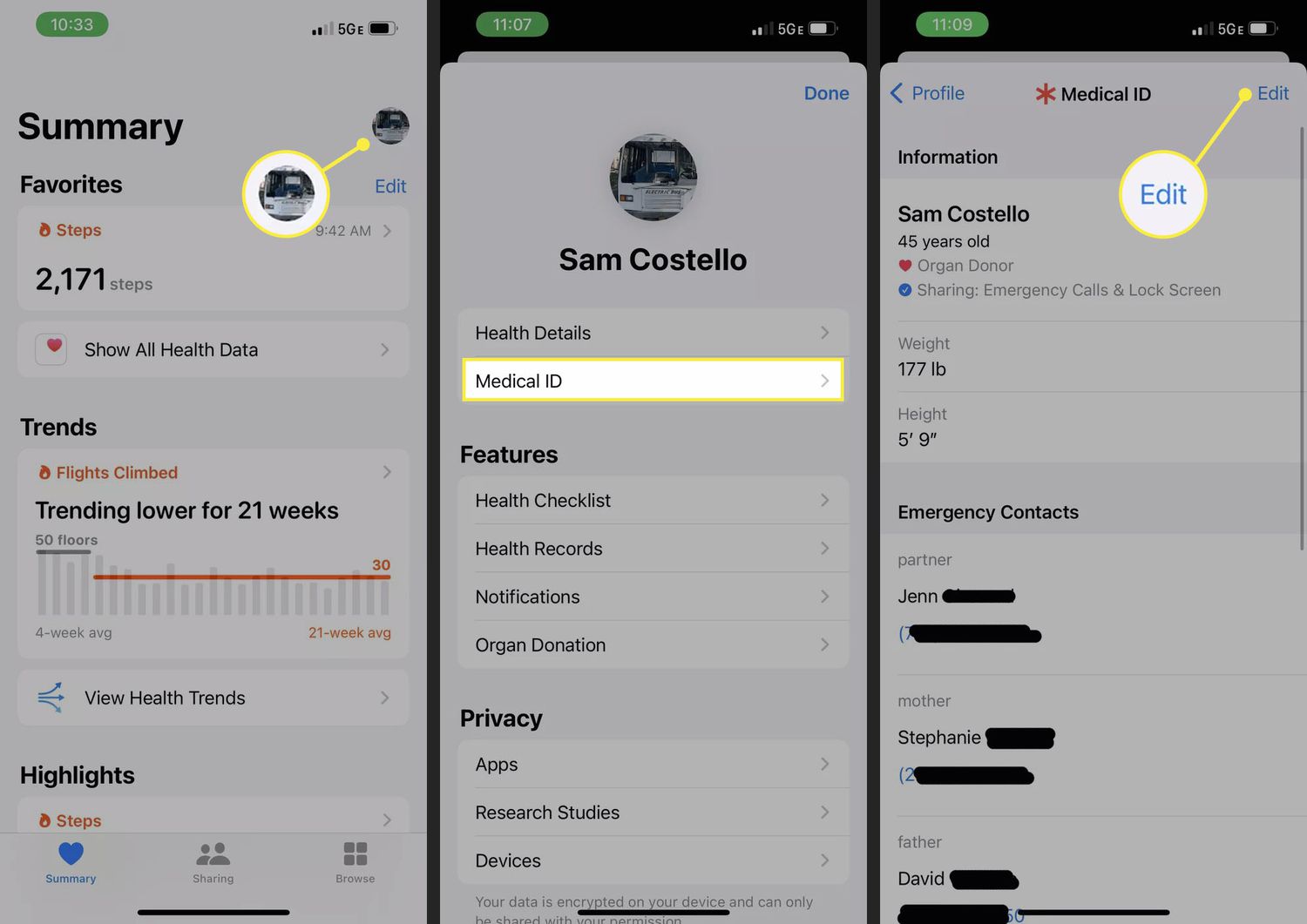
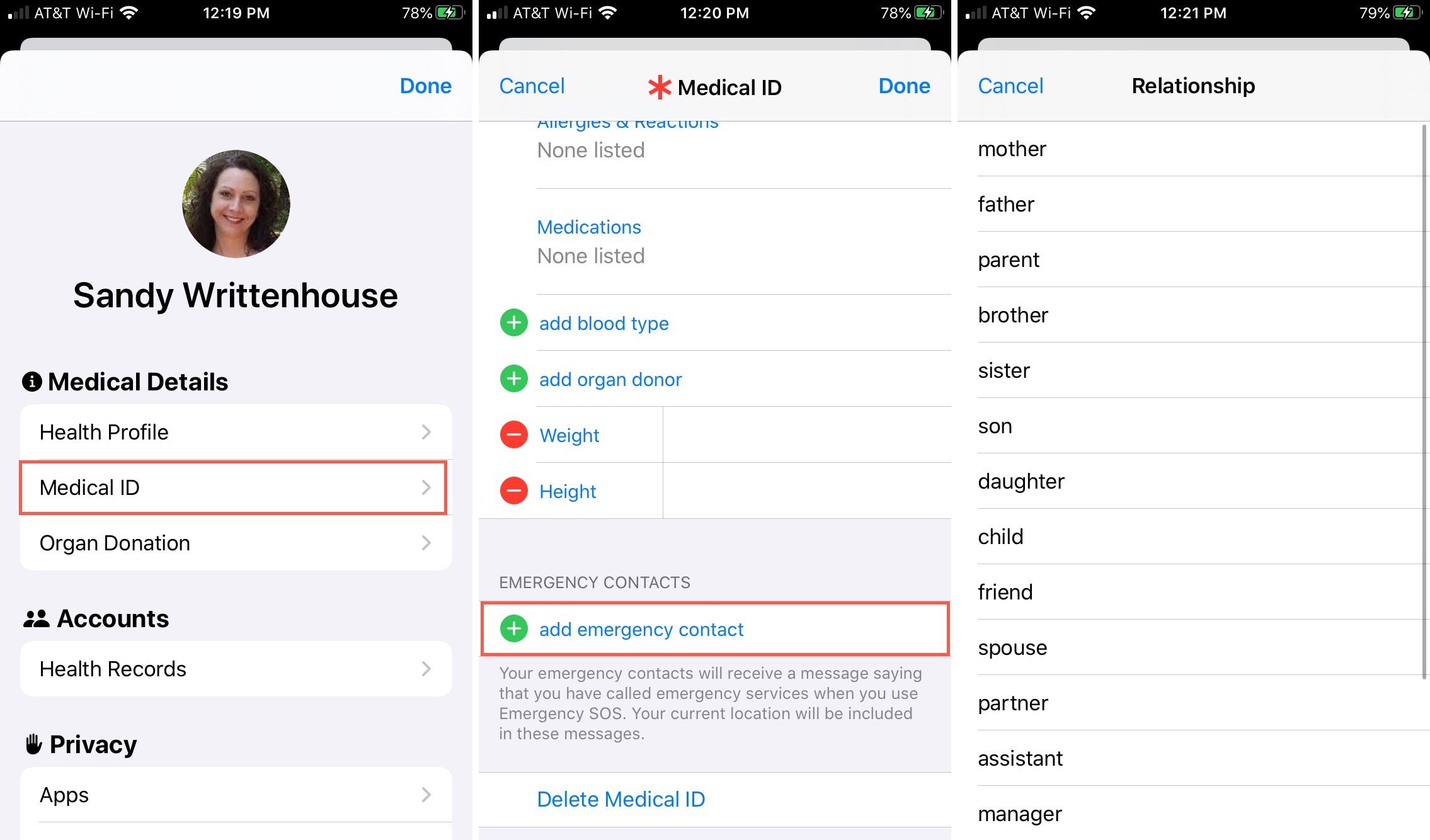
To set up emergency contacts on iPhone, you add them through the Health app's Medical ID feature, which lets first responders or bystanders view them from your lock screen without...

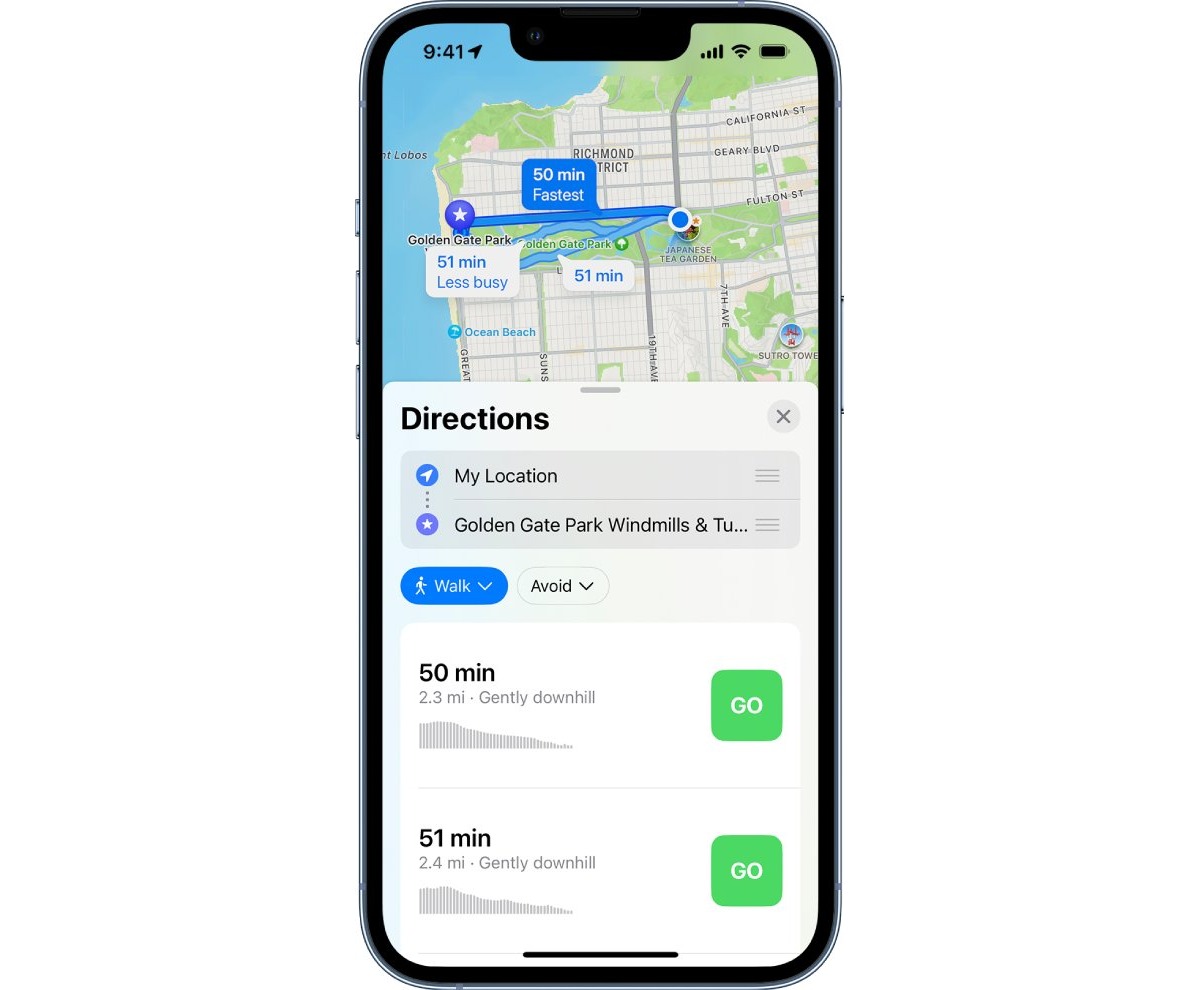
How To Track Walking Distance On IPhone

Your iPhone can automatically track your walking distance using its built-in motion sensors, without needing an Apple Watch or other devices. To ensure this feature works, the critical first step...