Welcome to the iOS tag on CellularNews. This collection is for anyone who uses an iPhone or iPad and wants to get more out of their device, from casual gamers to power users looking to tweak their system. The articles here are focused on two main areas: helping you find the best apps and games to download, and guiding you through common settings and fixes when things don't work as expected.
If you're looking for something new to play, you'll find extensive lists covering a huge variety of genres. Whether you are into strategy with the 15 Best City Building Games, competitive action with the Top 20 Fighting Games, or relaxing puzzles with 20 Mobile Games Like Candy Crush, these articles help you discover top-rated titles. For those needing practical tools, guides like 26 Best Productivity Apps and 16 Best VPN for Android & iOS help you choose the right software for work and privacy. Beyond just finding apps, the tag also solves technical problems. You can learn how to fix your software with the guide on How to Downgrade iOS Using SHSH2 Blobs, or explore system modifications with the Jailbreak iOS guide and the article on Cydia Impactor. Other topics, such as How to Find Someone's Location by Cell Phone Number and How to Use TikTok App, provide clear steps for specific tasks you might need to accomplish.
If Safari is missing from your iPhone 11 Home Screen, you can find it in the App Library. Swipe left past all your Home Screen pages until the App Library...
No official Apple page gives a specific date for when the iPhone 11 will be discontinued, but the current support documentation shows the device remains fully supported. When will the...
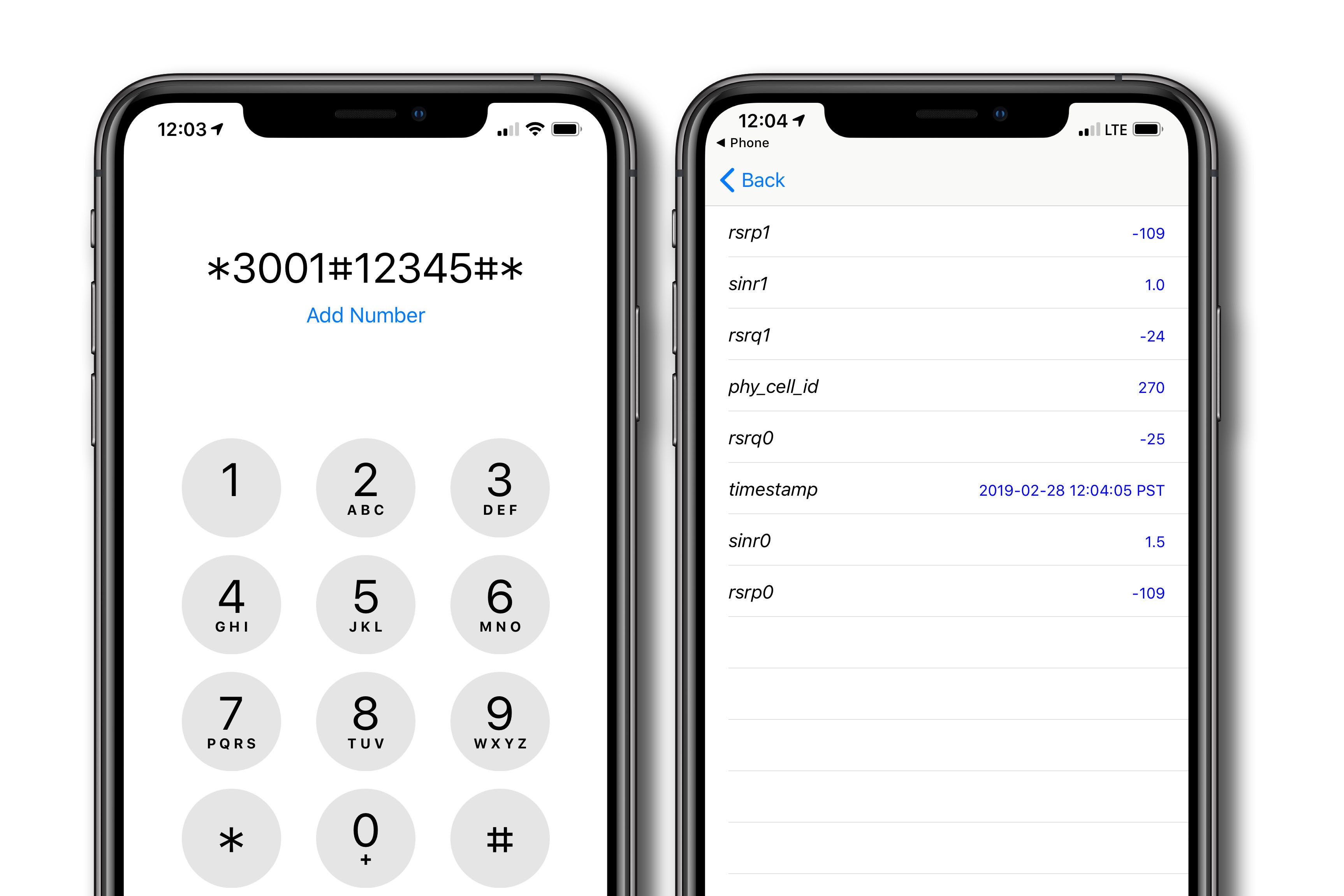
If your iPhone 11 shows only 2 bars, it means the phone is receiving a weak but still usable cellular signal, as Apple defines the bars as the signal strength...
If your headset has no sound on iPhone or iPad, the most likely culprits are debris blocking the connection, a low or muted volume, or a Focus mode that is...
To turn off the ringer on iPhone 14, use the physical Ring/Silent switch on the left side of the phone. Flip the switch toward the back of the device to...
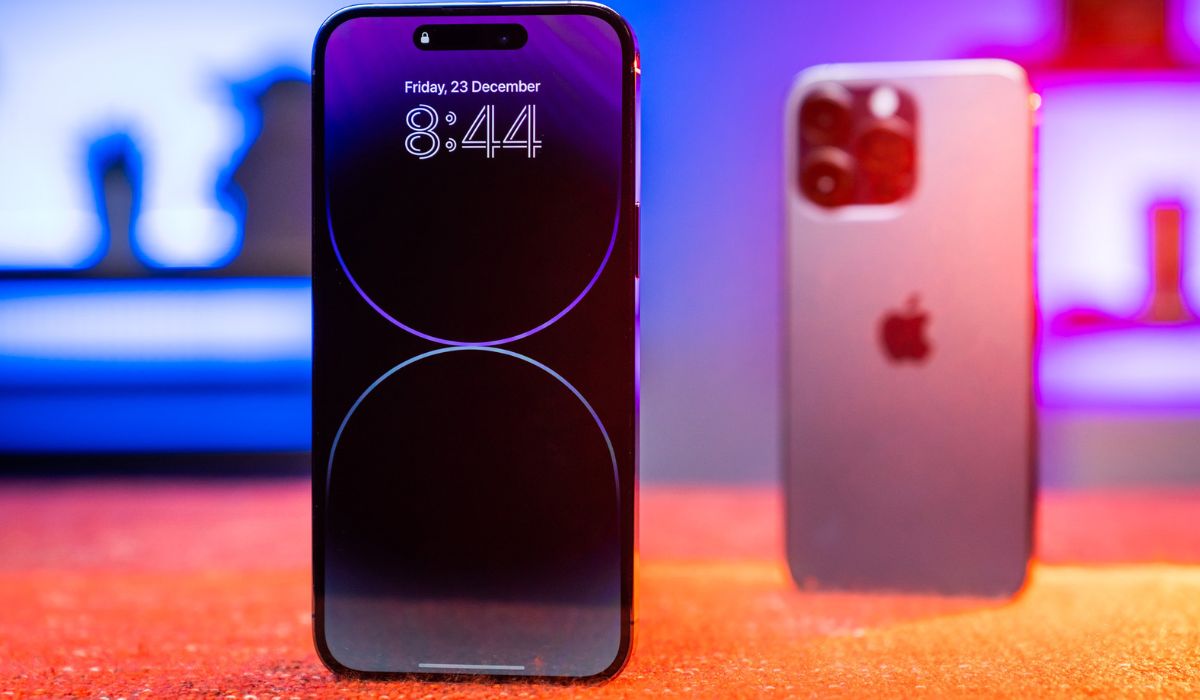
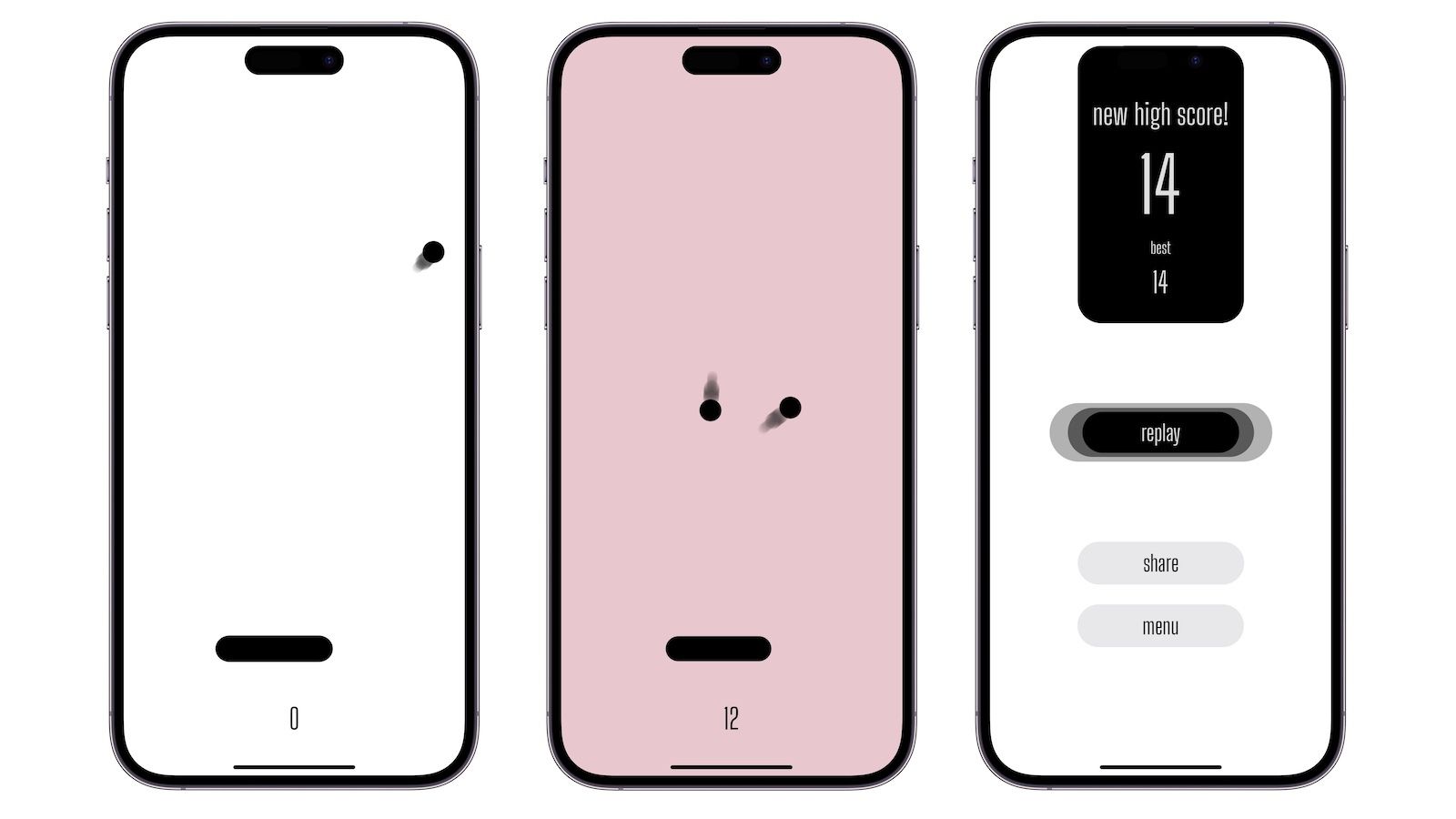
The black oval on top of an iPhone 14 is the Dynamic Island, an interactive area that blends hardware and software to show alerts and ongoing activities. However, this feature...
Pro Motion iPhone 14 refers to Apple's adaptive refresh rate display technology, but it is exclusive to the iPhone 14 Pro and iPhone 14 Pro Max. The standard iPhone 14...
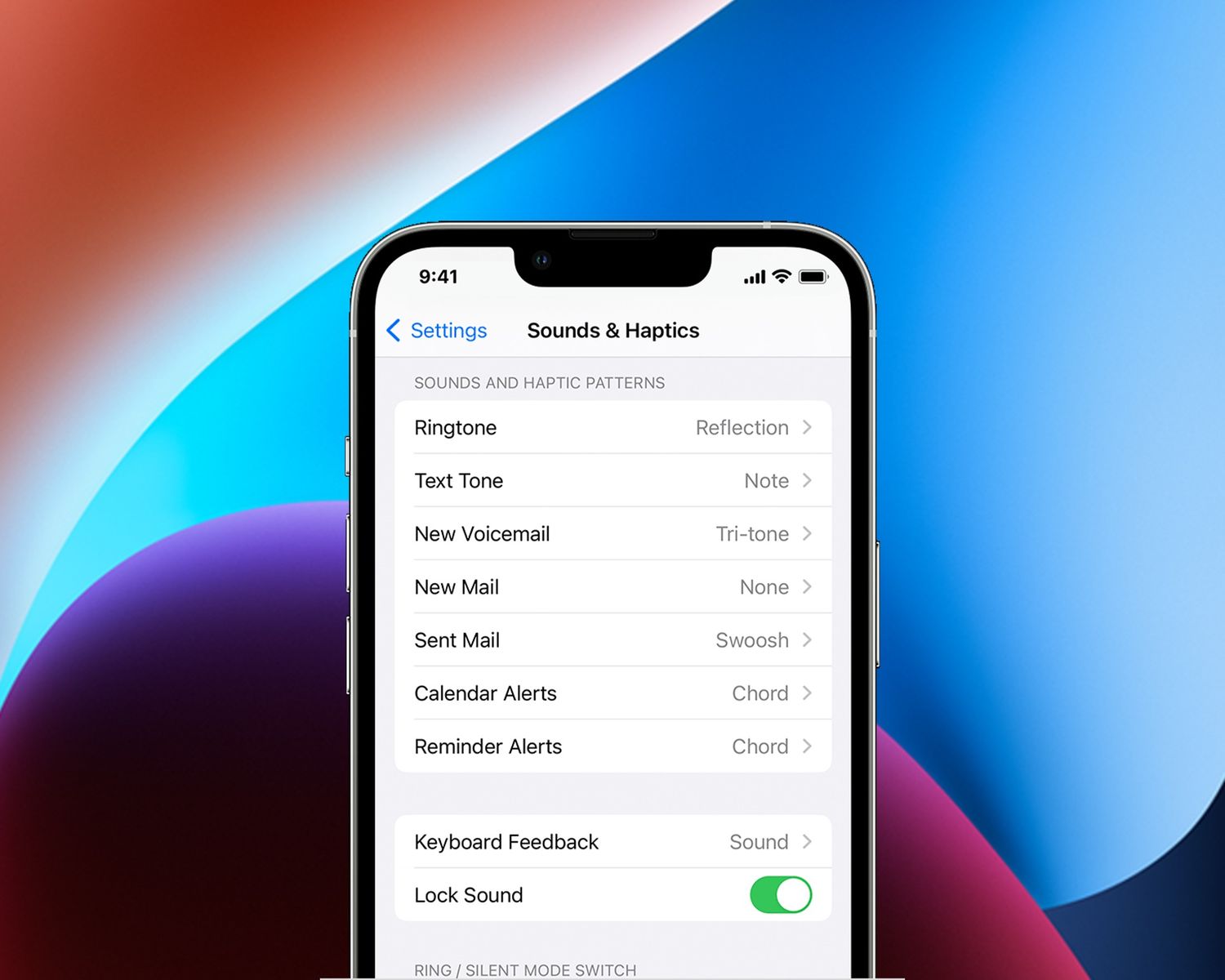
To turn off sound when sending text on iPhone 14, the quickest fix is to change the message alert sound to "None" in your notification settings. This directly silences the...
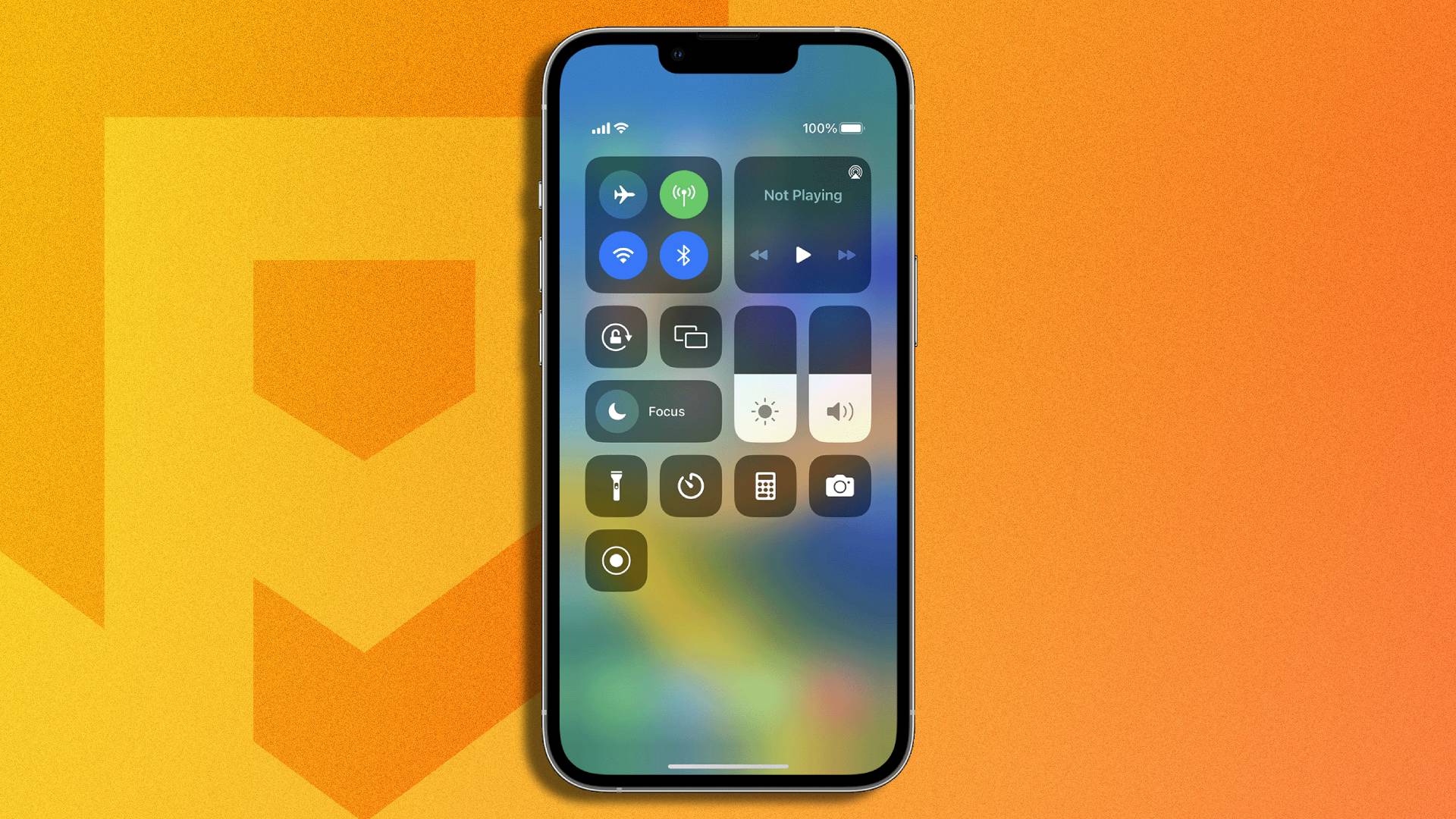
To screen record on iPhone 14 Plus, swipe down from the top-right corner to open Control Center, then tap the gray Screen Recording button. After a 3-second countdown, your screen...
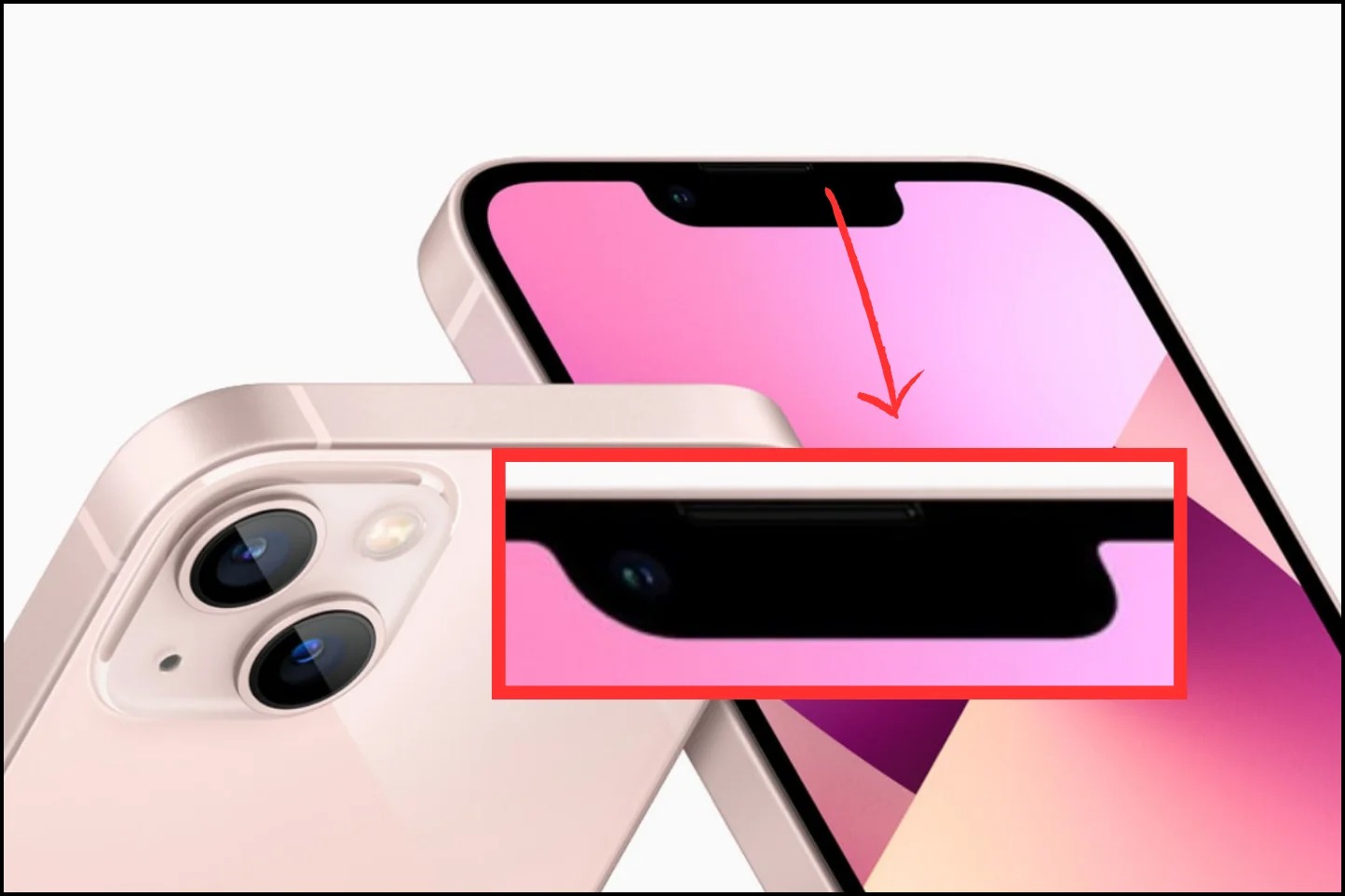
The black bar on iPhone 14 is called the Dynamic Island, a pill-shaped cutout exclusive to the iPhone 14 Pro and iPhone 14 Pro Max that replaces the traditional notch....
You can play ping pong on iPhone 14 by downloading the Ping-Pong AR app, which officially supports iPhone 14, iPhone 14 Plus, iPhone 14 Pro, and iPhone 14 Pro Max....