Welcome to the iOS tag on CellularNews. This collection is for anyone who uses an iPhone or iPad and wants to get more out of their device, from casual gamers to power users looking to tweak their system. The articles here are focused on two main areas: helping you find the best apps and games to download, and guiding you through common settings and fixes when things don't work as expected.
If you're looking for something new to play, you'll find extensive lists covering a huge variety of genres. Whether you are into strategy with the 15 Best City Building Games, competitive action with the Top 20 Fighting Games, or relaxing puzzles with 20 Mobile Games Like Candy Crush, these articles help you discover top-rated titles. For those needing practical tools, guides like 26 Best Productivity Apps and 16 Best VPN for Android & iOS help you choose the right software for work and privacy. Beyond just finding apps, the tag also solves technical problems. You can learn how to fix your software with the guide on How to Downgrade iOS Using SHSH2 Blobs, or explore system modifications with the Jailbreak iOS guide and the article on Cydia Impactor. Other topics, such as How to Find Someone's Location by Cell Phone Number and How to Use TikTok App, provide clear steps for specific tasks you might need to accomplish.
To download your YouTube music library today, you need to use the YouTube Music app or Google Takeout, because the old Google Music Manager tool is no longer supported. How...
The latest iOS update for iPhone squashes bugs in Mail, Notes, and Messages, addressing issues that can disrupt your daily communication and productivity. While Apple's current release notes for this...
Apple's Measure app, built into iOS 12 and later, lets you measure real-world objects and check if surfaces are level using augmented reality. You can find the apple measure app...
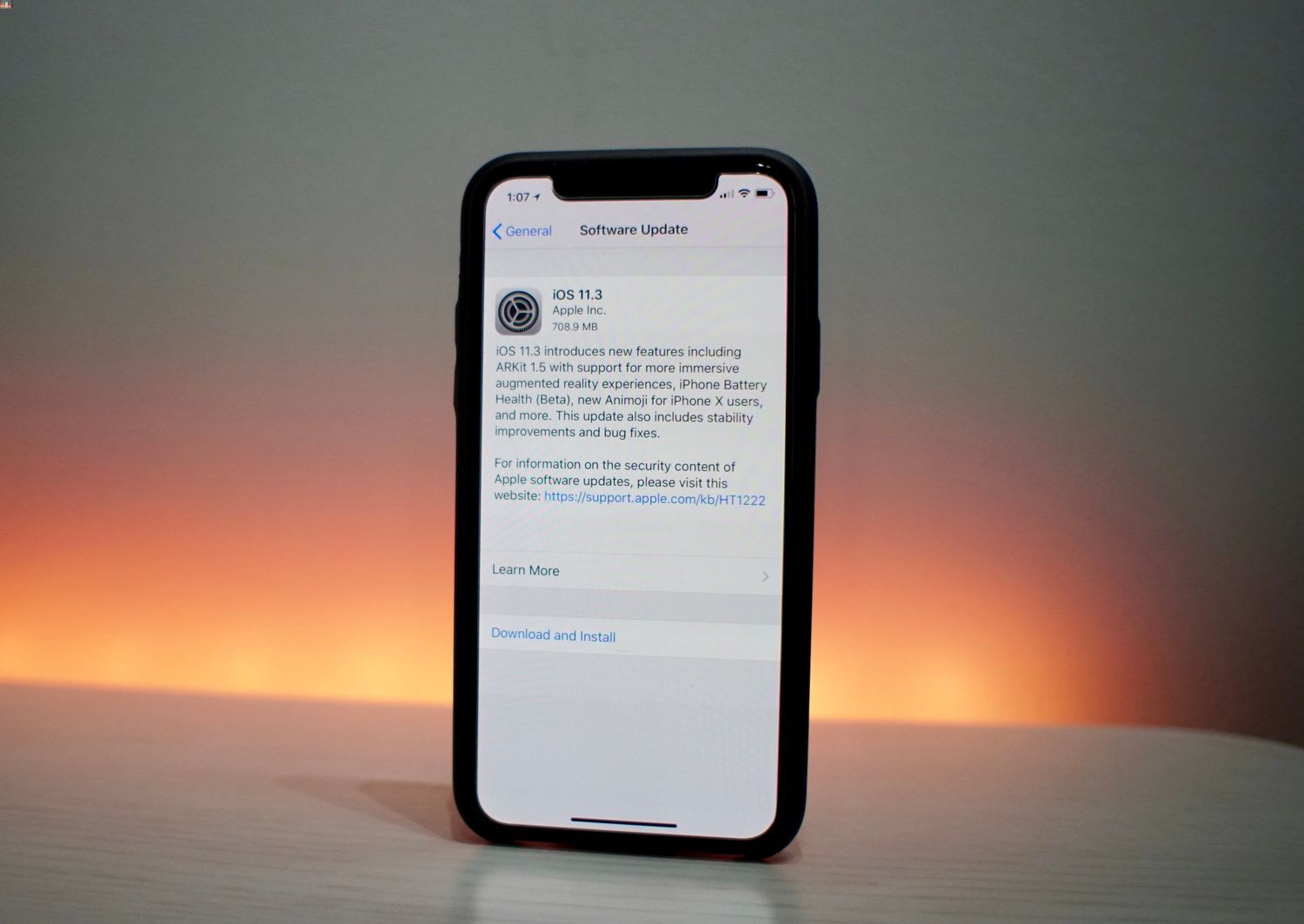
To disable iPhone performance throttling in iOS 11.3, open Settings, tap Battery, tap Battery Health, and turn off the performance-management feature if it appears. This toggle only shows up after...
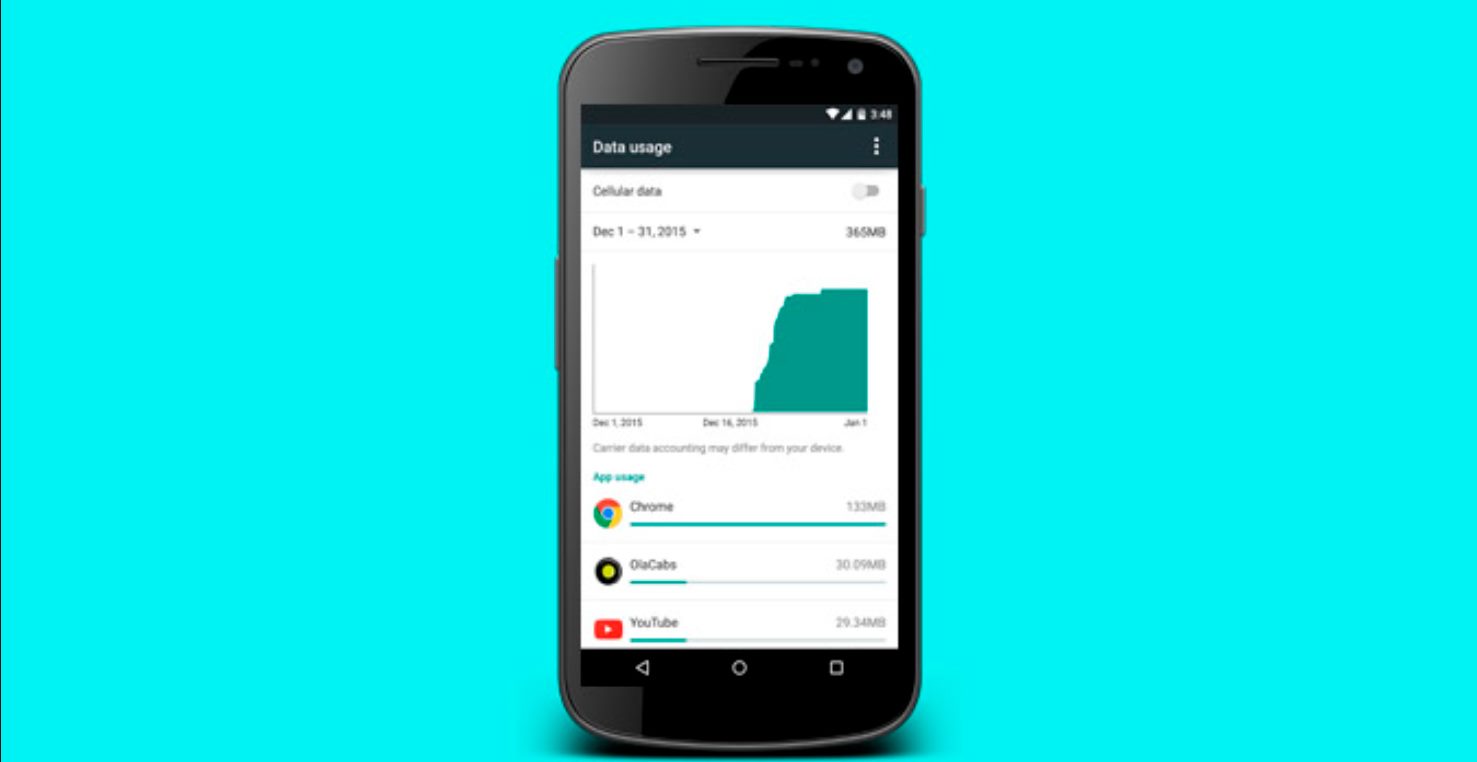
To reset data usage on your iPhone or iPad, you clear the on-device cellular statistics counter, not your carrier's billing record. The only officially documented method is on Apple devices,...
To turn off data breach alerts in Life 360, open the app and tap the Settings icon in the upper left corner, then tap Privacy & Security, then Digital Safety,...
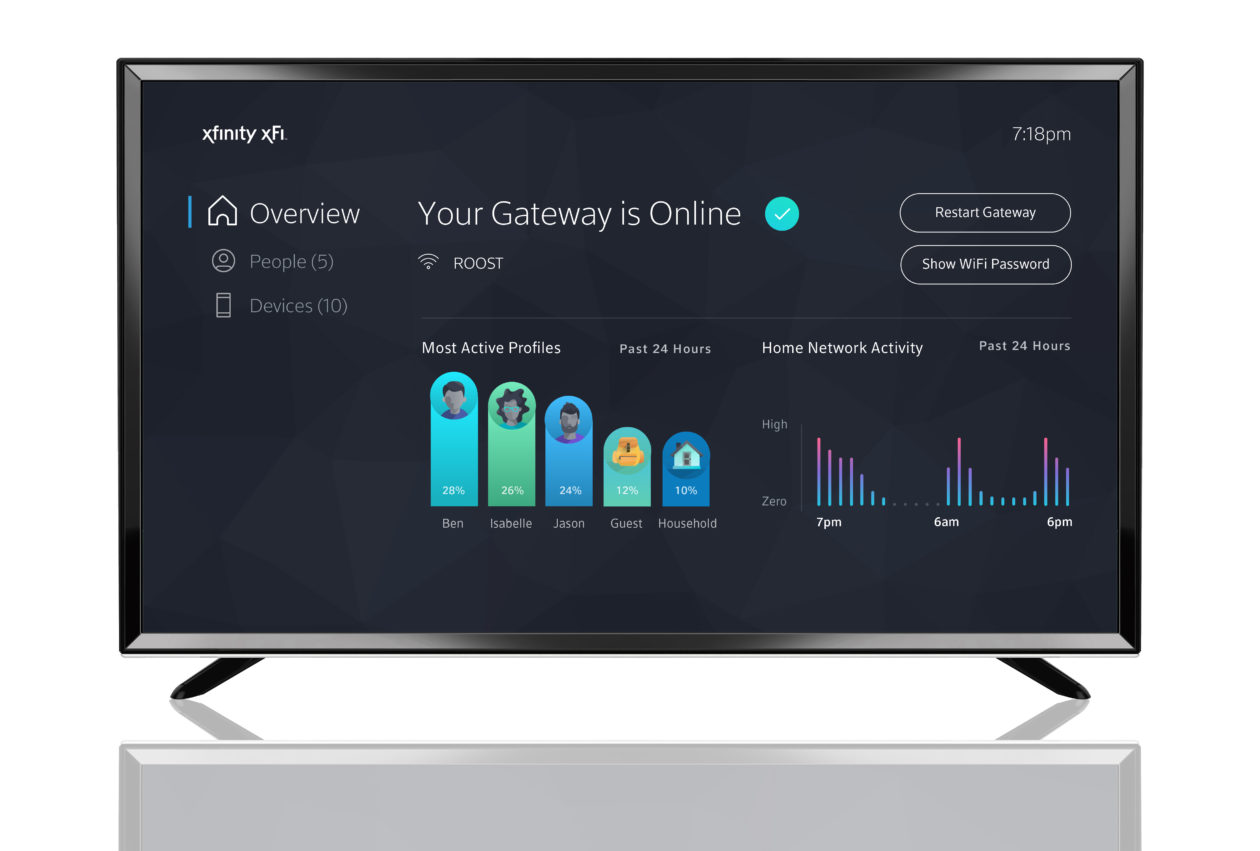
To check data usage on Xfinity, open the Xfinity app and tap Services, then tap Internet data usage under the Internet section. For Xfinity Mobile, tap Services > Mobile lines...
To permanently delete your Animal Crossing: Pocket Camp save data and restart the game from the beginning, use the in-app settings menu. The primary path to delete animal crossing pocket...
To save Snapchat stickers to your phone, you must save the entire Snap they're on or take a screenshot, because Snapchat does not have a dedicated sticker export button. The...
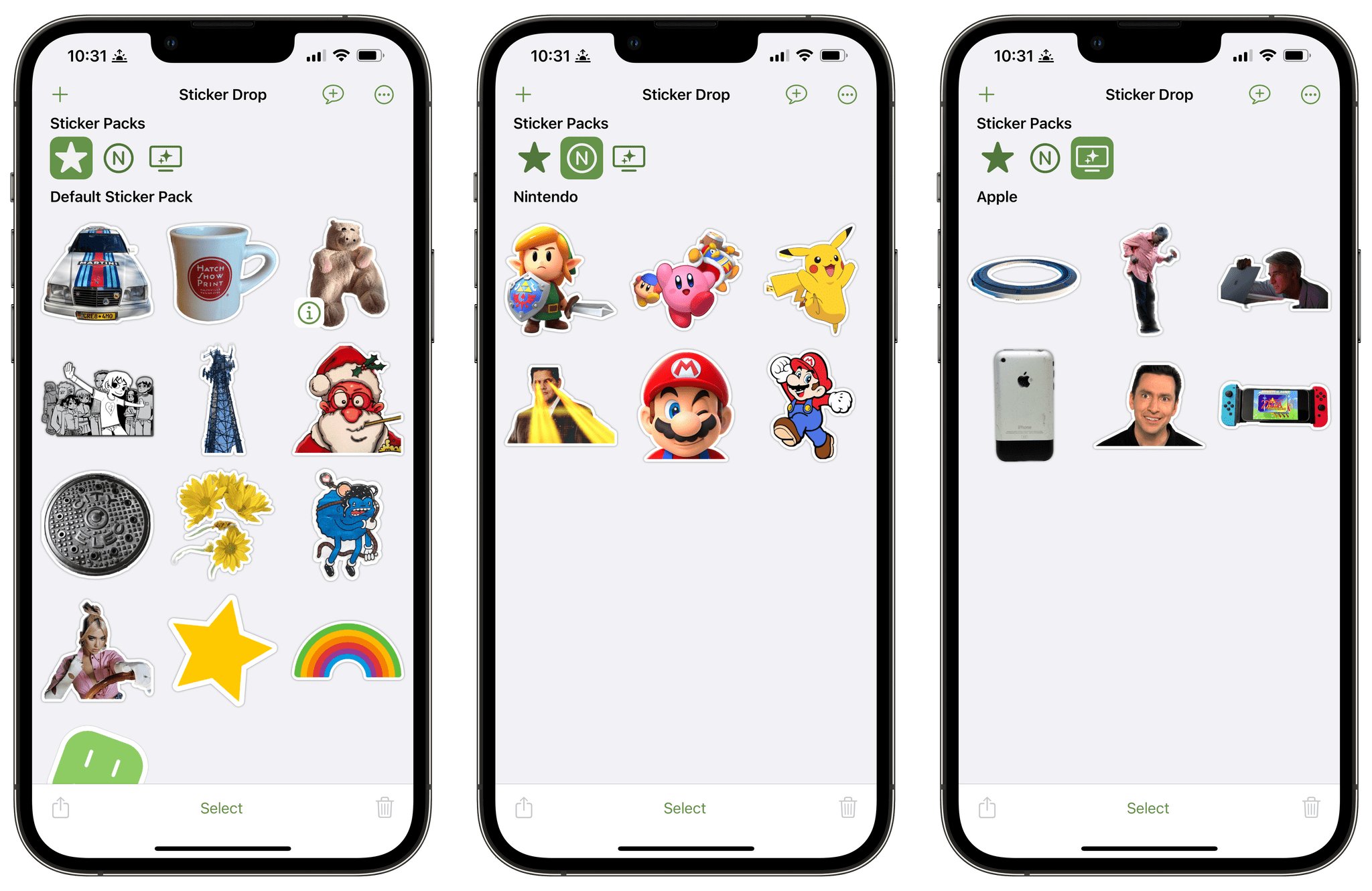
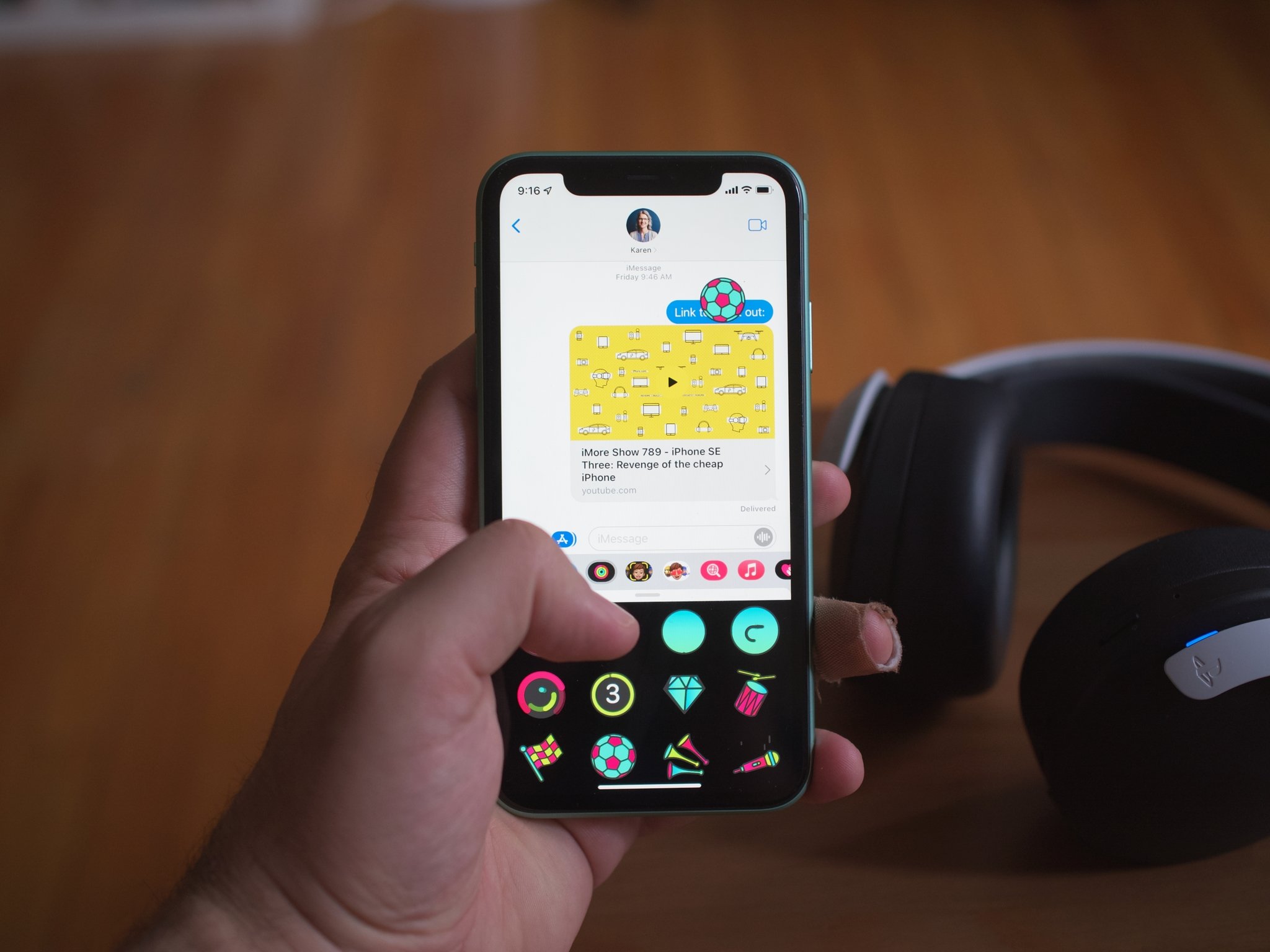
To access stickers on iPhone, open the Messages app, tap the + button to the left of the text box, then select Stickers. This opens the sticker menu where you...
To delete stickers on iPhone, open the Photos app, tap Edit, then tap the Markup controls, select Add Sticker, touch and hold the sticker you want to remove, and tap...
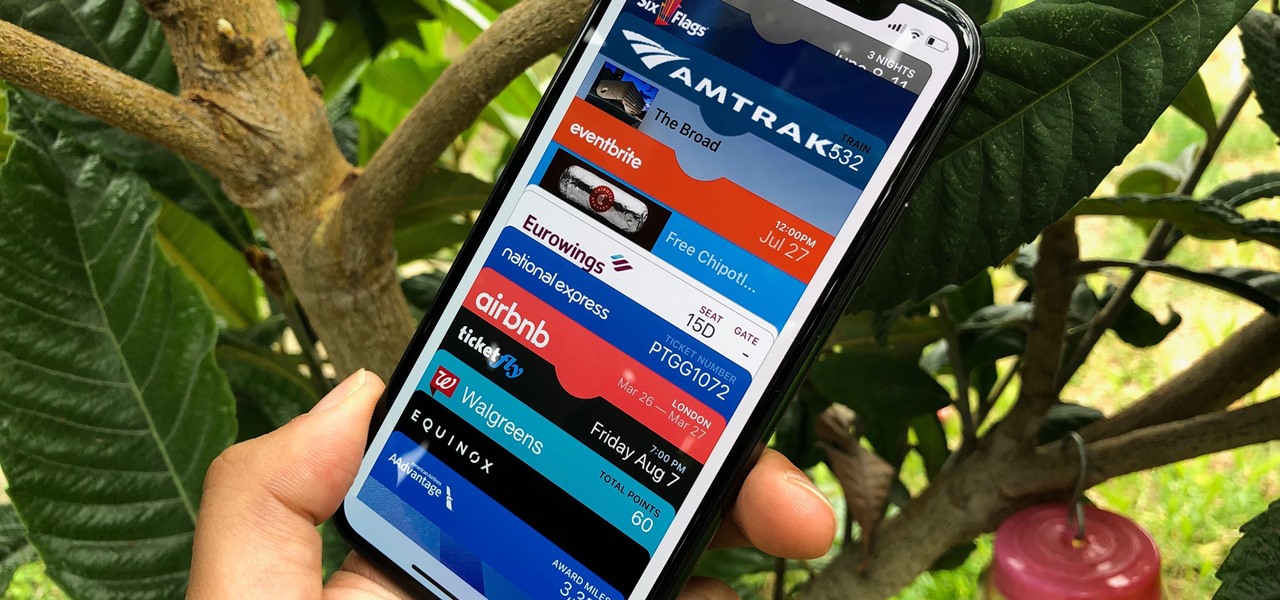
To transfer tickets to wallet on iPhone, you share a pass directly from the Apple Wallet app, there is no separate “Ticket Wallet” app or account needed. Check if your...