Welcome to the iOS tag on CellularNews. This collection is for anyone who uses an iPhone or iPad and wants to get more out of their device, from casual gamers to power users looking to tweak their system. The articles here are focused on two main areas: helping you find the best apps and games to download, and guiding you through common settings and fixes when things don't work as expected.
If you're looking for something new to play, you'll find extensive lists covering a huge variety of genres. Whether you are into strategy with the 15 Best City Building Games, competitive action with the Top 20 Fighting Games, or relaxing puzzles with 20 Mobile Games Like Candy Crush, these articles help you discover top-rated titles. For those needing practical tools, guides like 26 Best Productivity Apps and 16 Best VPN for Android & iOS help you choose the right software for work and privacy. Beyond just finding apps, the tag also solves technical problems. You can learn how to fix your software with the guide on How to Downgrade iOS Using SHSH2 Blobs, or explore system modifications with the Jailbreak iOS guide and the article on Cydia Impactor. Other topics, such as How to Find Someone's Location by Cell Phone Number and How to Use TikTok App, provide clear steps for specific tasks you might need to accomplish.
To disable wallet on iPhone, you cannot delete the built-in Wallet app, but you can effectively disable it by removing all cards and passes and turning off lock-screen access. This...
To remove a card from Wallet on iPhone, open the Wallet app, tap the card you want to remove, then tap the More button and select Card Details. Scroll down...
To transfer your Trust Wallet to a new phone, you must restore it using your 12-word Recovery Phrase, this is the only method Trust Wallet supports for moving your wallet...
To add a gift card to wallet iPhone, you must use the merchant's own app or website, because Apple does not provide a universal method to add any retail gift...
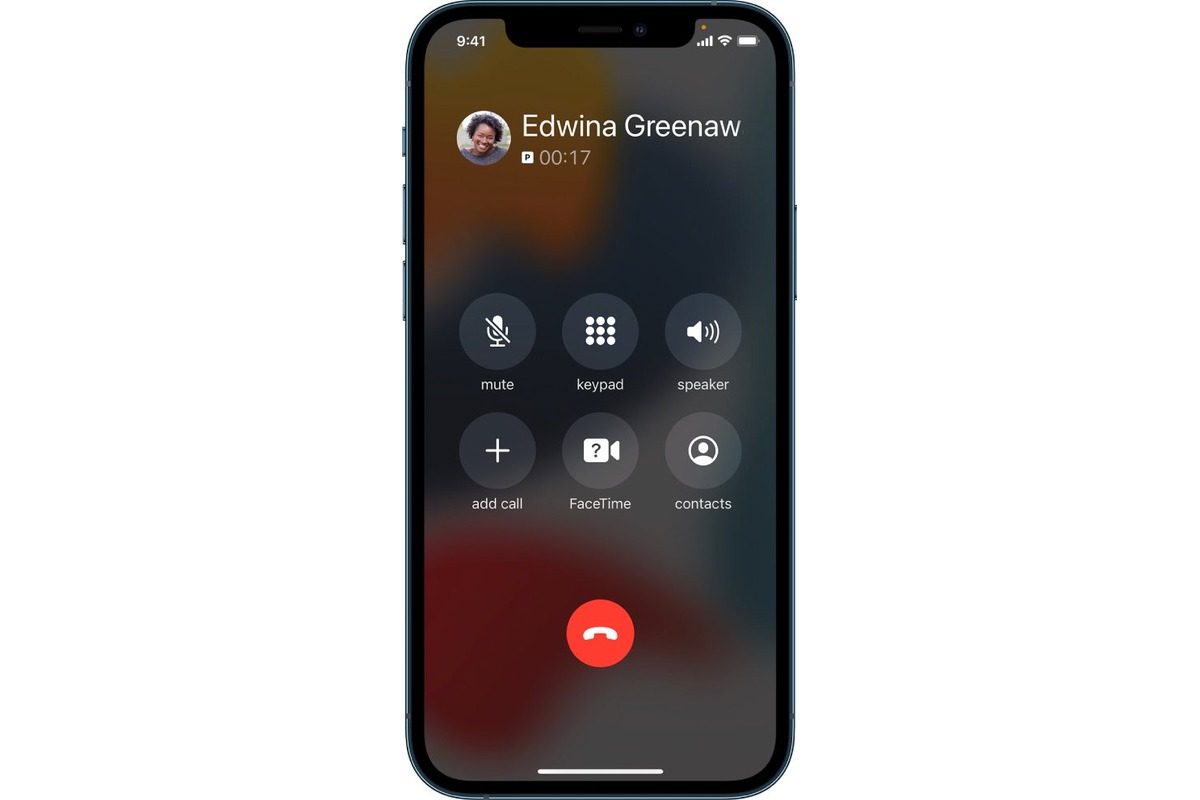
To enable speaker mode on an iPhone 13, tap the speaker button on the active call screen in the Phone app. This is the direct, Apple-documented way to switch your...
The speaker icon on an iPhone that most users are searching for is the "Speaker" button on the active call screen, which switches audio from the earpiece to the speakerphone....
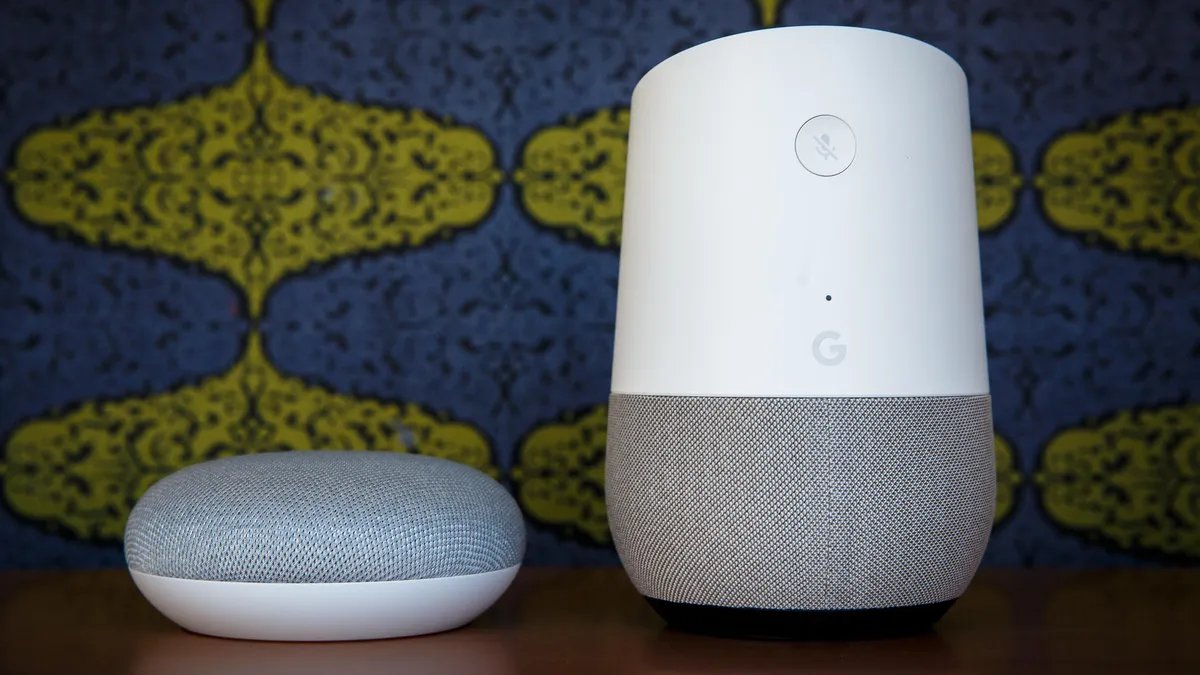
To connect a Google speaker to a phone, put the speaker into pairing mode and then select it from your phone's Bluetooth settings. This lets you play music and audio...
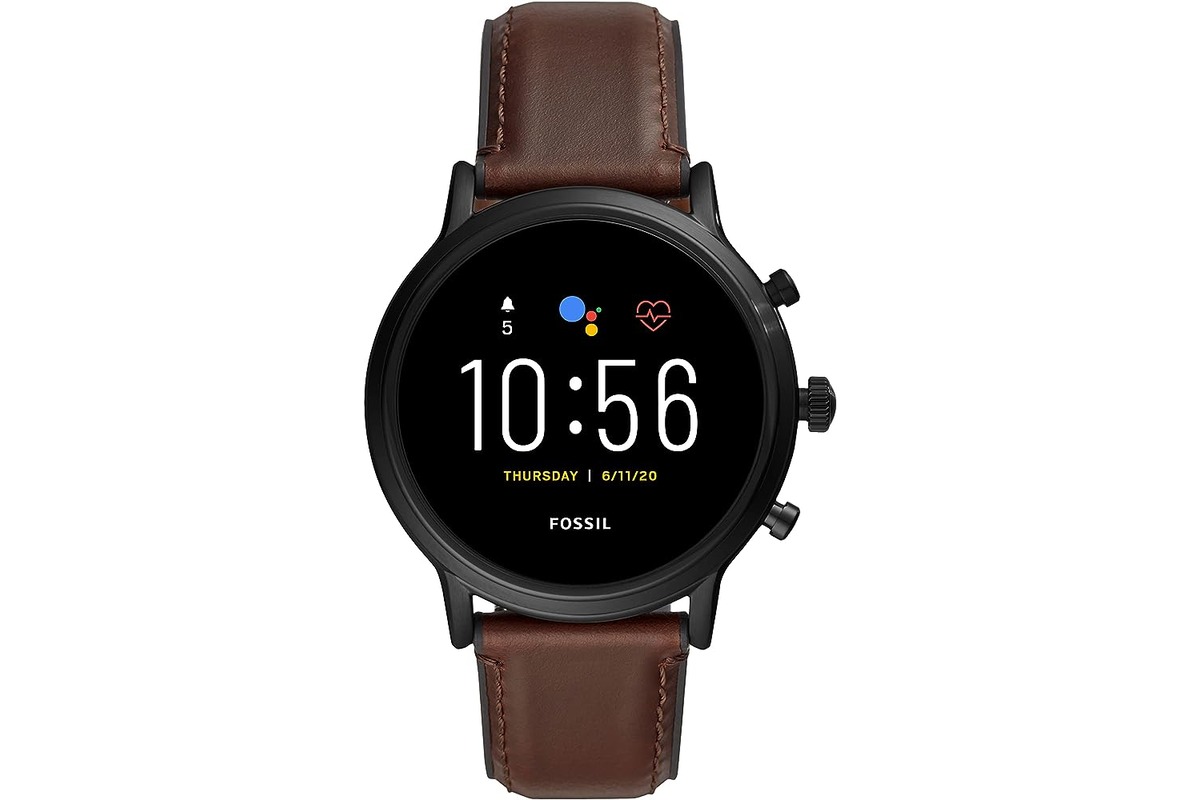
To turn on a Fossil smartwatch, connect it to its magnetic charger. This is the only method Fossil documents for powering on the device, and the watch will start up...
To turn off a wireless Xbox controller, press and hold the Xbox button until the light on the button turns off. This is the primary documented method to power down...
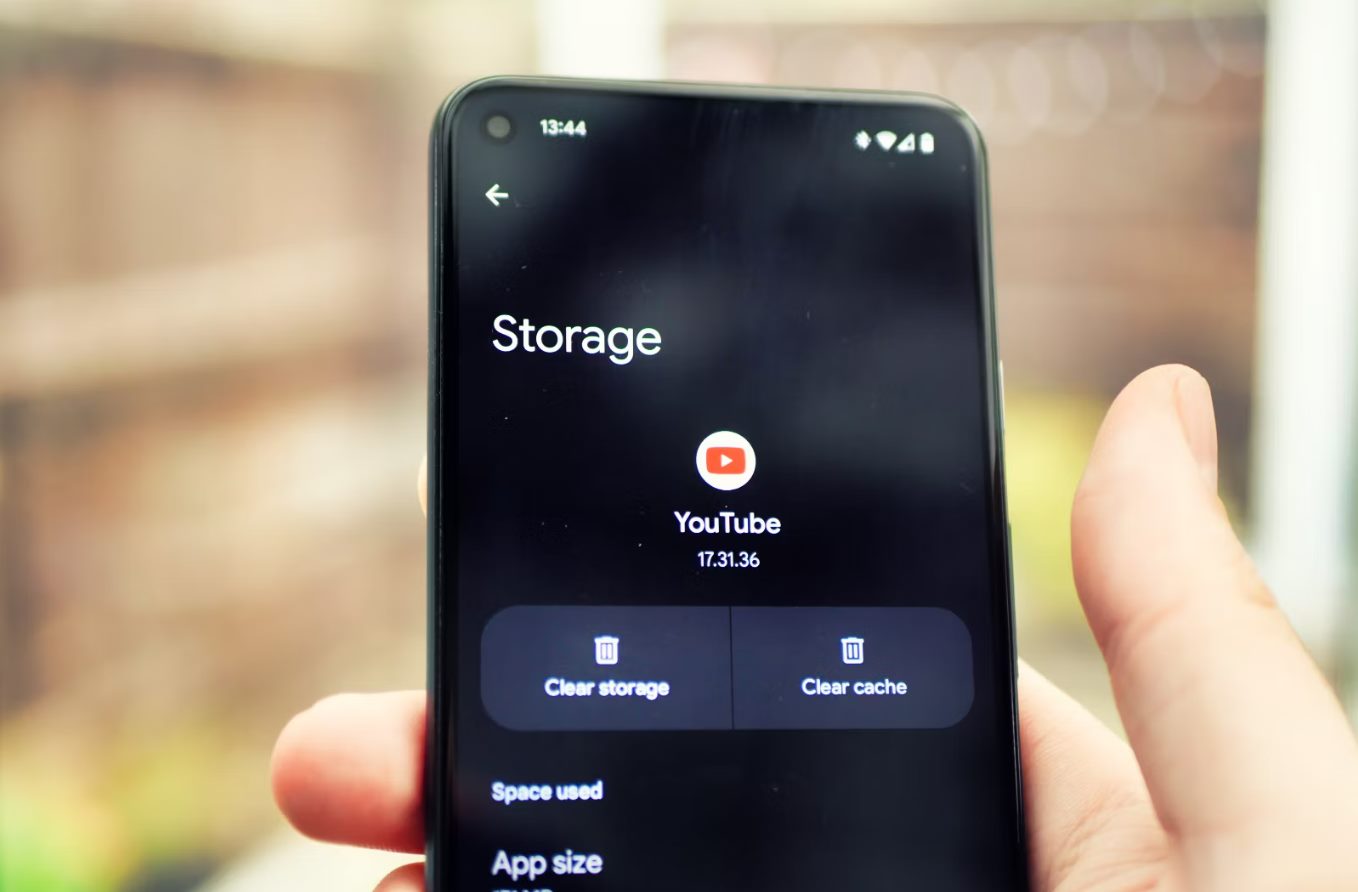
To clear YouTube data, most users want to delete their watch history and search history from the mobile app or website to reset recommendations or protect privacy. The documented way...
You can pay your US Cellular bill on phone by using the official UScellular™, My Account app, which offers easy bill pay with saved payment methods and a Quick Pay...