Welcome to the iOS tag on CellularNews. This collection is for anyone who uses an iPhone or iPad and wants to get more out of their device, from casual gamers to power users looking to tweak their system. The articles here are focused on two main areas: helping you find the best apps and games to download, and guiding you through common settings and fixes when things don't work as expected.
If you're looking for something new to play, you'll find extensive lists covering a huge variety of genres. Whether you are into strategy with the 15 Best City Building Games, competitive action with the Top 20 Fighting Games, or relaxing puzzles with 20 Mobile Games Like Candy Crush, these articles help you discover top-rated titles. For those needing practical tools, guides like 26 Best Productivity Apps and 16 Best VPN for Android & iOS help you choose the right software for work and privacy. Beyond just finding apps, the tag also solves technical problems. You can learn how to fix your software with the guide on How to Downgrade iOS Using SHSH2 Blobs, or explore system modifications with the Jailbreak iOS guide and the article on Cydia Impactor. Other topics, such as How to Find Someone's Location by Cell Phone Number and How to Use TikTok App, provide clear steps for specific tasks you might need to accomplish.
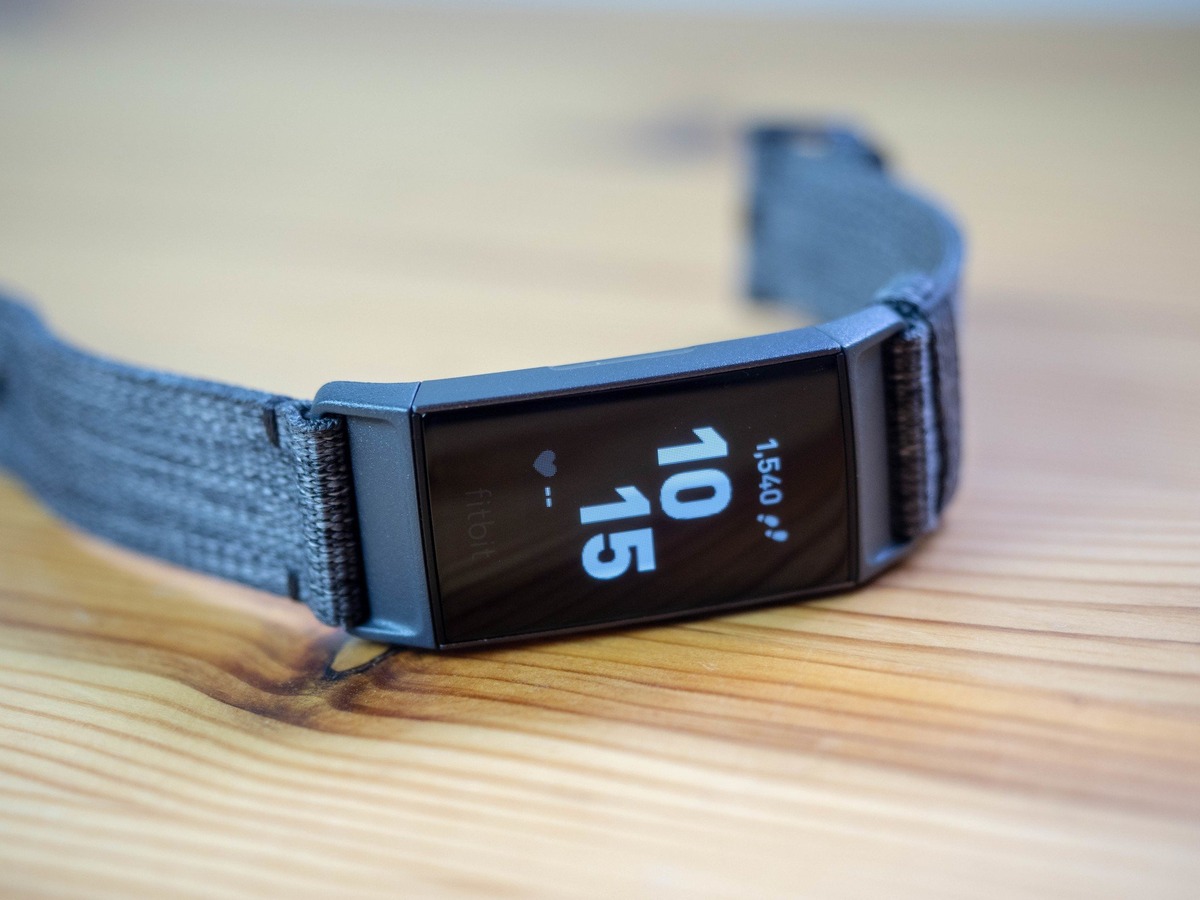
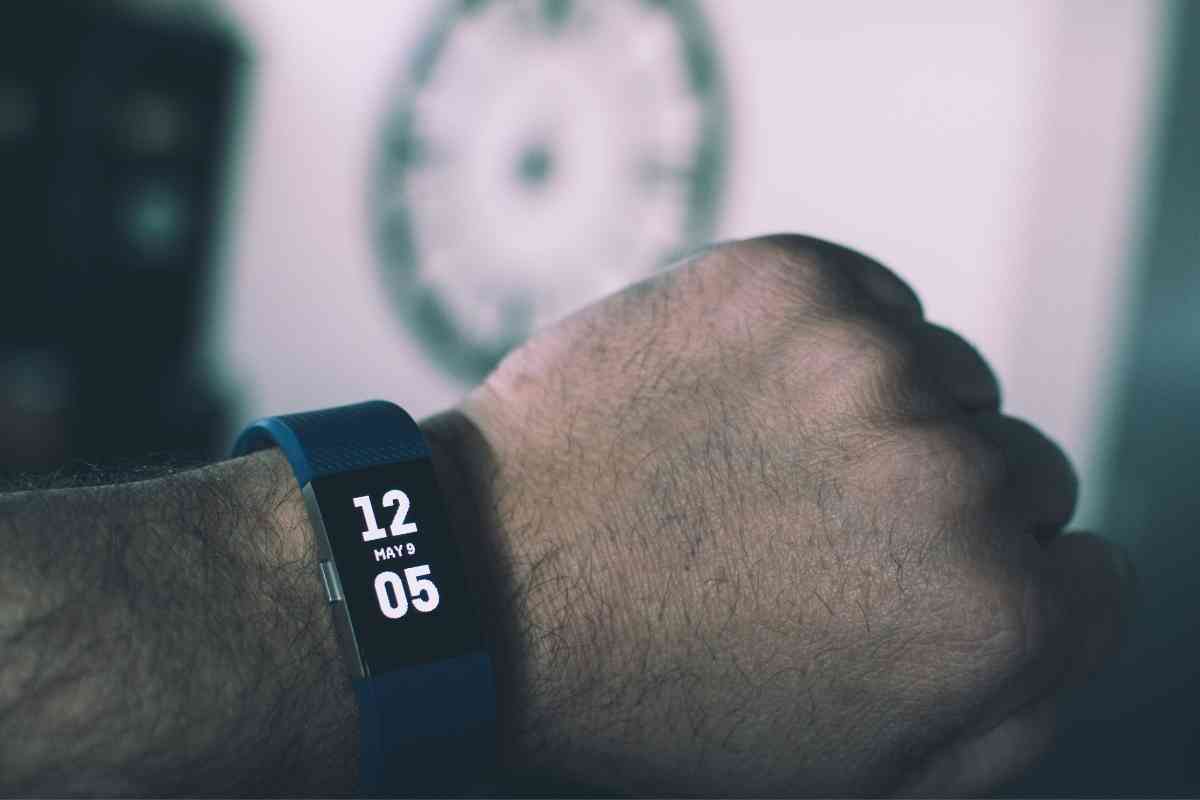
To set up Fitbit Charge, install the Fitbit app on your phone and follow the in-app account and pairing prompts. The exact steps depend on whether you own the original...
The only documented path for hardware issues is to start with troubleshooting in the Fitbit app, then contact Fitbit support and ownership help for warranty or replacement assistance. Fitbit app...
The practical answer to how long can a Fitbit go without syncing is that it depends entirely on when you last synced and whether the device runs out of battery,...
To set up a replacement Fitbit, you add the new device to your existing account directly in the Fitbit app without a separate manual unpairing step for the old one....
If you cannot log into your Fitbit account, the quickest fix is to reset your forgotten password using the official Forgot Password flow. This is the most common cause of...
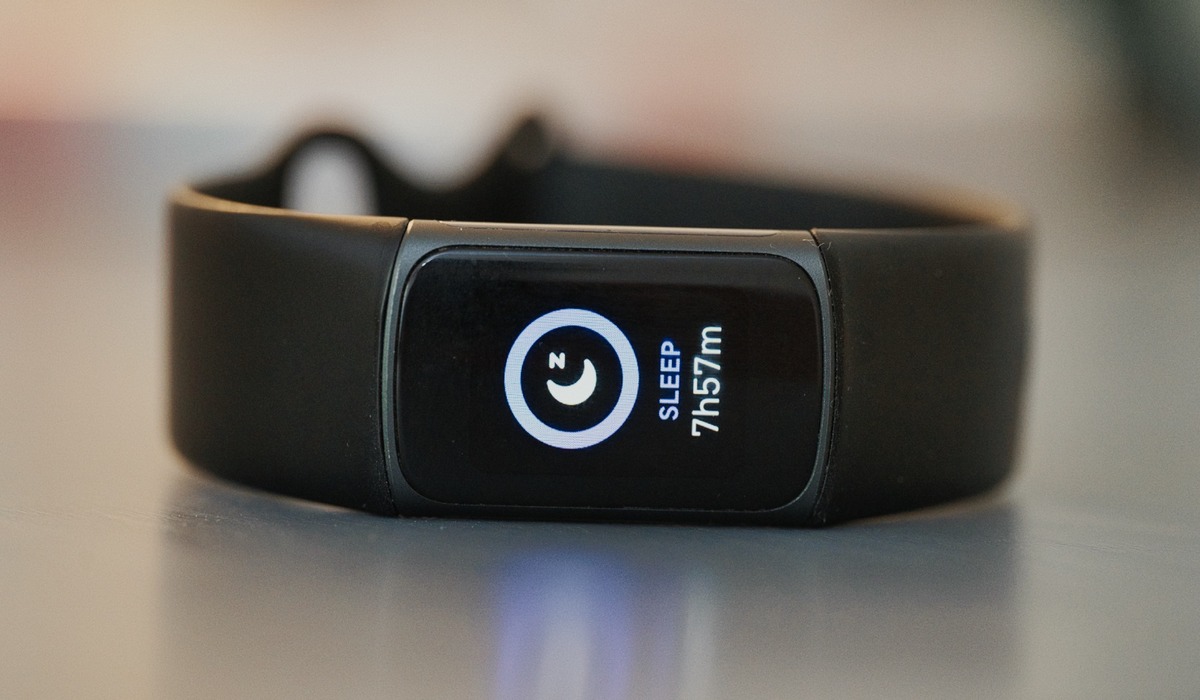
If your Fitbit sleep score is not showing, the most likely reasons are that you haven't synced your device after waking up, or you are looking in the wrong place...
Modern Fitbit devices no longer support direct computer syncing, so you cannot sync Fitbit to computer using the old Fitbit Connect software. Instead, all current Fitbit models sync exclusively through...
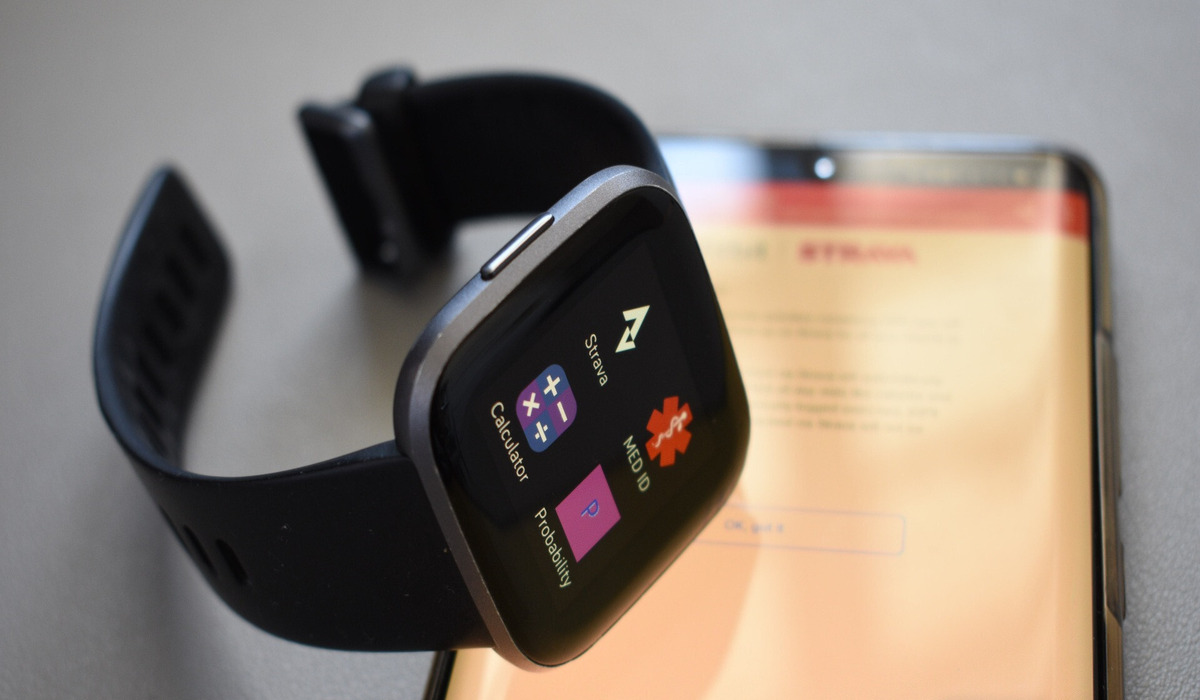
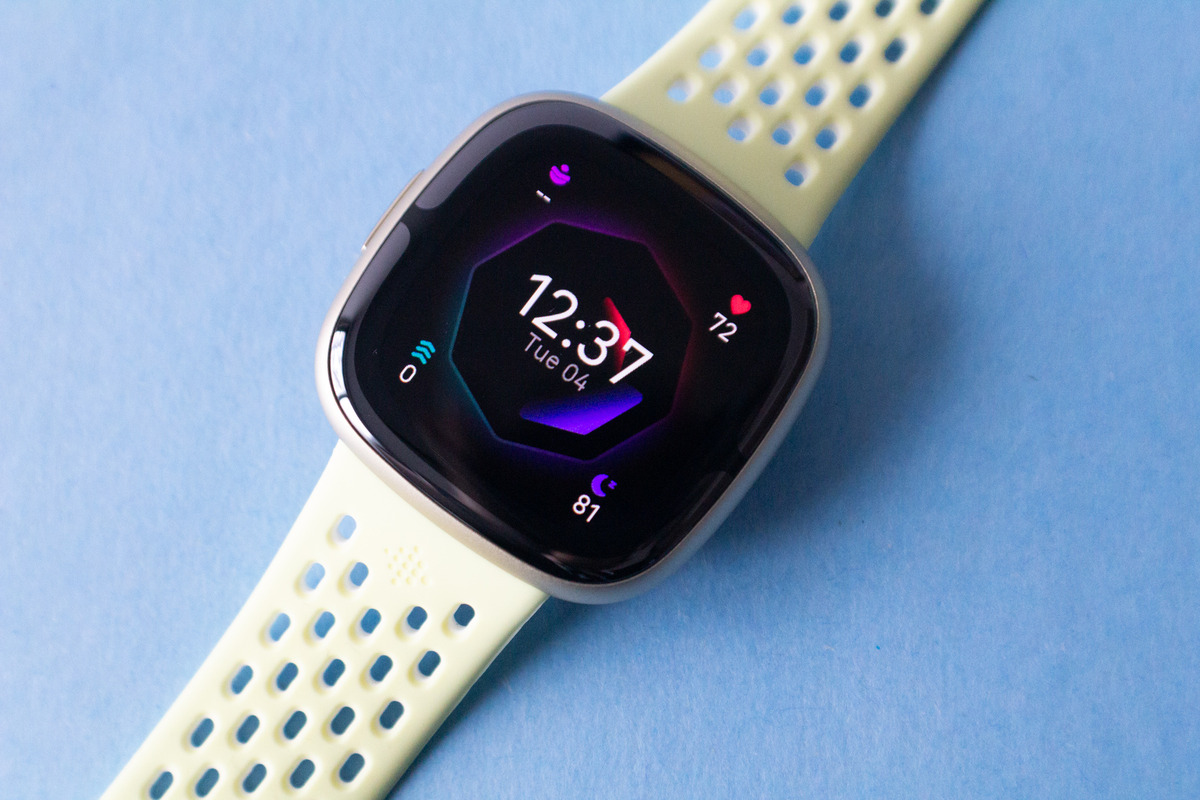
The Fitbit Versa 4 is a fitness smartwatch that tracks your activity and connects to your phone, but to use it you must first meet specific setup requirements. To answer...
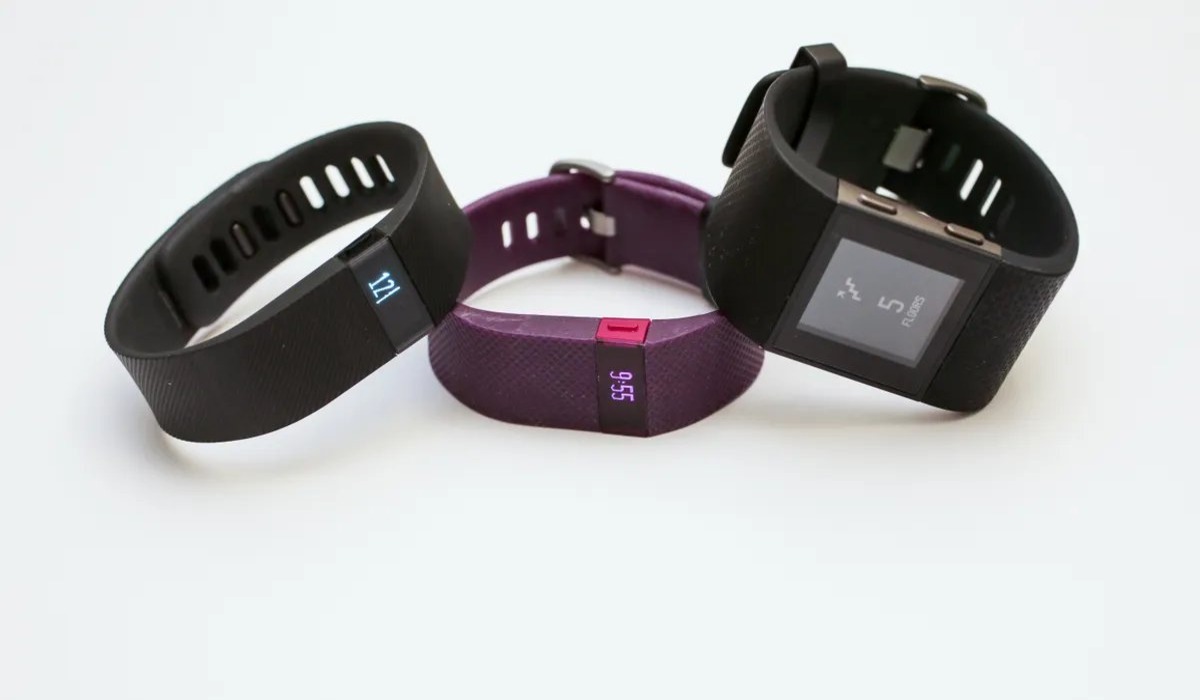
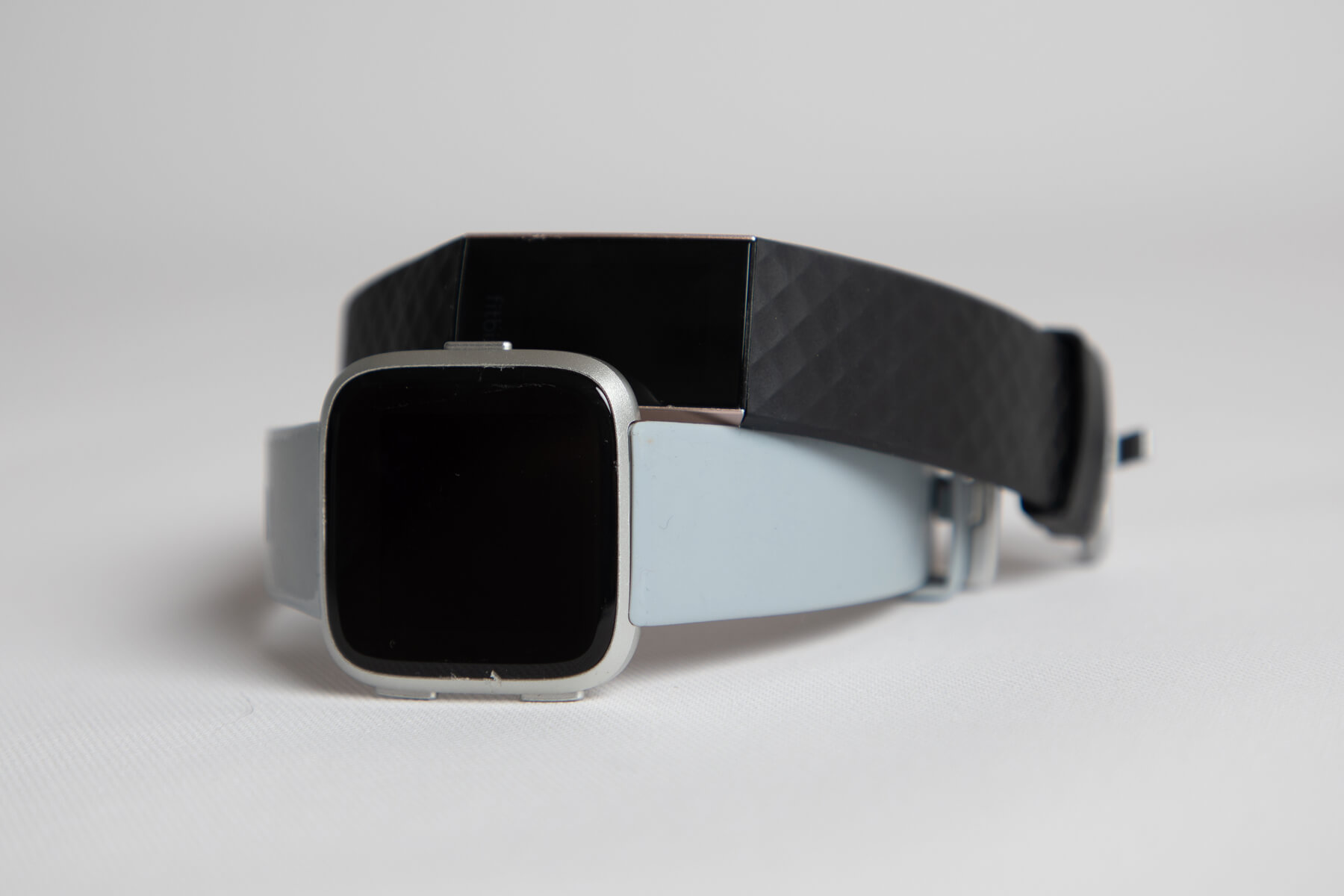
To find out what kind of Fitbit you have, the quickest method is to check the Fitbit app if your device is paired and syncing. Open the app, tap your...
To pair your Fitbit Sense to your phone, you must use the Fitbit app, not the phone's Bluetooth settings menu. Before starting, ensure your Sense is charged, your phone runs...
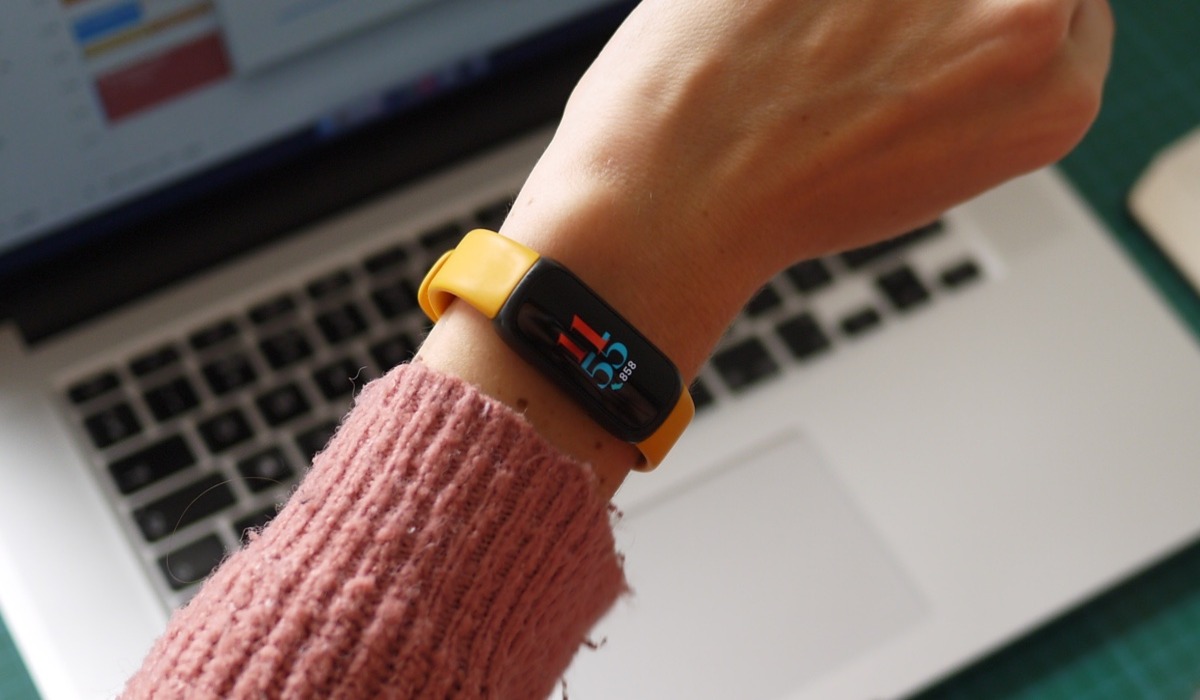
To use your Fitbit Inspire 3, you need a compatible phone and the Fitbit app to complete the Fitbit setup and pairing process. How to use Fitbit Inspire 3: what...
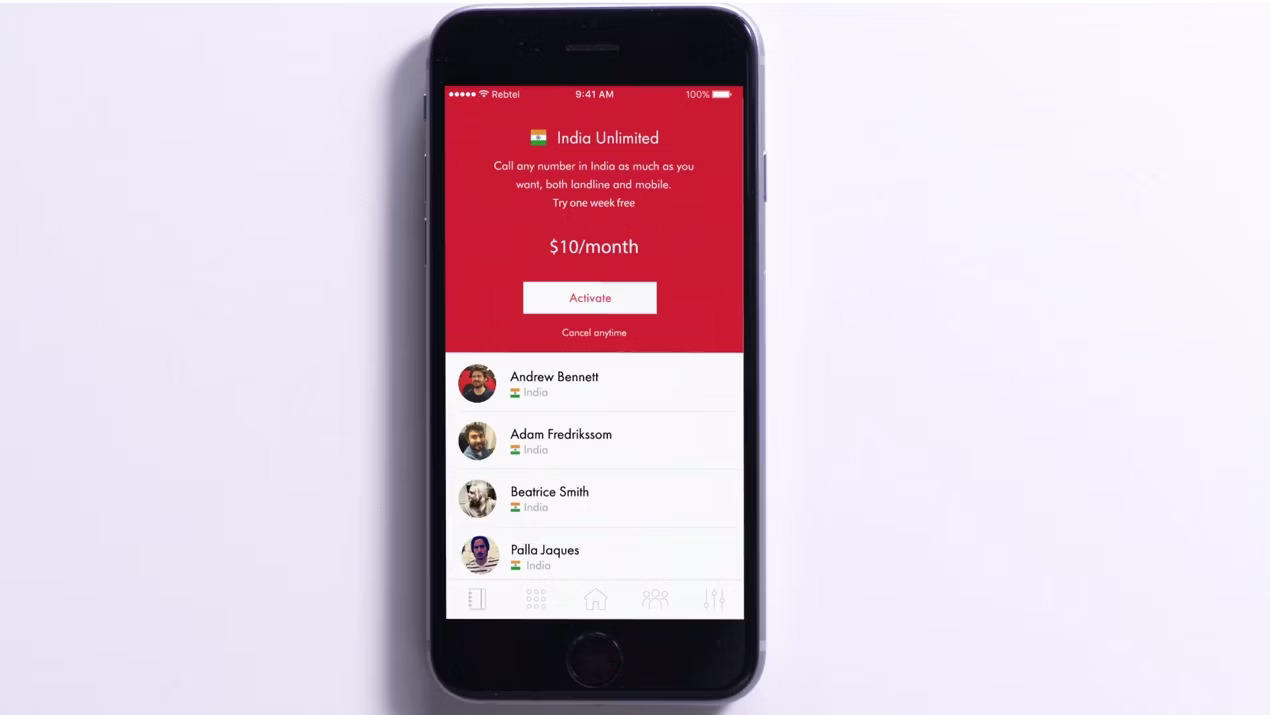
If you are looking for the cheapest way to make unlimited international calls on your mobile phone, Rebtel's actual subscription products, Global Unlimited and Country Unlimited, replace the unverified $1/month...