Welcome to the iOS tag on CellularNews. This collection is for anyone who uses an iPhone or iPad and wants to get more out of their device, from casual gamers to power users looking to tweak their system. The articles here are focused on two main areas: helping you find the best apps and games to download, and guiding you through common settings and fixes when things don't work as expected.
If you're looking for something new to play, you'll find extensive lists covering a huge variety of genres. Whether you are into strategy with the 15 Best City Building Games, competitive action with the Top 20 Fighting Games, or relaxing puzzles with 20 Mobile Games Like Candy Crush, these articles help you discover top-rated titles. For those needing practical tools, guides like 26 Best Productivity Apps and 16 Best VPN for Android & iOS help you choose the right software for work and privacy. Beyond just finding apps, the tag also solves technical problems. You can learn how to fix your software with the guide on How to Downgrade iOS Using SHSH2 Blobs, or explore system modifications with the Jailbreak iOS guide and the article on Cydia Impactor. Other topics, such as How to Find Someone's Location by Cell Phone Number and How to Use TikTok App, provide clear steps for specific tasks you might need to accomplish.
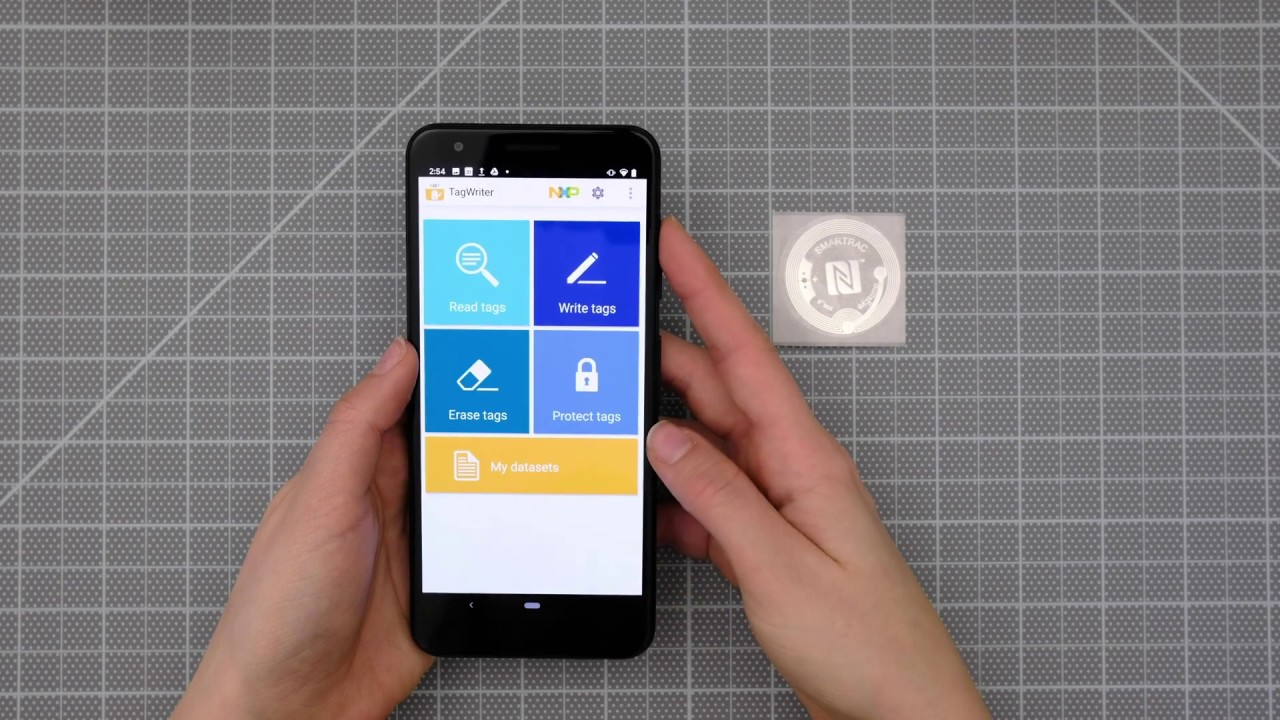
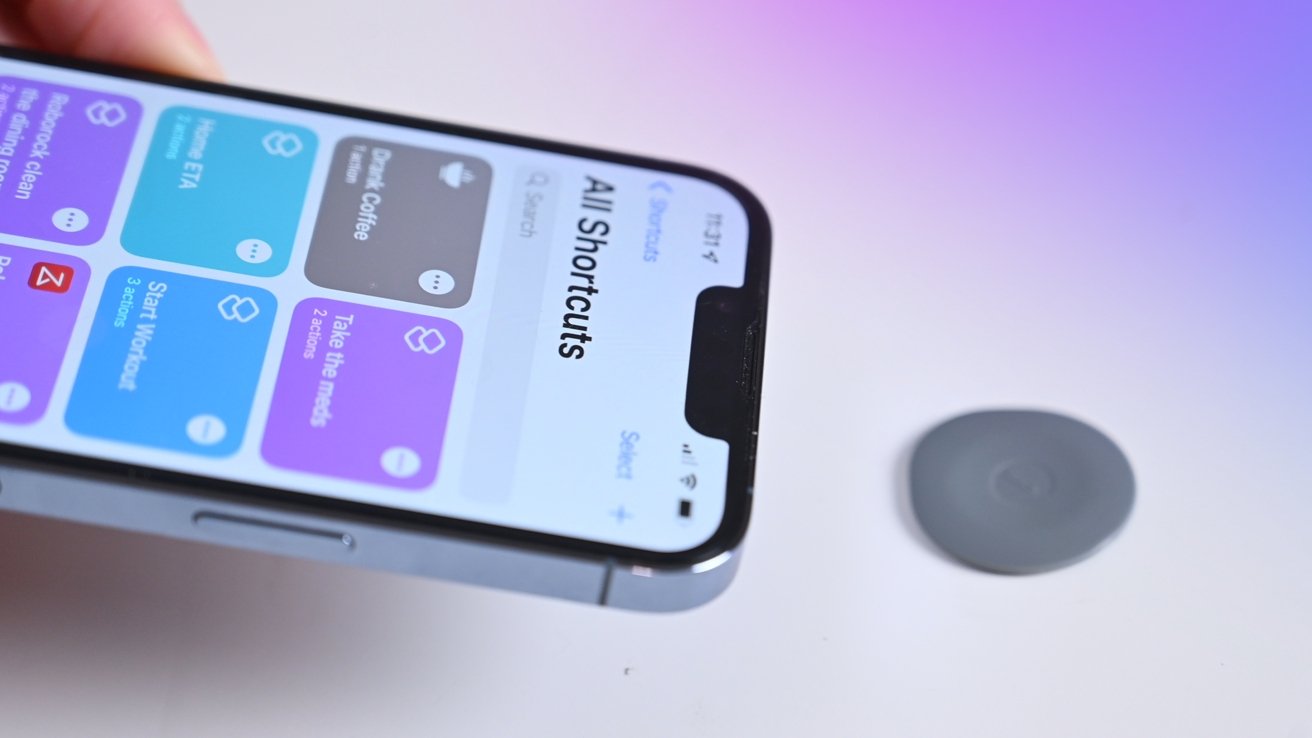
To rewrite an NFC tag means to overwrite the NDEF data stored on a writable tag, such as a URL or text, with new information, using your smartphone. This does...
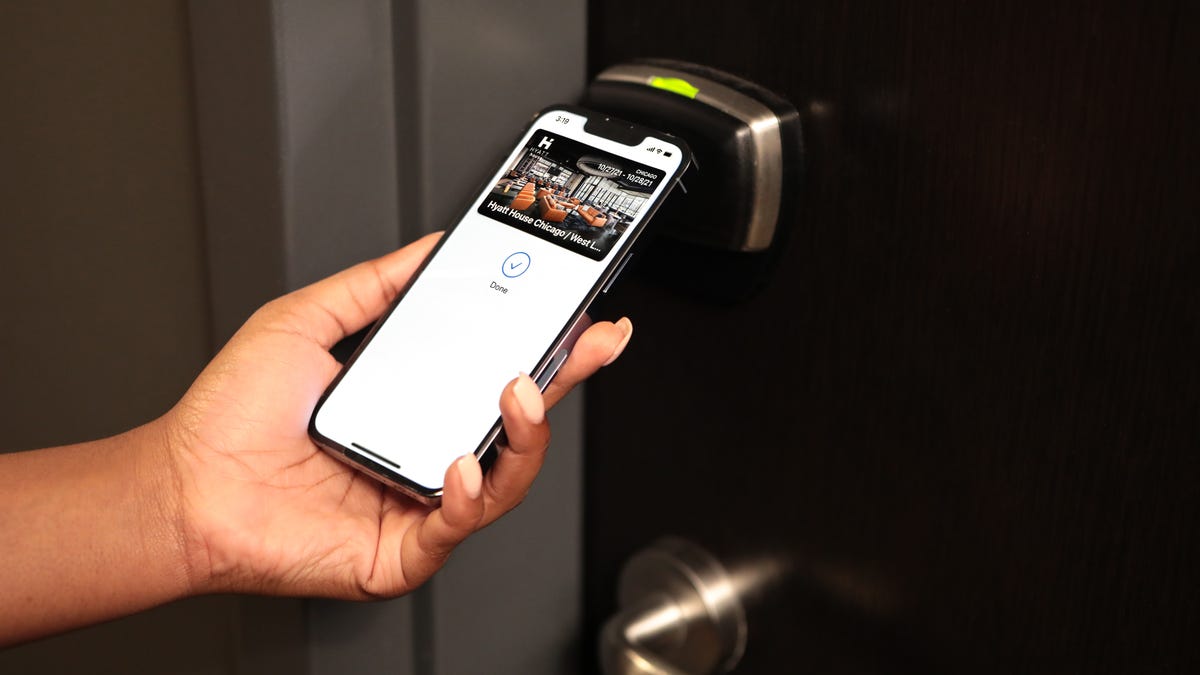
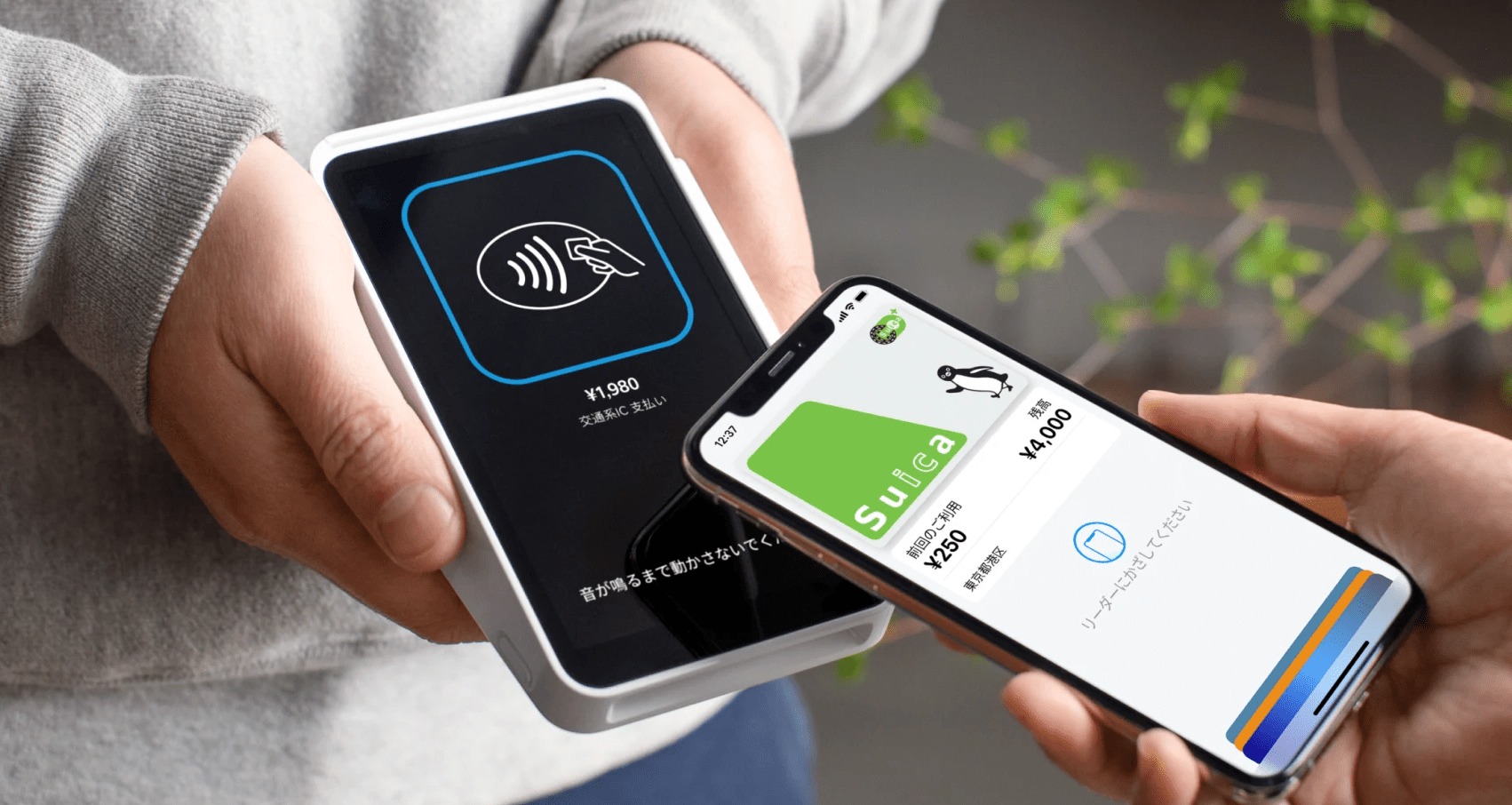
The documented path is to add supported passes and cards directly in the Wallet app, and then use those passes with NFC readers for contactless redemption. Can you add an...
You cannot copy an NFC tag to an iPhone. Apple’s official documentation does not support cloning or emulating an NFC tag’s data on an iPhone, so the direct answer to...
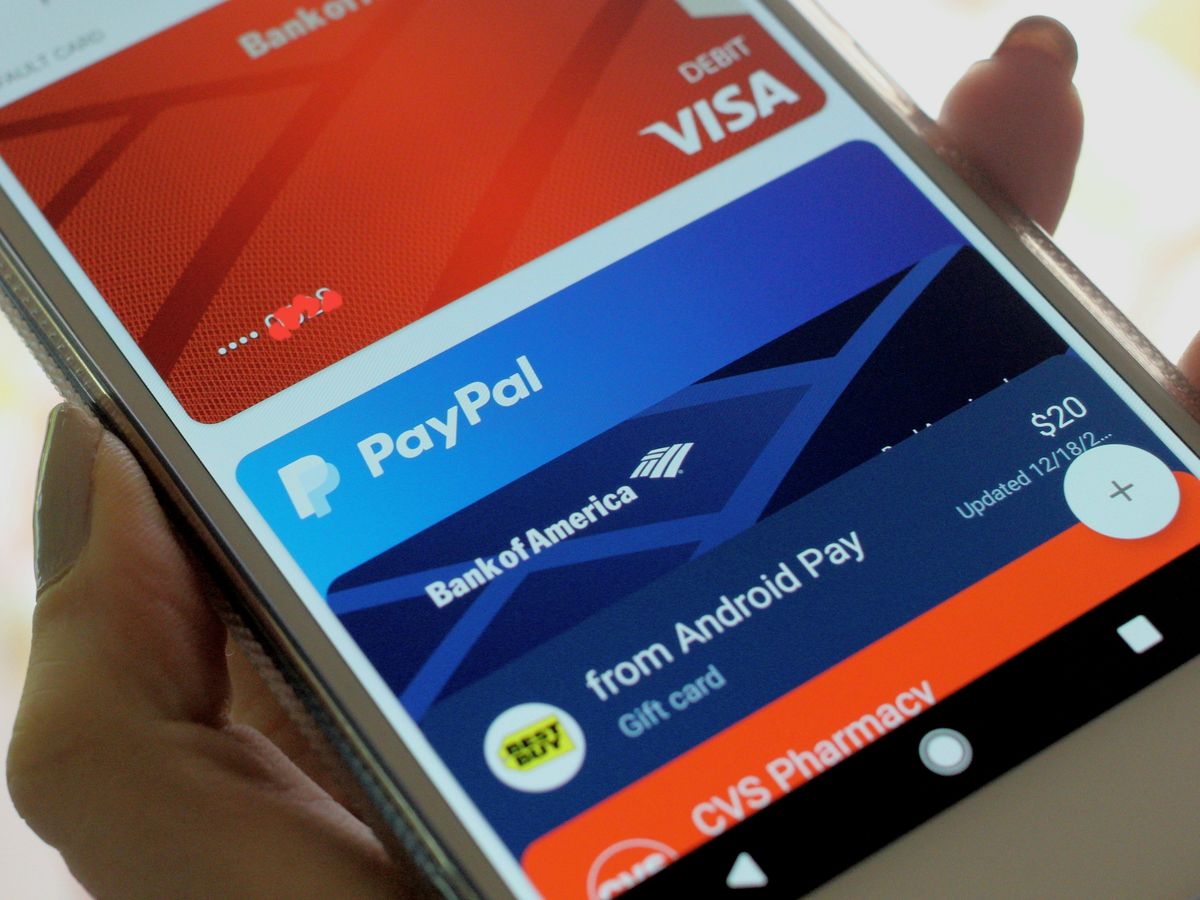
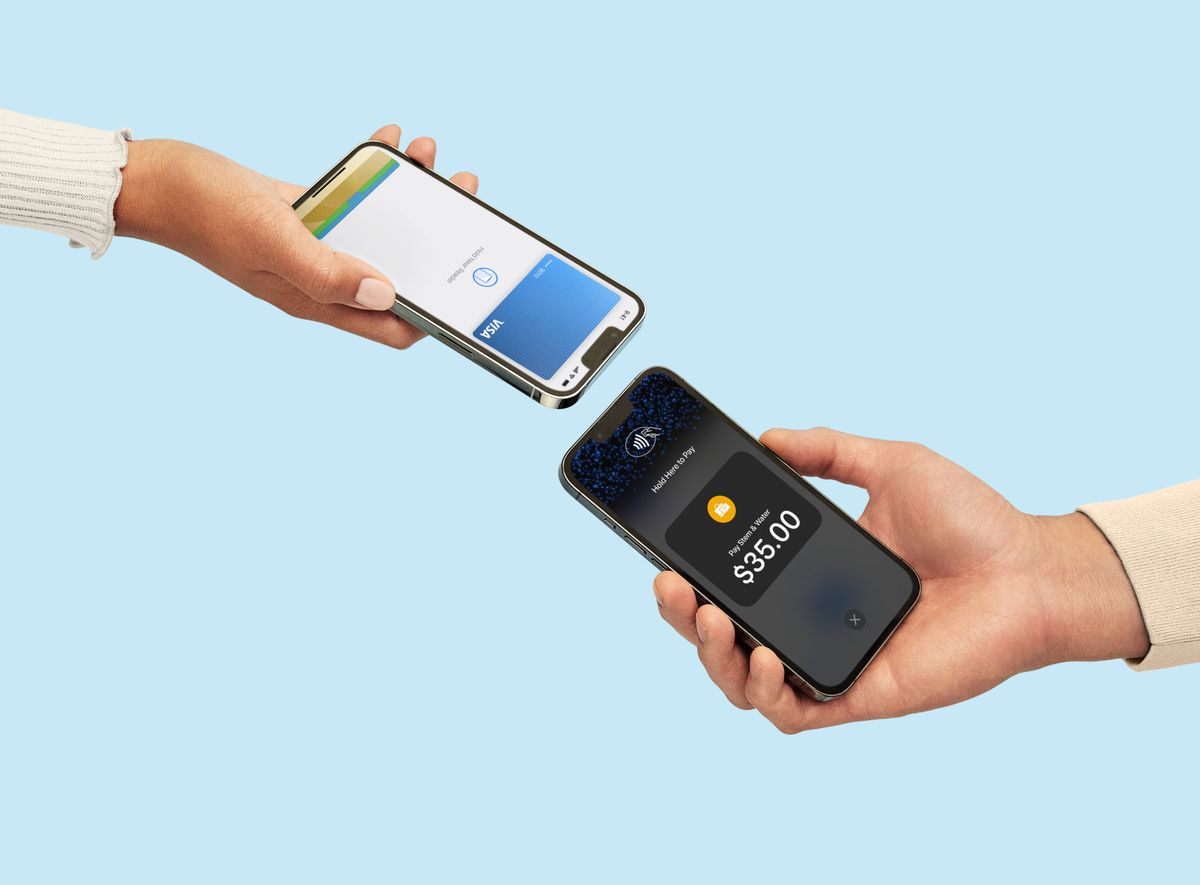
PayPal NFC tap to pay is a feature for merchants to accept in-person contactless payments on a mobile device using the PayPal app or PayPal Point of Sale app, it...
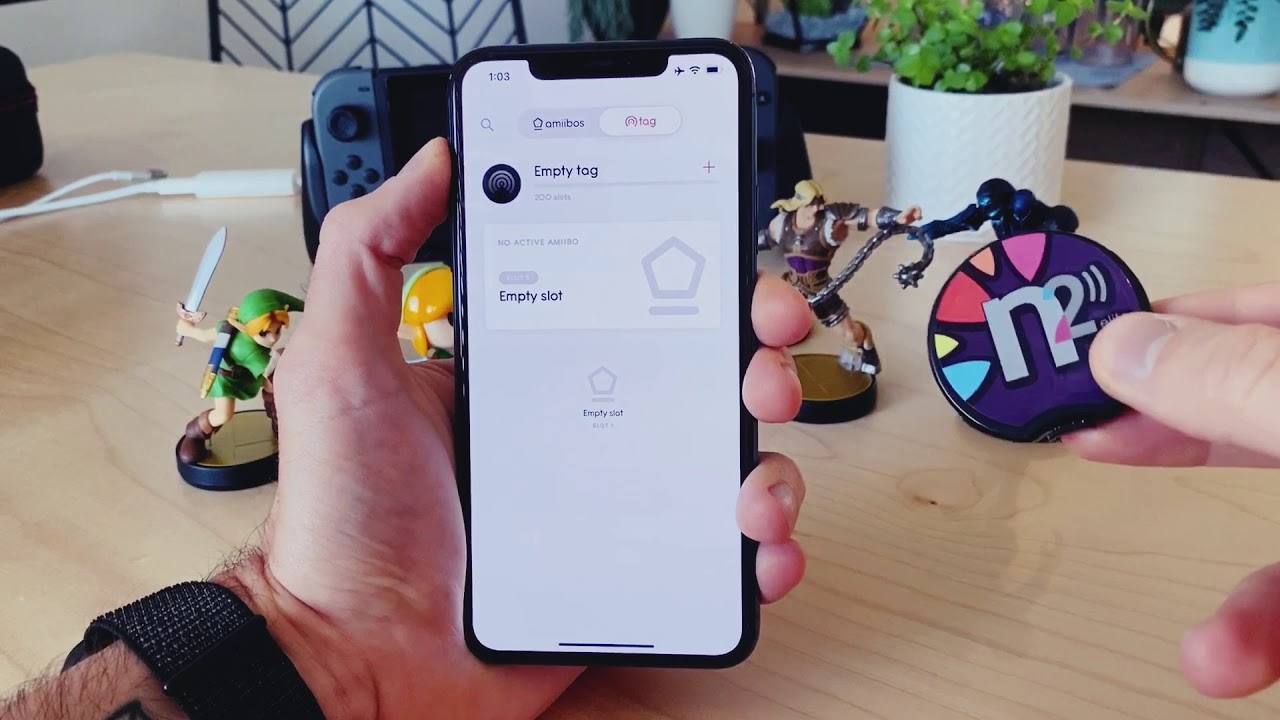
To write Amiibo NFC tags on iPhone, you need a compatible iPhone model, blank NTAG215 NFC tags, and a tag-writing app from the App Store. This lets you unlock in-game...
Where is NFC on my iPhone? It's physically located at the top back of the device, near the camera module. For iPhone SE (2nd generation and later), iPhone XR, XS,...
To enable NFC on your iPhone 13, you don't need to do anything, NFC is already always on. There is no manual toggle or settings switch to turn NFC on...
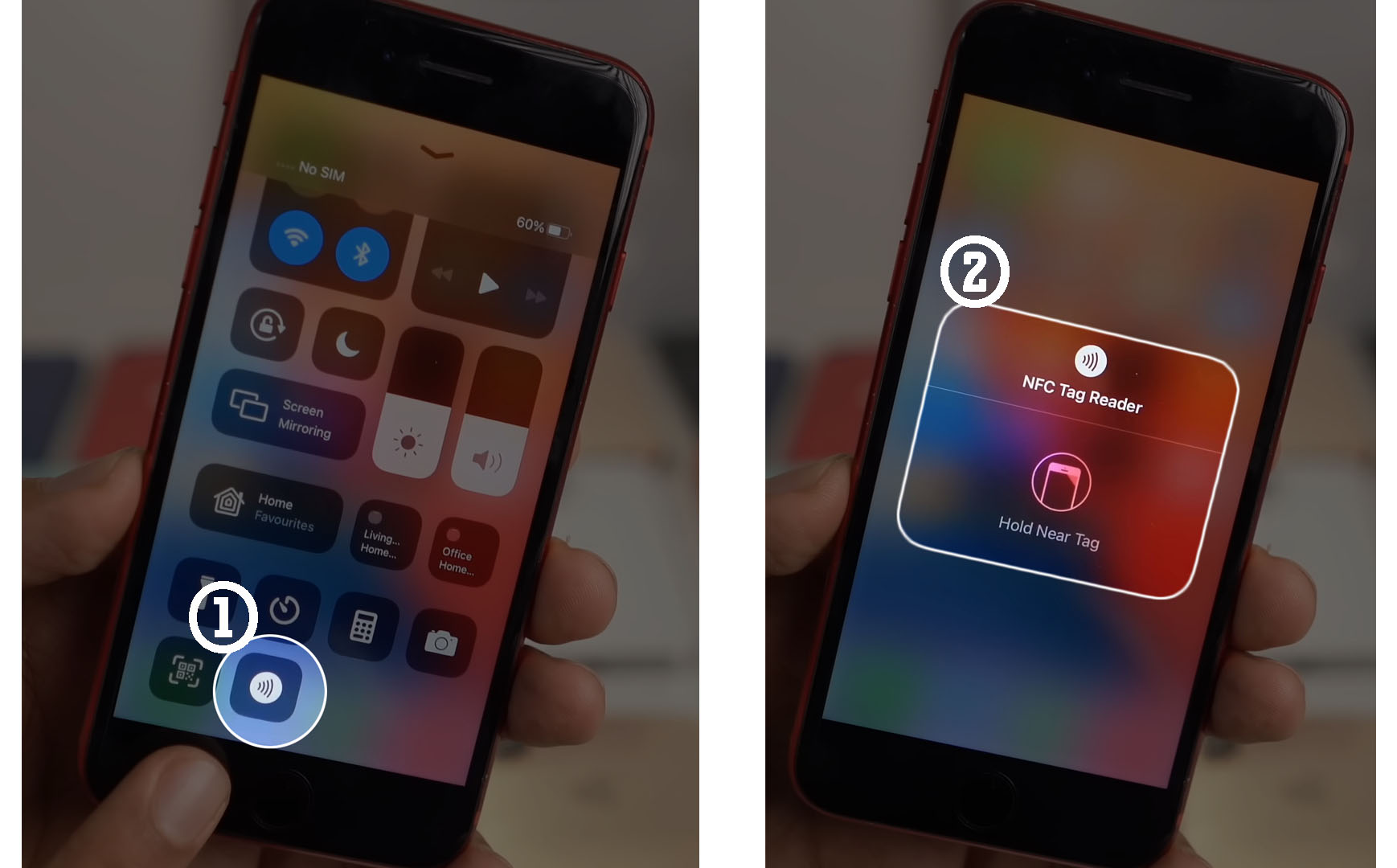
An NFC reader is your phone's built-in ability to detect and read nearby NFC tags or contactless devices by bringing the phone close to them. This short-range wireless technology, known...
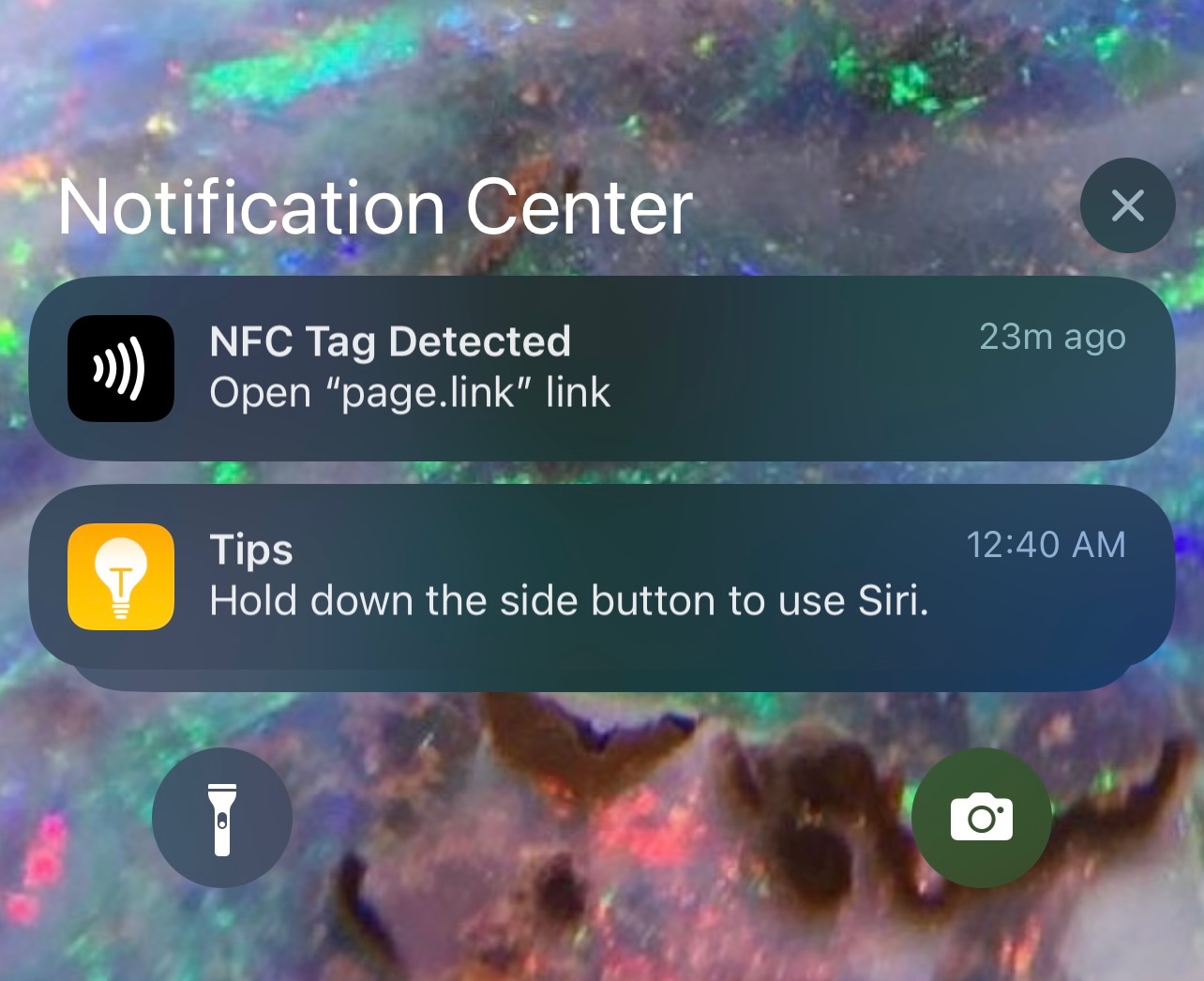
The "NFC tag detected" notification means your phone's Near-Field Communication (NFC) reader has identified a passive NFC chip within its magnetic field and is ready to process the stored information,...
You cannot turn off NFC on an iPhone because Apple does not provide a system setting to globally disable the feature. If you searched for how to turn off NFC...
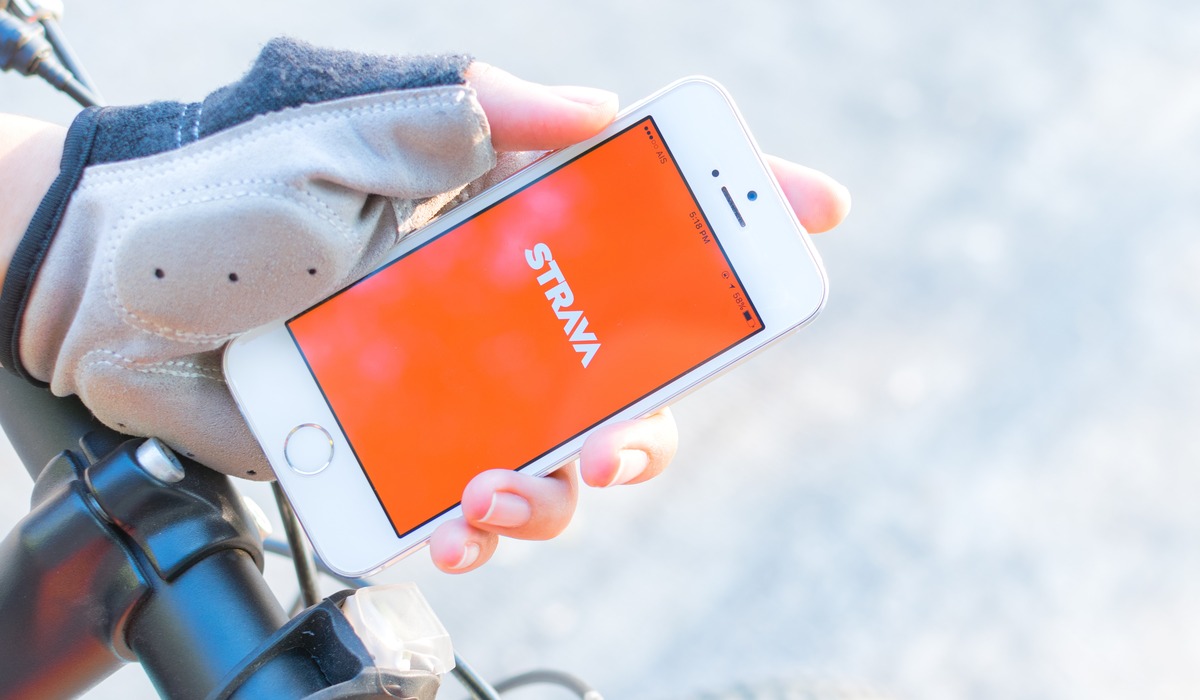
To link Fitbit to Strava, you need to connect your Fitbit device through the Google Health app so your GPS-tracked workouts automatically appear in your Strava profile. Start by opening...
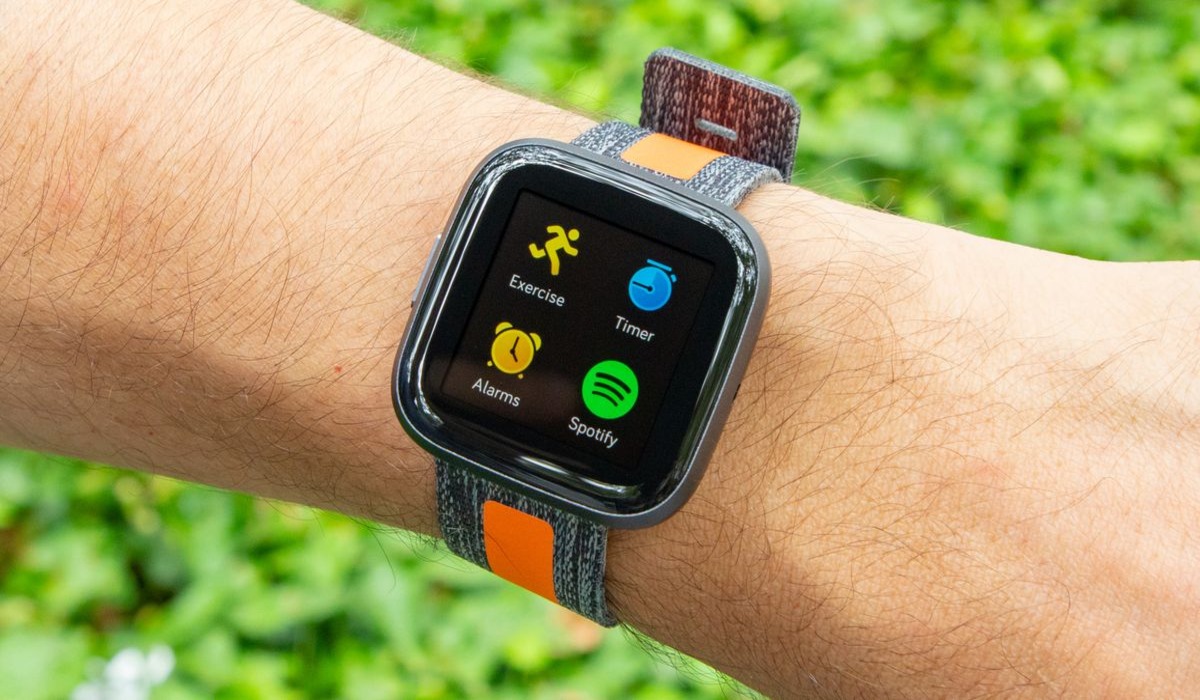
To log into Spotify on Fitbit, you must link your accounts through the Fitbit phone app, not by entering credentials on the watch itself. This setup lets you control music...