Welcome to the iOS tag on CellularNews. This collection is for anyone who uses an iPhone or iPad and wants to get more out of their device, from casual gamers to power users looking to tweak their system. The articles here are focused on two main areas: helping you find the best apps and games to download, and guiding you through common settings and fixes when things don't work as expected.
If you're looking for something new to play, you'll find extensive lists covering a huge variety of genres. Whether you are into strategy with the 15 Best City Building Games, competitive action with the Top 20 Fighting Games, or relaxing puzzles with 20 Mobile Games Like Candy Crush, these articles help you discover top-rated titles. For those needing practical tools, guides like 26 Best Productivity Apps and 16 Best VPN for Android & iOS help you choose the right software for work and privacy. Beyond just finding apps, the tag also solves technical problems. You can learn how to fix your software with the guide on How to Downgrade iOS Using SHSH2 Blobs, or explore system modifications with the Jailbreak iOS guide and the article on Cydia Impactor. Other topics, such as How to Find Someone's Location by Cell Phone Number and How to Use TikTok App, provide clear steps for specific tasks you might need to accomplish.
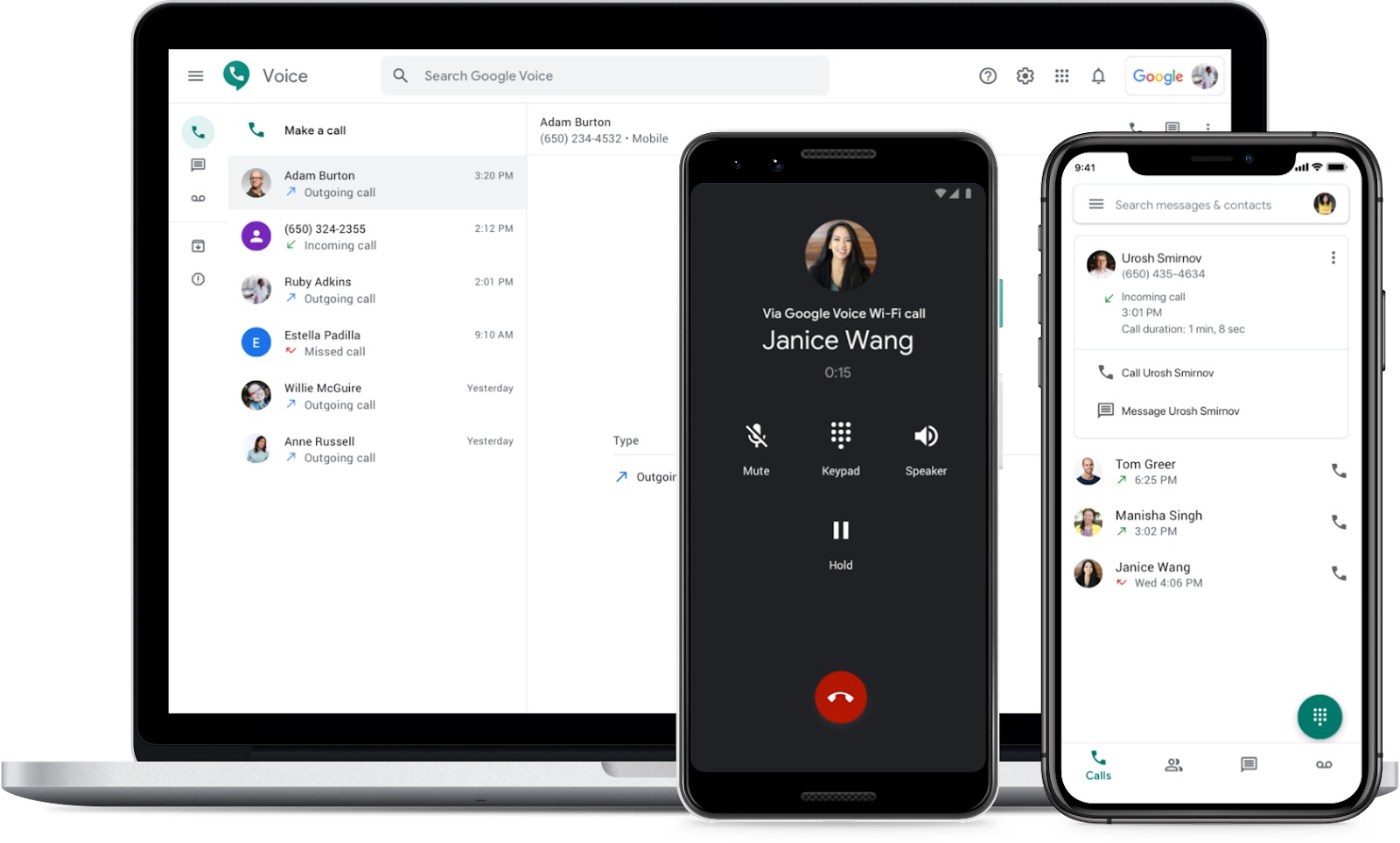
To forward calls to Google Voice from your cell phone means that when you miss a call, are unreachable, or are already on another call, your carrier will automatically send...
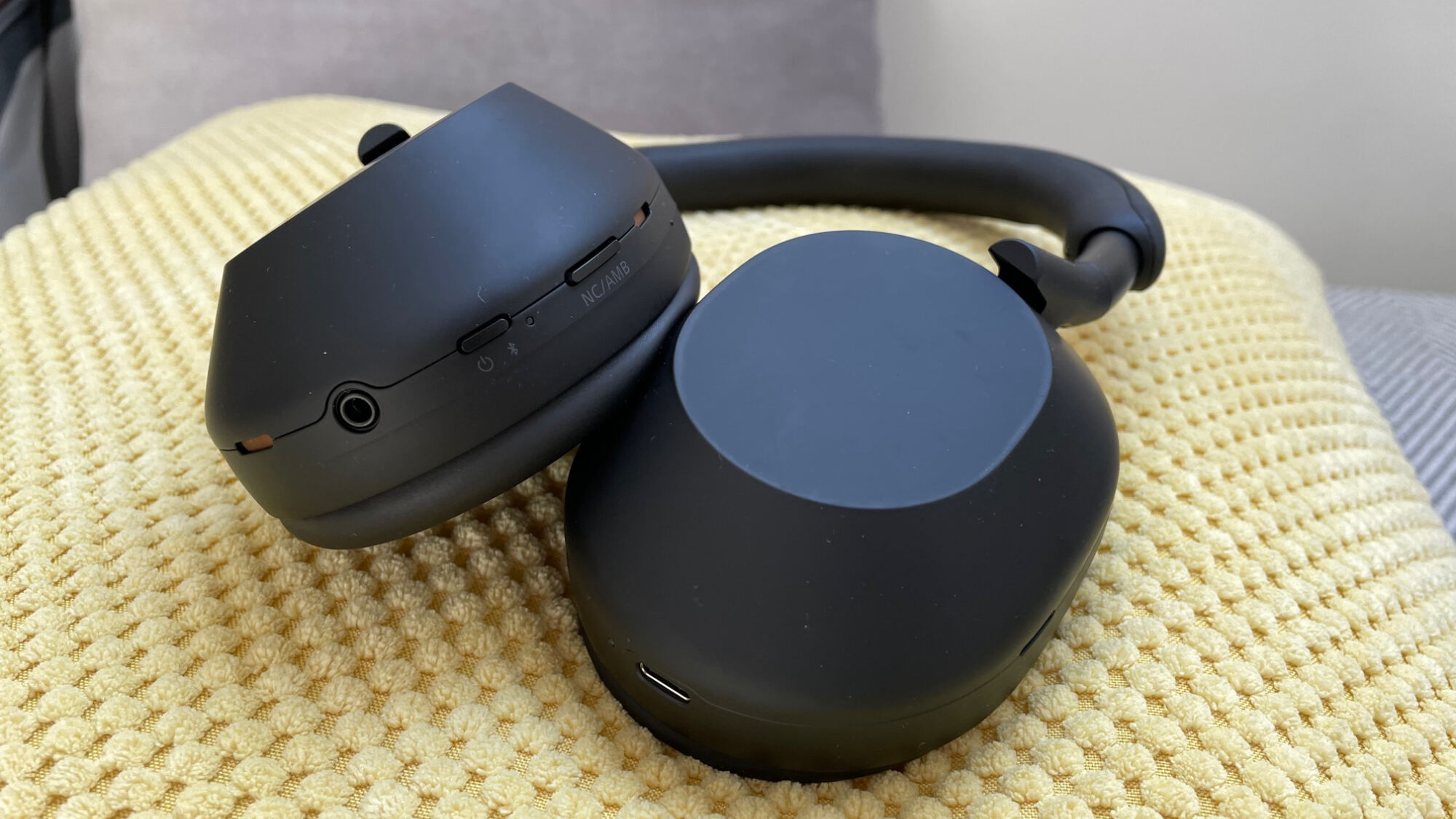
To sync Sony wireless headphones, you need the Sony | Headphones Connect app on an Android smartphone or iPhone. This official app walks you through pairing wireless earbuds and headphones...
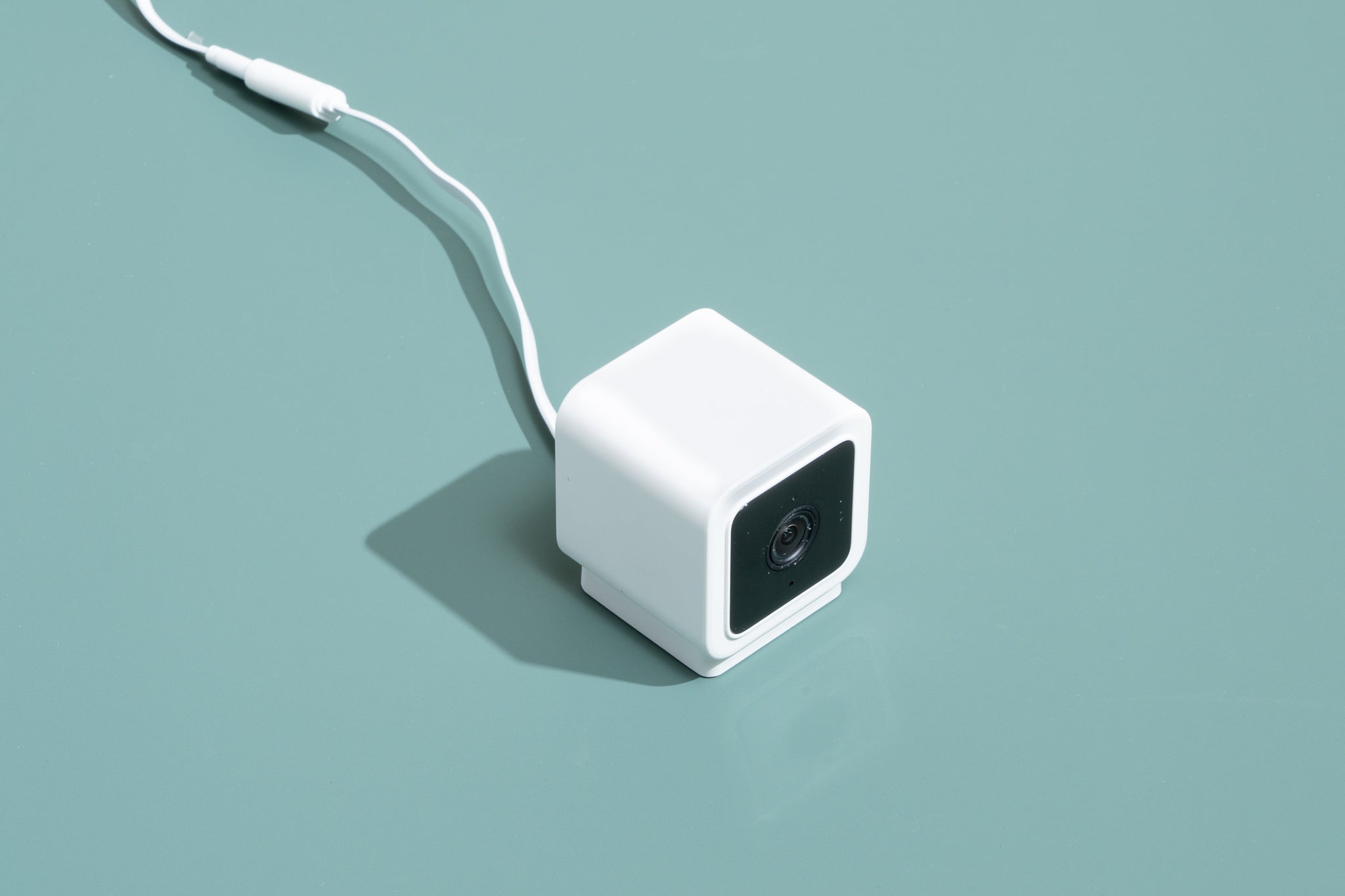
To make a wireless camera, you don’t need to build hardware from scratch, the practical, official method is to turn your existing smartphone into a wireless webcam for your computer....
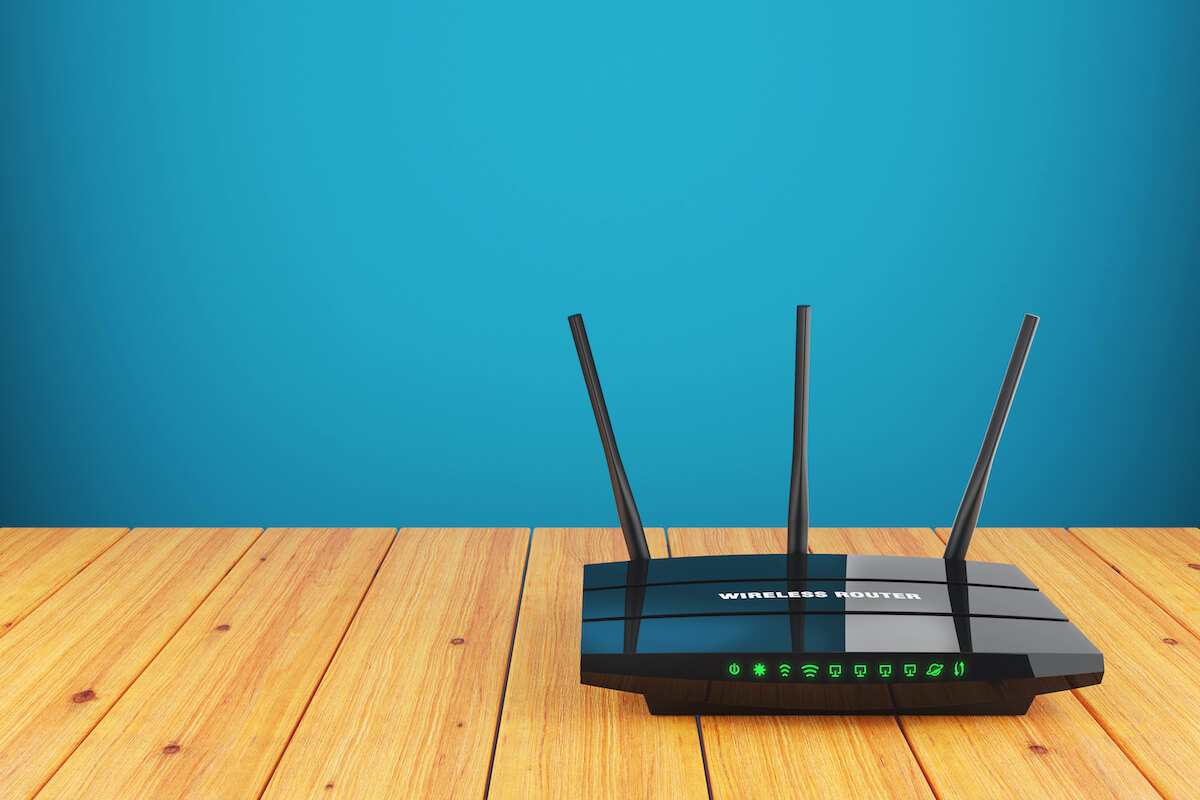
You can set up a wireless router without a computer using only a smartphone or tablet. The process is done entirely through the router manufacturer's mobile app, which guides you...
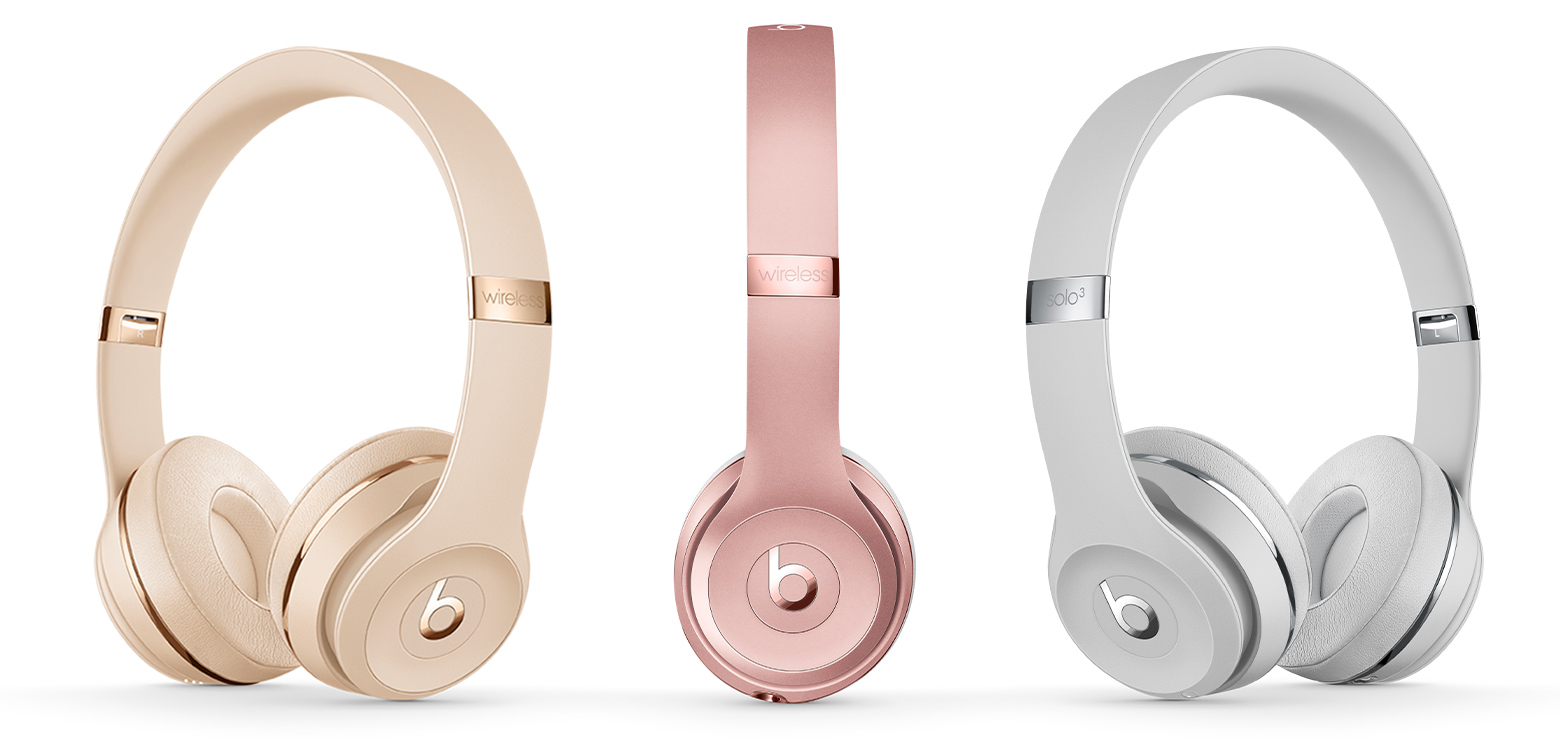
To connect wireless Beats Solo 3 headphones, first put them into pairing mode by pressing and holding the power button for five seconds, then select them from your device's Bluetooth...
The quickest way to disconnect wireless earbuds is to place them back into their charging case and close the lid. This action automatically powers them off and breaks the Bluetooth...
To find your wireless headphones using your phone, open the Find My app on your iPhone and tap Devices, then tap your AirPods. If your AirPods are out of the...
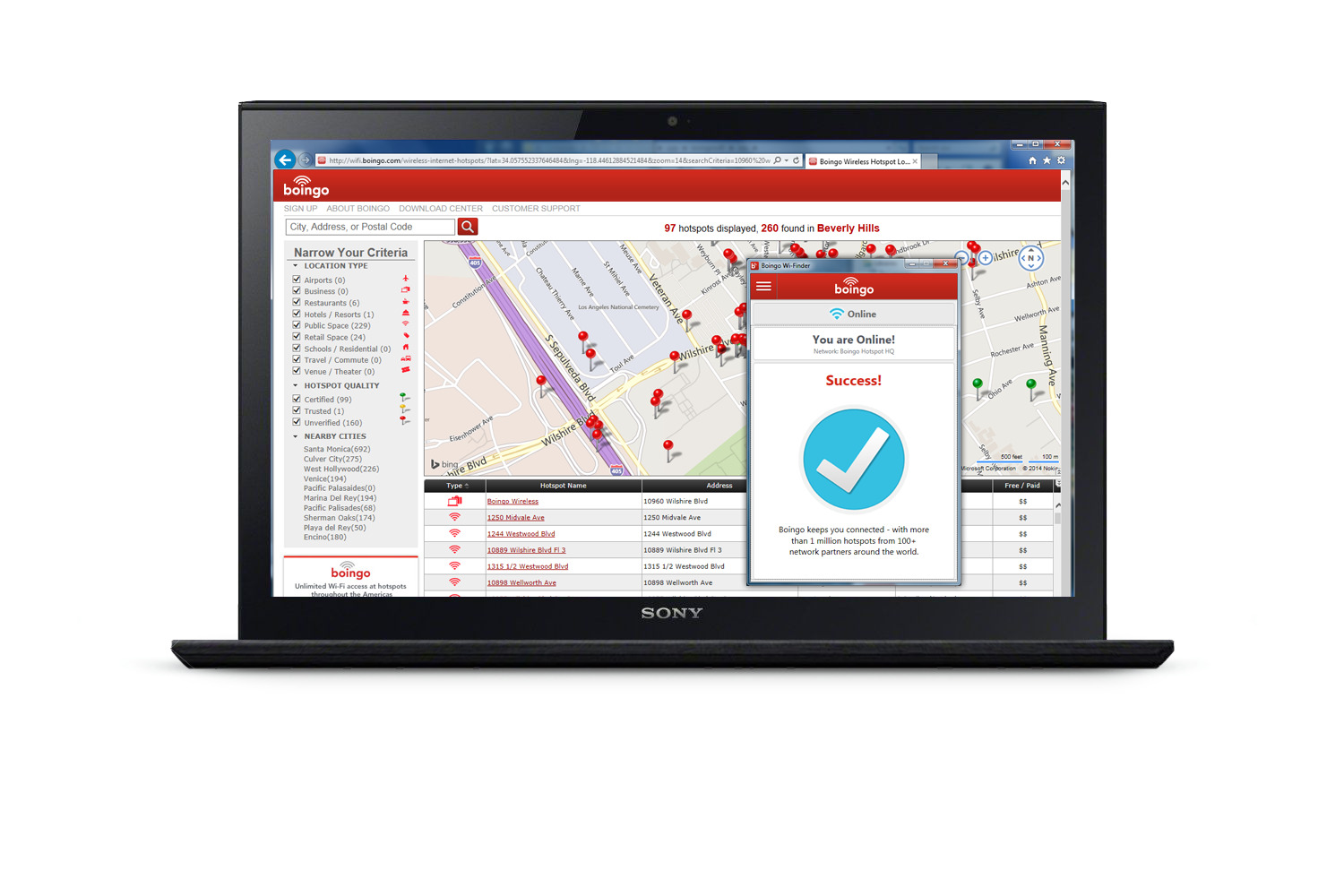
To connect to Boingo Wireless, select the “Boingo Hotspot” network in your device’s Wi‑Fi settings and follow the browser-based login or terms prompt that appears. If the sign‑in page does...
To fix YouTube on your phone, start with the four most common solutions: clear the app cache, update the app, check your internet connection, and restart your phone. These steps...
To play YouTube when phone locked, you need a YouTube Premium membership. This is the only official method Google supports for background playback on both iPhone and Android devices. How...
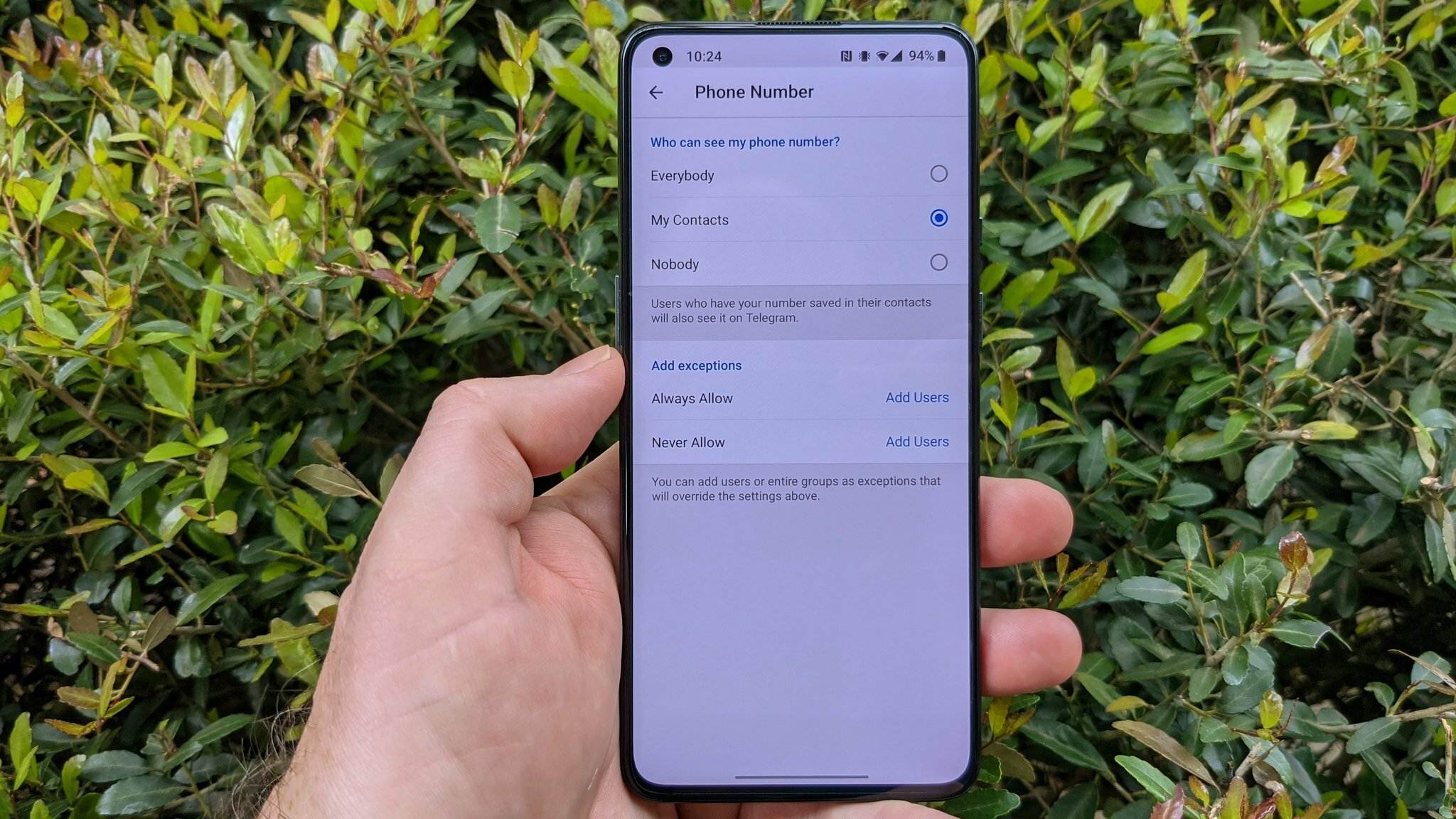
To hide your phone number in Telegram, open Settings > Privacy and Security > Phone Number and set Who can see my phone number to Nobody. This is the only...
To hyperlink a phone number so mobile visitors can tap to call, you use the HTML anchor tag with a tel: href attribute on a website, or rely on Apple’s...