The iPhones tag page on CellularNews collects articles specifically for iPhone users, from casual owners to those who like to tinker with their devices. This tag is for anyone who wants to get more out of their phone, whether that means fixing a common glitch, finding a new app, or understanding a key feature.

The articles here solve real-world problems grouped around a few clear themes. One major theme is troubleshooting and network fixes, with guides on resetting network settings, fixing cellular network errors, and using Wi-Fi calling. Another theme is customization and app management, covering how to transfer apps to a new iPhone, schedule text messages, and recover deleted texts and WhatsApp messages. A third theme focuses on entertainment and productivity, including lists of the best Apple Arcade games, free movie apps, and text to speech readers.

These articles help the reader do practical things: fix a phone that won't make calls, learn how to screen record mobile games, recover deleted messages, and choose the best phone case or mobile accessory. They also explain technical topics like what an IPA file is and how to jailbreak an iPhone without a PC, giving clear steps for specific tasks.
How To Turn Off Ringer On IPhone 14

To turn off the ringer on iPhone 14, use the physical Ring/Silent switch on the left side of the phone. Flip the switch toward the back of the device to...

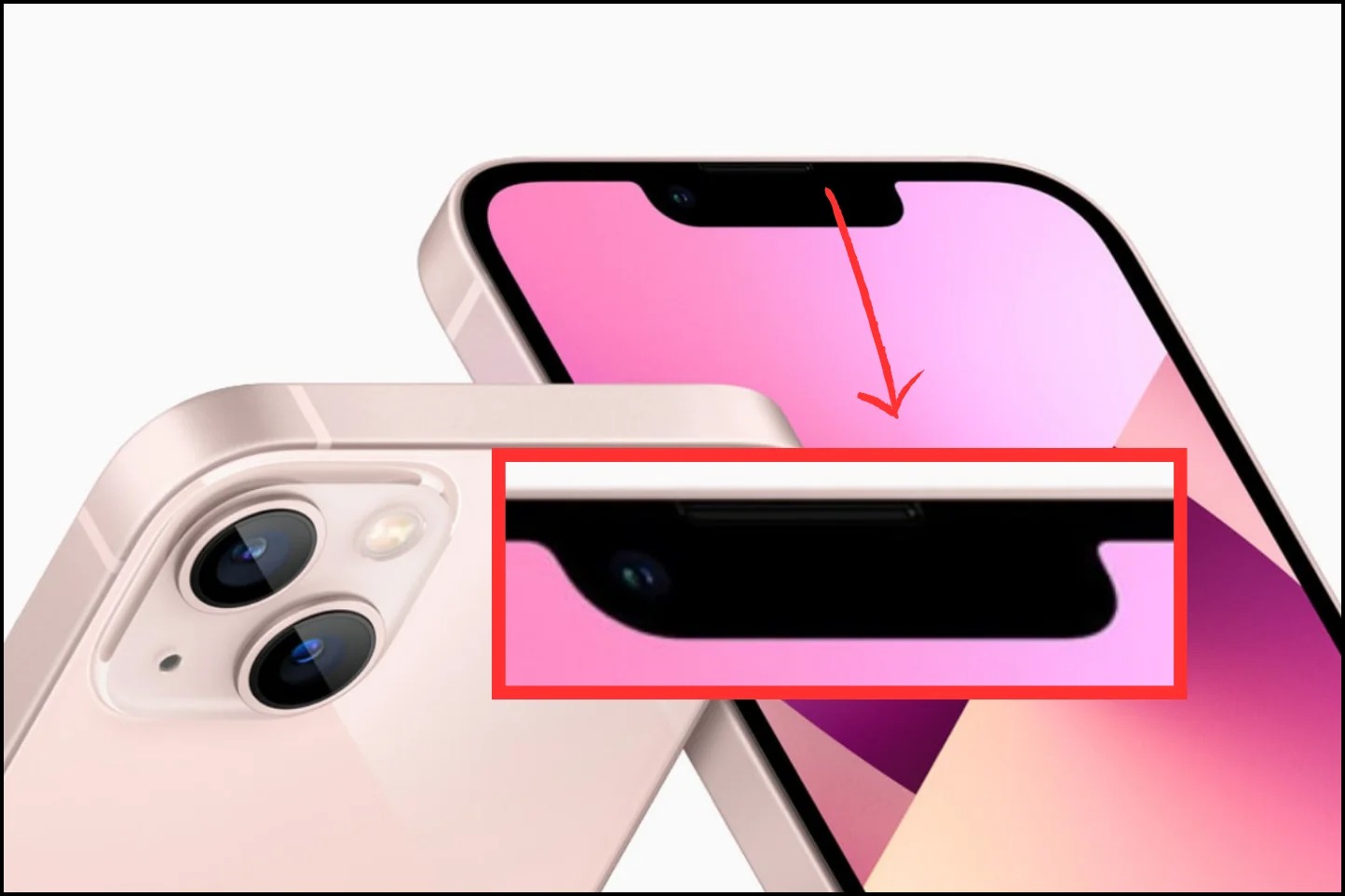
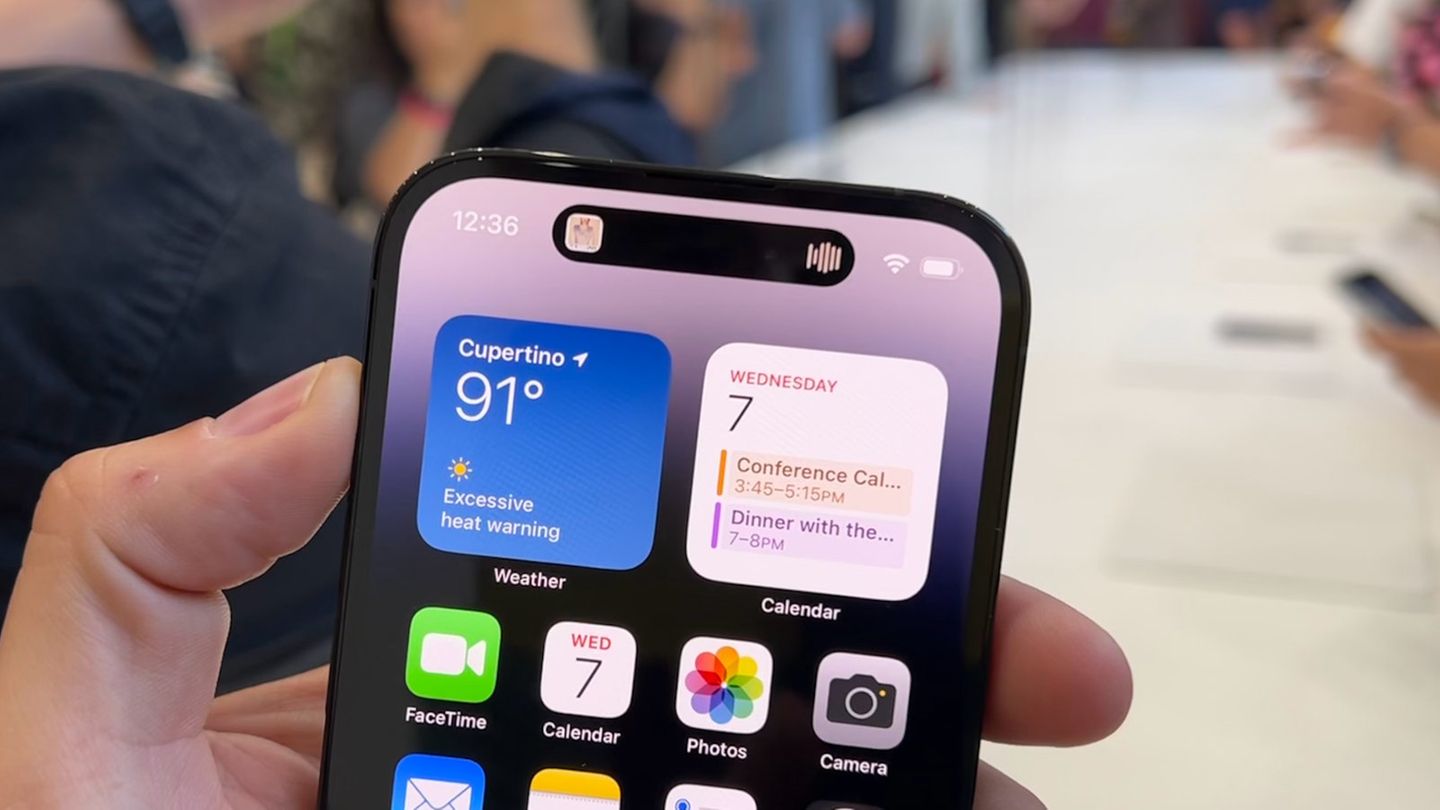
What Is The Black Oval On Top Of IPhone 14

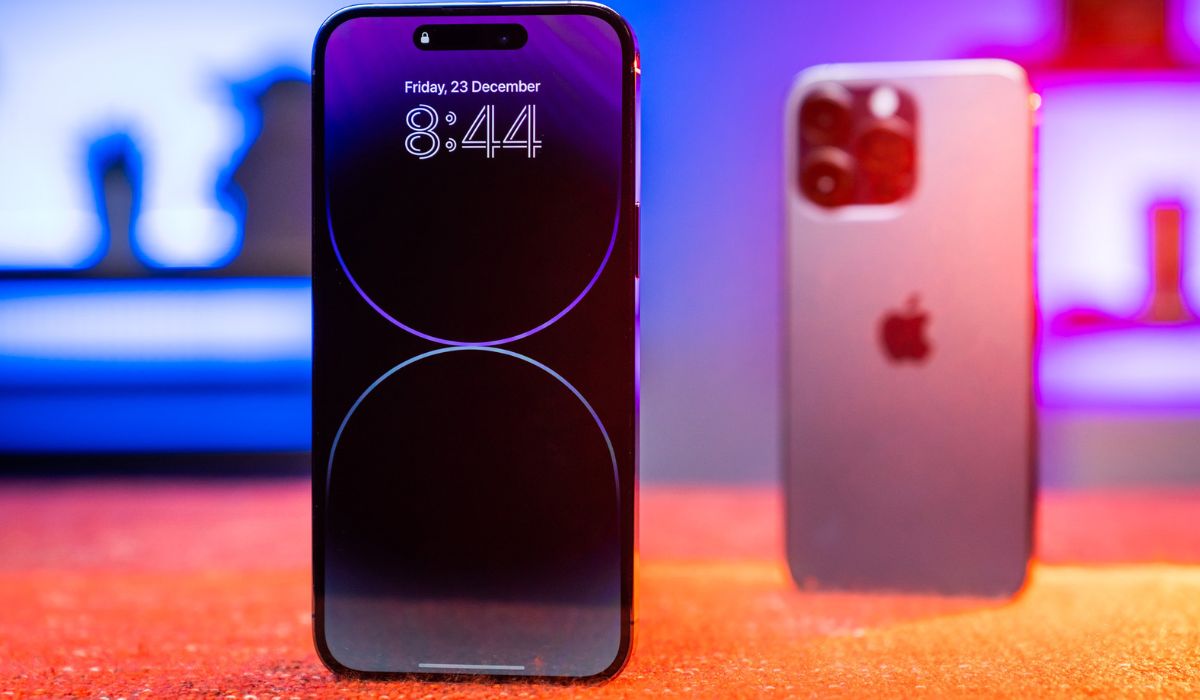
The black oval on top of an iPhone 14 is the Dynamic Island, an interactive area that blends hardware and software to show alerts and ongoing activities. However, this feature...

What Is Pro Motion IPhone 14

Pro Motion iPhone 14 refers to Apple's adaptive refresh rate display technology, but it is exclusive to the iPhone 14 Pro and iPhone 14 Pro Max. The standard iPhone 14...

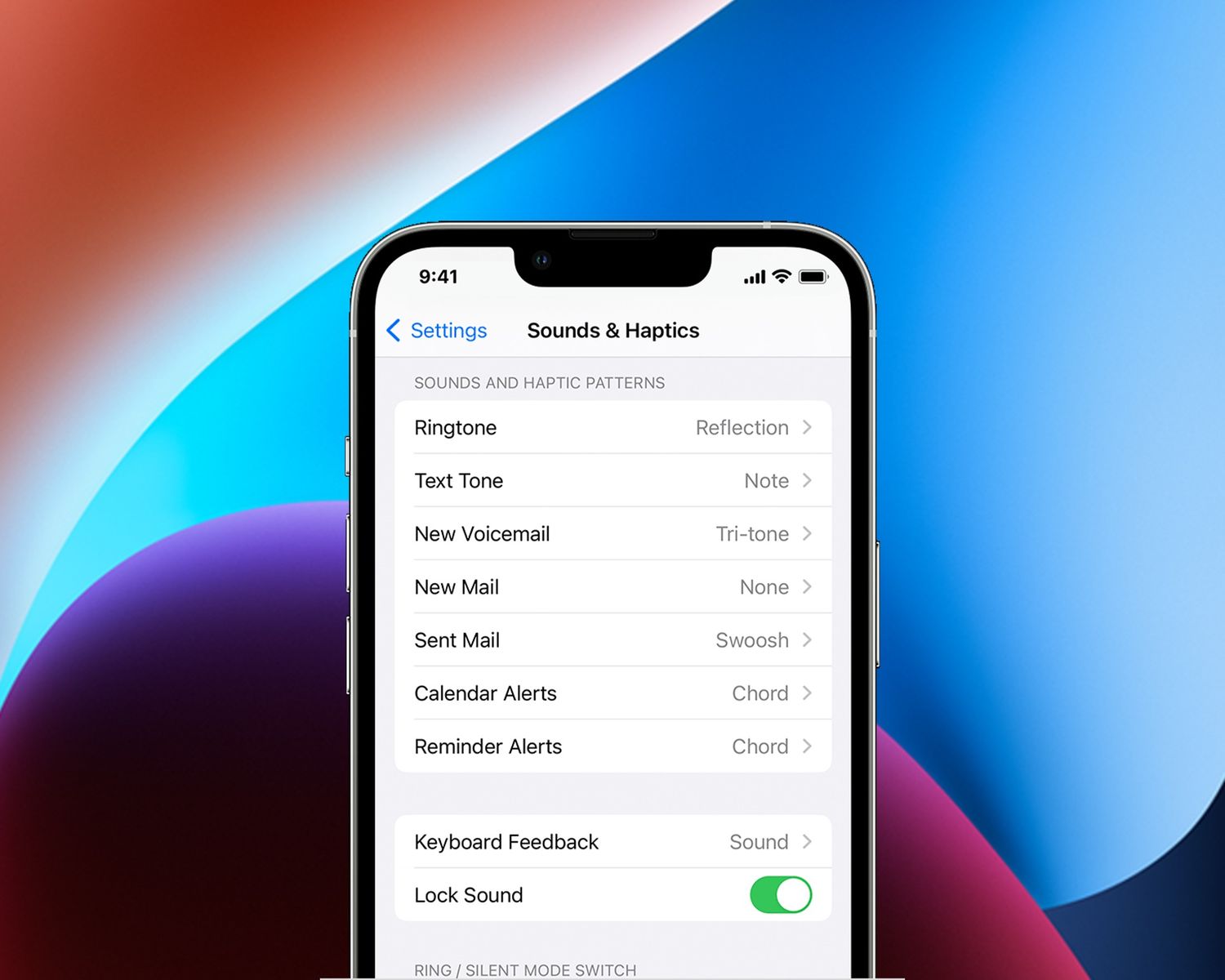
Turn Off Sound When Sending Text IPhone 14

To turn off sound when sending text on iPhone 14, the quickest fix is to change the message alert sound to "None" in your notification settings. This directly silences the...

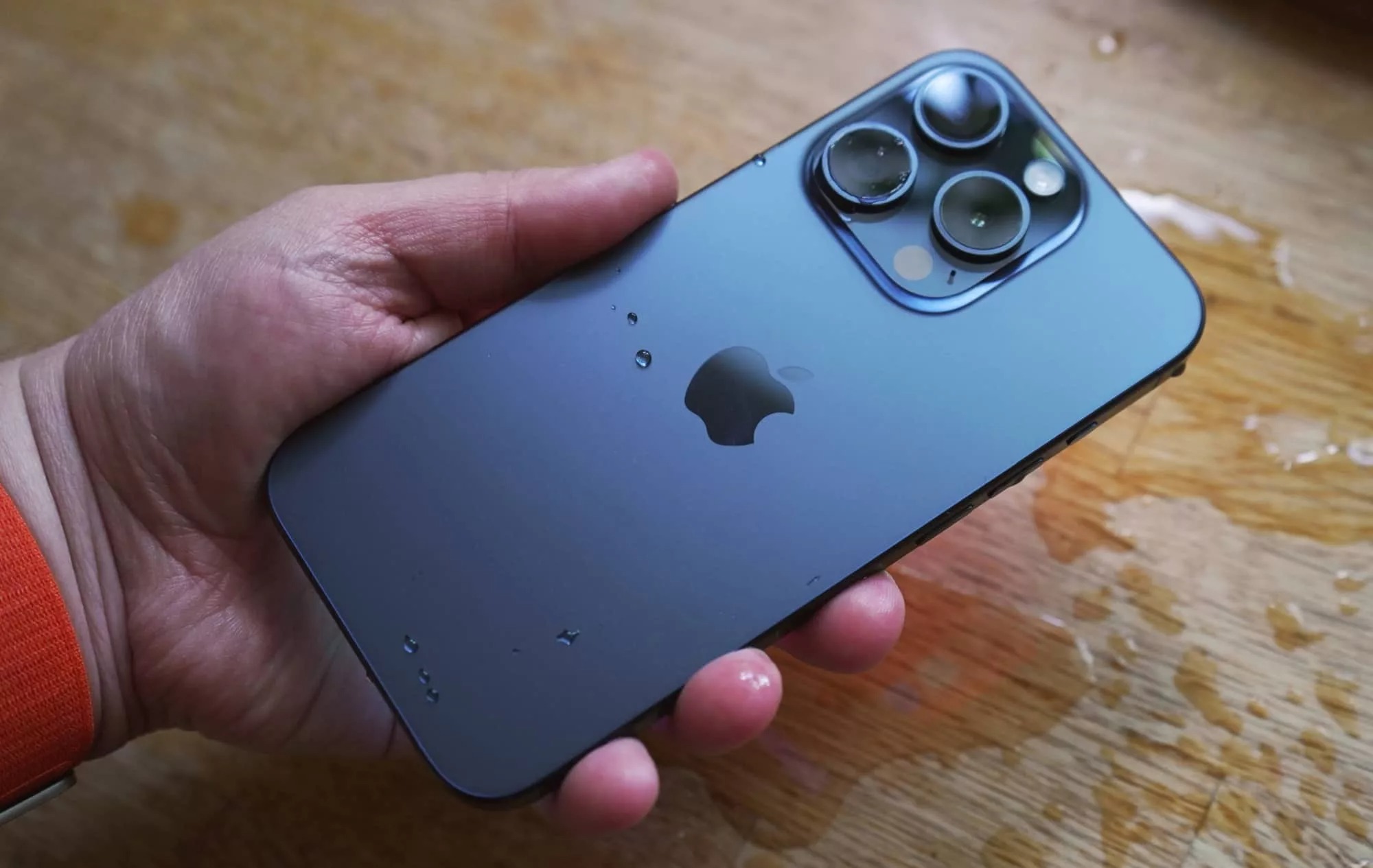
What To Do If IPhone 14 Falls In Water

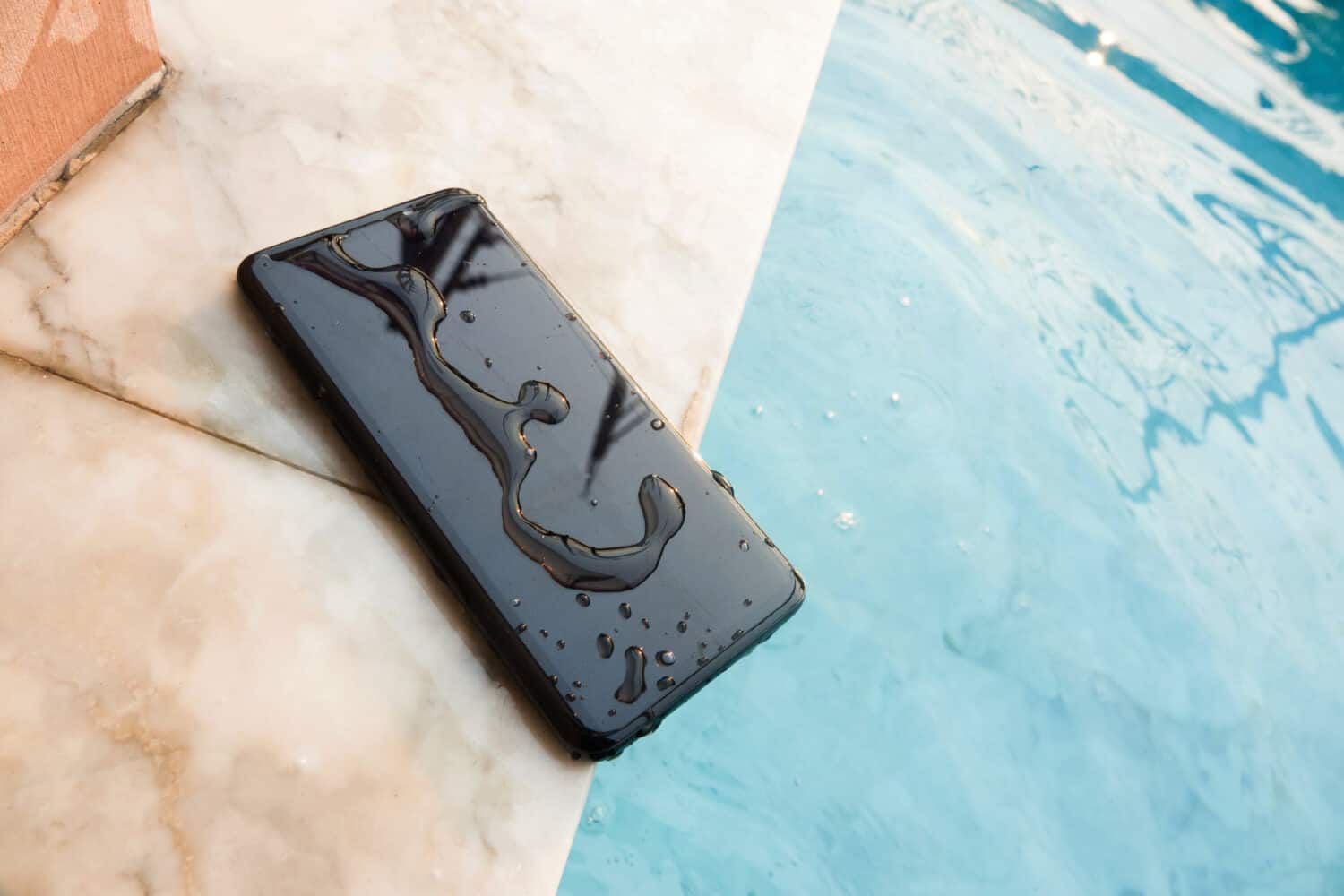
If your iPhone 14 fell in water, the most important thing is to act immediately and correctly to prevent permanent damage. Your iPhone 14 has an IP68 rating, meaning it...

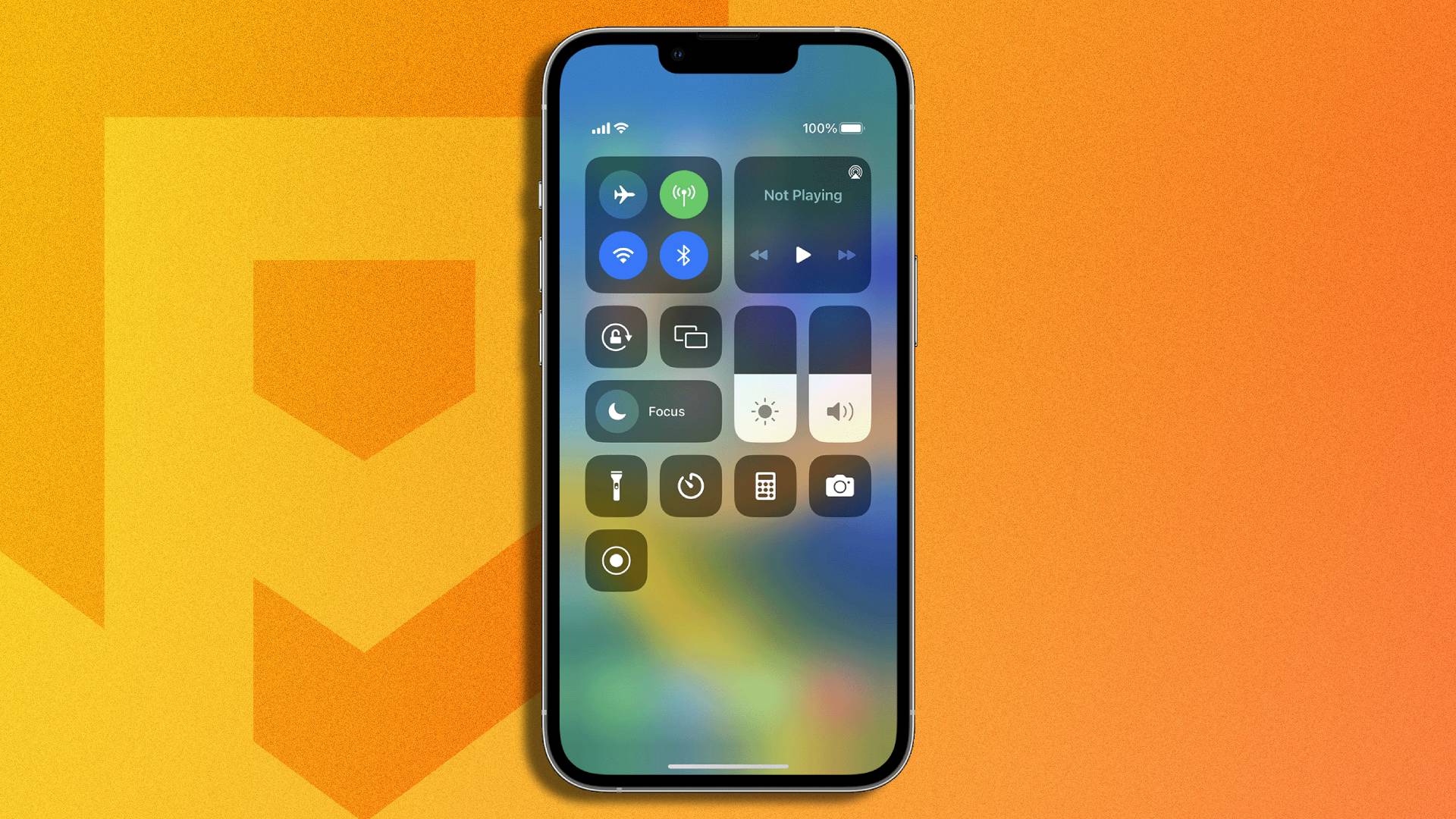
How Do I Screen Record On IPhone 14 Plus

To screen record on iPhone 14 Plus, swipe down from the top-right corner to open Control Center, then tap the gray Screen Recording button. After a 3-second countdown, your screen...

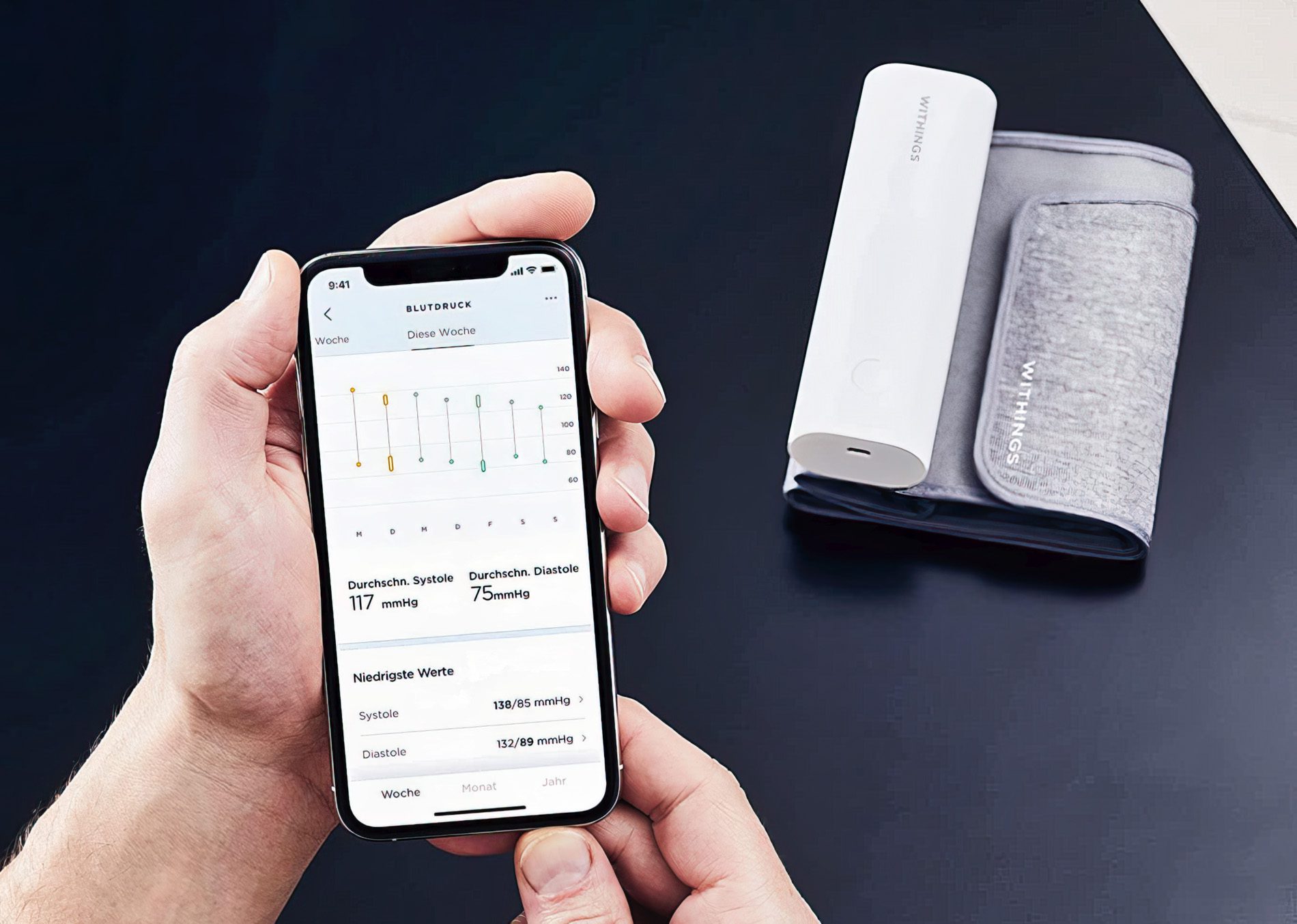
How To Check Blood Pressure On IPhone 14

You cannot check blood pressure on an iPhone 14 using the phone alone, because it has no built-in blood pressure sensor. To check blood pressure on iPhone 14, you must...

What Is The Black Bar At The Top Of IPhone 14

The black bar on iPhone 14 is called the Dynamic Island, a pill-shaped cutout exclusive to the iPhone 14 Pro and iPhone 14 Pro Max that replaces the traditional notch....

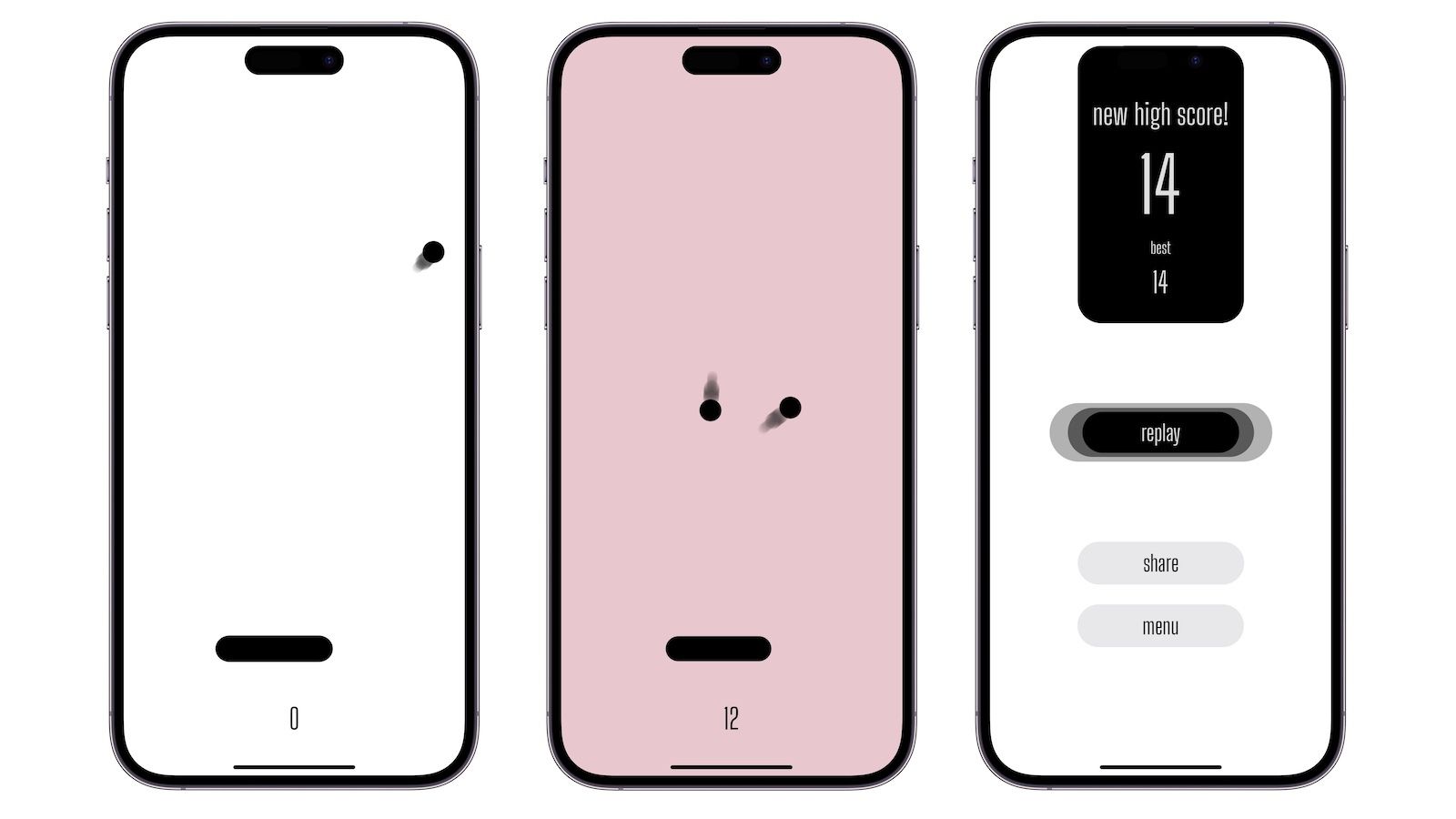
How To Play Ping Pong On IPhone 14

You can play ping pong on iPhone 14 by downloading the Ping-Pong AR app, which officially supports iPhone 14, iPhone 14 Plus, iPhone 14 Pro, and iPhone 14 Pro Max....

How To Set Up Dynamic Island IPhone 14

The dynamic island iPhone 14 pro feature is built into iPhone 14 Pro and iPhone 14 Pro Max, appearing automatically at the top of the screen whenever the device is...

15 Best GSM Sim Card For 2024

The modern eSIM eliminates the need for a physical card, letting you activate a cellular plan by scanning a QR code or using a carrier app, which is why choosing...