The iPhones tag page on CellularNews collects articles specifically for iPhone users, from casual owners to those who like to tinker with their devices. This tag is for anyone who wants to get more out of their phone, whether that means fixing a common glitch, finding a new app, or understanding a key feature.

The articles here solve real-world problems grouped around a few clear themes. One major theme is troubleshooting and network fixes, with guides on resetting network settings, fixing cellular network errors, and using Wi-Fi calling. Another theme is customization and app management, covering how to transfer apps to a new iPhone, schedule text messages, and recover deleted texts and WhatsApp messages. A third theme focuses on entertainment and productivity, including lists of the best Apple Arcade games, free movie apps, and text to speech readers.

These articles help the reader do practical things: fix a phone that won't make calls, learn how to screen record mobile games, recover deleted messages, and choose the best phone case or mobile accessory. They also explain technical topics like what an IPA file is and how to jailbreak an iPhone without a PC, giving clear steps for specific tasks.
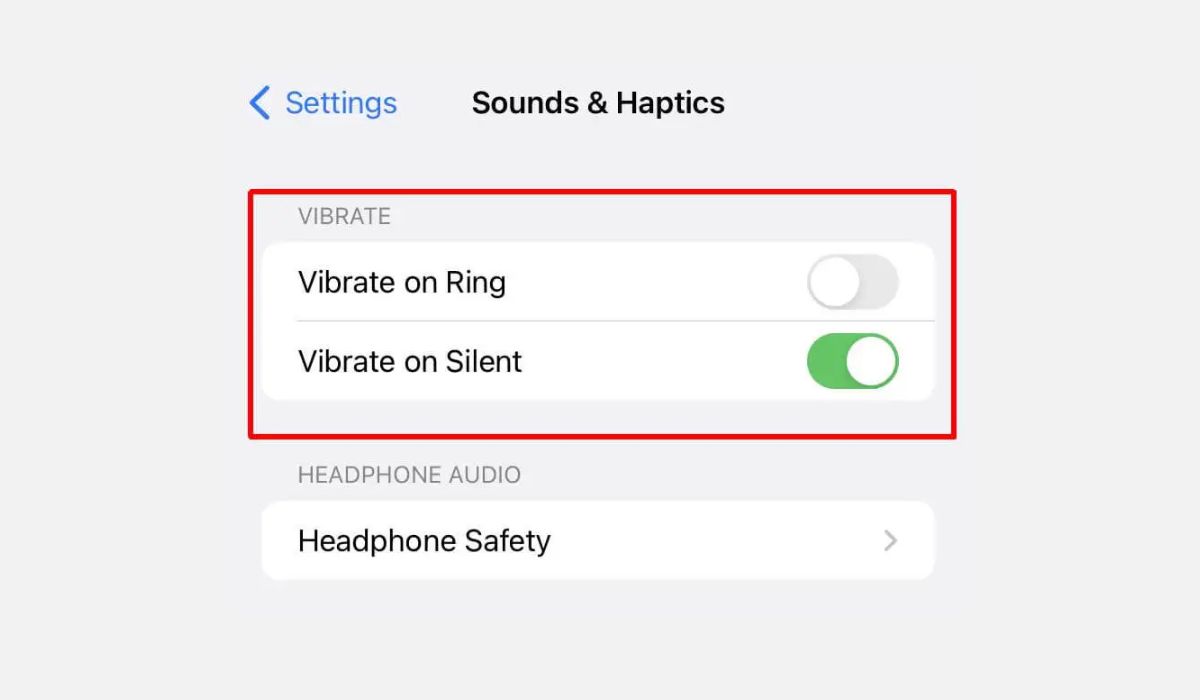
How To Turn On Vibrate On Phone

To turn on vibrate on phone, the quickest method differs by device: on Android, press a volume button, tap the menu icon (three dots or a down arrow), and select...

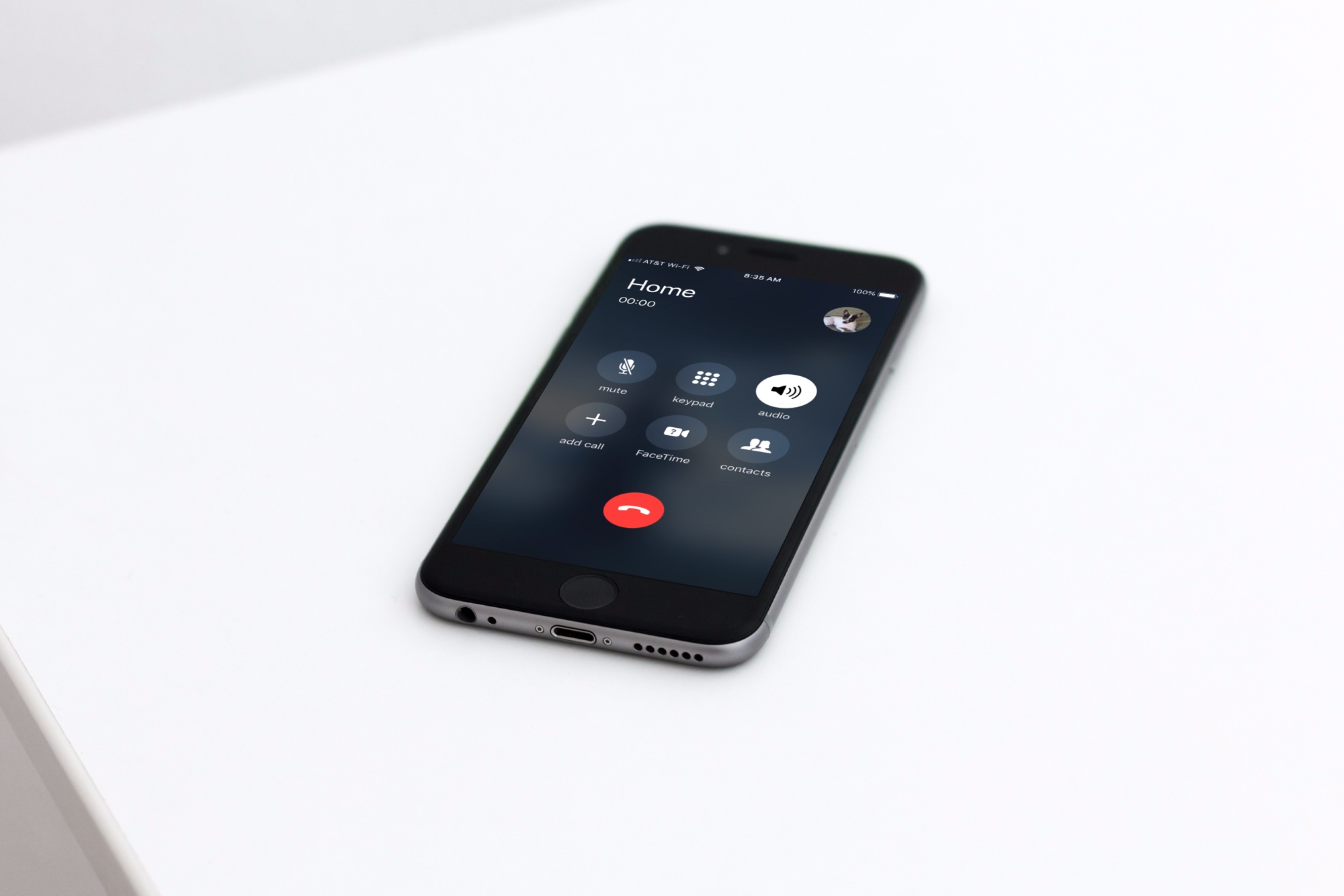
How To Turn On Speaker Phone

To turn on speaker phone during a call on any modern smartphone, tap the speaker icon that appears on the call screen. This instantly routes the audio through the device's...

How Do You Put IPhone 14 On Vibrate

To put iPhone 14 on vibrate, flip the Ring/Silent switch on the left side of the phone toward the back of the device. This turns on Silent mode, and by...

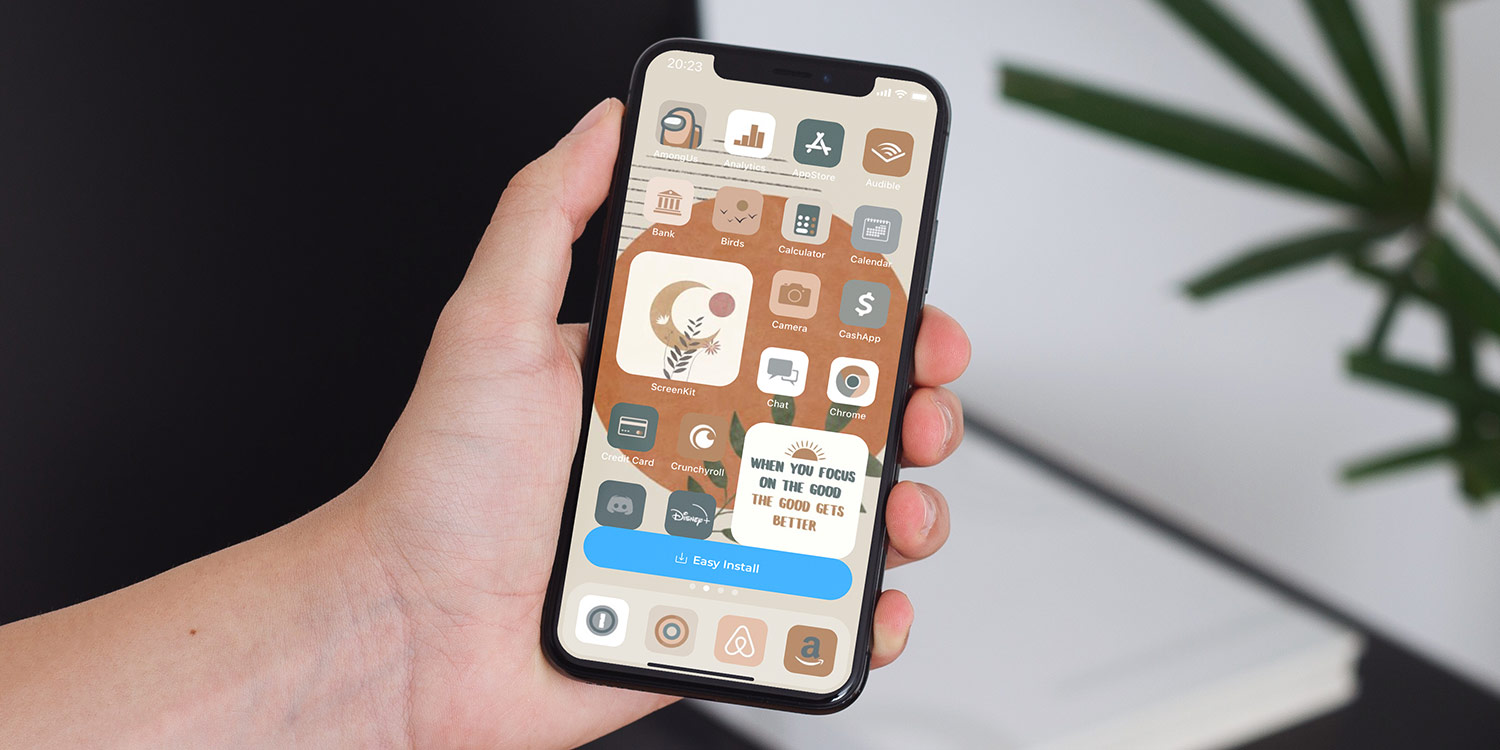
How To Change Theme On IPhone 13

To change the theme on your iPhone 13, you customize the wallpaper and switch between Light and Dark Mode, as these are the built-in appearance controls Apple provides. Changing wallpapers...

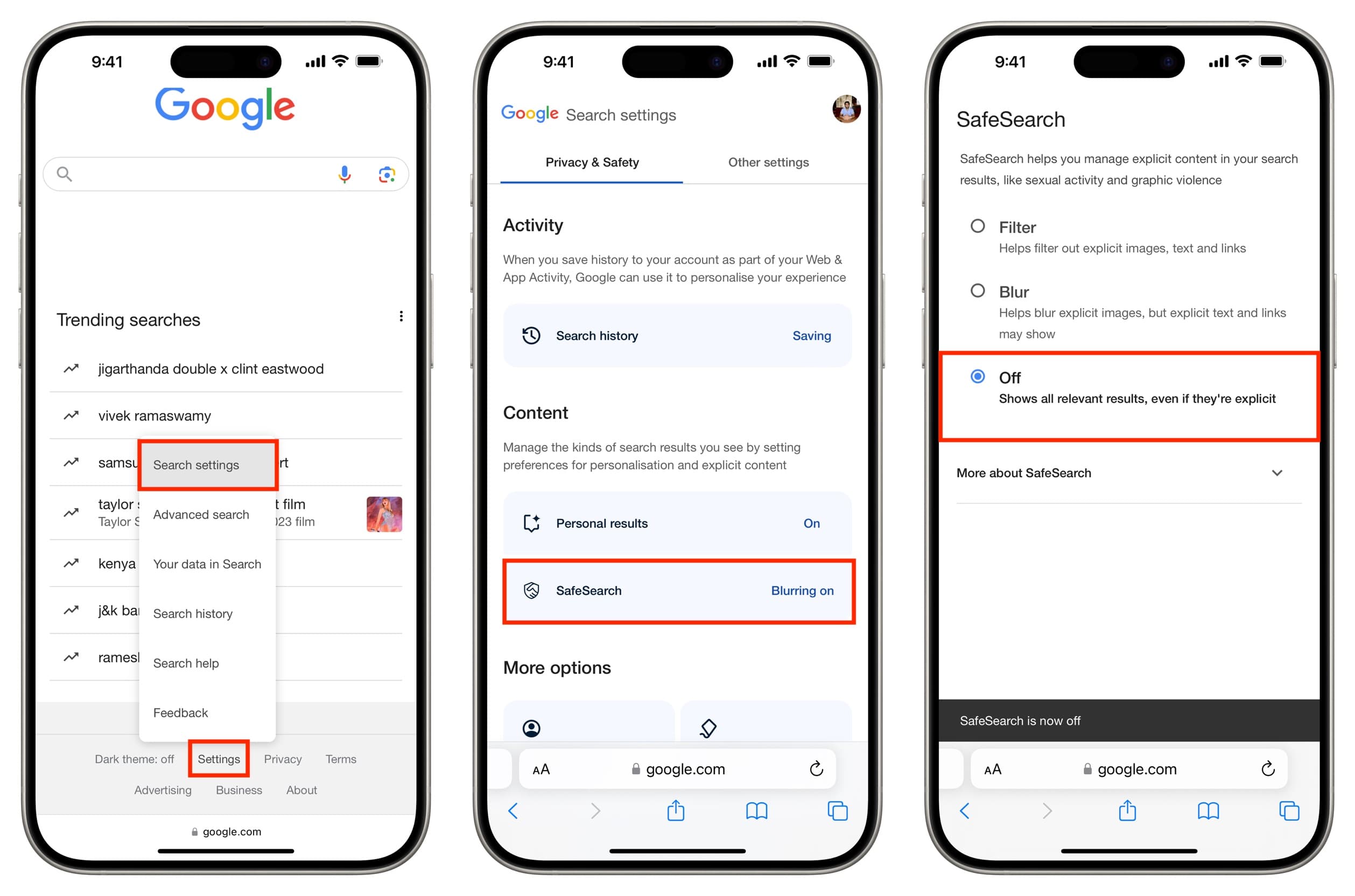
How To Turn Off Safe Search On Mobile

You can turn off safe search on mobile by opening the Google app, tapping your profile picture or initial, then going to Settings > SafeSearch and selecting Off. This works...

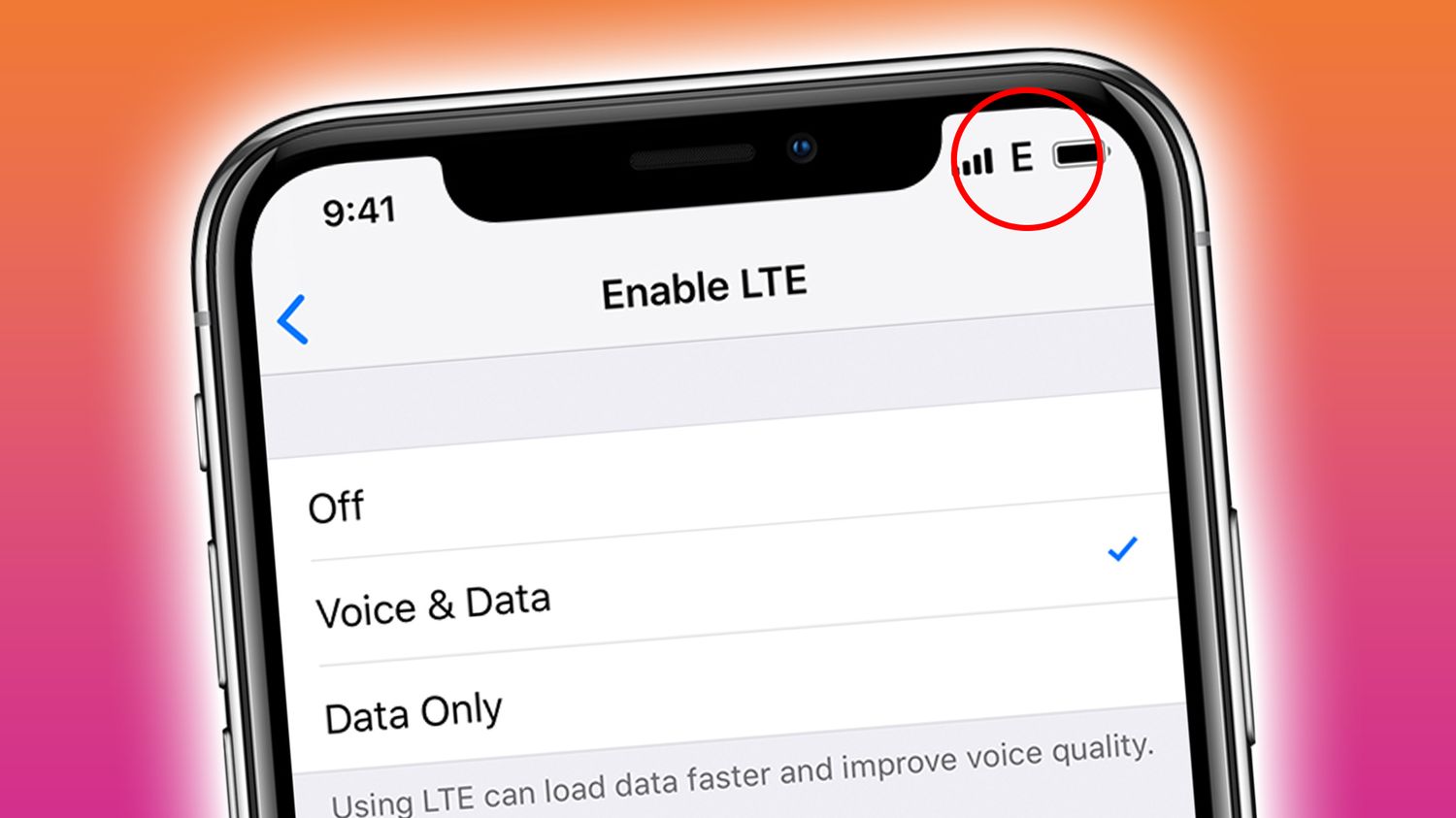
How To Turn Off T-Mobile Edge On iPhone

You cannot turn off T-Mobile Edge on an iPhone using a direct setting, because Apple provides no documented toggle to disable EDGE or 2G for T-Mobile in the normal Cellular...

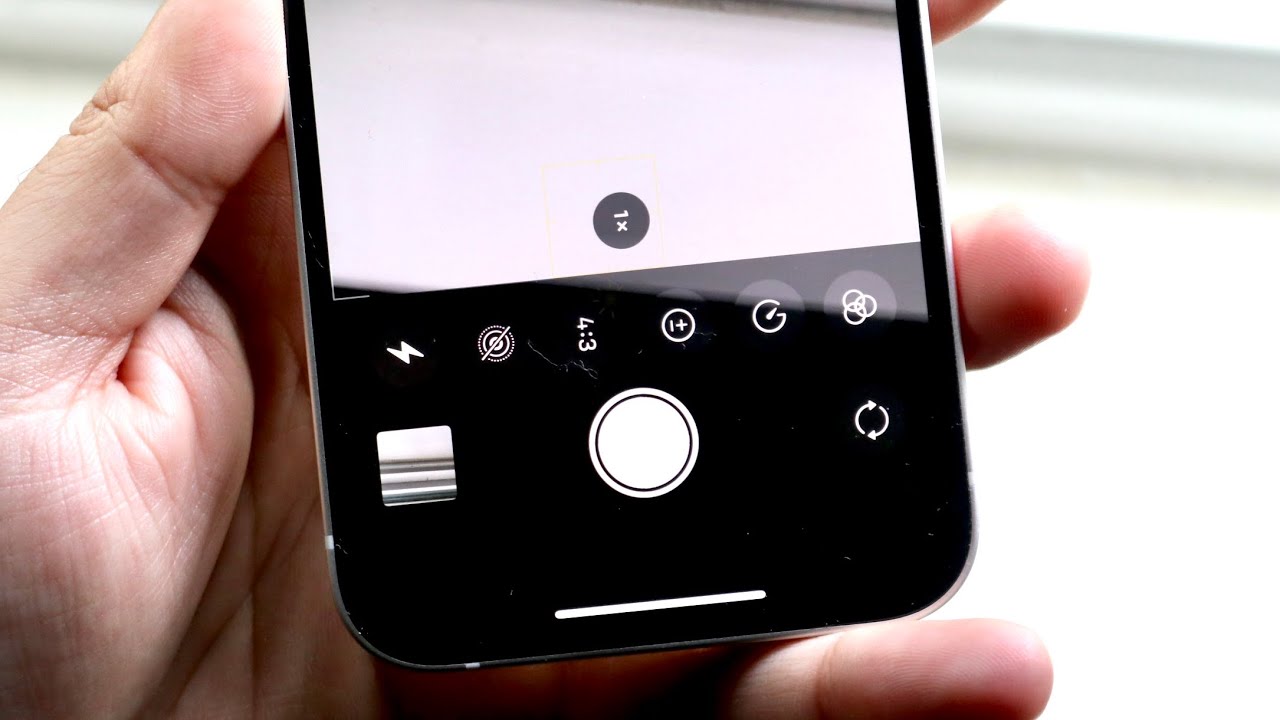
How To Set Timer On Photo IPhone 13

To set a timer on photo iPhone 13, open the Camera app, stay in Photo or Portrait mode, and tap the up-arrow menu at the top or swipe up from...

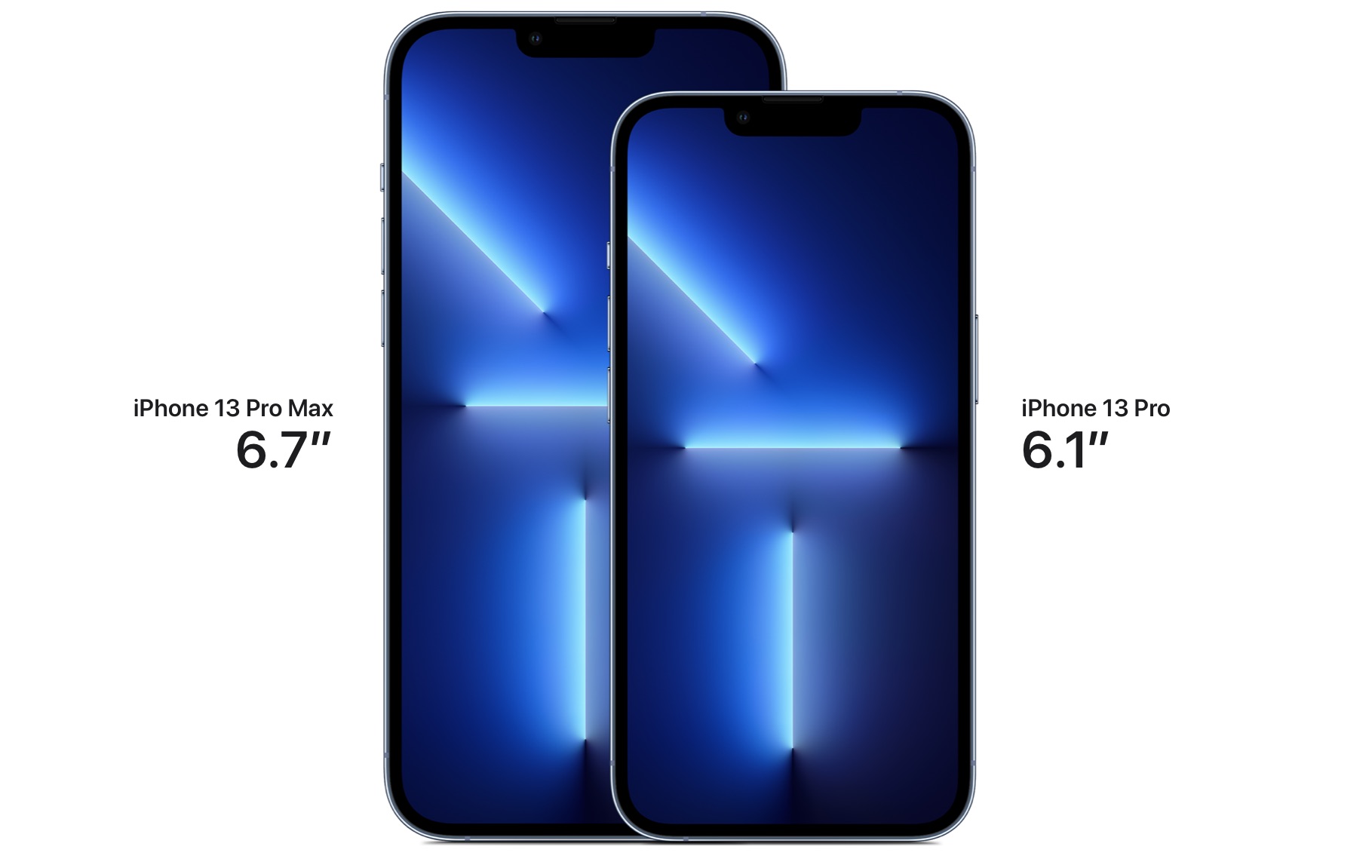
How Tall Is An IPhone 13 Pro Max In Inches

The iPhone 13 Pro Max is exactly 6.33 inches tall. According to Apple's official technical specifications, this is the precise height of the device, which also measures 160.8 millimeters. Exact...

Where Is My Clipboard On IPhone 13

You won’t find a visible clipboard app, screen, or history where your clipboard is on iPhone 13. The iOS clipboard is a temporary, single-item storage that holds only the most...

What Is The 3Rd Camera On IPhone 13 Pro

The third camera on the iPhone 13 Pro is the Telephoto lens, part of Apple's Pro 12MP camera system. Understanding what is the 3rd camera on iPhone 13 Pro directly...

How To Screen Mirror On IPhone 14

To screen mirror on iPhone 14, use the built-in AirPlay feature to wirelessly display your screen on an Apple TV, Mac, or AirPlay-compatible smart TV. Open Control Center by swiping...